The news was shared with employees by CEO Chris O’Neill at at an “all hands” meeting this week. He told staff that the move is intended to make the company, “operate more efficiently” and to focus its efforts on new initiatives, while streamlining certain functions.
Evernote has lost multiple senior execs in the past month. Photo: Evernote
Evernote, the popular mobile app for note taking, organizing, tasks lists, and archiving, is going through some hard times. A new report reveals that it has lost multiple senior executives — including its Chief Technology Officer, Chief Financial Officer, Chief Procurement Officer, and head of HR — in the last month.
A tipster told TechCrunch that that Evernote is in a “death spiral.” They claim that paid user growth and active user numbers remain flat, and that the company’s enterprise product offering has failed to catch on with customers.
Attention, devs: If you haven't localized your apps, you're missing out. Photo: slon_dot_pics/Pexels CC
This post is brought to you by MacPaw, maker of Mac app subscription service Setapp.
One of the amazing benefits of selling software on the internet is that you can reach customers from all over the world. So why would you cut out a huge potential market just by assuming everyone who wants to use your product speaks English?
In fact, ignoring other markets can be one of the biggest marketing oversights software companies make.
If you have an email address, there’s a very good chance it ends in “@gmail.com.” Well over a billion people use Gmail, which claims more than 20 percent of the email market. Even though Mac users’ machines come with Apple Mail, many prefer to use Google’s email platform in their browser.
One thing Apple Mail users could dangle over the head of Gmail users is the ability to install Mailbutler, a plugin that adds a bunch of useful new functions to the Mac’s built-in email program. But with today’s release of the latest beta, Mailbutler finally becomes available for Gmail.
Spark now plays nicely with third-party productivity apps. Photo: Readdle
Spark, one of the finest third-party email clients for Mac and iOS, just got a big update that will ensure you never forget another important task.
The app, developed by the terrific team at Readdle, now boasts seamless integrations for popular reminders apps like Todoist, Wunderlist, Things, and even Apple’s own Reminders app.
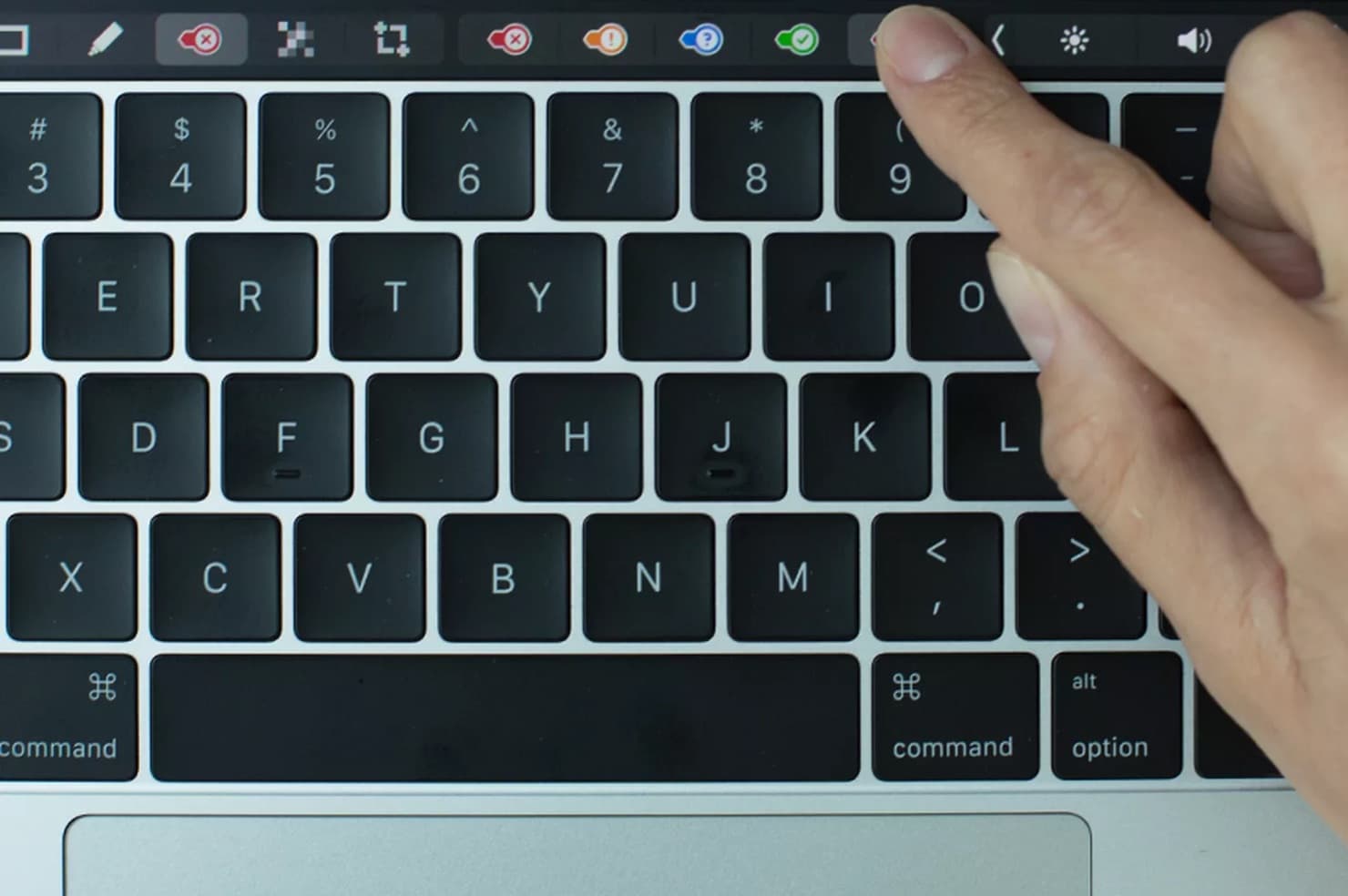
MacBook Pro owners will love the Evernote update. Photo: Evernote
MacBook Pro owners received some love from today in the form of an Evernote update that adds support for Apple’s new Touch Bar.
Instead of taking a complex approach to the Touch Bar, Evernote kept things simple — adding buttons for tasks you will want to do with one tap, such as search your notes or create a new one.
Did Evernote just shoot itself in the foot? Photo: Evernote
If you haven’t already ditched Evernote for Apple Notes, now is the time. Changes to the company’s subscription plans mean the basic Evernote account is now next to useless for the vasty majority of users who don’t want to pay up.
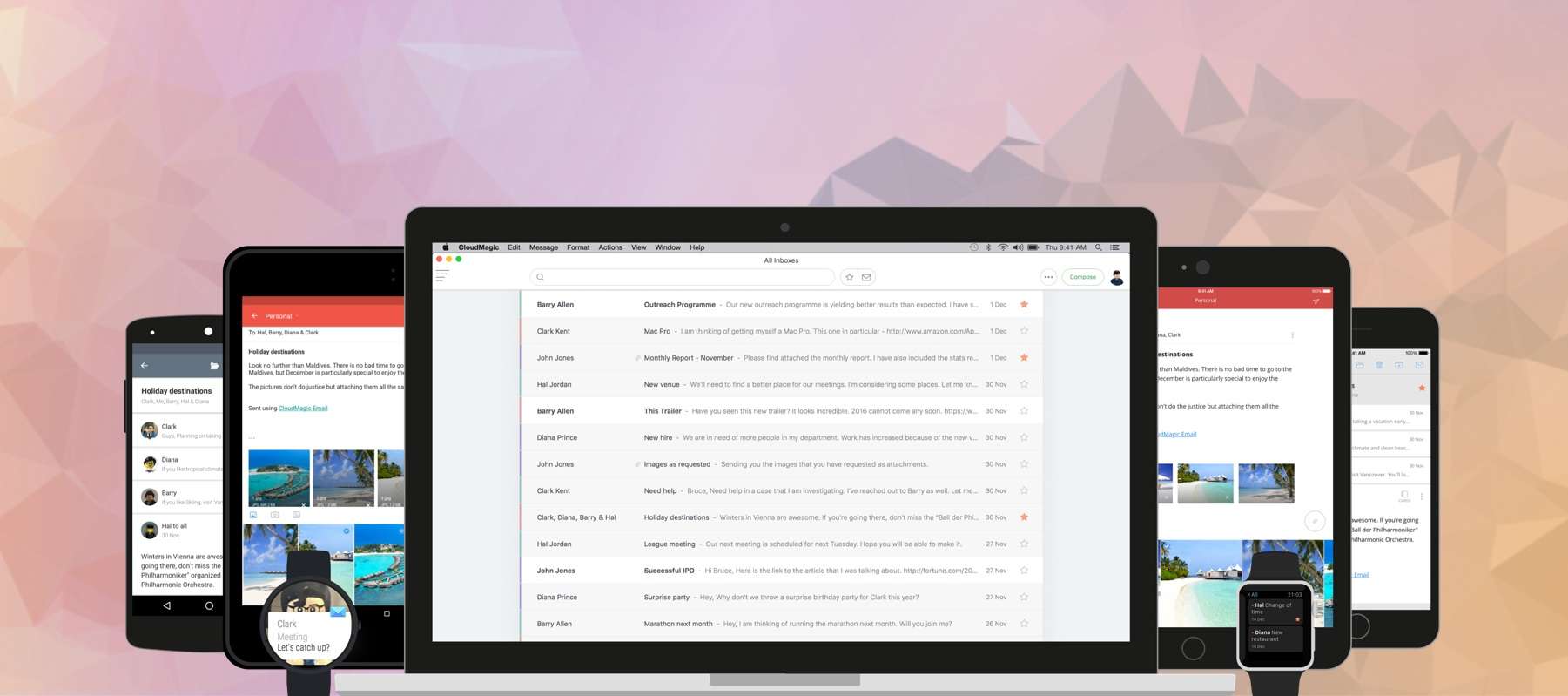
CloudMagic is now available on your desktop. Photo: CloudMagic
For managing multiple mail accounts on the go, nothing beats the brilliant CloudMagic. It packs everything you need in an email app — and a whole lot more — and supports almost every mail service you can throw at it. And now it’s finally available on your Mac!
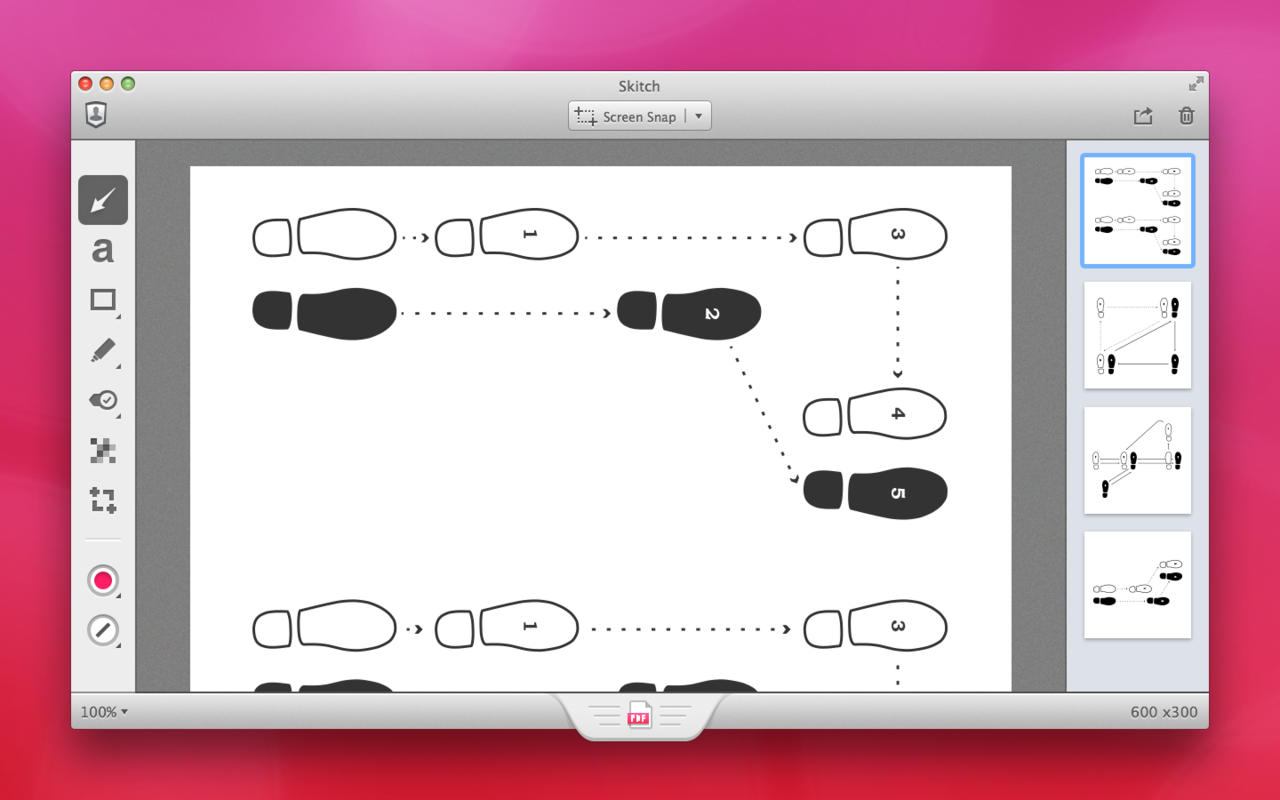
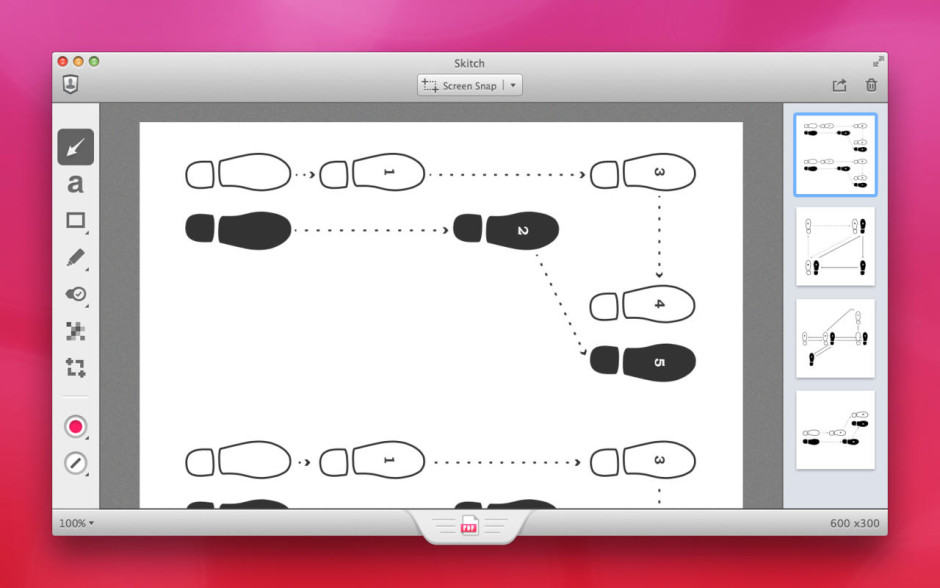
Skitch will only be available on Mac after January 22. Screenshot: Evernote
Evernote’s efforts to streamline its business will see it chop a number of apps from its lineup, including the popular annotation app Skitch. Clearly, a browser extension for Google Chrome, is also getting the boot — as is Evernote’s Pebble app.
It's time to go paperless. Photo: Jim Merithew/Cult of Mac Photo:
Sick of the mountains of paper stacking up in your inbox? You’ve probably heard about the joys of having a paperless office, maybe even thought about setting one up, but didn’t know how.
Well, here’s how. Not only is it easy to set to do, it can totally change your life.
Here’s how to use your Mac and iPhone to effortlessly set up your own idiot-proof paperless office … the right way.
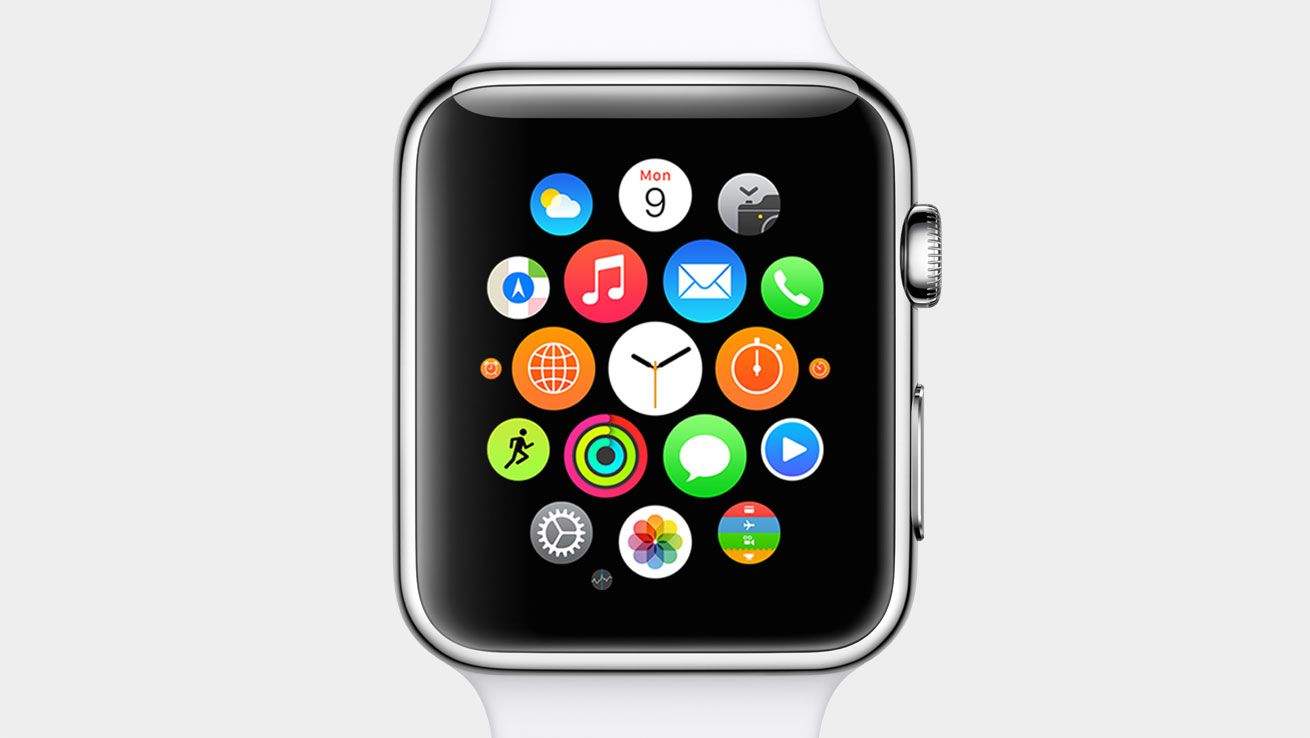
Apple Watch apps are ready for your wrist. Photo: Apple
Apple Stores won’t have the Apple Watch on display for a few weeks, but anyone eager to see what the world of wrist apps will offer can already download them to their iPhone.
The first wave of Apple Watch-supported apps started hitting iTunes today, with big names like Target, Evernote, WeChat and Expedia being some of the first out of the gate. You can’t actually use the Apple Watch functionality on the apps yet (unless Tim Cook hooked you up with an early unit), but you can get an early glimpse of how some apps will dramatically change your life.
Here are some of the first Apple Watch apps you can download and their features:
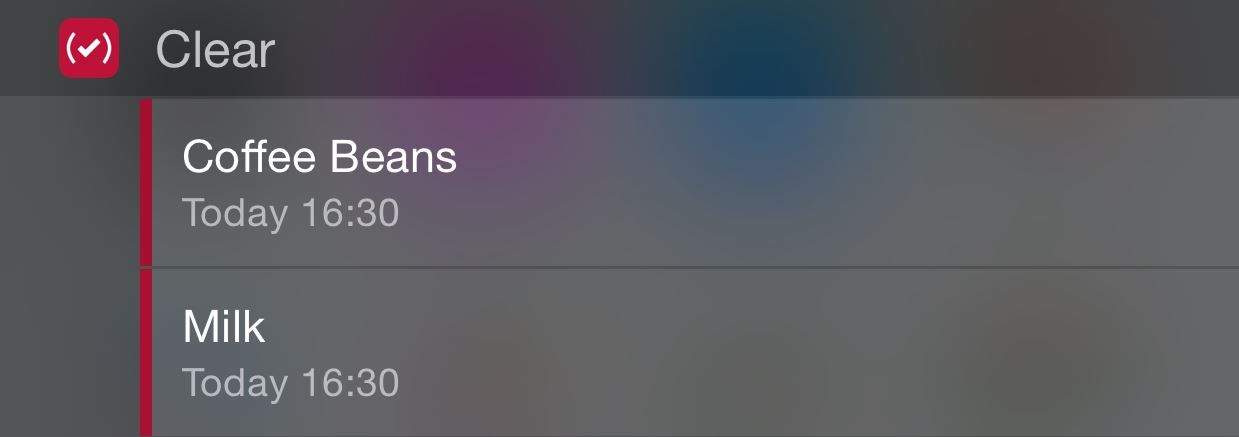
Clear from Realmac Software has become one of the most adored to-do apps for iOS, but it's no longer just a list-maker. Thanks to support for reminders and its excellent widget, you can finally add important tasks and get alerts when they are due, ensuring you never forget that bottle of milk on the way home, or that important report that's due tomorrow morning.
Get CLear for iOS now for $4.99.
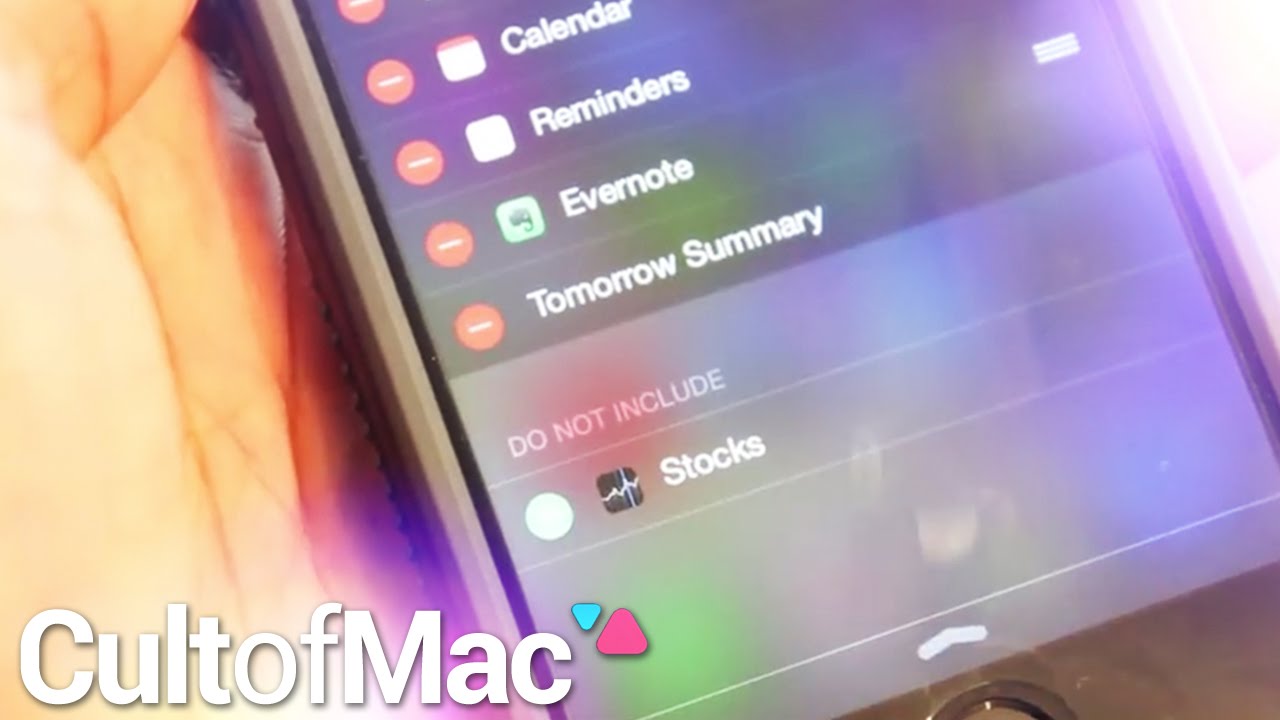
The ability to add widgets to your Notifications dock is easily one of iOS 8’s most useful additions. The new functionality puts some of your favorite apps’ features right at your fingertips.
Only a limited number of apps offer widgets currently, but with developers hard at work you can be sure many more are on the way. In today’s Cult of Mac video, we show you how to install widgets in iOS 8 so you can get started enjoying what’s available now.
In this instructional video, we also give you a look at some of our personal favorites. See how widgets can make managing your to-do list, journaling and checking out your favorite teams’ sports scores easier than ever.
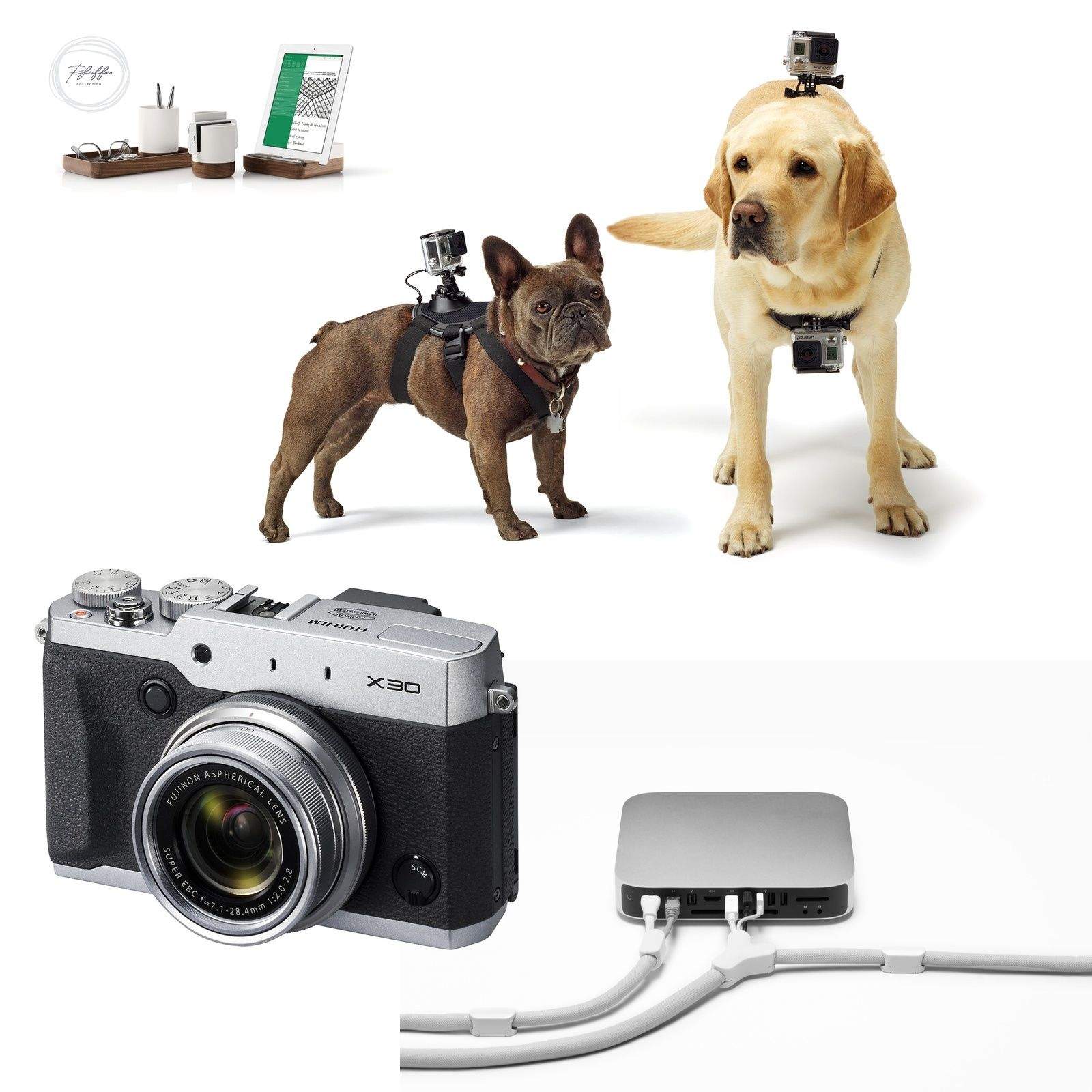
Cameras, cameras, cameras. German photographic trade show Photokina is just around the corner, and the big names are outing their latest models before the news pipes get completely clogged with the tangled hair and soap scum of new releases. So this week we have a bunch of cool new cameras and accessories, including a GoPro harness for your pooch, along with the usual mix of gadgets designed to make you want to part with your cash.
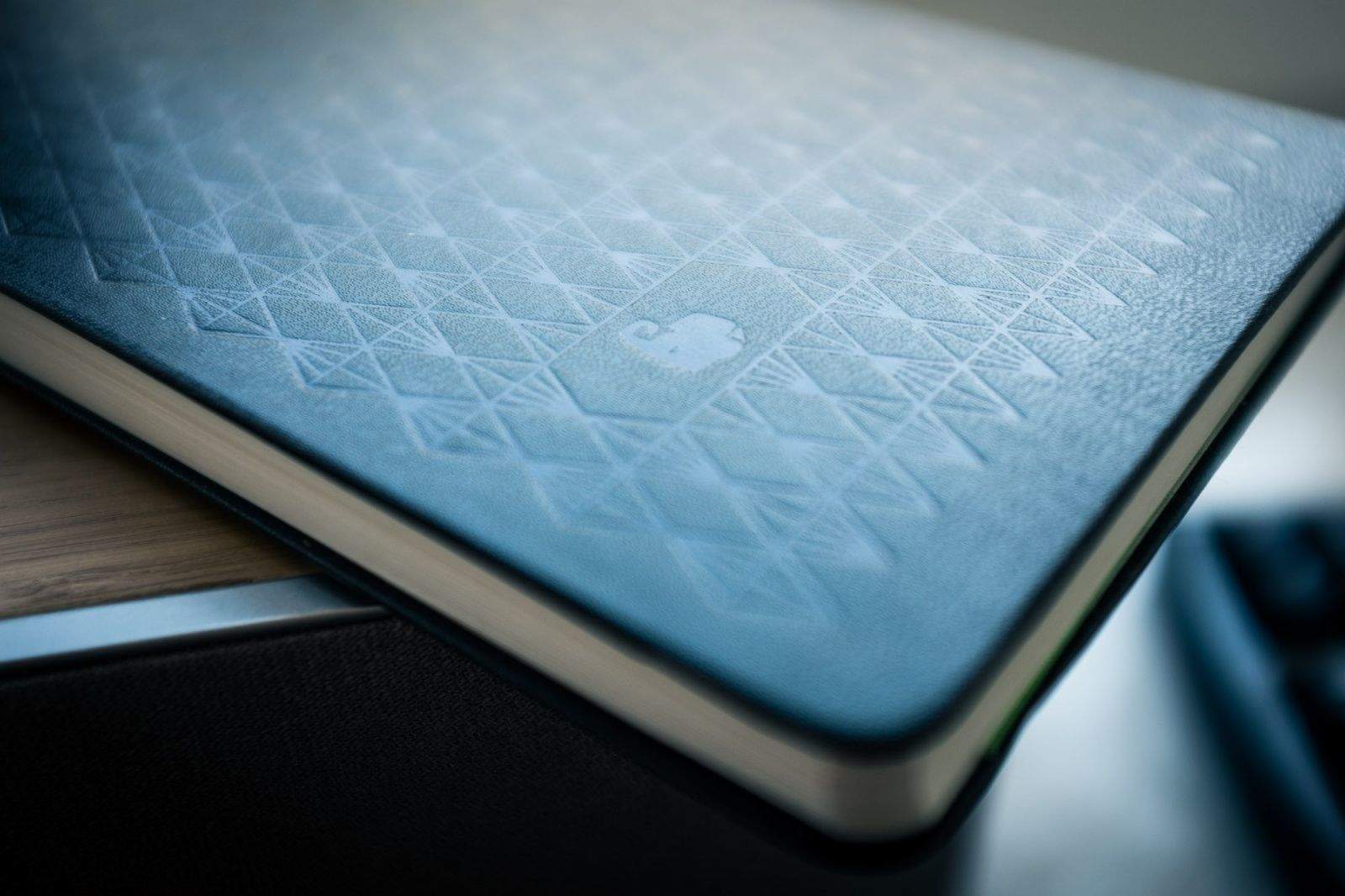
It's worth buying this book just for the pattern embossed on the cover. Photos: Charlie Sorrel/Cult of Mac
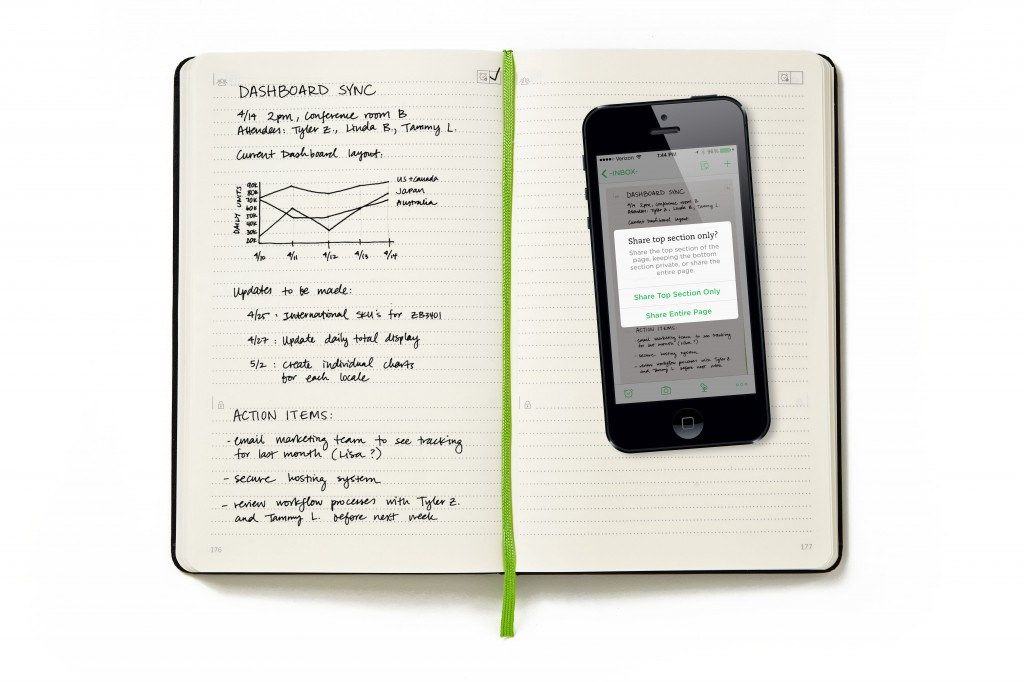
What’s the difference between a businessperson and a regular person? According to Evernote, a businessperson has secrets, whereas a regular person is happy to share everything. This somewhat cynical take is a pretty good model of the world, and it is embodied in the Evernote Business Notebook, a “collabo” with Moleskine that lets you snap/scan a photo of your pages into Evernote, and selectively share the result.
We can't wait for iOS 8 to supercharge our trusty iPhones with Extensions. Photo: Jim Merithew/Cult of Mac Photo: Photo: Jim Merithew/Cult of Mac
iOS 8 will bring Extensions to your iPhone and iPad. Extensions are essentially miniature versions of apps that can be run inside other apps. For instance, if you have Evernote installed on your iPhone, you could pop up the Evernote Extension when you’re running the Mail app, and save a snippet of that email to your Evernote account.
Clearly this is huge. It’s something that Android and Windows Phone users have enjoyed for a while, but Apple has – typically – taken its time to get it right. In fact, you have probably used Apple’s own “test” Extensions already: Whenever you see the Mail sheet roll down inside another app, or you access the built-in Twitter sharing box, you’re using an Extension.
But what kind of things can Extensions do for us? I’ve been thinking about that, and here’s a wish list of Extensions I’d love to see.
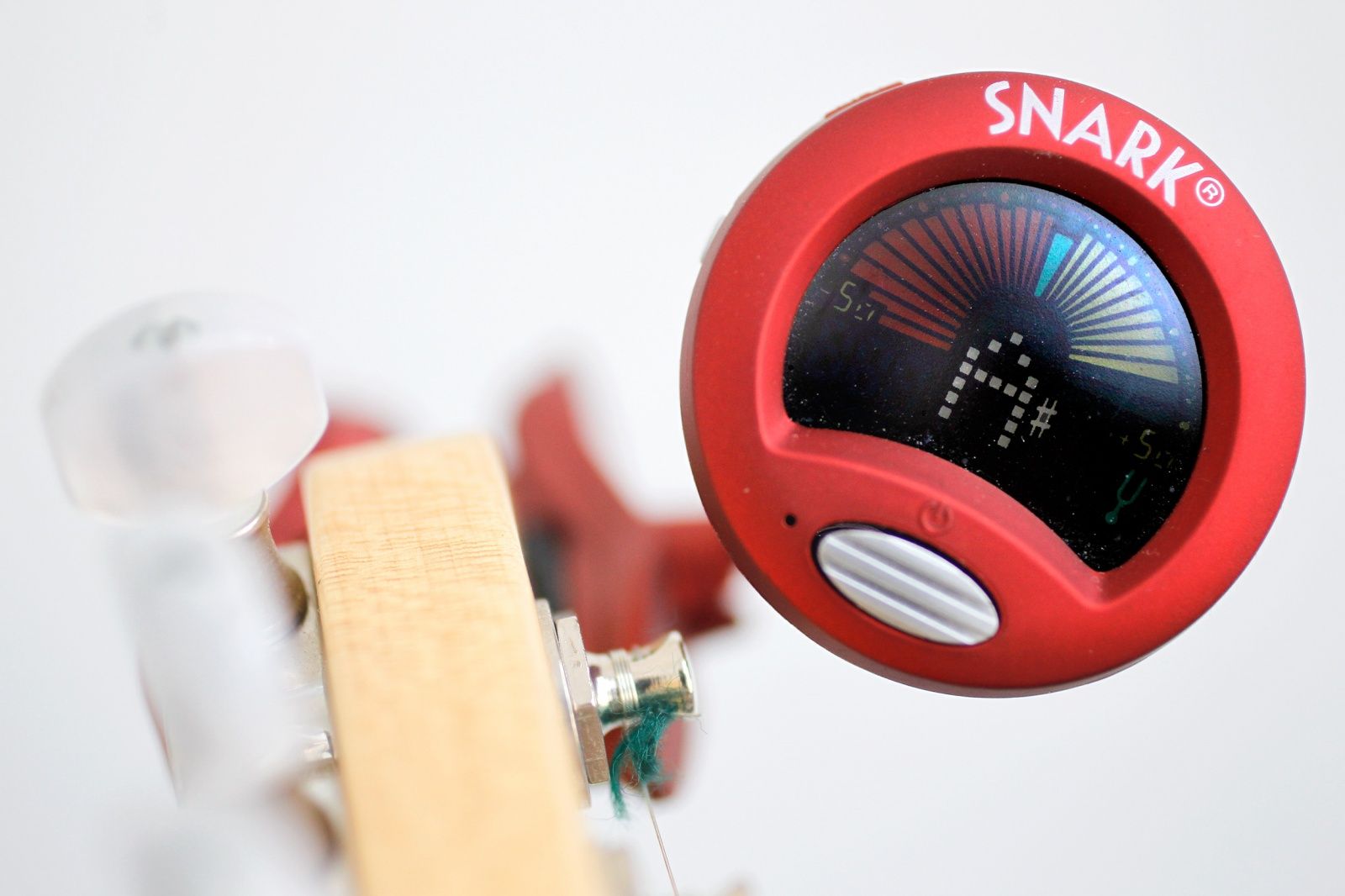
If you don't have a dedicated roadie or one of those robotic tuning guitars, there's no easier way to tune your ax than with a Snark. Just squeeze the thumb-size mount and slide your headstock between the rubberized grips. Then press the little button on the front of the Snark's colorful LCD readout, pluck a string and get your instrument ready to play.
Lightweight and accurate, the Snark SN-2 All Instrument Tuner works with acoustic or electric guitars and basses, mandolins, banjos, whatever. It's perfect for situations like in-studio radio shows, where you don't want to drag around a stompbox tuner or a large amp that might have one built-in tuner. It also boasts pitch calibration, which lets you tune to something besides A-440, and a metronome that I can't complain about because I've never used it. The Snark SN-2 is a great buy at $39 list (and a steal at Amazon's price of $12.99). — Lewis Wallace
Though our iPads can be great for relaxation, sometimes it’s crucial to use these mobile workhorses for business. Luckily, when there is a lot being asked of you and deadlines are to be met, there are applications that can help save the day.
In today’s video, we reveal our top three must-have applications that will help you get your work done more efficiently. Take care of your documents, get your to-do lists organized and more with these functional apps.
In the interest of saving you time (and money) when you travel on apps that won’t help you get from point A to point B, we’ve sounded out dozens of road warriors — including flight attendants, serial conference goers, travel writers, CEOs, expats and even a comedian — to find out what they really need when stuck in an airport or mired in the daily commute.
Here are their picks – which just may get you some extra airline points or mellow out on the way to work.
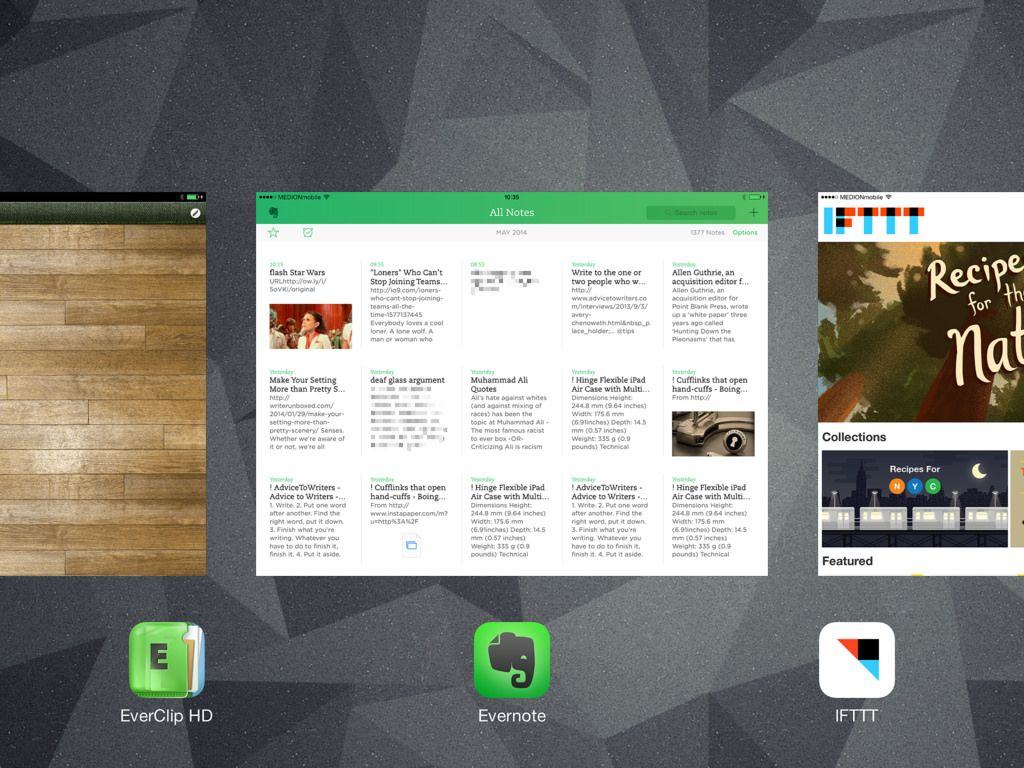
Welcome to the final part of our series about note-taking for writers (or anyone else). Today we’re going to look at getting clippings and bookmarks into Evernote, to be stored and accessible alongside your scanned, paper-based notes (Part 1) and your text notes grabbed on your iPhone or Mac (Part 2).
We’ll use a few apps and services to get this done – EverClip, Mr Reader, IFTTT and Pinboard are the main ones.
As ever, you could just do much of this using Evernote and its web clipper, but this only works in Safari and Chrome on the desktop. In 2014! Clearly that’s no good. Let’s see how we can do it better.
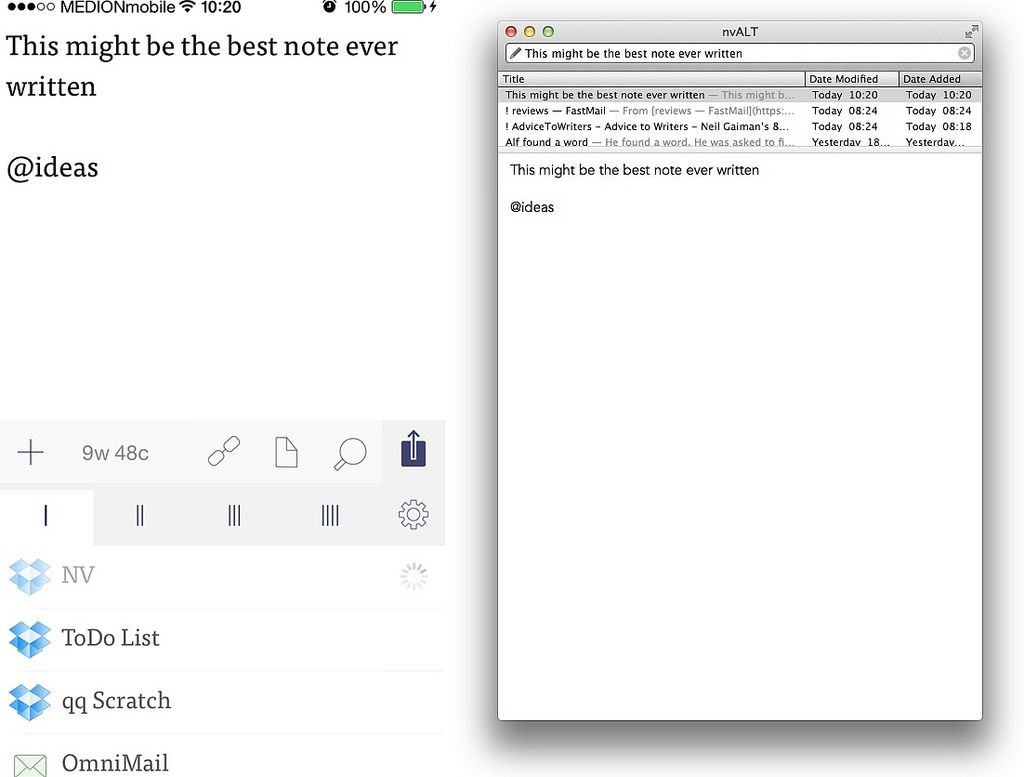
Welcome to Part 2 of our series on note-taking for writers (or anyone who takes lots of notes). In three posts we’re looking at ways to take notes on paper, on your iPhone or Mac, and collected from the web, and combine them all (optionally) into Evernote for easy browsing and retrieval. In theory you can do all of this just by launching Evernote, but that app is pretty terrible at capturing notes.
Part 1 dealt with paper notes. This part is all about grabbing quick text notes on your iPhone and Mac, and then using Hazel to send them to Evernote. Have fun!
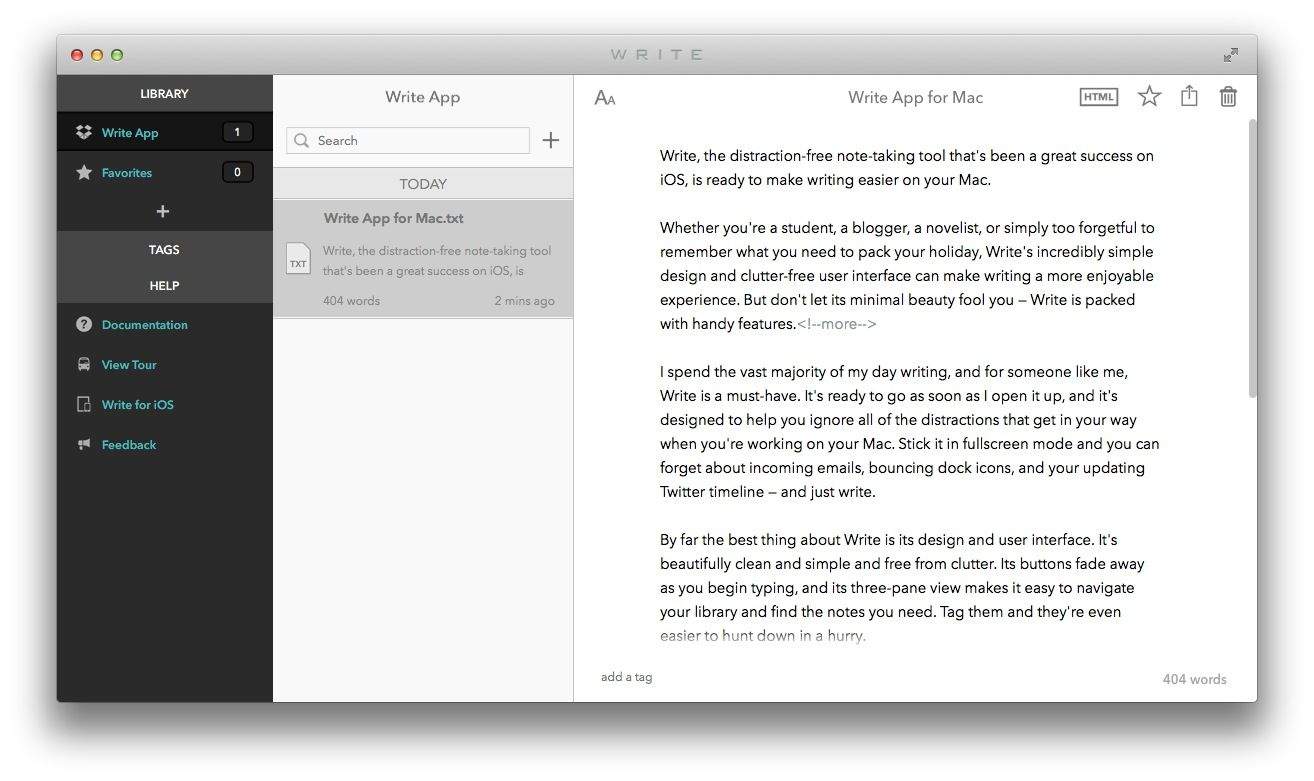
Write, the distraction-free note-taking tool that’s been a great success on iOS, is ready to make writing easier on your Mac.
Whether you’re a student, a blogger, a novelist, or simply too forgetful to remember what you need to pack your holiday, Write’s incredibly simple design and clutter-free user interface can make writing a more enjoyable experience. But don’t let its minimal beauty fool you — Write is packed with handy features.
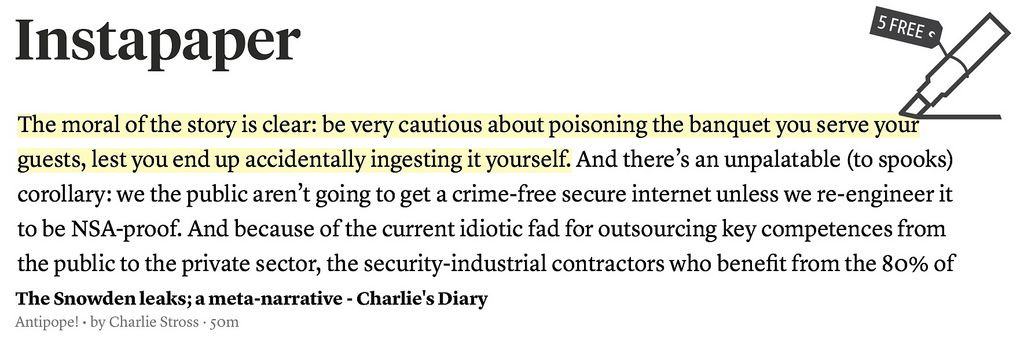
Instapaper v5.2 adds familiar yellow-marker highlights to your saved articles. This doesn’t sound like much, but it will change how you use the read-later service. Instapaper is the O.G read-it-later app, letting you save those longer articles you find on the web, in Twitter, in your RSS reader or anywhere else. You send these articles off to Instapaper via a bookmarklet (or using the third-party integration from many apps), whereupon they are cleaned of clutter and saved for you to read off line.
This seemingly small update changes the game. Before, Instapaper was a transient place for long-form articles — you’d read them and then archive them. Now it’s a place to organize and revisit articles, turning your collection of clippings into a library of annotated notes. And for the makers, it represents a way to make more money for the app, by finally adding a killer reasons for us to buy the $1-per-month subscription.
Evernote’s new Business Notebook (made my Moleskine) lets you share just a part of your handwritten notes with other businessy-type folks, and it also lets you check a box on each page to set a reminder. And of course it does this in concert with the Evernote suite of apps.