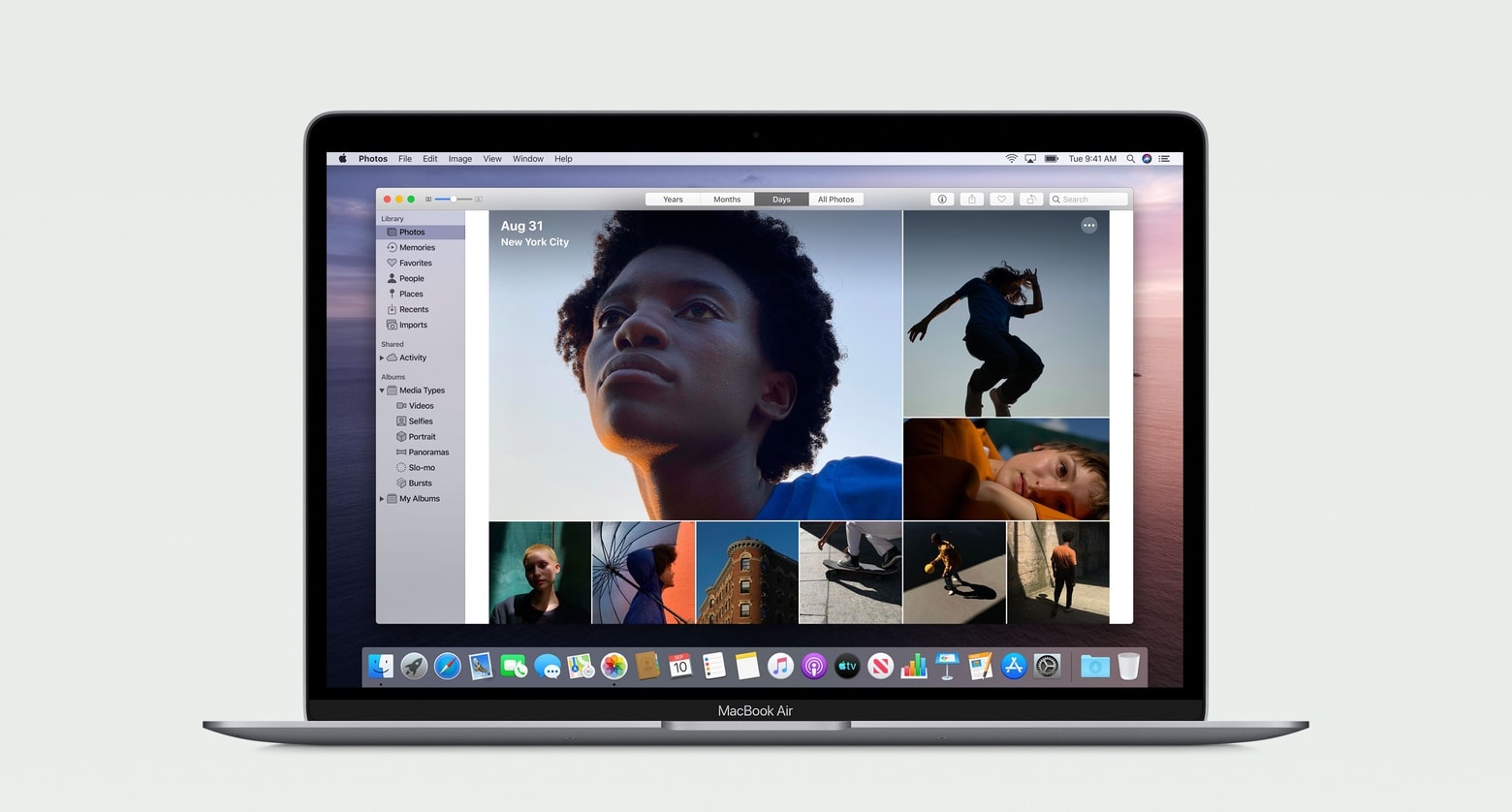
This week on Cult of Mac’s podcast: Everyone’s raving about the new M2-powered MacBook Air — and so are we. Although Erfon just bought a different Apple laptop (and offers up a pro tip for anybody thinking of getting the hot new MBA).
Also on The CultCast:
- Bye-bye, Jony Ive. We’re gonna miss ya. Mostly.
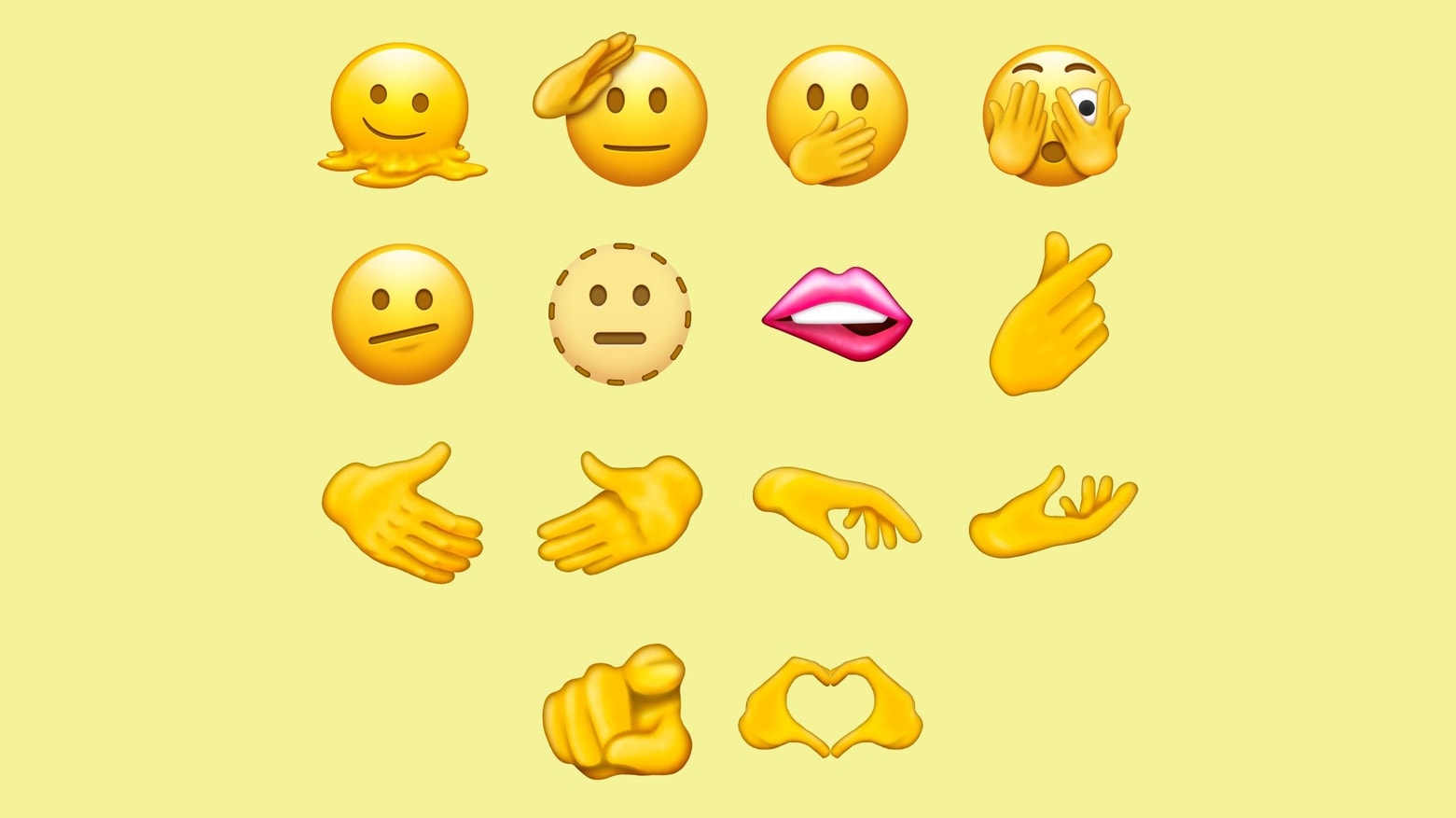
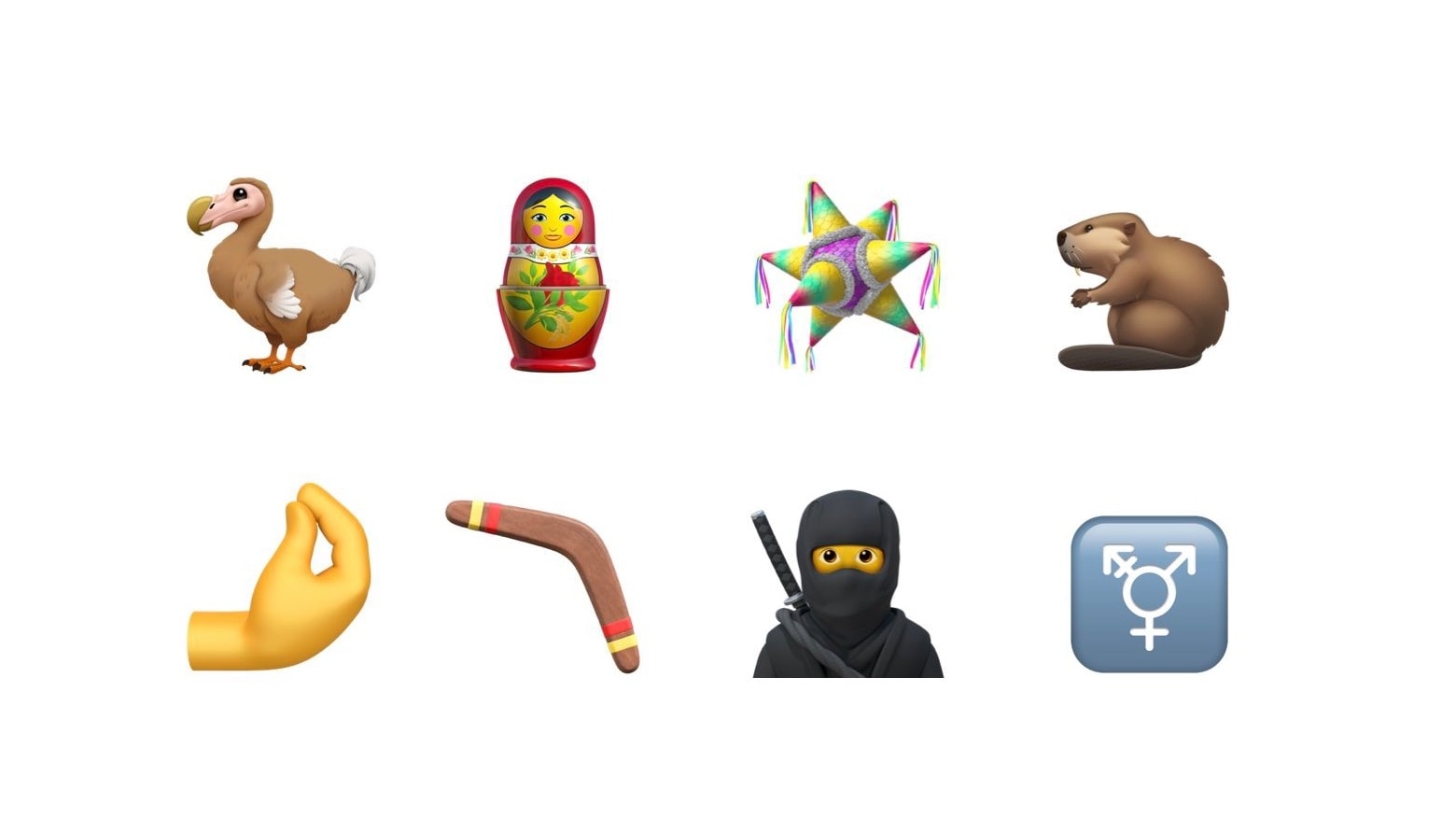
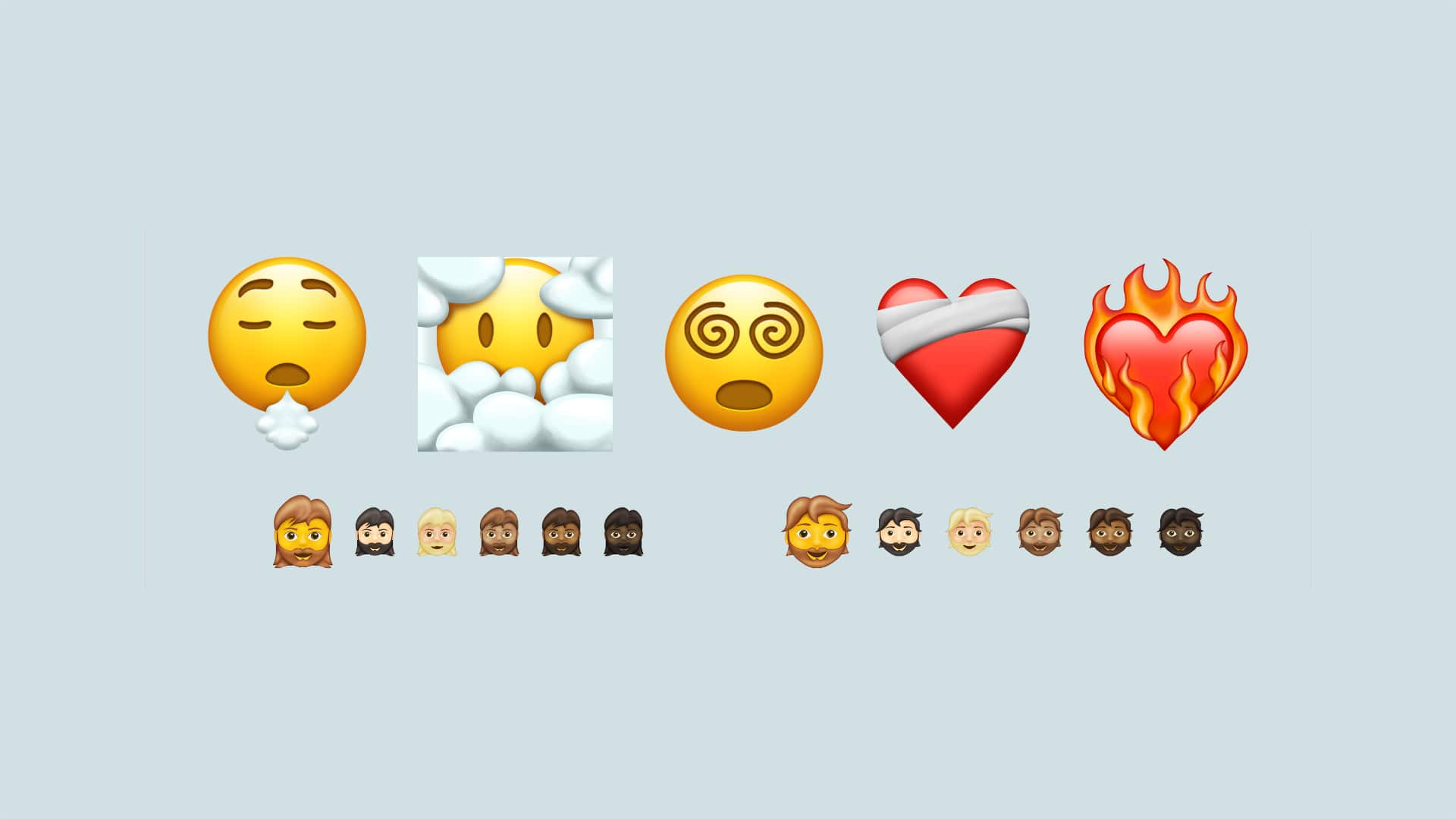
- The emoji people scrape the bottom of the barrel.
- Toys are about to get personal (but brace yourself for disfigured plastic selfies).
- BMW foists an outrageous subscription plan on car buyers.
Listen to this week’s episode of The CultCast in the Podcasts app or your favorite podcast app. (Be sure to subscribe and leave us a review if you like it!) Or watch the video livestream, embedded below.
Our sponsor: CultCloth
Get the only cleaning cloth you need: CultCloth!