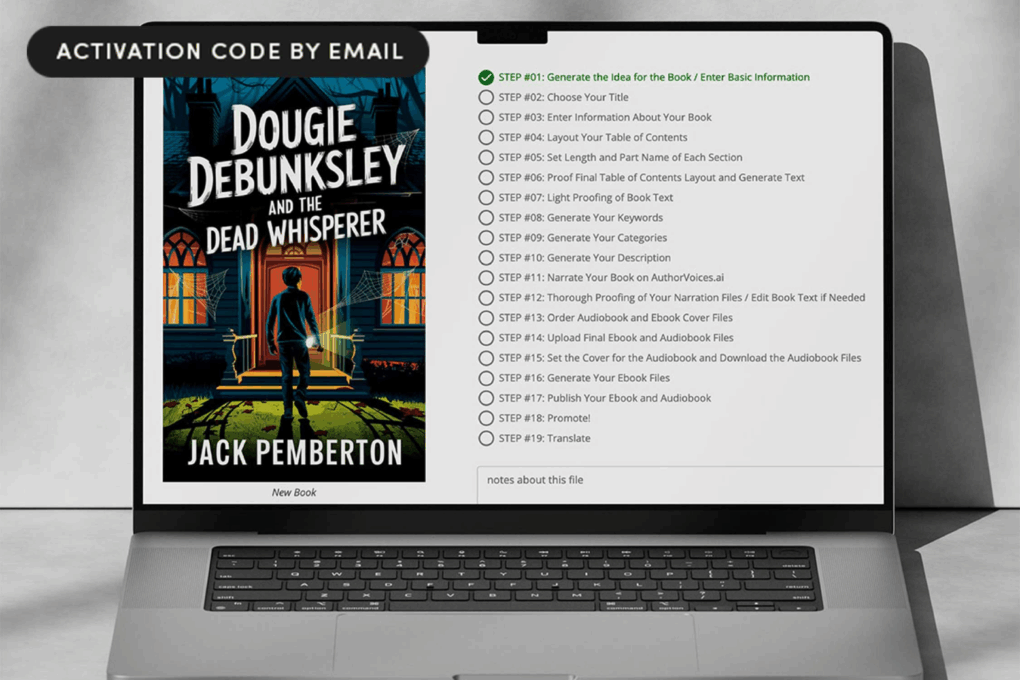
Turning your big ideas into ready-to-publish books doesn't need to be a hassle. Photo: Cult of Mac Deals
Finishing a book takes time, patience and a whole lot of follow-through — but AI-powered book writing software BookBud.ai can help.
Many would-be authors start drafting something, but never actually get it ready for readers. BookBud.ai gives you a way to move past that wall by smoothing out the hardest parts of the writing and publishing process. And for a limited time, you can get a lifetime subscription to BookBud.ai for just $99 (regularly $1,200).
Apple was accused of trying to hurt rival e-book sellers. Photo: Apple
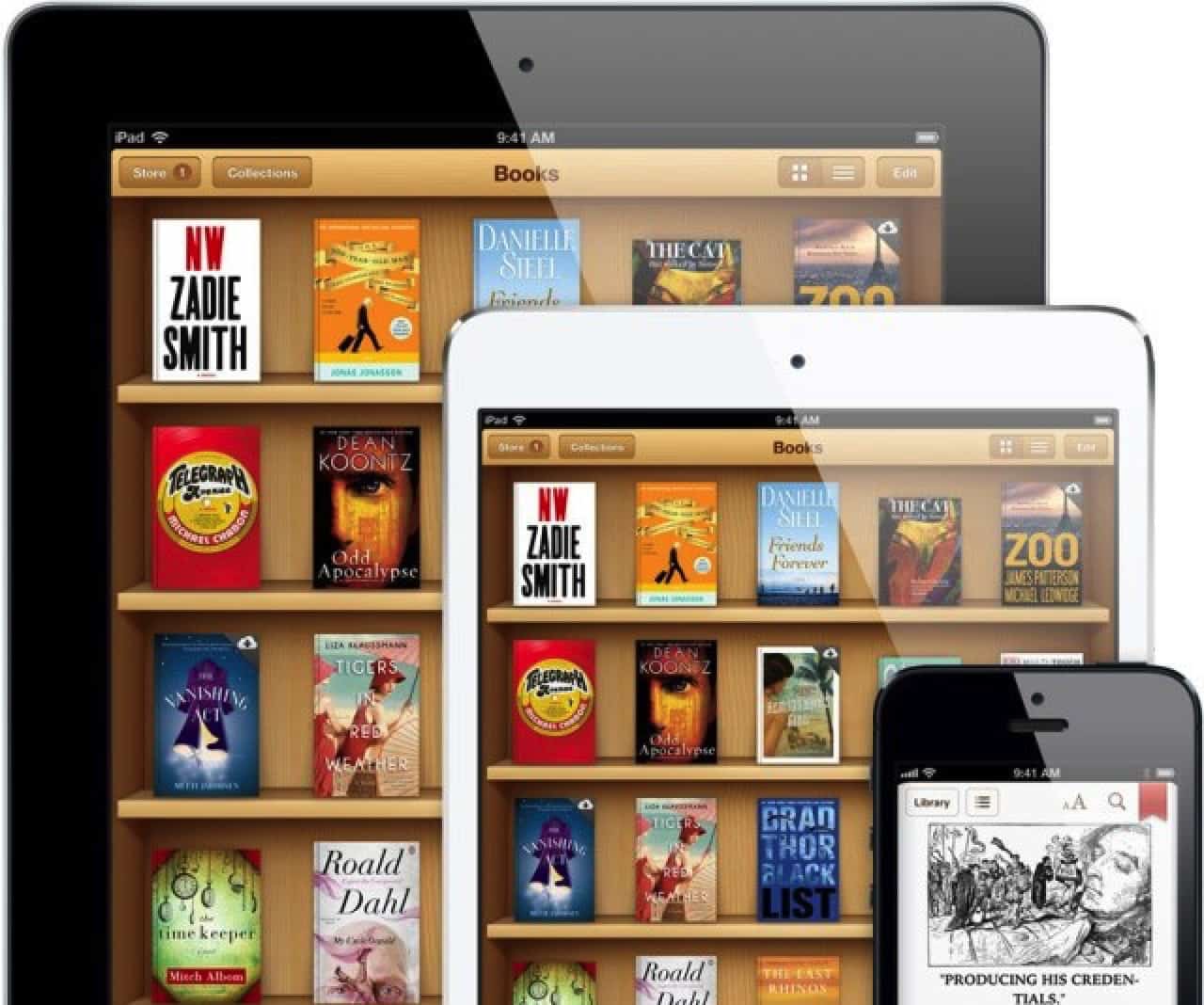
July 16, 2014: Apple agrees to pay $450 million to resolve the Department of Justice’s antitrust case against the company over e-book pricing in the iBooks Store. In the e-books lawsuit, Apple stood accused of conspiring with five major book publishers to fix prices on digital books.
After all five publishers settled their claims outside of court, Apple became the only one to go to trial. The e-books lawsuit settlement closes the book on a bad chapter in Apple history.
The new digital book comes out April 11 for free on the Steve Jobs Archive website and Apple Books. Photo: Steve Jobs Archive
The Steve Jobs Archive’s first major release — a digital book titled Make Something Wonderful: Steve Jobs in his own words — will arrive April 11.
Despite the announcement coming in an email from the archive on April Fools’ Day, the news appears to be genuine. And that includes the part about the e-book, which is filled with Jobs’ emails, conversations, photos and more, being free online for all.
PDF Editor PDF Book Reader is an inexpensive app that covers your PDF-file needs. Photo: PDF Editor PDF Book Reader
Adobe Acrobat is great for editing PDF files, but the software costs between $13 and $20 a month for a subscription. If you work with PDFs only occasionally, paying out monthly is massive overkill.
Luckily, there are practical and feature-rich apps out there that cost very little to use. One of them is PDF Editor PDF Book Reader, which has been around for years but has been updated to work with iOS 16 and iPadOS 16 on iPhones and iPads.
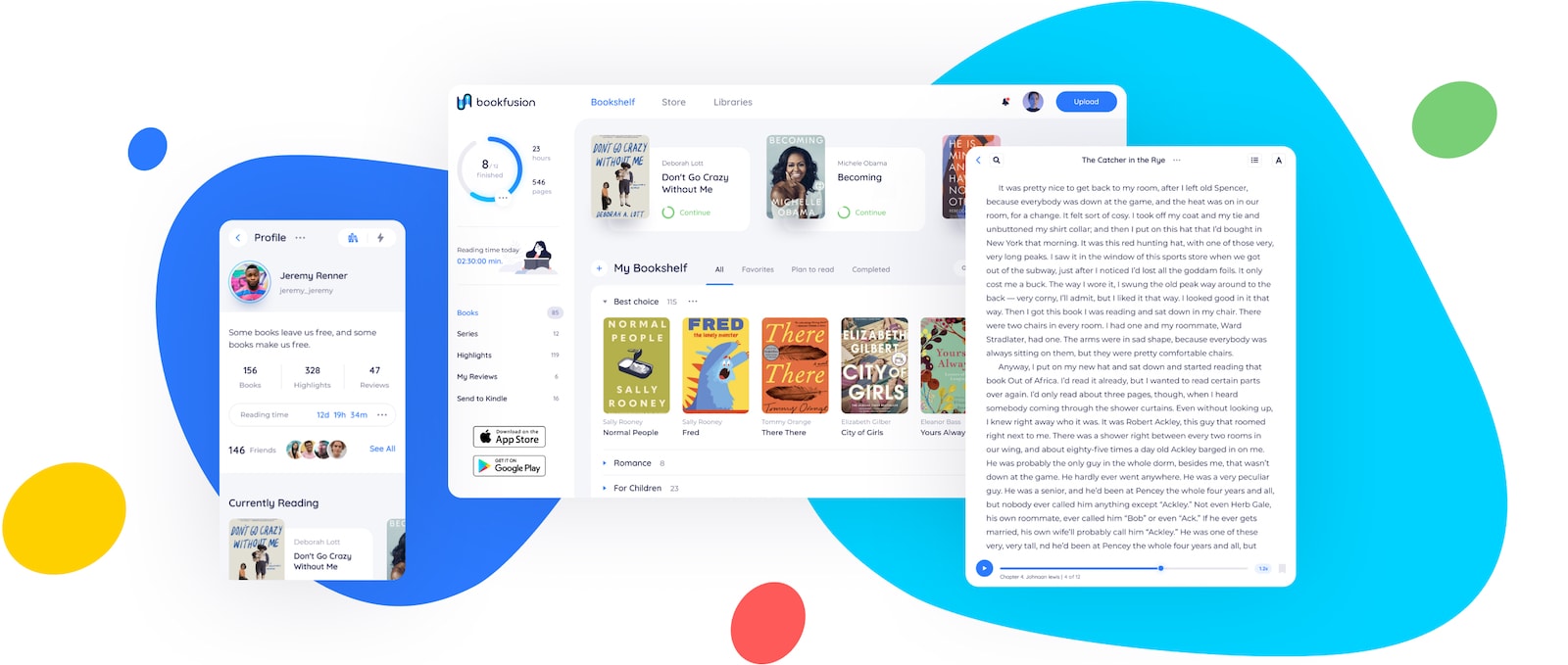
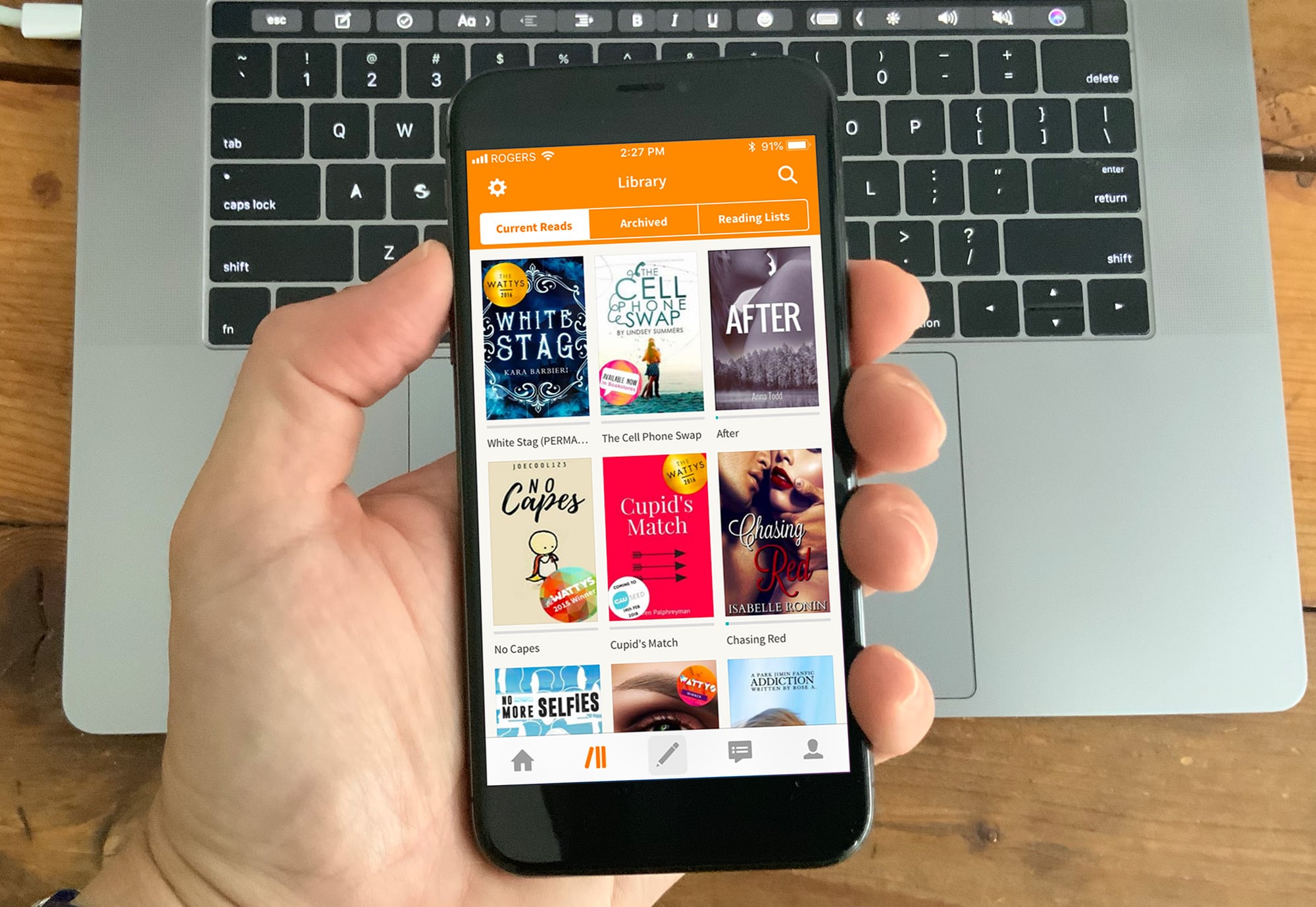
BookFusion offers advanced features that make reading ebooks and managing your digital library easier than ever. Image: BookFusion
This post about ebook reader and management apps is presented by BookFusion.
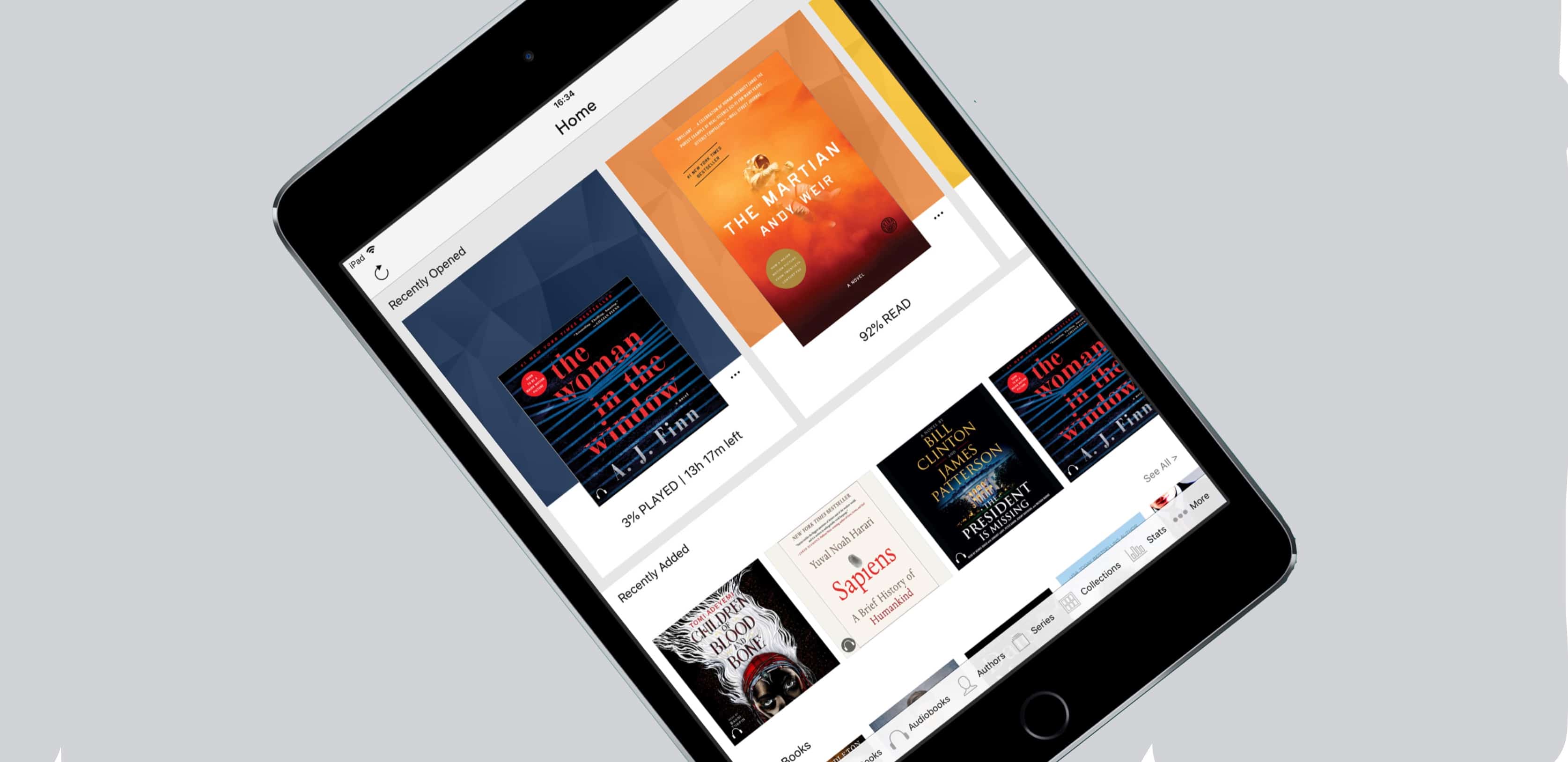
If you love reading, BookFusion may be the ideal app for you. It allows you to have your entire ebook collection at your fingertips on any device you own. You can easily upload, organize, sync, read and share ebooks across all your devices.
All that, and the reading experience is pretty great, too. In fact, you can replace apps like Marvin 3, Kybooks and Calibre Companion with just one iOS app — BookFusion.
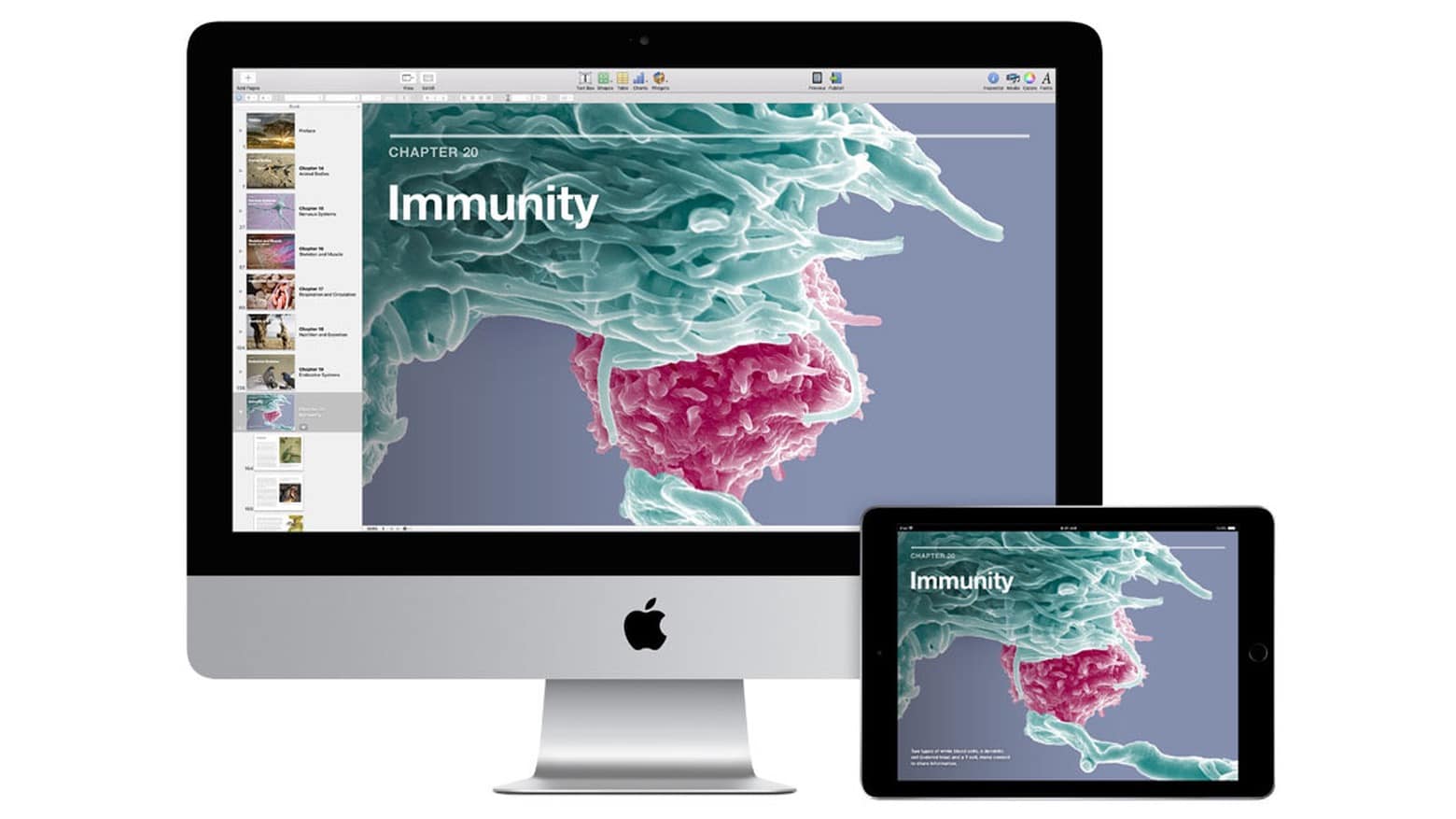
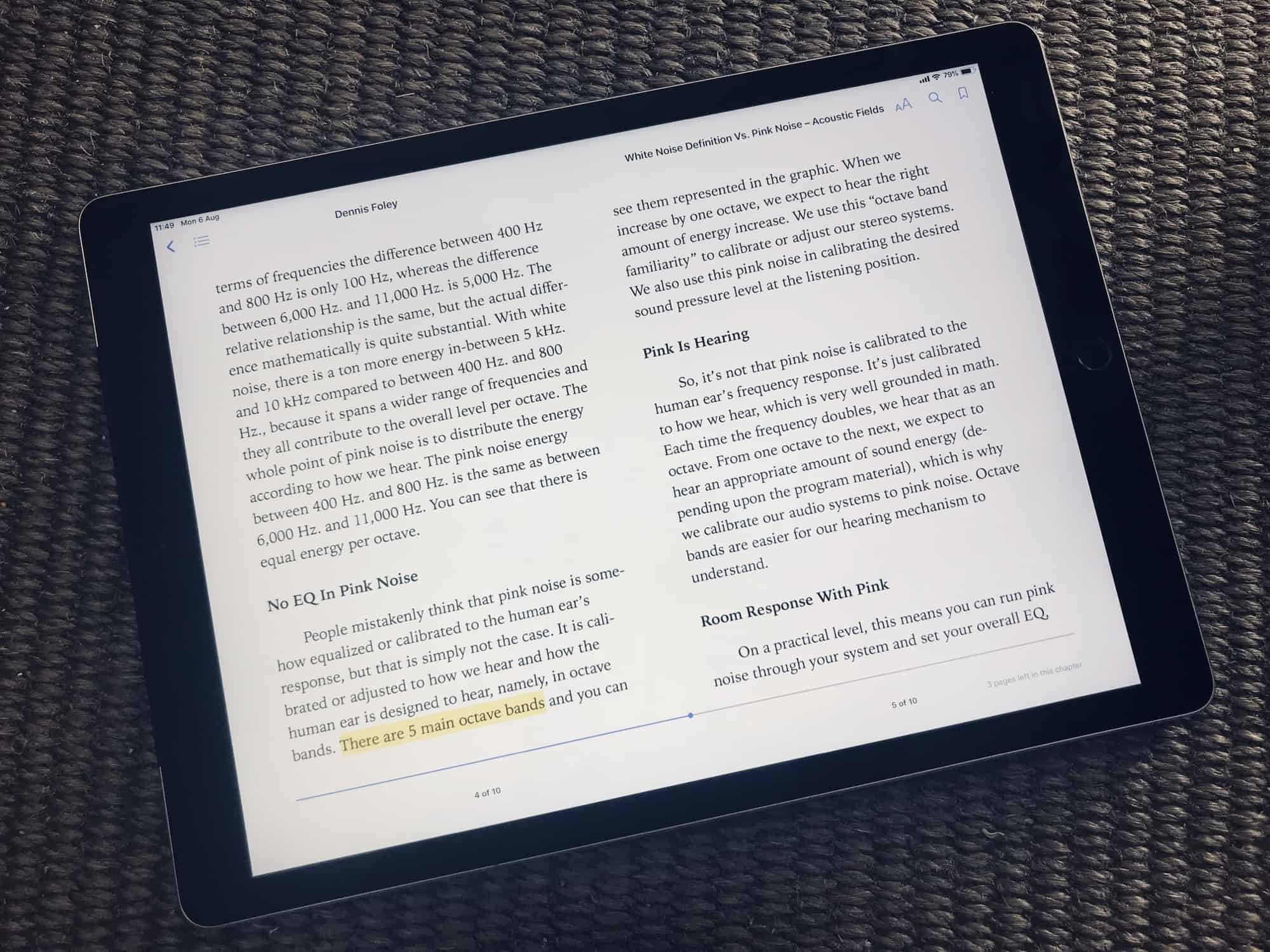
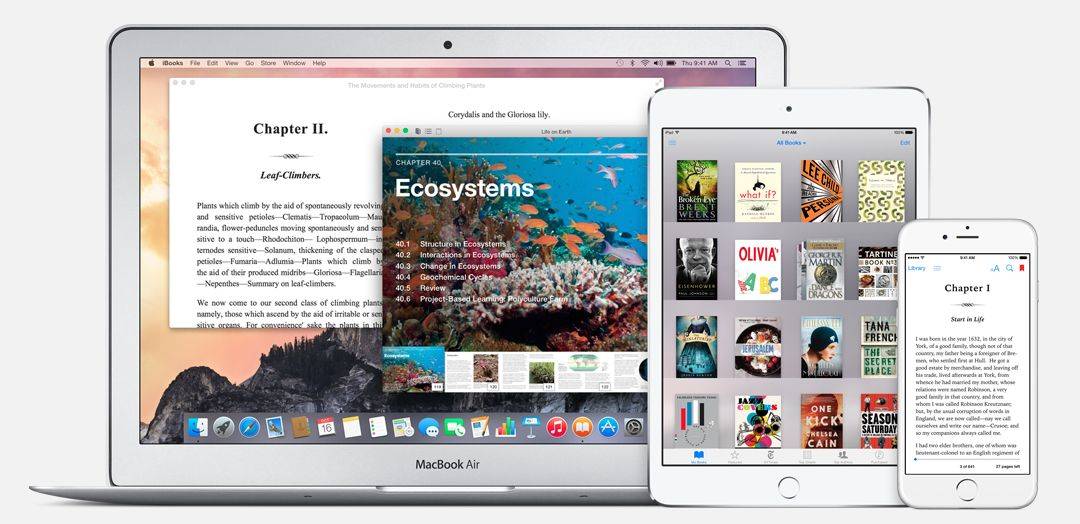
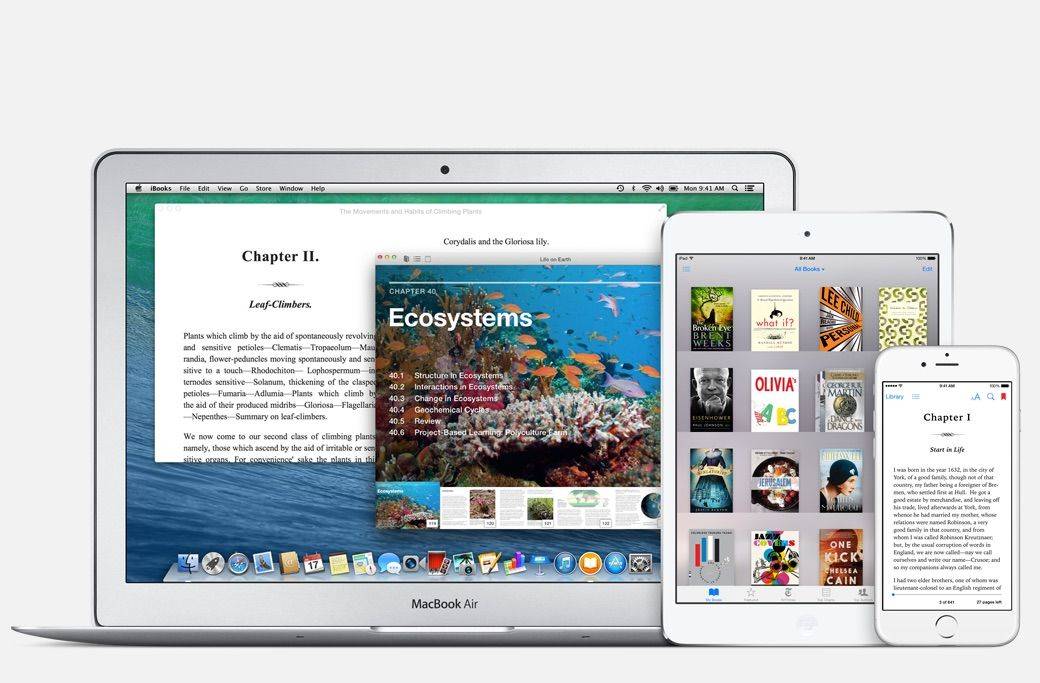
iBooks Author uses a Mac to create ebooks that can be read on an iPad. Photo: Apple
Apple revealed Wednesday that iBooks Author, macOS software for creating content for the Apple Books service, is being put on the shelf. It’ll be replaced with Apple Pages.
The big advantage is that this free word-processing application is available for not just Mac, but also iPad and even iPhone.
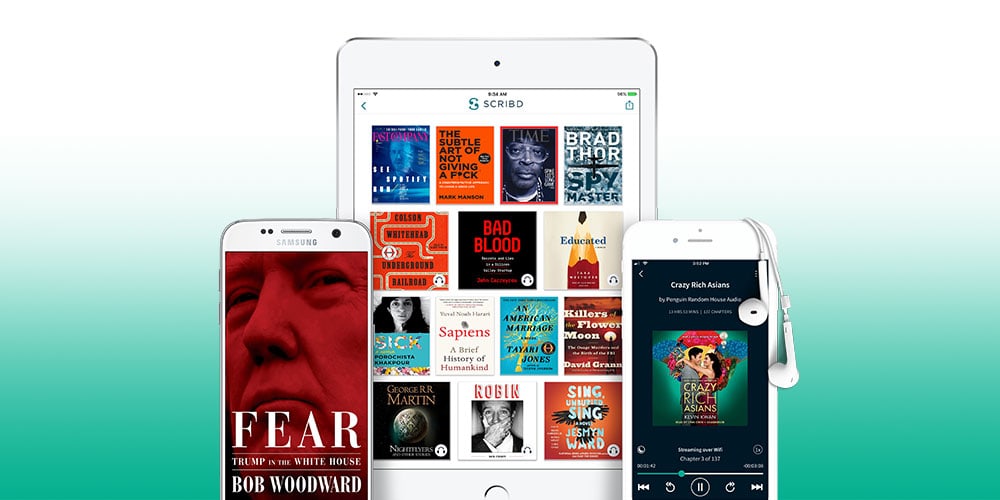
Save 25% or more on 6 month and year-long access to a million books, audiobooks, articles, and more. Photo: Cult of Mac Deals
Disappearing DVD collections are just one example of how streaming content is transforming our home libraries. So it seems only natural that an online subscription service will replace the books and magazines that take up shelf space.
Wattpad: The app that's transforming the entertainment industry Photo: Graham Bower/Cult of Mac
Ever dreamed of penning a Hollywood blockbuster? Turns out there’s an app for that: social reading and writing app Wattpad.
With more than 70 million monthly users (and growing fast), Wattpad is a low-key App Store hit. The app is like Instagram, but for sharing stories instead of photos. It’s a great way to find fantastic new stories — and it’s flipping the script on how Hollywood makes movies.
Reading is a skill, and this pair of courses will help you sharpen it, boosting reading speeds and retention while breaking bad habits. Photo: Cult of Mac Deals
Reading is a skill, and like all skills, there’s always room for improvement. So if you constantly find yourself re-reading paragraphs, or just staring at a book but never finishing it, these courses can help you out.
Learn the ins and outs of writing, publishing, and getting paid in the eBook ecosystem. Photo: Cult of Mac Deals
They say everybody’s got a book in them. Unfortunately not everybody is familiar with the publishing process, so many books remain unwritten. But in this day and age, there’s no reason you shouldn’t be able to make your book idea a reality.
dotEPUB turns web pages into fantastic-looking ebooks. Photo: Charlie Sorrel/Cult of Mac
In my constant search for a way to save and annotate webpages like I used to do with Instapaper before it cut off access to Europe instead of complying with GDPR laws, I came across a great service called dotEPUB.
This quick-and-easy service lets you save and convert any webpage into an EPUB document. Then you can open the file in Apple’s Books app and mark it up just like any other ebook. Let’s take a look at how dotEPUB works.
The Kindle app is the perfect platform for reading e-books on iPad or iPhone. Photo: Ian Fuchs/Cult of Mac
Reading books. It’s something we’ve all done at some point in our lives. People read for fun, learning or taking a break. The trouble is, having a huge collection of books takes up space and can literally weigh you down.
E-books are the solution, and the Kindle app is an excellent way to enjoy the world of literature without straining your back or your physical space. With the Kindle app, you can carry an entire library’s worth of books on your iPad or iPhone.
Amazon Kindle can now be displayed next to another app. Graphic: Ed Hardy/Cult of Mac
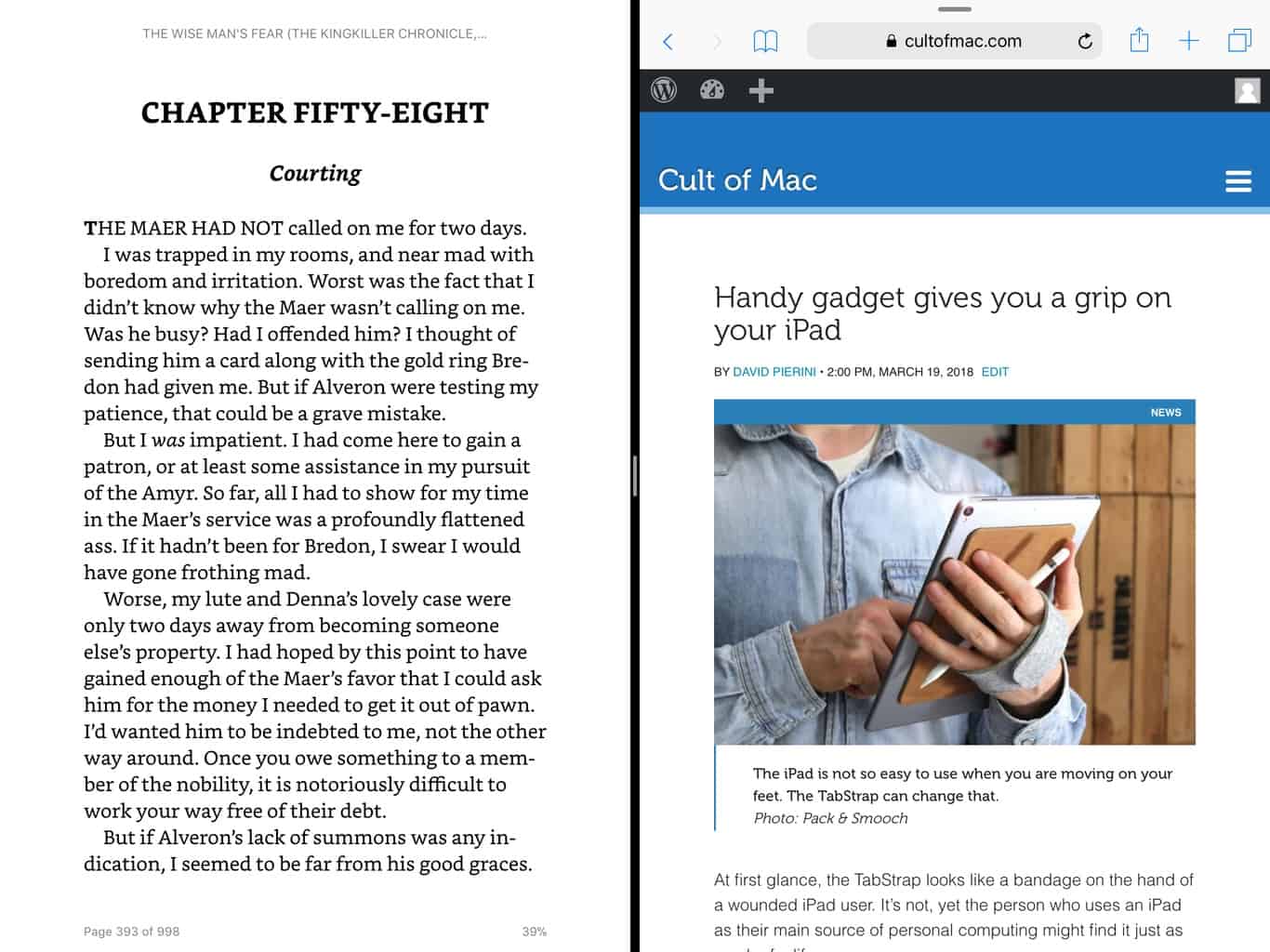
Viewing two applications at once came to the iPad way back in iOS 9, but the Amazon Kindle app only just now supports it. The new multitasking feature enables tablet users to have a book open while using another app.
And this isn’t the only notable improvement in the just-released update to Amazon’s Kindle app.
iBooks may not be ready for a big revamp. Photo: Apple
Apple is working on a major iBooks overhaul for iOS 11.3, according to a new report.
The company has hired a former Amazon and Barnes & Noble executive to help reboot its e-book business, which will also see the launch of a new reader for iPhone and iPad.
Russia is investigating Apple. Photo: Jim Merithew/Cult of Mac
Apple doesn’t sell iPhones directly in Russia, but it’s being investigated by the country’s federal Anti-Monopoly Service for colluding with resellers to fix the price on its devices.
The government agency revealed today that it has opened a case against Apple and 16 major resellers that all had identical prices for the iPhone 6s and iPhone 6s Plus models when they launched in Russia in October 2015.
Affected customers will get their share of Apple's $450 million payout. Photo: Ste Smith/Cult of Mac
Bringing an end to Apple’s long-running iBooks price fixing scandal, affected customers will today receive their settlement payment for books bought between April 1, 2010 and May 21, 2012.
Settlements work out at $1.57 for the majority of e-books, increasing to $6.93 for New York Times bestsellers. Publishers involved in the suit include the Hachette Book Group, HarperCollins, Macmillan, Penguin Group, and Simon & Schuster — all of whom were found guilty of colluding with Apple to fix e-book prices.
Apple's e-book legal battle is finally over. Photo: Apple
Apple’s nearly three year legal battle over charges that it conspired with publishers to raise the price of e-books is finally coming to end.
This morning the U.S. Supreme Court declined to hear Apple’s appeal, which leaves the 2nd U.S. Circuit Court of Appeals ruling in place. Apple will finally have to pay $450 million as part of the settlement.
Did antitrust investigators target the wrong company? Photo: Apple
A group of authors and booksellers are standing by Apple in its decision to ask the U.S. Supreme Court to overturn a ruling stating that Apple conspired to fix eBook prices when it launched its iBook store way back in January 2010.
The Authors Guild, Authors United, the American Booksellers Association, and Barnes & Noble have all banded together to file an “amicus brief” in the United States, arguing that the belief that Apple was taking place in “anti-competitive activities” was “misplaced.”
Apple has finally parted ways with Michael Bromwich. Photo: Apple
Apple has finally ditched its controversial antitrust monitor Michael Bromwich after two years of what Apple acknowledges has been a “rocky relationship.”
Bromwich was first installed in Cupertino back in October 2013, after Apple was found to have illegally colluded with five book publishers to raise e-book prices in a way that was deemed to have hurt Apple’s competition.
This is like a really, really long John Grisham novel.
In a story that would, ironically, make a pretty good eBook holiday thriller, Apple has dredged up its seemingly-ended eBook pricing conspiracy lawsuit — asking the U.S. Supreme Court to overturn a ruling stating that Apple conspired to fix eBook prices when it launched its original iPad and iBook store in January 2010.
Yep, it’s the return of the lawsuit that will never end!
Apple can't ditch its ebook compliance monitor. Photo: Apple
Apple just can’t get rid of its shady antitrust compliance monitor.
After making another appeal to the 2nd U.S. Circuit Court of Appeals in New York to disqualify Michael Bromwich as its monitor, Apple was rejected by the federal court this morning, even though the judge said Apple’s allegations against Bromwich ‘give pause.’
We wonder if blog posts cost money to read, too. Photo: GalleryHip
Michael Bromwich, the court-appointed antitrust monitor who infamously handed Apple an “unprecedented” legal bill of $138,432 for his first two weeks’ work, is back — and his latest eyebrow-raising offence is charging Apple to “review relevant media articles.”
What does that mean, you might ask? In layman’s terms it refers to the fact that he’s billing Apple for reading the newspaper.
Apple's eBook appeal is just getting started. Photo: Apple
Apple was found guilty last year of colluding with publishers to raise ebook prices, but now that the antitrust case is being heard by the Second U.S. Court of Appeals, two out of the three appellate judges are starting to see things Apple’s way.
The appeals case kicked off this morning with Deputy Solicitor General Malcolm Stewart attempting to compare Apple to a driver taking a narcotics dealer to a drug pick up. The analogy was supposed to make the point that if Apple knew publishers were conspiring to fix ebook prices, it was just as guilty as them for facilitating the conspiracy. However, Fortune reports that Judge Denis Jacobs laughed off the analogy, pointing out that drug trafficking is one of the few “industries in which the law does not look with favor or new entrants.”
The comment drew a chorus of laughs in the courtroom, but Judge Jacob’s concerns went even further, as the the judge questioned whether the government should have even brought the case to court.
Apple’s negotiator-in-chief, Eddy Cue is out to clear the air surrounding the price-fixing conspiracy Apple was found guilty of by U.S. federal court in 2013, before the case hits an appeals court later this month.
In a rare interview, Cue sat down with Fortune to talk about the ebook controversythat has embroiled Apple and the six top book publishers ever since the iPad launched with the iBookstore in 2011.
Apple was found guilty of conspiring to raise ebook prices in 2011, after the launch of the iBookstore saw price of ebook new releases spike 17% overnight. Apple has maintained its innocence through the entire ordeal, and though the company has been criticized for its litigious nature, Cue says the company has to “fight for the truth,” no matter what.

 July 16, 2014: Apple agrees to pay $450 million to resolve the Department of Justice’s antitrust case against the company over e-book pricing in the iBooks Store. In the e-books lawsuit, Apple stood accused of conspiring with five major book publishers to fix prices on digital books.