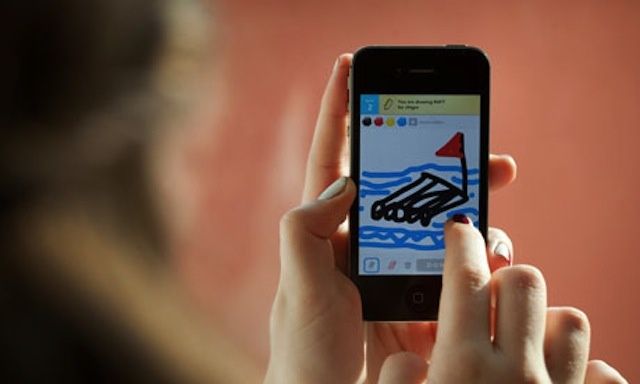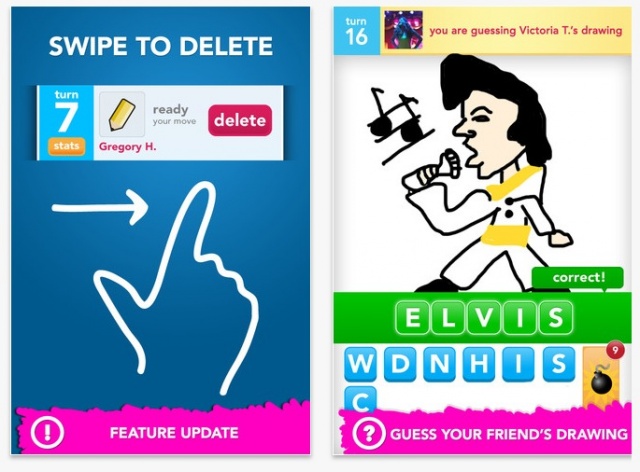
Mega-popular Android and iOS app Draw Something has received a significant update that brings several new features and improvements. The ‘pull to refresh’ gesture has been implemented for loading new game updates, and you can now swipe with your finger to undo the last line you drew.
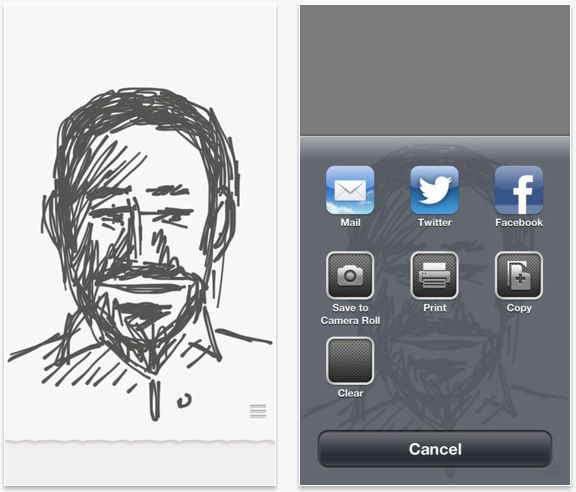
Drawings can now be shared directly with friends on Facebook and Twitter. You can also save your drawings locally to your smartphone.
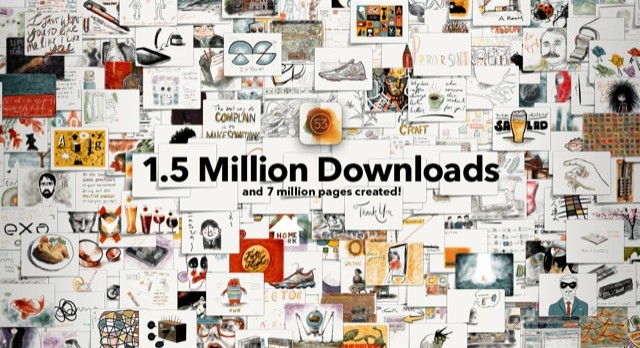
At 1.5 million downloads in just two weeks, Paper is a clear success for simplicity
Paper, the ultra-simple app that turns your iPad into a piece of paper, has been downloaded 1.5 million times in just two weeks. What’s more, users have created seven million pages in that time. Not bad for an app that is distinguihed more by a lack of features than anything else.
Procreate piles on the new features, and yet remains lag-free and easy to use
Procreate, the already excellent iPad drawing app, has been updated to play nice with the iPad 3’s Retina Display. But to dwell on that would be to ignore the massive changes that have gone into this version. Make no mistake: This might be labelled v1.6, but it is much more like a v2.0.
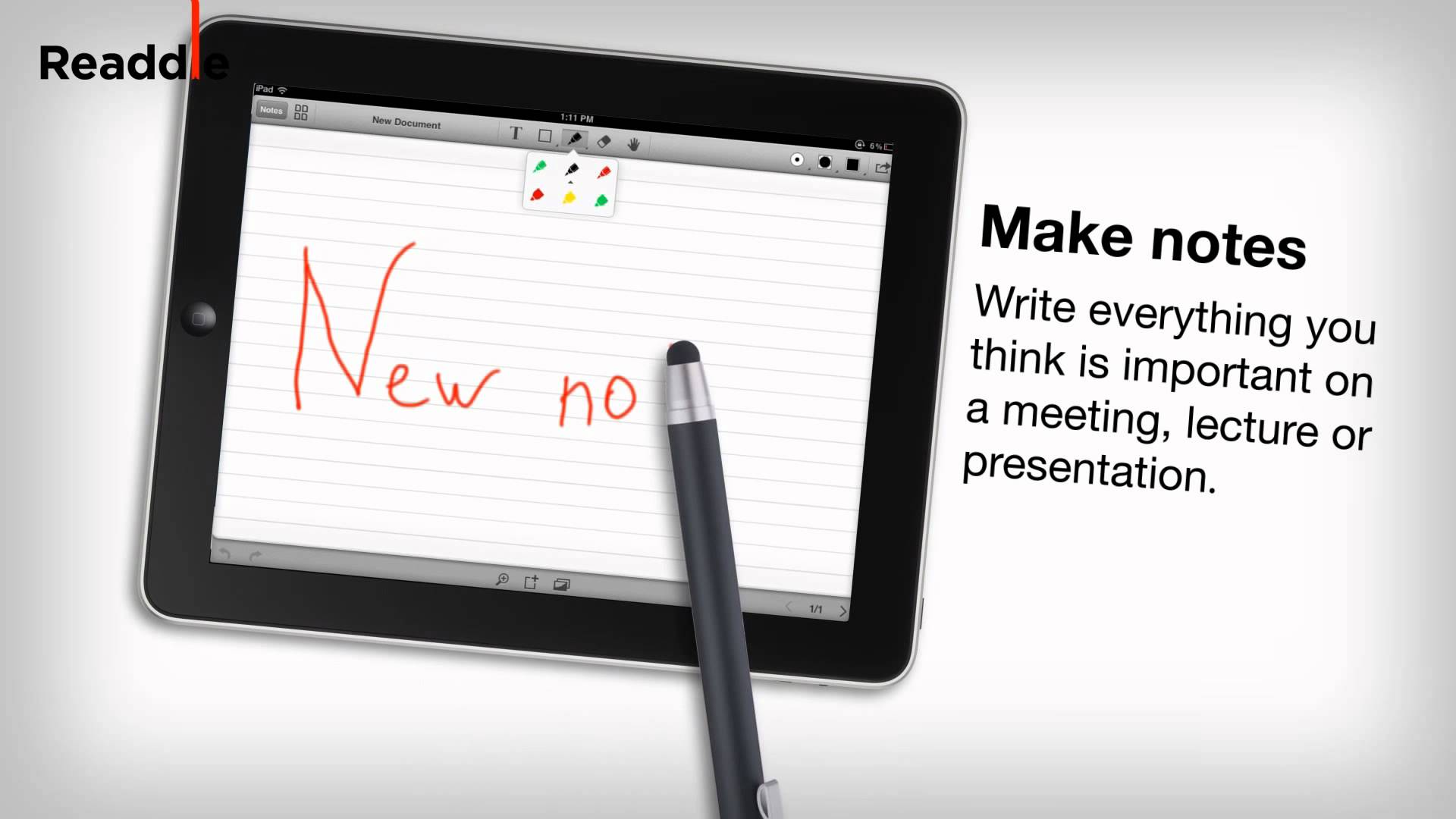
The latest iPad app from Readdle, a company famous for its excellent productivity apps for iOS, has perfected PDF annotation and note taking on a touchscreen device. It’s called Remarks, and it allows you to write and draw on PDF documents, outline notes in class or in the office, and sketch new ideas with your fingertip or a stylus.
Kosella think they have a slick new way to make stylus tips: Instead of using the rubbery tips of most styli, they’ve figured out a way to use a fabric tip that has tiny metal filaments woven into it in order to make it conductive.
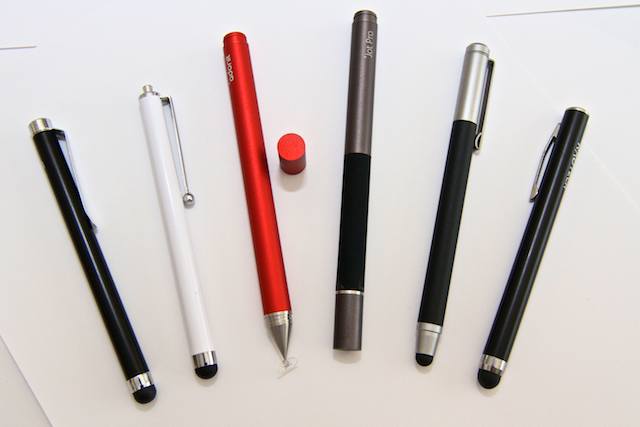
From left to right: Griffin Stylus, Targus Stylus, Adonit Jot, Adonit Jot Pro, Wacom Bamboo Stylus, RadTech Styloid Plus+
The iPad’s screen apparently wasn’t designed to be sullied with anything other than human fingers. there’s an oft-refferred to quote from Steve Jobs saying as much: “If you see a stylus, they blew it,” referring to other touch-screen designs that rely on the stylus.
But we don’t always use Apple’s gadgets the way Apple intends. Most of the time, sure, we stick to the script, because the damn things are so well designed that any deviance ends up as a fool’s adventure. Using an iPad with a stylus, however, isn’t foolish. Whether or not you use one — to scrawl notes, draw, paint, as a way of circumventing long fingernails or just ’cause you like it that way — styli (or styluses, depending on your preference) are here to stay. Here’s a by-no-means-exhaustive showdown between a few picked off from the herd. All these styli are, of course, capacitive, which means they conduct bio-electricity from your hand, down the shaft and onto the screen.