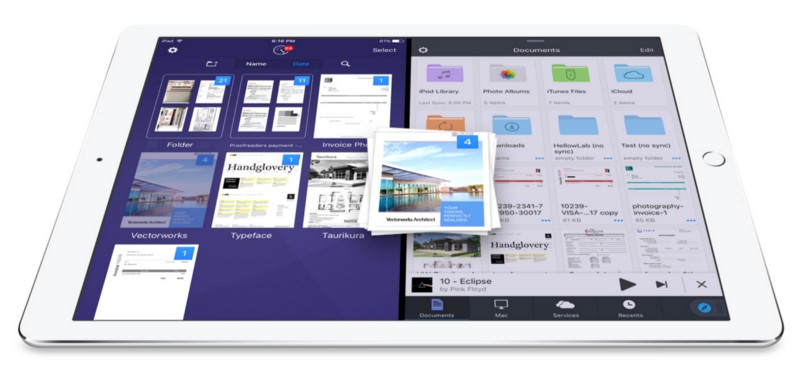
There’s nothing worse for your productivity – or your sanity – than trying to find that elusive document you need right at that moment. This Cult of Mac Deals offer will set you up so that you never come across this again – thanks to iDocument. And you’ll get this document organization tool for just $25…but only for a limited time!
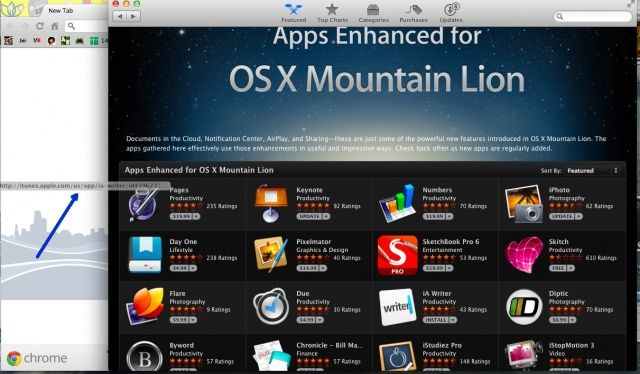
Let’s face it: the Mac App Store, and the iTunes App Store that it’s modeled on, just isn’t made for comparing apps. Let’s say you want to find the best note taking app for your Mac. You can launch the Mac App Store, search for note taking apps, and see one at a time. If you want to look at more than one, you end up clicking the back button endlessly.
Sometimes it’s just better to be able to flip through a bunch of apps at once. If only the App Stores had tabbed browsing. Luckily, you can browse more than one app at once with a bit of a workaround and your web browser.
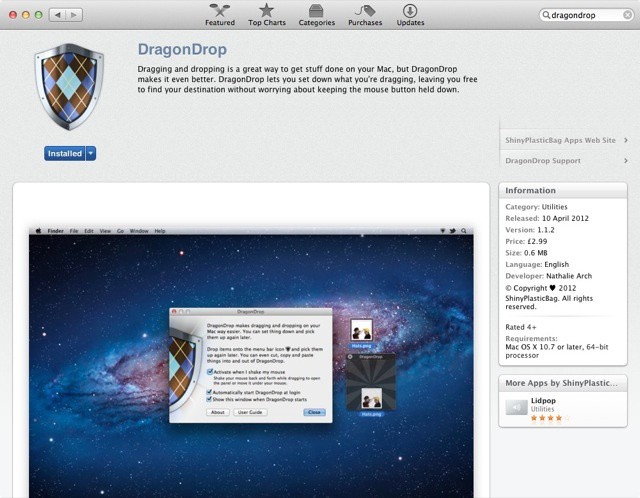
Where it belongs... DragonDrop in the Mac App Store
Apple has changed its mind about DragonDrop, the file moving utility that we reviewed here a few weeks ago, and granted the app a place in the Mac App Store after initially saying it would never back down.
If you know your Apple history, you’ll probably know that NeXTSTEP, the grandfather of modern OS X, had a clever feature called the Shelf, a placeholder where you could temporarily drop files while dragging them from one location to another. Sadly, Mac OS X has never replicated this in Finder.
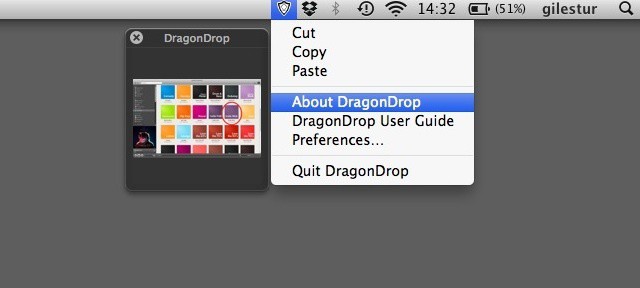
So today there’s a brand new app for OS X that seeks to fix this. It’s called DragonDrop, and you can buy it for five bucks.
Developer Mark Christian released it independently today after weeks of trying to get it into the Mac App Store. Apple weren’t interested, and rejected it every time.