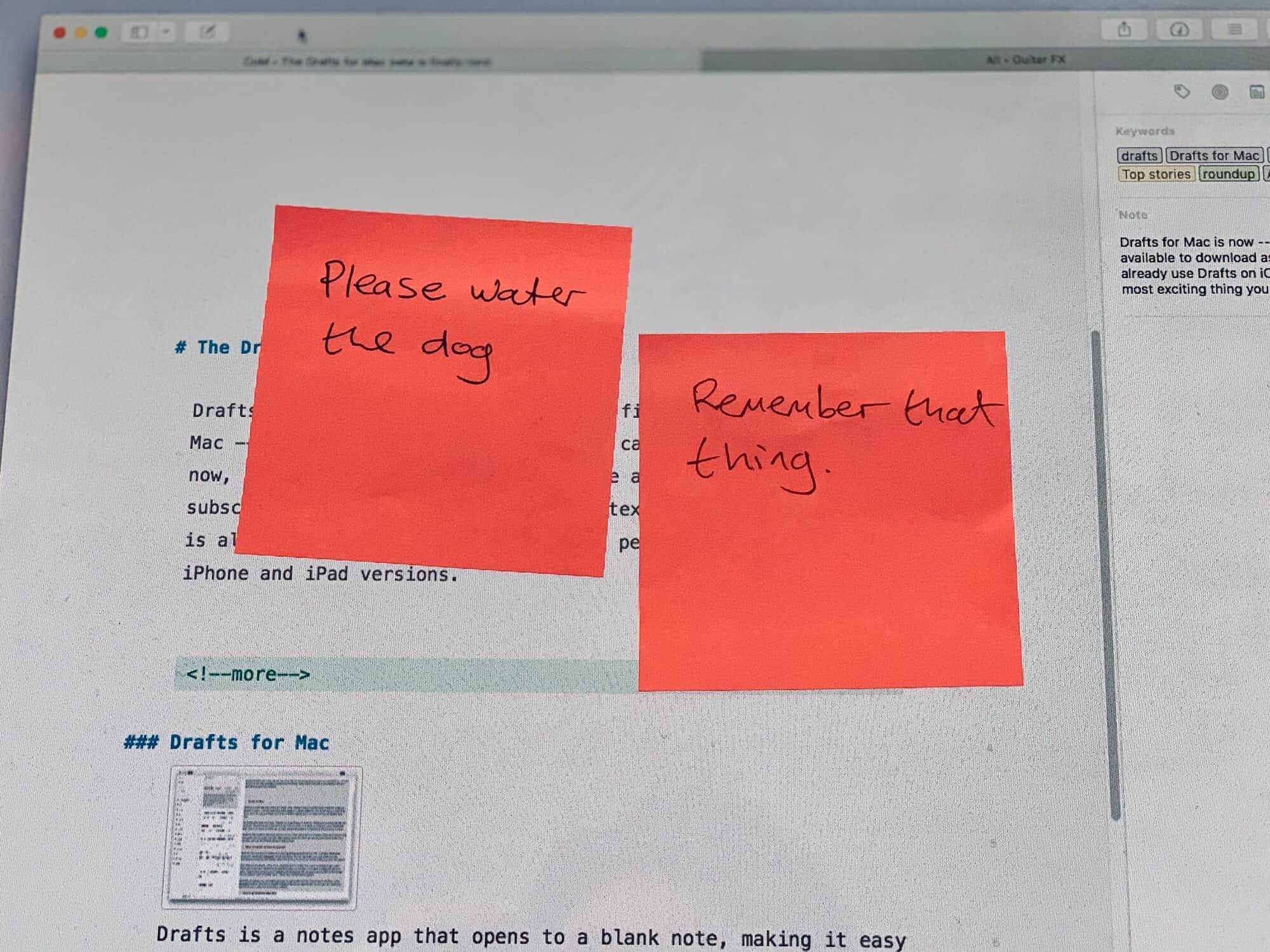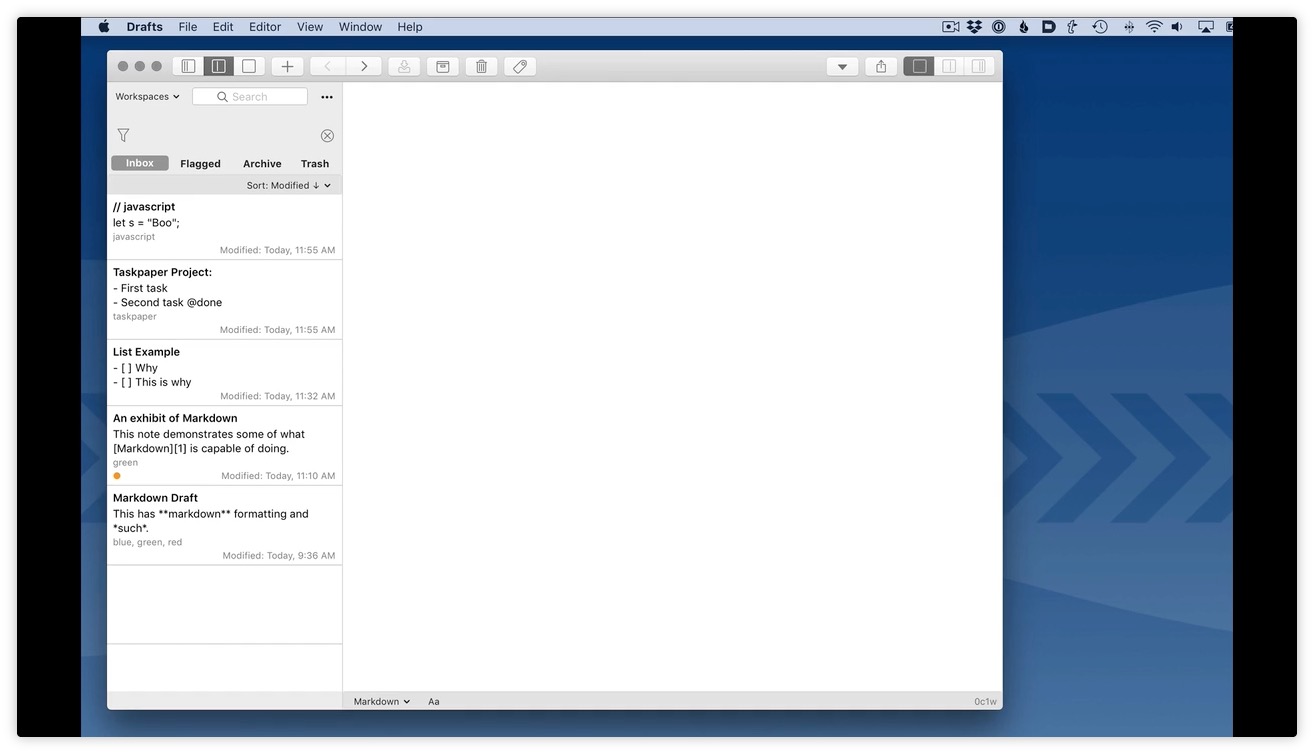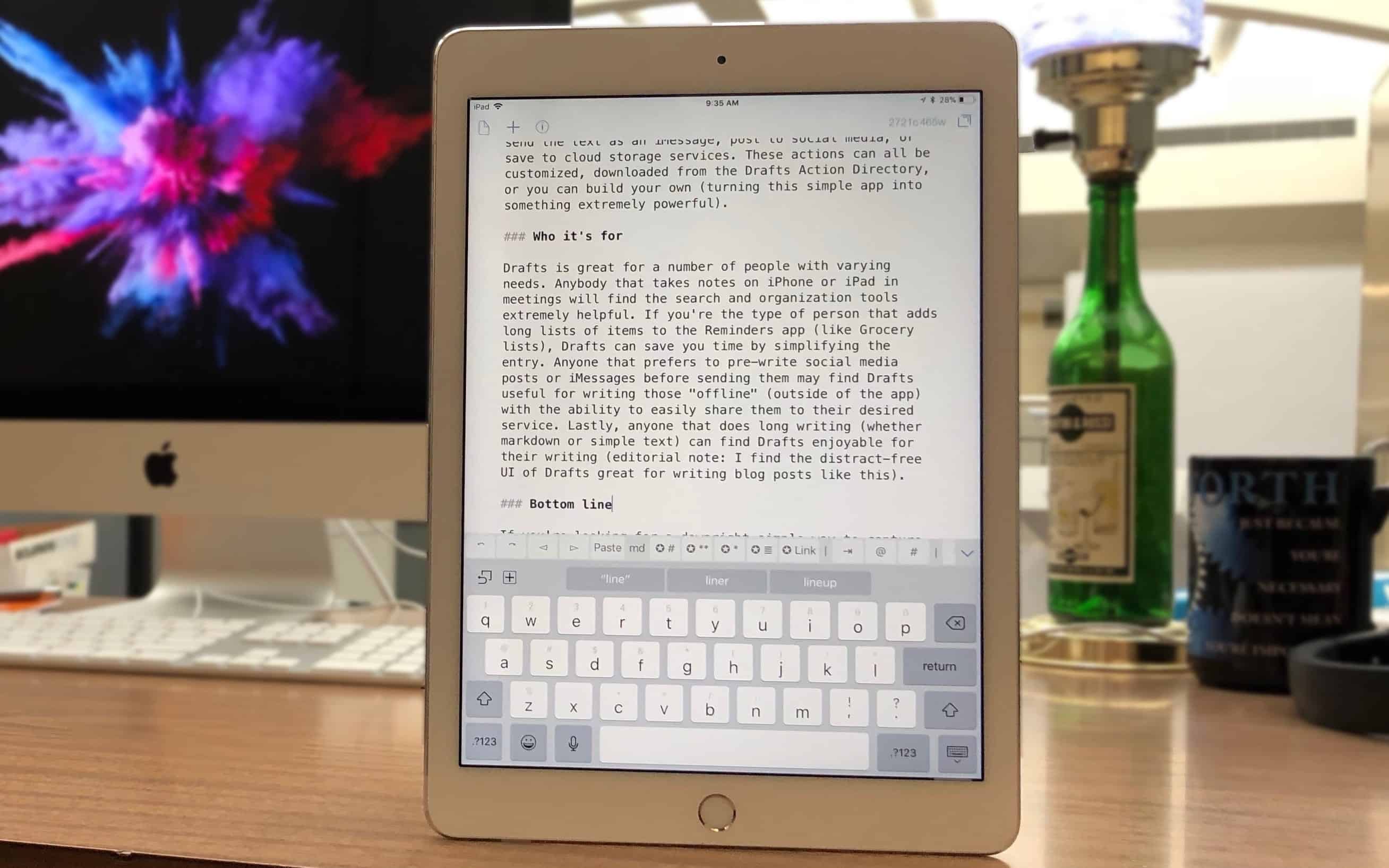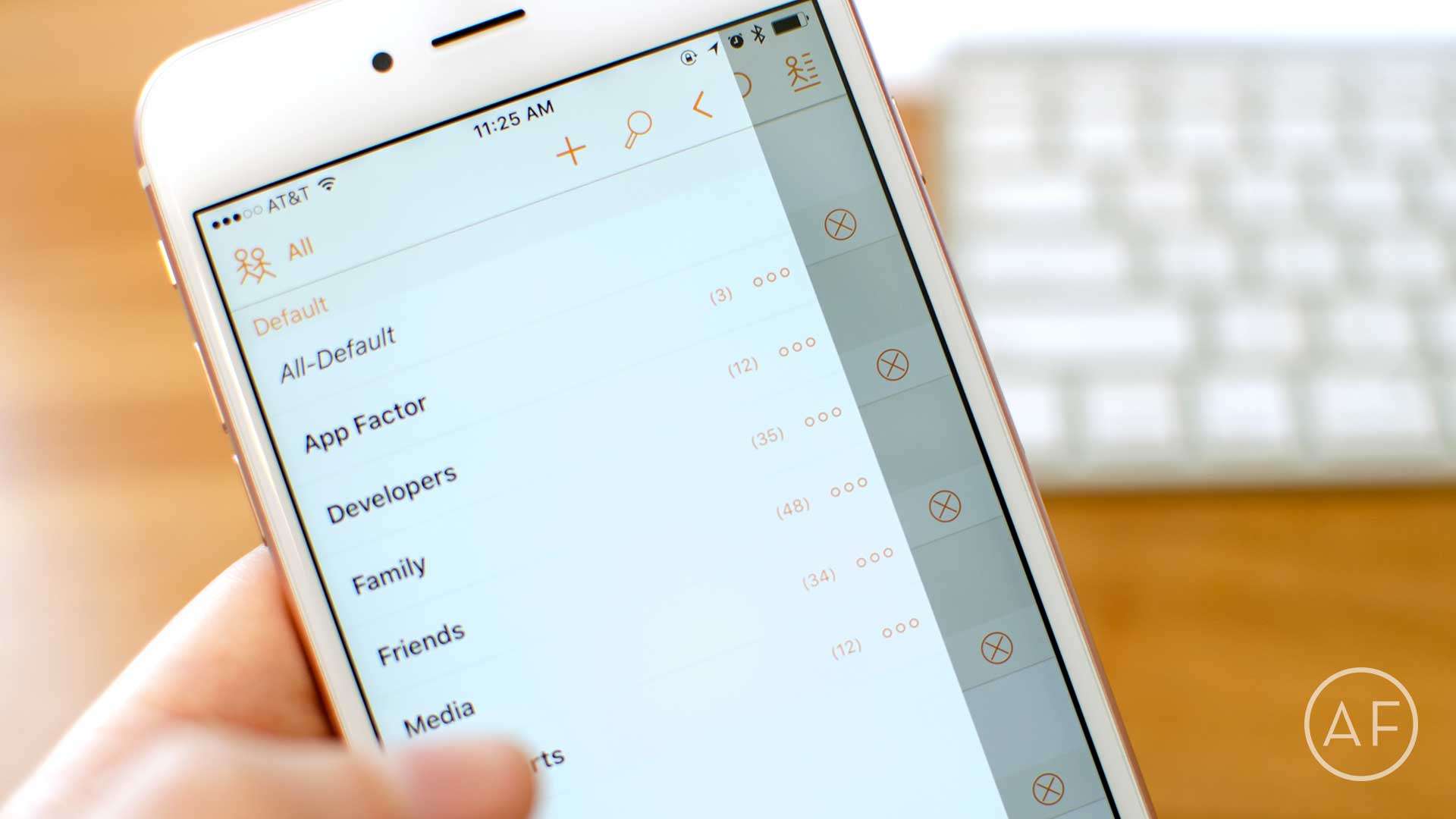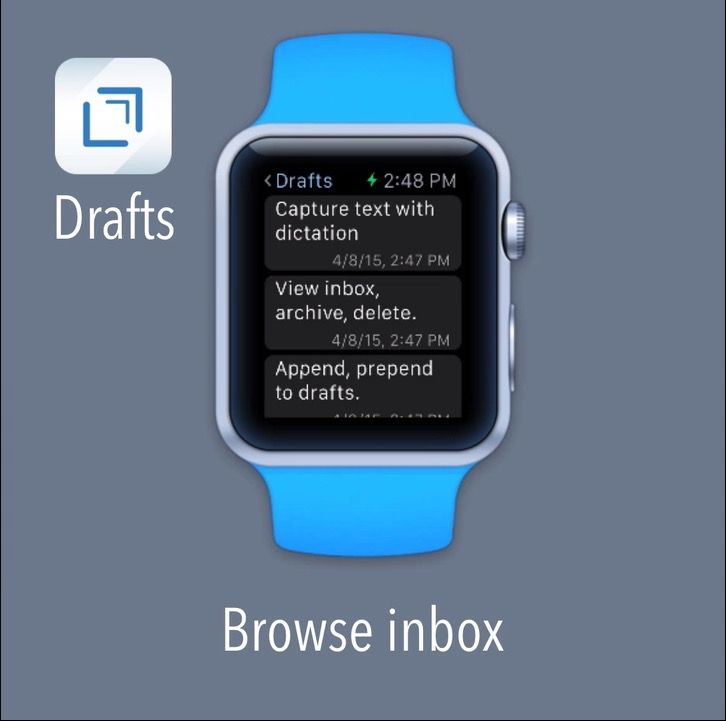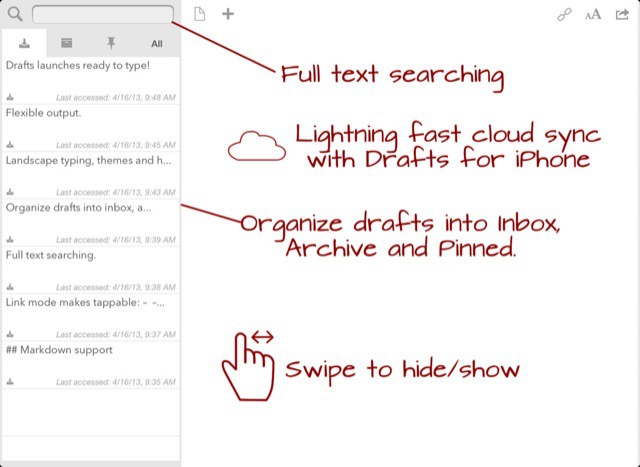
Drafts 3.0 for iPad and iPhone launches today, and it turns an already useful text-wrangling app into a note-taking powerhouse. Added are organization tools for your old drafts, way better Evernote integration, great compatibility with iOS native Reminders app plus an all-new Actions Directory. Let’s take a look:
If you imagined an iPad Evernote app, it’d probably look like this.
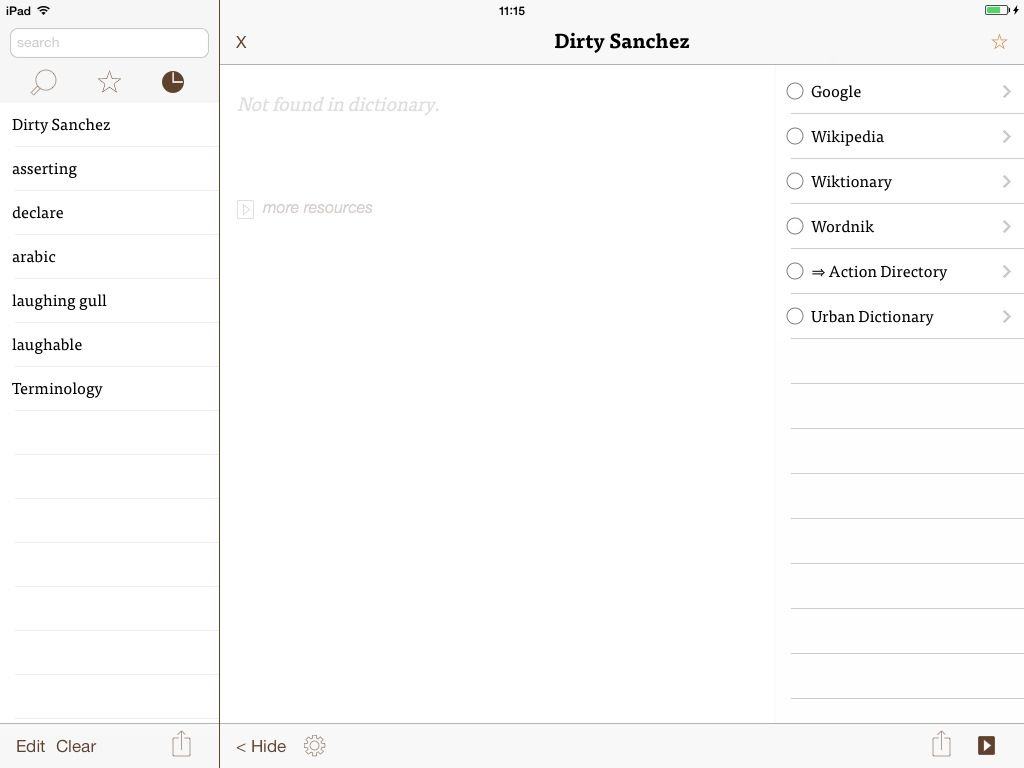
Use Evernote on iOS? Wish it had proper saved searches? Or note links? Wish it was a little faster to browse and find what you’re looking for? Then you might want to take a look at the rather excellent Clever HD for iPad, a full-featured Evernote client which could even replace the official app on your iDevice.
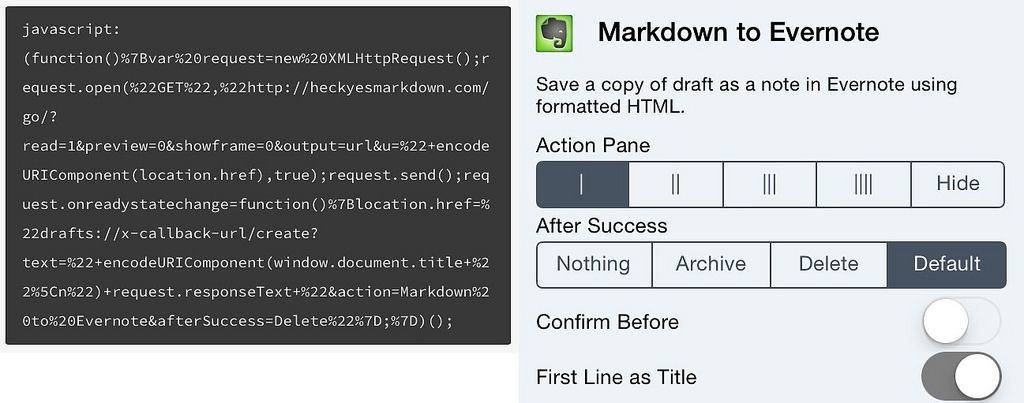
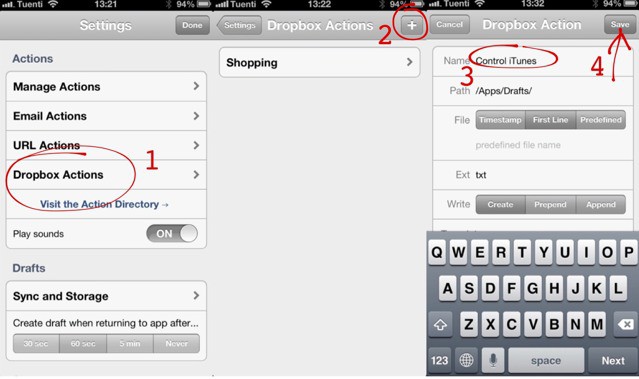
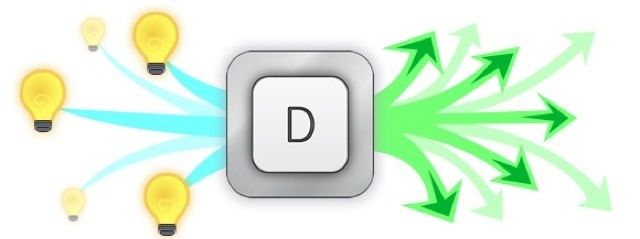
By the numbers: A simple Drafts action can remote control your Mac.
Wouldn’t it be neat if you could type “Hey MacBook, STFU!” into your iPhone’s text editor and – mere moments later – have your Mac do just that? Welcome to the nerdy world of automation, where you can remote control not just your computer but your whole home, just using plain text.
With a few simple tools you can control iTunes, turn your bedroom lights down low, and… well, you get the drift. And who said nerds weren’t sexy?
Drafts just went from essential to, uh, really really essential.
Drafts, the default inbox for text on your iOS device, has just been updated to version 1.5 on the iPad and v2.5 on the iPhone. And, man, what an update!
Previously, Drafts was a great way to scribble down a note, and then send it off to pretty much any text-based app you could think of. Now, with two big new features called “URL Actions” and “Dropbox Actions,” Drafts not only becomes more powerful than you could possible imagine, it also lets you automate a whole lot of notetaking tasks.
How powerful are we talking about here? How about controlling your Mac at home from your iPhone by just jotting down a note?
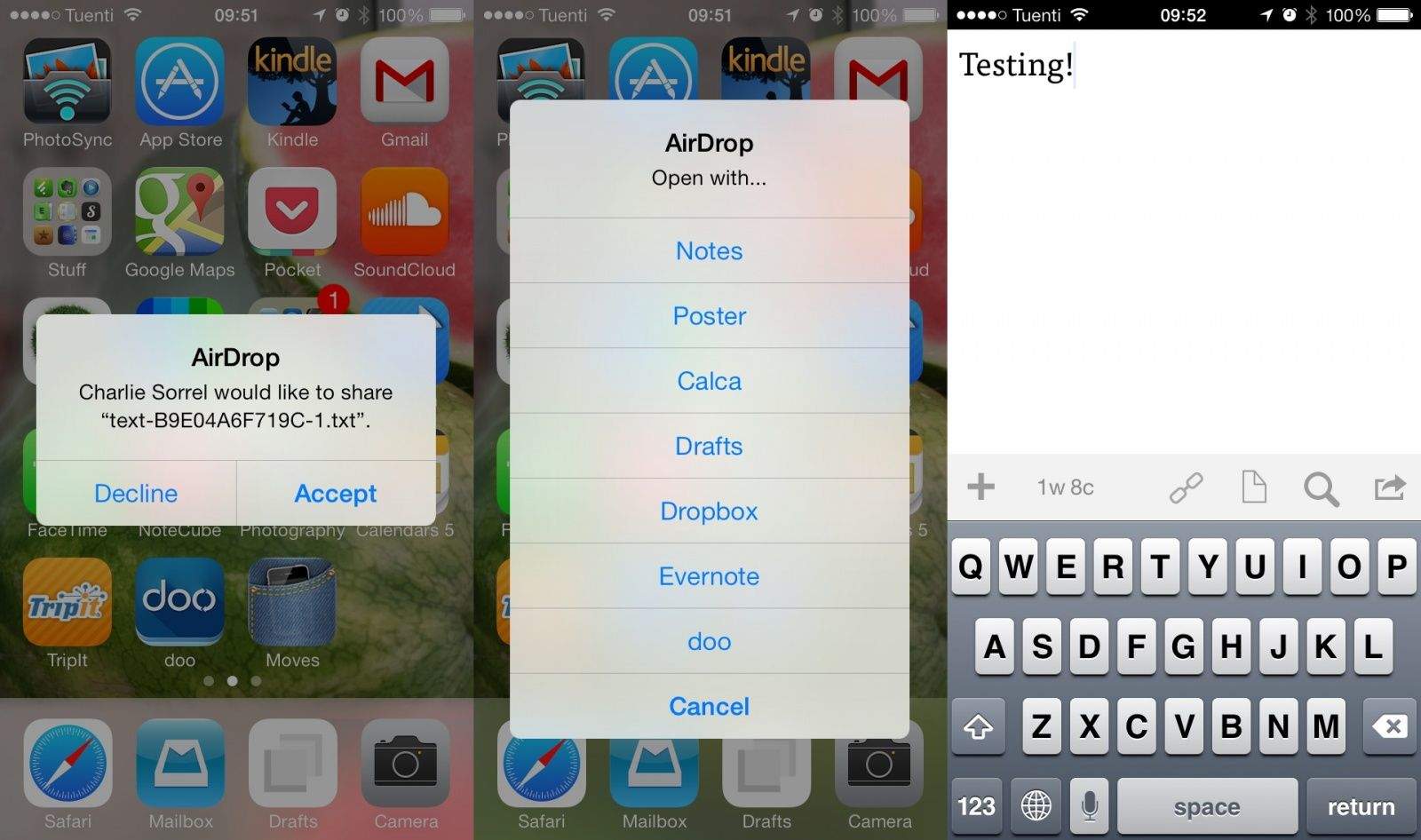
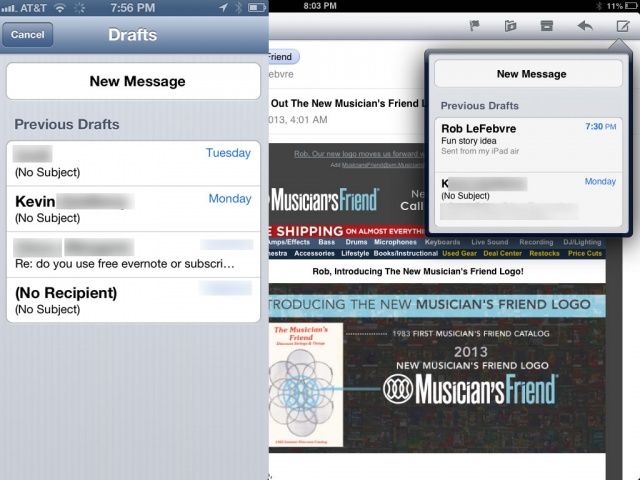
We’ve shown you how to get to an email draft on your iPhone before by tapping and holding on the Send button to bring up your most recent draft. At the time, though, that only brought up a single email, typically the last draft you had written.
These days, however, there’s a new thing happening, with a list of more than one draft appearing (if you have more than one). Here’s how to make that happen.
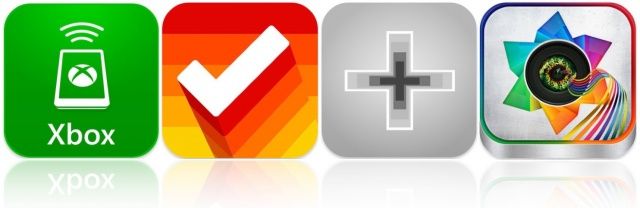
Microsoft’s awesome Xbox app for iOS got a major update this week, and it’s kicking off this week’s must-have apps roundup. It’s accompanied by another great update to Clear, a terrific list-management tool; plus a nifty counting app for iPhone, and a new photography app that lets you apply awesome effects to your photos.
NaNoWriMo is the annual attempt by many tens of thousands of people to finally get that novel out of their head and into the cloud storage option of their choice. The goal is to write a 50,000-word novel by midnight on the 30th November, and you can get there by fair means or foul. The rules? It has to be a novel, it has to be 50,000 words (or more) long, and it has to be written in November.
The tools you will need most to write your NaNoWriMo novel are inspiration and a lot of perseverance. Luckily, apps can help you with both. Here’s the definitive guide to NaNoWriMo apps on the Mac and iOS. If you can’t drag that novel kicking and screaming into the world with the help of these apps, you can’t do it at all.
Squarespace, the slick website hosting company, has come up with an interesting take on Drafts-style fast note-taking apps. It’s called Squarespace Note, and it is pretty nice looking.
Greg Pierce, the genius behind Drafts for the iPhone and iPad, has posted a teaser screenshot for a new feature in an upcoming version of the app. To save you puzzling it out from the picture, it gives you the chance to send pre-defined emails to pre-set addresses, with one click.
The iOS 6-compatible updates continue to deluge our App Store apps, and the latest is Drafts, the excellent inbox for almost everything on your iPhone or iPad. Drafts takes plain text (or Markdown text) and pipes it to any and every place you could possibly need it.
The update adds support for the new tall iPhone, as well as a whole bunch of neat iOS 6-only features. Let's take a quick look: