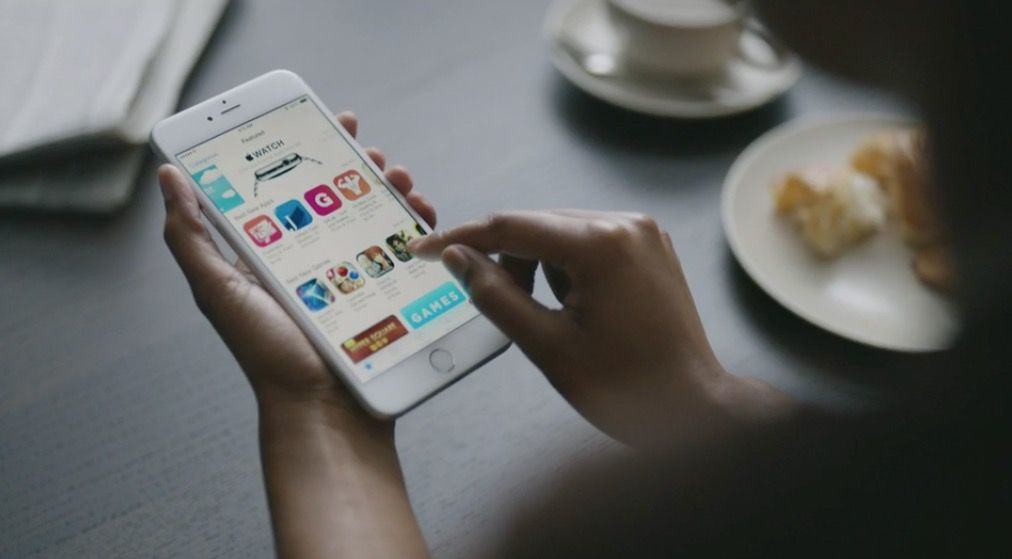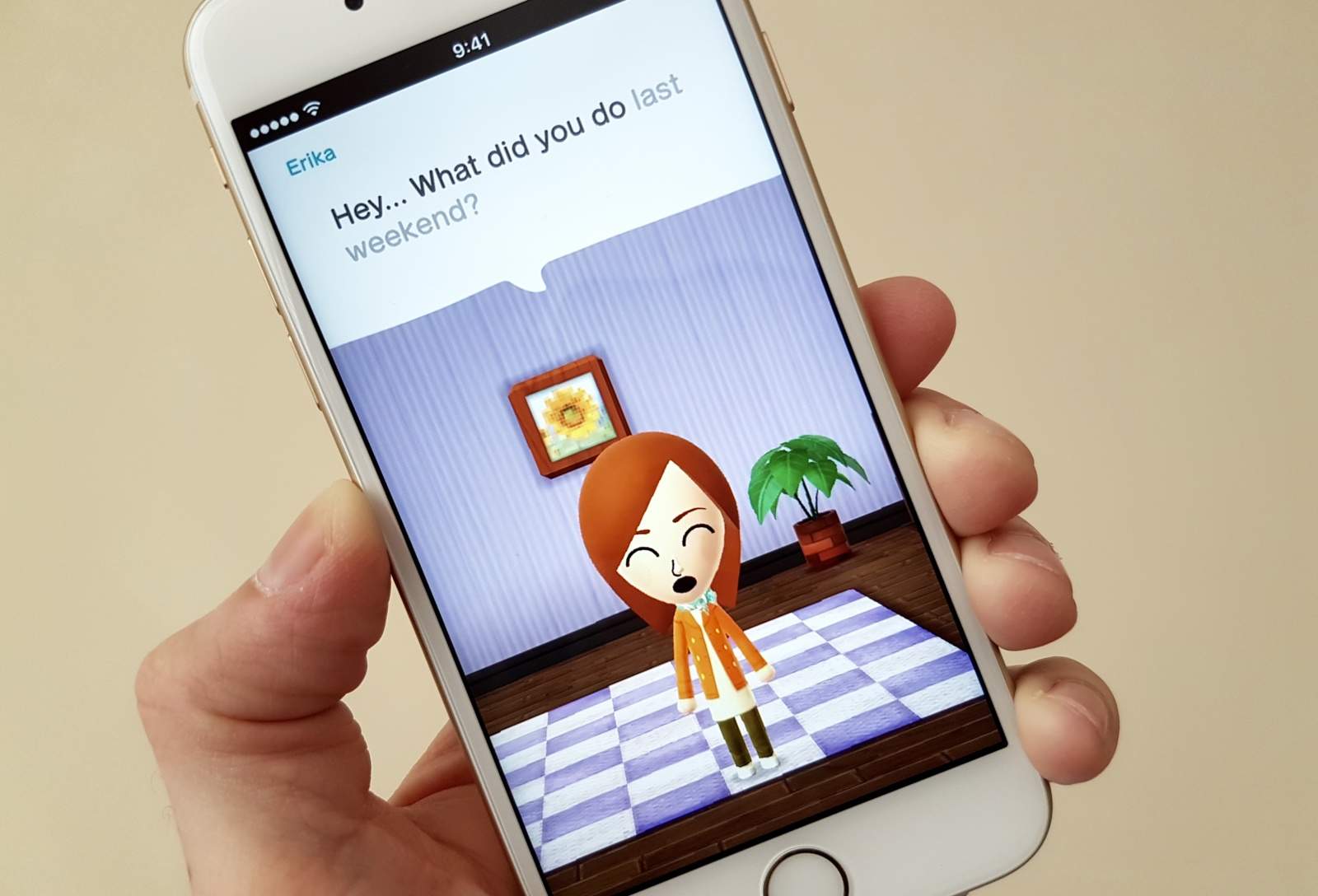
The winner of Apple’s $10,000 App Store gift card has revealed how he saved up apps to download to his iPhone in an a bit to become the 50 billionth downloader. Brandon Ashmore, 21, from Mentor, Ohio, held his downloads until Wednesday night to try to give himself a better chance of winning the contest.
He still thought it was a joke when Apple called to tell him he had won, though.
We’re big fans of Pixelmator here at Cult of Mac — it’s one of the finest image editors you can buy for your Mac, and it’s just $14.99. And it appears we’re not the only ones who love it. Pixelmator just announced that its latest 2.2 Blueberry update has seen over 500,000 downloads in just one week, becoming its most successful release to date.
With the countdown to 50 billion App Store downloads now underway, Apple has begun highlighting the “top 25 all-time” free and paid apps on iOS. The Cupertino company did a similar thing in the run up to 25 billion downloads last year, and for 10 billion downloads in January 2011.
Some of the apps included in the list are no surprise, with the likes of Facebook, YouTube, Instagram, and Skype topping the free chart, and Angry Birds, Fruit Ninja, and Doodle Jump topping the paid chart.
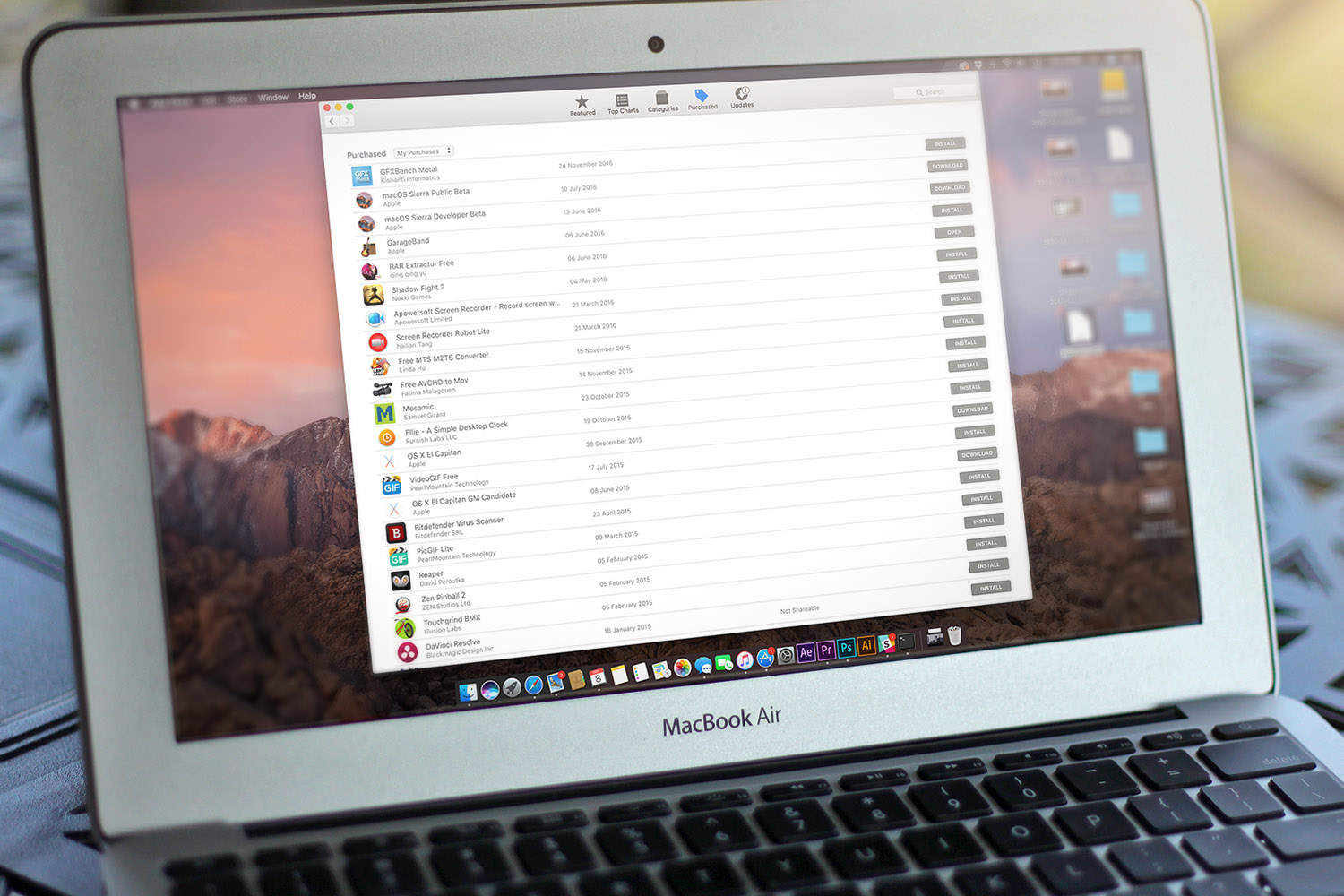
The Mac App Store is a great way to download apps to your Mac, as it takes care of the download, the install, and the post-install clean up for you. Sometimes, however, things can get a bit wonky, whether by accident or design, and you’ll want to go and download an app you think you’ve deleted.
Sometimes the Mac App Store will think the app you’ve deleted is still on your Mac. Or, you’ll want to re-download an app that’s behaving weirdly. When that happens, there will be a “Downloaded,” or “Installed” button there that won’t let you do anything.
While not all Mac App Store apps will work the same way, here are a few things to try out.
Too cheap to actually buy Tweetbot, Tapbot’s awesome Twitter app for iPhone, iPad and Mac? Are you pirating it despite the fact that it only costs a couple bucks, and Tweetbot has a limited number of tokens that it can distribute before Twitter says they can’t sell their client anymore?
Well, Tweetbot’s not going to force you to do anything, but they have started autofilling the Tweet box in its iOS app to publically broadcast that they are no-good, dirty pirates.
Apple has today announced that the App Store has surpassed a whopping 40 billion downloads, with almost 20 million seen in 2012 alone. A record-breaking December, helped by another successful Christmas, boosted this year’s figures, with more than two billion downloads during the month.
Look, iTunes 11, I love you and all, but where’s all my stuff? First I needed to figure out the Up Next thing, retool my Search habits, figure out how to make a Genius playlist again, and now I can’t even find the Downloads window. What gives?
If you’re in the same boat, we’re here to help. If you have re-enabled the Sidebar, you’ll notice that there’s no way to click on Downloads any more. Even when there’s a download happening. Here’s the thing: the Downloads window will never be there. iTunes 11 has moved it. Here’s how to find it again.
Here’s the scenario: You invite a date over to impress them with your cooking skills. The house is tidy and you look sharp. You’re slaving away in the kitchen when your date innocently asks to check their email and you absentmindedly oblige. Then it hits you… You left your download folder open! Yeah, that dreadfully unorganized file that looks more like your trash bin. You run to try and save your dignity, but it’s too late; you have been exposed and the date is a solid block away in a dead sprint.
Don’t worry, we’ve all been there before. Lucky for you we have a download manager that is here to put your worries at rest so you can move on with your life once and for all. Folx Pro packs a ton of nifty features to get you on the fast track literally and figuratively. Here is what you can get for 3 bucks:
Don’t you hate it when you start to download a song file, or a podcast, or an app and it just sits there, mocking you? When the little progress bar just refuses to move, no matter how you scream at the front of your magical iOS device? Yeah, me, too.
One way to fix this problem with apps is to tap the icon to stop the download, and then tap it again to resume the download. If that doesn’t work (and it won’t with a media download), then you’re not out of luck. There is another way.