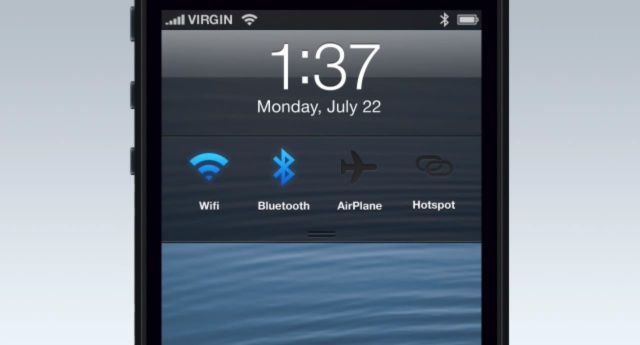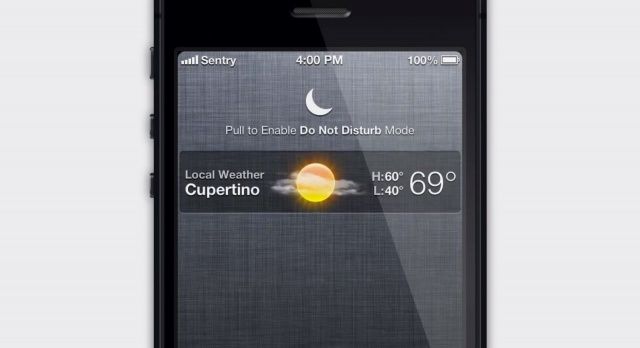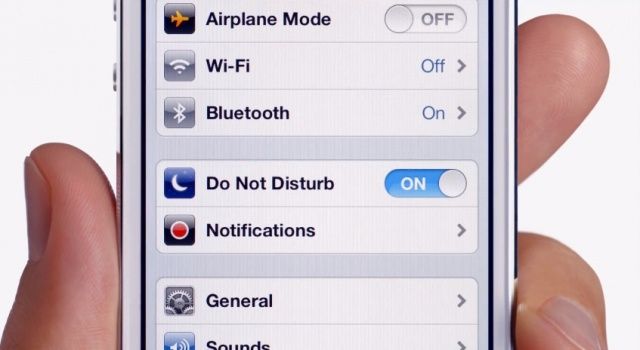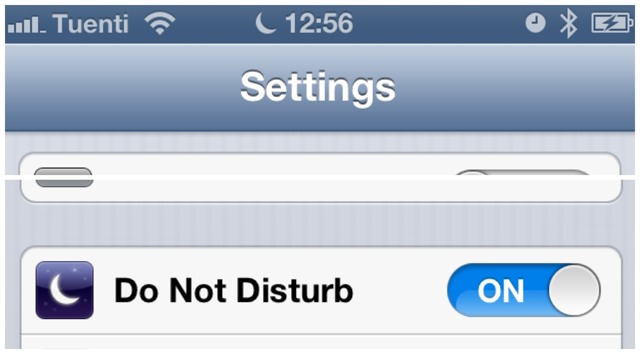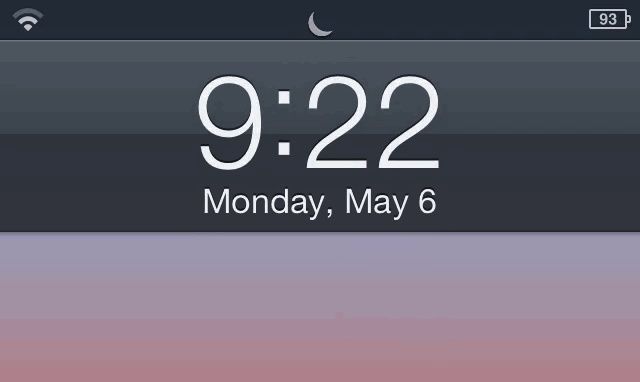
Do Not Disturb on. Even when you don’t want it to be.
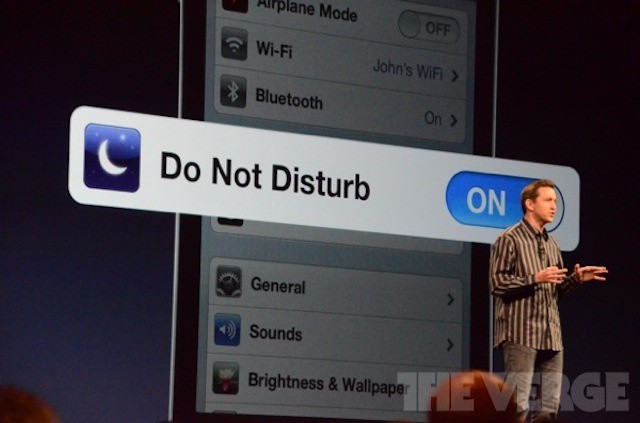
Apple has posted a brand new iPhone 5 ad to YouTube called “Dream.” Featuring tennis stars Venus and Serena Williams, it humorously promotes the Do Not Disturb feature that Apple introduced with iOS 6. However, Apple could have picked a better time to publish it. The clip comes a day after iPhones switched over to 2013 and the Do Not Disturb feature stopped working properly.
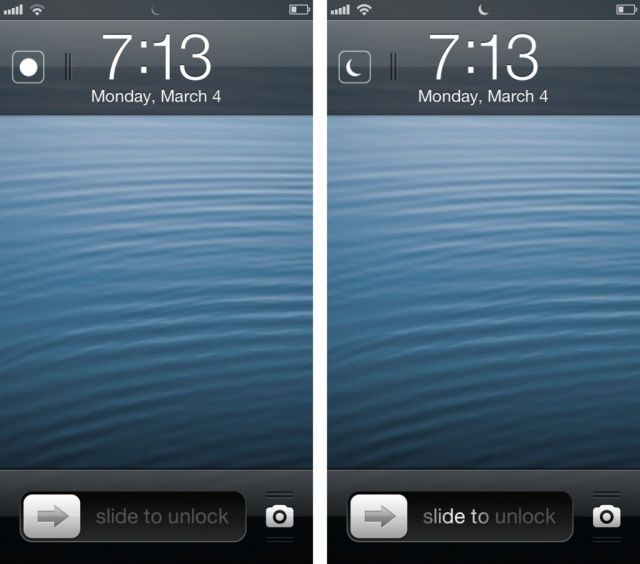
If you had to get up early on January 1st, I hope you used the built-in Clock app to set your iOS alarm; otherwise you may have spent an unintentional extra few hours in bed. Why? Because the Do Not Disturb feature of iOS 6 switched on as usual on the last day of 2012, and then stayed on.
Many users of Do Not Disturb report that the feature didn’t switch itself off yesterday morning.
iOS 6 comes with a host of new and improved features for us all to play with. We’ll be messing about in there over the next several weeks, helping you find the hidden tips, tricks, and features of iOS 6. Today, however, we’d like to show you the ten killer tricks we’ve found in iOS 6 to date.
Some of these tips may seem simple, while others may not be applicable to your own personal situation. Regardless, we hope that we can show you the coolest tips and tricks for your new iOS device, whether it’s a new iPhone 5, a new iPad, or anything that comae out before; iOS 6 will support the iPhone 3GS and up, the iPad and up, and the iPod touch third generation and up, so have at it!
Today, three months after its first preview at WWDC, iOS 6 has been released to the public and is now available to download via iTunes. We’ve already presented you with a comprehensive guide to everything that’s new — big and small — but which of those features really stands out?
So that you can jump into iOS 6 and quickly start using its killer new features, we’ve compiled a list of our top ten for you to check out. These may not necessarily be the biggest features Apple has introduced, but we’re confident that once you start using them, you’ll agree that they’re the best.
We’ve all been itching to get our hands on iOS 6 since it got its first unveiling at WWDC back in June, and today, three months after that announcement, the software finally gets its public debut. Apple’s packed a ton of new features into this update, including some major new features like Map and Passbook, plus some enhancements to existing apps and features, such as new Siri capabilities and a VIP inbox in Mail.
Apple’s been promoting some of these features on its website, but there are tons you may not have heard about. With that said, here’s your comprehensive guide to everything that’s new in iOS 6.
Will we finally be able to block those late-night, slurred-word phone calls? Here’s to hoping.
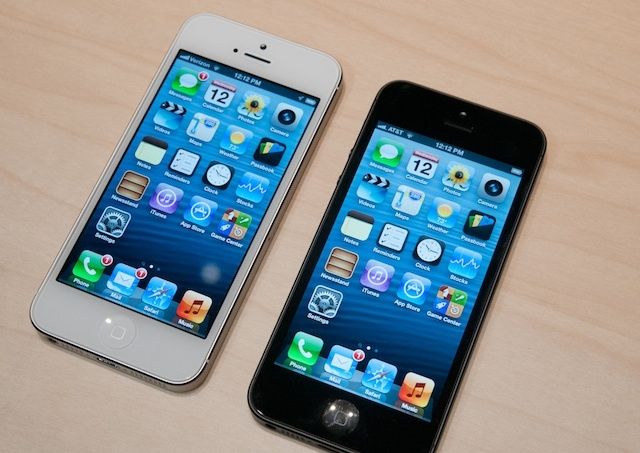
The new iPhone 5 announcement is expected to happen tomorrow at the Yerba Buena Center in San Francisco. When all the excitement dies down, however, will the device have the staying power that its earlier versions had? Will it beat out Samsung’s new offerings? Will consumers, perhaps suffering iPhone fatigue, be looking for something that thinks even more different?
It does seem that we know all there is to know about the iPhone 5 and its accompanying operating system (iOS 6), but is that actually true? In an article about the high expectations for the iPhone 5 announcement tomorrow, The Wall Street Journal – well known to be the leak source of choice for Apple – drops a tasty tidbit in a seemingly innocuous paragraph.
The release of iOS 6 just weeks away. The new release includes a range of new features. Some seem tailor-made for business use like the new VIP contacts feature in Mail. Others are clearly designed for a mass-market consumer audience. Even those consumer-oriented additions have a lot of potential for use in the office, however.
Study shows iPhone and iPad users work well into their off hours, illustrating the need for Apple’s Do Not Disturb feature in iOS 6.
The iPhone and iPad have essentially created one more day’s worth of work for most Americans. That’s the big headline from a study by mobile security and management vendor Good Technology. The study, which involved 1,000 of Good’s customers, found that during off hours, the average American will put in seven hours worth of work each week, or, one extra workday.
Concerns about maintaining a healthy work/life balance are nothing new. The mobile devices that make knowledge workers more productive have the downside of creating a situation where most of us can be reached very easily whether we’re on the clock and in the office or we’re at home in bed. This always-connected lifestyle has even given rise to mental health issues like nomophobia – the fear of being without one’s phone.
The tendency to work well past the end of the workday is so prevalent that 80% of us do so on a regular basis.
Ignore your boss more efficiently with iOS 6's new e-mail alerts.
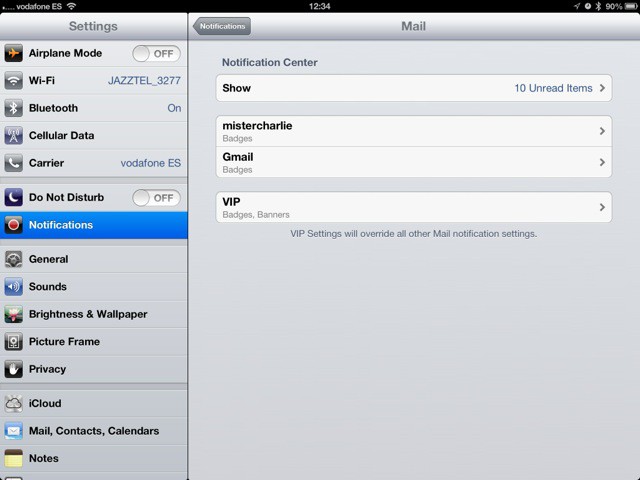
The new iOS6 Mail app gets a great new feature that isn’t obvious just reading the spec-sheet: Per-person and per-account alerts. Now you can let mail stay silent, and ping you only when a certain person sends you an email.
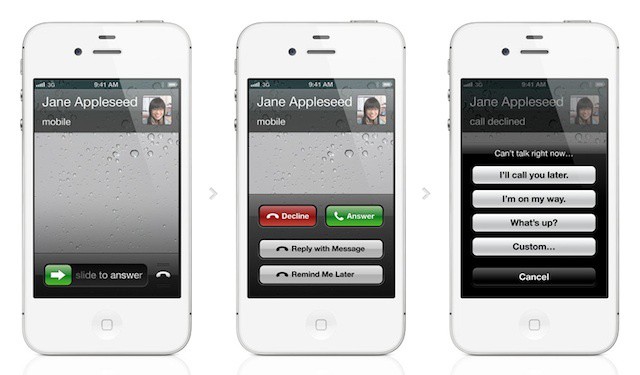
Advanced call options are a great iOS 6 feature for business users
Despite delivering excellent business solutions in many of its products, there’s always a consistent refrain that Apple doesn’t understand business customers or corporate computing needs. Apple didn’t focus on many specific business uses of the new and upcoming products announced during today’s WWDC keynote. If you look closely, however, there are definite signs that Apple is designing iOS 6 and Mountain Lion,.