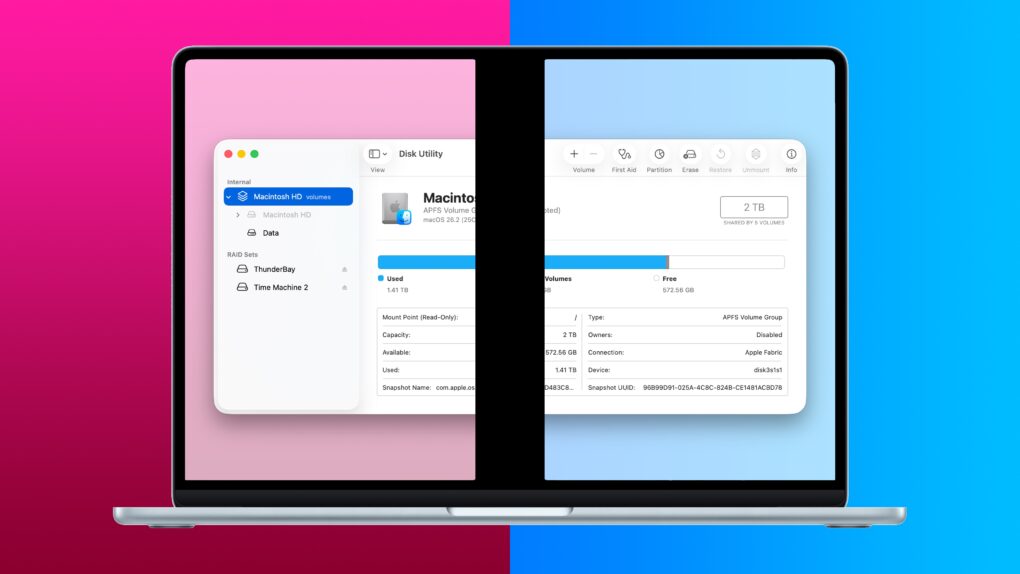
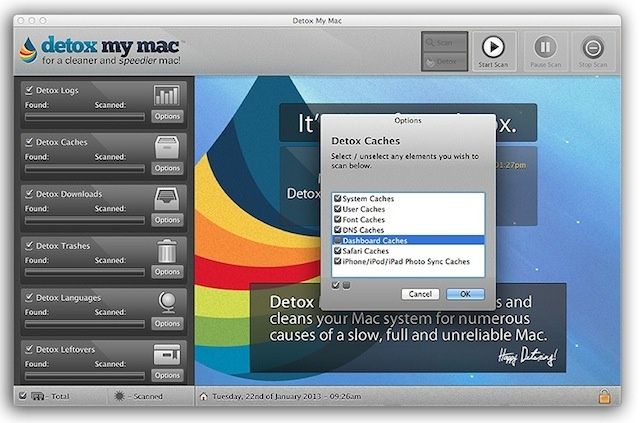
Prudent Mac users often “clean” their machines to keep them running in tip-top shape. Those in the know repair permissions with Disk Utility, empty caches, delete unused applications and transfer large media files onto external drives on a regular basis so as to clear up space and optimize running speeds. But while all these actions are sensible routine maintenance, they probably won’t make much difference to a heavily used machine running loads of applications whose performance becomes noticeably compromised. Such systems don’t need just a clean but a detox. Detox My Mac selects, scans and deep-cleans your Mac’s system for a thorough detox.
Detox My Mac does not simply offer what the regular OS X disk utilities do but much, much more.
Our Macs are pretty amazing machines on their own. The handle almost anything we throw at them with grace, elegance, and power. But there are some things it just can’t do out of the box. (Like run Windows, for example.)
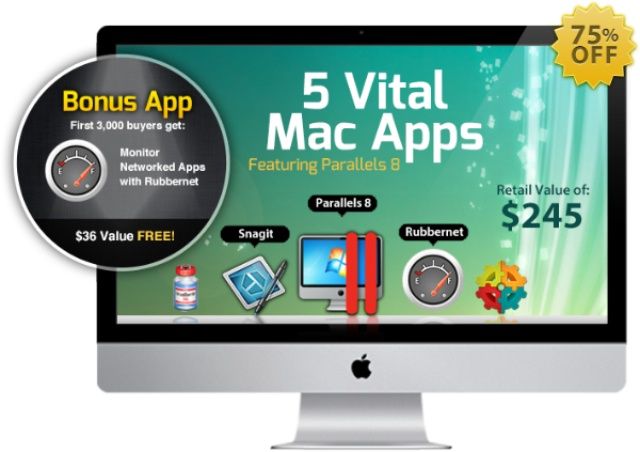
The Mac Utility Bundle is one of our recent Cult of Mac Deals offers that adds a whole new layer – and level – of utility to your Mac…and at a fraction of what it would usually cost. We’re talking only $59.99 for 5 tremendously useful applications – which is a whopping 75% off the regular price!
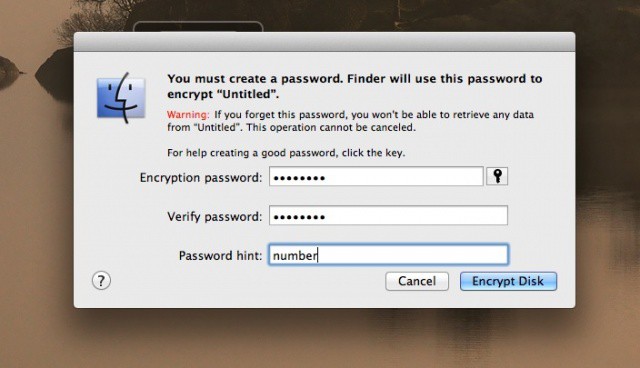
There are plenty of reasons to want to encrypt the data on a hard drive. Before OS X Mountain Lion, Apple provided tools to do this with the startup drive, via FileVault. Starting right now, however, with OS X 10.8, you can encrypt almost any external drive you like, including flash drives (also known as thumb drives in my neck of the woods). Here’s how.
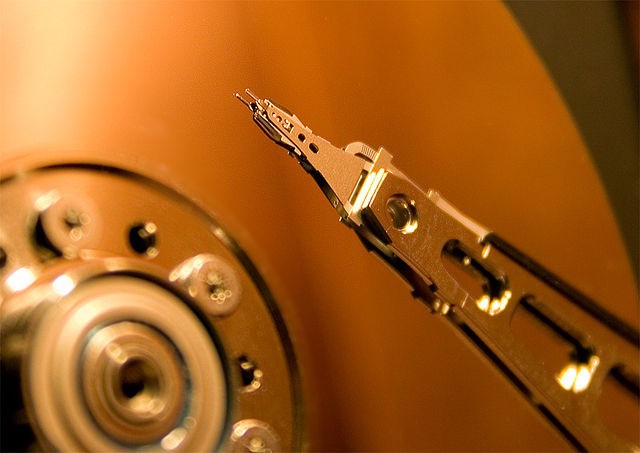
Discarded hard drives often have residual personal data on them.
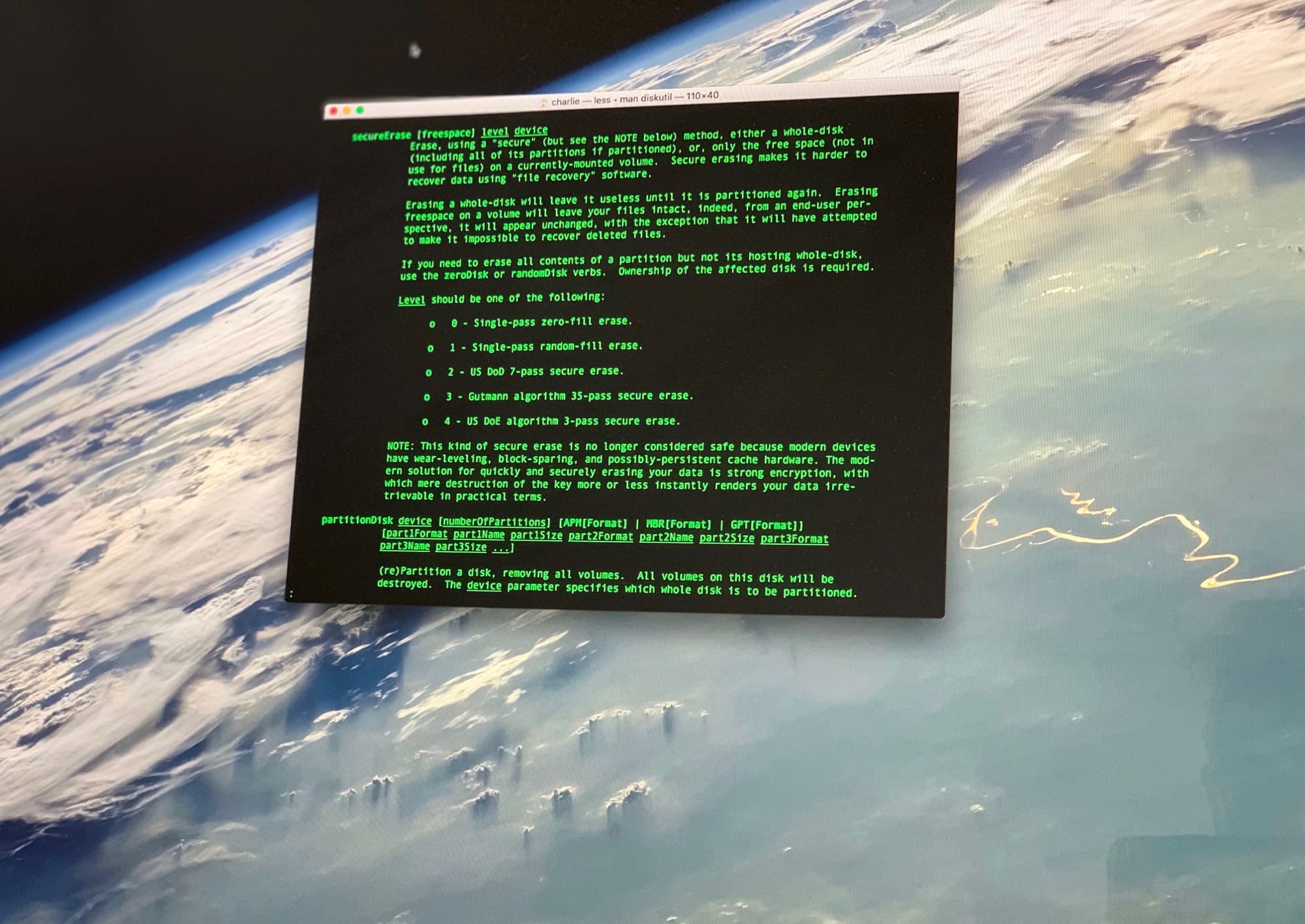
Many of us pass our Macs and some external devices on to others when we upgrade. Family and friends may get our hand-me-downs, but quite frequently we’ll sell an old Mac, printer, or external drive on eBay or some other venue. Regardless of where our computers and related technology end up when we outgrow them, it’s important to make sure we scrub any personal data from them.
The importance of securely erasing personal and/or business data from hardware that is being passed on, sold, or even recycled was highlighted in a recent study by Britain’s Information Commissioner’s Office, which discovered that half of all used hard drives contained information from their previous owners.
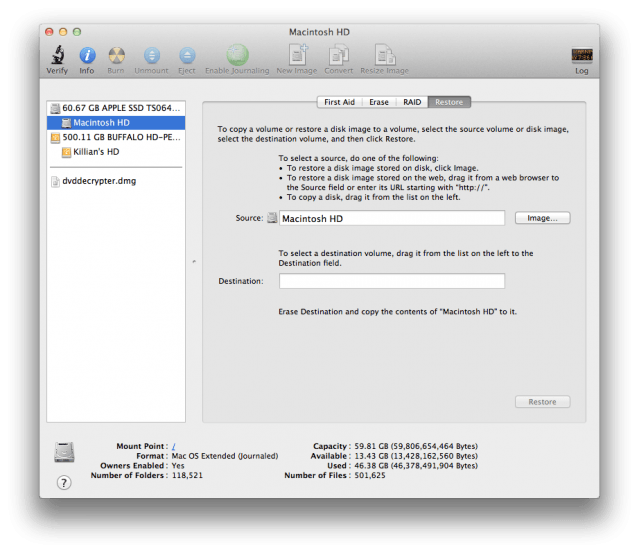
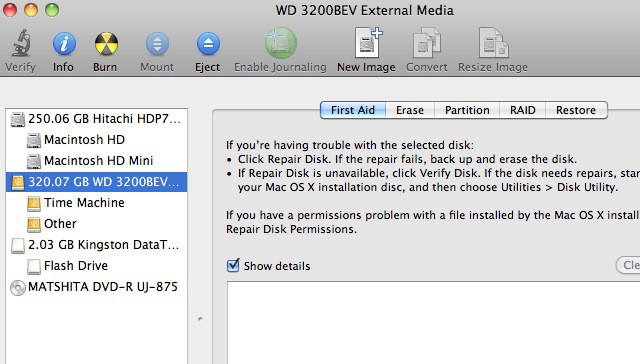
Another day, another lawsuit involving our favorite Cupertino company. This time Apple is the defendant, with Software Restore Solutions filing a complaint that claims Apple copied its technology with the Disk Utility tool built into the Mac OS X operating system.
When you buy an external Hard Drive for use with Time Machine, Apple’s backup software, you will most likely need to format it before you can use it, since chances are that it is formatted for a Windows based computer. You could always spend the extra money to get a Mac formatted Hard Drive, but what’s the sense in that? You can format your own external Hard Drive right from Mac OS X. This video will show you how.