Remember things, when you need them. Photo: Estée Janssens
The Reminders app got a total revamp in iOS 13, making it way quicker and easier to add due dates, alerts and location-based notifications to new reminders. But it also added one killer new feature: Remind me when messaging.
This lets you add a contact to the reminder, and the next time you’re messaging that person, a notification will pop up.
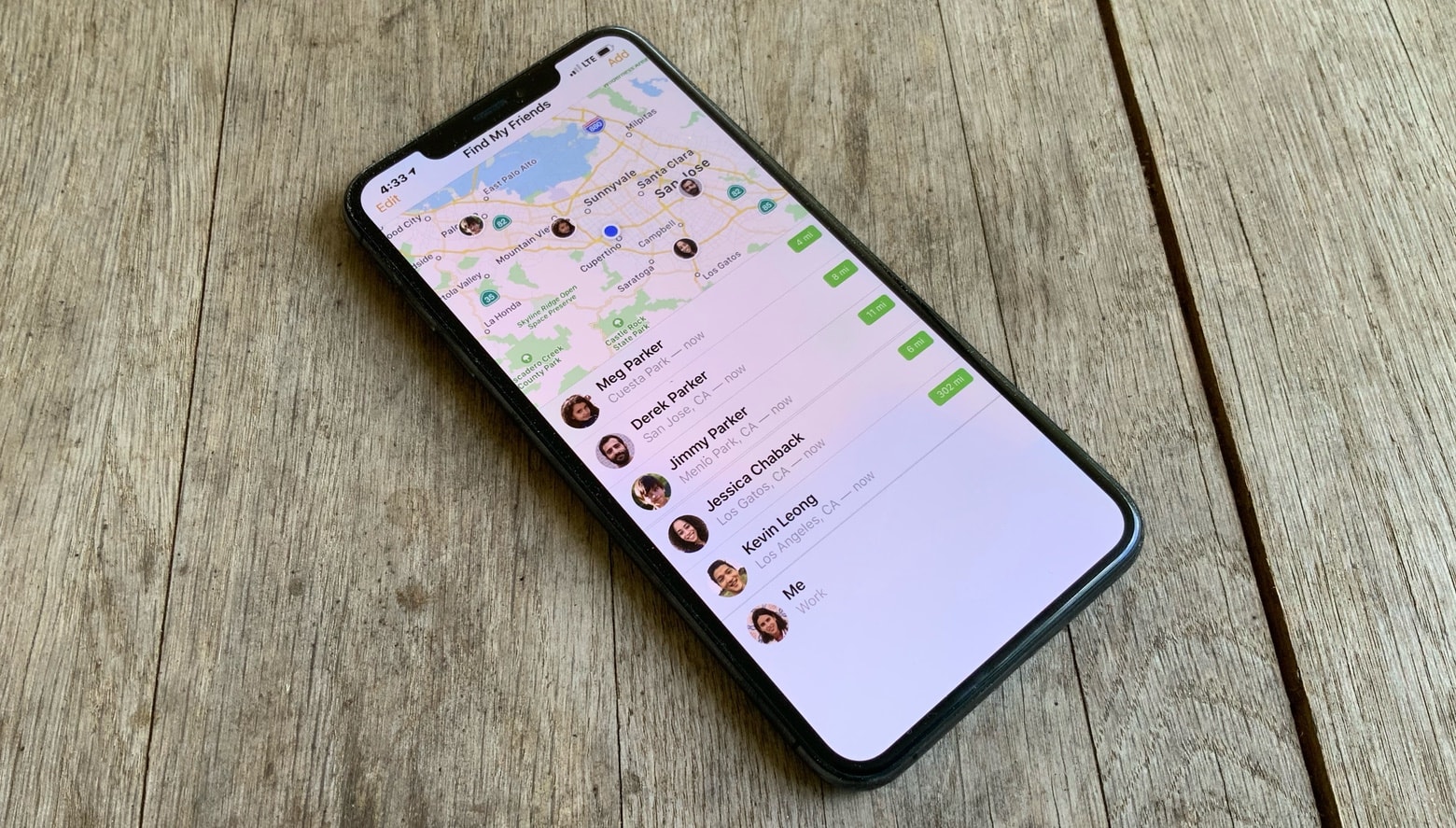
Keep your iPhone close by. Photo: Ed Hardy/Cult of Mac
A newly-discovered flaw in iOS 13 lets anyone access your contacts without your passcode.
It takes just a few simple steps to bypass your iPhone’s lockscreen and see every phone number, email address, and physical address you have saved. But a fix is already on the way.
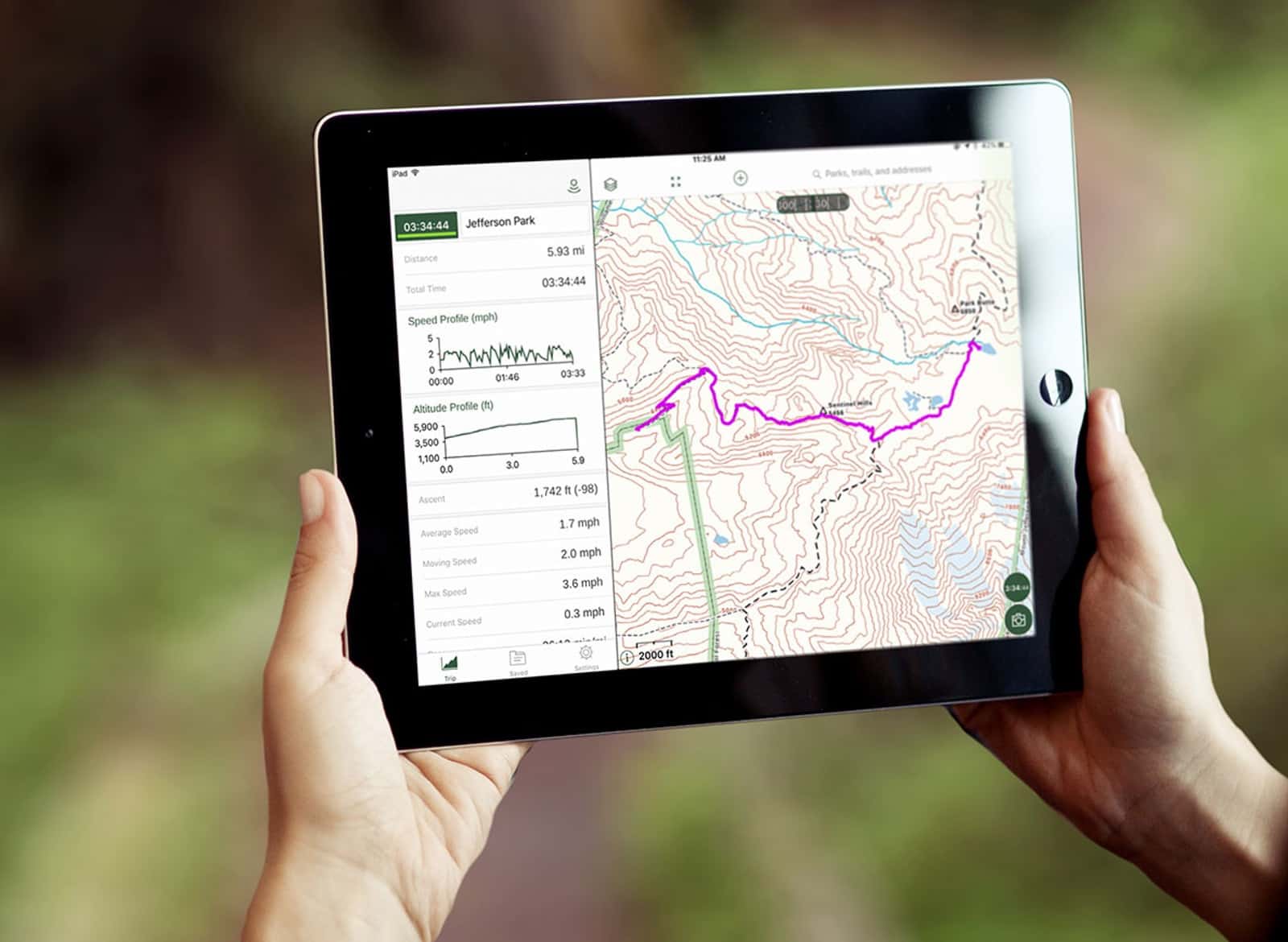
Giving your mapping app access to your address book shouldn’t also include your child’s SSN. Photo: Gaia GPS
A change in iOS 13 blocks third-party applications from accessing the Notes field in the Contacts app. This is because many people have the bad habit of storing confidential information in this field, forgetting that they then give mapping, social networking and other types of apps access to all their Contacts data.
The change isn’t Apple fixing a security hole the company itself introduced. Instead, iPhone and iPad are compensating for users storing personal information insecurely.
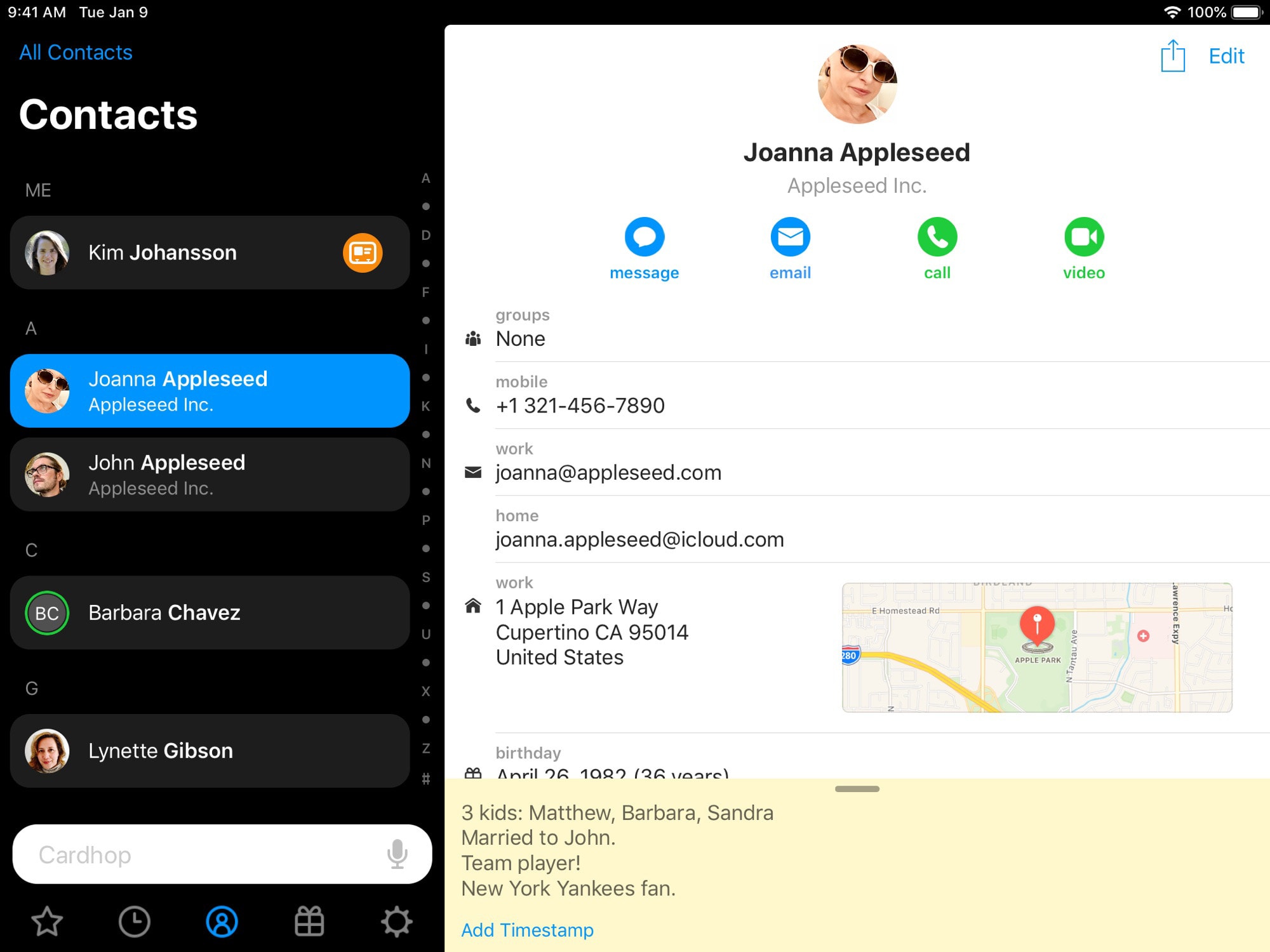
Cardhop will make you stop hating your contacts. Photo: Flexibits
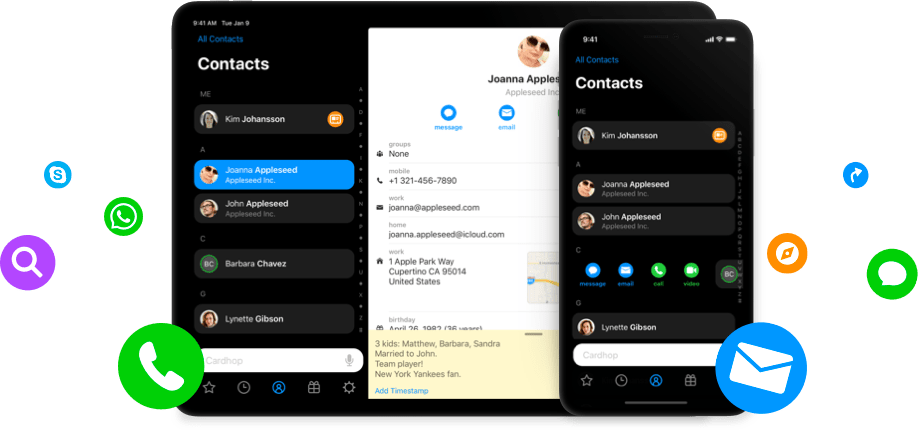
Apple’s Contacts apps are terrible. On both iOS and Mac, they’re opaque, confusing and frustrating to use. Cardhop is a brand-new contacts app for iPhone and iPad that is better than the built-in app in almost every way.
Here’s how to add a new contact without typing a thing.
The app makes it easier than ever to find contacts and, more importantly, keep your contact lists in order. It looks great, is incredibly fast, and works with all of your existing contacts on iOS.
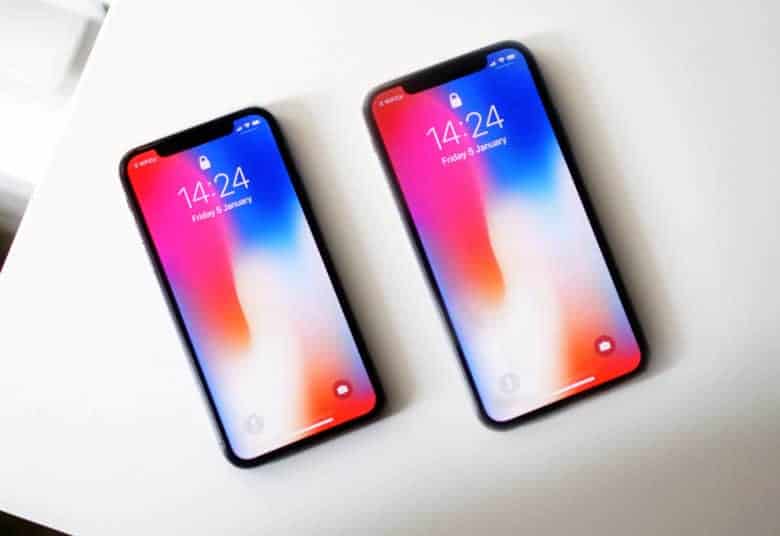
The iPhone X Plus is set to launch this fall. Photo: Ste Smith/Cult of Mac
Apple’s new big-screen iPhone launching later this year will come with some UI perks other 2018 iPhones can’t match.
Based on info found in the latest iOS 12 beta, the extra screen real estate on the iPhone X Plus (or whatever Apple calls it) will allow users to operate it in landscape mode with extra information, like the one found on the iPad.
Apple is clamping down on privacy issues. Photo: Charlie Sorrel/Cult of Mac
iOS app that misuse iPhone owners’ contact data for their own gain are about to get slammed with the ban hammer.
Apple revealed a number of new ways it’s trying to protect users’ privacy at WWDC 2018, but one major change that wasn’t mentioned on stage could have huge ramifications for companies that try to profit off your iPhone’s contact information.
Addresses aren't as easy to delete as they once were. Photo: Charlie Sorrel/Cult of Mac
The Mail app on your Mac and your iPhone/iPad does a lot for you, which is usually good. But sometimes it’s a little too helpful, like when it keeps autocompleting an old, unused email address for one of your contacts. Most of us just start tapping a name into the To: field, and pick the top result from the list. But Mail will sometimes put “zombie” addresses in there, addresses that you have deleted from your contacts, but which are being remembered anyway.
Today, we’ll see how to get rid of those zombie email autocompletes.
Cardhop was created by the stellar team behind Fantastical. Photo: Flexibits
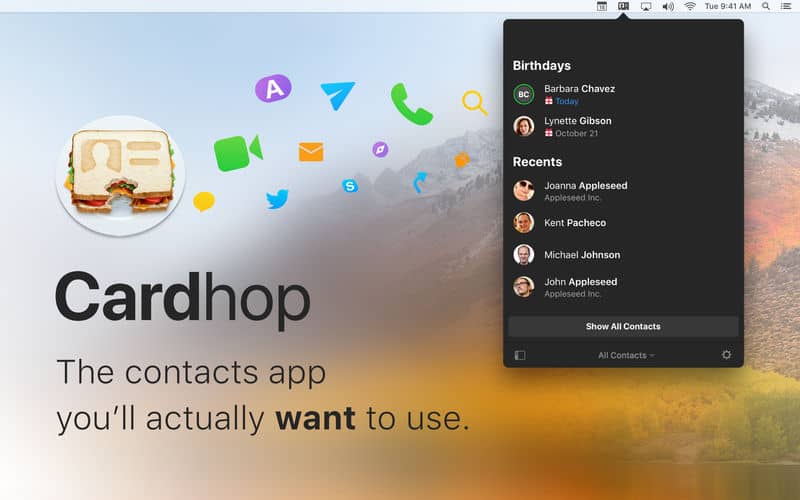
Remember how Flexibits made managing your calendar incredibly easy with Fantastical? Now it is doing the same for your contacts with a brand new app called Cardhop.
Cardhop makes keeping your address book up to date and staying in touch with friends and colleagues quick and easy. It uses the same great natural language recognition found in Fantastical, and it’s available today on macOS.
The days of having a junk folder full of Apple-made apps you don’t want is finally coming to an end.
It appears that Apple made its first steps toward allowing iPhone and iPad users to delete stock apps today by making them available to download via the App Store.
The company didn’t announce the changes during its WWDC keynote, but after installing the first beta build of iOS 10, developers have discovered that apps like Maps, Contacts, Stocks, and others can now be deleted.
Finding and merging duplicate contacts has never been this easy. Photo: Rob LeFebvre/Cult of Mac
If you want to clean up your contacts list so you can better utilize the power of keeping track of people’s contact info on your iPhone, you’ll need to clean it up.
My contacts list has always been a mess. I’ve kept a running list, saved to various services and such, since my first iPhone in 2007.
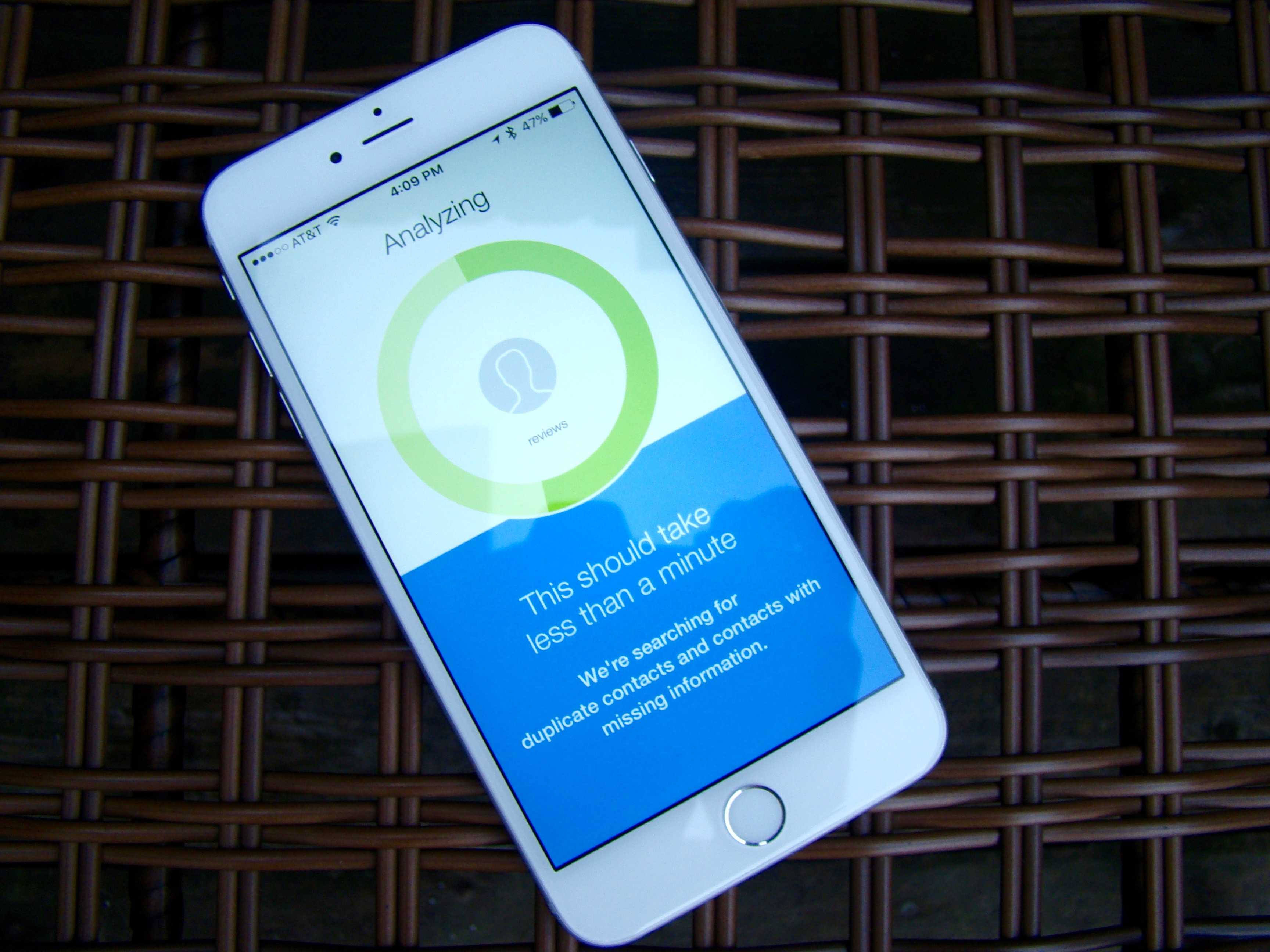
It’s annoying enough that I went looking for an app that will destroy all the crazy duplicates I have on my iPhone. When I found an app called Cleanup Duplicate Contacts, I took it for a spin and found out how easy it really is.
There they are! Hello, contacts! Screen: Rob LeFebvre/Cult of Mac
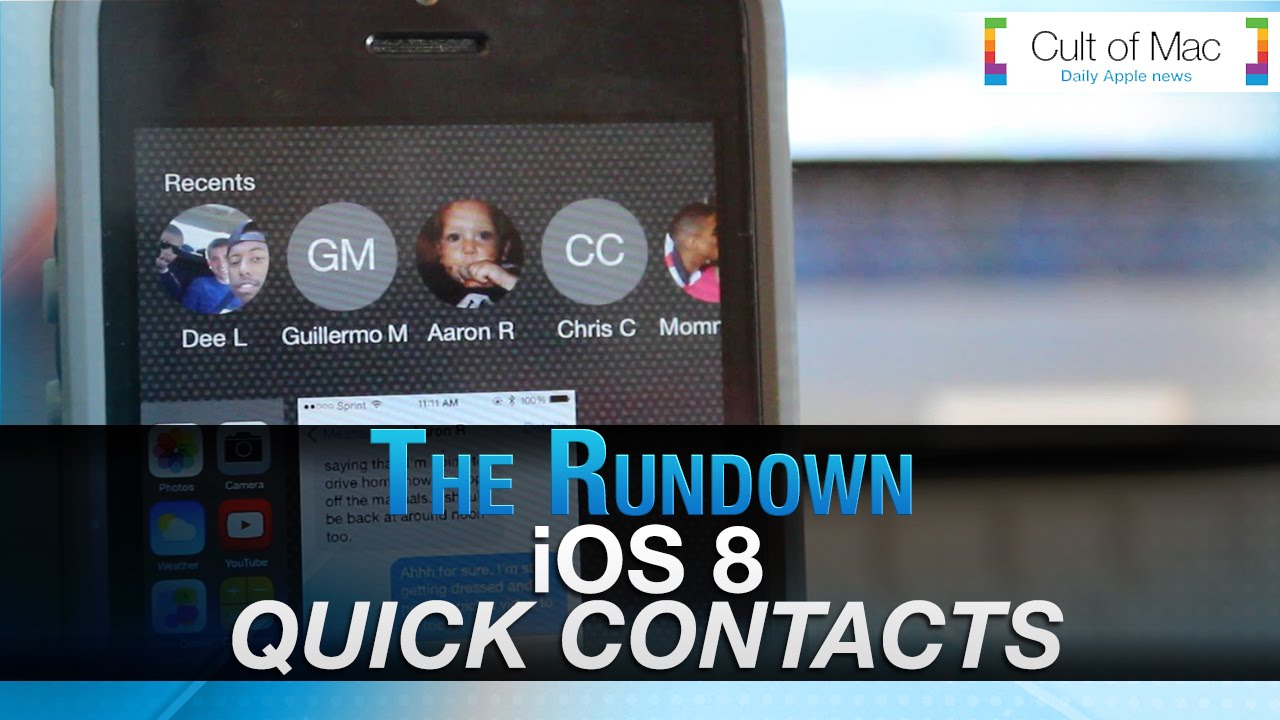
iOS 8 introduced the idea of showing your most-contacted contacts in the multitasking screen. You’d simply double click on the Home button to see the list of the most recent apps as well as a row of the folks you contacted the most across the top.
If you’re looking for that feature in iOS 9, you might have noticed that the contacts are no longer in the multitasking screen. Never fear, though, they’ve just moved.
Transfer all of your Android contacts and photos to iOS in no time. Photo: Ste Smith/Cult of Mac
You’re finally making the move, getting rid of your old Android phone in favor of a shiny new iPhone. The only problem is transferring all your valuable contacts and photographs from one device to the other.
Well, in today’s video I’m going to show you how to do just that — and luckily it’s a lot quicker and easier than you may think.
BusyContacts is the best Contacts app replacement we've seen. Photo: BusyContacts
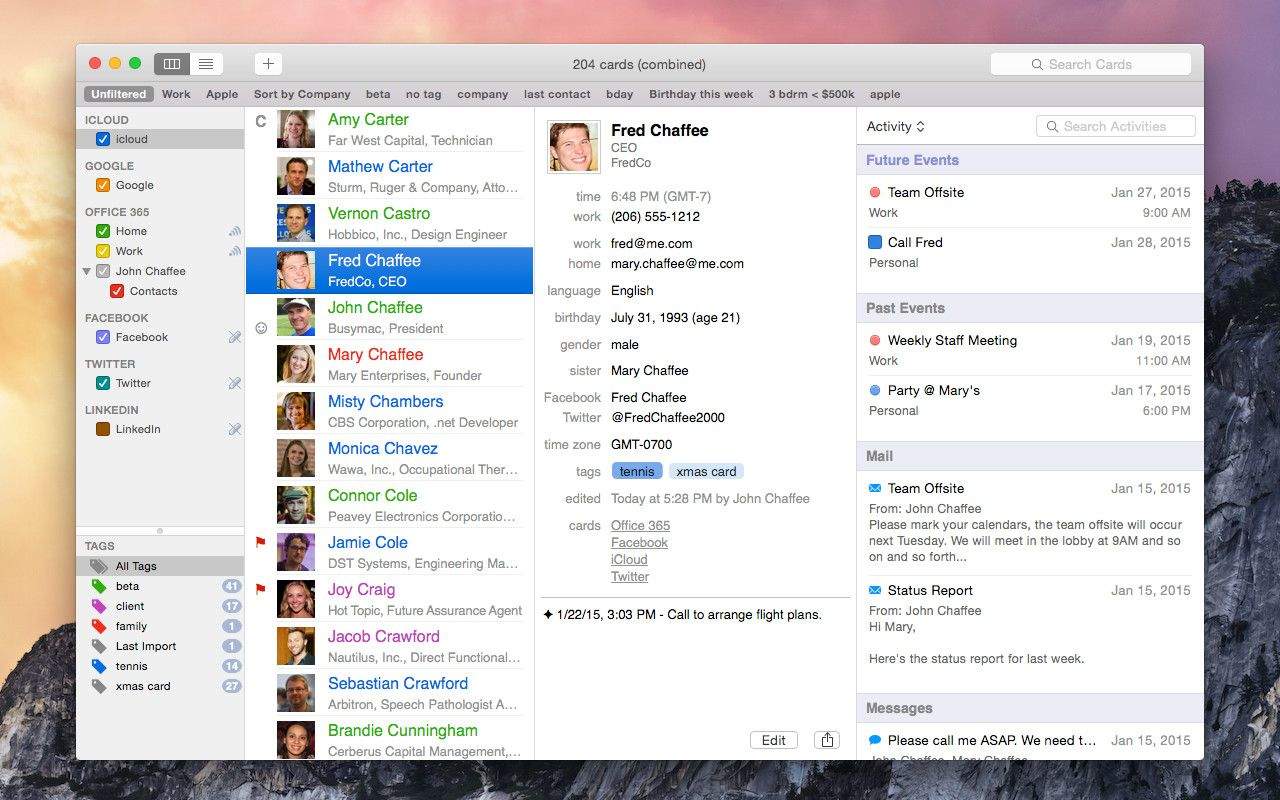
Apple’s Contacts app is the worst. It’s slow, it has a hard time working with services like Google or Exchange, and it just plain doesn’t connect with Calendar. Even though it integrates into all our other apps, most of us would be super-happy to replace it.
BusyContacts, a new app from the folks behind BusyCalendar, is that replacement app, whether you’re an average consumer, a busy office manager or an entrepreneur looking to wrangle your contacts and busy schedule.
“Many people are frustrated with the shortcomings of the built-in OS X Calendar and Contacts,” said John Chaffee, president and co-founder of BusyCal, “which are very basic and don’t work well when syncing with non-iCloud services.”
BusyContacts (and BusyCal) are powerful alternatives to these built-in apps, giving users greater control and flexibility along with better compatibility with Google and Exchange, while still playing nice with iCloud.
The upcoming release of iOS 8 brings many new features that will dramatically improve everyday use of iPhones and iPads. While currently contacting your friends can be an annoyingly long process because you must open apps and search through contact after contact, a new feature in iOS 8 eliminates this common hassle.
In today’s video we show how iOS 8’s new quick contacts feature will make contacting your most recent friends much easier. After you update to iOS 8, simply double-click the home button to enjoy this new functionality.
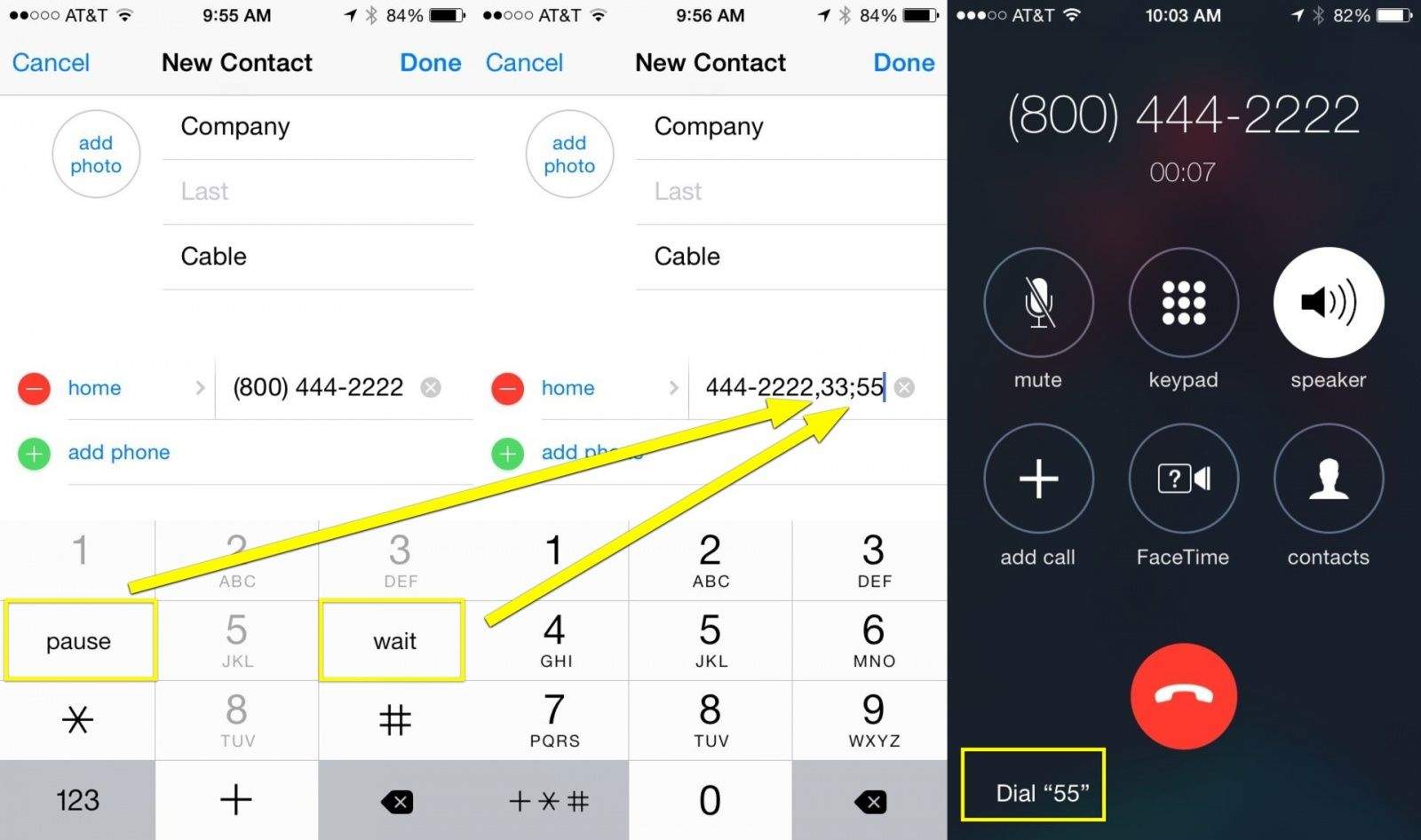
We’ve all had to do it: make those conference calls to services that require you to enter in a code, or a room number, or what have you.
If you call these numbers frequently and want to save a little time, you can enter in the extensions and codes into your Contacts app, but you’ll want to code in the bit of wait you’ll need for the conference call system to recognize it.
It’s easy to do, and you can do this right on your iPhone.
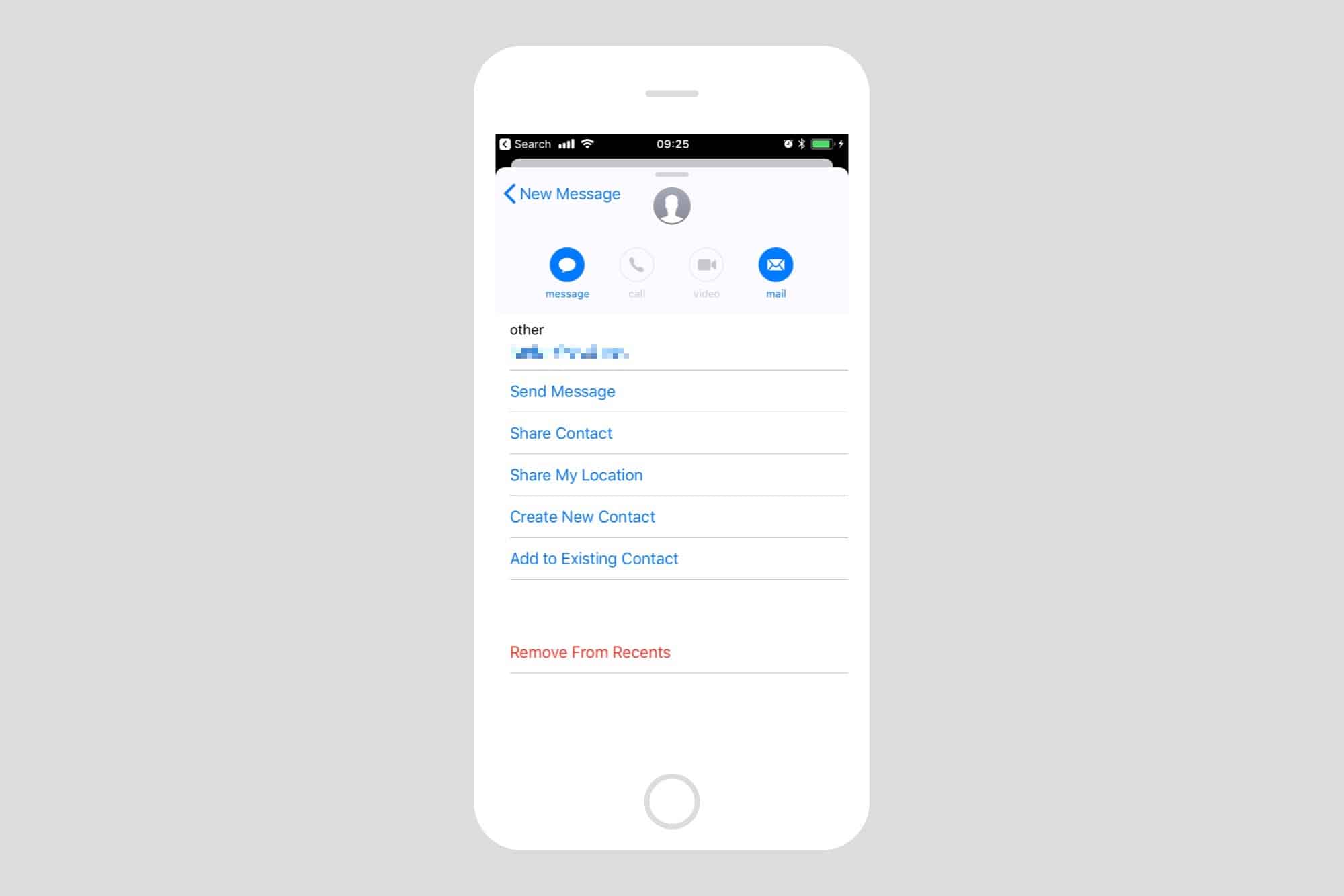
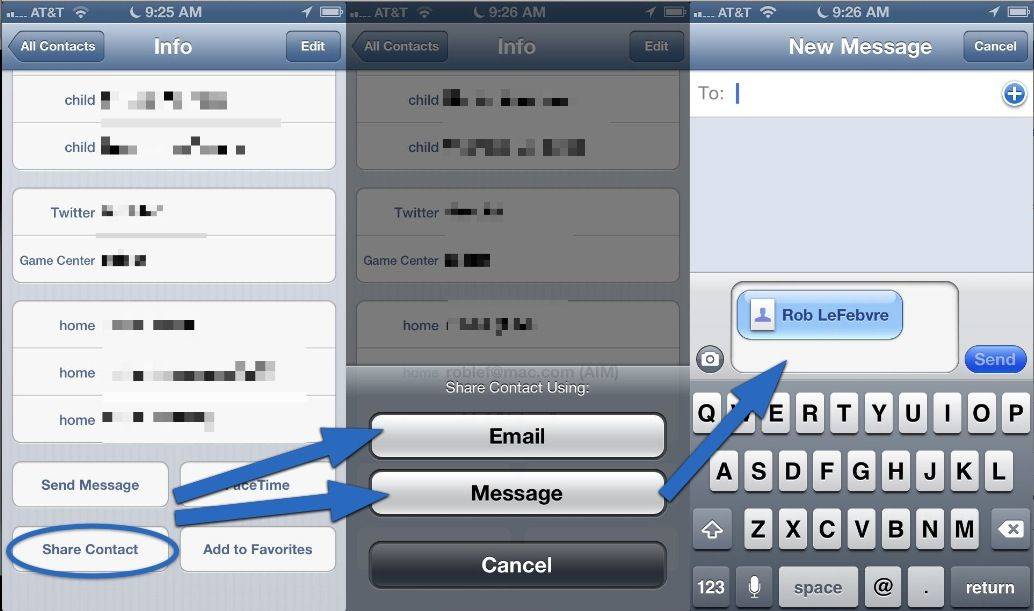
Let’s say you’re at a conference, and you meet someone you’d like to share your contact information with. You could both download one of many apps in the App Store for this express purpose, you can hand them a business card, or you can just use the simplest solution: send them an email or text message with your contact info.
It’s super easy to do, and takes way less time than downloading an app. It’s also more efficient than a business card, since you know no one actually keeps those, right?
Visuals are extremely helpful, especially when you’re trying to differentiate between a lot of text information.
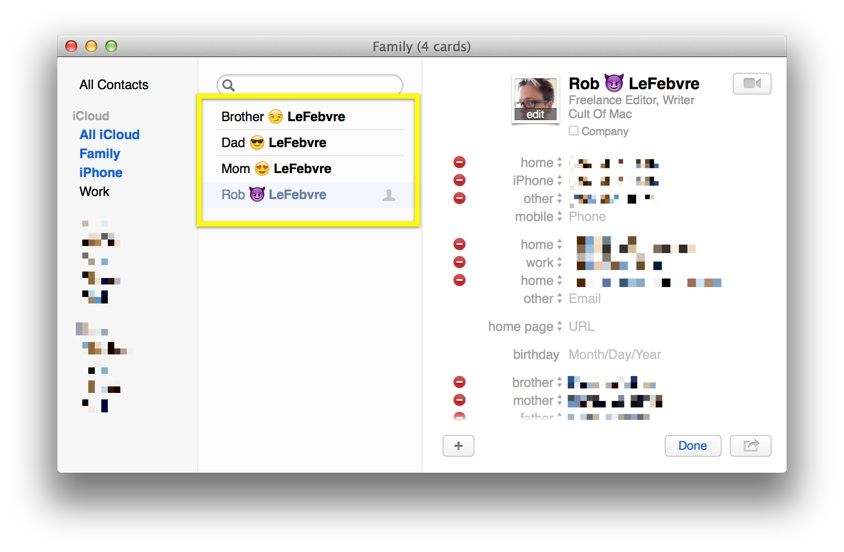
Consider your contacts list, which could have hundreds, maybe even thousands of people’s information in it. Sure, you can break them up into groups and just search for the contacts you want, but there is a neat way to find what you’re looking for using the Emoji keyboard that’s now included in OS X (and iOS).
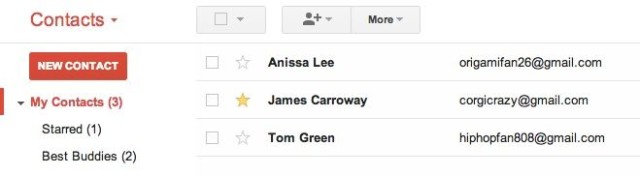
Gmail now lets you star contacts in the web app, and if you use an Android phone then those stars will sync across to your mobile address book. They’ll also be added to a special starred section of your contacts list, and sync with your Android Favorites.
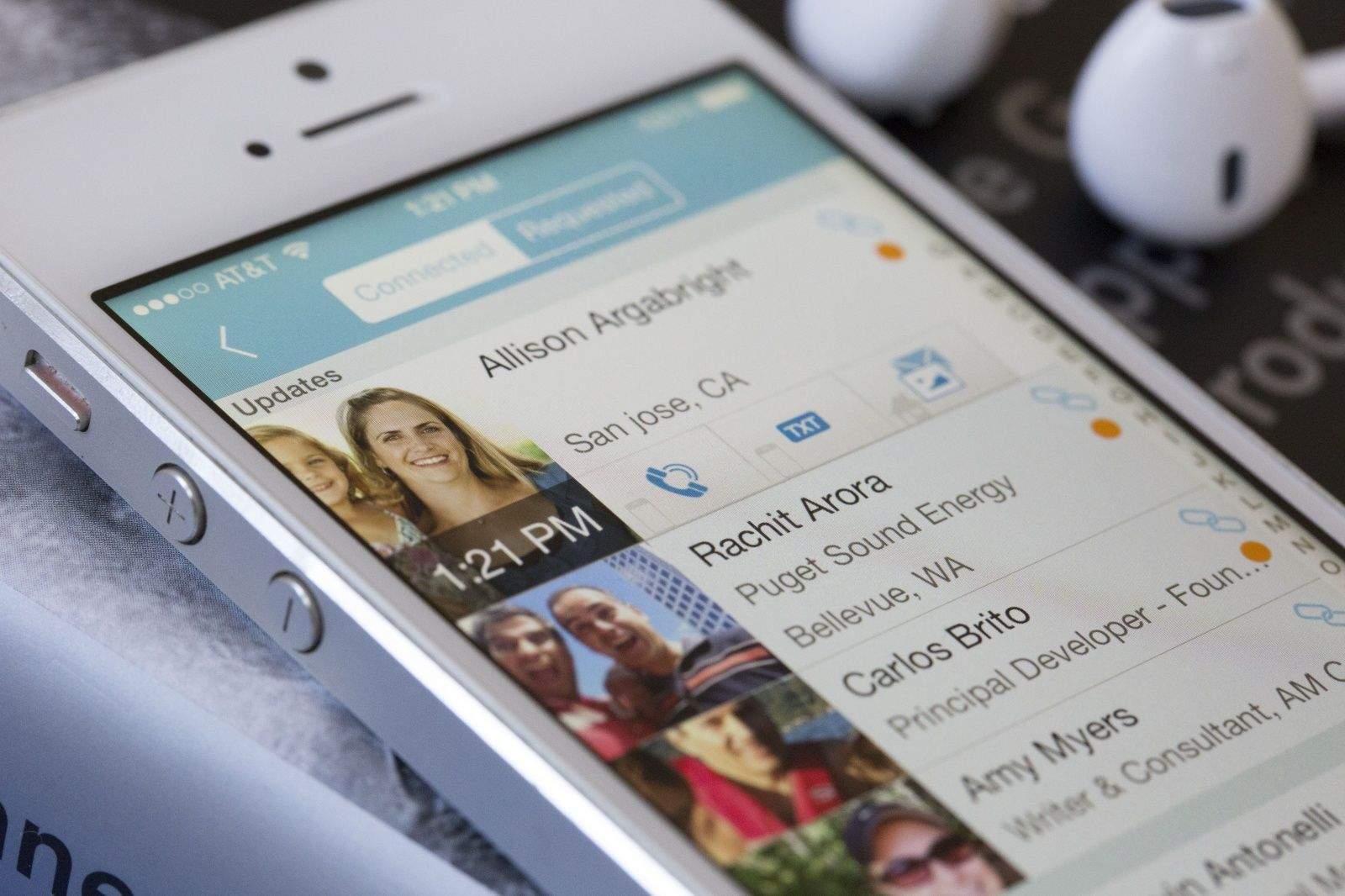
The problem with the native Contacts app on your iPhone is that you have to keep the addresses, phone numbers, and emails updated on your own. If your friend moves, or gets a new number, it’s up to you to get the information and enter it correctly into your Contacts app. That’s just so old school.
Addappt is a new app that aims to change all that. You invite others to download and enter their own information in the app, and then every time something changes on their end, the entry in your app changes, too. Better still, the app will push the changes to your native Contacts app, something I’ve not seen before in an app of this type.
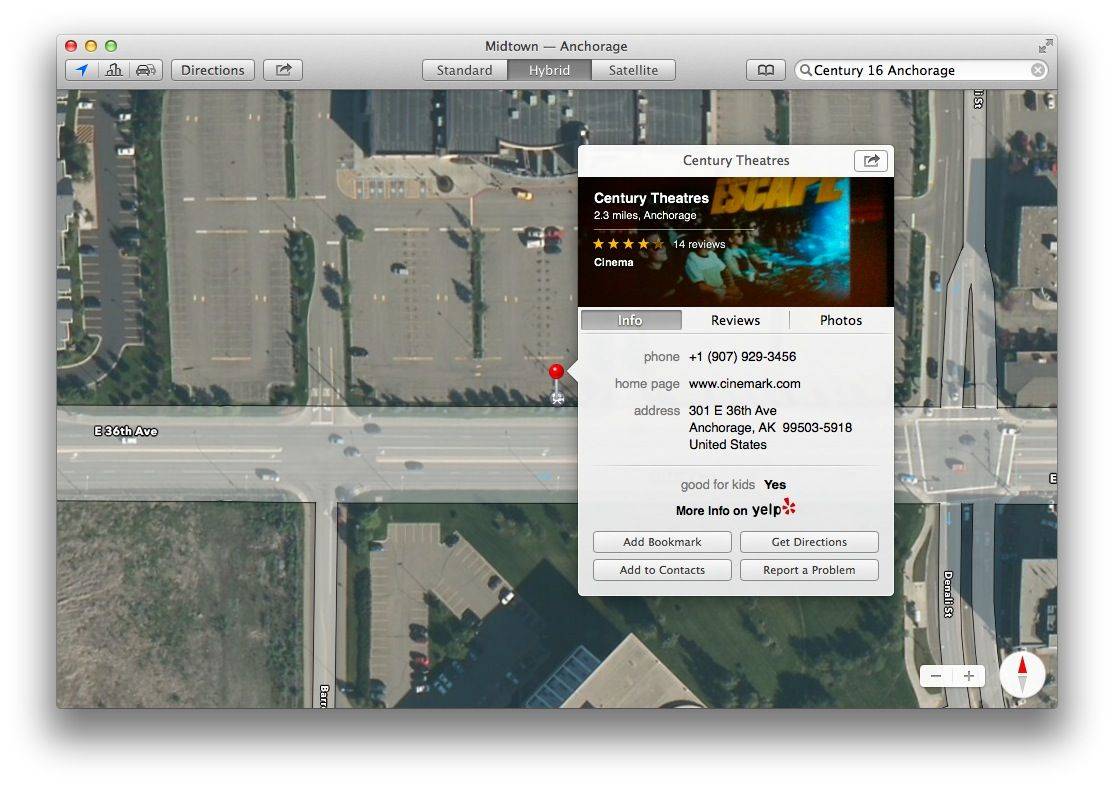
Sure, it’s pretty easy to type an address into the Maps built into Mavericks, but wouldn’t it be even better if you could just click your way to Map nirvana?
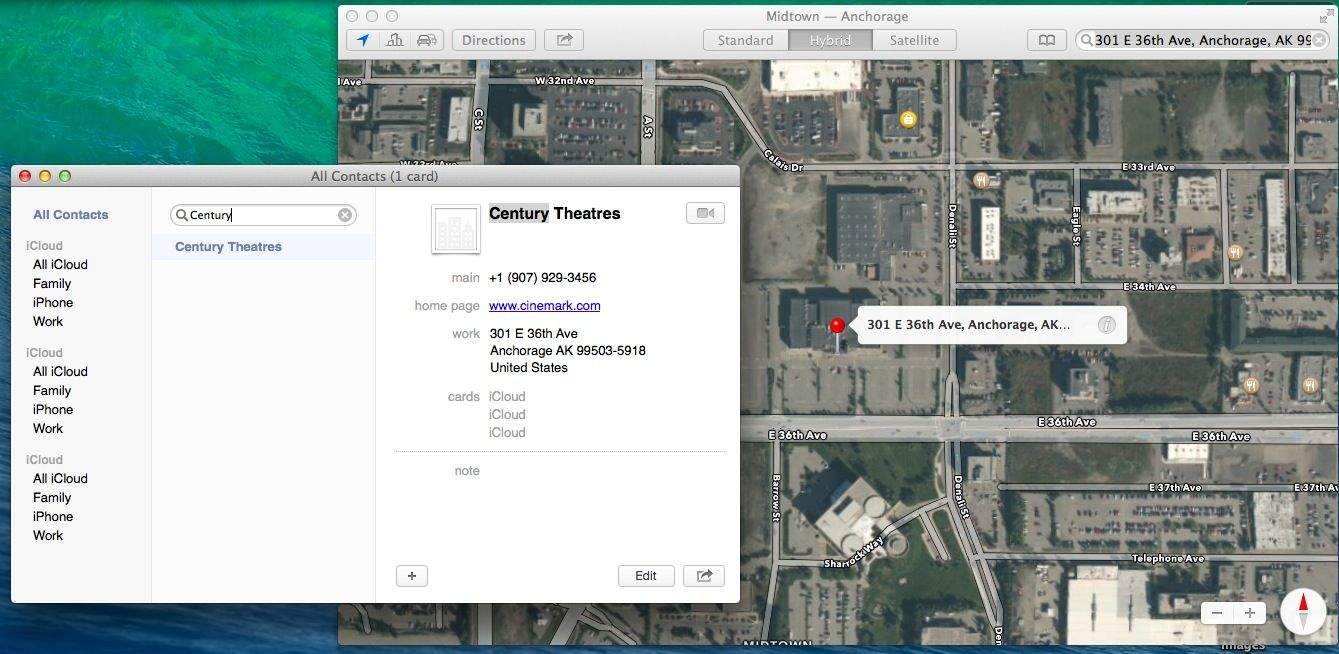
In the latest version of OS X, you can send your directions or Map locations right to your iPhone or iPad, so why not make things even easier and more streamlined? Just launch Contacts and you’ll see.
It’s great to be able to keep track of addresses for friends and places around town in your Contacts app. Having all the address info in a ready Contact makes it super simple to launch Maps in Mavericks from the Contacts app when you want directions to a party in town somewhere.
And, while you can easily send directions from Maps app to your iPhone, it’s also helpful to just say to Siri, “Directions to Jill’s house,” or “Get me to the movie theater,” and have your iPhone just pull up maps based on that name in the Contacts app.
Mavericks makes it incredibly simple to put addresses for all the places you might want to go right into your Contacts app so you can do just that.
Ever been to a professional conference? You probably take those little cardboard bits of paper with pictures and contact info along with you, right? Business cards are kind of a given at conferences, but you can also cut to the chase and send your contact info to anyone you’re chatting with.
Using your iPhone Contacts app, you can send your contact info, or any contact you have on your phone, with a couple of simple taps. Here’s how.
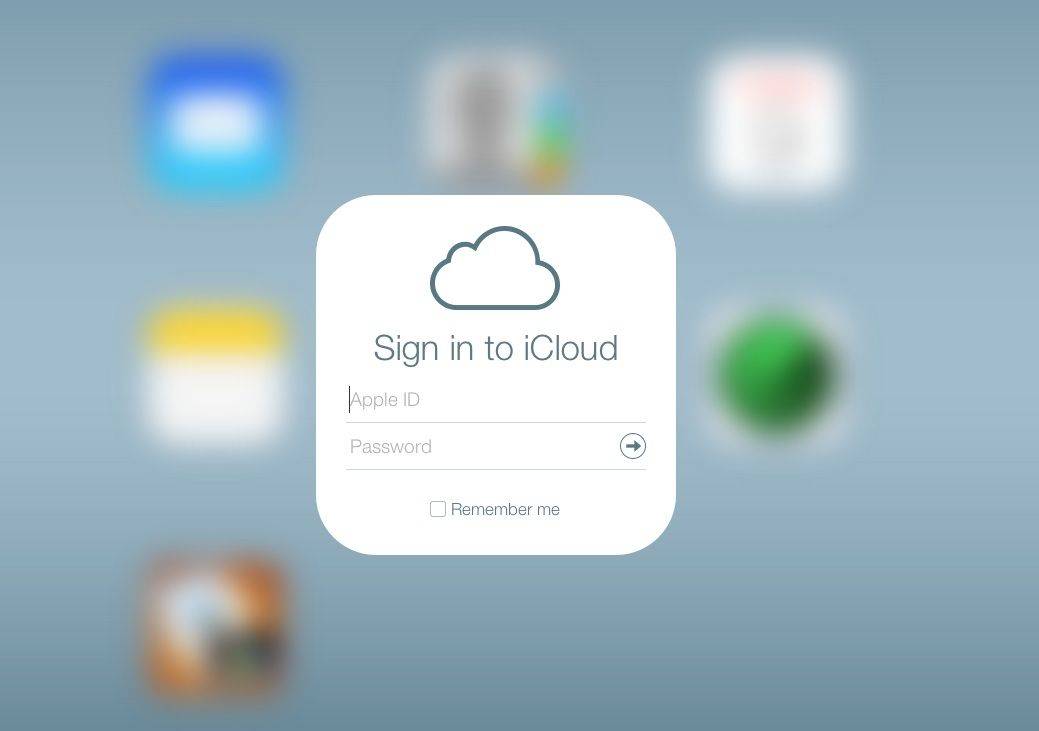
With less a month to go until Apple unveils its new iPhones and the release date of iOS 7, the iCloud beta site just received a redesign to bring it more in-line with iOS 7’s UI.
Apple has replaced the old iCloud app icons for Mail, Contacts, Calendar, Notes, Reminders, and Find My iPhone with their counterparts from iOS 7. Along with the new icons, Apple has redesigned the UI of each app with the updated look of iOS 7 as well.
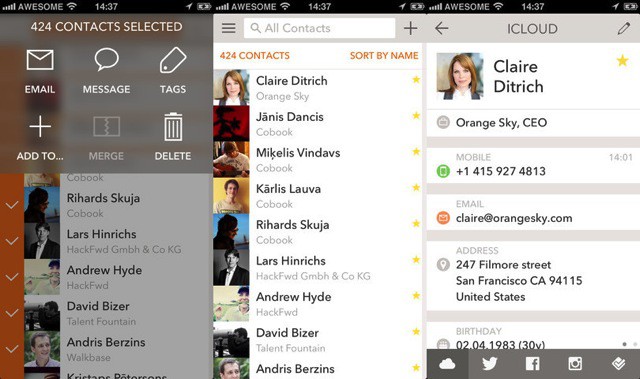
Cobook has updated its contacts/address book app, adding some long-overdue features, some neat new tricks, and – finally – a store, so you can give the company some money at last.