Google has brought the new voice search features announced at Google I/O last week to its Google Chrome web browser for desktops. The latest version of the app (version 27) puts a little microphone icon alongside the search bar on Google.com which lets you find the things you’re looking for without touching your keyboard.
Google Chrome’s app launcher, which lets Chrome users quickly find and launch their favorite web-based applications, is coming to Google Chrome for Mac OS X. Google has already begun work on porting the feature to Windows, but it’s also been found in the latest Chromium build for OS X.
Despite being a bitter rival of Apple, Google still makes some of the best iOS apps on the planet. One of my biggest gripes against Google’s apps though has been if you click a link inside Gmail, it opens up a Safari browser version of YouTube or Google Maps rather than opening the app directly.
Google has finally fixed that big annoyance by adding link support to Gmail for YouTube, Google Maps, and Chrome. The free update was just pushed out to the App Store. Now when you click on those links, the corresponding app will open up. You can turn the feature off if you want, but users who live and die by Gmail will certainly appreciate this simple feature.
Thanks to those leaked screenshots that appeared on Tuesday, we’re pretty confident that Google Babel is no longer just a rumor, but a real product that’s patiently waiting to get its grand unveiling. And according to sources that are familiar with Google’s plans, it’s worth getting excited about.
They claim Babel aims to be “everything we have ever asked for in a unified messenger service,” with cross-platform syncing and a “first class iOS experience.”
Google has confirmed that it will drop WebKit for its own rendering engine called Blink in “around 10 weeks.” The company has already begun testing Blink in Chrome Canary builds — the beta version of its popular browser — but it will rollout the change to stable Chrome builds with version 28 for both desktops and Android devices.
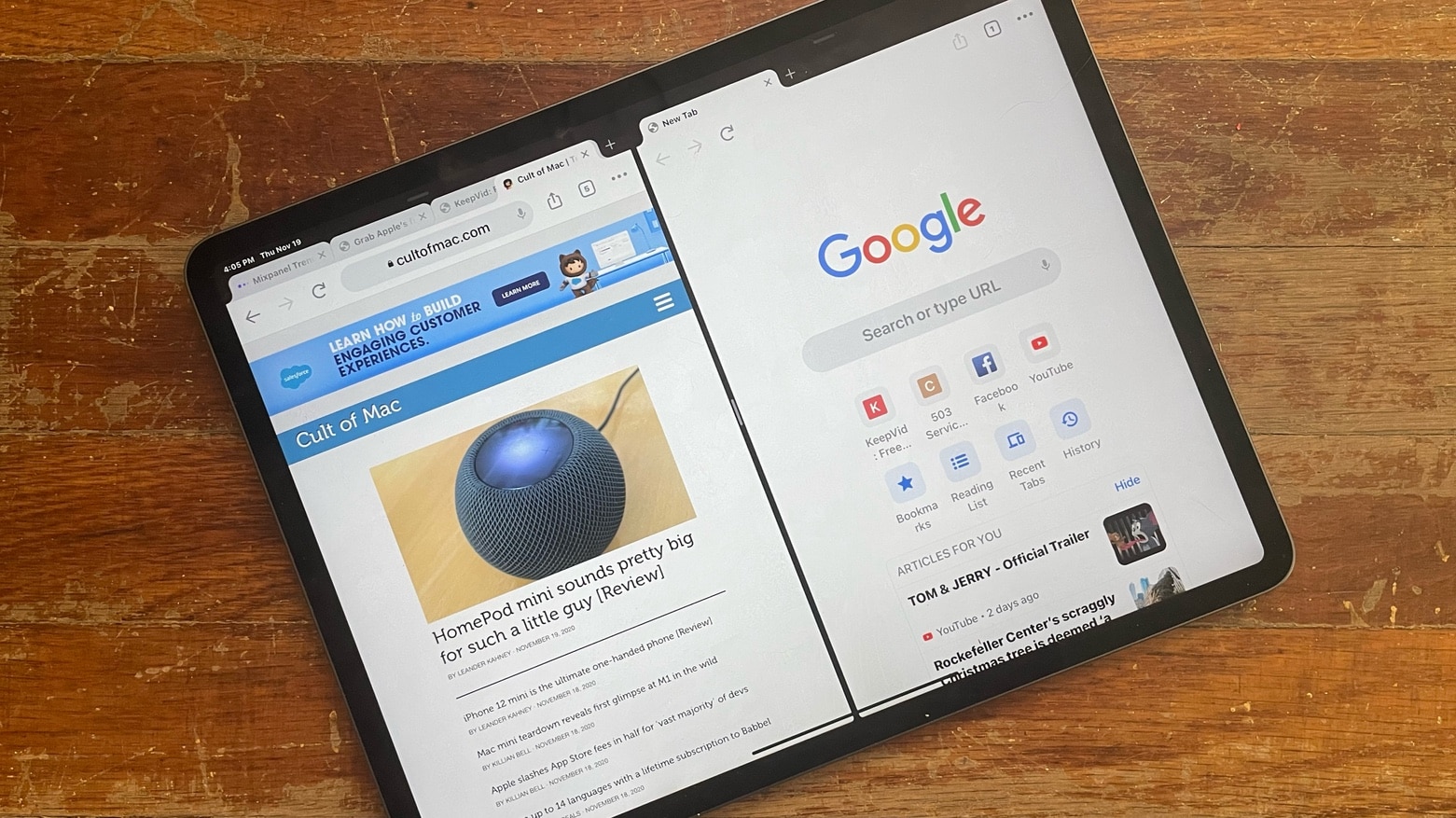
Safari is a great browser on iOS, as well as the default one. Chrome is also a fantastic browser, and I find myself using it more and more as it integrates well with its Mac version, with bookmarks and such synching nicely due to a unified Google sign in.
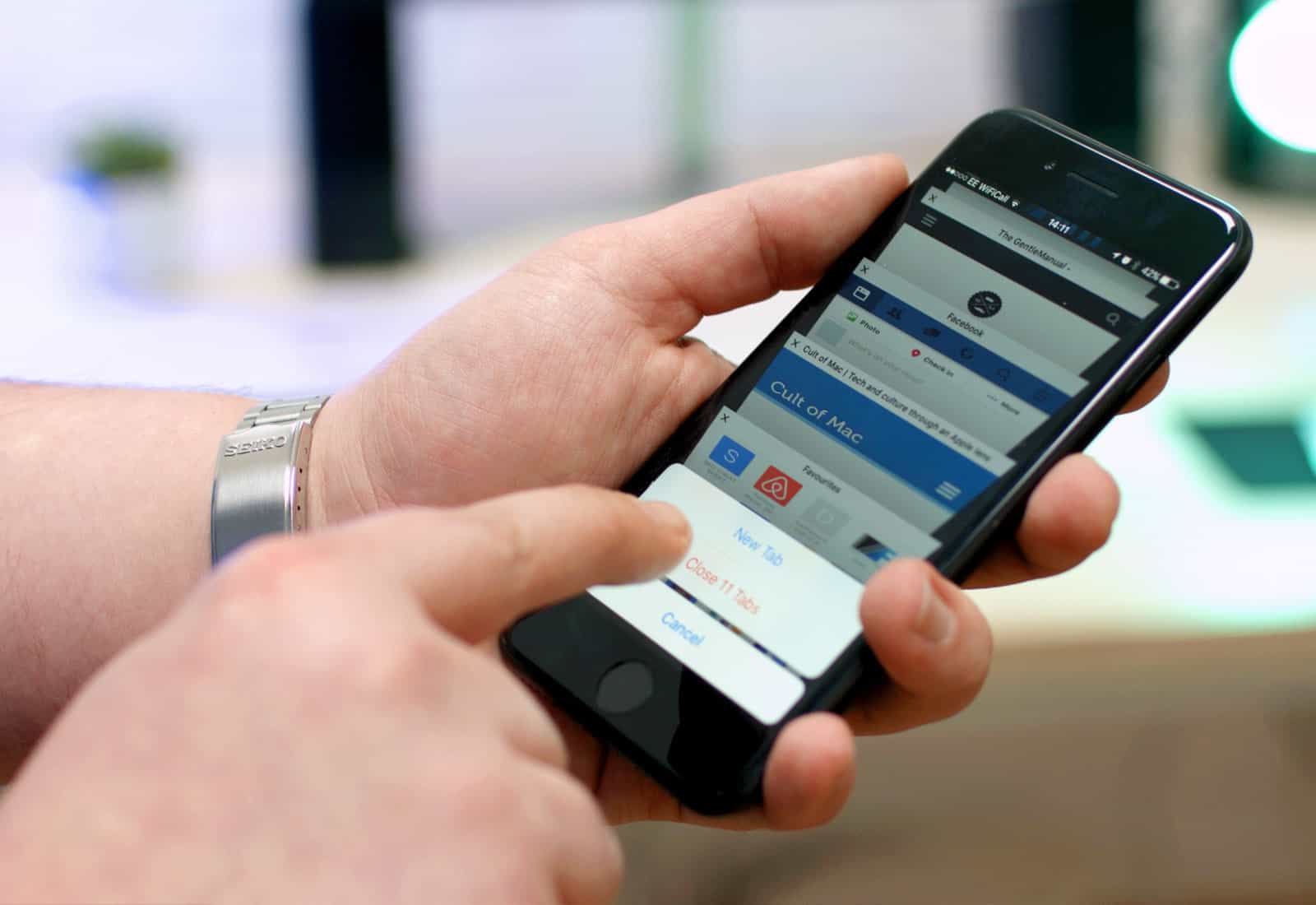
Tabbed browsing is great on both the iPad and the iPhone, and Chrome implements it a bit differently per device. The iPad has tabs similar to that of the desktop app, while the iPhone displays tabs only when you hit the little tab button in the top right corner of the screen.
You can also navigate between tabs in either version of Chrome using naught but a swipe gesture.
Android may have a larger share of the smartphone market than iOS, but Apple’s Safari browser is still king of the mobile web. According to the latest market share data from Net Applications, Safari accounted for 61.79% of the mobile web traffic throughout March.
Browsers on iOS run with a major disadvantage to Mobile Safari. Not only are they obliged to use Apple’s built-in WebKit rendering engine, but they have to use a slower version of Apple’s speedy Nitro JavaScript engine. The result? If you use any third-party browser on your iPhone or iPad, it will run slower than Safari… at least without a jailbreak.
It’s unfair, but various companies have still made excellent browsers for iOS, including Google Chrome and Opera. Mozilla, though, will not follow these company’s lead, having said at this weekend’s SXSW conference in Austin that Firefox won’t be coming to iOS any time soon.
Google updated its Chrome browser for iOS on Monday to introduce a number of small but helpful features, including quick access to your browsing history, and webpage sharing. But those who updated on jailbroken devices are finding that the app now crashes shortly after starting up, rendering it unusable.
If you’re one of those users, you’ll be pleased to know there is a simple fix. Here’s what you need to do.