All items tagged with "calendar"

Mastering Mac OS X Calendar: Create A Quick Event Using Natural Language [OS X Tips]

Calendar QuickAdd

As a user of Google calendar, I’ve often ignored Mac OS X’s Calendar app, formerly iCal, for the bright internet lights of the easy to use, sharable online calendar from the folks in Mountain View, California.

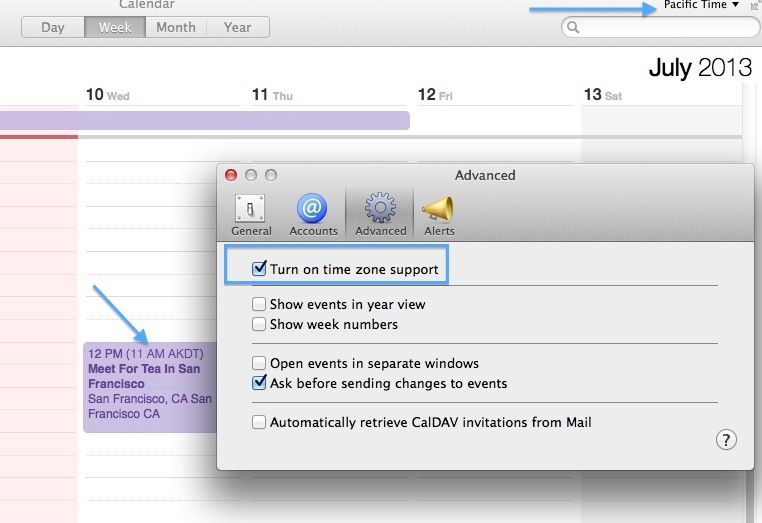
I forget, though, that Calendar has a ton of great features for folks who really don’t need or want to use Google’s option, or who just want to stick with Apple products. One of the cool features that I didn’t realize Calendar had until researching this week’s tips is natural language event creation in Calendar itself.

Check it out.

Read the rest of this post »

Sooner Gets Todos Sorted Sooner (And Smarter) [Review]

Not the todo list you expected.

Not the todo list you expected.

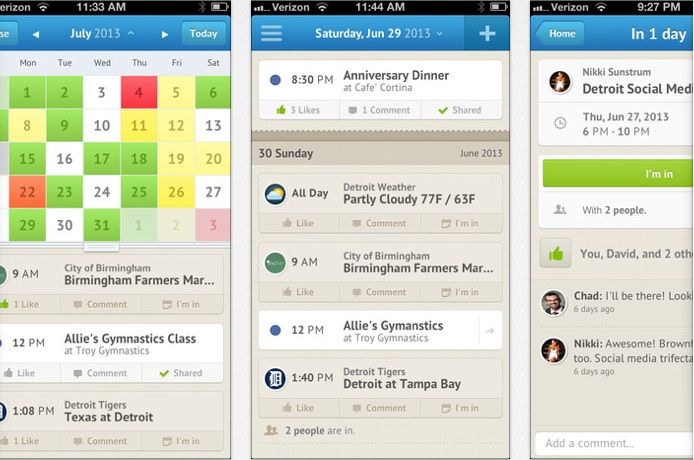
New interface ideas are few and far between on the App Store these days, but productivity app Sooner is crammed full of them. It’s also elegant and speedy and rather fun to use.

Read the rest of this post »

Fantastical, 1Password For Mac Now Half Price For A Limited Time [Deals]

Screen Shot 2013-02-07 at 16.50.04

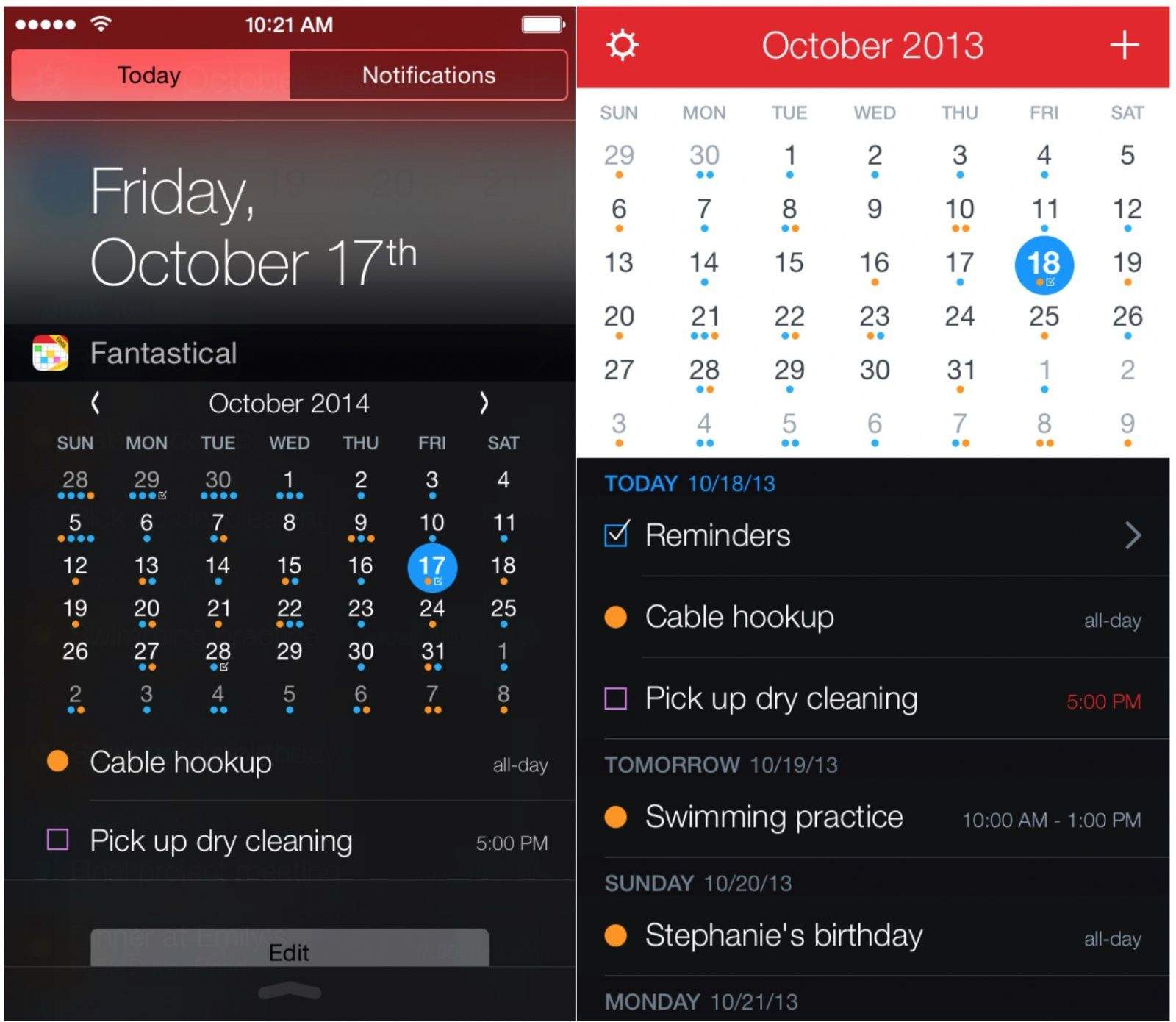
Fantastical and 1Password, two essential applications for any Mac OS X user, have both had their price tags slashed by 50% for a limited time. Fantastical is now down from $19.99 to $9.99, while 1Password is down from $49.99 to $24.99. They’re both available to purchase from the Mac App Store now.

Read the rest of this post »

Easily And Quickly Share An iCloud Calendar From Your iPhone or iPad [iOS Tips]

Shared Calendar iOS

Shared calendars keep things running smoothly around my home, letting various folks in my life what’s going on with me and my family so that everyone is up to date on the latest information about our whereabouts. It used to be that I had to hop onto the calendar on my computer or via a web browser to share them with specific people, but no longer.

Here’s how to share an iCloud calendar with others, right from the comfort of your iOS device.

Read the rest of this post »

Take Better Charge Of Your Calendar With Calendar Paste [Review]

Create template events and paste 'em in when needed

Create template events and paste ‘em in when needed

Calendar Paste is a calendar events templating app for iOS. It’s a place where you can store calendar events that don’t repeat in a predicable patten, or that only need to be in your calendar at certain times. It’s one of those apps you never thought you needed.

Read the rest of this post »

Subscribe to the Cultcast

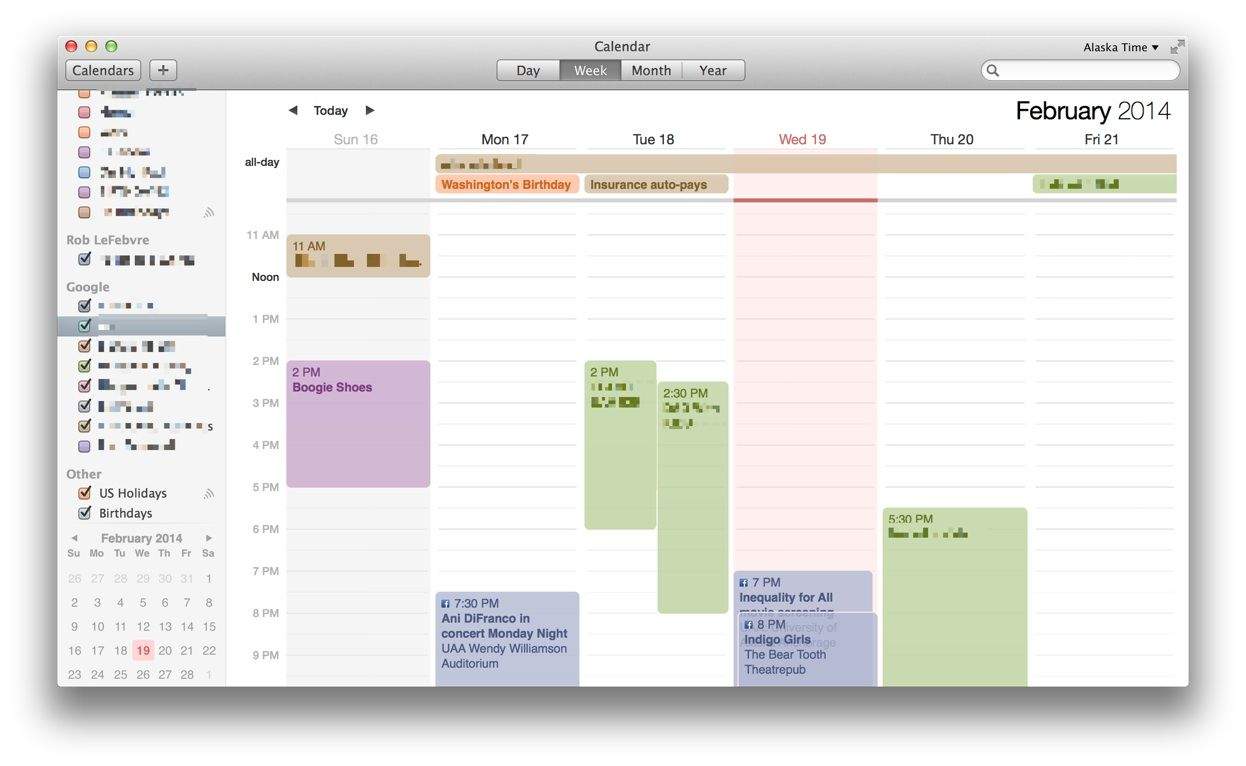
Show Just One Calendar At A Time On Your Mac [OS X Tips]

Show Just One Calendar At A Time On Your Mac [OS X Tips]

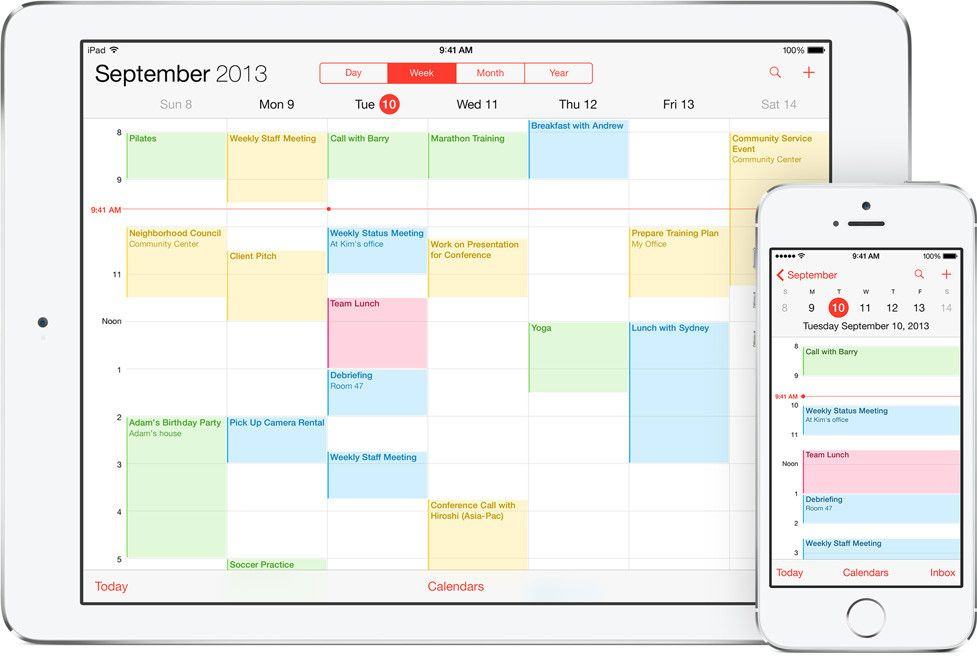
Like many modern human beings, I keep electronic calendars. I use Google calendar for many of them, but I also have a couple on my Mac, a couple on my iPhone, and the like. I have a calendar for each of my three jobs, for family events, I have shared calendars for groups I belong to, and, of course, Birthday calendars. My Calendar app is a many-colored thing.

But what happens when you just want to see one of these calendars at any given moment? Just birthdays, for example, without cluttering it up with a bunch of job-related stuff? If you use the built-in Mac OS X Calendar app, this is pretty simple. Here’s how to do it.

Read the rest of this post »

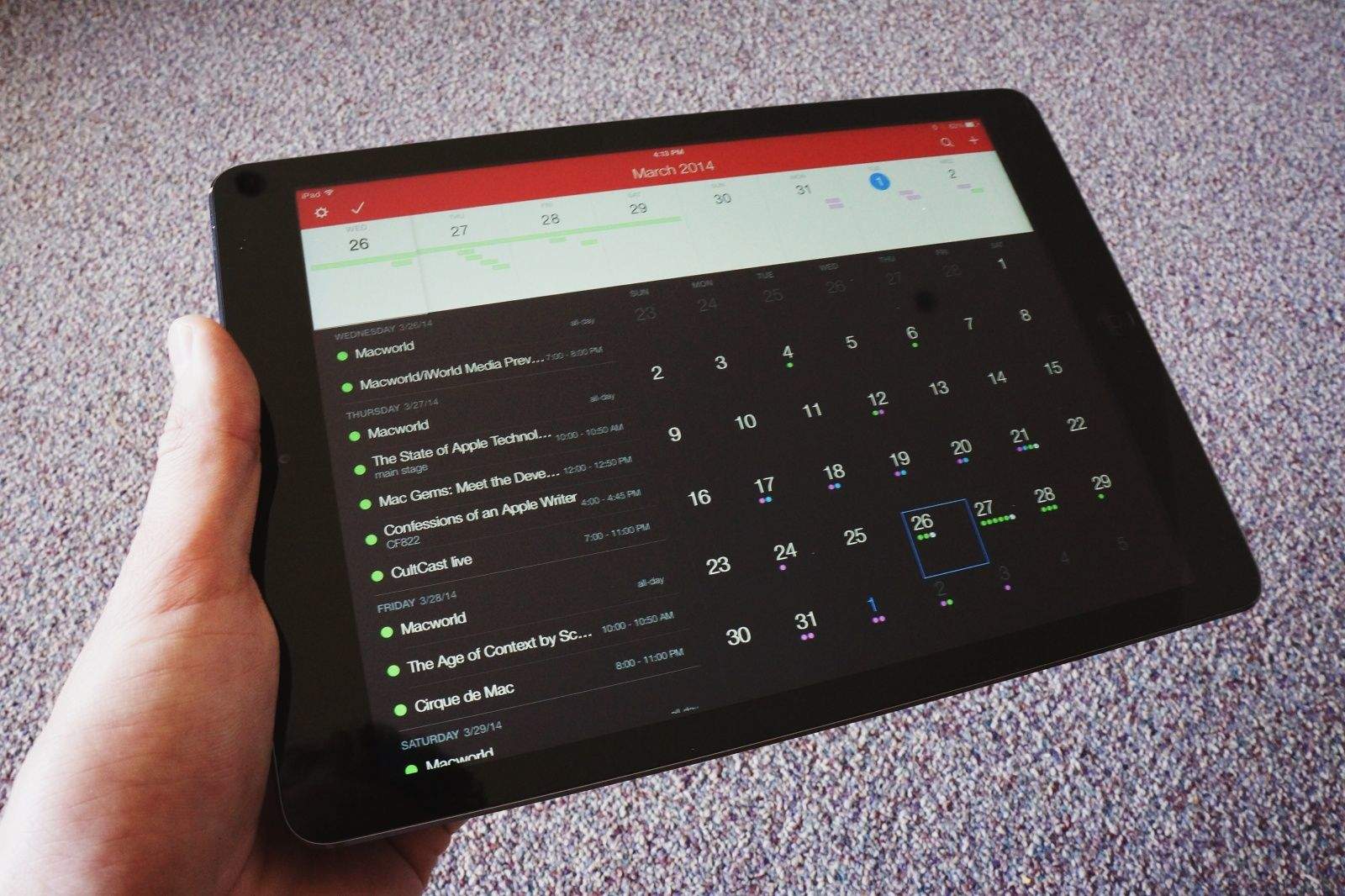
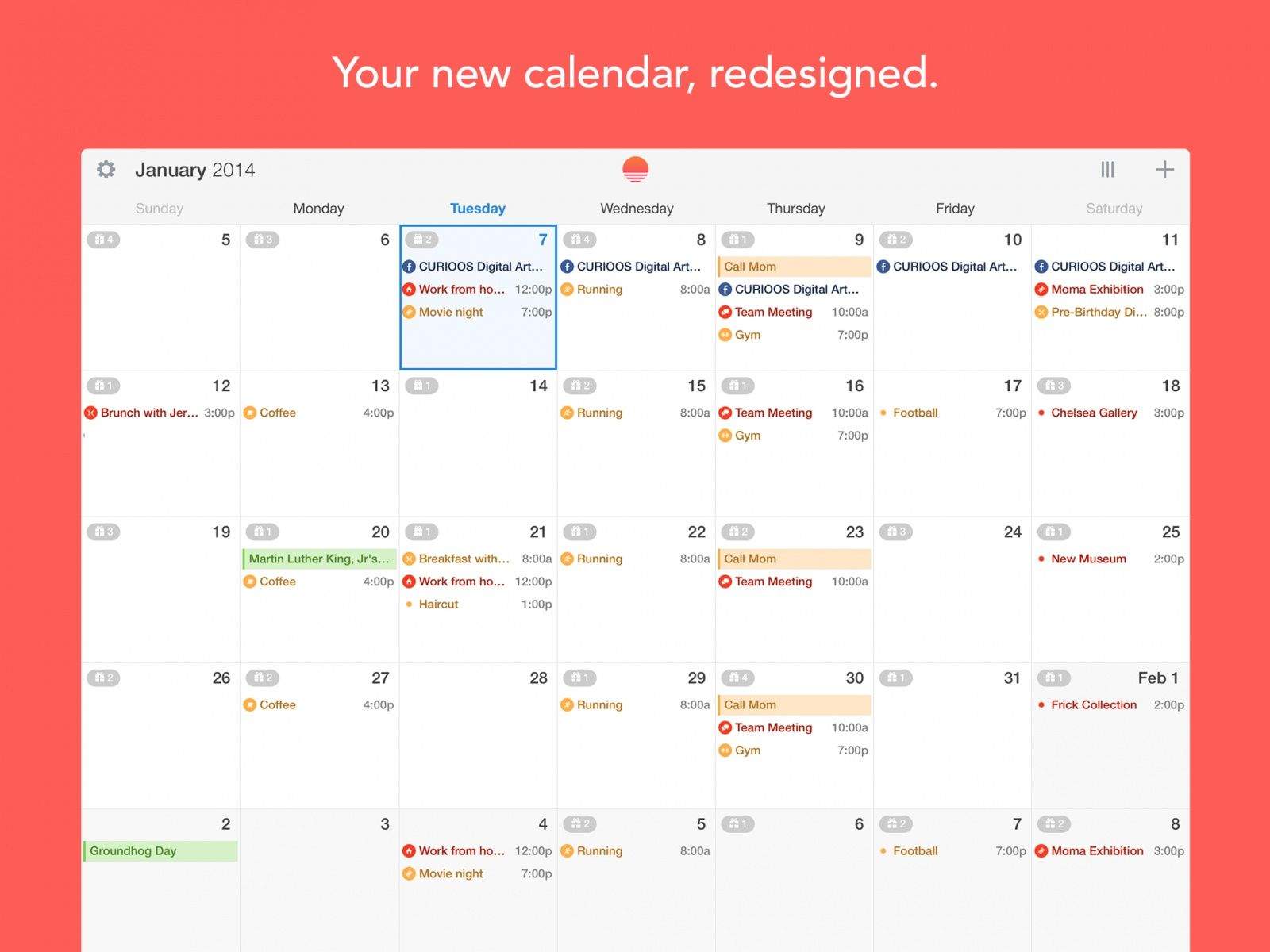
Fantastical For iPhone Is Here, And Apple’s Calendar App Has Been Dethroned [Review]

Fantastical For iPhone Is Here, And Apple’s Calendar App Has Been Dethroned [Review]

Something as simple as a good calendar app can make all the difference.

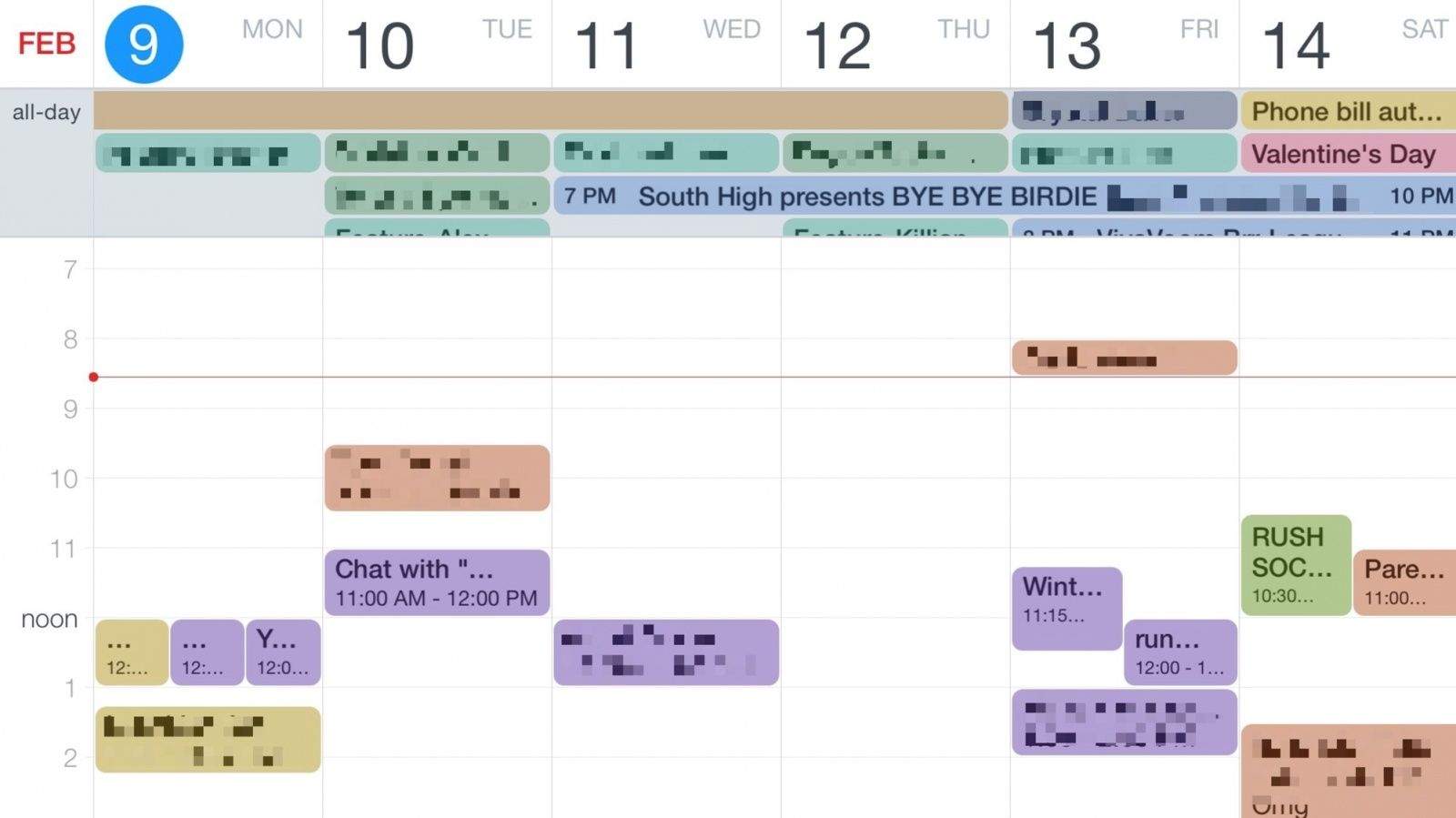
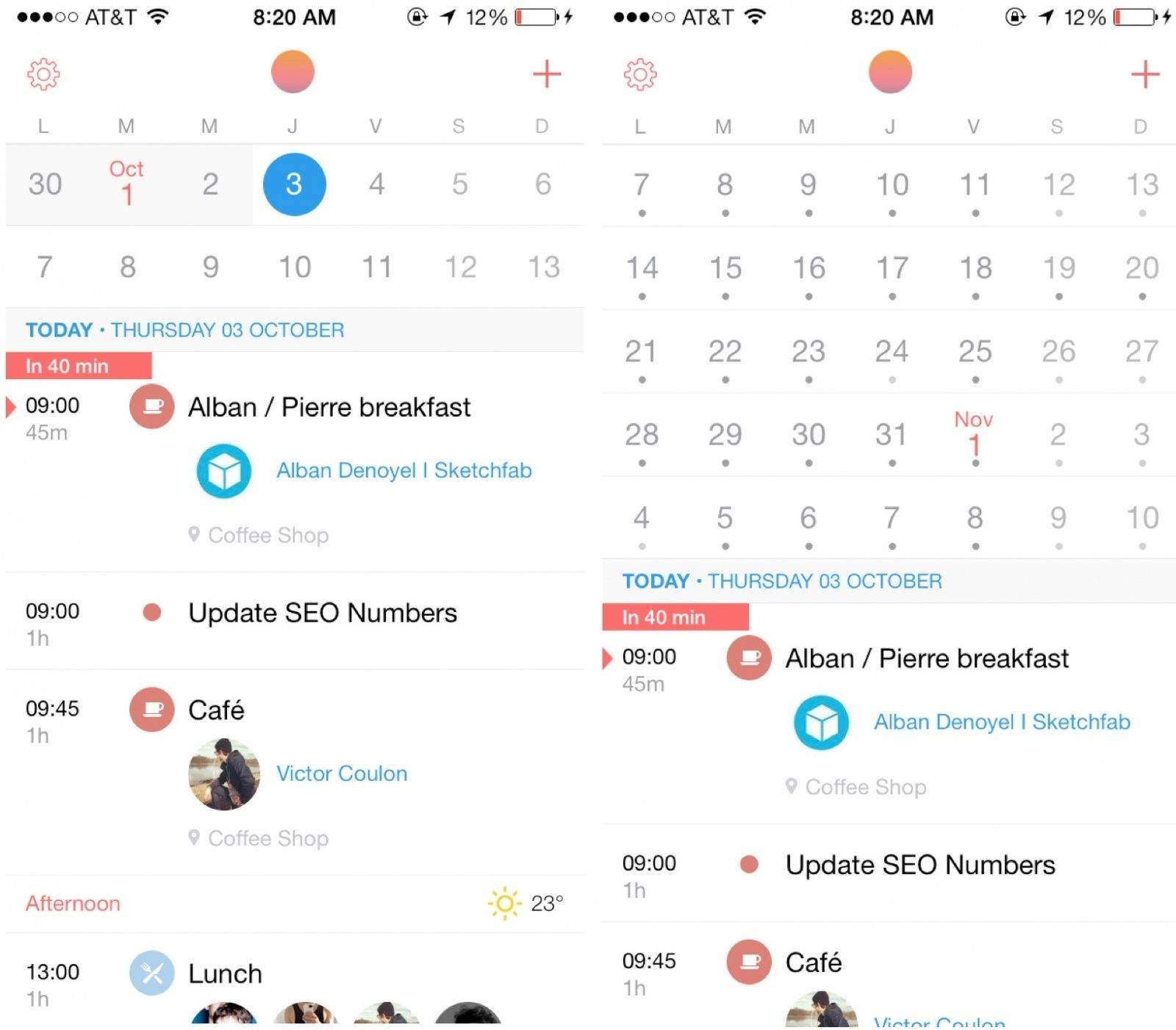
When Flexibits launched Fantastical on the Mac back in May of 2011, I started actually using iCal to make sense of the hectic mess that is my daily schedule. Fast forward to today, and Fantastical is an app I still can’t live without. I was ecstatic when Flexibits sent me an early copy of Fantastical for iPhone to try out, and I’m pleased to report that it is everything you would expect and more. Apple’s Calendar app just got dethroned again.

Read the rest of this post »

Fantastical Makes The Leap From Mac To iOS, Grab It Now!

Fantastical Makes The Leap From Mac To iOS, Grab It Now!

Damn, this app’s good.

Earlier this month, we told you the awesome calendar app Fantastical is making the leap from Mac OS X to iOS. It’s now available to download for your iPhone — priced at just $1.99 — and like its desktop counterpart, it’ll change the way you use your calendar forever.

Read the rest of this post »

Change The Order Of Your iPhone Calendars Via iCloud [iOS Tips]

Change The Order Of Your iPhone Calendars Via iCloud [iOS Tips]

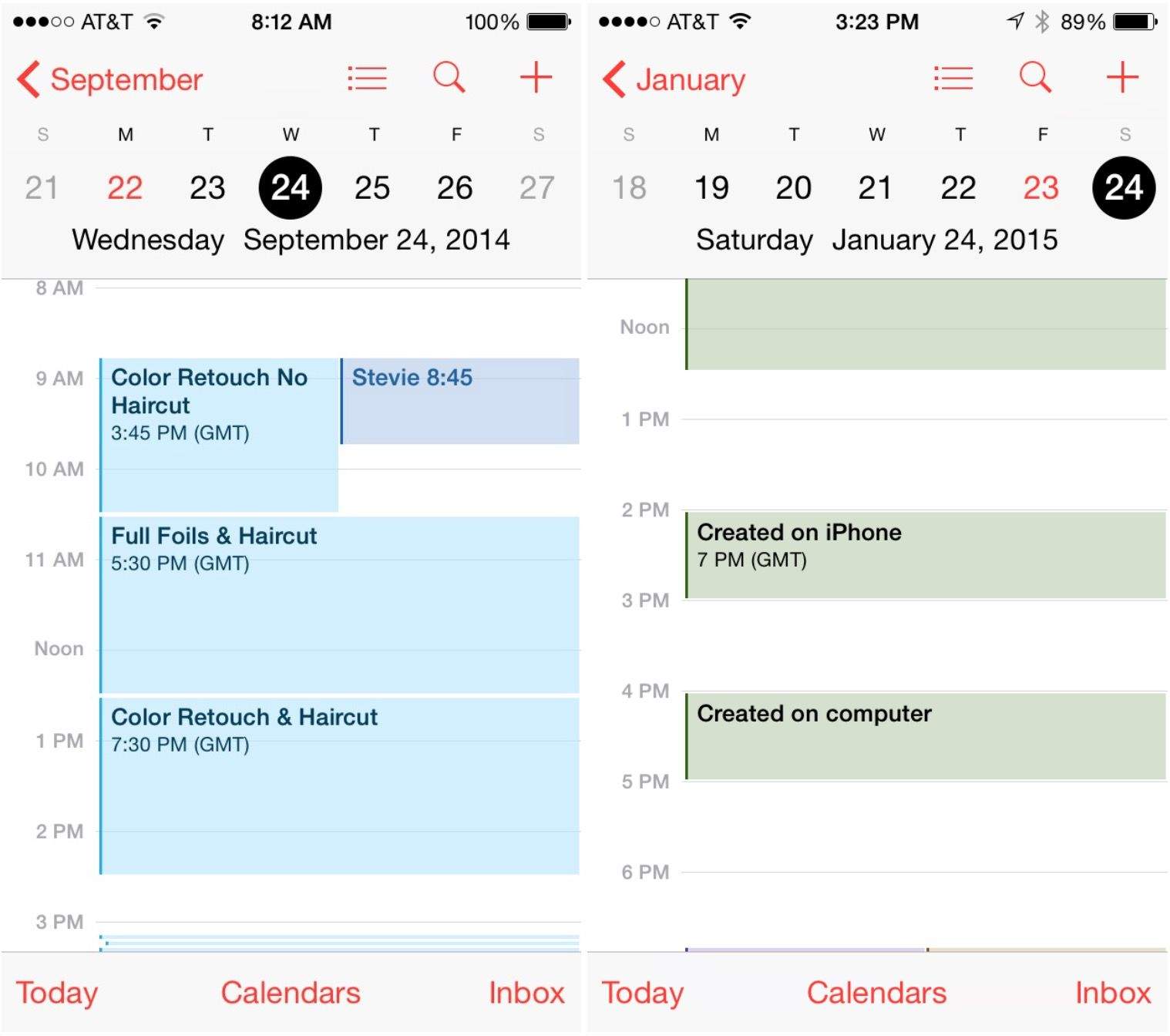
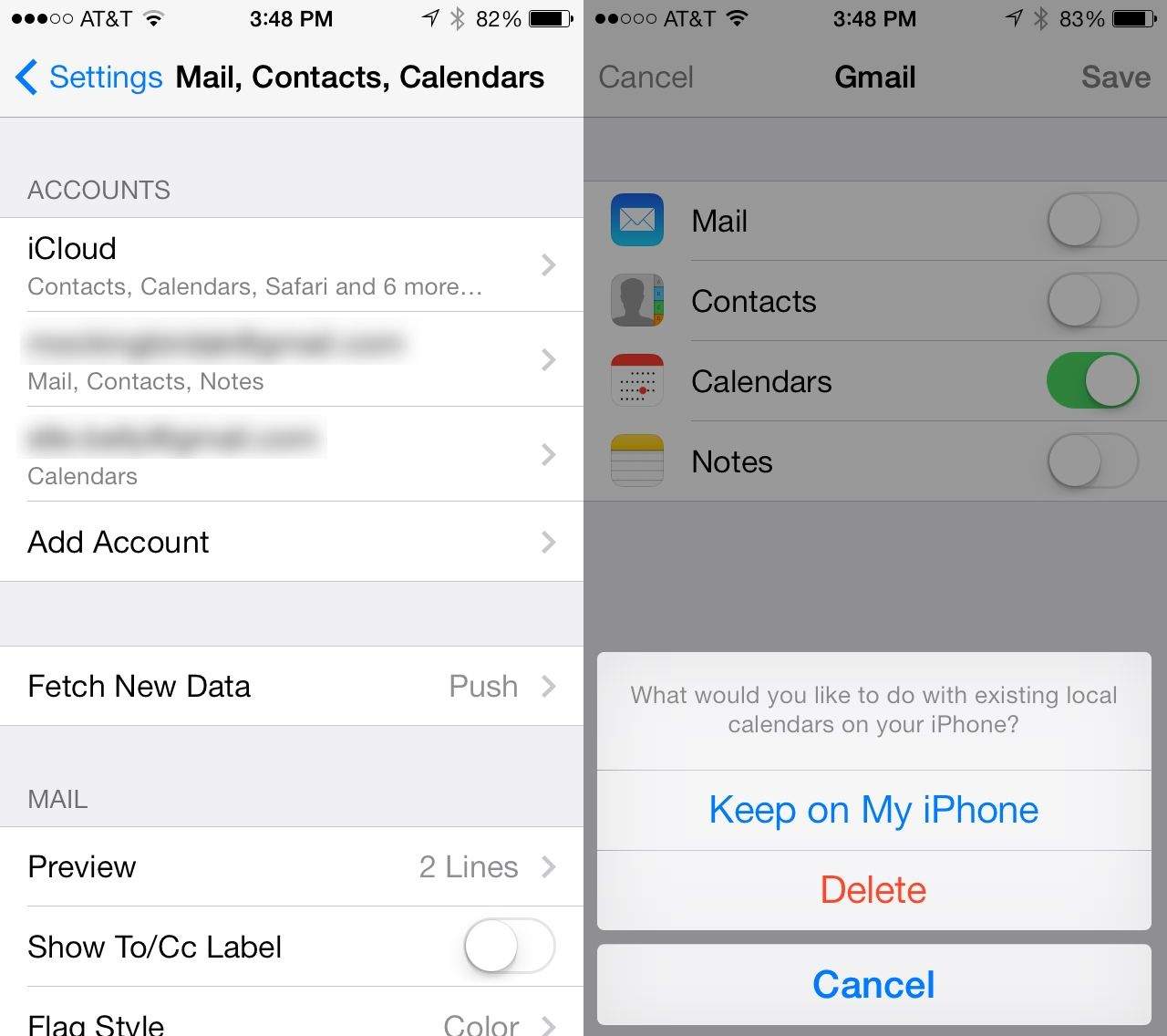
It sure would be nice to change the order of the many calendars on the iPhone. Sadly, iOS 6 only lets you show or hide specific calendars with a tap on the calendar in question from within the Calendar app on the iPhone, iPad, or iPod touch.

You can, however, reorder the different calendars on your iPhone, just in a different way. Here’s how.

Read the rest of this post »

Use Messages To Schedule Events In Mountain Lion’s Calendar App [OS X Tips]

Use Messages To Schedule Events In Mountain Lion’s Calendar App [OS X Tips]

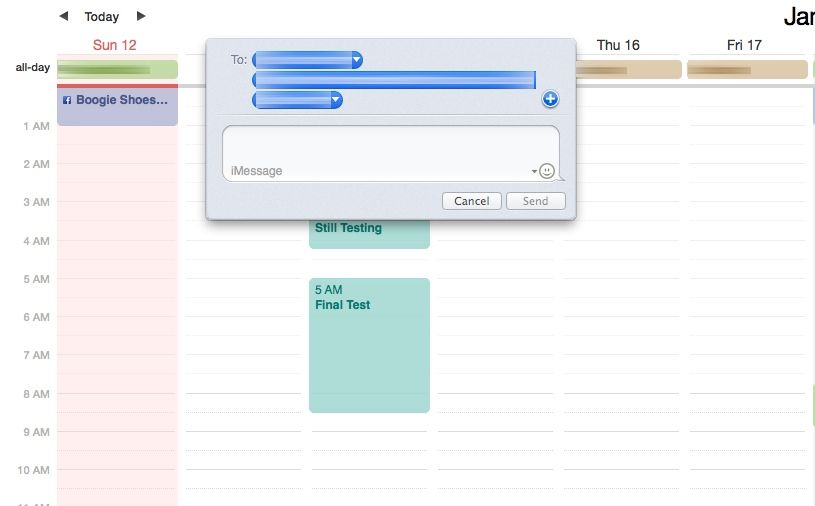
Mac OS X has had the ability to recognize data like dates, times, and phone numbers for a while now. If you’re using the Mail app, you can right click on a recognized date and add it to the Calendar app. If you right click on a phone number, you can add it to the Contacts app. Pretty neat, right?

But what you may not have known, however, is that the app you can see iMessages in from anyone on an iOS or OS X device, Messages, is also able to recognize this data, making adding Calendar events from within Messages super easy. Here’s how to do it.

Read the rest of this post »