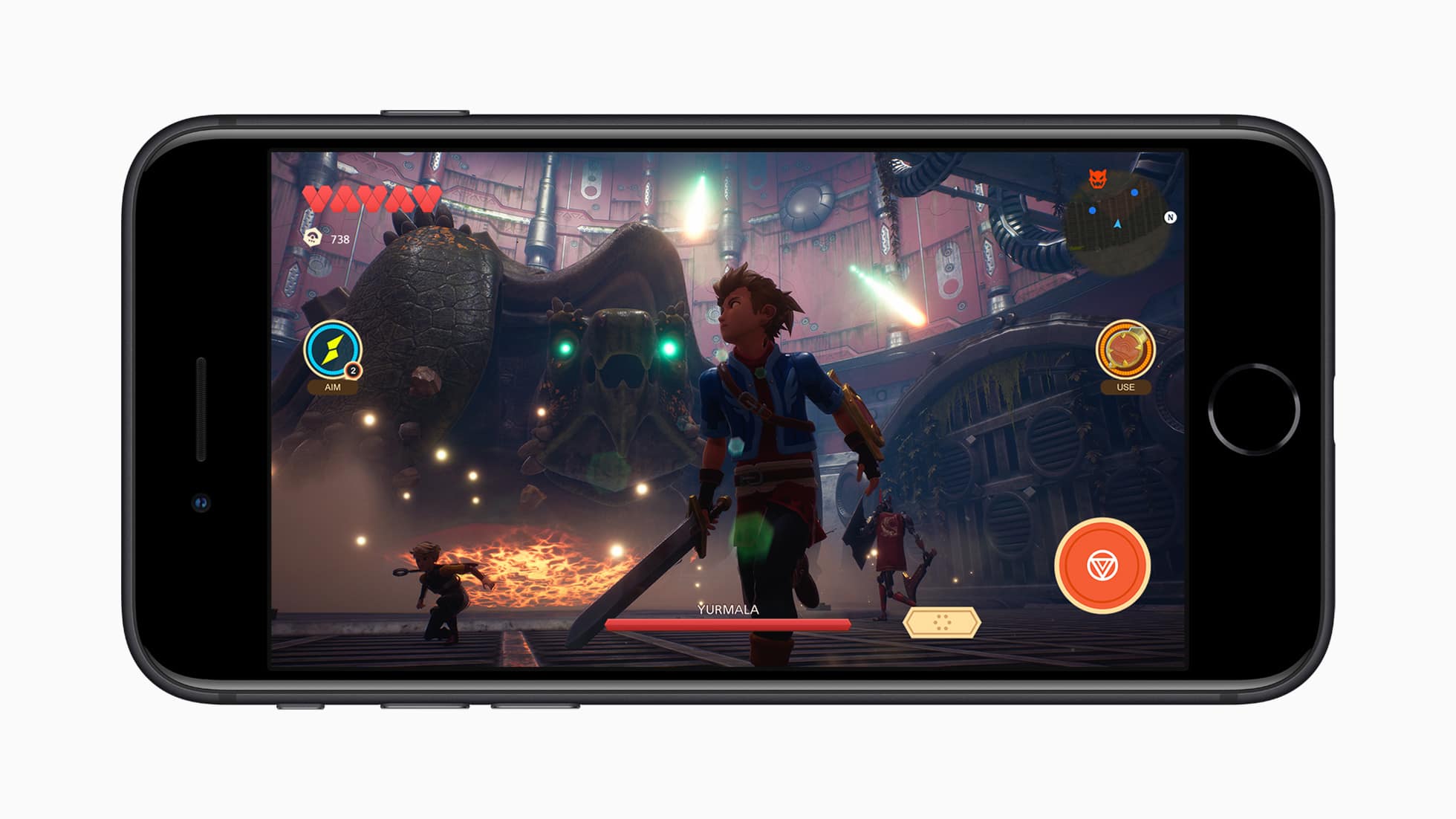
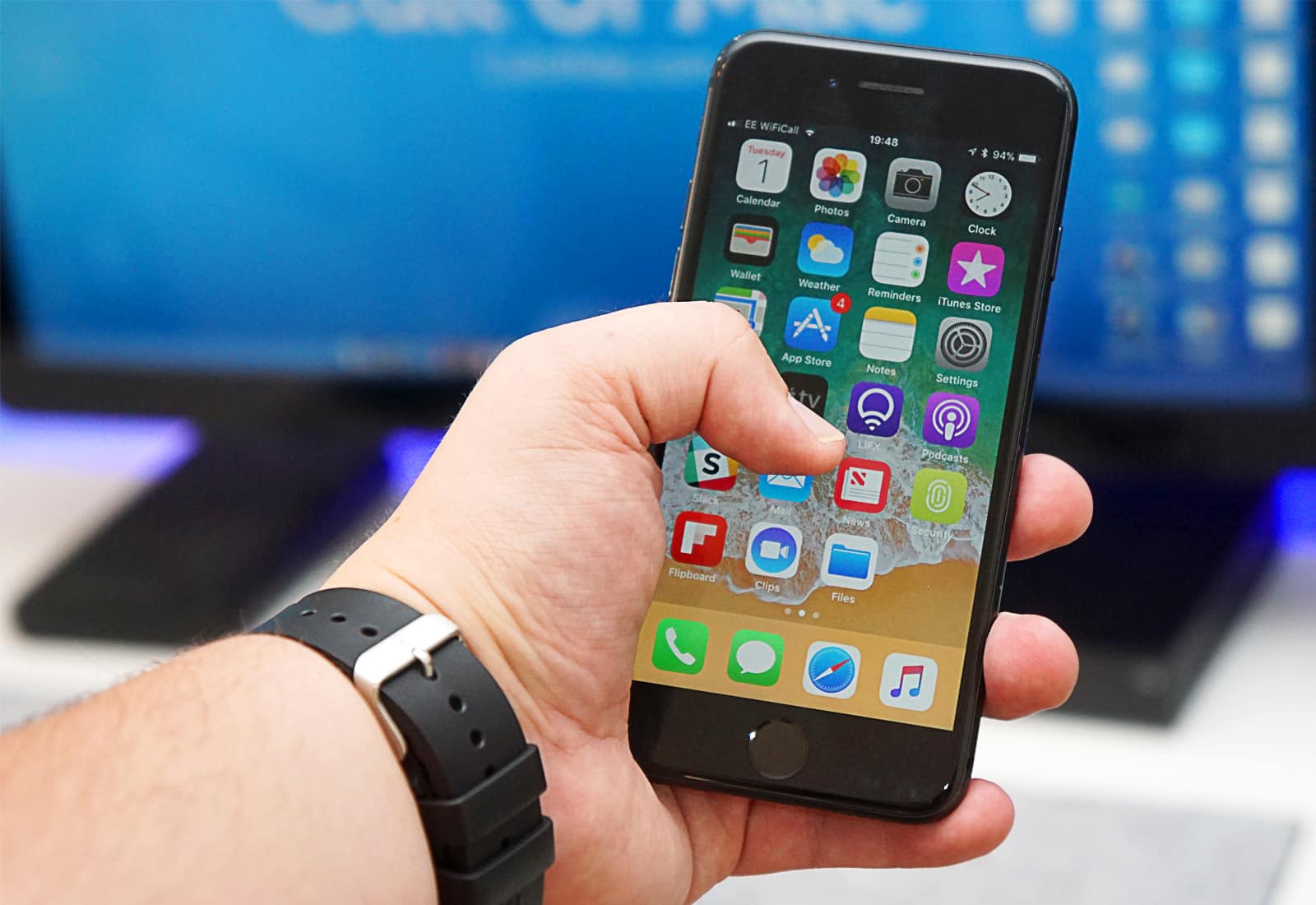
But iPhone 11 still has a slight advantage. Photo: Apple
The first benchmark for the 2020 iPhone SE has surfaced, revealing huge performance increases over earlier Apple handsets.
It seems that pricier iPhone 11 models still have a slight advantage, but there’s no doubt that iPhone SE is by far the fastest smartphone you can buy for as little as $399.
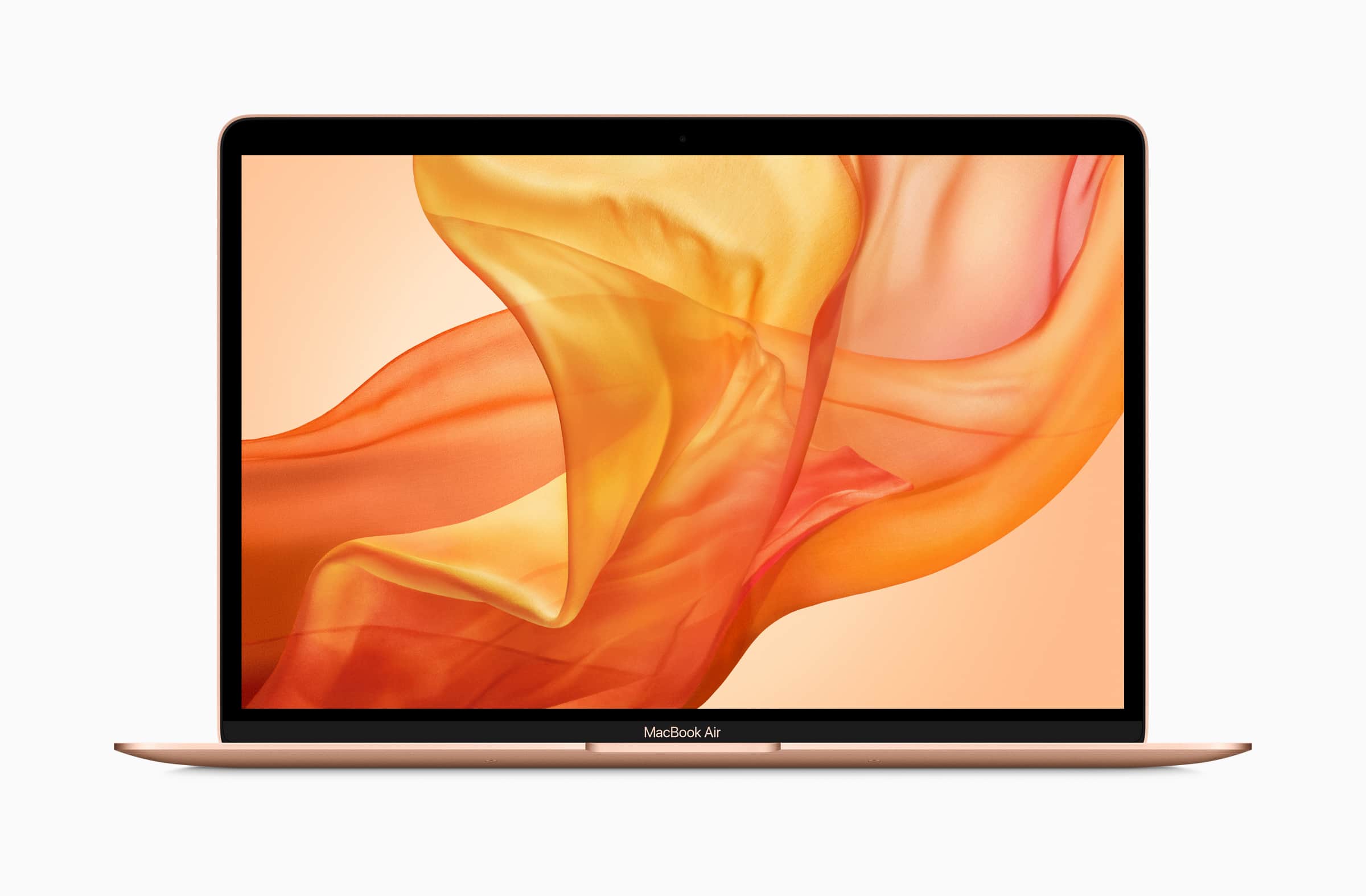
Apple’s newest MacBook Air costs $100 less than the previous model — but how was that saving made?
It turns out Apple may have cut corners on storage to shave money off the notebook’s price tag. Tests have found new machine packs slower storage than the 2018 MacBook Air.
It's not clear what is causing the problem. Photo: Apple
Apple promised its newest 13-inch MacBook Pro would deliver faster performance than the previous model. But we weren’t expecting to be up to 83% faster!
That’s the kind of speed increase you’re getting with the latest model, according to early benchmarks. It gives existing owners a massive reason to upgrade — even if they have no interest in the Touch Bar.
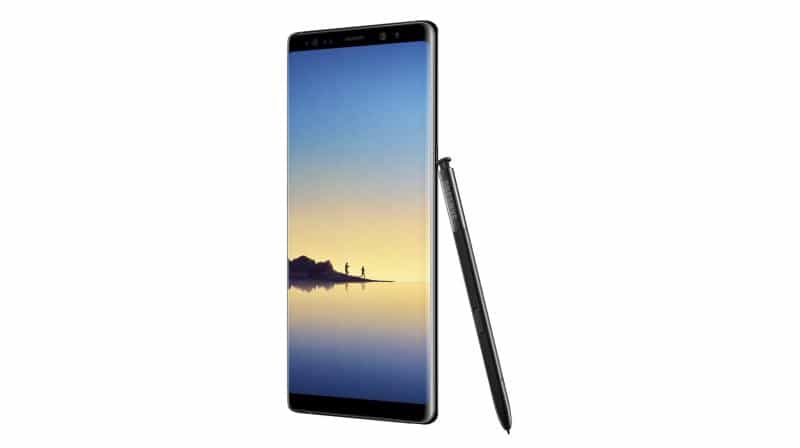
You won’t be blown away by Galaxy S10 performance. Photo: Samsung
It seems Samsung is still struggling to match the performance of the iPhone.
Alleged early benchmarks for the upcoming Galaxy S10+ suggest the company’s flagship device doesn’t come close to competing with the iPhone XS Max. It doesn’t even beat the aging iPhone X.
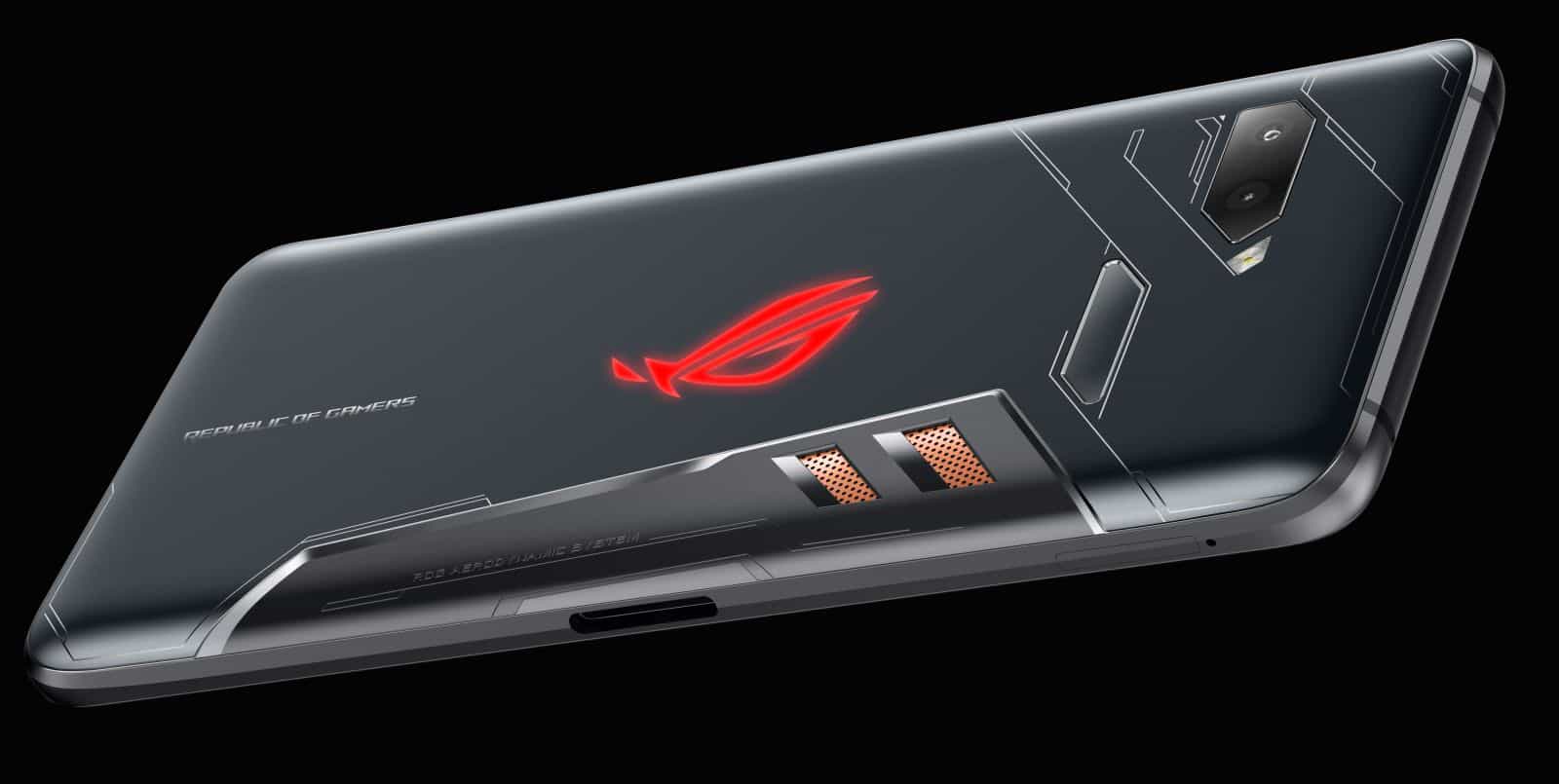
The new Asus ROG Phone doesn't even come close. Photo: Asus
Not even the fastest Android handset comes close to matching the performance of the iPhone.
The new Asus ROG Phone performs better than every other Android in early benchmark tests. It also scores higher than the latest iPad Pro lineup. When it comes to iPhone XS and XS Max, though, the gaming handset is way behind.
Is your iPhone slower with iOS 11? It's all in your head. Photo: Ste Smith/Cult of Mac
Every major iOS update slows down older devices to force users to upgrade. At least that’s what recent reports have suggested.
The truth is, Apple is doing no such thing. Benchmark data proves that iPhone performance drops over time are just a myth. The 4-year-old iPhone 5s is about as fast with iOS 11 today as it was with iOS 7 when it made its debut in 2013.
iPhone X has a bigger battery than all its predecessors. Photo: Apple
Details on the battery and RAM packed into iPhone X have been revealed ahead of its launch this November.
Apple has registered the device with Chinese regulator TENAA, and its filing confirms the specifics the company doesn’t normally share with the public.
A new High Sierra beta is available now. Photo: Ste Smith/Cult of Mac
If you want the fastest possible web browsing experience on Mac, don’t sway from Safari.
Apple promises that Safari 11, which will debut in macOS High Sierra this fall, is “the world’s fastest desktop browser.” And tests show that it does not disappoint.
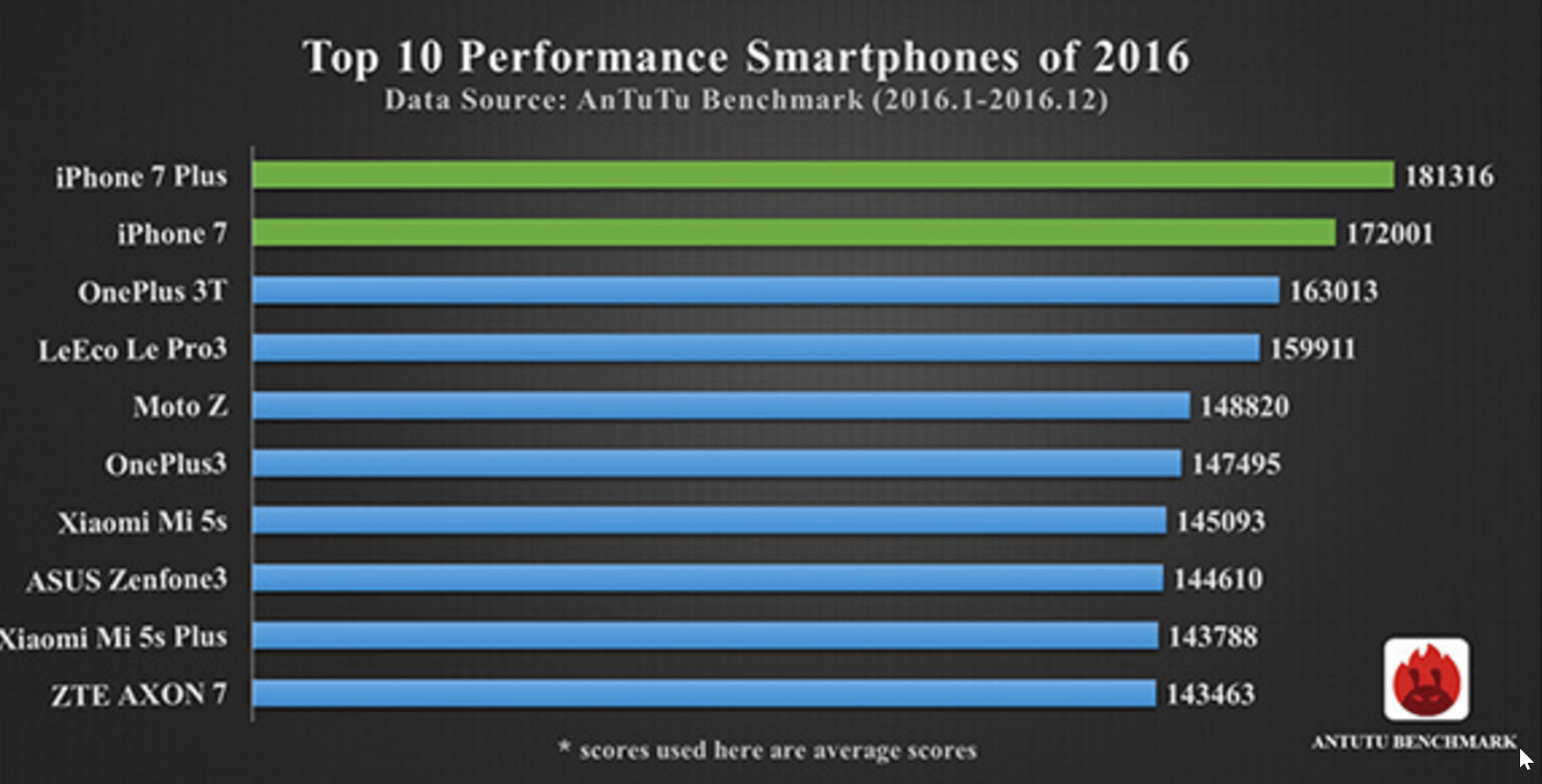
Apple's A10X Fusion chip continues to impress. Photo: AnTuTu
Benchmark specialists AnTuTu have put together a chart that highlights 2016’s top performing smartphones, and it’s no surprise to see iPhone 7 and iPhone 7 Plus right at the top of it.
Apple’s latest handsets grabbed the first and second spots with the highest benchmark scores, followed by the OnePlus 3T. There’s no sign of a Samsung device in the top ten.
Apple's new A10 chip could be beastly. Photo: BeSound
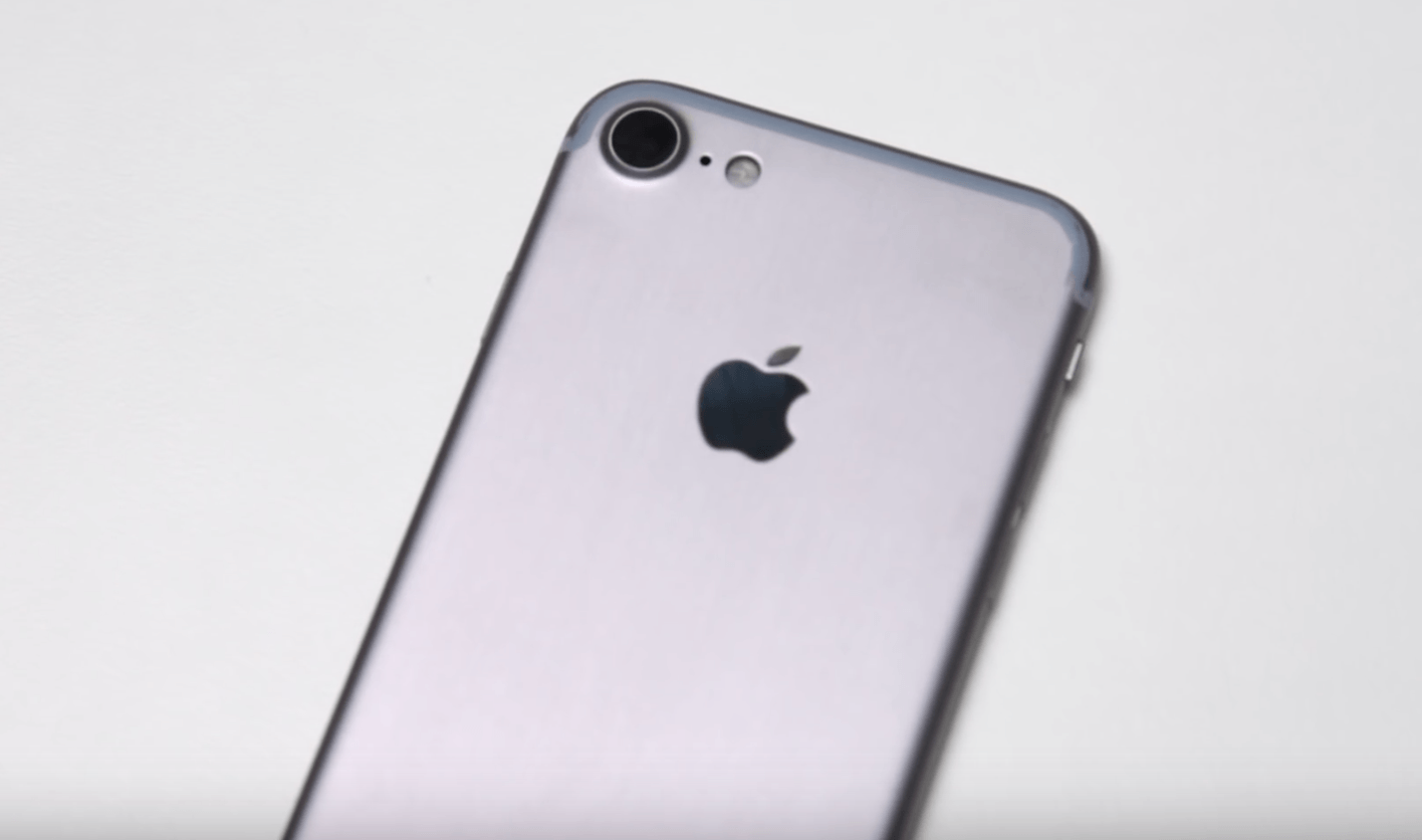
Purported benchmark results for the upcoming iPhone 7 Plus reveal Apple’s next-generation A10 processor could be a big improvement over last year’s A9. Despite maintaining only two cores, the A10 achieves significantly higher scores in single- and mulit-core tests.
Gaming on iPhone won't change much over the next 12 months. Photo: Apple
This year’s iPhone upgrade won’t bring a new design, a sharper OLED display, or wireless charging. It probably won’t bring any significant improvement in performance over the iPhone 6s, either, according to these early A10 processor benchmarks.
Keep your Amazon details safe with two-step verification. Photo: Jim Merithew/Cult of Mac
The iPhone 6s is so fast, not only does it destroy the iPhone 6 in speed tests, it tops the iPad Air 2 and every Android device on the market, according to initial benchmark tests.
Apple’s engineers managed to make some huge GPU improvements on the iPhone 6s thanks to new technology that allows the the A9 chip to deliver higher performance and lower power consumption. According to early benchmarks by tech gurus at AnandTech, all the improvements add up to make the iPhone 6s nearly twice as fast as the rest of the industry.
In some benchmarks, the iPhone 6s nearly tops the Surface Pro 3:
Low Power Mode will still make your iPhone 6 more powerful than the 5c. Photo: Apple
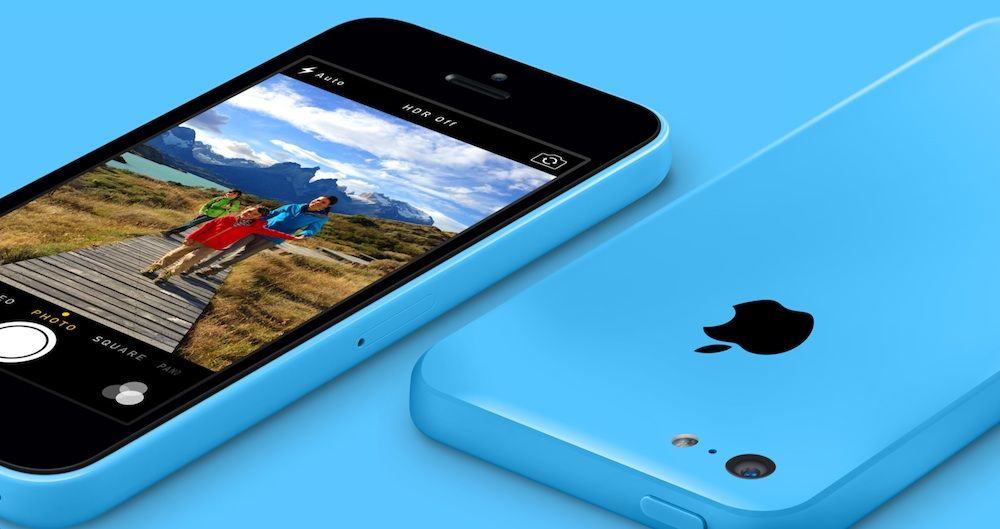
It’s no surprise that the iPhone 6 and iPhone 5s are significantly faster than the iPhone 5c. Yet, even with iOS 9’s Low Power Mode turned on, the newer phones still manage to make long strides over that plastic (yet colorful) contraption.
Geekbench released an update to its app today, adding support for iOS 9. Even though iOS 9 is still in beta, the new tools have already revealed some surprising facts about the iPhone 6. Upon running benchmarks on an iPhone 5c and iPhone 6 in low power mode, the tools show that the iPhone 6 is still more powerful that the 5c.
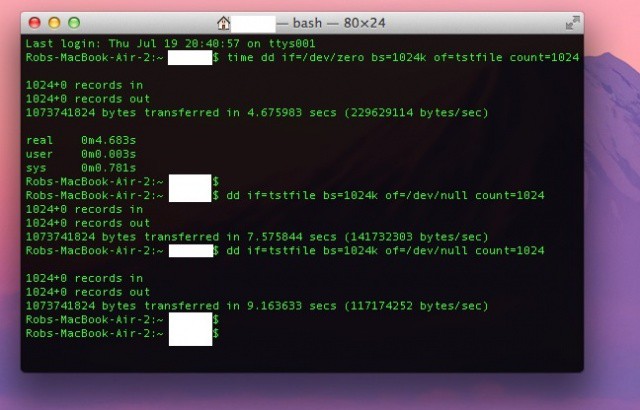
Sometimes, it’s just fun to compare scores with your friends. Without the urge to compete, we wouldn’t have sports, national videogame competitions, or reality television. Now there’s a new way to measure up against those around you – Solid State Drive (SSD) speed.
Ok, so it’s not really a thing, but here’s how you can benchmark your own SSD to compare it with other SSD devices, if you need to know how much faster one computer you own is than another. In fact, it’s a ton of fun to compare the speed of an SSD, say in this here Macbook Air, and that of a hard drive, like in my Mac Mini. Here’s how.
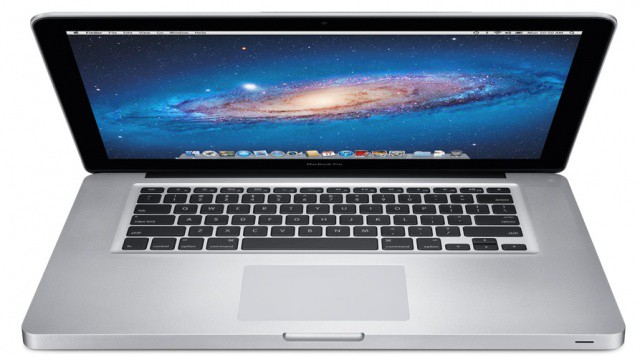
Apple is expected to refresh its MacBook Pro lineup this summer, and rumors have widely agreed upon a May-June announcement timeframe. The upcoming notebooks are expected to feature Intel’s new Ivy Bridge processors and possibly sport higher-res, Retina-like displays.
Benchmarks have been revealed for what could very well be one of Apple’s upcoming MacBook Pro models. The mysterious computer runs an unknown build of OS X Mountain Lion and features one of Intel’s high-end quad-core Ivy Bridge processors.
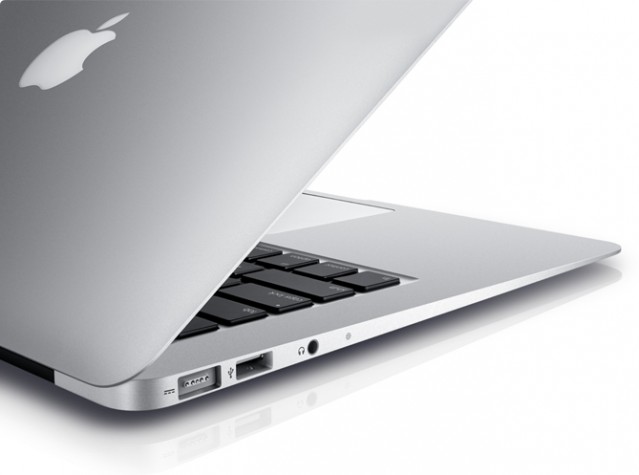
Apple’s latest lineup of MacBook Air ultraportables are not only significantly faster than their predecessors, but thanks to those new Core i5 and i7 processors, they also beat the high-end 2010 MacBook Pro in early benchmark tests.
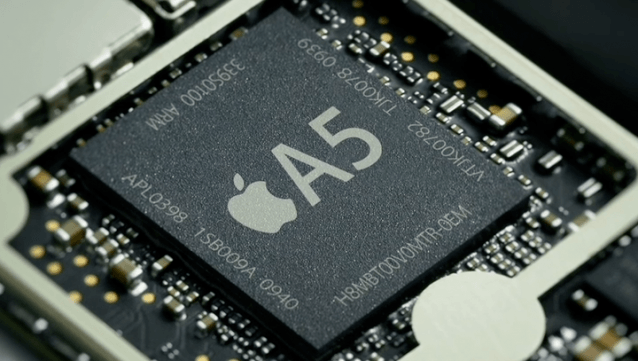
Early benchmark tests of Apple’s new dual-core A5 chip featured in the iPad 2 have revealed that each processing core is actually clocked at a slower speed than the previous A4 chip, which features in the original iPad, iPhone 4, and the latest iPod touch.
Tests performed by iOSnoopsshow that overall, each of the A5’s cores runs at least 10% slower than the single core featured in Apple’s A4 chip, running at around 890 MHz in comparison to the 1 GHz A4. The speed of the A5 fluctuates depending on the applications it’s running however, with its lowest speed clocked at 861 MHz and its highest at 894 MHz.