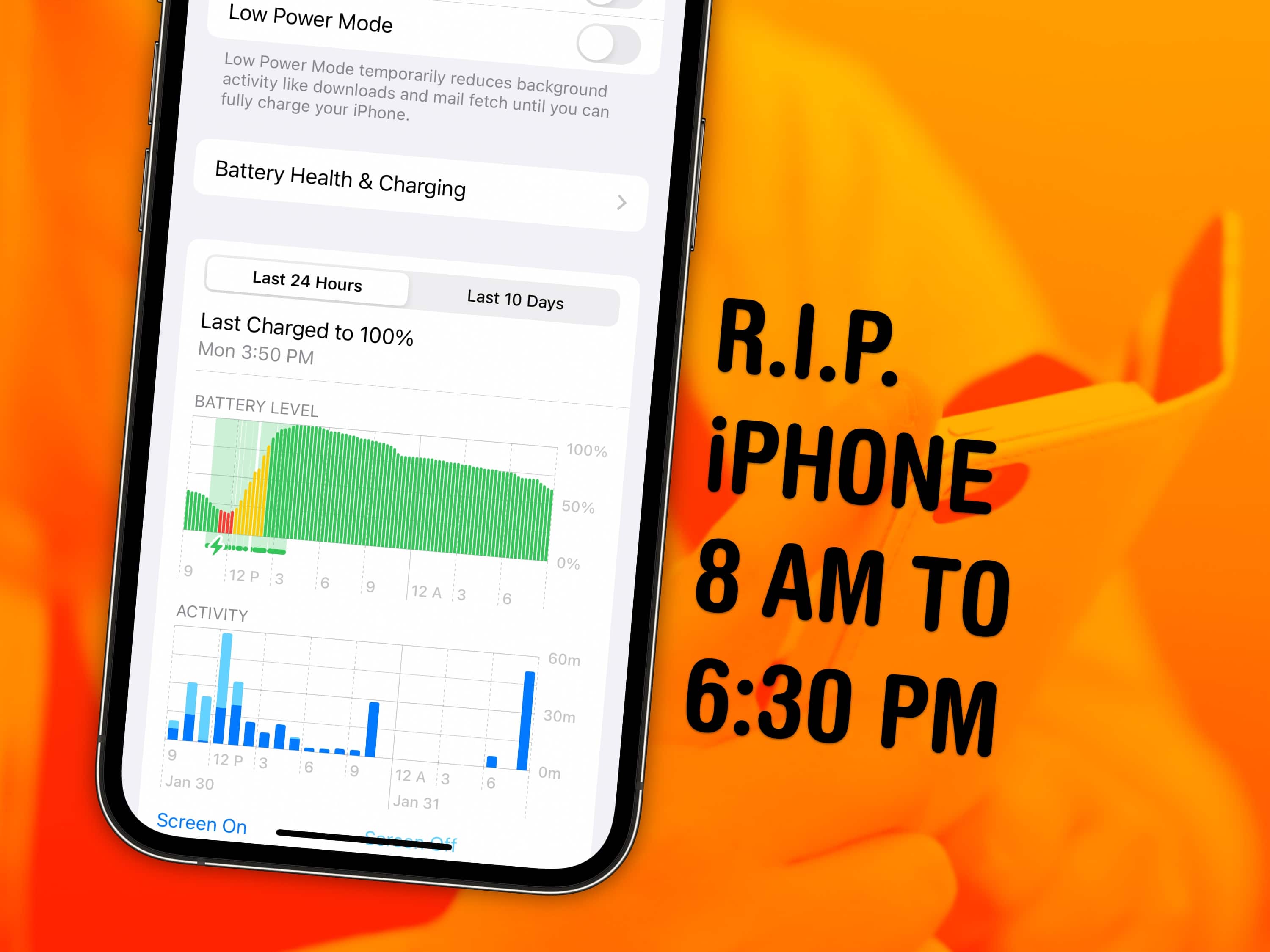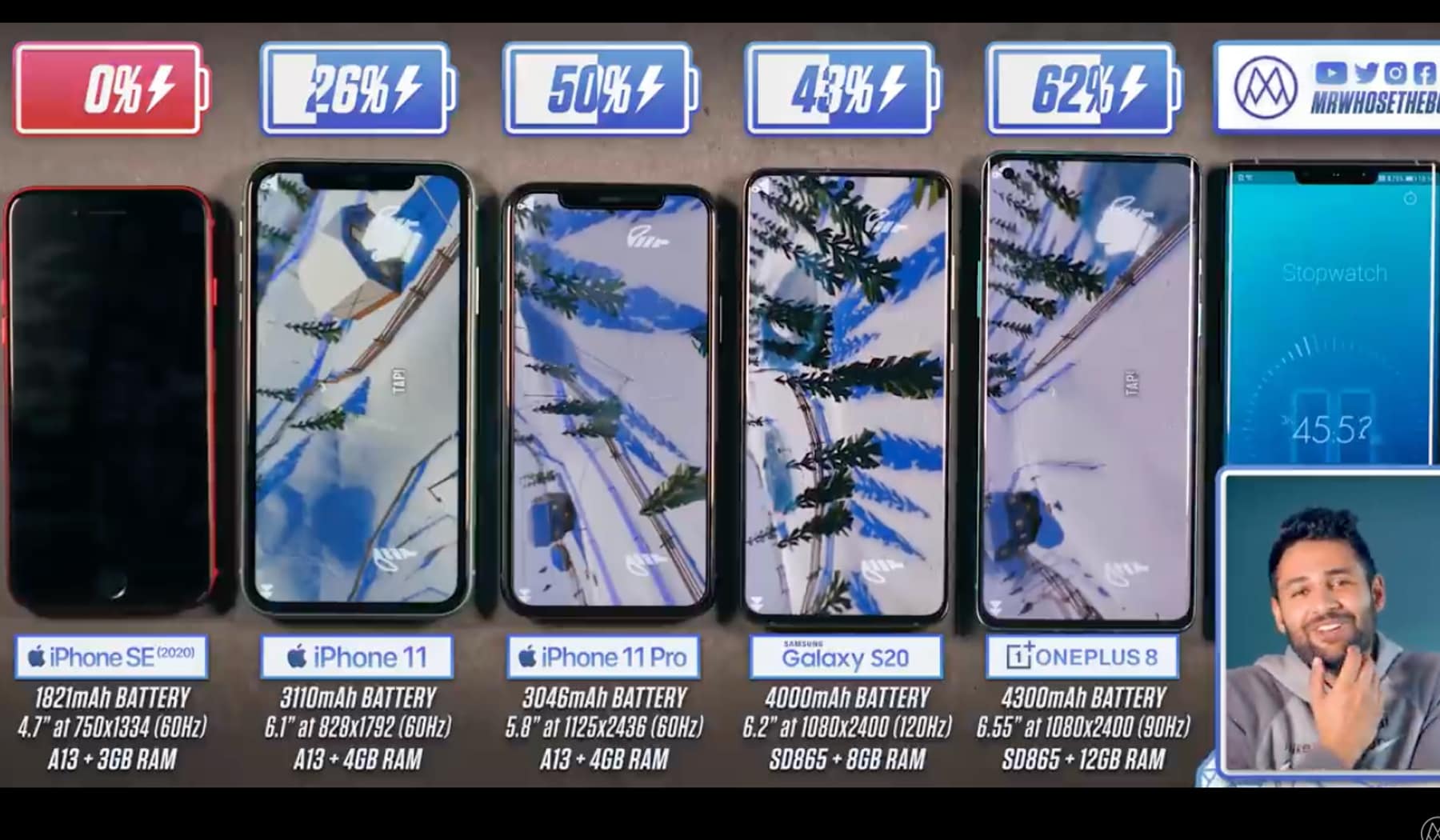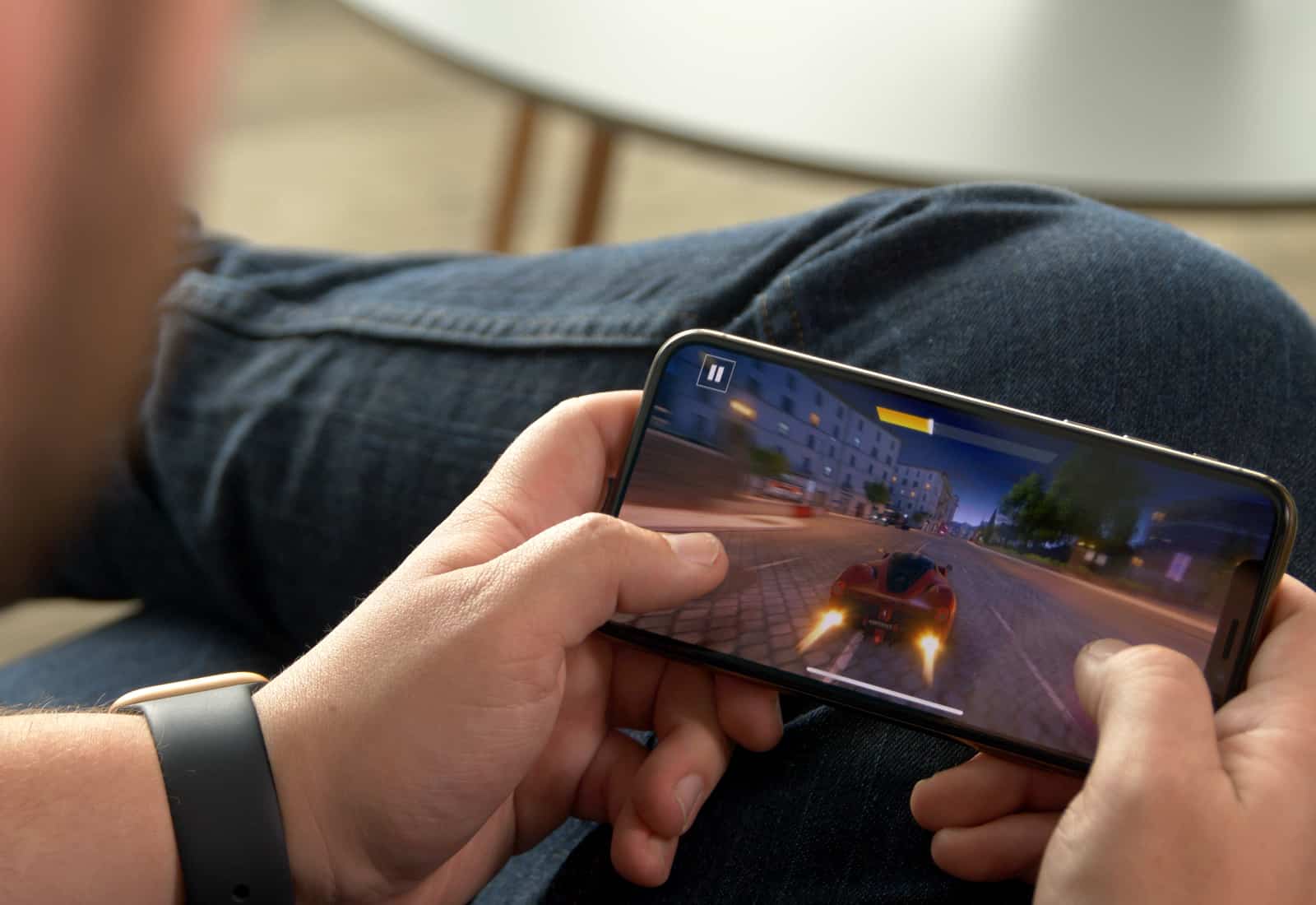
Battery life in the iPhone age, right? It’s a conundrum we’ve all had to adjust our behaviors for. Before the iPhone, I can remember going days, maybe even a week or so in between battery charges. The advent of an iPhone in my life brought with it a new behavior – charging it every night. I use my iPhone for almost everything these days, including getting around town, communicating with loved ones, and checking email while out and about, so it makes sense that the battery drains quickly.
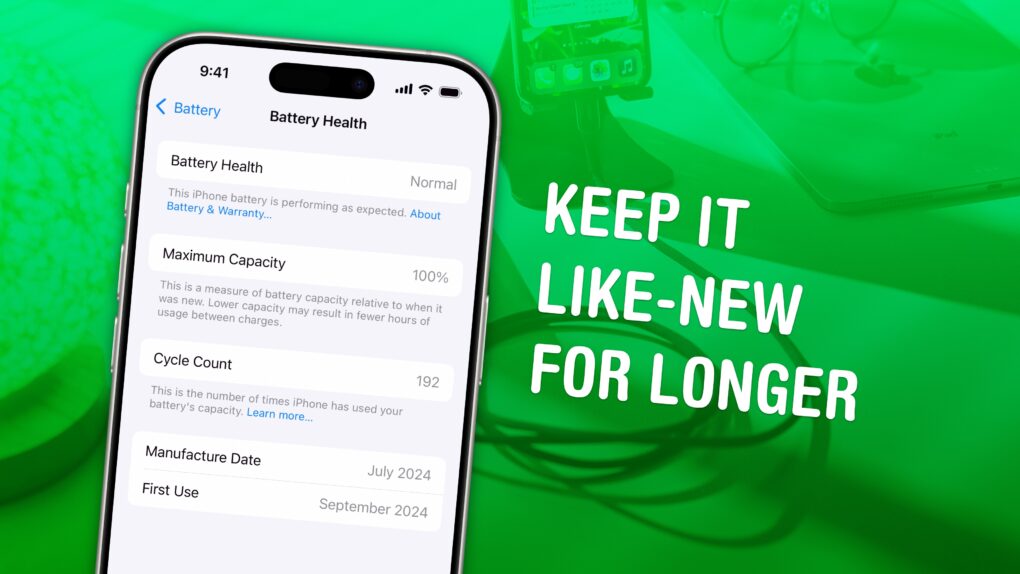
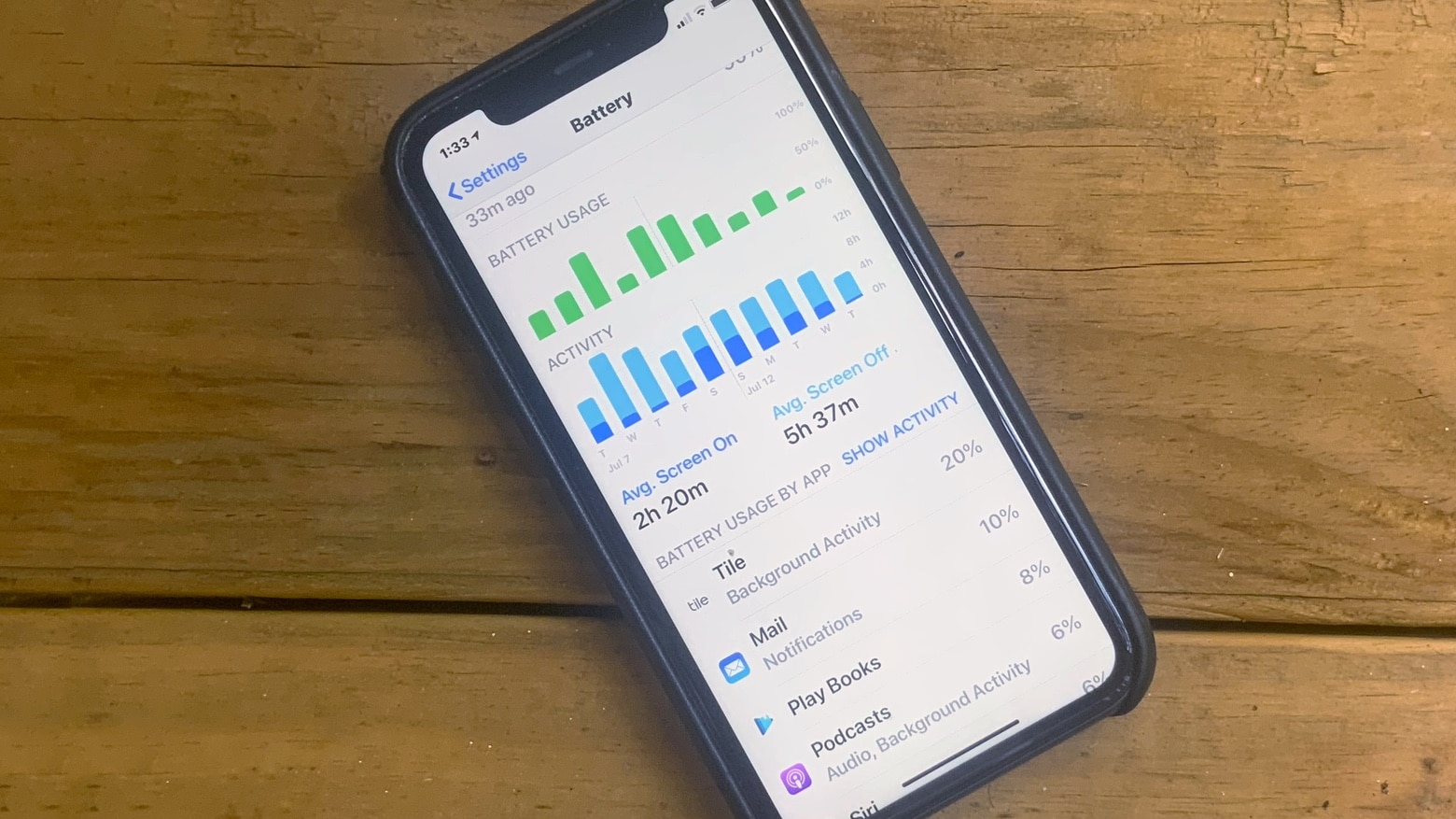
There are a few third-party apps out there that keep track of your battery usage for you. Turns out, though, if you just want a quick looksee at how much life you have left in your iPhone or iPad’s battery, you can look in the iOS Settings app itself.
With Tuesday’s’s announcement of a 128GB iPad 4, Apple is clearly signaling that the iPad is not only suitable for serious work, but that it can be the primary machine for many users. Most commenters have fixated on fitting extra movies and other consumables into the extra 64GB of space, but they’re forgetting about work.
In fact, I’d say that the iPad With Retina Display, as Apple now insists on calling it, is the new desktop machine, and the iPad mini is the new laptop. Why? Let me explain:
Everyone knows that the “upgrade” to OS X Mountain Lion severely reduced the battery life in Mac laptops by up to 38%. And while OS X 10.8.1 helped things some, the fix was still meager compared to the oceans of juice you comparatively got on the same machine running OS X Lion.
OS X 10.8.2, though? Much, much better. In fact, according to The Mac Observer, in the latest Build 12C35 of OS X 10.8.2, not only does the latest development version of Mountain Lion give users a bigger upgrade in battery life than OS X 10.8.0 or OS X 10.8.1, but their test system — a 2011 15-Inch MacBook Pro 2.0GHz i7 — now has more battery life than it did running OS X 10.6.8 Snow Leopard, the previous champ Mac operating system when it came to conserving juice.
In fact, while their test system lost 105.5 and 80.5 minutes of battery life compared to 10.6.8 in OS X 10.8.0 and OS X 10.8.1, respectively, it actually gained eight minutes against OS X 10.6.8 in OS X 10.8.2. Now those are some impressive results. Results I’m now off to test for myself.
iOS has a lot of great features, some of which are focused on preserving as much battery life as possible. One of them is the Auto-Lock feature, which defaults to dimming the screen of your iOS device after a really short period of time.
This obviously helps preserve battery life, as the less the screen is on at full brightness, the longer you’ll be able to use it on a single charge. If you’d like to control this, though, and even turn it off fully, it’s a simple trip into the Settings App.
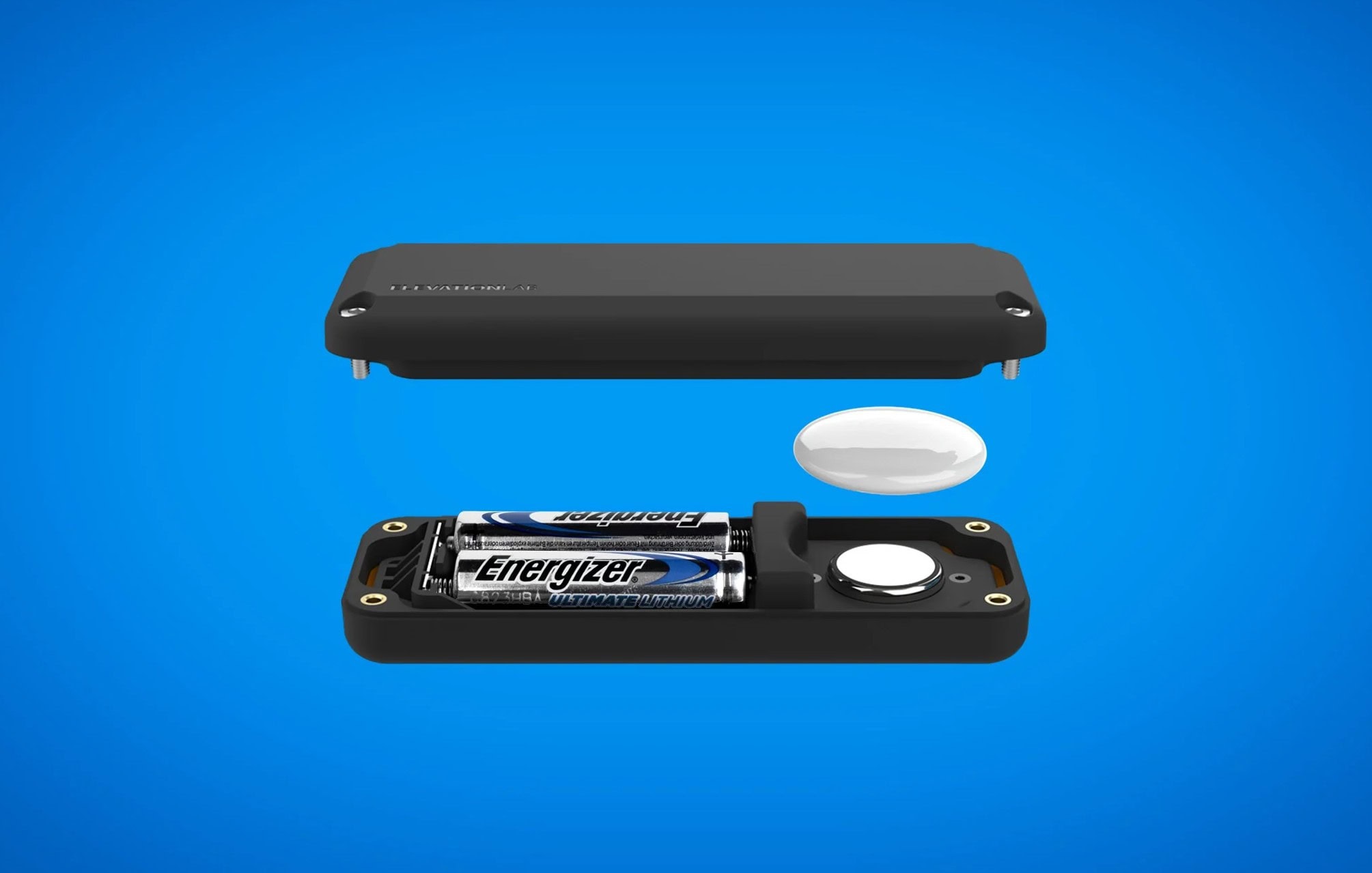
Apple’s wireless accessories are great at conserving battery life… so great, in fact, that when they suddenly run out of juice, it can be a shock to the system, since you never knew they were hard up for electricity to begin with.
On a Mac, it’s fairly complicated to see battery life on your connected devices through System Preferences, but wouldn’t it be great if you could check them out in your menu bar, just like your Mac’s remaining battery life? Thanks to Battery Status, you can.
If your Retina MacBook Pro isn’t delivering the battery life you expected, try this simple fix.
Is your Retina MacBook Pro seeing less than half the seven hours of battery life that Apple promised you? Well, this may not be because you keep watching high-resolution videos over and over again on its Retina display (though that is certainly not helping). Instead, it could be thanks to a corrupt file created by Migration Assistant that needs removing with a simple terminal command.
Here’s how to do it and boost your Retina MacBook Pro’s battery life.
The premium battery life in the new MacBook Pro comes at a premium.
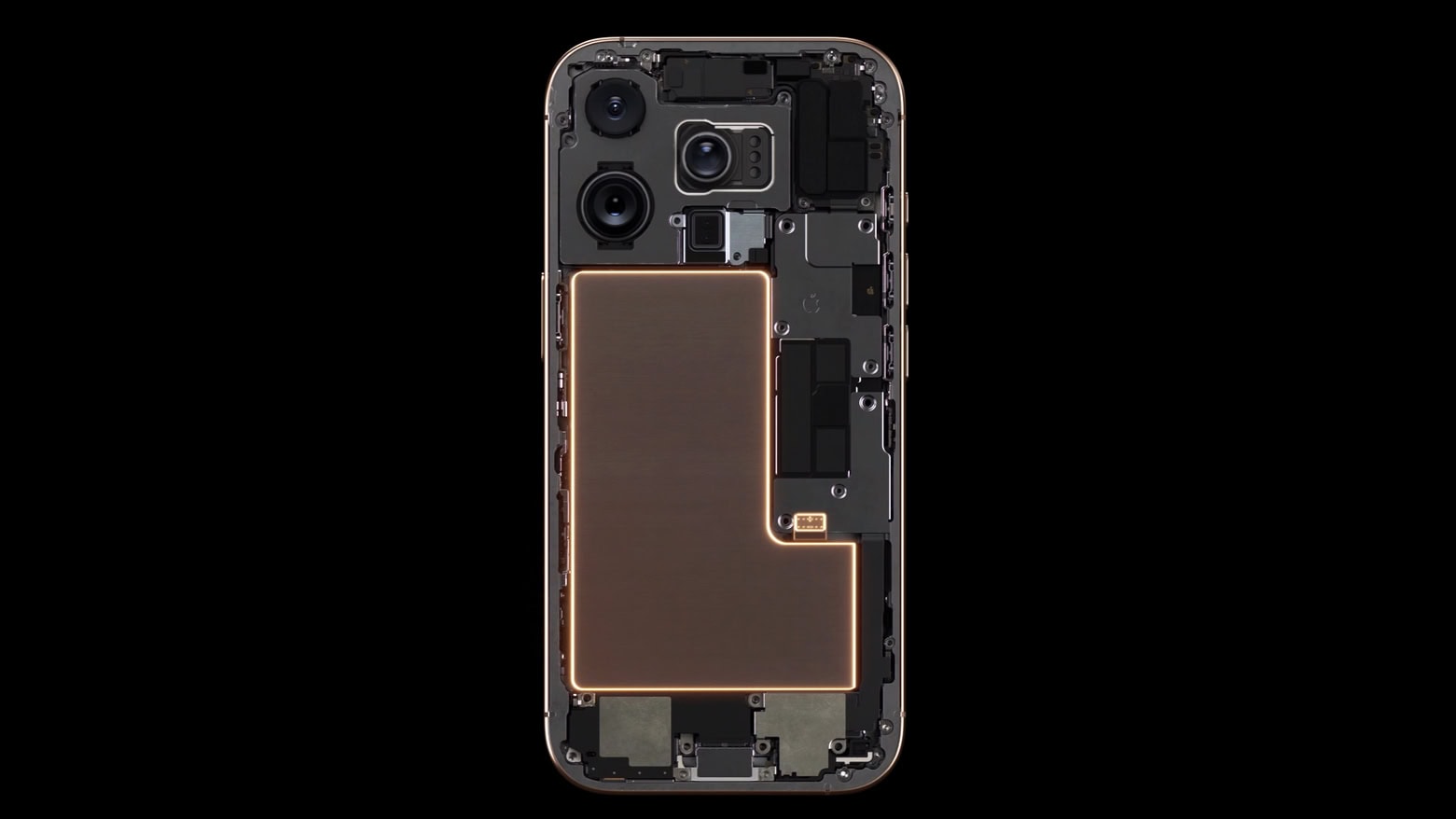
If you’re in the market for a new MacBook Pro, particularly of the Retina display variety, expect to shell out a little more than usual for a new battery. Apple’s updated pricing list for MacBook battery replacements shows higher than ever battery costs.
Good battery life is essential for a mobile device to succeed in the post-PC era, and Apple’s iOS devices continue to pack upgraded internals and improved battery technology into every product iteration. iPhone, iPad and iPod touch users can use a handful of tips and tricks for conserving precious battery on the go. Many of the tips are pretty basic, but every little bit counts when you’re trying to make it through the day on one charge.
Here’s a roundup of tips and tricks for saving battery life on your favorite iOS device:
The Verizon iPad will let you create a Personal Hotspot to share your LTE connection.
With all of the questions surrounding the new iPad’s battery life and heat temperatures, users will be comforted to learn that Apple’s latest tablet can serve as a mobile LTE hotspot for a staggering 25.3 hours. That means you could technically use your iPad’s Personal Hotspot feature for more than a day on a single charge.