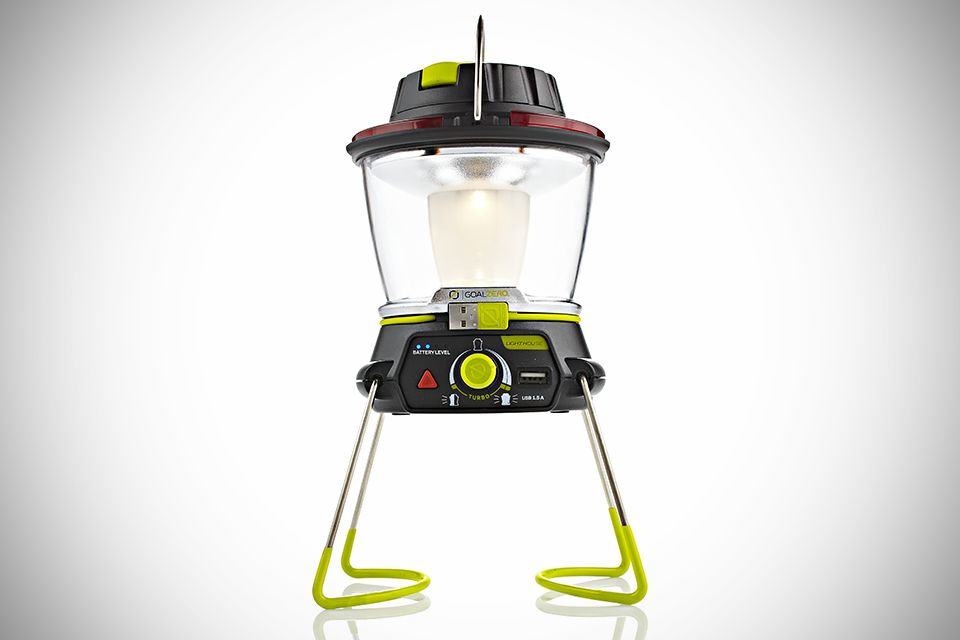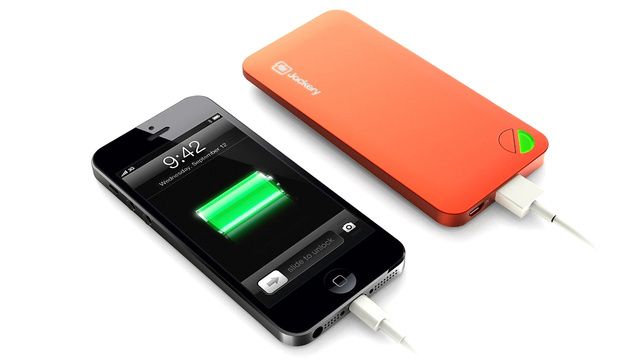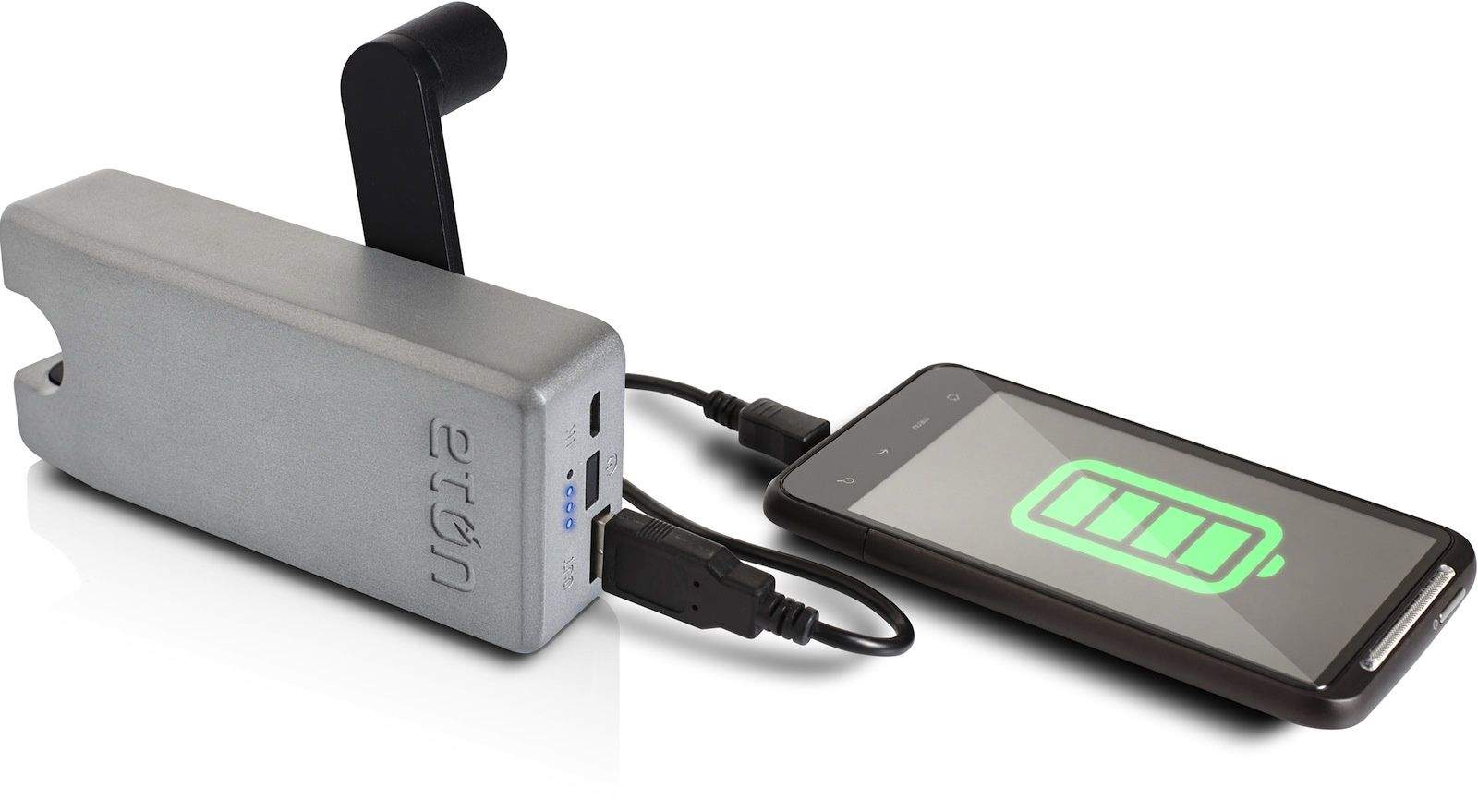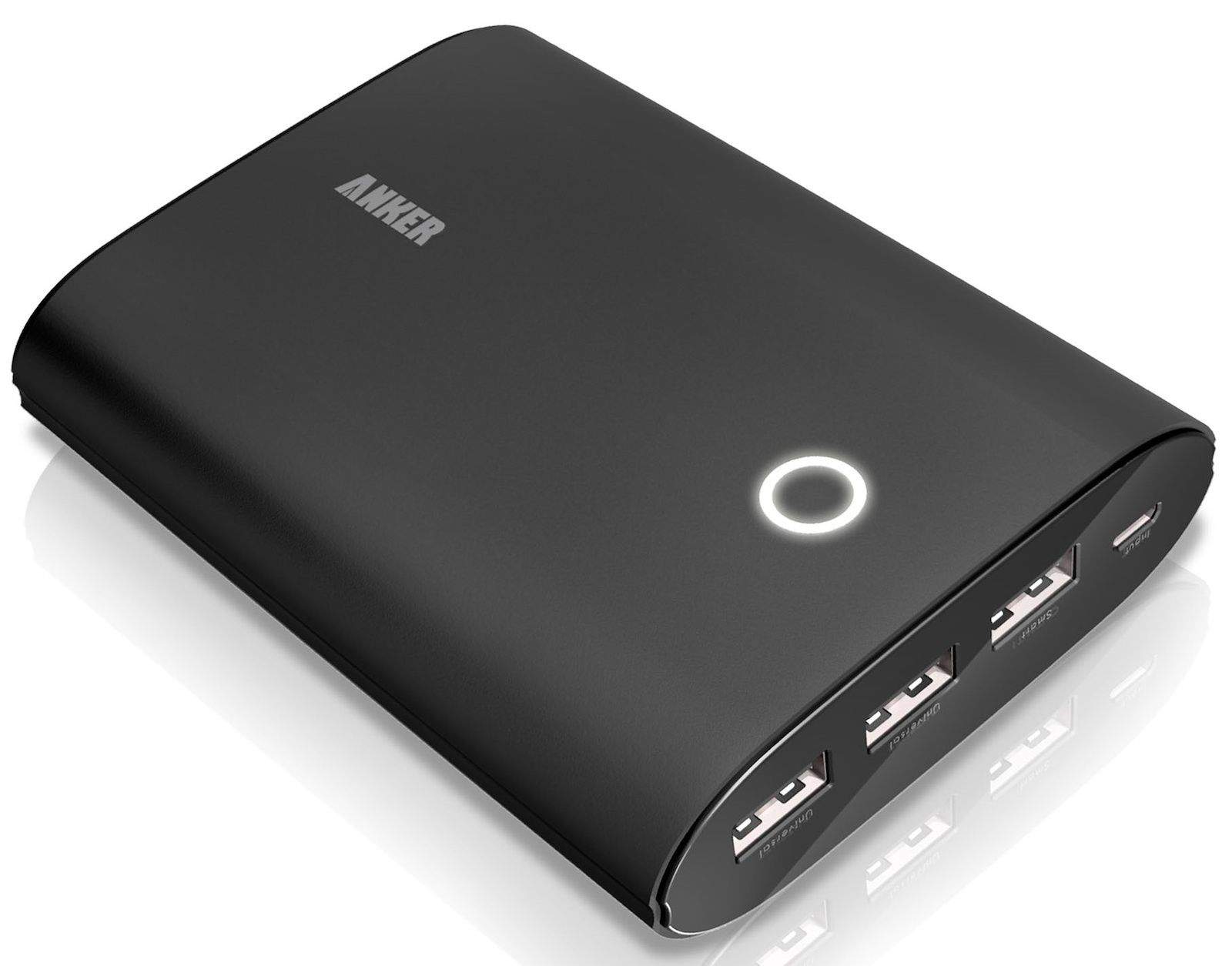
IPad 3. Hired: Retina screen, speedy 4G internet, lots of lovely RAM. Fired: Weight. Heat. Girth. Retired: That damn battery.
Yes, if the iPad 3 were to be leaping over a fence to escape its doom, and Paris were to fire an arrow to stop it, the arrow would hit the iPad 3 in its battery charger, not its heel (sorry about the extended and twisted Greek adventure story there). Sure, the battery lasts long enough, but it takes forever to charge the thing.
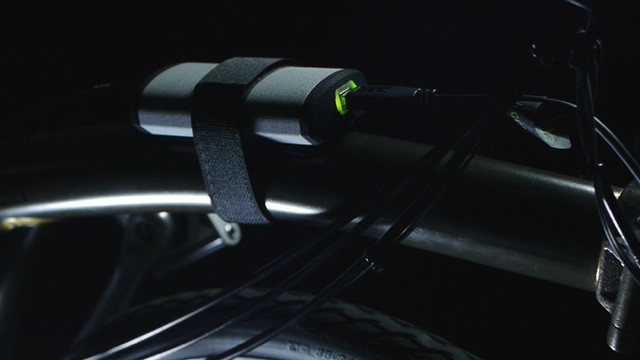
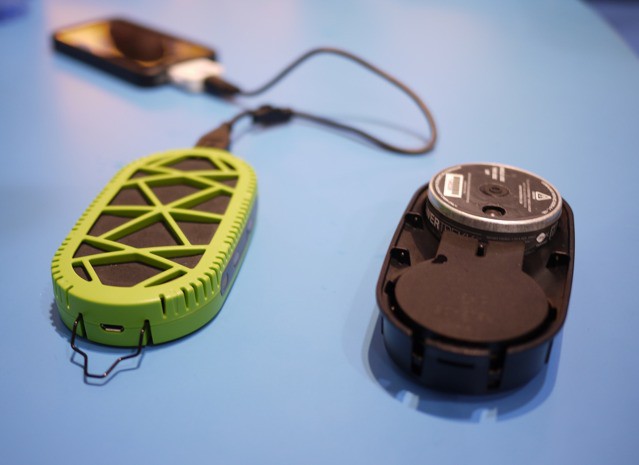
Happily, Exogear’s stackable battery packs are here to help.
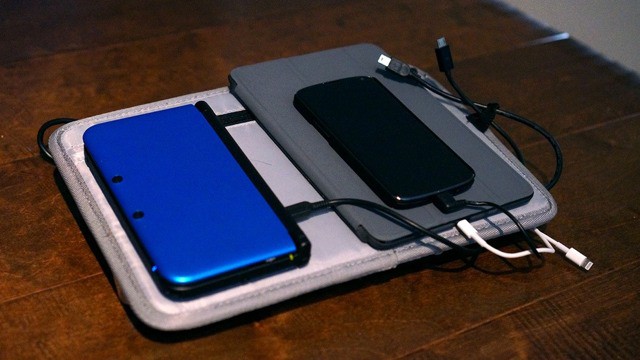
A Changers panel in action. Photo Charlie Sorrel (CC BY-NC-SA 3.0)
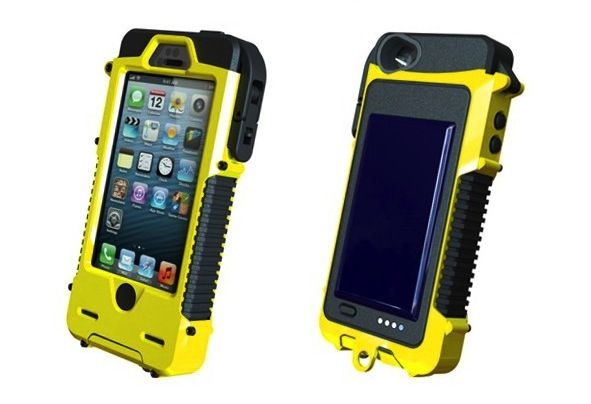
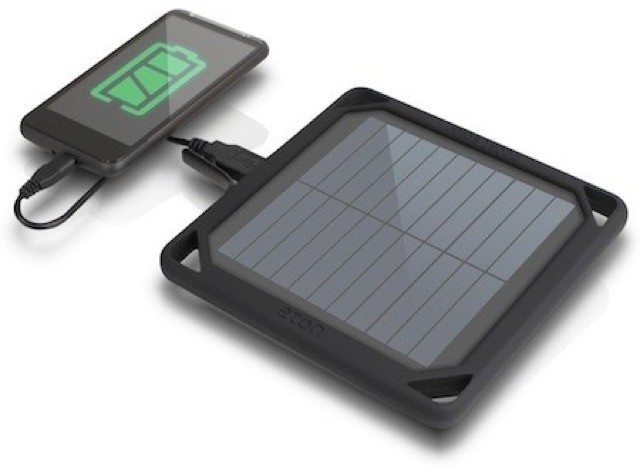
I spent most of last week riding my loaded-up bike through the north of Spain, and as any self-respecting geek would do, I was carrying gadgets, including a power-hungry iPad 3, and a Changers solar-powered charger. I’m planning a longer post on how this worked out, but right now I’m going to tell you about a new accessory for the Changers charger which should make it even more effective on road trips.
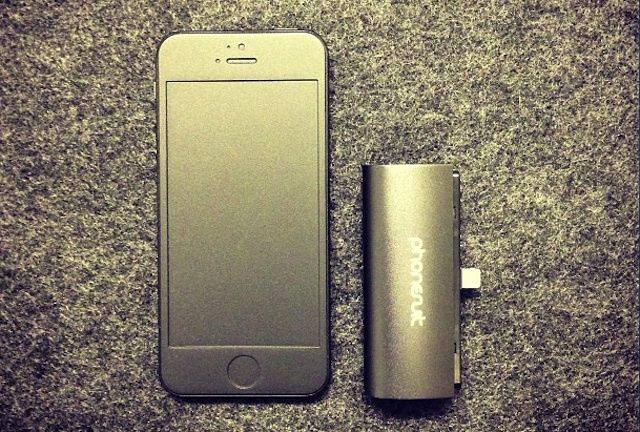
This tiny backup battery is small enough to take anywhere.
“You can’t take it with you.” This is a saying usually uttered by those people who are bitterly jealous of their richer friends' and relatives' success. It refers to the fact that your money is no good when you’re dead.
But it could equally apply to many external battery packs for the iPhone, which you can’t take with you because they’re too big, and you’re not carrying a bag.
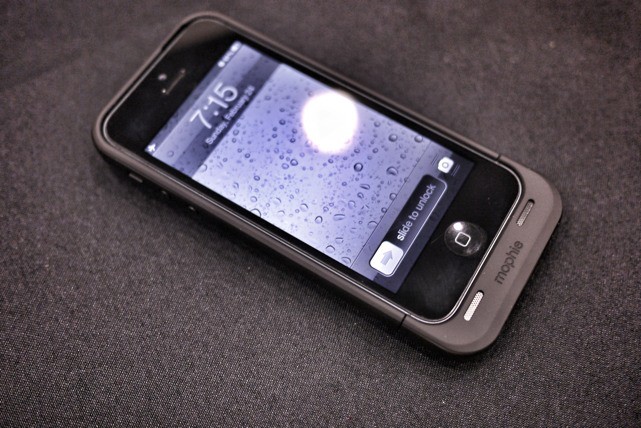
Enter the Gum, a tiny 2200mAH battery pack which fits in your pocket, and while it won’t help you in the afterlife, it will help you where it counts: in the actual real world of too-short battery life.
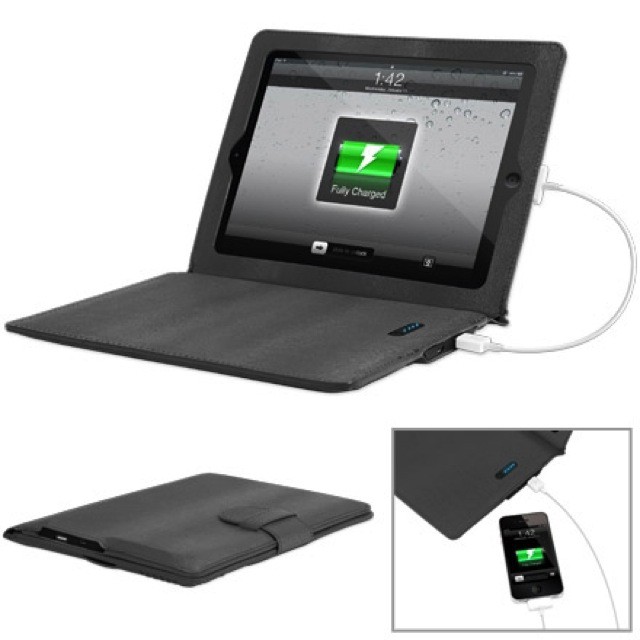
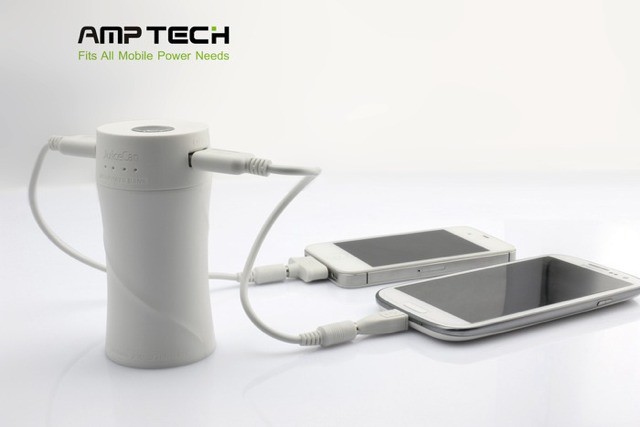
Satechi’s Portable Energy Station is the backup battery you need if you have a new iPad aka iPad 3. Why? Because its 10,000 mAH battery is almost as capacious as the 12,000 mAH (45 watt-hour) battery in the iPad 3 itself.
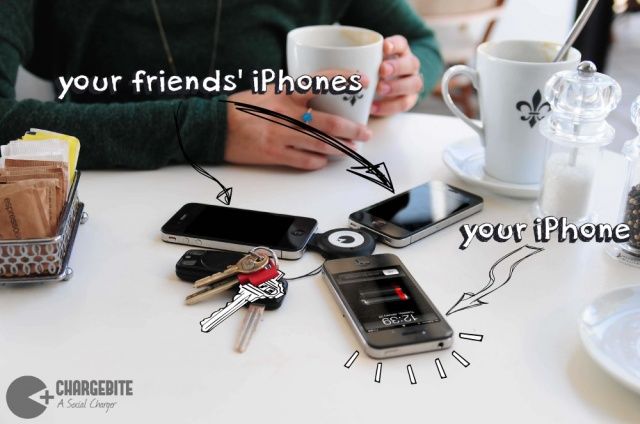
Imagine the scene: You’re in the middle of a particularly intense iPhoneography session, and the photos you’re getting are gold. You snap one keeper after another and then shift over to SnapSeed or some such app to really spice things up. But you’re so engrossed in the process of editing that you don’t notice your iPhone’s battery is almost dead until you get the dreaded pop-up warning.
If you are equipped with Photojojo’s keychain backup charger, then you needn’t worry. Just flip the top, plug it in and continue working.
The Cellink is ugly, but it might turn out to be the most useful thing in your gadget bag
Do you carry a backup battery, a camera connection kit and a charger with you in your man-sack? Yeah, me too, and it’s really no big deal as even together they weight almost nothing. But if you’d rather combine these items into one easy-to-lose box, then the Cellink I is just the thing for you.
I’m a complete neat freak. Add to this my weakness for bags of all kinds and you’ll see immediately why I love these new organizing wallets from ThinkTank. These four wallets are designed for tidying and storing SD cards, flash gels and cameras batteries.
If you hear the phrase “A place for everything, and everything in its place,” and nod in solemn agreement, then read on.
Technically, this is the most your new iPad's battery should ever be charged.
Last week, Dr. Raymond Soneira of DisplayMate Technologies discovered that when he charged his new iPad, it continued to draw current long after iOS reported its lithium-ion polymer battery as being 100% charged.
Doing some experiments, Dr. Soneira discovered that if allowed to charge until the point where the 10W charger stopped drawing full current from the mains, his iPad could last 11.6 hours on a single charge, compared to just 10.4 hours if he unplugged it the second it reached 100%.
Why does the new iPad do this? Dr. Soneira believes that it’s a bug in the way the new iPad reports its battery charge. Apple has since spoken out and called it a “great feature” in iOS. But what the heck is really going on?
The truth is more complicated. Apple’s being disingenuous calling this a “feature” of iOS. In fact, technically it harms your new iPad’s battery. That said, it’s certainly not a bug, as Dr. Soneira emphatically suggests. Rather, this is the way all gadget batteries charge. To understand why this is, and how you can maximize your device’s battery life and longevity, you first need to understand a little bit about how batteries charge.
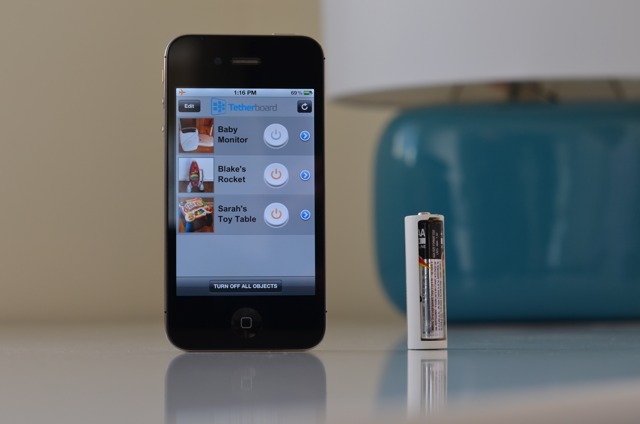
Free apps that display in-app advertising are sucking the life out of your cellphone’s battery. A team led by Abhinav Pathak, a computer boffin at Purdue University, Indiana, found that around “65%-75% of energy in free apps is spent in third-party advertising modules.”
Translation: Free apps like Angry Birds and Facebook may actually cost you more than paid apps in the end.
Laaaaaaaaaaadies and Gentlemen, welcome to Friday Night Fights, a new series of weekly deathmatches between two no-mercy brawlers who will fight to the death — or at least agree to disagree — about which is better: Apple or Google, iOS or Android?
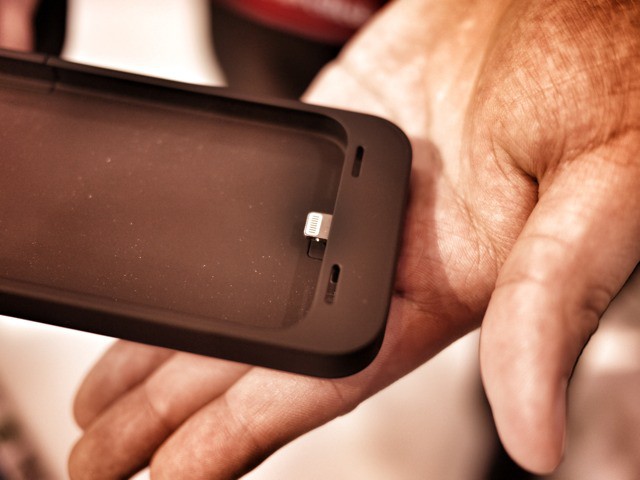
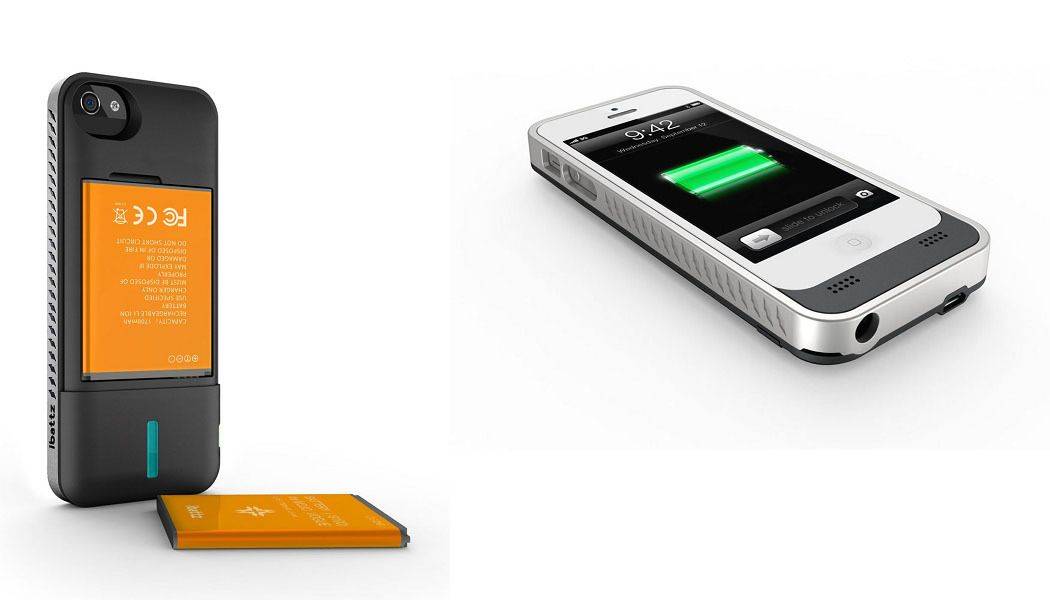
After this week’s topic, someone’s going to be spitting teeth. Our question: Should The iPhone Allow You To Easily Swap In And Out Batteries? A lot of Android phones let you swap in and out batteries if you’re low on power, but Apple’s never done so. Is this just another example of Apple hardware oppression, or do they have a good reason?
In one corner, we have the 900 pound gorilla, Cult of Mac; in the opposite corner, wearing the green trunks, we have the plucky upstart, Cult of Android!
Place your bets, gentlemen! This is going be a bloody one.