If there is one, single thing that has bailed me out in my 30+ years of using computers (starting with an Apple IIe, thank you very much), it’s that you must have backups. Thirty years ago, even 20 years ago when I was in college, the idea of so much of our lives (documents, pictures, music) only existing in the digital space was science fiction. Today, today it’s a fact of life. I don’t know about you, but I’d say I have hard copies of less than 1% of the thousands of photos I’ve taken in the past 14 years.
So the question is—are you backed up?
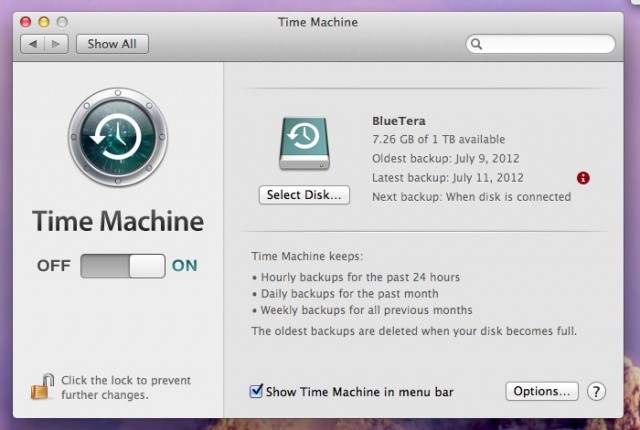
Now, don’t get me wrong, TimeMachine is a solid app (and better now under Mountain Lion), but it’s not perfect. Things like easy exclusions, backing up other volumes, making bootable backups—TimeMachine just doesn’t do. Good thing our deal today—Data Backup 3—does.
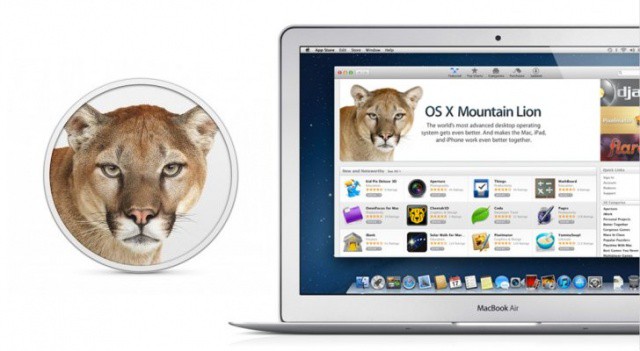
Apple’s latest jungle cat is called Mountain Lion, and the new version of OS X is available as a $20 purchase in the Mac App Store. If you’ve updated to a new version of OS X before, you know that getting everything in order isn’t always as easy as Apple makes it out to be. In this how-to guide, Cult of Mac will show you how to get your Mac ready to install OS X Mountain Lion the right way.
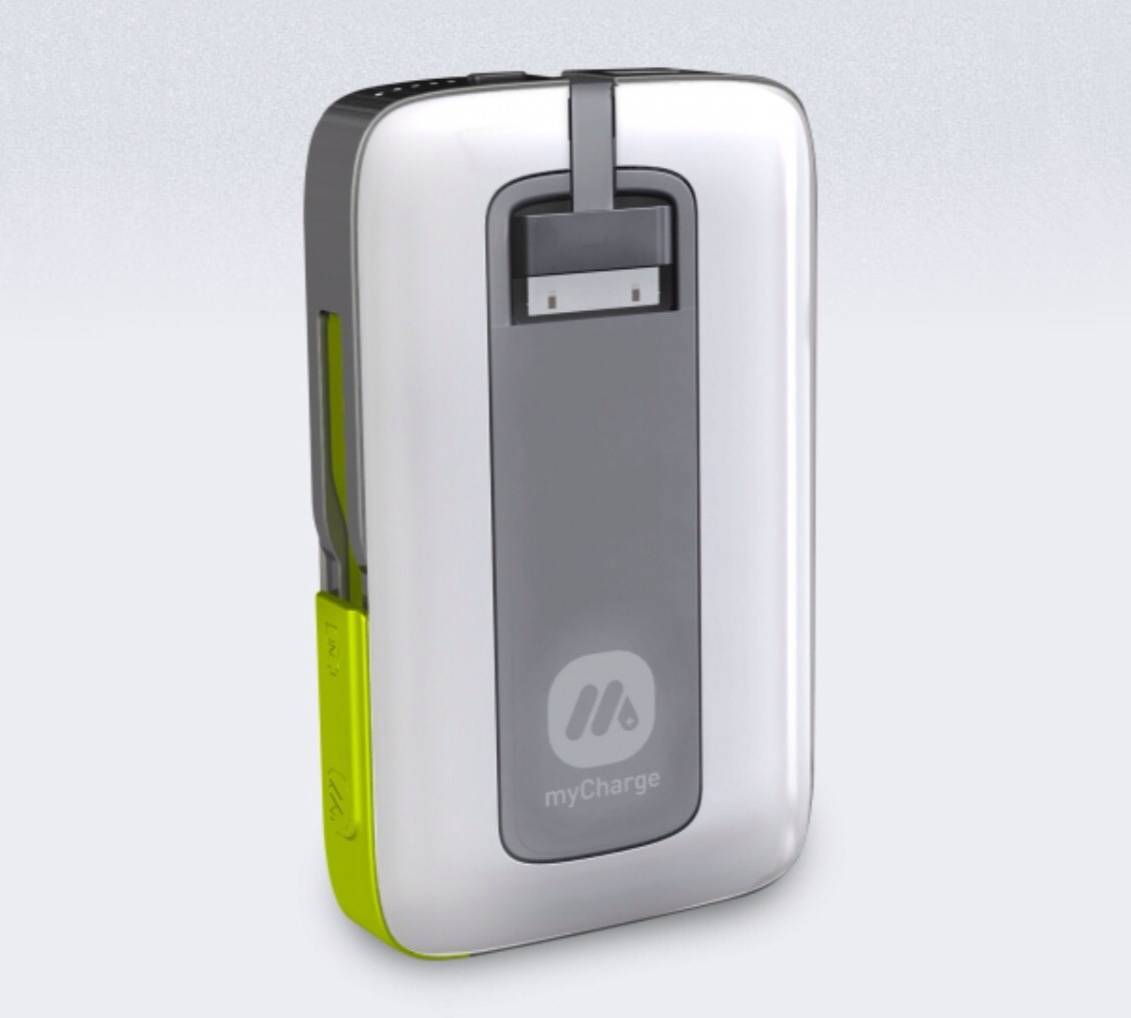
This tiny backup battery is small enough to take anywhere.
“You can’t take it with you.” This is a saying usually uttered by those people who are bitterly jealous of their richer friends' and relatives' success. It refers to the fact that your money is no good when you’re dead.
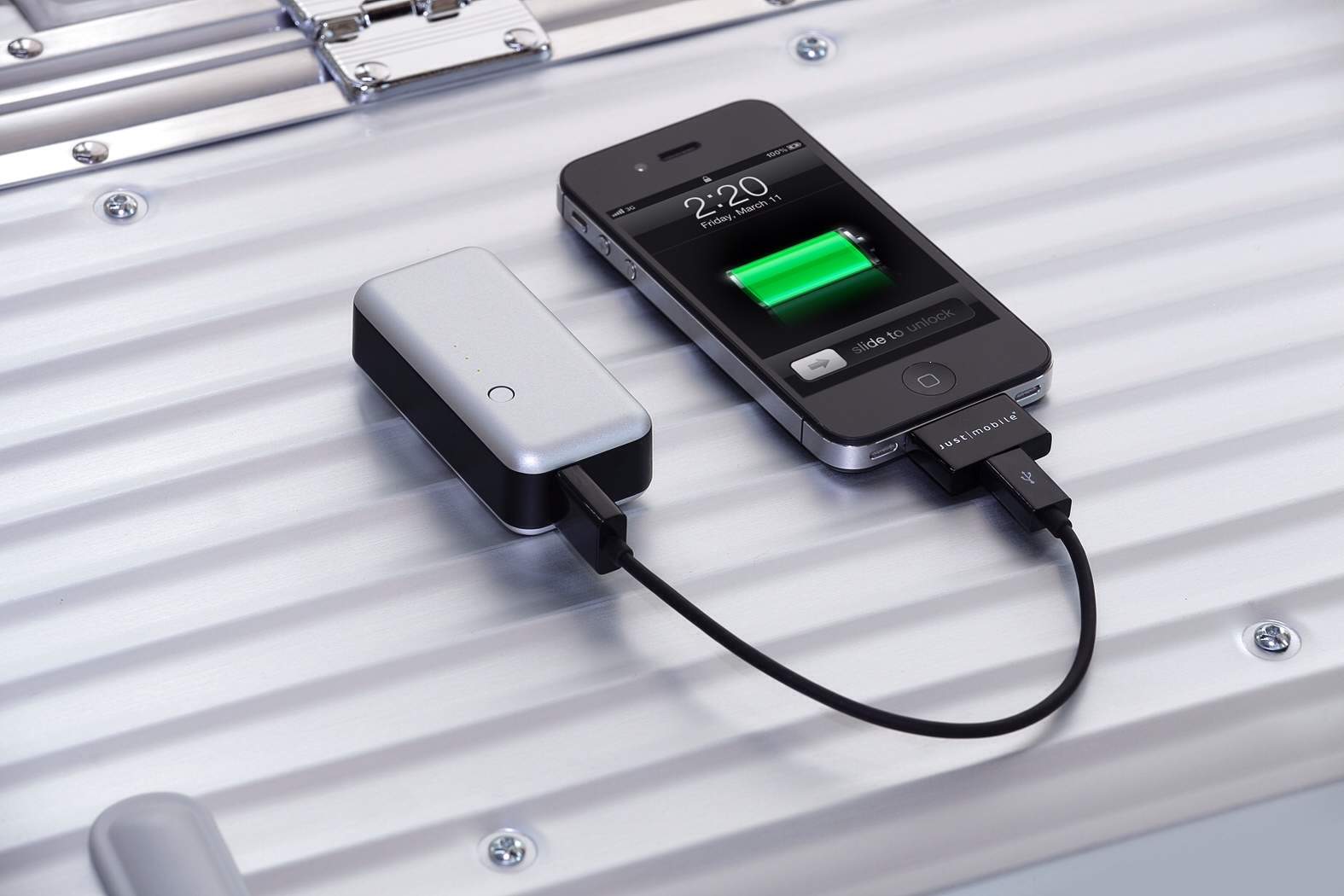
But it could equally apply to many external battery packs for the iPhone, which you can’t take with you because they’re too big, and you’re not carrying a bag.
Enter the Gum, a tiny 2200mAH battery pack which fits in your pocket, and while it won’t help you in the afterlife, it will help you where it counts: in the actual real world of too-short battery life.
Unfortunately, Time Capsule failures are an all too common occurrence.
Canadian lawyer Perminder Tung is suing Apple over a Time Capsule failure that cause him to lose laptop backups that included precious photographs of his child’s birth. Tung wants $25,000 in compensation for the broken device and the lost memories after Apple told him the data on his Time Capsule could not be saved.
MobileMe will be gone in less than a month. Here are the best MobileMe replacement options.
Apple began sending out MobileMe eviction notices last week. The notices remind anyone still using MobileMe that they have until the end of June to transition to iCloud and/or copy all data stored in their MobileMe accounts to their Mac or PC. Any files stored in MobileMe’s range of services that can’t be converted to iCloud will be deleted. If you opt not to use iCloud, all data in your MobileMe account will be deleted.
Although iCloud offers several advances over MobileMe, there are some MobileMe services that don’t have direct iCloud equivalents. These include MobileMe Galleries for sharing photos and videos, website creation using Apple’s iWeb, and iDisk remote storage and file sharing. File and information sync is available using iCloud, but the functionality is implemented a bit differently than in MobileMe.
There isn’t a single online service that delivers quite the same mix of features and functionality that Apple offered with MobileMe but by combining some apps and services, you can get pretty close to MobileMe’s feature set.
When you jailbreak an iOS device, you are given access to Cydia, the wild west frontier of tweaks, themes and apps you can’t get in Apple’s own App Store. Jailbreaking gives you the freedom to customize your device the way you see fit by installing various plugins, system-level extensions, tweaks and apps from Cydia.
After awhile, you can amass quite a few Cydia apps and packages, and it’s important to keep your purchases and downloads backed up for safe keeping. Whether it’s a jailbreak tweak you paid $2 for or a free one, you don’t want to lose what you find during your jailbreaking career.
Every several months a new jailbreak will come out for the latest version of iOS, and you’ll need to re-jailbreak your iOS device. Restoring to a stock version of iOS before jailbreaking removes all of your jailbreak apps and tweaks. In Cult of Mac’s ultimate roundup, we’ll show you the best ways to backup and restore your Cydia apps on your jailbroken iOS device.
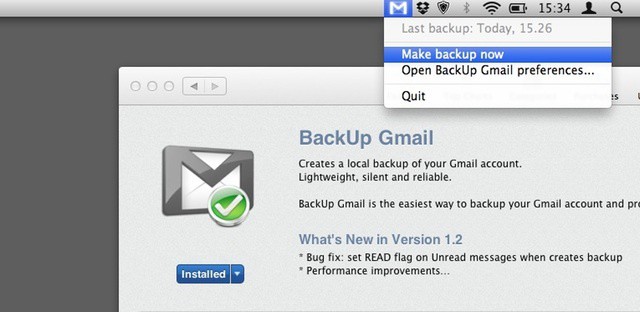
BackUp Gmail does what you’d expect: it backs up your Gmail account to your desktop computer. It’s a simple Menu Bar app that works in the background. It’s only $2 in the Mac App Store, but does have a few problems.
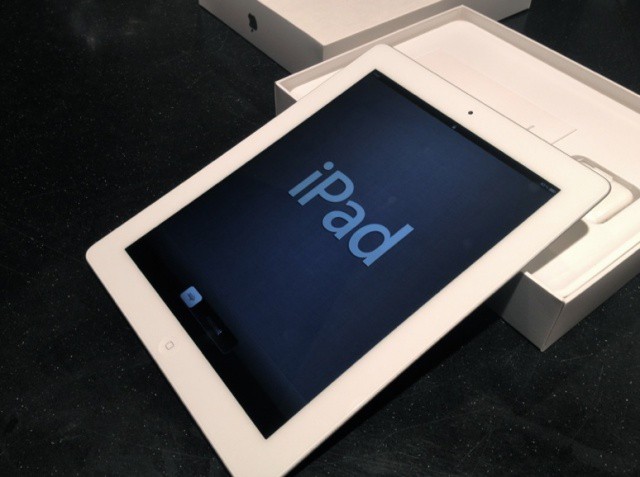
Last week, we showed you how to prepare your old iPad for today’s upgrade to the new one. Now you have your new device, you’ll want to ensure that all of your data from your old one gets transferred over during the setup process. Here’s how to do it — the right way.
There’s no doubt that iCloud offers some great value to Mac and iOS users. It even has some potential as a business tool. Unfortunately, like many other personal cloud services, iCloud presents some major securtiy concerns when it comes into the workplace – either on a user’s iOS device or on a business Mac or PC. Those concerns stem from the ability to sync business data to outside devices and computers as well as its capacity to archive some of that data on Apple’s iCloud servers.
Unlike most personal cloud products, which can be difficult to effectively disable in corporate or business settings, iCloud use can be restricted or blocked. That leaves IT departments with the question of whether or not iCloud access should be managed or disabled. It’s a tricky question, particularly in BYOD settings where the device belongs to a user and not the company. It’s made even trickier because the choices involved in managing iCloud are rather blunt in approach and don’t offer much in the way of fine tuning to specific needs.
Mike Evangelist, chief marketing officer for Code 42 Software, says companies are finally embracing the consumerization of IT.
SAN FRANCISCO, MACWORLD/IWORLD 2012 — Here’s a story we’re hearing a lot at MacWorld: the business world is finally starting to embrace the consumerization of IT.
Take Code 42 Software, which has seen a lot of growth from its enterprise customers recently. According to Code 42, corporations have given up fighting employees who bring their Mac to work, and are now supporting them instead.
“Companies are realizing they can’t fight the tide anymore,” said Mike Evangelist, chief marketing officer. “People like their Macs better and they’re taking them to work. Companies are reacting to that.”