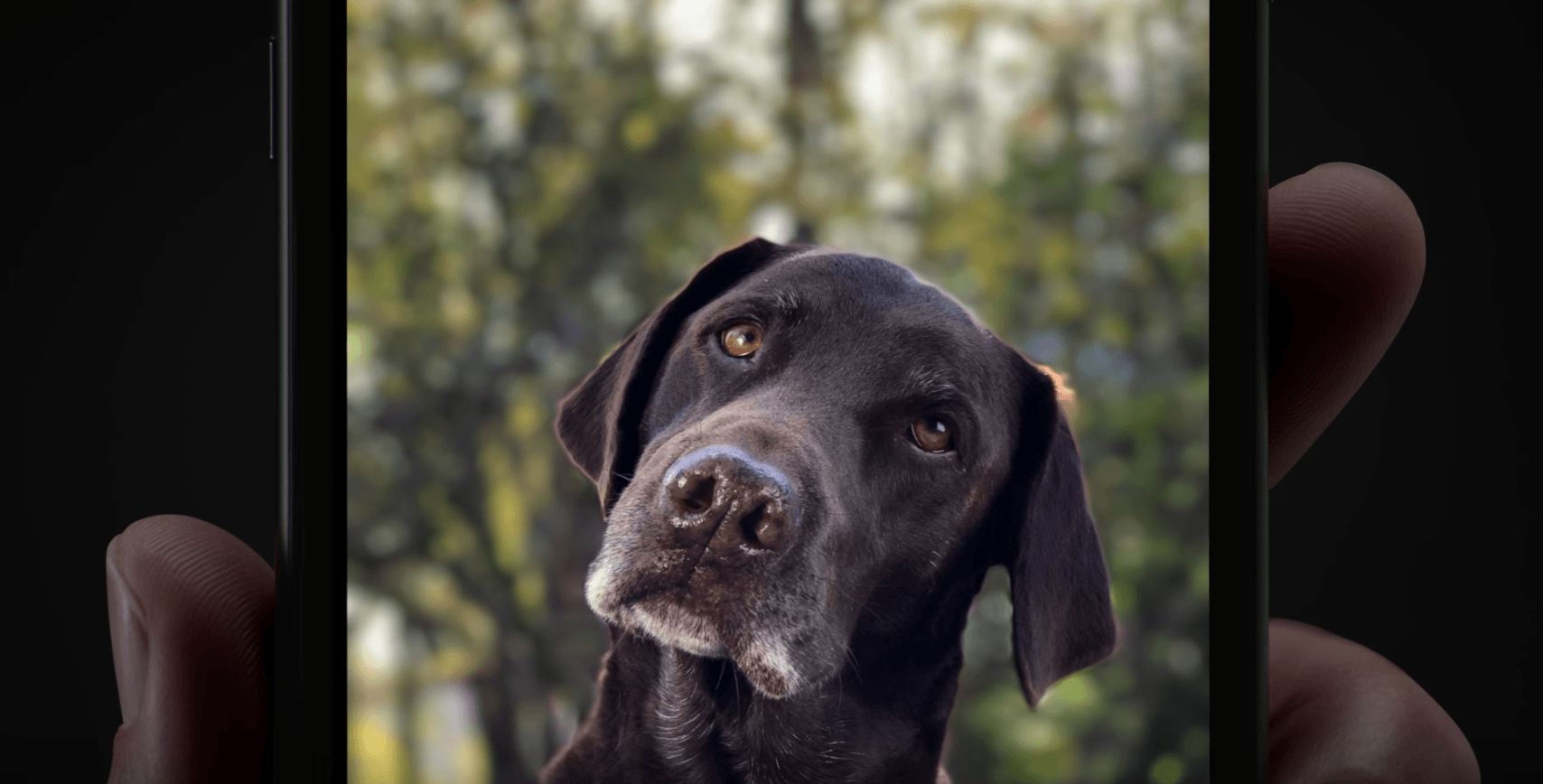
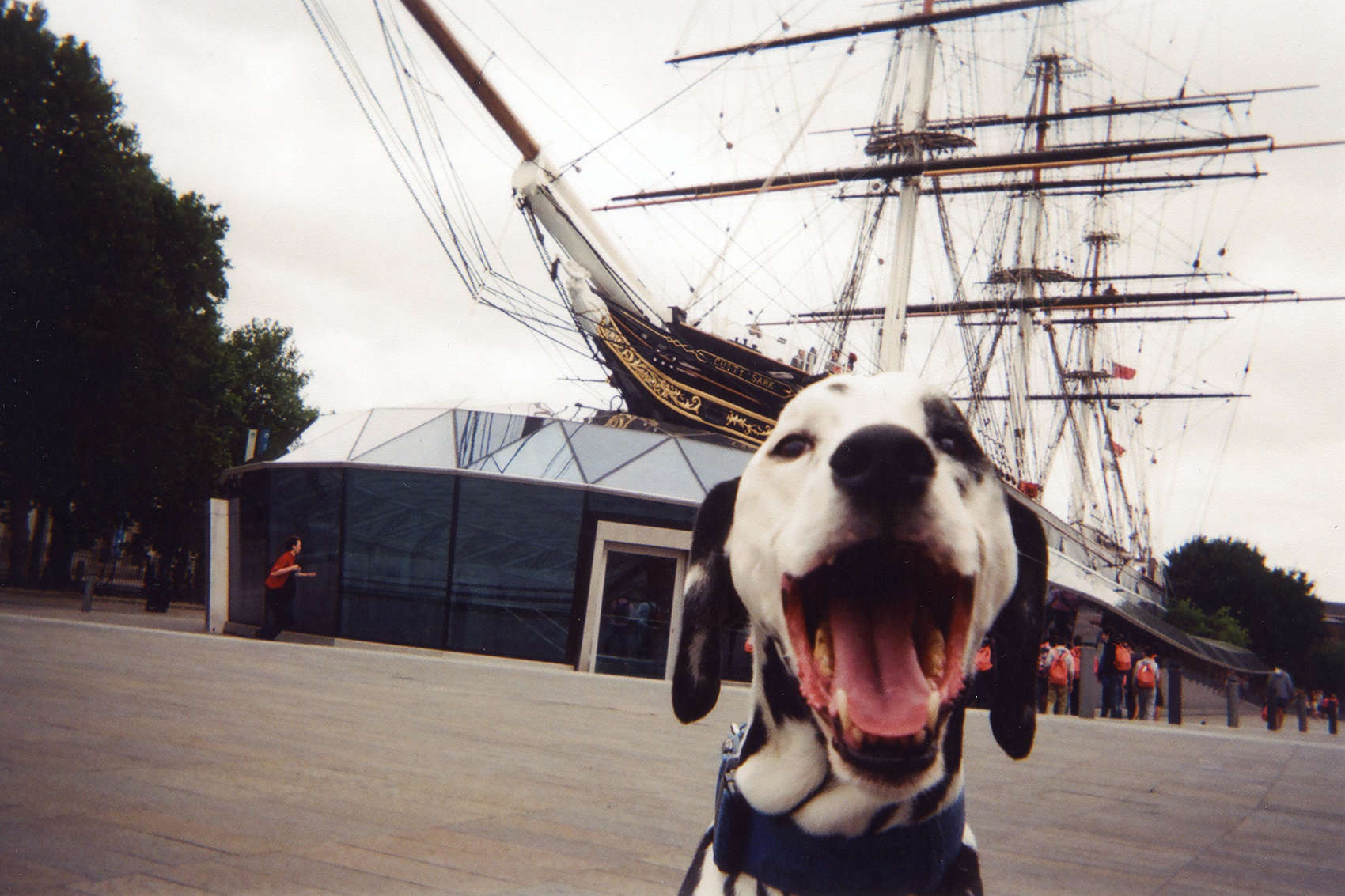
Portrait Mode turns ordinary pics into extraordinary photos. Photo: Apple
Apple launched a new ad campaign this week with two new short spots that showcase the superior shooting skills of the iPhone 7 Plus’ new Portrait Mode.
Both of the new ads highlight how to use Portrait Mode to elevate your pictures of people or pets to an all-new level. The new feature is technically still in beta, but it looks like Apple thinks it’s ready for its close-up.
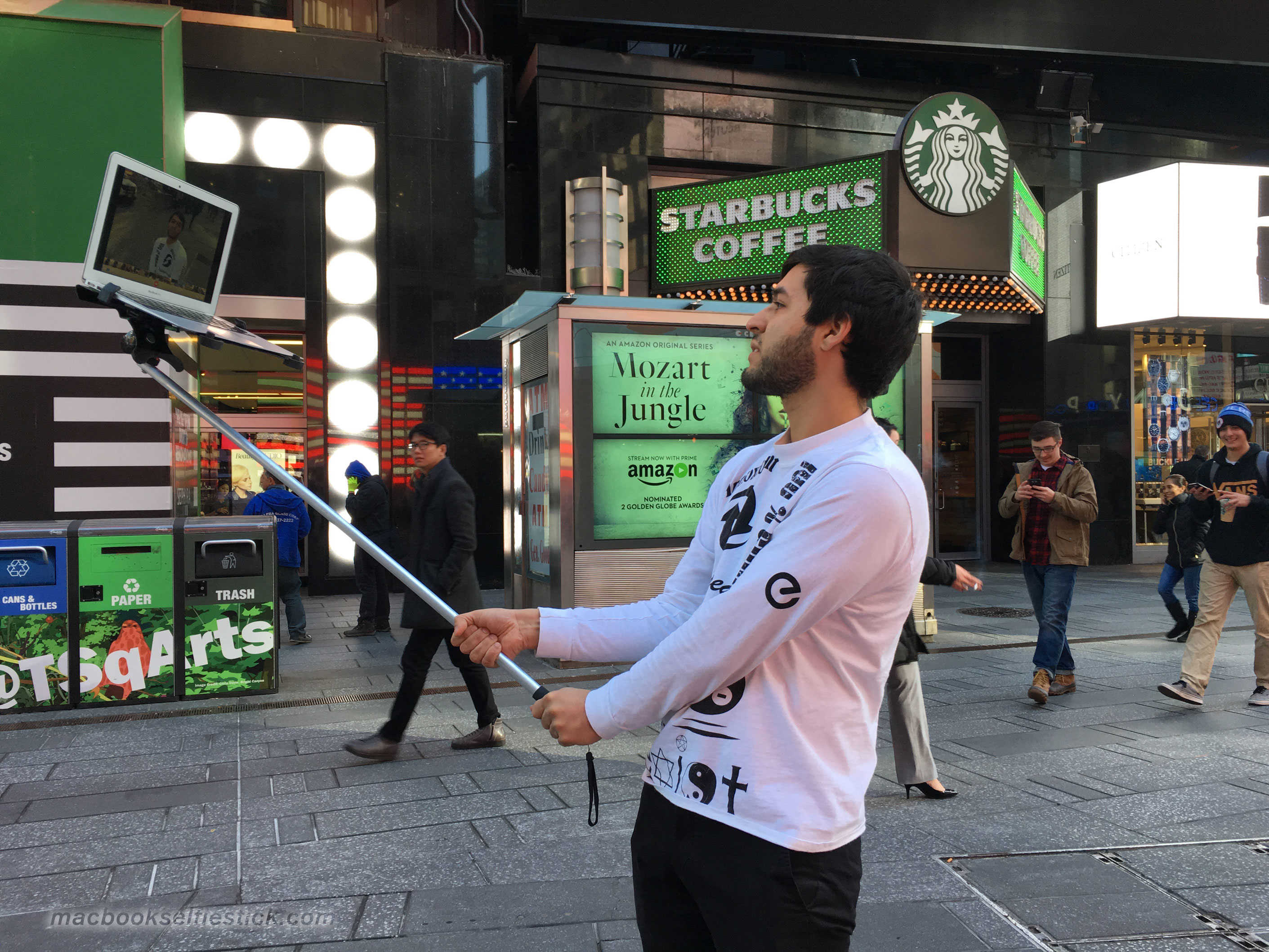
I'll take a double-shot half-caff soy latte with a side of massive MacBook selfie stick, please. Photo: MacBook Selfie Stick
Selfie sticks are bad enough, and while we’ve not seen anyone taking photos with an iPad and a long stick yet, here’s something even wackier: a MacBook on the end of a stick.
Created by an artist collective and showing on the streets of New York City, the oversize selfie sticks seem to be making the point that perhaps the technology that serves our obsession with selfies should be as outsize as our egos.
The son of a migrant from Syria. Photo: Banksy/Banksy.co.uk
Infamous street artist Banksy has created a new mural of Steve Jobs to make a big statement about the Syrian refugee crisis that is causing a storm of controversy not only in Europe but the U.S. as well.
Banksy’s Steve Jobs mural depicts the Apple co-founder with a black bag slung over his left shoulder and an original Macintosh computer in his left. The artwork was sprayed on a wall in the Calais refugee camp called ‘the Jungle’ in northern France.
A painting by artist Jorge Pardo is taking work away from bull-slinging gallery explainers.
The piece, which is currently showing at Art Basel in Miami, depicts an impressionist version of the artist on a slide at a water park. It comes from a photograph his daughter took and looks really cool, but that’s not the most interesting part of the work.
That honor belongs to the iPad set into the lower-right corner of the piece that can let anyone who walks by connect to Pardo via Skype.
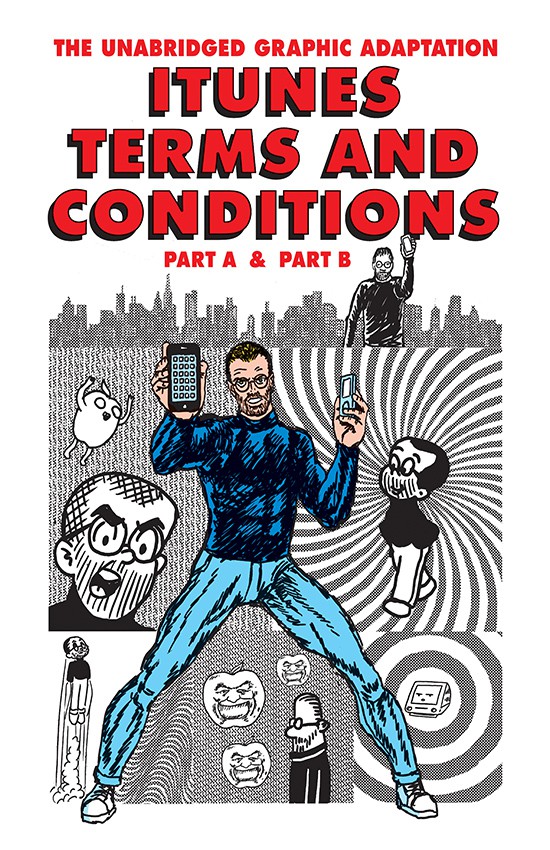
R. Sikoryak does Steve Jobs and the iTunes Terms and Conditions. Photo: Robert Sikoryak
We’ve all seen those horrendously long Terms and Conditions documents with every bit of Apple software we download, including the iTunes Terms and Conditions.
But what if you could see them in an illustrated version? We all might read them in that case.
These illustrated panels, each drawn in a different comic book style after famous other cartoonists, put Steve Jobs front and center of the otherwise dry, dusty legal disclaimers from Apple.
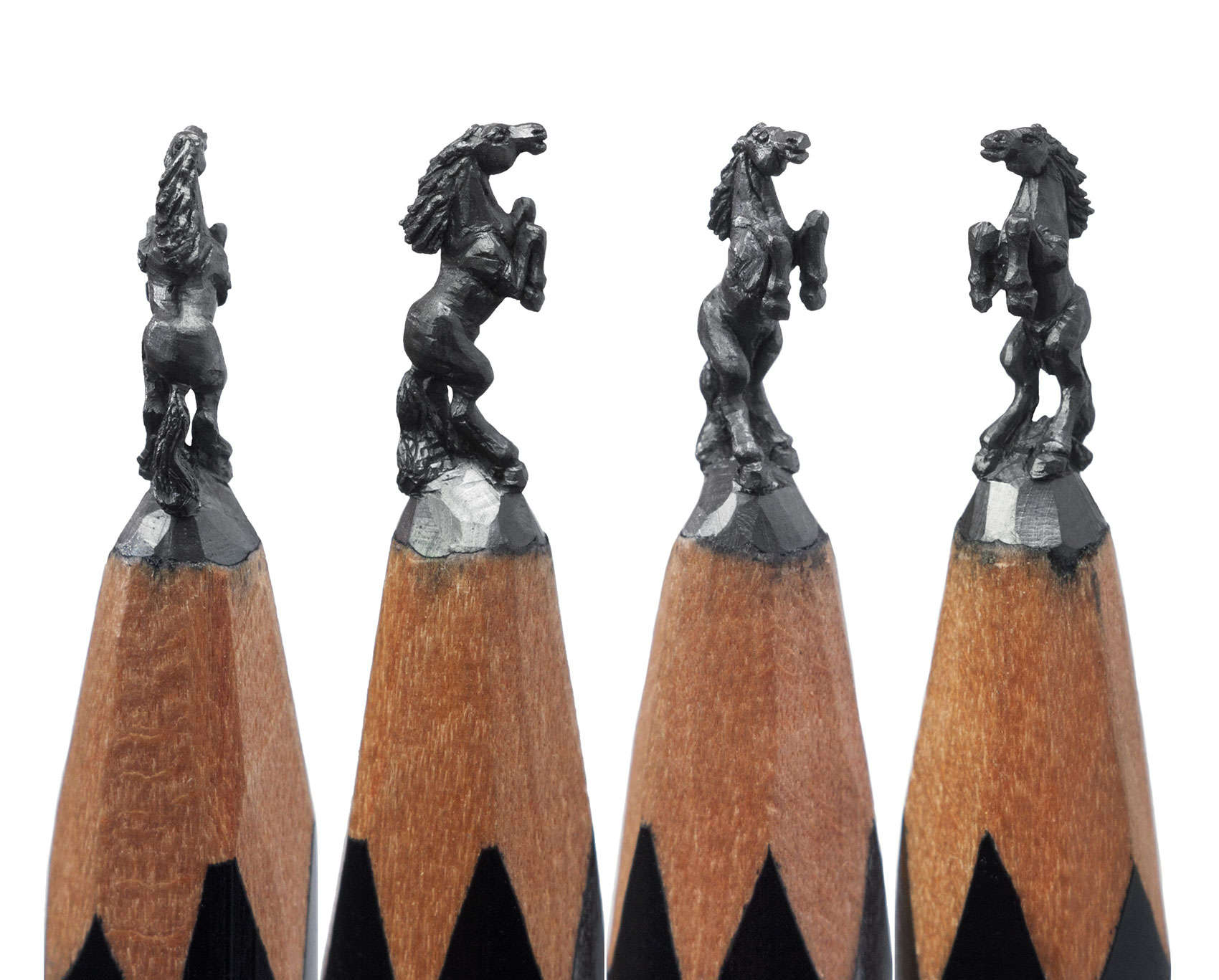
The art of Salavat Fidai is at the tip of his pencils. Photo: Salavat Fidai
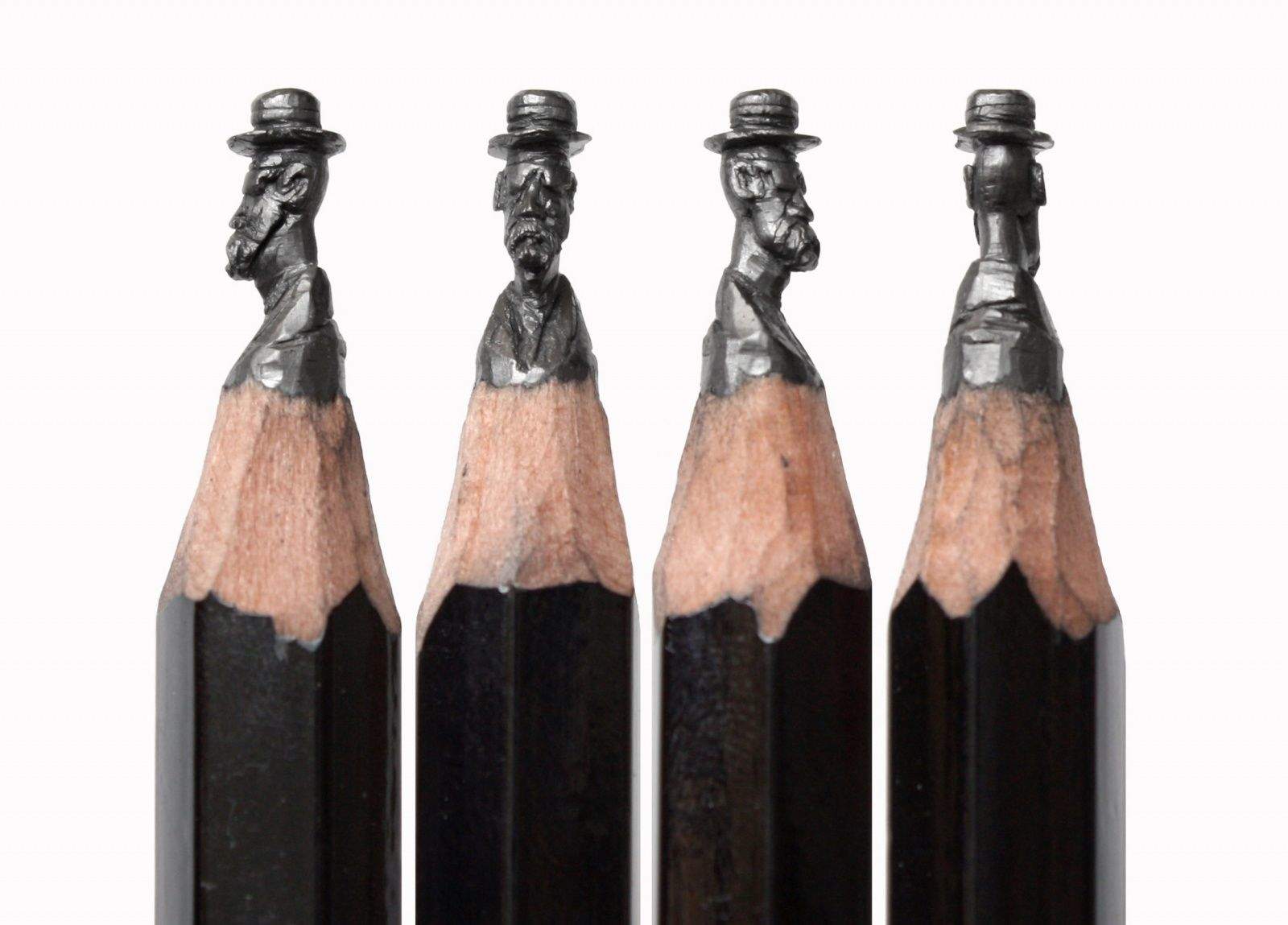
The art that flows from Salavat Fidai’s pencils actually never leaves the pencils.
A curvy stallion, a row of circus elephants or the Eiffel Tower remain on the tips of pencils thanks to Fidai’s steady hand and patient craft knife that carves the soft lead into a sculptural symbol easily recognized in the most unexpected place.
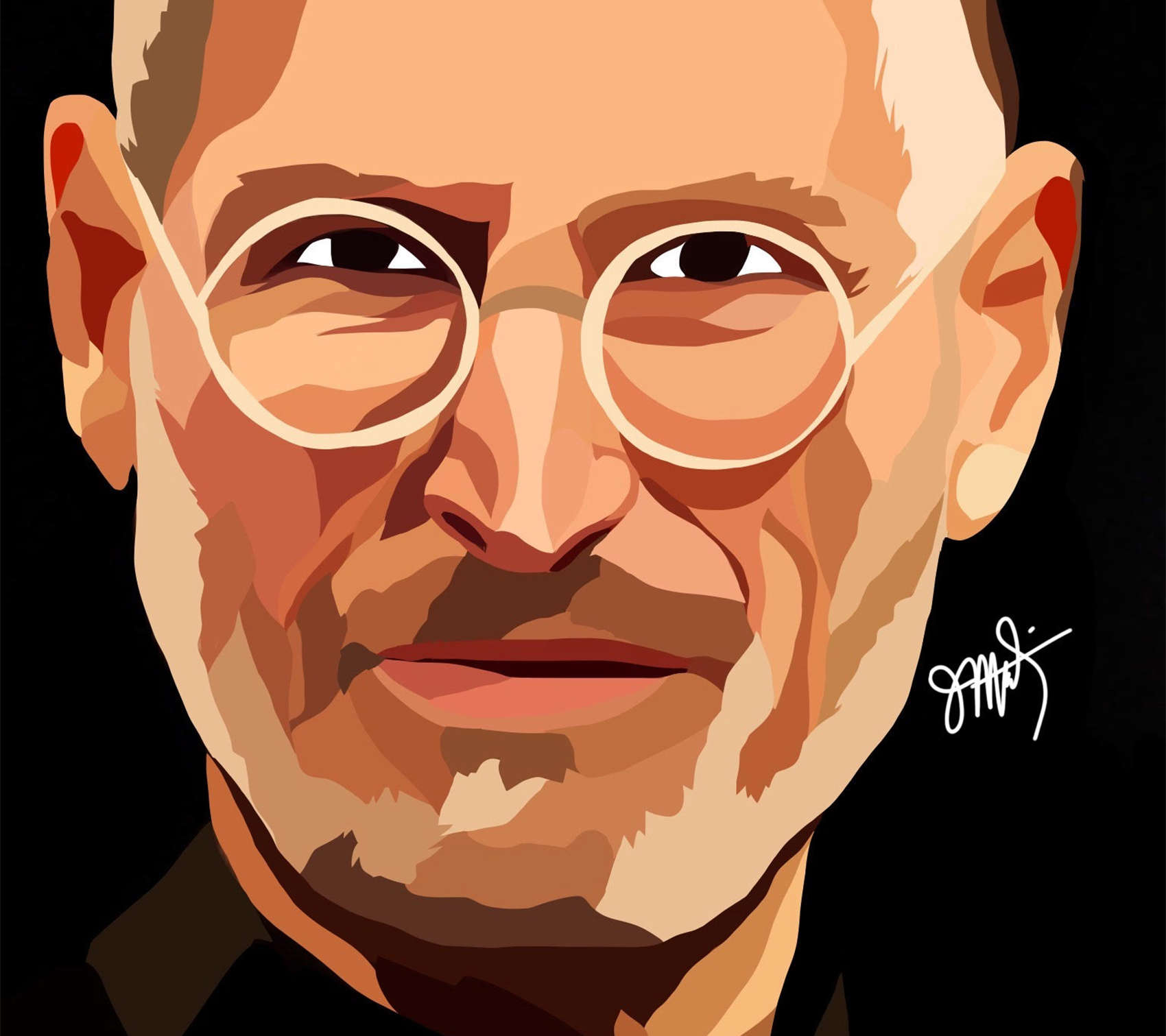
Steve Jobs, creator of the iPad and created on the iPad. Portrait: Jeremy Martin
Pope Francis and Miley Cyrus have little in common. One is a spiritual leader who displays awe-inspiring compassion and the other is a hyper-sexualized pop singer who loves to display her tongue.
Each carry the weight of celebrity and thus share space in a growing gallery of portraits by New York artist Jeremy Martin, whose medium of choice happens to be an iPad.
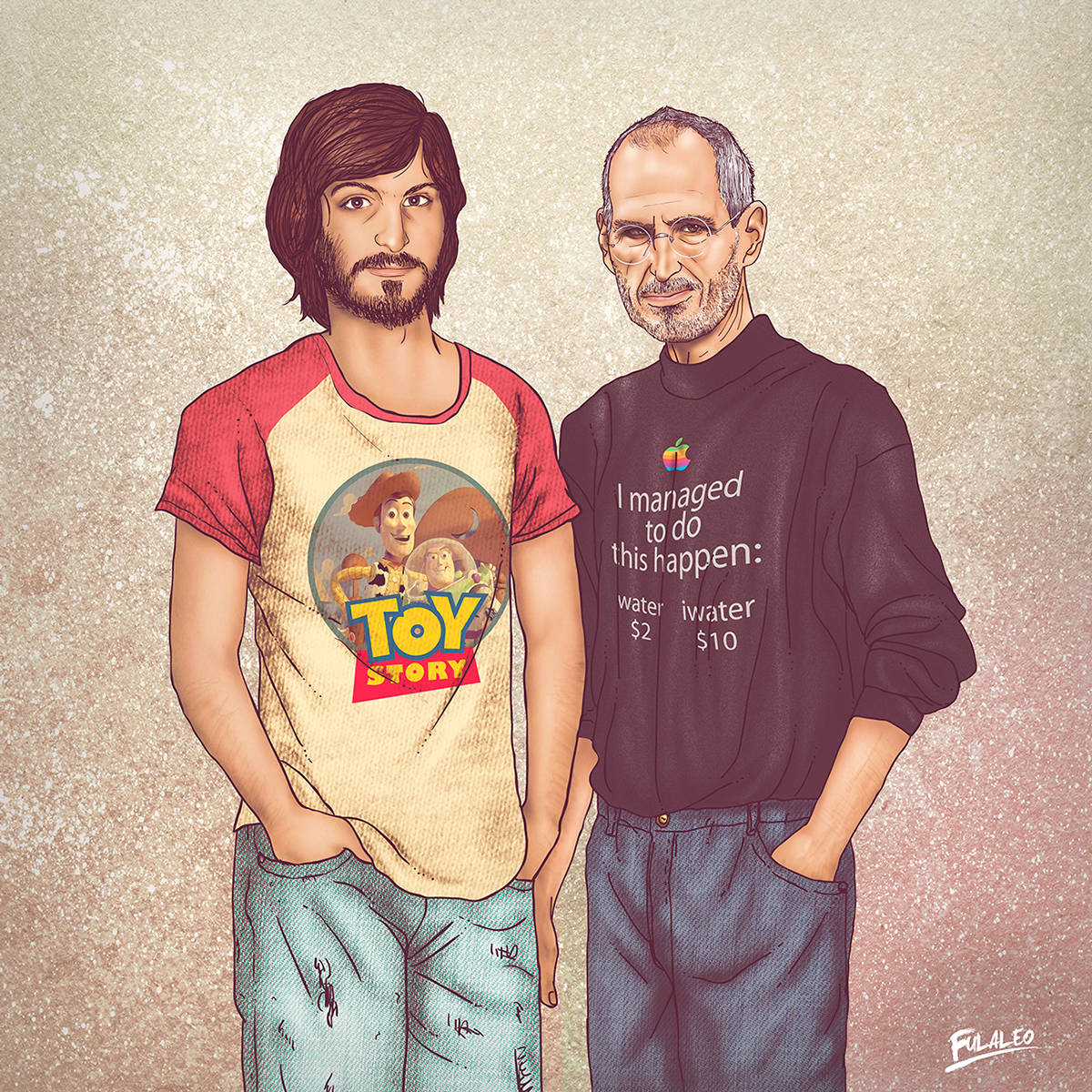
Steve Jobs before and after, with maybe a little judgement about water sales. Photo: Fulvio Obregon
“Me and My Other Me” is a series of illustrated portraits of celebrities. The roster of folks drawn up include tech giants like Bill Gates and Steve Jobs as well as music mega-stars like Mick Jagger and Michael Jackson.
What makes them creepy–aside from the highly detailed cartoonish art style, that is–is that they’re portraits of both younger and older versions of the subjects.
Just take a look at a few of these disturbing pieces of art below and you’ll see what I mean.
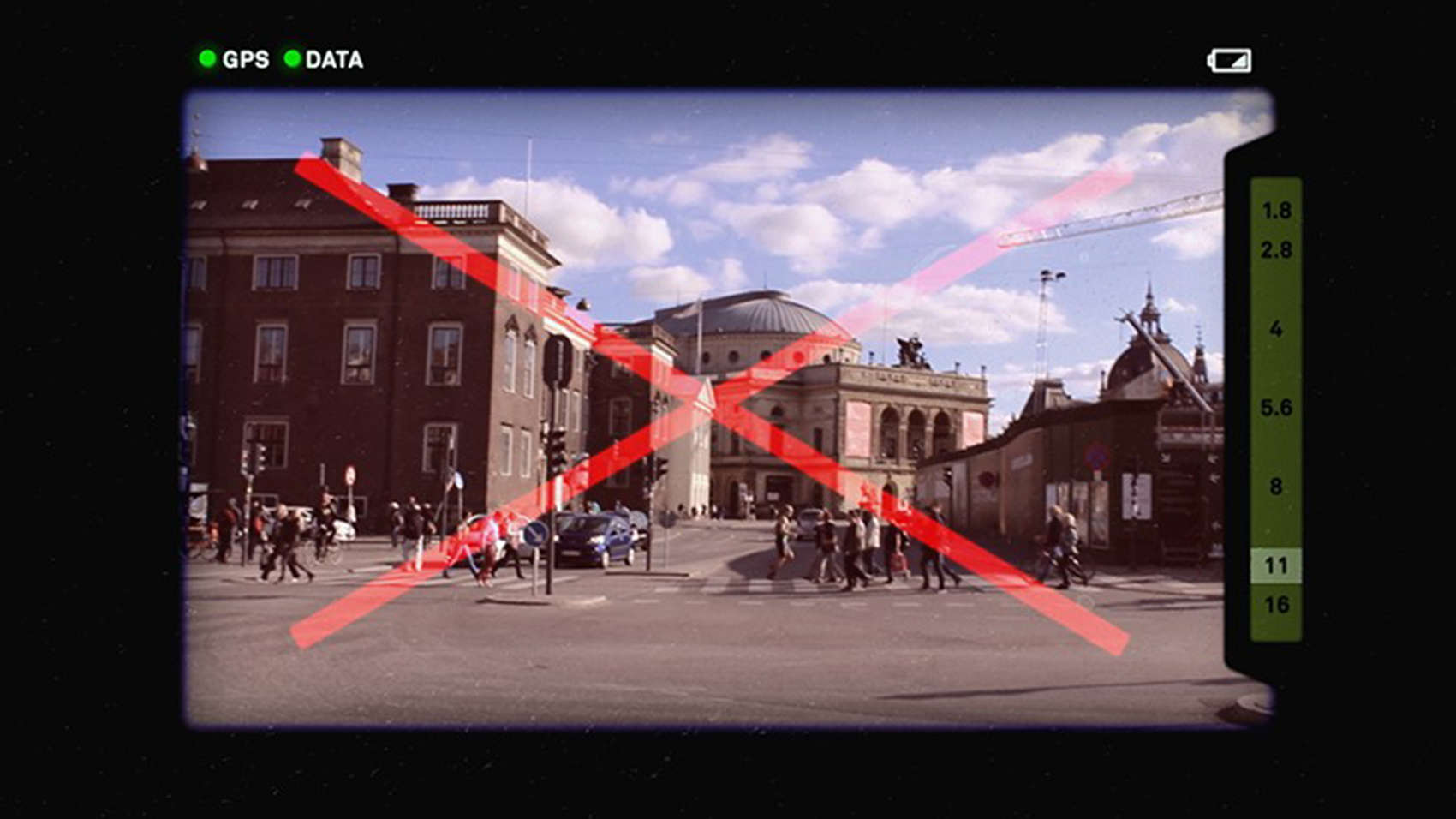
Imagine pointing your lens at something and the camera not letting you take the picture because what you are looking at has been photographed too many times.
Copenhagen designer and artist Phillipp Schmitt has developed the Camera Restricta, a device that first tracks its own location and searches online for photos that have been geotagged for the area within the camera’s range.
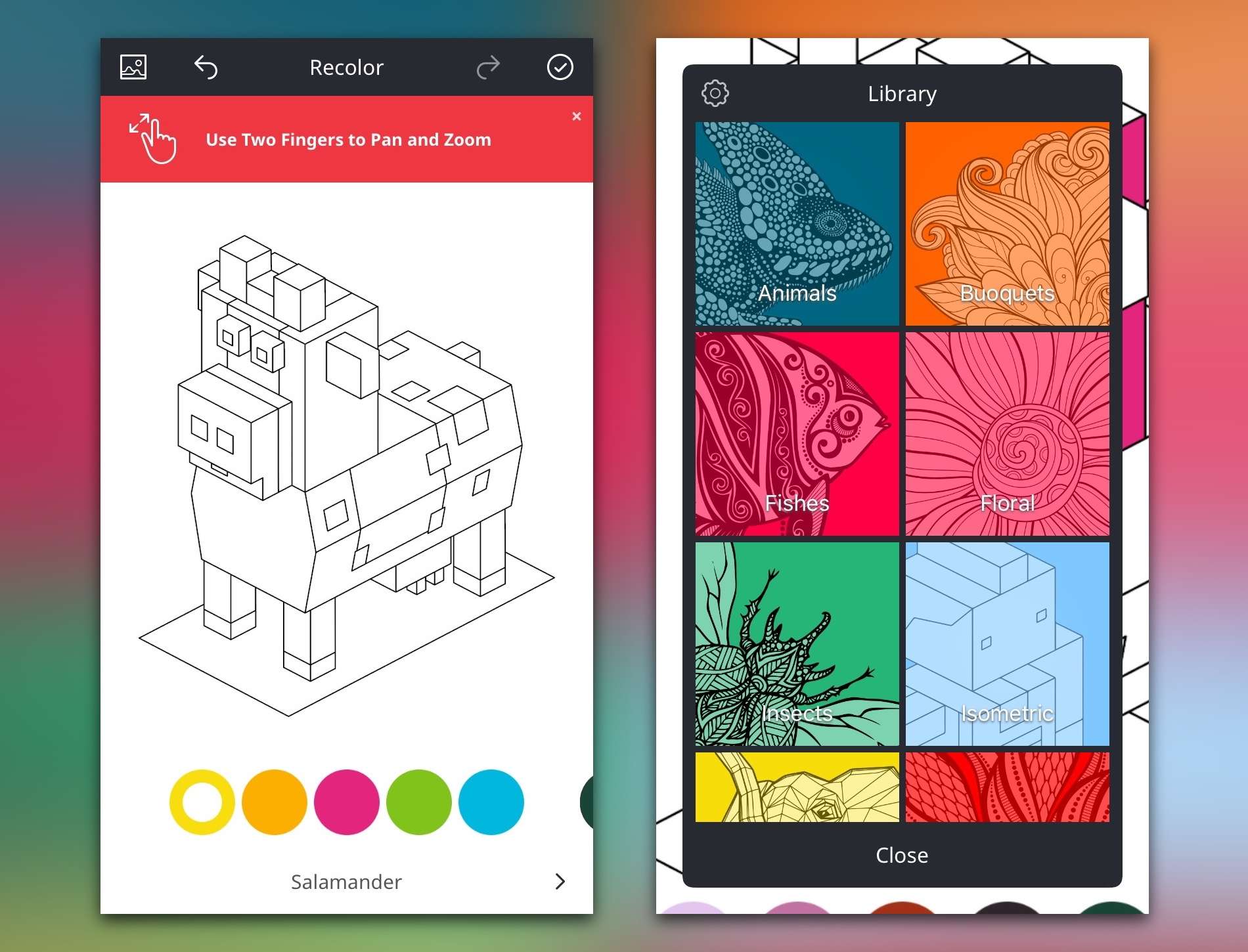
Who knew coloring could be so restful, even for adults? Photo: Recolor
One way I can often determine if an app is worth my time is by putting it through a specific test. If I get so sucked into an app that I forget I’m actually supposed to be gathering thoughts to write up a review, it’s because that app is generally pretty awesome. I had this somewhat rare experience with Recolor, a new coloring book app for adults on iOS.
The cover of the 2016 calendar called My London photographed by homeless artists. Photo: ROL
David Tovey became homeless on the streets of London after a stroke and found salvation in an unlikely place – a disposable camera.
Tovey was invited to participate in an art project giving Londoners cameras to record life on the streets for a calendar now being sold on Kickstarter. He has had photos selected for the Cafe Art calendar project two years in a row.
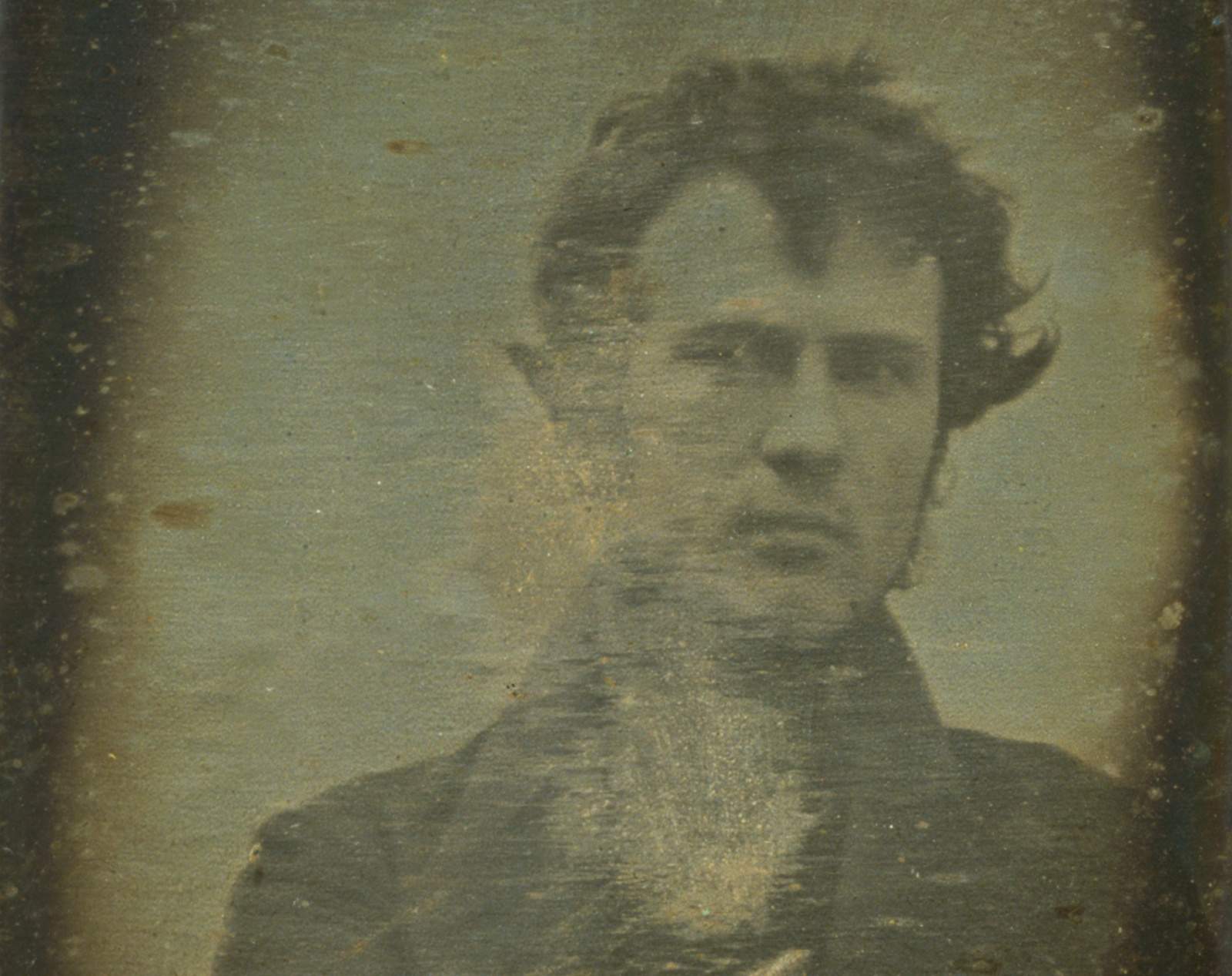
Robert Cornelius made photography history with the first known self-portrait taken in 1839. Photo: Library of Congress
There was no selfie stick, no hashtags and no sharing with his BFF. In fact, when Robert Cornelius took his historic selfie, he sat still as a stone for 15 minutes, then watched the photo slowly appear on a silver-plated sheet of copper as he breathed in dangerous mercury fumes.
That was instant gratification in 1839.
Cornelius, using a wooden box fitted with an opera glass, likely deserves credit for taking the world’s first selfie. He didn’t make the picture out of vanity, but as an experiment to test a silver-plating method for the daguerreotype photographic process, which had been introduced worldwide just three months before Cornelius’ self-portrait.
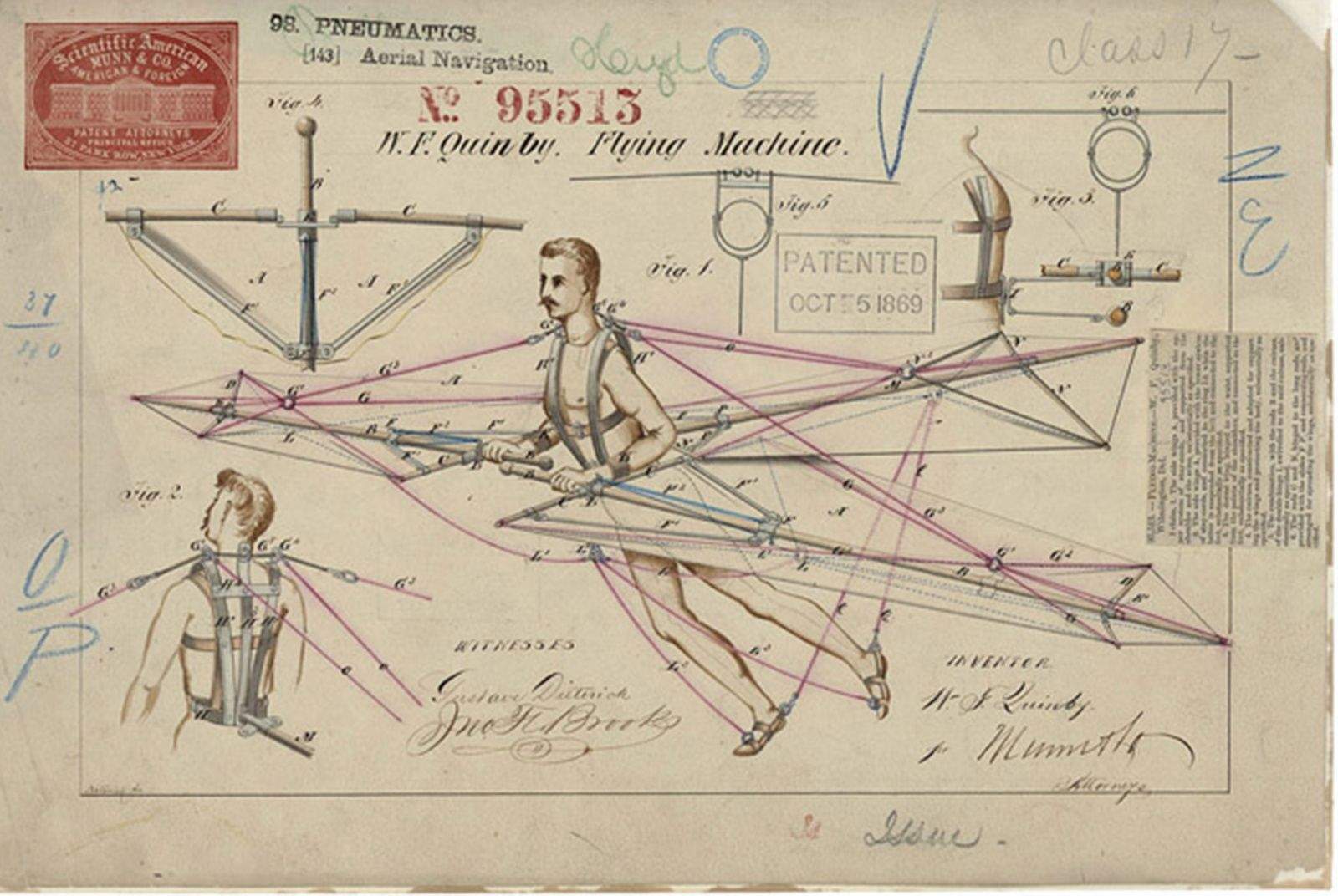
A flying machine from the 1860s drawn with shading, colors and detail not seen in today's patent illustrations. Photo: U.S. Patent and Trademark Office
The illustration that accompanies a patent application is a first glimpse inside the head of the inventor. Finally, an idea becomes a possibility, and even if an invention later proves to be impractical or an outright failure, the drawing serves as a tangible record of humanity’s quest to solve problems and move forward.
But the modern day patent sketches are stark chicken scratches compared to the intricately detailed, da Vinciesque artworks that once accompanied applications to the United States Patent & Trade Office, which first opened in 1790.
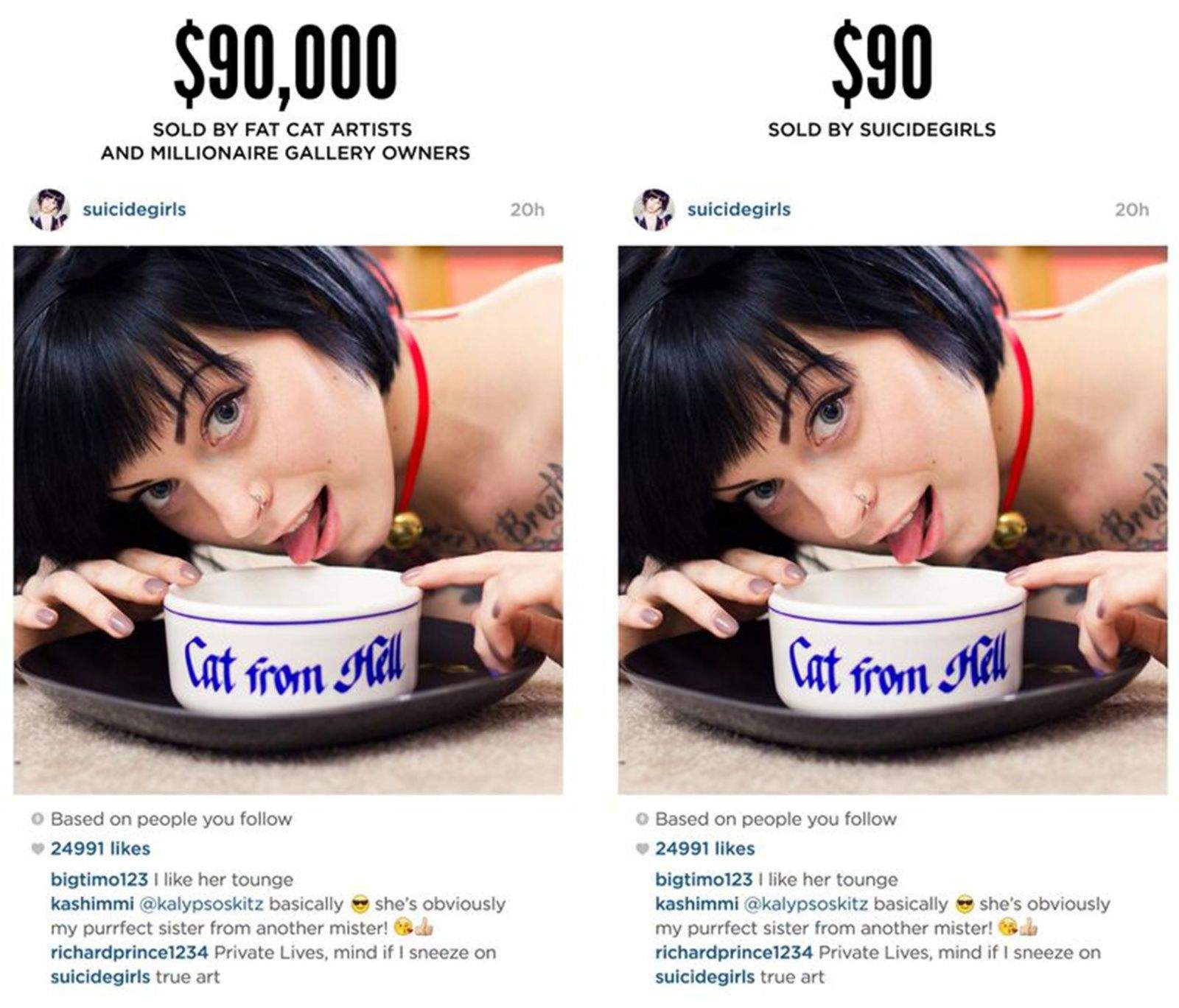
Richard Prince sold Instagram screenshots for thousands of dollars, but the original owner will sell it on a deep discount. Photo: SuicideGirls
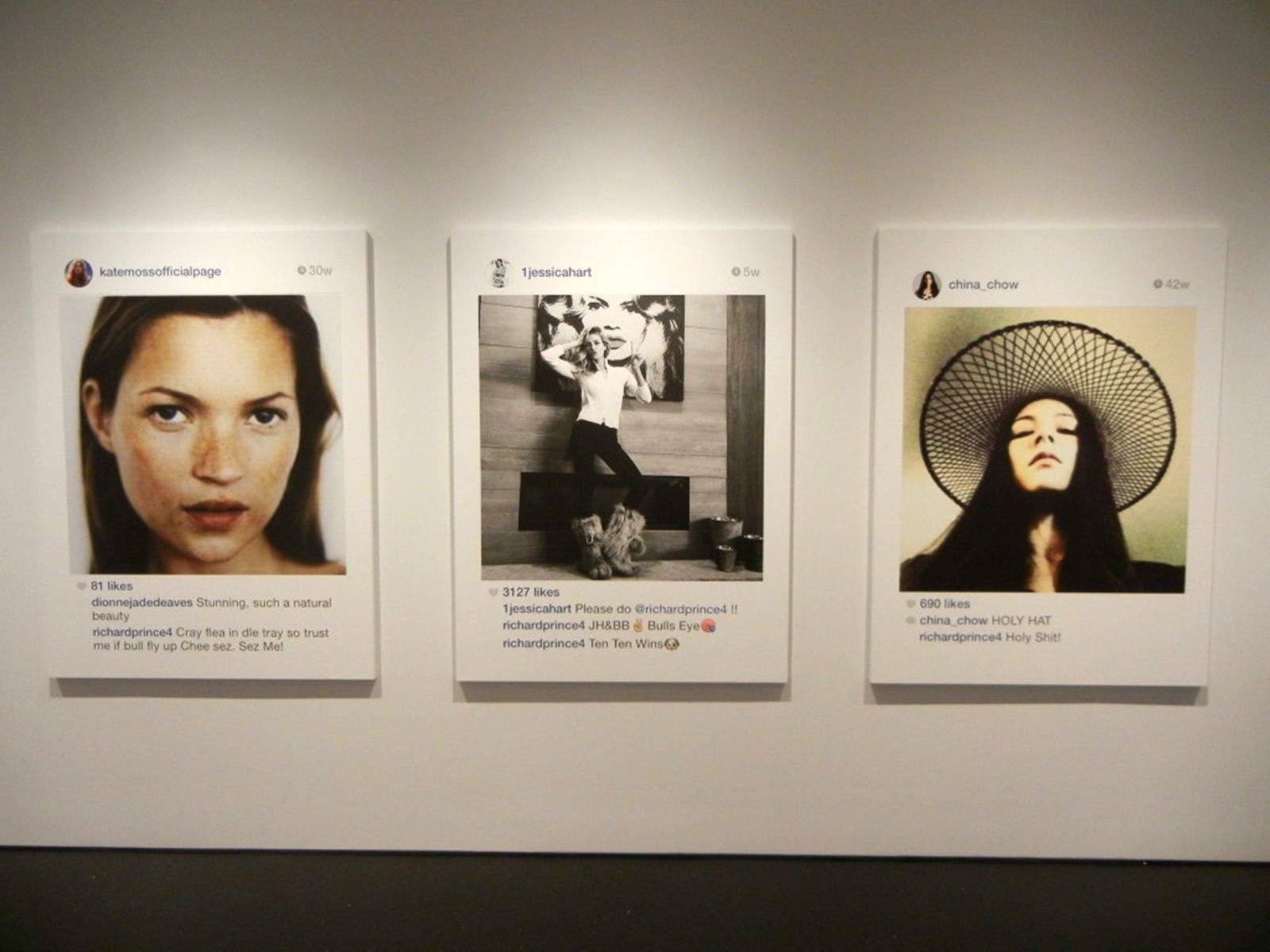
You can spend $90,000 on a Richard Prince “piece of art.” Or you can get the same thing from the original source he ripped off at a 99 percent discount.
Prince used screenshots of people he followed on Instagram and converted them into a large inkjet paintings he then sold for thousands of dollars. Prince did not alert the subjects their Instagram shares were being displayed and sold.
Some of the images were from the popular trend-setting SuicideGirls, whose founder has offered the same pictures printed in the same way for sale for $90 on its website.
Inkjet "paintings" from a body of work by Richard Prince from Instagram. Photo: Collector Daily
Instagram users, adjust your privacy setting and remember the name Richard Prince.
Should he request to follow you, he could one day “appropriate” your pictures and make thousands of dollars off you.
Prince featured 38 screenshots from his Instagram feed in a show in New York City last fall and at the Frieze Art Fair earlier this month, and some of the people featured are just now finding out about their pictures appearing in giant form on gallery walls.
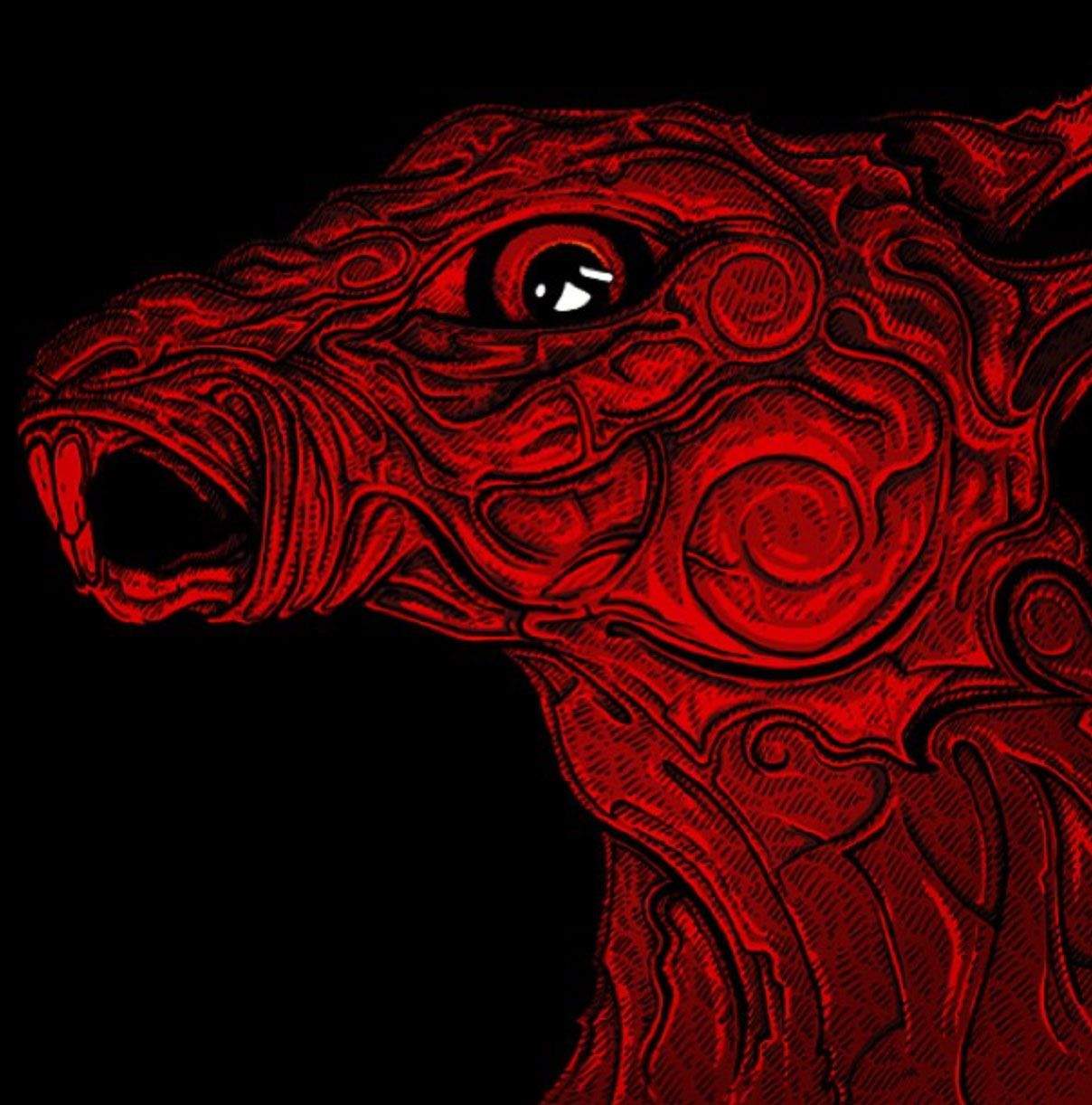
A detail of Adam Jones' art for new Red Hare album. Photo: Adam Jones/Instagram
Instagram has become riddled with so many photos of kitty cats, inspirational sayings and kitty cats spouting inspirational sayings that it has become nearly impossible to find fun and interesting feeds to follow without spending hours staring at your iPhone. So we did it for you.
This is not so much a “best of” list as a starting point that should open your mind to what else is out there in the great big Insta-world.
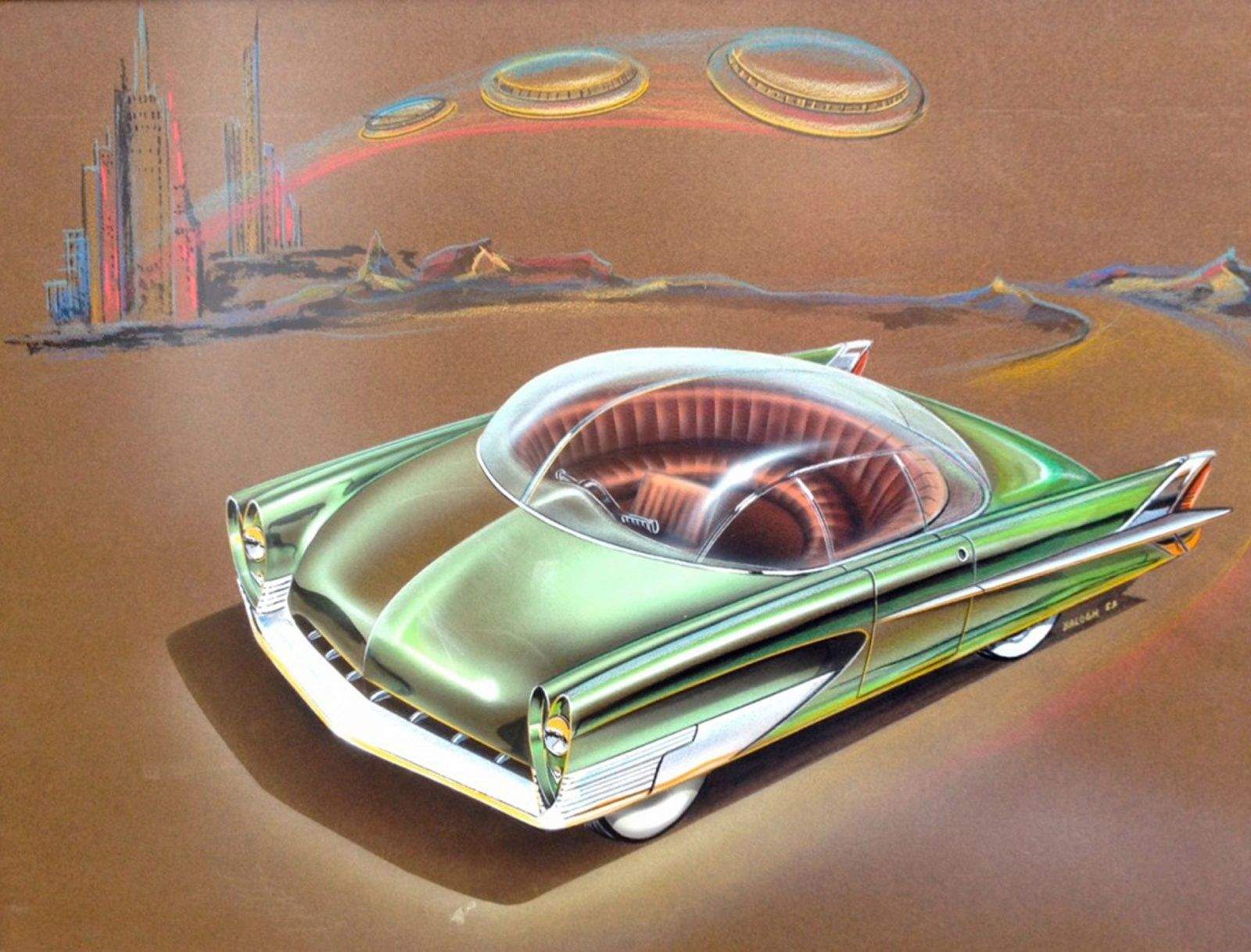
Charles Balogh, Ford Advanced Studio, 1953. Photo: American Dreaming
The concept artists who envisioned the future of the automobile created edgy, forward-thinking illustrations knowing their works might never be seen — and would likely get destroyed.
But some of the forward-looking art created during Detroit’s “Golden Age of Automotive Design” made it outside company walls, thanks to artists who lined overcoats with drawings or used boxes with false bottoms to smuggle out their work.
The car-centric art is the subject of a current exhibit at Lawrence Technological University in Detroit and is the subject of an upcoming documentary on PBS called American Dreaming.
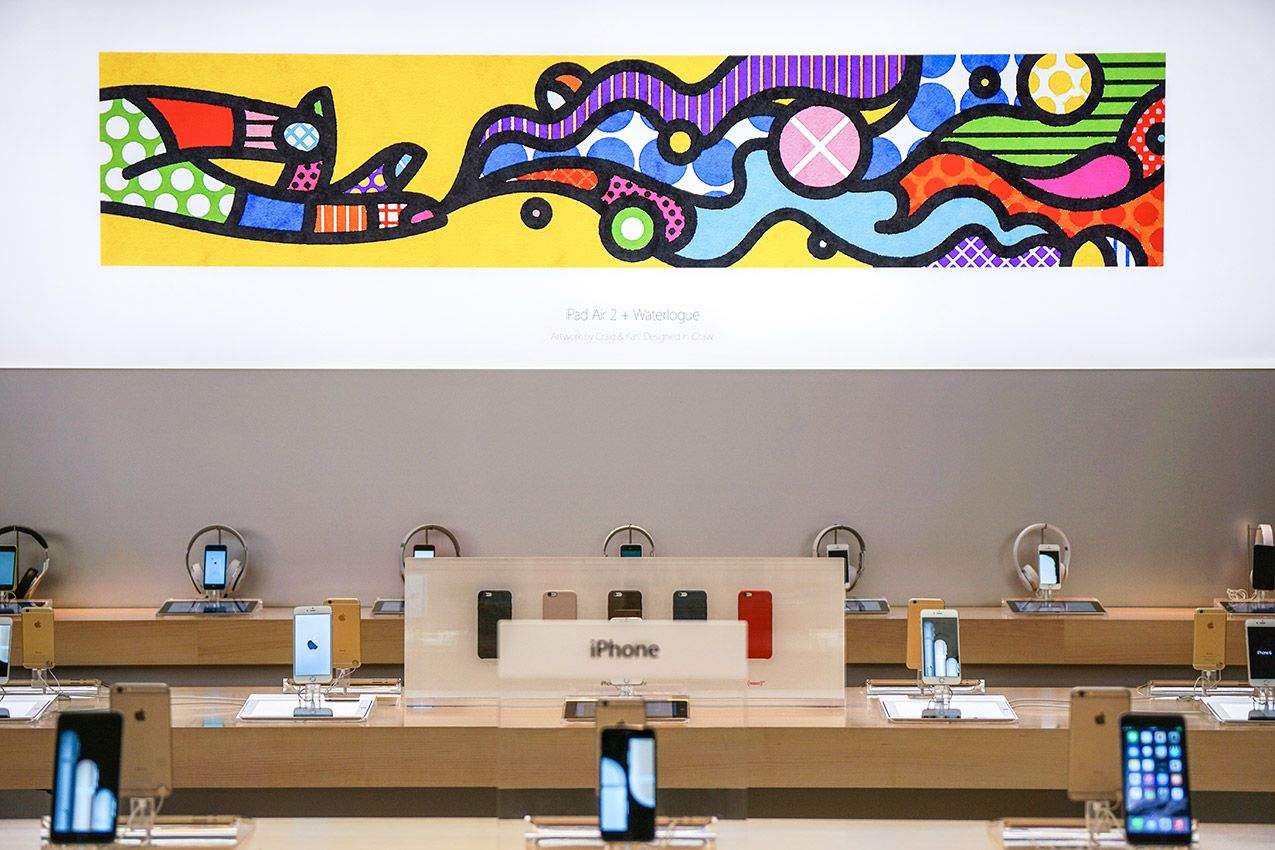
Contested artwork on display at the Apple Store. Photo: Craig & Karl
A Brazilian neo-pop artist is suing Apple for ripping off his artwork for the company’s “Start Something New” marketing campaign. Is Apple guilty, or is it just a mistake?
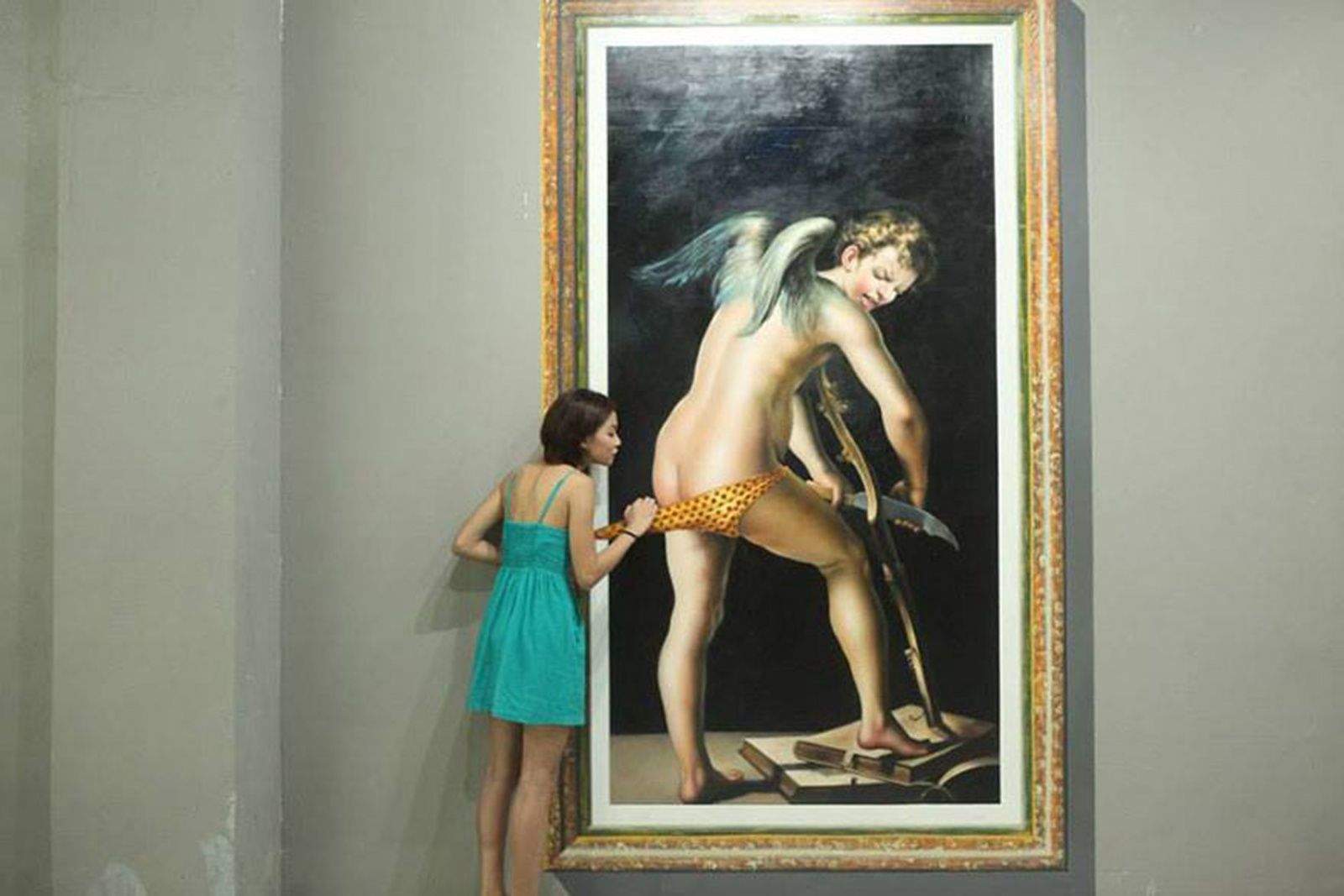
Go ahead, touch the art and have your picture taken at Art in Island interactive musuem in Quezon City, Philipines. Photo: Art in Island/Facebook
It figures that the city known for generating the most Instagram selfles would open a museum to attract selfie shooters.
Art in Island, an interactive art museum in a suburban Manila, Philippines, has installations designed for visitors to incorporate themselves into master 3-D copies of some classic works.
Russian artist Salavat Fidai carves detailed sculptures out of pencil lead. Photo: Salavat Fadai
Salavat Fidai is working proof that artists need not create large pieces to make a name for themselves.
Much of what he creates is no bigger than the tip of a pencil — literally.
Under the glow of a single work light while his family sleeps, Fidai uses a craft knife and 4x magnifying glass to create tiny sculptures out of pointy pencil lead.
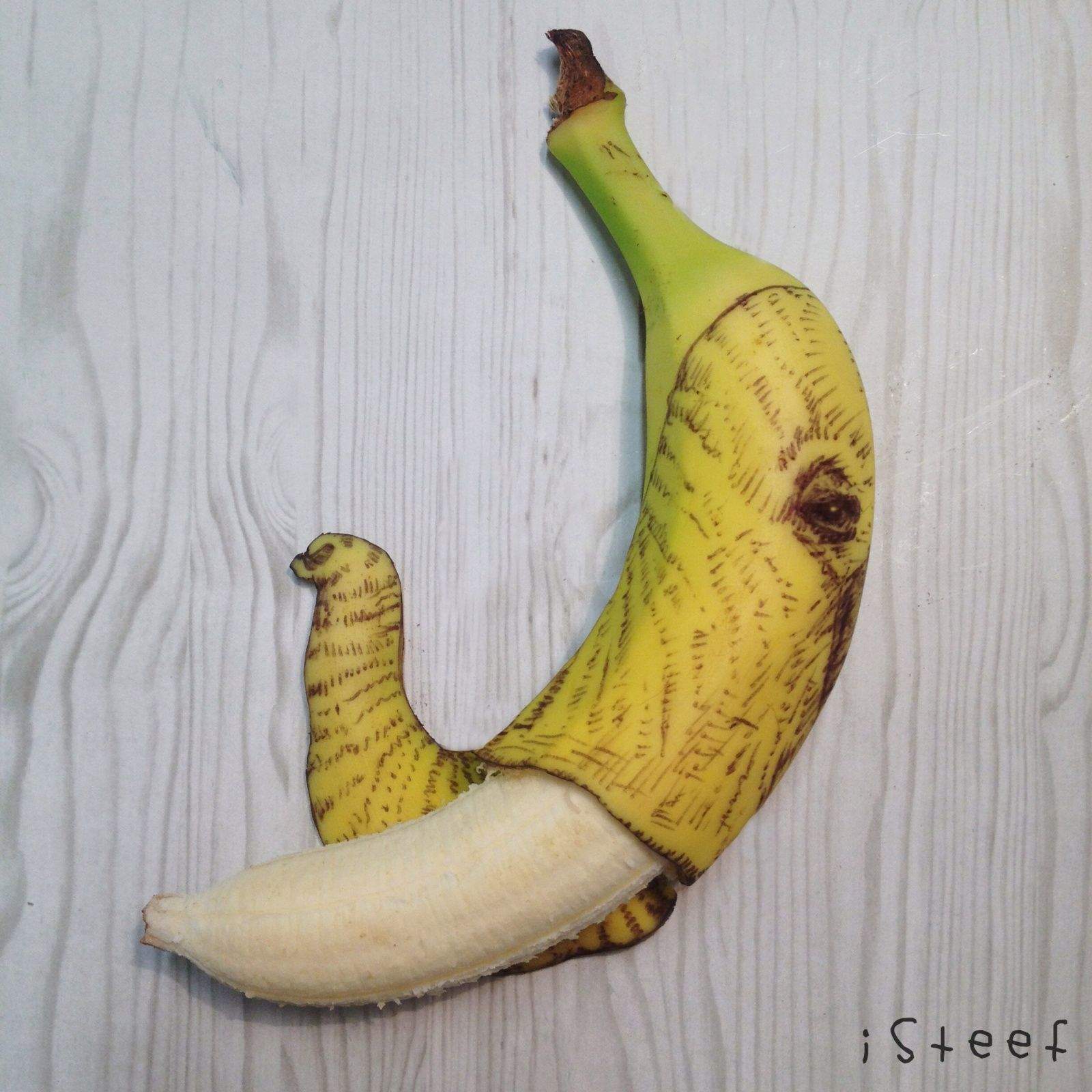
Stephan Brusche finds bananas to be a great surface for drawing and regularly posts his Fruitdoodles to Instagram. Photo: Stephan Brusche
Stephan Brusche was bored and starting to play with his food when he made a discovery that would change his life: Bananas are nice to draw on.
Graphic artists are paid to think this way, and Brusche was being urged by his wife to promote his work to a wider audience using Instagram.
“There wasn’t anything exciting to photograph,” said Brusche, 37, an artist for a travel agency in Rotterdam, the Netherlands. “I still had a banana and I thought maybe if I draw a smiley face on it, that would make a nice picture. I discovered how nicely the ink flows on the peel. It was really a pleasant surface.”
That smiley face, posted more than three years ago, received more likes than his work illustrations. And thus Fruitdoodles was born. Since then, Brusche has transformed more than 200 bananas into fine art.
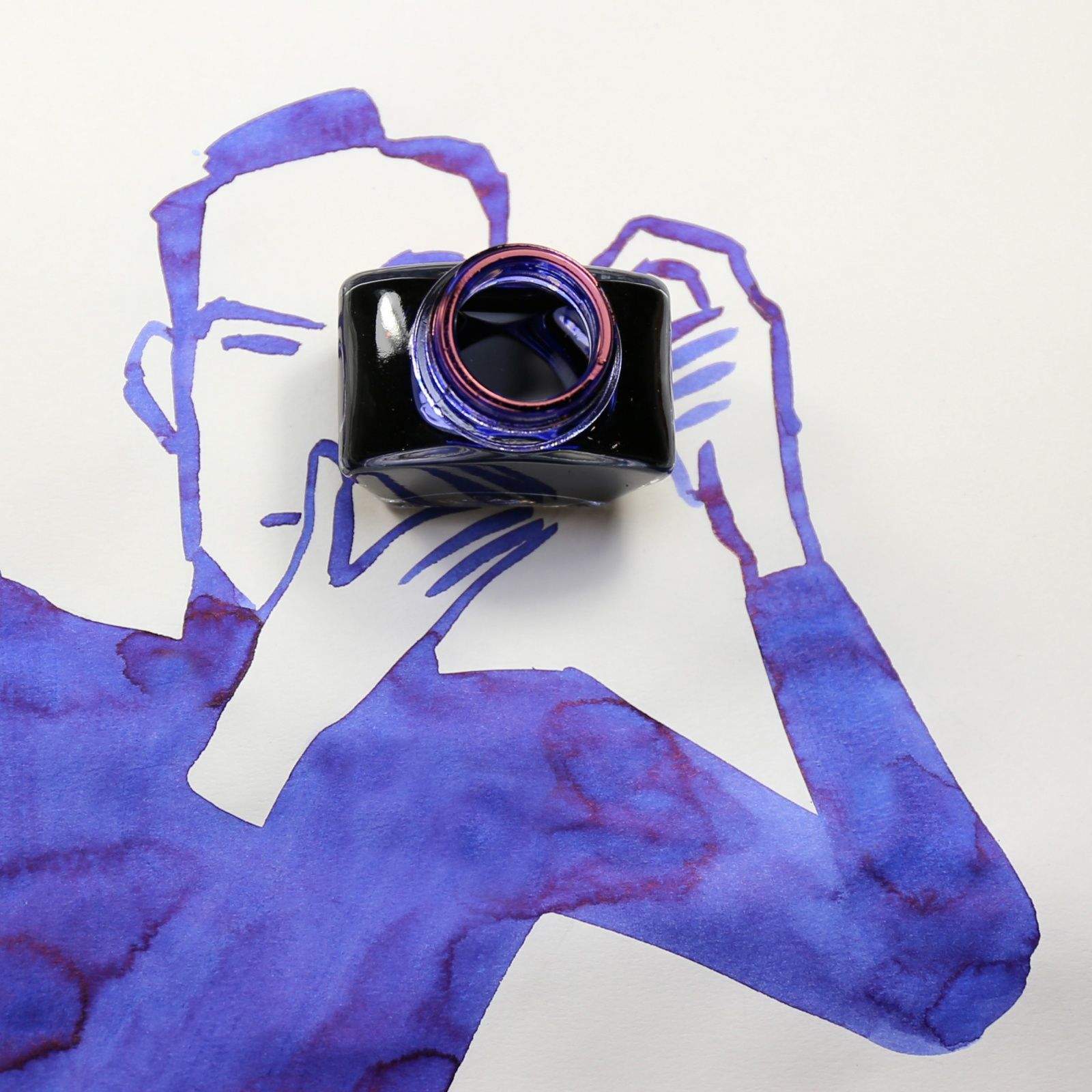
From Abstract Sunday, an Instagram feed by illustrator Christoph Niemann. Illustration: Christoph Niemann
Artists don’t always explain themselves well.
Even acclaimed illustrator Christoph Niemann, who can articulate the mysteries of creativity better than many, doesn’t always understand the moment when the head, heart and eyes merge with skills and gifts to produce a brilliant piece. It’s like trying to put into words the act of breathing.
But every Sunday, we can behold the headwaters of his creative flow.
Wang Dongling's poem at the Hangzhou Apple Store. Photo: Apple Photo: Apple
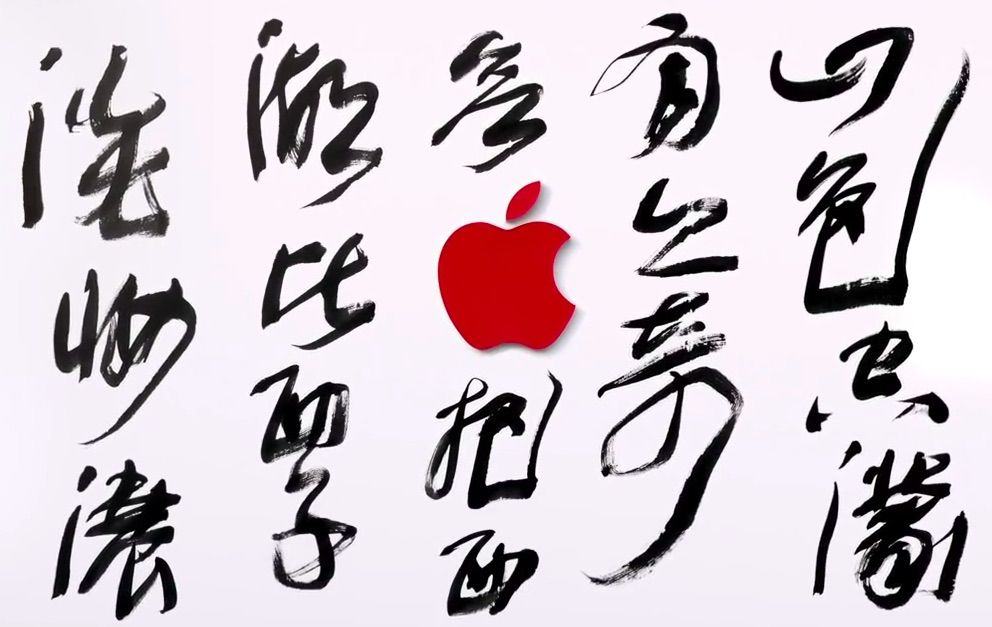
Apple’s stunning new store in Hangzhou China is drawing raves, even though no one has seen what it’ll actually look like. The outside of the store has been covered with a giant Apple Store sized mural during construction, only instead of throwing up another boring white box, Apple teamed up with famous calligrapher Wang Dongling to create a beautiful poem on the outside.
To celebrate the upcoming West Lake store, Apple published a video today going behind the scenes with Dongling and his creative process for creating the artwork on the store. Dongling is renowned for his experimentation in merging Western and Chinese forms to push calligraphy in a new direction.
“The lines in calligraphy need to have life in them”, Dangling says in the video. “They need to have an aesthetic feeling. They need to have a kind of magical energy endowed by nature.”
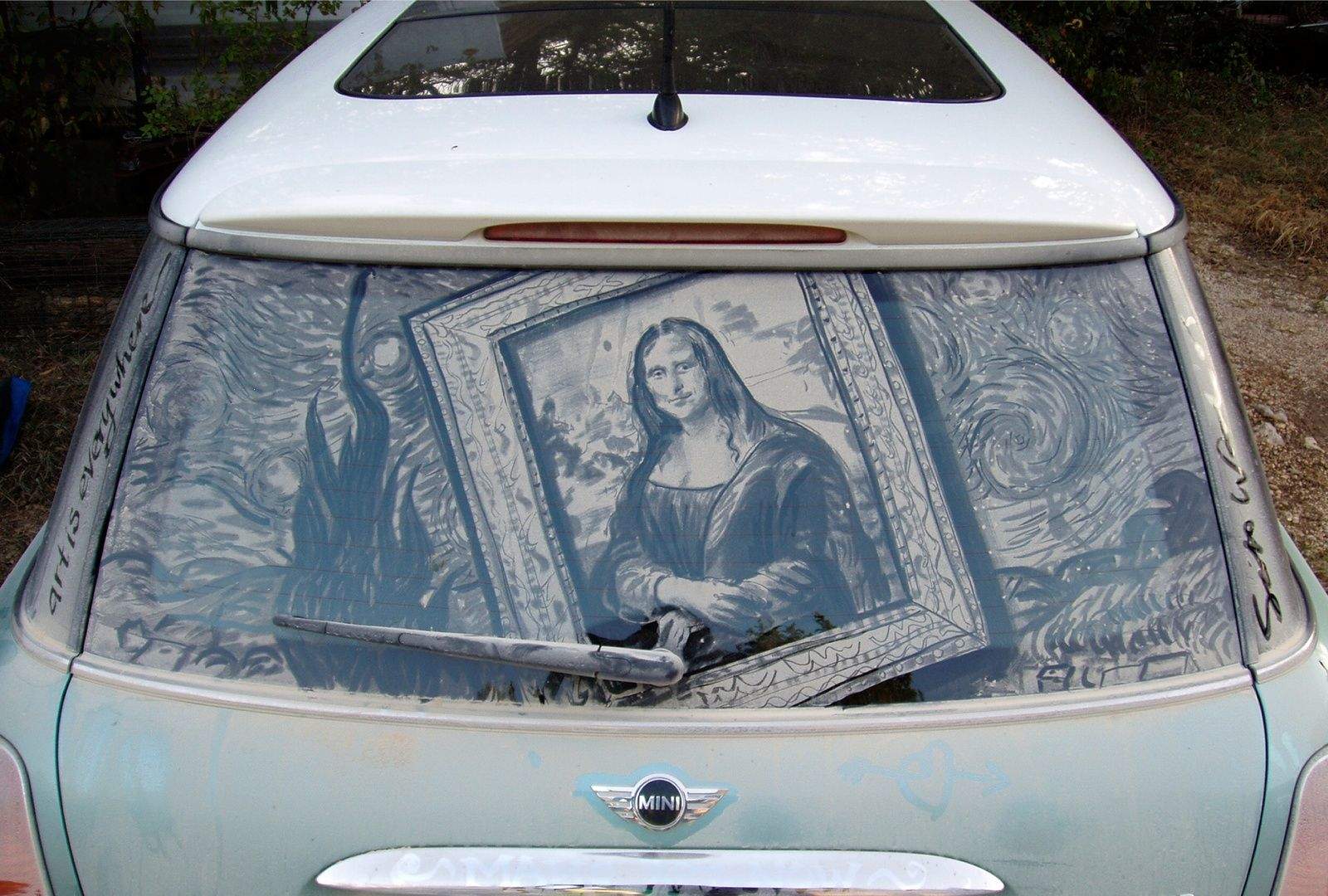
One person's dirty car window is Scott Wade's canvas. Wade created a museum mashup -- The Mona Lisa and Starry Night -- on this grimy glass. Photo courtesy Scott Wade
He is an Eagle Scout, a versatile bar-band drummer and a senior GUI designer for a company that creates mobile apps for the health care industry.
But Scott Wade is famous for drawing dirty pictures.
It’s not the content that raises eyebrows but the canvas on which Wade creates. Present him with a dirty car and see why some call him the “da Vinci of Dust.”
Who hasn’t walked by a car coated in dirt and used their finger to scrawl the message, “Wash me”? Wade, inspired by the dirt roads of his home state of Texas, uses a car’s dirty window as an opportunity to create elaborate landscapes, detailed portraiture with subtle shading and re-imagined classic works like The Mona Lisa or Van Gogh’s Starry Night.
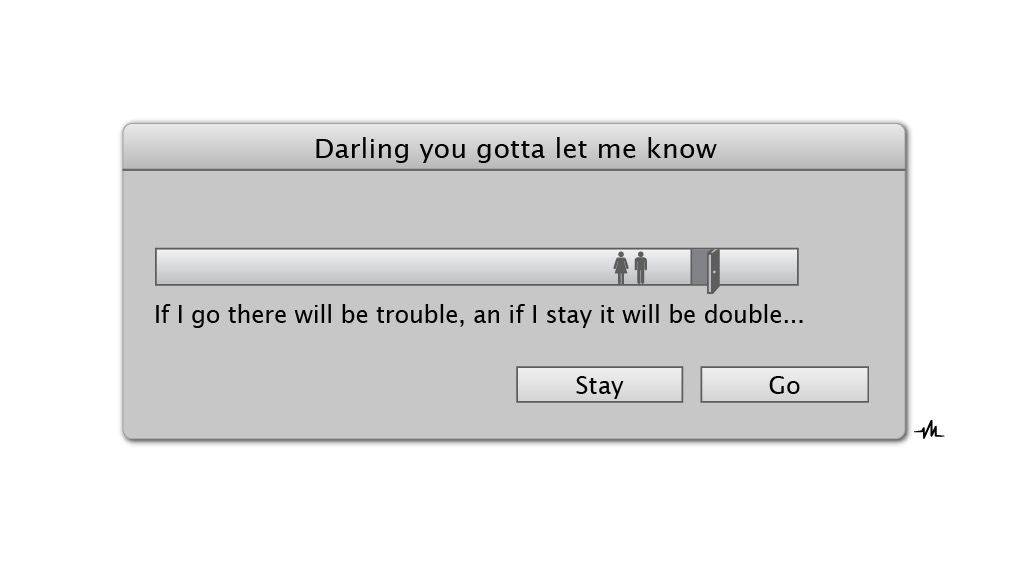
This indecision's buggin' me... Photo: Viktor Hertz
That other man being, in this case, freelance graphic designer Viktor Hertz, who spends some of his time making fun little art pieces out of Macintosh progress bars.
He calls this project his “work in progress bars,” and you can see his whole collection on his main page, as well as some of his other illustration work over on Behance. Continue below to see a few more tasty treats from Hertz, who calls it “a quick and silly little side-project of mine.”