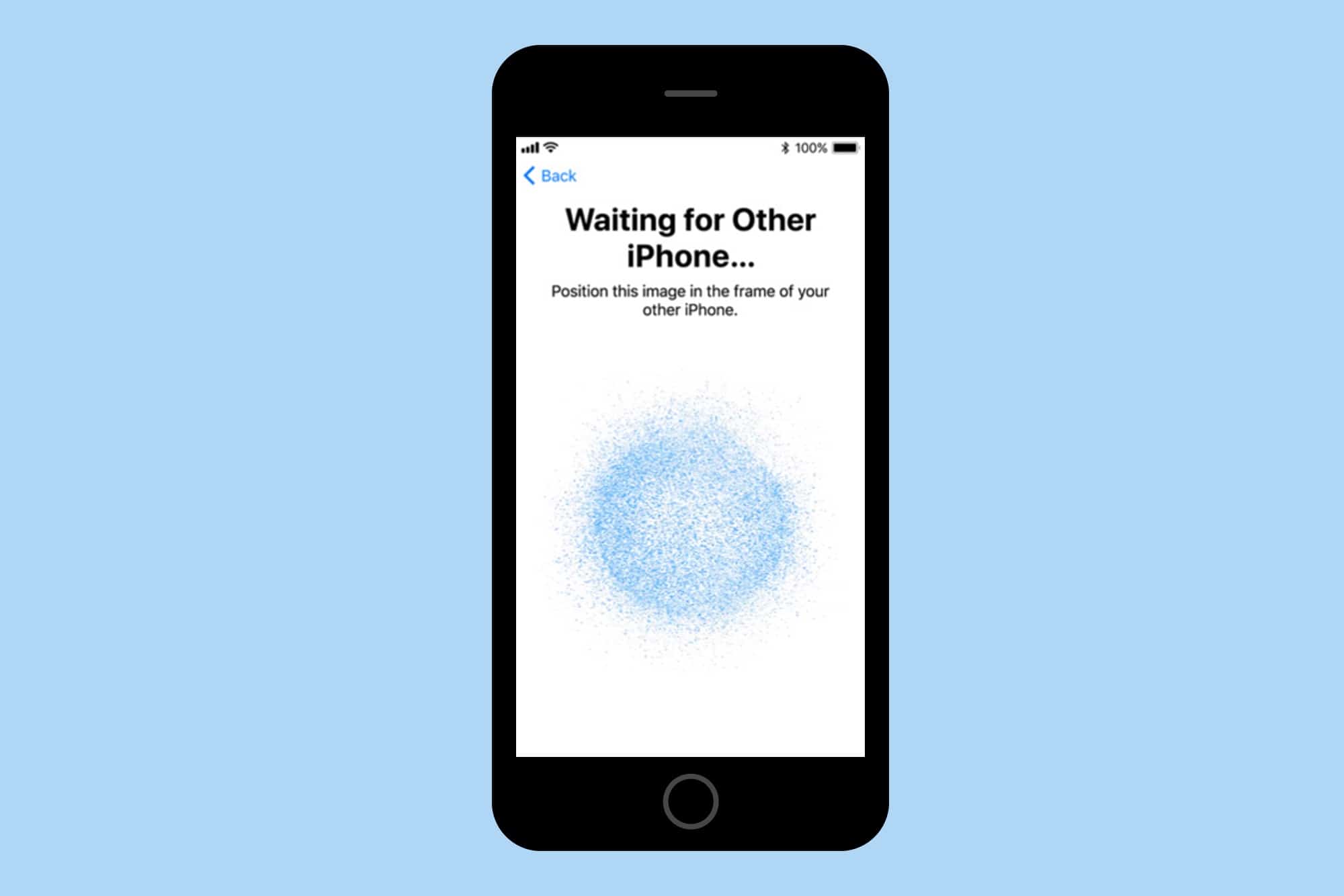
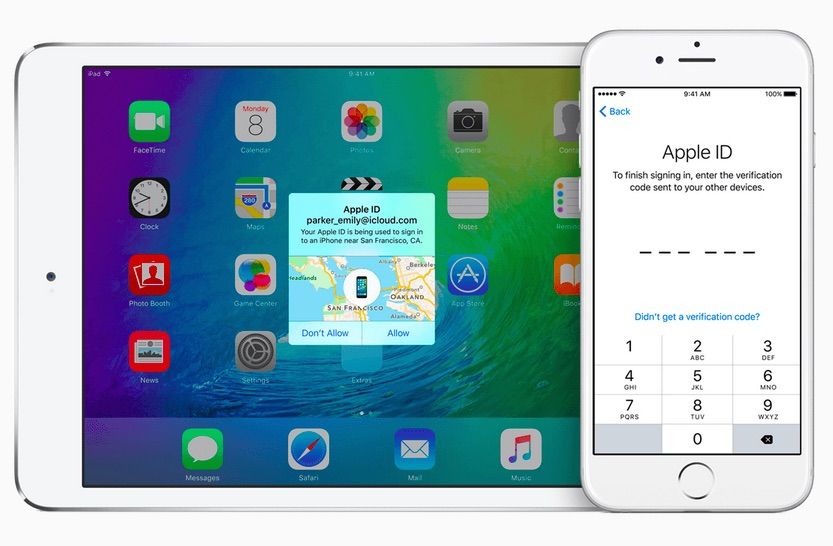
In iOS 11, you won't need to remember anything when you get a new iPhone. Screenshot: Cult of Mac
I used to think setting up a new iPhone was easy, but the iPhone X takes it to the next level.
On Friday, I got the new iPhone X and have been using it all weekend. The setup process was the easiest ever, and speaks to Apple’s constant drive to make things better.
You can finally bid farewell to your third party email Apple ID. Photo: Apple
Users who want to change their third-party email address to an Apple email address can now do so, as revealed in a newly updated Apple support document.
Here’s how you do it (and one reason why you might not want to).
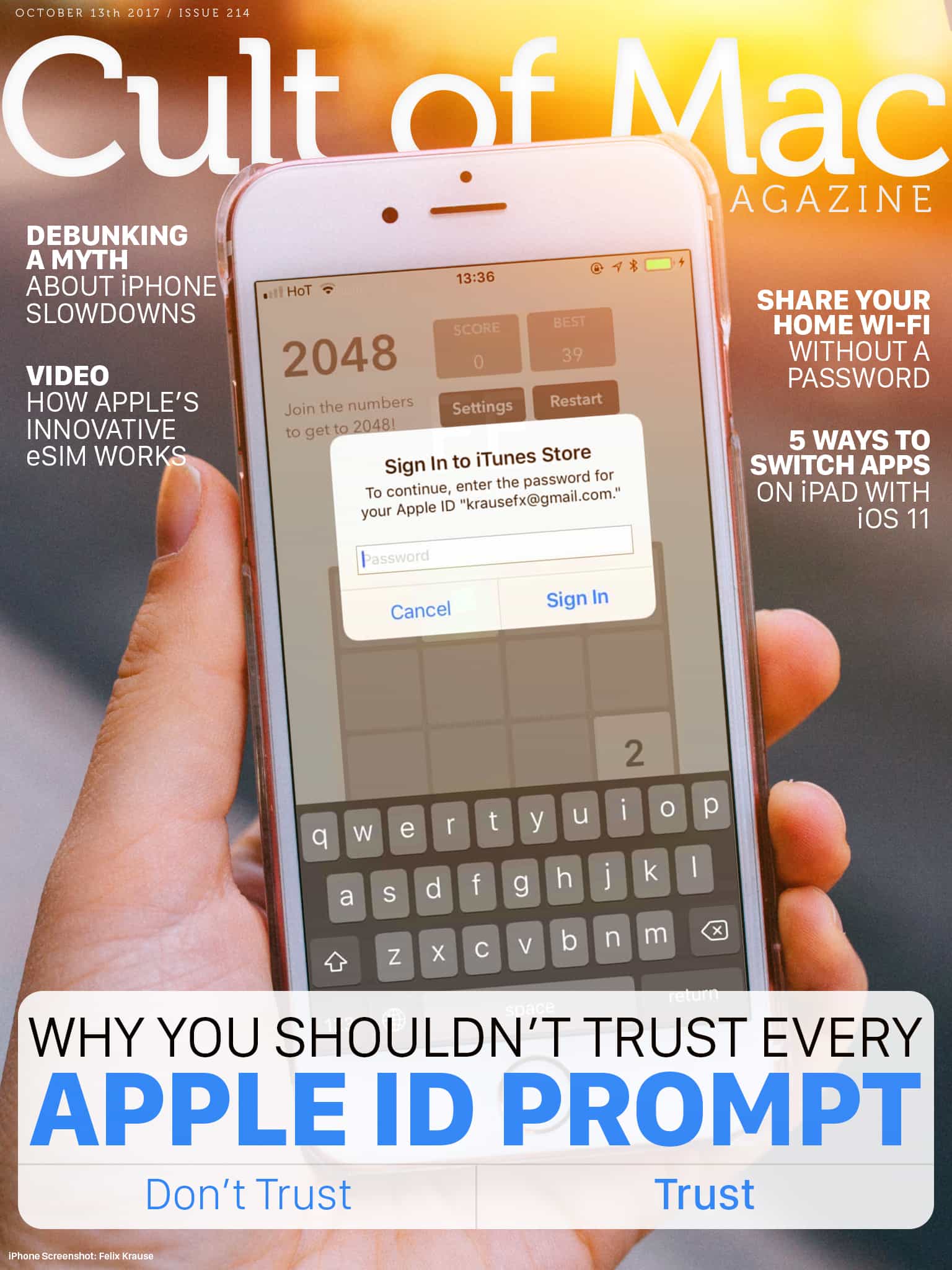
Although the popup will look exactly the same, it could be a phishing attempt. It’s incredibly easy for developers to implement popups. Photo: Ste Smith/Cult of Mac
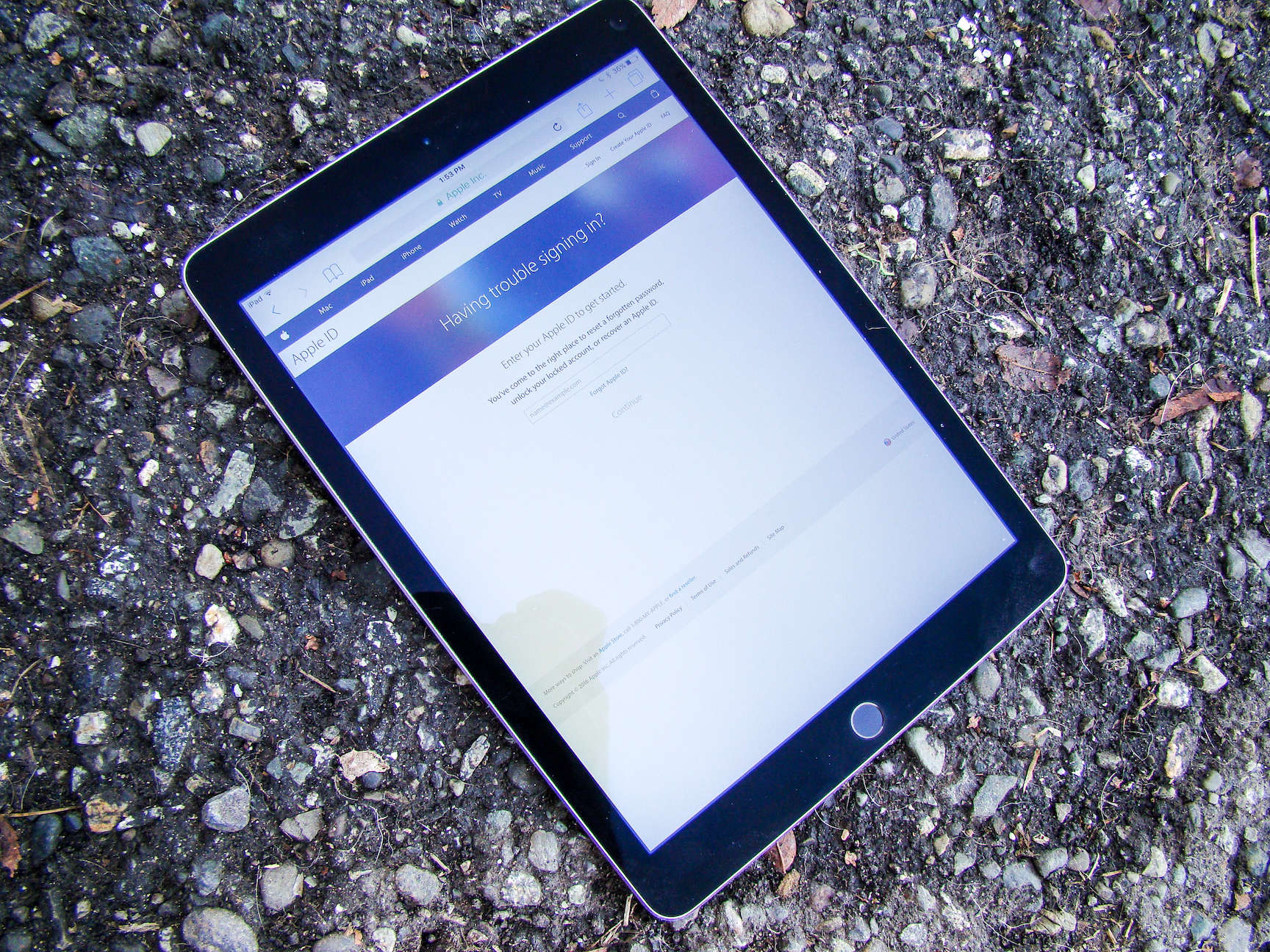
It’s not uncommon to see a random popup that asks you to “Sign In to iTunes Store” on iOS. They sometimes appear unexpectedly, but they’re usually genuine. There is a chance that the app’s developer is phishing for your Apple ID password. We’ll show you an easy trick to distinguish legit popups from phishing attempts.
In this week’s issue, you’ll find that story and more. Find out Apple Watch Series 3’s innovative eSIM works. Check out five ways to quickly switch apps on iPad with iOS 11. Don’t miss your last chance to win an a free iPhone 8, and more. Get your free subscription to Cult of Mac Magazine from iTunes. Or read on for this week’s top stories.
It’s not uncommon to see a random popup that asks you to “Sign In to iTunes Store” on iOS. They sometimes appear unexpectedly, but they’re usually genuine. However, one developer is warning users not to enter their password when the popup appears in third-party apps.
There is a chance that the app’s developer is phishing for your Apple ID password. Luckily, there’s an easy trick to distinguish legit popups from phishing attempts.
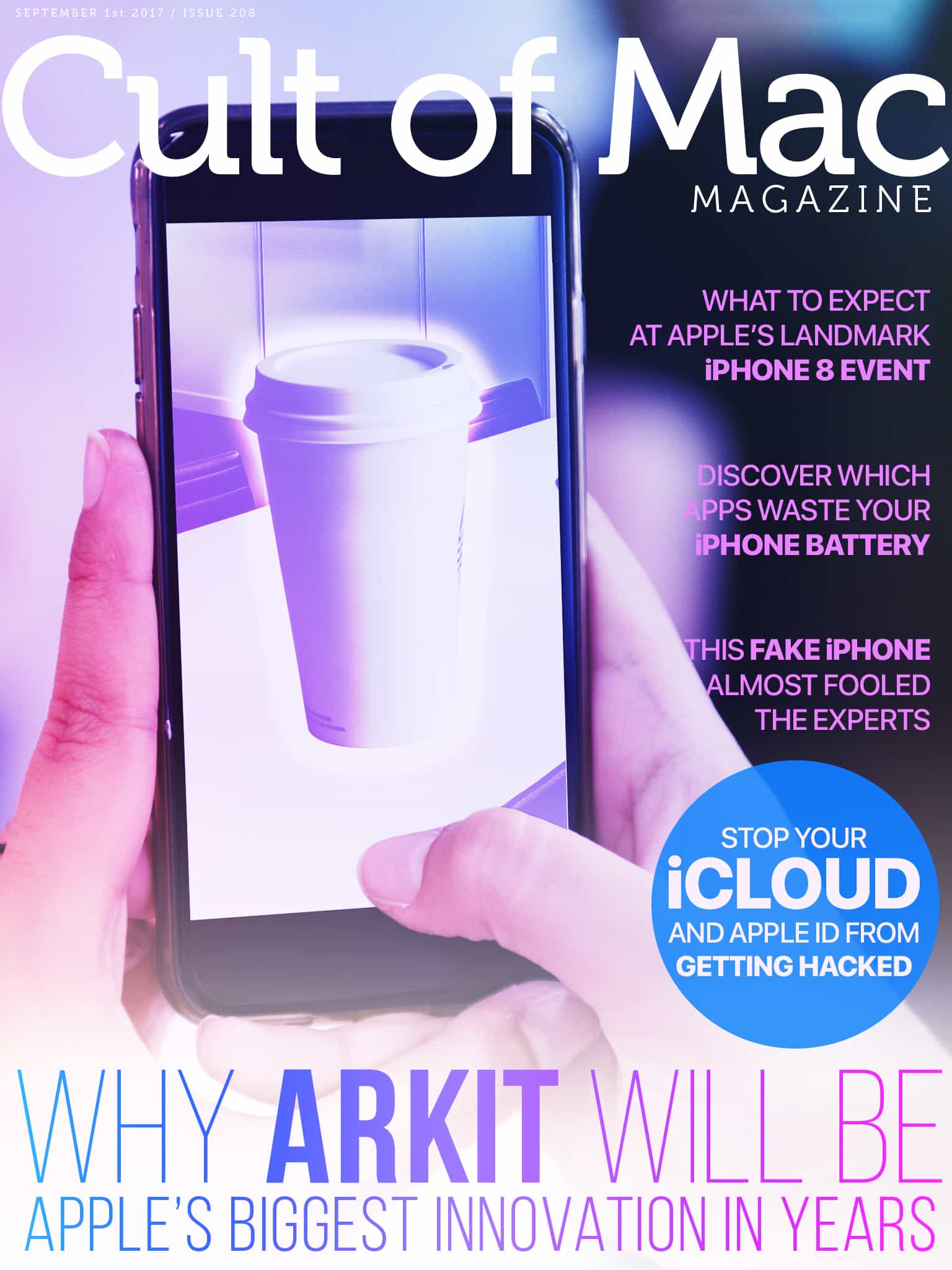
ARKit is going to be massively important for Apple. Photo: Ste Smith/Cult of Mac
Apple’s got no shortage of big launches coming in the next few weeks, but the one with the biggest long-term potential for Apple is ARKit. This is going to be massively important for Apple.
In this week’s issue of Cult of Mac Magazine, you’ll find that story and more. Get the latest iPhone 8 keynote event predictions. And learn how to stop your iCloud and Apple ID from getting hacked. Save big in our Watch Store this Labor Day weekend! Get your free subscription to Cult of Mac Magazine from iTunes. Or read on for this week’s top stories.
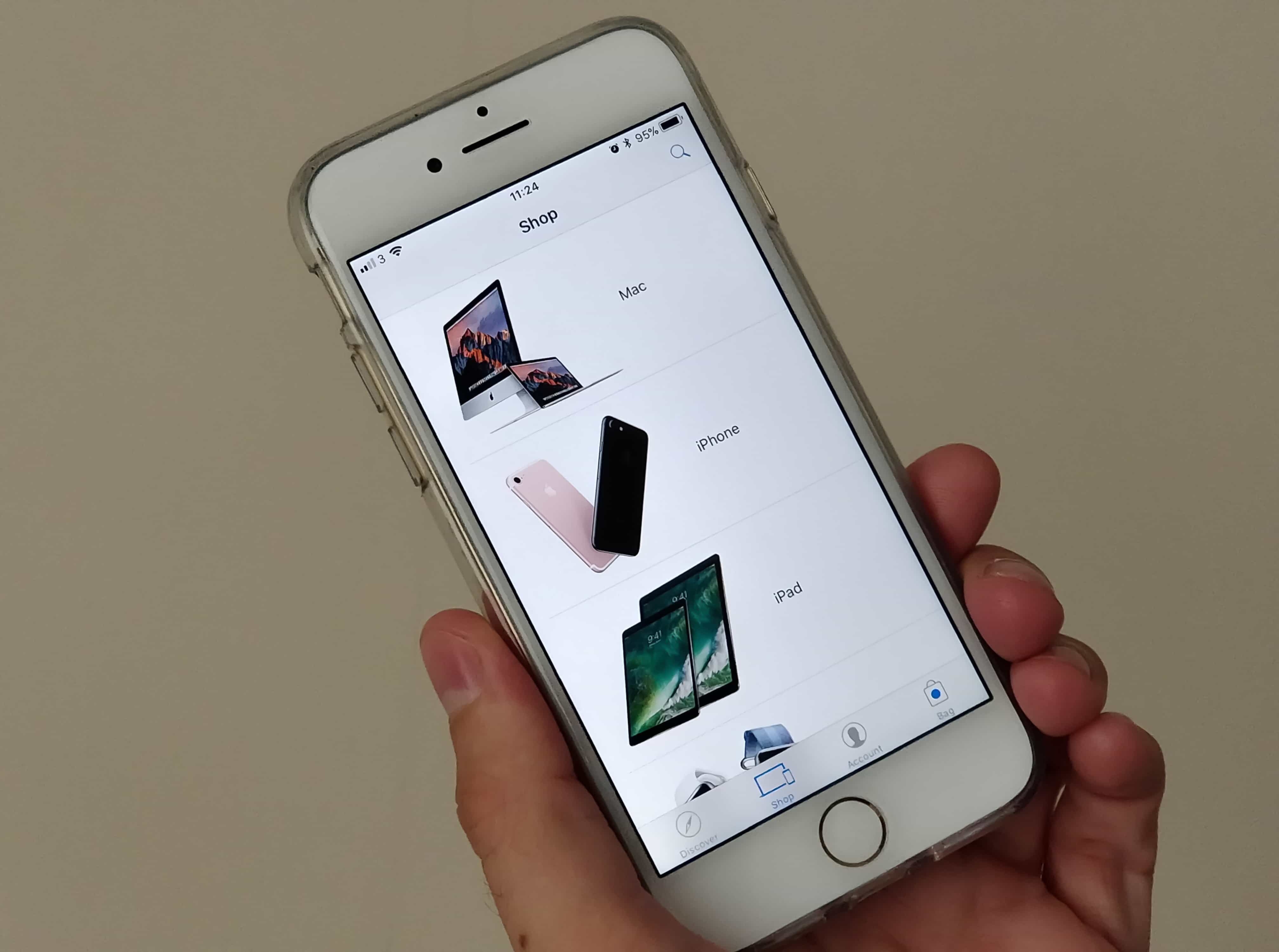
It's now even easier to shop in the Apple Store app. Photo: Killian Bell/Cult of Mac
Apple has updated its official Apple Store app to allow shoppers to authorize Apple ID payments with Touch ID.
Users previously had to enter their Apple ID password to use this payment method; they could only use Touch ID when paying with a credit card connected to Apple Pay.
Hacker who tried to extort Apple for $100k is spared prison Photo: Jim Merithew/Cult of Mac
Got a call from “Apple Support” to say your iCloud account was hacked? Hang up and ignore it.
Phone scammers are calling unsuspecting iPhone and iPad users and trying to trick them into handing over their iCloud account details. Once they have them, they can purchase whatever they want, and it’s you who foots the bill.
There's a lot to love in iOS 10.3. Photo: Ste Smith/Cult of Mac
Apple gave developers their first look at the next big update for iOS 10 yesterday, and it packs a surprising number of new features.
The public will have to wait a few weeks (or months) to get their hands on the new goodies packed inside iOS 10.3, which brings improvements for AirPods, iPads and more.
Here are all the new additions coming soon to iOS devices near you.
Be careful with iOS 10 beta 2. Photo: Ste Smith/Cult of Mac
Some users have been locked out of their Apple IDs after installing the second iOS 10 beta that was rolled out to registered developers Tuesday. The bug causes testers to be signed out of their devices “for security reasons,” and then prevents them from resetting their passwords.
iOS 9.3 has caused headaches for some iPad owners, who updated to the new operating system only to find their devices bricked. But Apple already has a fix out to help bring those older devices back to life.
Apple temporarily pulled the iOS 9.3 update from some devices yesterday. The company has since released a new build of the update specifically for iPad 2 users whose devices failed to install the update.
Reset your password with these simple steps. Photo: Rob LeFebvre/Cult of Mac
With Apple’s new two-step authentication procedures in place, resetting your password is a little trickier than it used to be. That’s a good thing, because if it’s tough for you, it’s even tougher for scammers to get into your iPhone, even if it’s stolen.
Here’s how to reset your Apple ID password with Apple’s current security system.
Trying to play a song in iTunes and getting the same error over and over can be frustrating. If your computer isn’t authorized with your Apple ID via iTunes, it won’t let you play any songs you’ve downloaded from the iTunes Store until it is. Sometimes iTunes will seem to get “stuck” prompting you again and again with the need to authorize.
If you’re having trouble playing your purchased iTunes on your Mac due to the repeated prompts to authorize your computer, there are a few things you can do.
A new day, a new iOS bug... Photo: Jim Merithew/Cult of Mac
iOS security researchers Jan Souček has discovered a new bug in iOS’s mail client that could trick users into accidentally giving attackers their AppleID and password.
The Mail app exploit was discovered at the beginning of 2015, and Apple’s engineers were quickly notified of its existence, but a fix for the bug hasn’t been released in any of the updates following iOS 8.1.2. According to Souček, the bug allows remote HTML content to be loaded, making it possible to build a password collector that looks just like an iCloud sign-in prompt.
Six digit passcodes are coming to iOS 9 Photo: Apple
Apple is ramping up security on iOS 9 and it’s going to take a little extra memorization on your part.
Anyone with an iPhone or iPad that has Touch ID will be required to update to a new 6 digit PIN when the new operating system is released this fall, according to Apple’s website.
You'll want to pre-order Apple Watch as soon as you can to save a lengthy wait. Photo: Apple
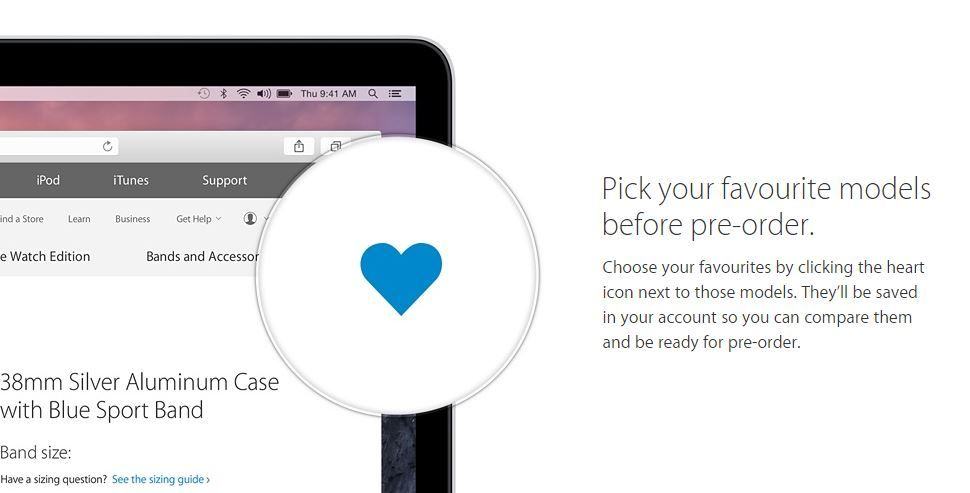
With so many Apple Watch configurations to choose from, making your preorder before Apple’s initial stock sells out next month could be difficult if you leave it until the last minute.
But you can choose and save your favorite Watch configuration now for instant preordering later through the Apple’s online store.
The iCloud accounts of numerous Hollywood celebrities have been hacked, with naked images being sold for Bitcoins. (Picture: Killian Bell) Illustration: Killian Bell/Cult of Mac
Blame for the flood of celebrity nude photos that hit the Internet has been rotating from the pervy hackers that ripped the pics, to Apple, to the creator of iBrute, but while the FBI and Apple continue to investigate the source of the leak, there’s one tool that has gone unmentioned: the police forensic tool that made it all possible.
One of the key elements behind the iCloud nudes leak is a piece of software created by Elcomsoft that allows attackers to impersonate a target’s iPhone and download its entire iCloud backup, and you don’t even have to be a cop to get it.
Listen up, Mac users! Apple is gearing up to release its first public beta of OS X Yosemite tomorrow, July 24, giving those without a developer account the opportunity to get their hands on it for the first time. Only the first 1 million people who sign up will gain access to the pre-release software, however, so if you haven’t already, submit your details today.
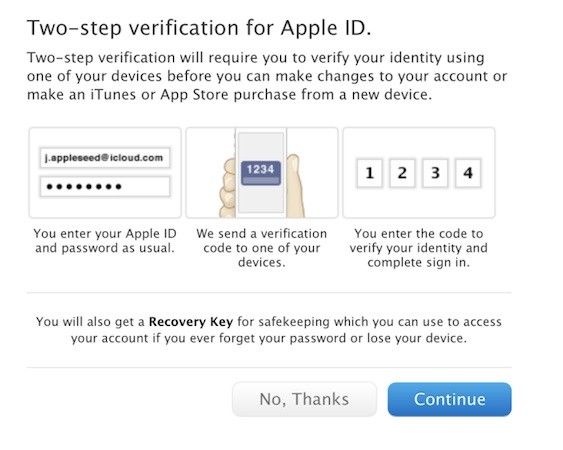
Today Apple rolled out two-step verification for Apple ID accounts in 48 new countries. With the addition of countries like China, Japan, India, and France, two-step verification for Apple IDs is now supported in a total of 59 countries. Only 11 countries offered the extra security measure until today.
Any technology maker — let alone one the size of Apple — is going to have various moral predicaments to deal with.
Recently Apple was accused of showing an “utter lack of understanding and discretion” after refusing to unlock a dead woman’s iPad for her two grieving sons.
Apple began rolling out its two-step verification system for your Apple ID last year, adding an extra layer of protection for users. Now it is making the security feature available in more countries — including Canada, France, Germany, Japan, Italy, and Spain.
The concept of the two-step verification system, for those unfamiliar with it, is to make you enter a code (sent to a single trusted device) each time you make changes to your account, or make a new iTunes or App Store purchase using a new device.
Apple holds one of the world’s largest collection of active credit cards in the world thanks to iTunes, yet despite all that purchasing power, it has only recently begun to look into processing payments for physical goods, and PayPal is desperate to play a role in the action.
Payment industry executives say that PayPal is pitching Apple hard to let it in on the company’s rumored payment initiative, according to a report from Re/code. At this point, executives aren’t sure what type of tech Apple wants to use, or even how big a role it wants to play in the industry, but they’re willing to go as far as white-labeling their payments service, just so Apple will use it.
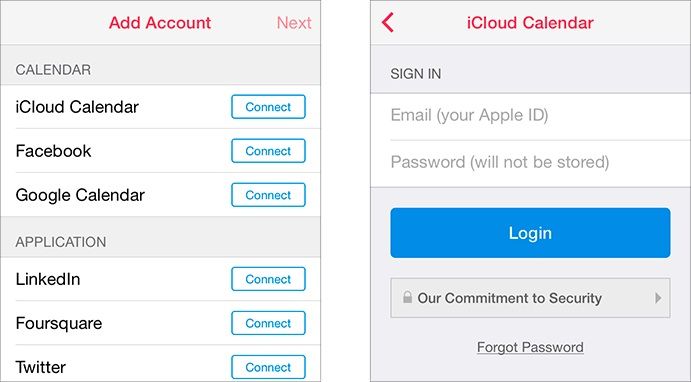
In this era of heightened security fears, when headlines routinely shout about hackers stealing millions of personal records in a single digital heist on some of the nation’s biggest companies, you should never be handing your Apple ID and password over to anyone who isn’t Apple. Yet that’s just the permission that the new Sunrise calendaring app asks when you first load it up, and not only is there no rule against apps doing so in Apple’s internal guidelines, but Cupertino’s actually awarded Sunrise with a coveted spot in the “Featured” section of the App Store.
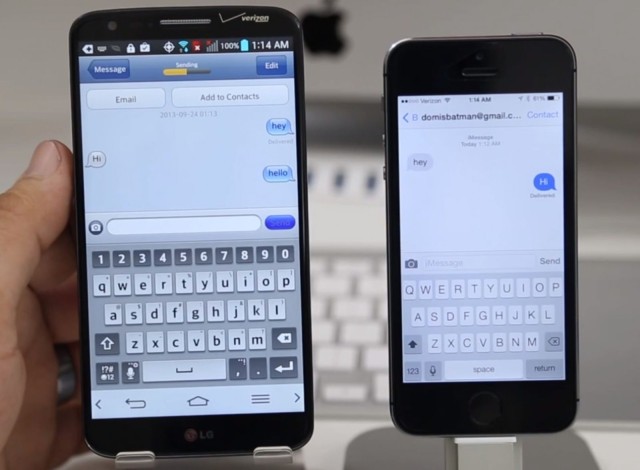
Apple’s iMessage service is pretty terrific, but it has one big limitation, and that is that it’s only available on Macs and iOS devices. At least officially. But there is an unofficial app that brings iMessage to your Android-powered smartphone. It works just as advertised, but we strongly advise you not to use it.
Do you remember this story, about how China’s network of scalpers were booking up all of Apple’s Genius Bar appointments en masse and then re-selling them on the black market to the highest bidder?
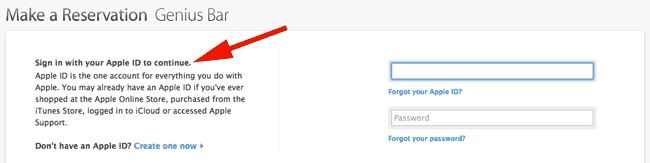
Well, Apple’s figured out a way to partially thwart it: they’re now asking you to sign in with your Apple ID if you want a Genius Bar appointment.
Have you ever lost your user account password for your Mac? You know, the one which lets you get into your Mac at login, or install software, or delete stuff from the Applications folder? You haven’t? Well, you’re a better person than I am, because I’ve forgotten mine (usually on older Macs I haven’t used in a billion years, but still) and had to pop in a Mac OS X CD and go through the recovery process.
While that’s not too big of a pain in the butt, it does take some time. Time which could be better spent drinking beer, or solving a Rubik’s Cube, am I right?
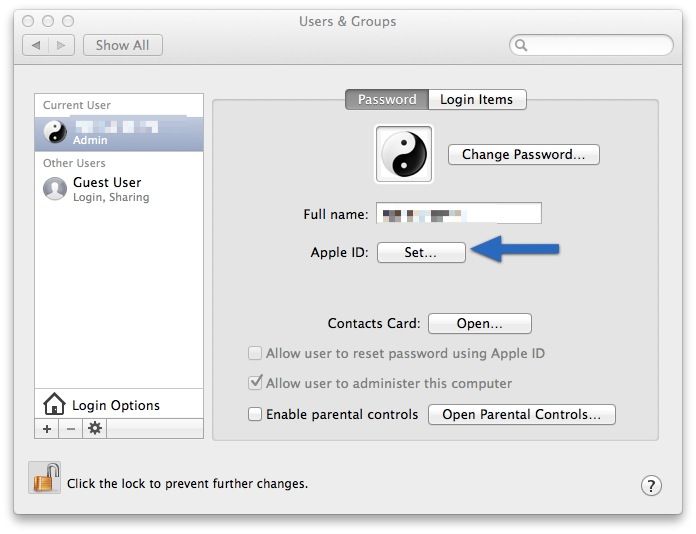
If you’re running Mac OS X Lion, Mountain Lion, or Mavericks, you can assign your Apple ID to your user account, which can help when you need to reset your password. You know, if you forget it or something. Ahem.