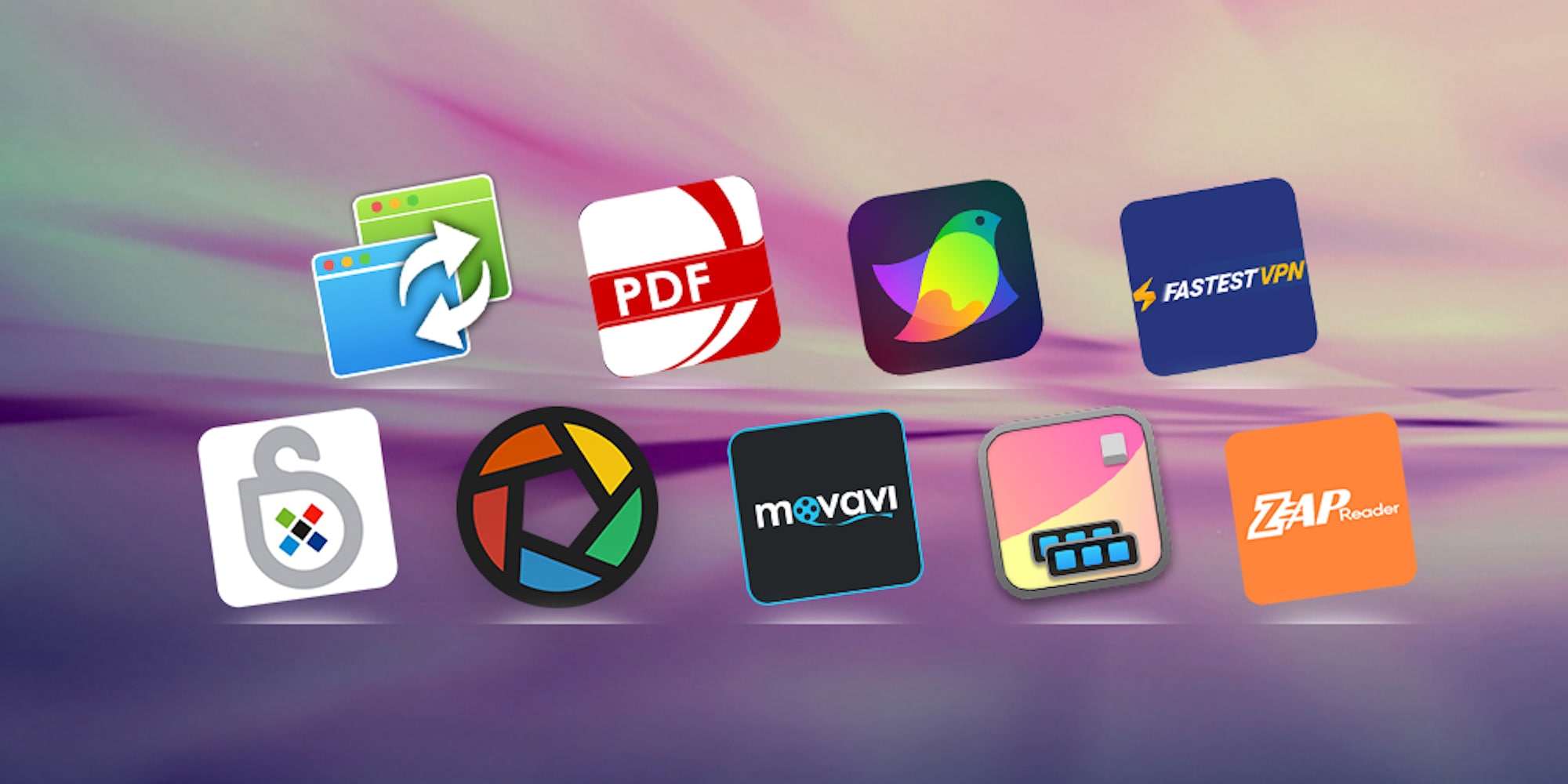
These nine productivity Mac apps will make it easier to work from home. Photo: Cult of Mac Deals
Whether your Mac is new or well into its useful life, you can breathe fresh life into it when you add the right apps. This massive bundle from Cult of Mac Deals comes with nine Mac apps, so there’s something for anyone.
The 2020 Mac Productivity Essentials Bundle comes with apps for PDFs, graphics, productivity, VPN protection and more. And you can get them all for just $26 if you use our special promo code.
These six Mac apps will help you craft a better narrative. Photo: Cult of Mac Deals
These days, everybody is a storyteller. But if you want to be effective spinning yarns in the 21st century, you need the right tools. So this roundup of six powerful Mac apps is a must-see for any modern storyteller.
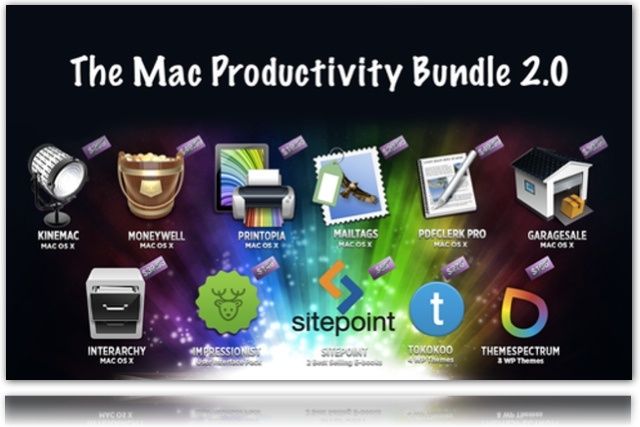
Get access to a massive library of Mac apps, comprehensive VPN protection, and lots more. Photo: Cult of Mac Deals
This year is off to a stressful start for many people, making the awesome gear and gadgets we get into the Cult of Mac Store every week a welcome relief.
As March comes to an end, we’ve gathered some of the best deals we’ve seen this month. They include a massive bundle of top-shelf Mac apps; a set of extra-long, MFi-certified Lightning cables; a powerful tool for unlocking PDFs; and a lifetime of VPN protection. There’s something here for everybody!
Remember, picking up bundles isn’t about needing all the apps, but needing a few of the apps or goodies that you need right now and tapping into the others when you need them.
You get three solid apps plus a ton of clip art (don’t think for a moment that you won’t need some clip art at some point) for $89. It’s a nice, and inexpensive, way to get a solid dev environment started.
I know it’s a slow news day and all. Not like anything was announced or anything…
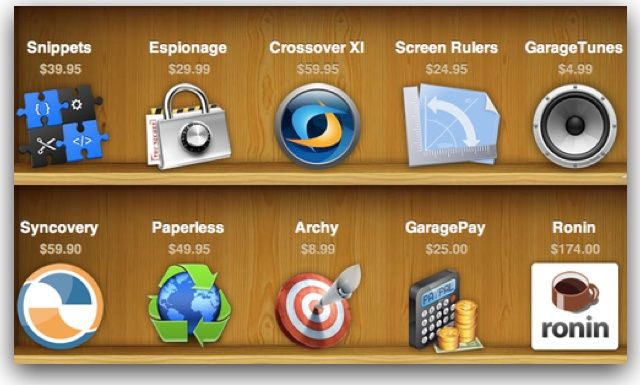
Anyway, let’s talk Windows. Since we got BootCamp way, way back … and then Parallels and VMWare Fusion (and before that anyone remember the Orange cards you’d install to run Windows on a Mac?) Mac users have been trying to find the best way to run Windows apps on their Macs. Yeah we love our Macs, but sometimes we have to use a Windows app. Personally I’ve always gone the Parallels/VMWare route, I’ve tried Wine a couple times but it couldn’t run the apps I wanted/needed. Now there’s a commercialized version of Wine called Crossover XI and guess what? It’s part of a new bundle we’ve got!
We have another great bundle for you today. This bundle includes 8 great apps:
– PDF Editor Pro (edit and enhance your PDFs with optical character recognition.)
– CrossOverXI (run Windows applications on your Intel Mac.)
– Invoice 3 (create and manage your invoices.)
– Fantashow (making your own movie has never been easier)
– Logoist (create logos, title art, icons, banners, web site elements, greeting card headings and more.)
– iClip (get past the limitations of a single clipboard)
– Speed Download 5 (speed up your download times so you can get your assets faster.)
– My Living Desktop (monitor your Mac for possible security infringements.)
While all the apps are great there is one that stands out for me as the “killer app” for me: PDF Editor Pro. So what makes it great? Read on…
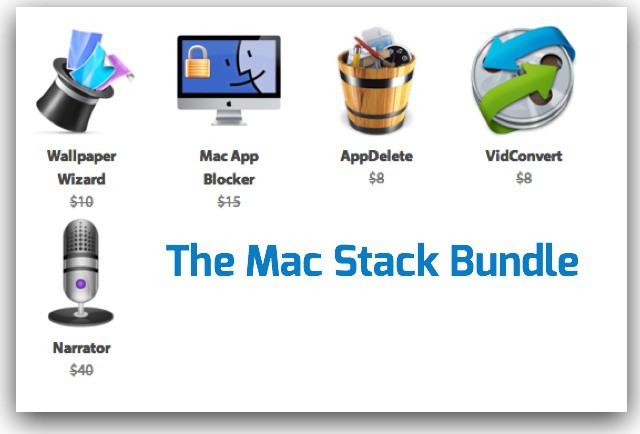
My favorite deals are the app bundles. A bunch of great apps for a sweet price. Today we have a great mini bundle for you that gives you eye candy (10,000 HD wallpapers!), security (lock down apps on your Mac—great for shared machines!), cleaning (uninstall apps so they are really all gone), entertainment (convert videos to watch on the go), and some back talk (voice narration software) for one low price.
The Mac Stack Bundle give you a nice, inexpensive pack of useful tools for $20. Simple, easy, and done.
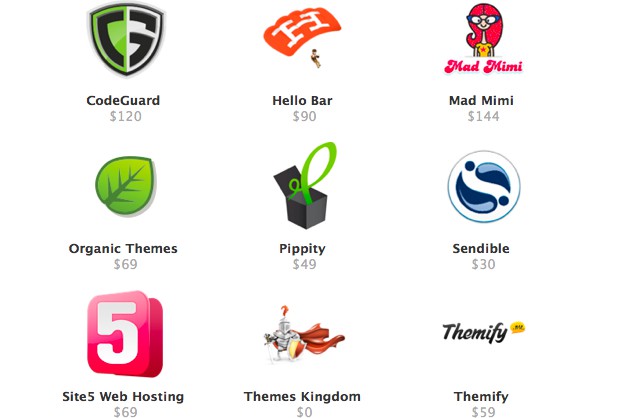
The Ultimate Startup Bundle is the latest Cult of Mac Deals offer – and it has all the tools you need to create and launch your website. Now we only have 200 of these, so if you’ve ever thought about building and launching a professional website then there’s no time like the present to get going.
This killer bundle contains 9 top quality tools that will give you everything you need to create and launch a professional website – and you get all of them for only $59!
If you don’t think that your Mac is susceptible to a virus, then you couldn’t be more wrong. With the popularity of the Mac growing every day, they are becoming more of a target. If you want to protect your computer — and speed it up at the same time — the latest Cult of Mac Deals offer is just for you! But the time to get it is almost up!
With VirusBarrier X6 you’ll be able to protect your Mac from network threats, viruses, trojan horses and all other malware. Washing Machine 2 enables you to clean up web files that compromise your privacy and slow down your Mac in the process.
Cult of Mac Deals is wrapping up another stellar app bundle lined up for our readers — with a total savings of over $400 on 9 great Mac apps! All of these apps would normally retail for $453 on their own. But thanks to Cult of Mac Deals you can get all of them for only $49 for a limited time. That’s an 89% savings!
But time’s running out to get your hands on The Mac SuperBundle…because it ends in just a few hours!
Cult of Mac Deals has what our readers have called “the best giveaway yet” — and it’s really hard to argue that.
It’s a giveaway that will level up your productivity…because we’re offering you a chance to win a bundle that contains all of The Omni Group’s top Mac apps!
This giveaway is valued at $580 — and it’s one that you definitely want to have in your Mac toolbox!
The apps in this bundle can help you in a wide variety of activities, from digital media with Roxio Toast to searching for files more efficiently and effectively with Houdah Tembo to keeping track of your home inventory easily with Compartments.
All of these apps would normally retail for $453 on their own!
If you don’t think that your Mac is susceptible to a virus, then you couldn’t be more wrong. With the popularity of the Mac growing every day, they are becoming more of a target. If you want to protect your computer – and speed it up at the same time, the latest Cult of Mac Deals offer is just for you!
With this killer bundle you’ll get 1 year of ultimate protection against all known malware and viruses, like the one that recently made the news: Flashback. With VirusBarrier X6 you’ll be able to protect your Mac from network threats, viruses, trojan horses and all other malware. Washing Machine 2 enables you to clean up web files that compromise your privacy and slow down your Mac in the process.
And this deal is only $36 for a limited time. When you think about it, the only thing you have to lose by not taking advantage of this Cult of Mac Deals bundle is your Mac. Don’t let that happen.
Cult of Mac Deals has another stellar app bundle lined up for our readers — with a total savings of over $400 on 9 great Mac apps! The apps in this bundle can help you in a wide variety of activities, from digital media with Roxio Toast to searching for files more efficiently and effectively with Houdah Tembo to keeping track of your home inventory easily with Compartments.
All of these apps would normally retail for $453 on their own. But thanks to Cult of Mac Deals you can get all of them for only $49 for a limited time. That’s an 89% savings!
For those that celebrate Easter — and even for those who don’t — Cult of Mac Deals has what we consider “the ultimate Easter egg” for you. It’s a giveaway that will level up your productivity…because we’re offering you a chance to win a bundle that contains all of The Omni Group’s top Mac apps!
This giveaway is valued at $580 — and it’s one that you definitely want to have in your Mac toolbox!
Valentine’s Day may have come and gone, but you still have a few hours left to show your Mac how much you love what it does for you with The Mac Love Bundle.
You’ll get over $300 worth of stellar Mac apps for only $39 — and your Mac will love you for it!
Every day, there’s another app bundle, and sometimes it seems like each is more forgettable than the last. Code Canyon’s Freelance Mac App Bundle is a wonderful exception: it’s the first app bundle we’ve seen in ages worth getting excited about.