So far this week, we’ve spent time hacking our Macs via the Terminal, the best darn behind-the-scenes app you can find in Mac OS X. We’ve talked about tweaking the Finder, the user interface, security and privacy, and the Dashboard.
Today, let’s look at a few of the newer features of the OS X world, and how to make them work on older, unsupported Macs using some Terminal magic.
Ever need to quickly send a file over to your iPad from your Mac. Or from your iPad to your Mac? Or between iOS devices? Then you need Instashare, an app which also has the distinction of completing the hat-trick of Insta-apps on your iDevice (Instapaper and Instagram being the other two).
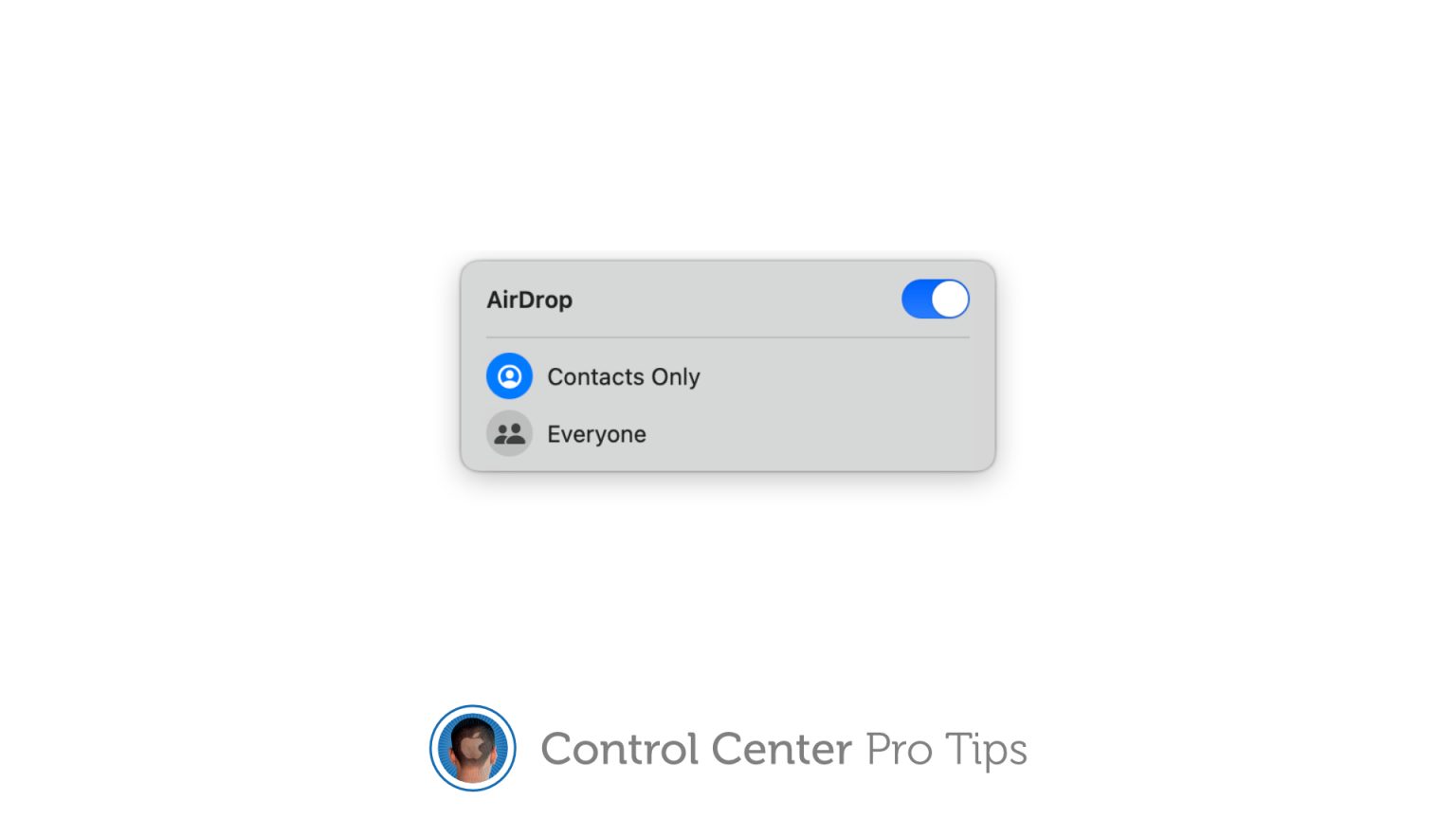
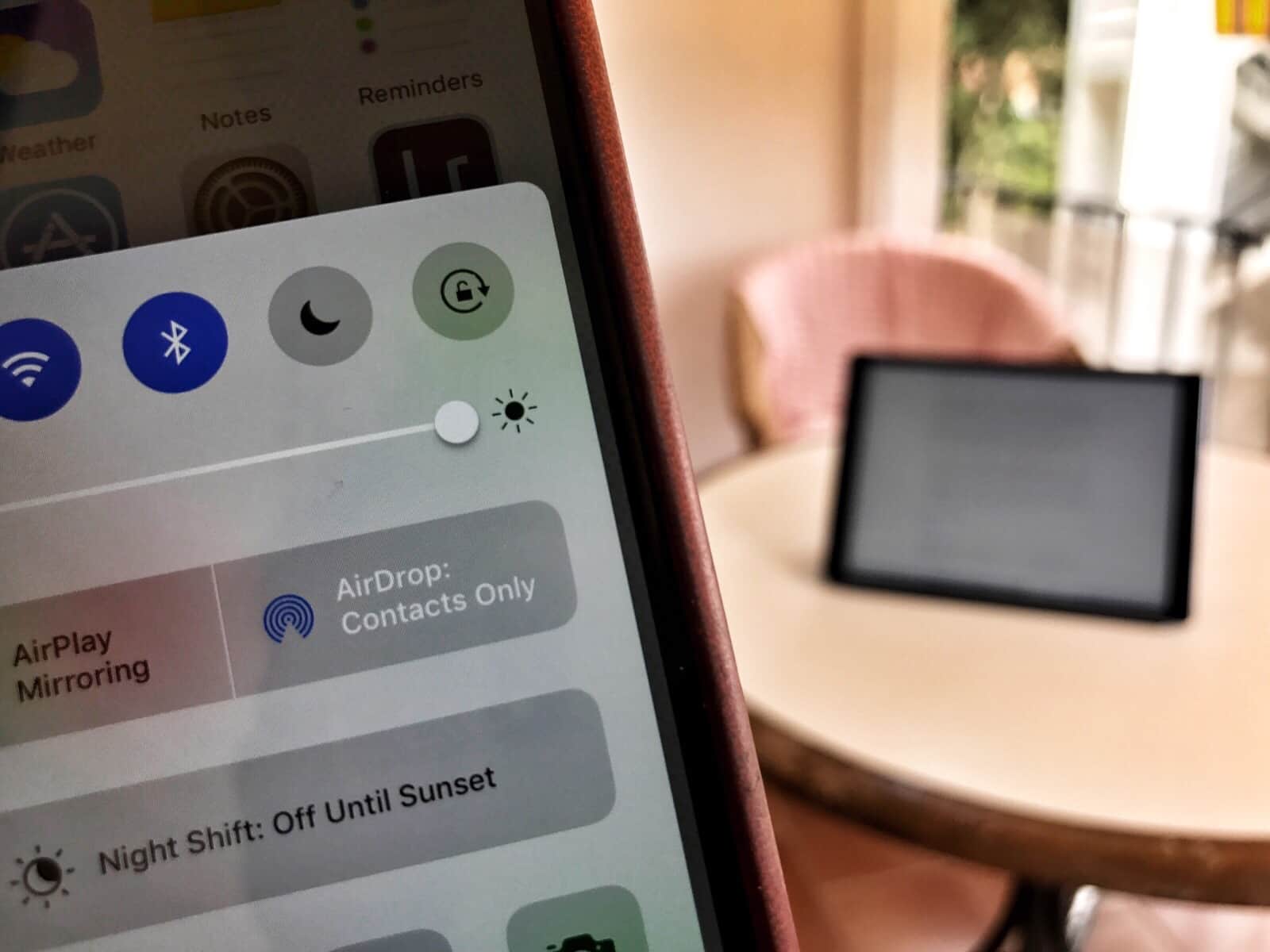
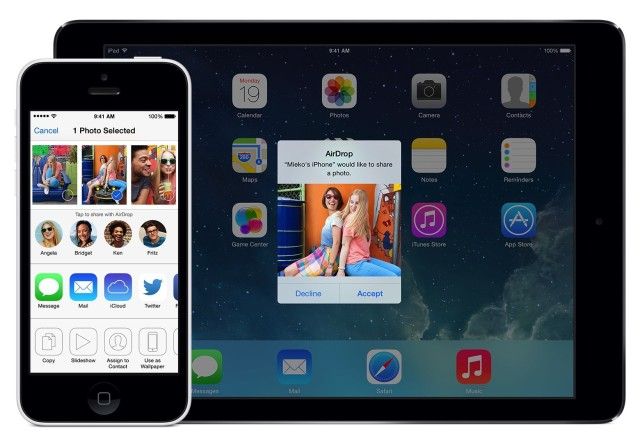
Not to beat up on AirDrop or anything, but not all Macs can use the zero-configuration file sharing technology from Apple. In order to use AirDrop, you must have a a newer Mac, like a MacBook Pro from 2008 or later, a MacBook Air from 2010 or later, or a Mac Mini from mid 2010 or later (full list below)
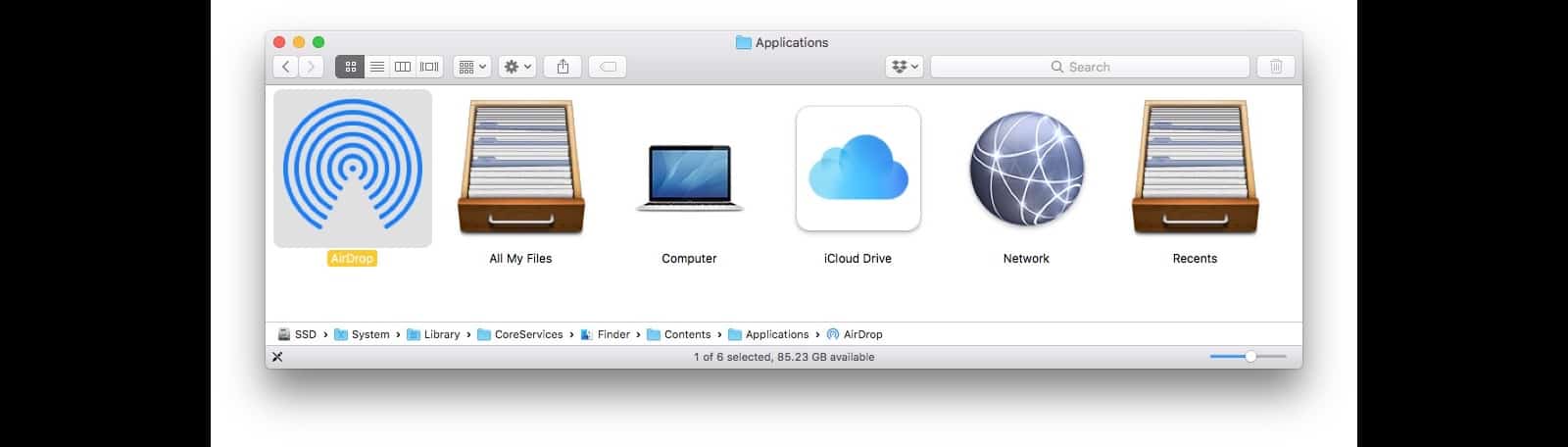
Luckily, if you can connect your older Mac to an Ethernet cable and network, you can enable AirDrop on an older Mac. Here’s how.
AirDrop is a pretty slick app that was first available in OS X Lion. It basically allows any Mac see any other Mac with the protocol enabled on the network, with no configuration or knowledge of file sharing needed. You just drop a file onto any available AirDrop icon, and your file heads over to that user’s Mac. No muss, no fuss, just simple.
At least, that’s the concept. In reality, I’ve not seen AirDrop ever work that easily. Luckily, there’s an alternative that’s even simpler: Any Send, a free Mac app that lets you send files to any other Mac using WiFi.
With OS X Lion, Apple announced a new file sharing feature called AirDrop. While the concept of AirDrop is great, it’s lack of support on older Macs cripples it’s functionality for some users. In this video, I’ll show you how to enable AirDrop on your older Mac as well as use some of AirDrop’s lesser known functionality.
Have you noticed how Apple and Google have been going round in circles recently? Both OS X Lion and Google’s new Facebook challenger, Google+, sport circular frames around their user photos.
As the impending launch of Mac OS X Lion creeps closer and closer, it’s getting harder and harder to wait for all of the new features Apple has promised, like Launchpad and AirDrop, just to name a couple. Well, if you want to get a taste of Mac OS X Lion before it’s here, there are a few quick things you can do to transform your aging install of Snow Leopard into a Lion like experience. In this video, I’ll show you what to do.