Badger is a new jailbreak tweak that lets you access unread notifications from an app icon. Instead of opening Notification Center, swiping on a specific icon can reveal a list of notifications. From there, you can clear individual messages and even respond to texts.
If you jailbreak your iOS devices, there usually comes a point where you get stuck on an older firmware because the latest one hasn’t yet been hacked by the jailbreak community. When this time comes, it’s almost impossible to restore your device and start with a clean OS without losing your jailbreak.
But not anymore. A new app called Semi-Restore provides you with a clean install of your current firmware without updating your device and killing your jailbreak.
Earlier this month, a hacked carrier update for the T-Mobile iPhone 5 that brought increased data speeds was released by Joe Brown and Sky Zangas, two developers behind iTweakiOS. Now the duo have released a similar hack for AT&T devices, only this time, it’s not just for the iPhone.
The hacked carrier update also supports the iPad and promises to improve data performance on both LTE and HSPA+.
Filippo Bigarella is best known for being the developer of some of the most popular jailbreak tweaks for iOS, including Springtomize, LivelyIcons, and PasswordPilot Pro. But he’s just launched his first official iPhone app through the App Store.
It’s called Balances, and it’s a wonderfully simply finance app with a gorgeous interface that’ll help you keep track of the money you owe and the money owed to you.
iOS is a fantastic platform, but as it approaches its sixth birthday, it’s in desperate need of a lick of paint. If you jailbreak your devices, then you don’t need to sit and wait for Apple to administer that, because you can take the design refresh into your own hands by theming.
The only issue with that is finding a theme that’s as beautiful as the hardware it’s running on. There aren’t many out there that fit this description, but iMIUI from Xiaomi is one of them.
There are some nifty tweaks for jailbroken iOS devices that allow you to add blank spaces to your home screen and arrange your app icons any way you like. Well now you don’t need to jailbreak to have this option, because a newly-discovered glitch in iOS lets you create blank spaces with a bit of trickery.
On iOS, Cydia is the premier way to load unsigned apps onto your jailbroken iPhone or iPad… but since Android supports side-loading, it has no place on Google’s operating system, right?
Wrong, apparently. Today, the devs behind Cydia and Mobile Substrate have announced that Cydia is coming to Android. But it won’t be quite what you think.
Killing iOS apps — not just closing them, but killing them completely — is nowhere near as simple as it should be.
First you have to double-tap the home button to open the multitasking tray, then you have to tap and hold the app’s icon, and then you have to close it by tapping the tiny circle. That’s a pain if you have several apps you wish to kill at once.
But with a new tweak for jailbroken iOS devices called Slide2Kill, you can completely kill iOS apps with just a swipe.
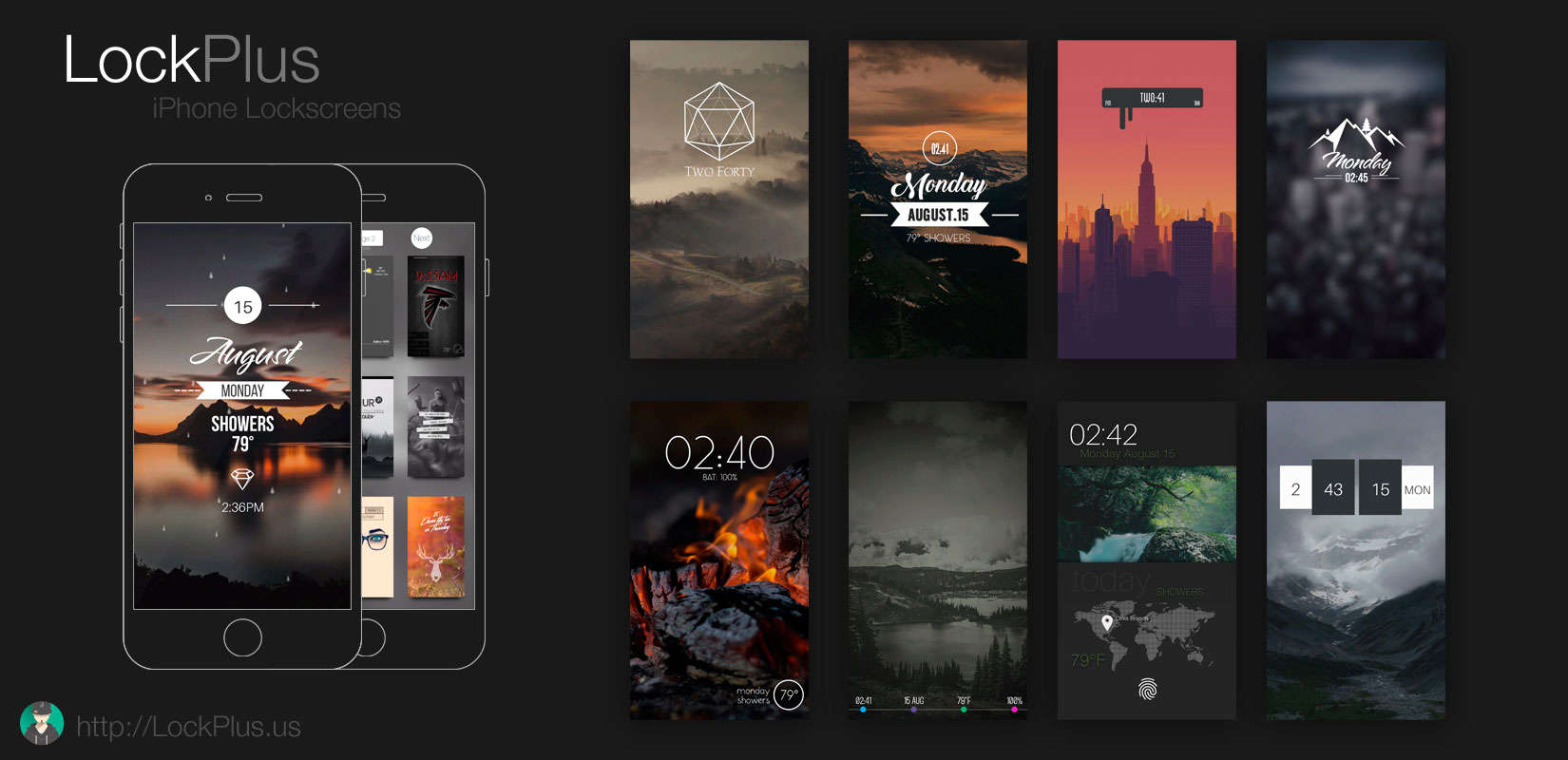
If there’s one part of iOS that Apple needs to be paying more attention to, it’s the lockscreen. Case in point: jailbreak developers and concept designers are coming up with some really innovate ideas for making use of the first screen we all see when we check our iPhones.
Axis, a new jailbreak tweak that began as a simple concept some months ago, is another great example of doing more with the lockscreen. Apps can be assigned to the bottom of the screen and quickly opened with a swipe gesture.
iTunes 11 has a nifty MiniPlayer that lets you quickly access music controls and queue up more tunes on OS X. The point of the MiniPlayer is that it stays out of your way, but also readily available anywhere on your Mac’s screen.
Since we don’t have desktop-like widget functionality in iOS, something like a MiniPlayer can’t float between apps. But thanks to jailbreaking, you can get a slick, iTunes-inspired MiniPlayer on your jailbroken iPhone or iPad.