May 14, 1992: Apple co-founder Steve Jobs‘ company NeXT runs into trouble as it loses a crucial deal with Businessland after the computer retailer closes its stores.
It comes at a time when NeXT’s luck is going from bad to worse. The Businessland closure marks one of the lowest points in Jobs’ career — before everything starts to turn around again.
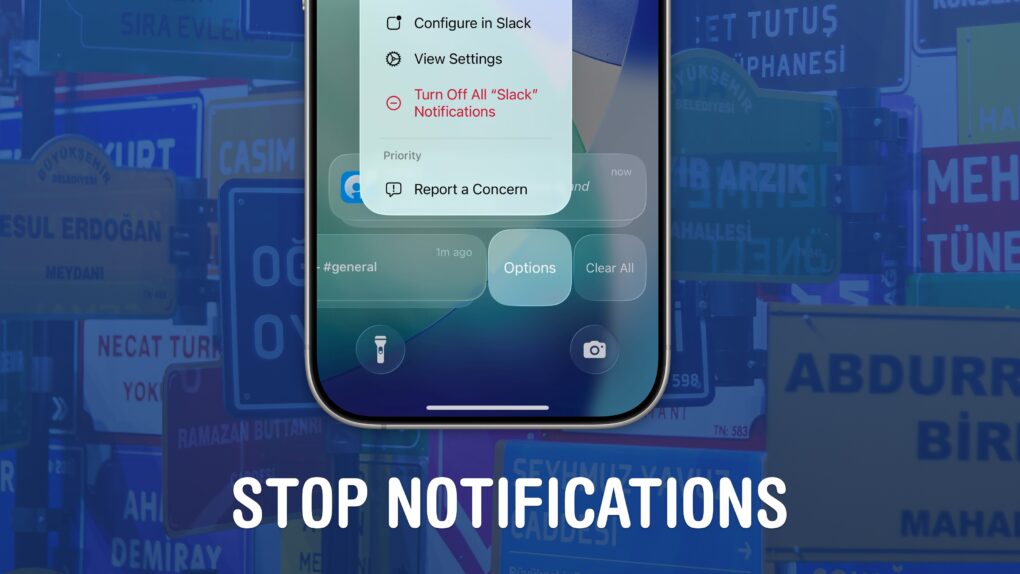
Quiet your phone down. Image: D. Griffin Jones/Cult of Mac
If your iPhone is always blowing up with junk and spam, you can stop notifications dead in their tracks. You may not know that you can entirely disable notifications per-app and turn off different types of notifications to keep them from cluttering your phone.
I’m not afraid to disable all notifications from an app if it crosses me one time too many. For others, I allow notifications on the Lock Screen, but disable them from Notification Center, so they’re more temporary.
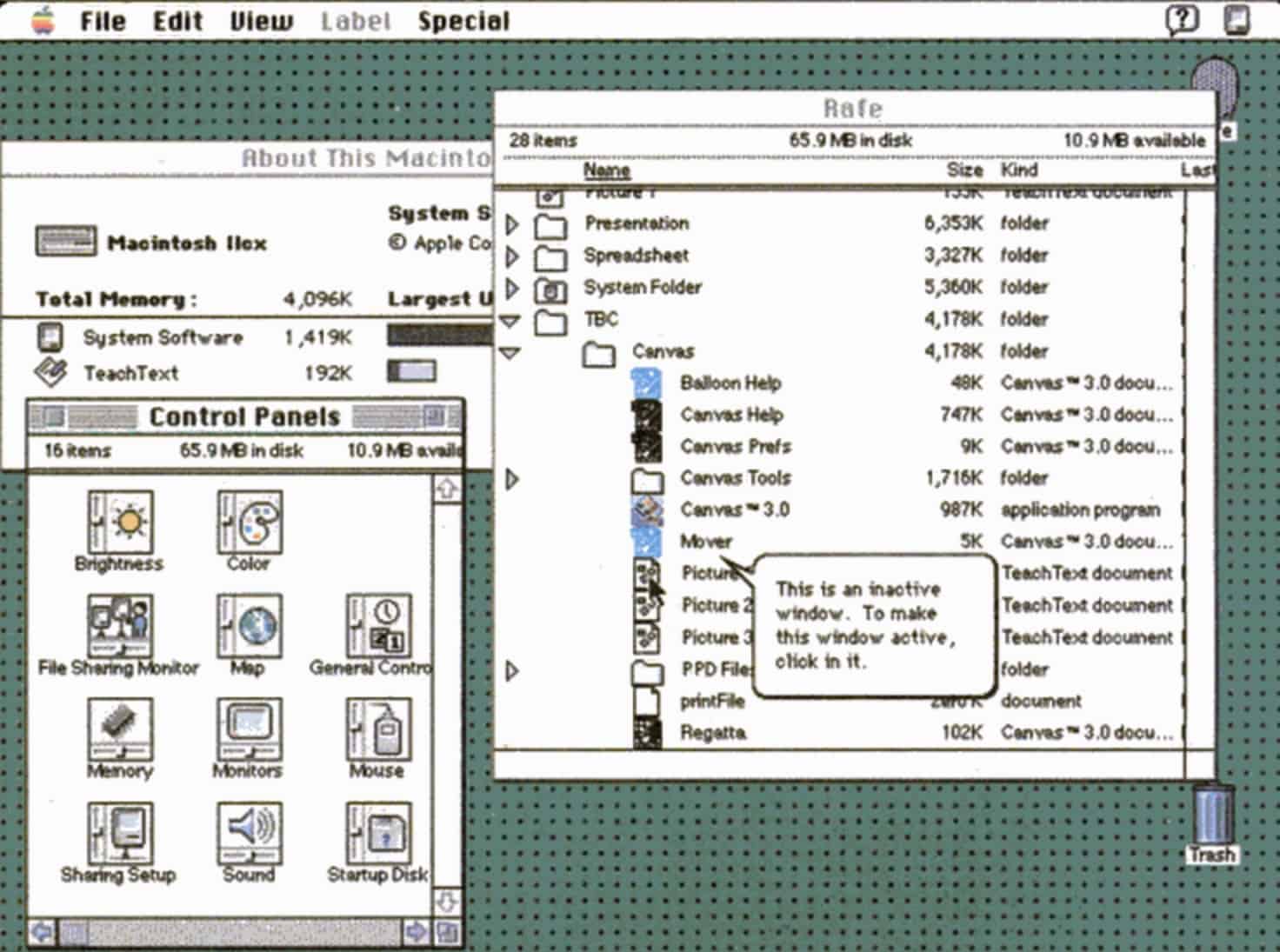
Bold new features in System 7 made the Mac even more impressive. Photo: Apple
May 13, 1991: Apple releases System 7, the biggest upgrade to the Mac operating system since the original Macintosh computer shipped in 1984. The new Mac OS is whip-fast, beautiful to look at, and boasts a bevy of innovative features.
The longest-lasting of Apple’s classic Mac operating systems, it will remain current until System 8 replaces it in 1997.
The dazzling new wallpaper for iPhone. Image: D. Griffin Jones/Cult of Mac
The colorful Pride Luminance wallpaper and watch face add beautiful color gradients to your iPhone and Apple Watch. You can download them both after updating to iOS 26.5 and watchOS 26.5.
Since they’re part of Apple’s annual Pride collection, they come with a bunch of preset styles for various pride flags. But you can customize the Lock Screen wallpaper and the Apple Watch face however you want. With a light and dark shade of the same color, the vertical stripes and gradients shimmer and animate when you swipe up to unlock your phone. Or you can go to the other extreme, picking up to 12 colors from the Luminance palette.
This is easily the best Pride wallpaper Apple has produced yet — in fact, it’s a great wallpaper, period. Check it out in our quick video or keep reading.
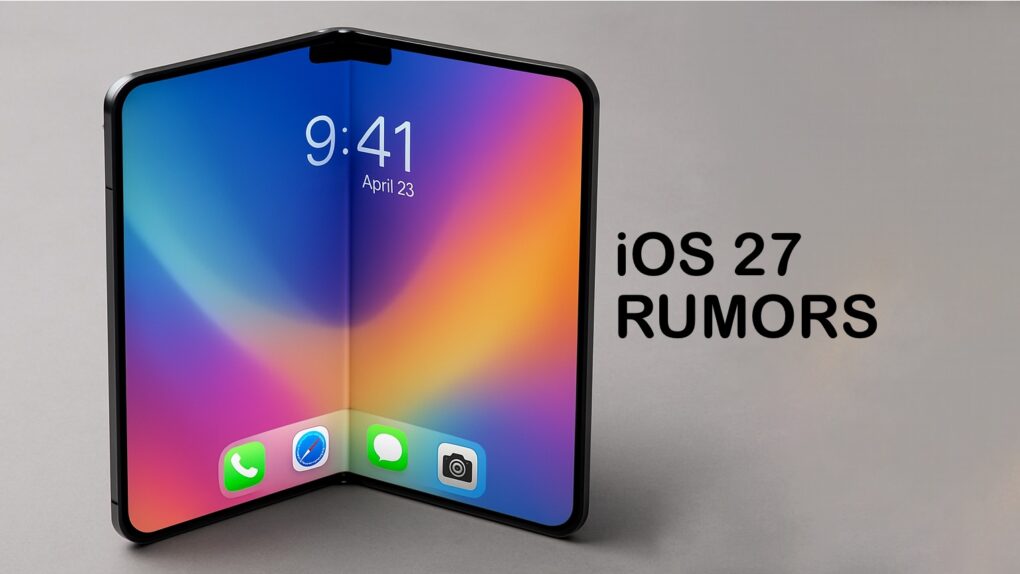
iOS 27 could support an upgraded Camera app with a Siri camera mode plus an overall overhaul of the voice assistant. Photo: Chat GPT/Cult of Mac
For the upcoming iOS 27 update, Apple will introduce a fully customizable Camera app, a ground-up redesign of Siri and visual changes across a range of built-in apps, according to a new report Tuesday.
Apple will showcase the update and other operating system changes at its Worldwide Developers Conference on June 8.
Unfortunately for Bill Gates, Steve Jobs was one step ahead. Photo: 60 Minutes
May 12, 2005: Longtime Apple frenemy Bill Gates tells a German newspaper that Apple may have hit it big with the iPod, but that its success isn’t going to last forever.
The reason for the Microsoft co-founder’s doomy take on the iPod’s future? He thinks mobile phones will steal the music player’s market share.
The good news for Gates is that he was right on the money. The bad news for Microsoft is that Apple cannibalized itself by making the iPhone. And Apple’s smartphone became even more successful than the iPod.
★★★★★
The Satechi ChargeView 140W Desktop Charger provides power you can see. Photo: Ed Hardy/Cult of Mac
The Satechi ChargeView 140W Desktop Charger offers four USB-C ports to power up a MacBook, iPad, iPhone and other accessories all at once. The standout feature is a display that shows just how much current is flowing through each port.
I put the charger through testing to see how it stands up to real-world use. Here’s what I found.
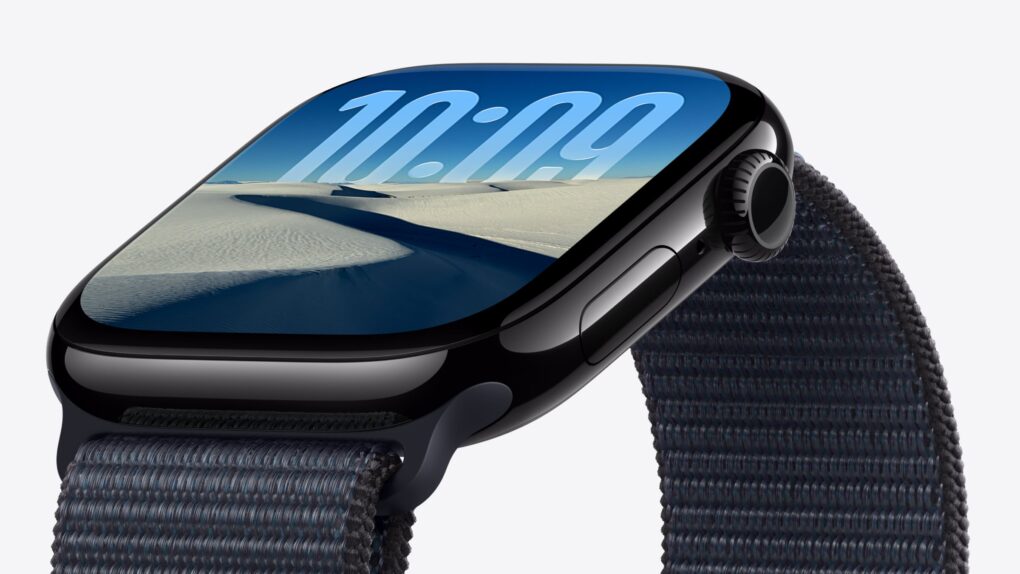
Rumors indicate this year's model might look a lot like Apple Watch Series 11, but big changes are coming internally. Photo: Apple
After years of iterative upgrades, rumors indicate Apple Watch Series 12 might bring real advancements that make the upcoming model hard to ignore. We could see a much faster chip, smarter Apple Intelligence features and maybe even Touch ID.
Here’s what to expect from Apple Watch Series 12, which should arrive this fall alongside the iPhone 18 Pro.
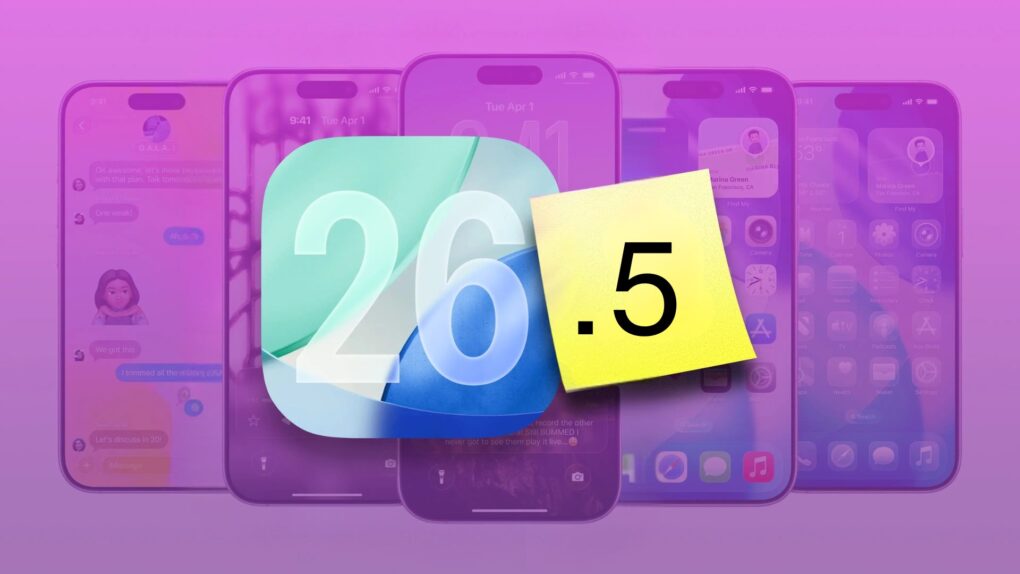
iOS 26.5 is a small-yet-big update for your iPhone. Photo: Rajesh Pandey/Cult of Mac
iOS 26.5 launched Monday, bringing several minor but important usability improvements to your iPhone. The update adds 11 new Pride-themed wallpapers, a suggested places section in Apple Maps, and a new payment option for yearly app subscriptions.
Here are all the new features you can look forward to trying in iOS 26.5.
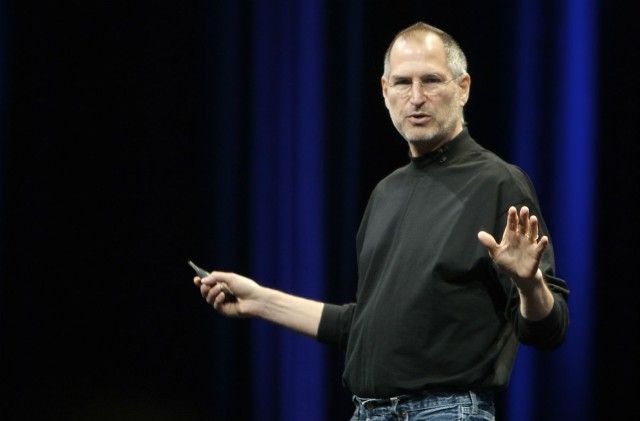
Steve Jobs introduced the world to OS X. Photo: Ben Stanfield/Flickr CC
May 11, 1998: As part of his mission to turn Apple around, CEO Steve Jobs spells out the company’s strategy for the Mac operating system going forward. The big news is that Apple is hard at work creating a major new operating system called OS X, he says at Apple’s Worldwide Developers Conference in San Jose, California.
However, first the company will ship Mac OS 8.5 and the first customer release of an OS called Rhapsody that fall.
The PowerBook G3 Lombard brought a "bronze" keyboard and some real enhancements. Image: Ste Smith/Cult of Mac
May 10, 1999: The third-generation PowerBook G3 comes in 20% slimmer and 2 pounds lighter than its predecessor, but most people remember the laptop for its glowing Apple logo and the “bronze” keyboard.
Although it doesn’t get a new name to distinguish it from previous laptops in the lineup, fans call it “Lombard” after Apple’s internal code name (or simply the “PowerBook G3 Bronze Keyboard”).
Put a stop to the madness. Image: D. Griffin Jones/Cult of Mac
If you’ve noticed that the iPhone’s autocorrect has been especially bad over the last few months, you’re not alone. It appears that iOS 26.2 introduced a bug that made the keyboard much more frustrating to use. Luckily, the solution is simple. You can learn how to reset autocorrect on your iPhone really quickly.
First, you need to update to iOS 26.4, the release that fixed the iPhone’s autocorrect bug. Then, resetting your keyboard dictionary will get rid of any bad patterns it may have picked up since December.
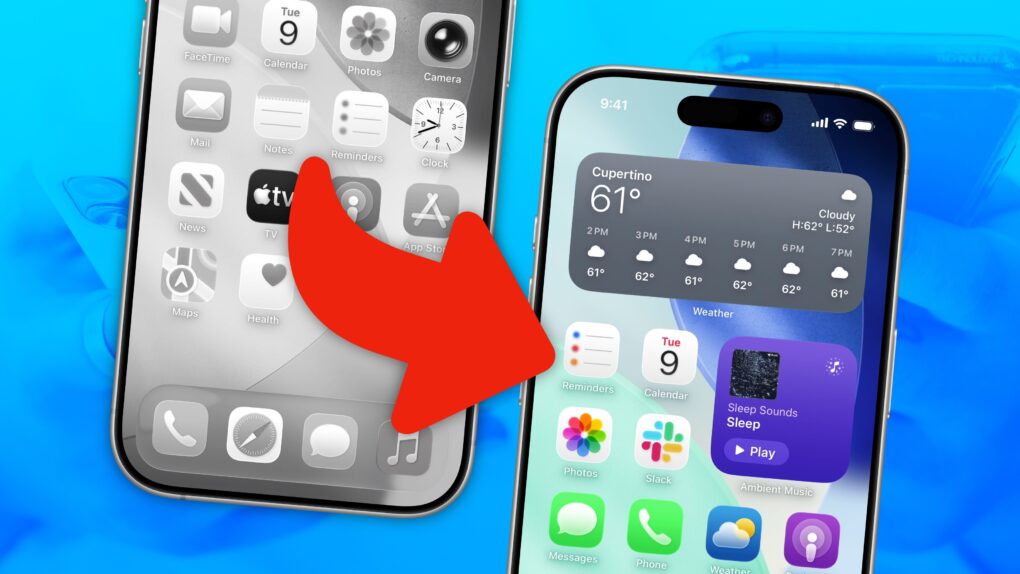
Turn your scramble of icons into something that sparks joy. Image: D. Griffin Jones/Cult of Mac
There are two types of iPhone owners in the world: Those with a carefully manicured, minimalist Home Screen of perfectly arranged icons, and those with random icons spilled haphazardly across the screen.
If you find yourself among the latter group, you might think that it’s too late for you — that making a beautiful, aesthetic Home Screen is beyond your creative ability.
Well, cleaning up your iPhone’s Home Screen is a lot easier than clearing out your basement or organizing your kitchen junk drawer. A Home Screen that works better and looks better comes down to just a few simple tips. You can set one up in just minutes.
★★★★☆
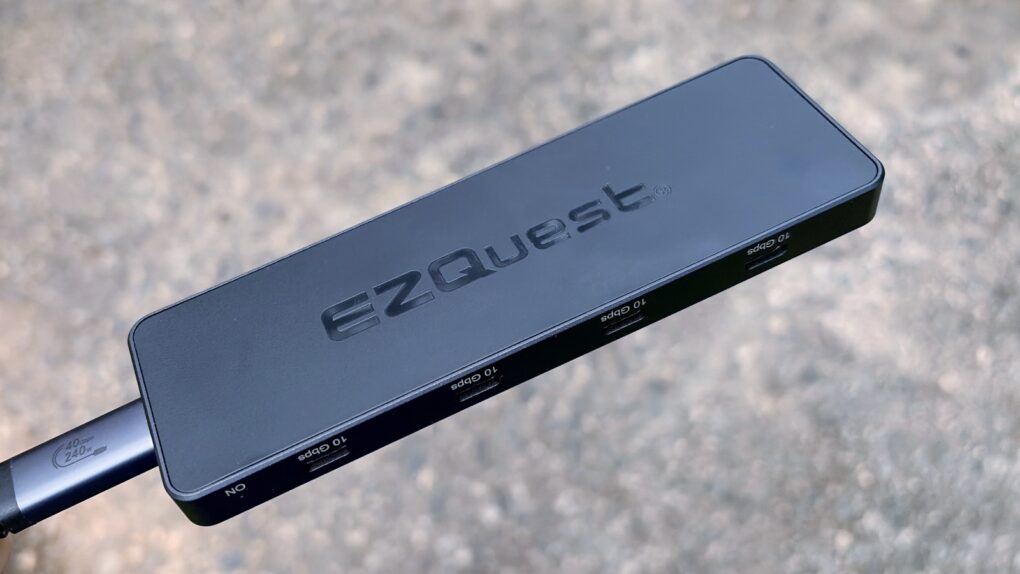
Get eight USB-C ports in a pleasingly small package with this new hub from EZQuest. Photo: Ed Hardy/Cult of Mac
The EZQuest USB 4 Dual Display 8-in-1 Hub is for Mac users who have gone all-in on USB-C ports. It boasts no less than seven high-speed ports and an eighth just for charging. And it takes up just one port on your Mac.
Unlike the USB-C ports in most hubs, EZQuest’s can be used for external screens, removing the need for HDMI. One or two displays are supported, depending on the computer the accessory is attached to.
As someone ready to dump all the old legacy ports, I happily put this product through testing.
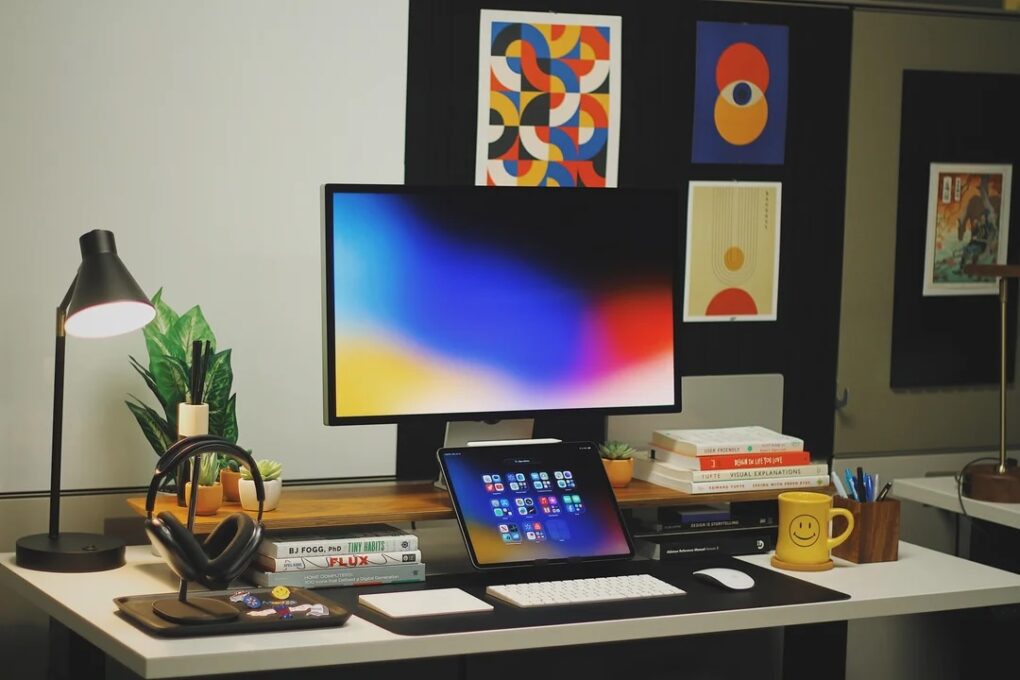
This user's setup changed a lot since the one we showcased in early 2024. Photo: [email protected]
In some ways, iPad is the most versatile computer Apple makes — which makes it an unusually rich ingredient in a Mac workstation. And as iPadOS grows ever more capable, more users find new, smarter roles for their tablet. The following 10 examples drawn from the Cult of Mac Setups archive represent the best uses of iPad in Mac setups. They show just how many ways the tablet can earn its place on a desk.
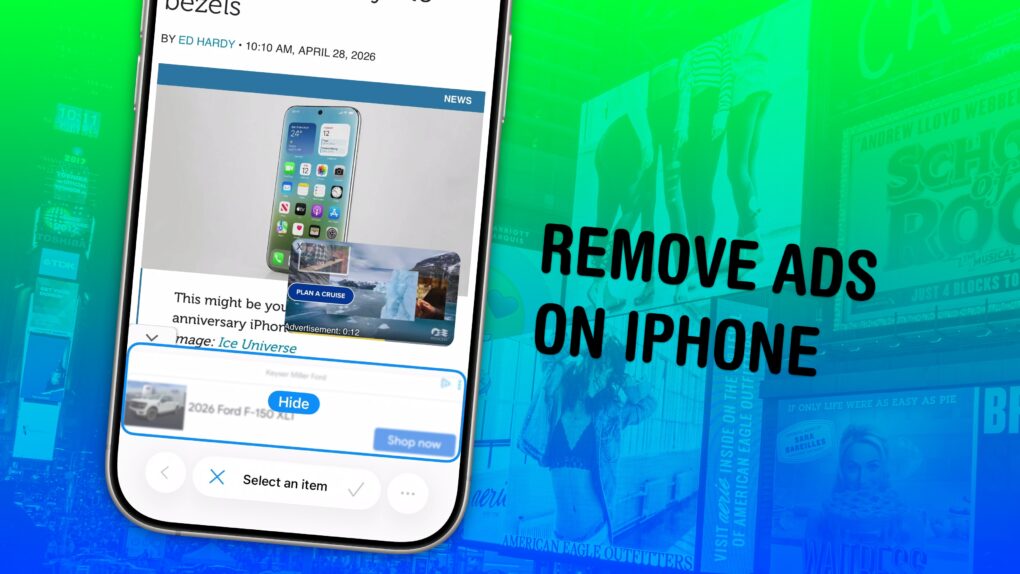
Simplify the web, one annoyance at a time. Image: D. Griffin Jones/Cult of Mac
Safari’s Hide Distracting Items feature lets you remove ads from your iPhone, along with other elements on the page that irritate you. It doesn’t require an ad blocker or a paid extension — Apple built it right into the browser.
Hide Distracting Items is not an ad blocker per se. But if pop-ups and other items that cover the page with no obvious close button pester you (like a cookie banner) Hide Distracting Items can come to the rescue. Here’s how to use it — keep reading or watch our video.
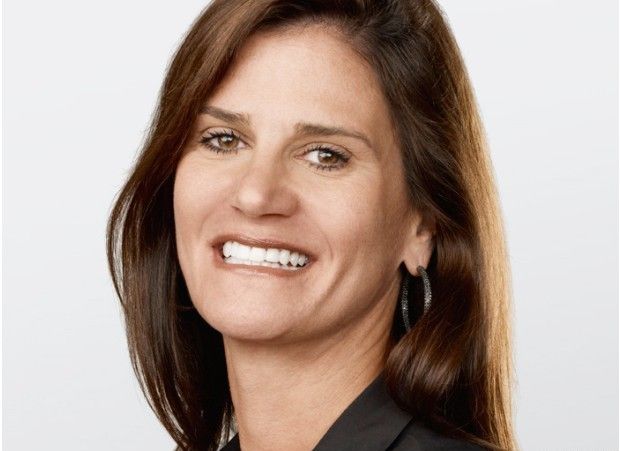
Katie Cotton helped control Apple's narrative in the press for years. Photo: Apple
May 7, 2014: Katie Cotton, the fearsome, much-admired head of Apple’s worldwide publicity machine, steps down from her vice president post after 18 years with the company.
During her stint at Apple, Cotton worked in lockstep with CEO Steve Jobs and proved instrumental in controlling the company’s portrayal in the press. Her departure provides one more reminder that the Jobs era is over at Apple.
Rising memory costs and tightening supply means you should consider buying a Mac right now. AI image: ChatGPT
If you’ve been on the fence about buying a Mac, you might want to stop waiting. A growing DRAM and NAND shortage is about to make all kinds of computers more expensive and harder to find.
Right now, Apple is still (somewhat) ahead of that curve. But that window is closing fast. So, if you need to buy a Mac, now’s the best time to pull the trigger.
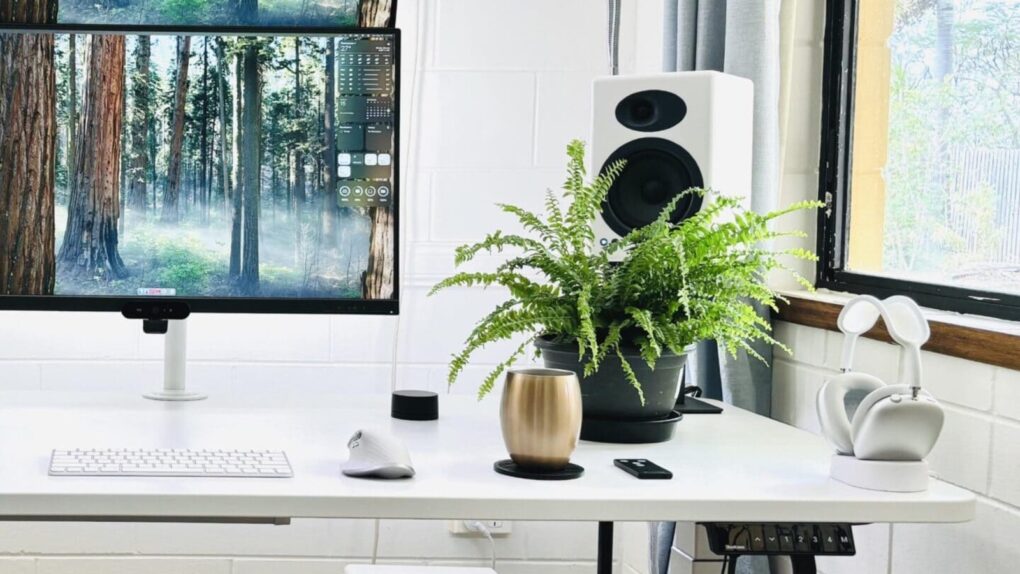
You can't really go wrong with Audioengine A5+ speakers, especially if you add a subwoofer. Photo: [email protected]
Your computer monitor’s built-in speakers aren’t doing your music, movies or video calls any favors. Whether you work from home, game a lot or simply stream your favorite playlist, a good pair of desktop speakers transforms the experience for the better. The good news is that you don’t need to spend a fortune to hear a real difference. Here are my picks for top budget computer speakers under $399 (with many way under that price).
I found that the around-$300 bracket has quietly become one of the most exciting categories in consumer audio. Brands like Audioengine, Edifier, Creative and Onkyo compete fiercely. That means the quality on offer today would have cost twice as much just a few years ago.
Final Cut Pro is Apple’s flagship video editor for Mac and iPad. Image: Apple/D. Griffin Jones/Cult of Mac
If you use Final Cut Pro, you’re well aware of how much storage one of its libraries can eat up. Producing weekly videos and podcasts for Cult of Mac, disk space is a never-ending battle for me — and I even splurged on a 2TB hard drive!
The third time I ran into this problem, I tried digging deeper into Final Cut Pro settings to see if there was a better way. I found a bunch of settings that help stop the 800-pound, hard-drive-eating gorilla.
Then, I opened up the Final Cut Pro library bundle itself, and found even more folders, many gigabytes in size, that I could clear out.
Here’s how Final Cut Pro users can reclaim some storage from a runaway video library.
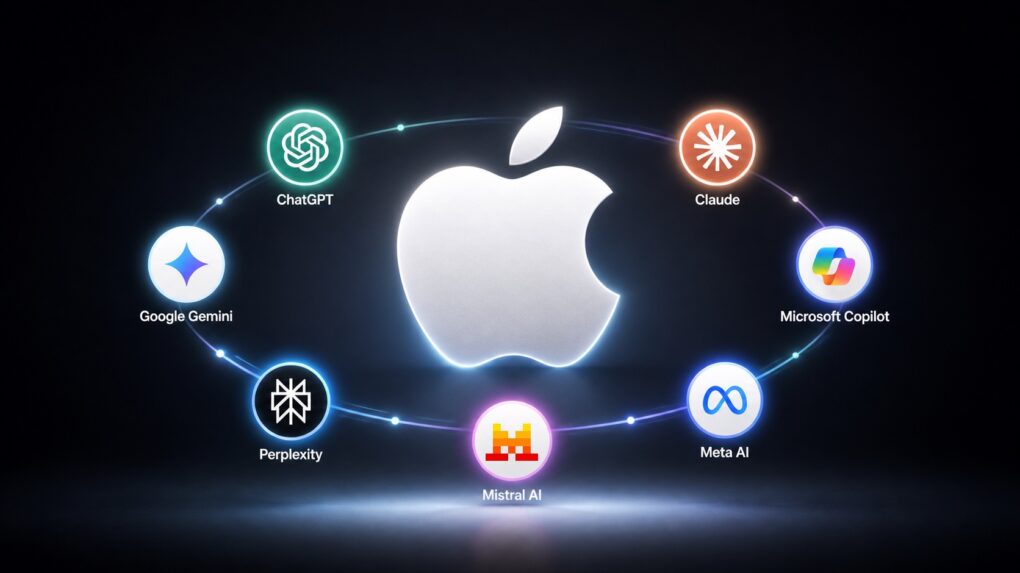
It doesn't matter who wins the the AI battle if Apple allies with all of them. AI image: ChatGPT/Cult of Mac
Apple will let iPhone and Mac users choose between multiple AI models for different tasks, according to a report published Tuesday. The strategy would allow users to select whichever third-party AI system they prefer to generate and edit text and images for them.
It’s a brilliant solution to the ongoing battle between companies to develop the best AI models. It won’t matter whether OpenAI, Google, Perplexity, etc., wins that fight — because Apple also wins.
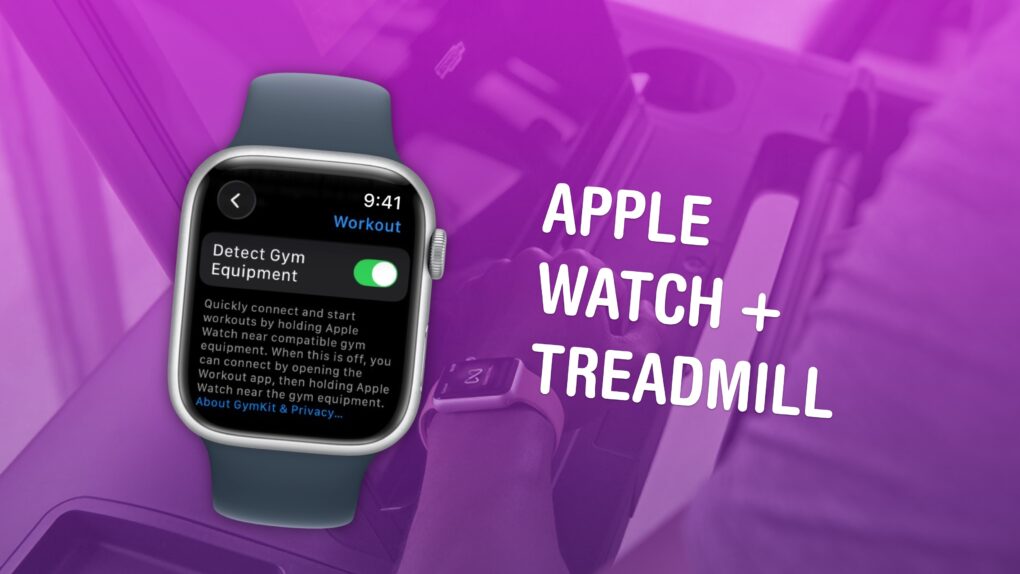
Available in certain gyms and equipment. Image: Apple/D. Griffin Jones/Cult of Mac
You can easily connect your Apple Watch to exercise equipment, like a treadmill at Planet Fitness, to record more accurate health data inside the Fitness and Health apps on your iPhone. After all, if you’re working out, you want to make sure your Apple Watch gives you credit for it.
May 5, 2003: Just a week after launching the iTunes Music Store, Apple reaches an incredible milestone with more than 1 million songs sold.
Particularly notable is the fact that more than half the songs purchased are albums. This quickly dispels fears that selling tracks individually at 99 cents apiece will kill the record industry’s dominant format. In addition, more than half of the 200,000 songs initially available in the iTunes library get downloaded at least once.
“In less than one week we’ve broken every record and become the largest online music company in the world,” says Apple CEO Steve Jobs in a press release. “Apple has created the first complete solution for the digital music age — you can purchase your favorite music online at the iTunes Music Store, mix your favorite tracks into playlists with iTunes, and take your entire music collection with you everywhere with the super-slim new iPods.”
It’s a roaring success for Apple’s newest venture!
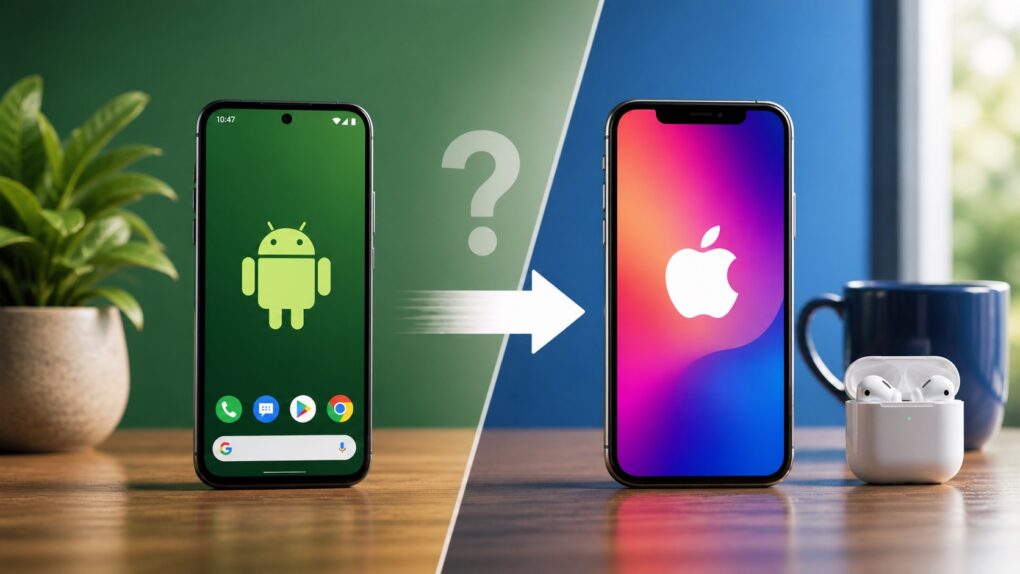
Moving from Android to iPhone means adjusting to a different way of doing things. AI image: ChatGPT
Ready to switch from Android to iPhone? Before you make the move to an Apple device, you need to know the biggest problems you’ll face during the transition — and how to avoid them.
While some challenges are manageable, others are unavoidable. If you feel ready to jump to Apple’s ecosystem from Google land, here’s what you need to know.
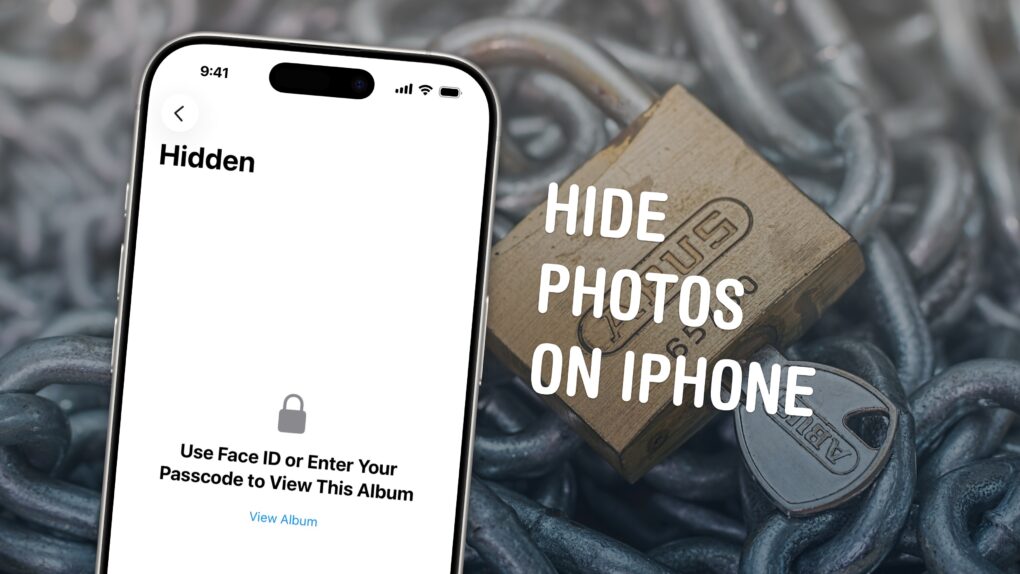
Keep your photos locked up like Fort Knox. Image: D. Griffin Jones/Cult of Mac
You can easily hide photos and videos on your iPhone to keep secret and/or illicit images out of your main Photos library. Hiding items from the camera roll makes sure nobody except you can see your embarrassing pictures, salacious nudes or old selfies with your ex.
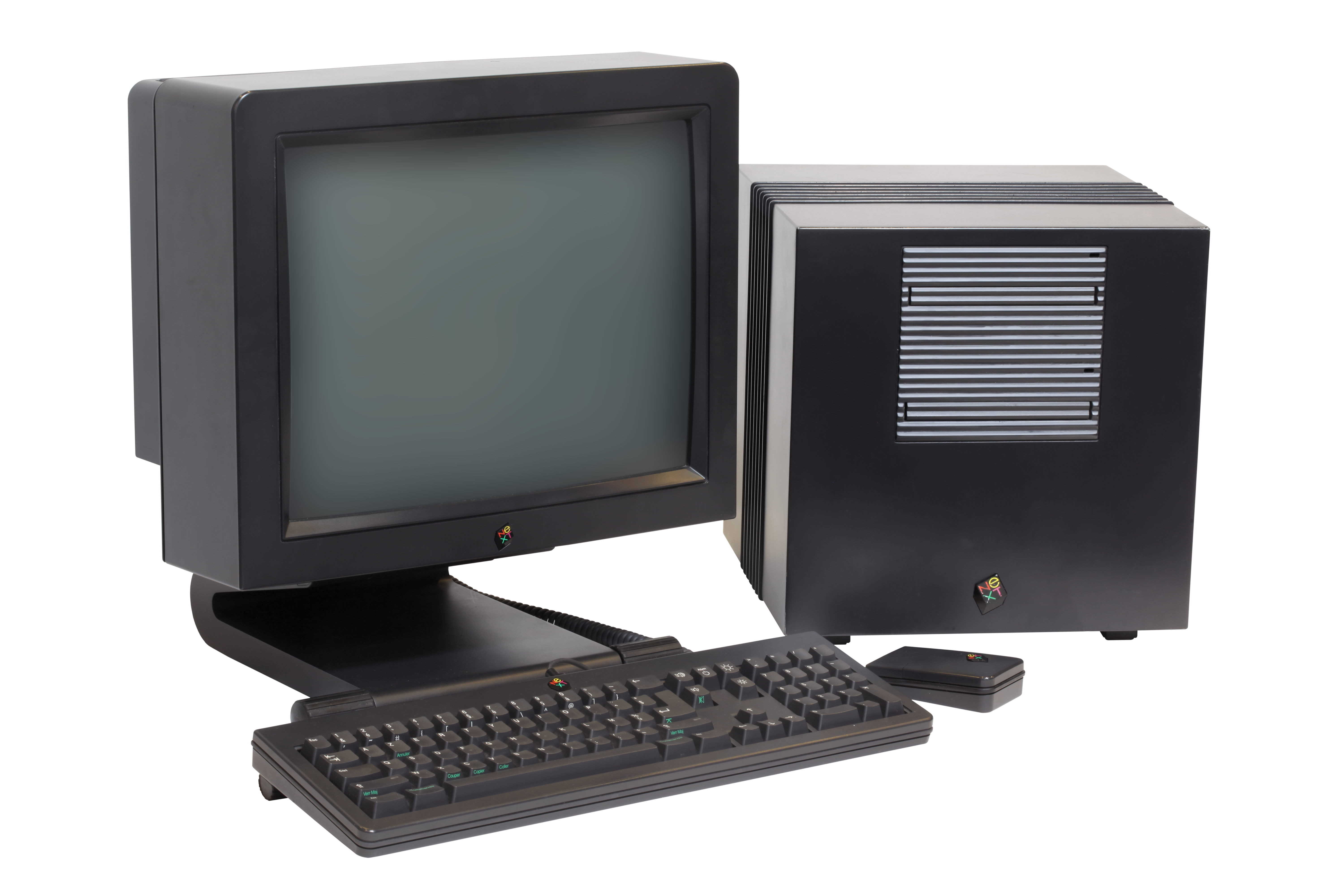
 May 14, 1992: Apple co-founder Steve Jobs‘ company NeXT runs into trouble as it loses a crucial deal with Businessland after the computer retailer closes its stores.
 May 13, 1991: Apple releases System 7, the biggest upgrade to the Mac operating system since the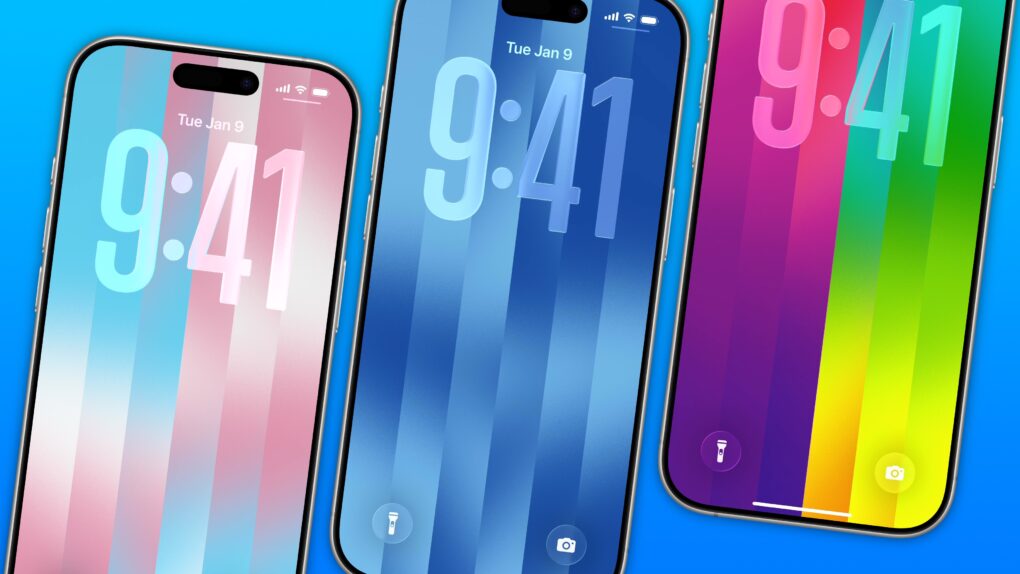

 May 12, 2005: Longtime Apple frenemy Bill Gates tells a German newspaper that Apple may have hit it big with the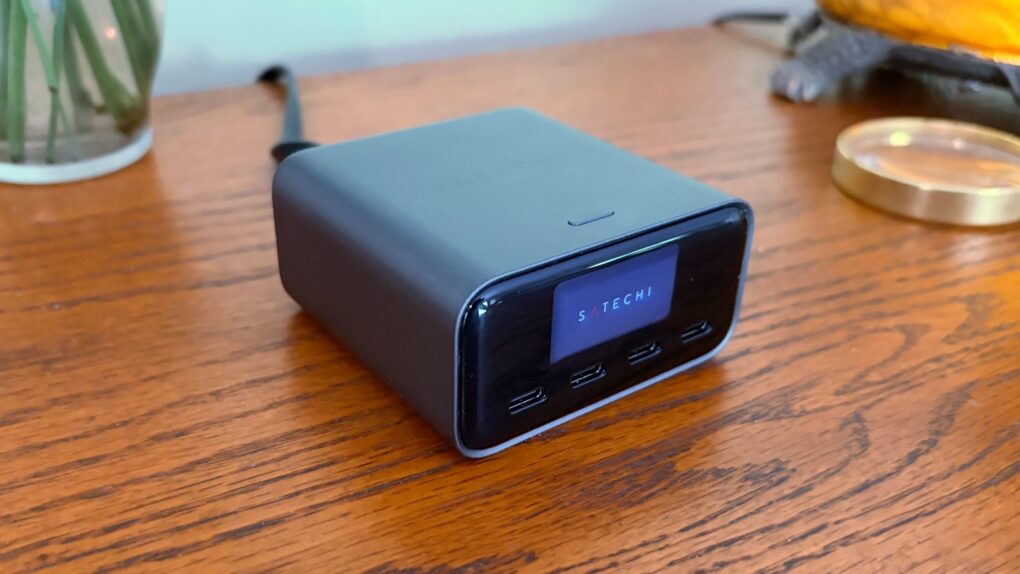
 May 11, 1998: As part of his mission to turn Apple around, CEO Steve Jobs spells out the company’s strategy for the Mac operating system going forward. The big news is that Apple is hard at work creating a major new operating system called OS X, he says at Apple’s Worldwide Developers Conference in San Jose, California.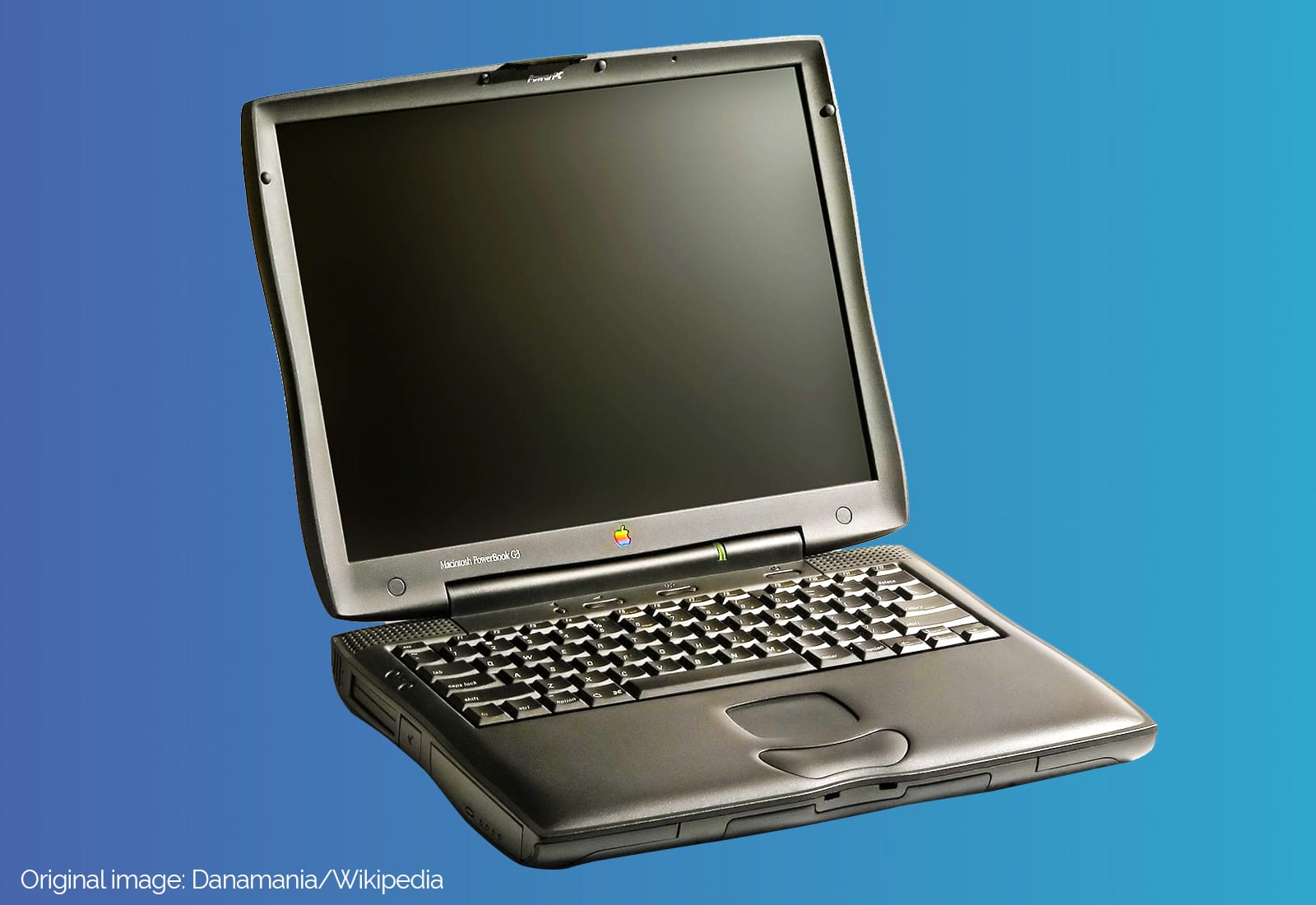
 May 10, 1999: The third-generation PowerBook G3 comes in 20% slimmer and 2 pounds lighter than its predecessor, but most people remember the laptop for its glowing Apple logo and the “bronze” keyboard.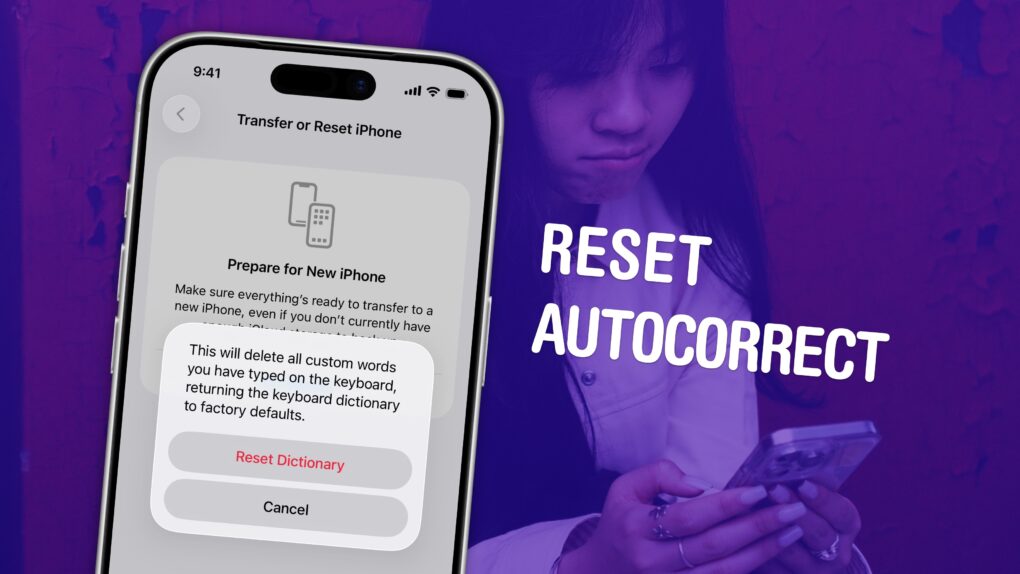
 May 7, 2014: Katie Cotton, the fearsome, much-admired head of Apple’s worldwide publicity machine, steps down from her vice president post after 18 years with the company.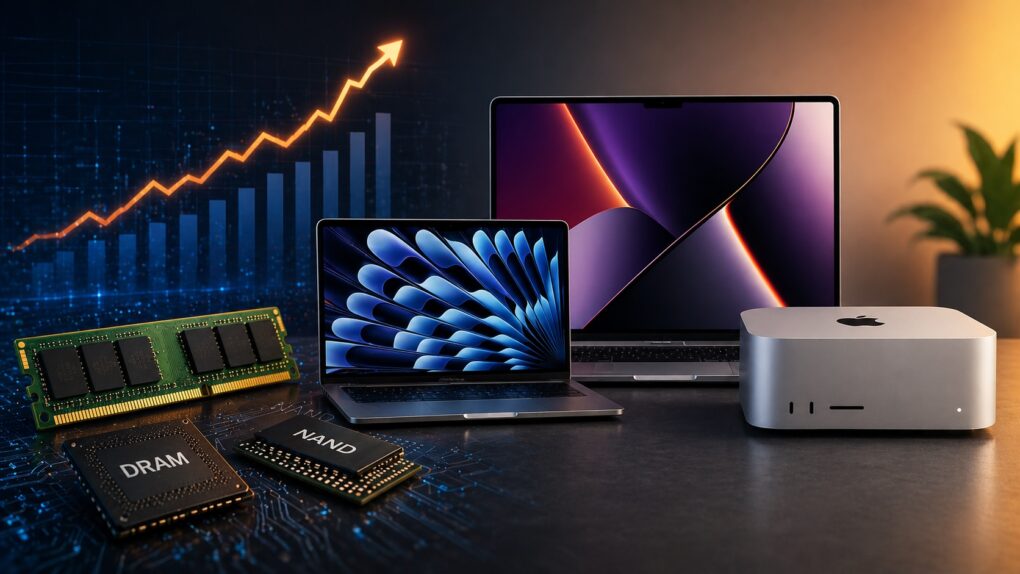
 May 5, 2003: Just a week after launching the iTunes Music Store, Apple reaches an incredible milestone with more than 1 million songs sold.