All items in the category "Photography"

Full category list for displayed posts: iPhone Apps, Photography

Photo-Sharing App Via.Me Adds Instagram Import

Photo-Sharing App Via.Me Adds Instagram Import

Via.me is a nice alternative to Instagram, and can now import your Instagram photos

Still looking for an alternative to Instagram now that the Evil Empire has bought it up and is surely planning to suck it dry? There are a few options, including sticking with Instagram itself, but one alternative — Via.Me — has just added an Instagram import tool to make the transition as painless as possible.

Read the rest of this post »

How To Delete Your Instagram Account

How To Delete Your Instagram Account

If you really, really want to delete your Instagram account, it's pretty easy

So you decided to quit Instagram. You already exported your photos with Instaport, but is that enough to stop the Evil Empire from mining your account for yet more information to sell to advertisers?*

What you need to do, my friend, is delete your Instagram account entirely. Luckily, it’s pretty easy, an almost one-click process — unlike quitting Facebook itself, which is all but impossible.

Read the rest of this post »

iPhone Photography: The Best Apps, Killer Tricks And Mistakes To Avoid [Interview]

iPhone Photography: The Best Apps, Killer Tricks And Mistakes To Avoid [Interview]

@Richard Gray.

Richard Gray teaches what may be the UK’s first college-level iPhone photography class.

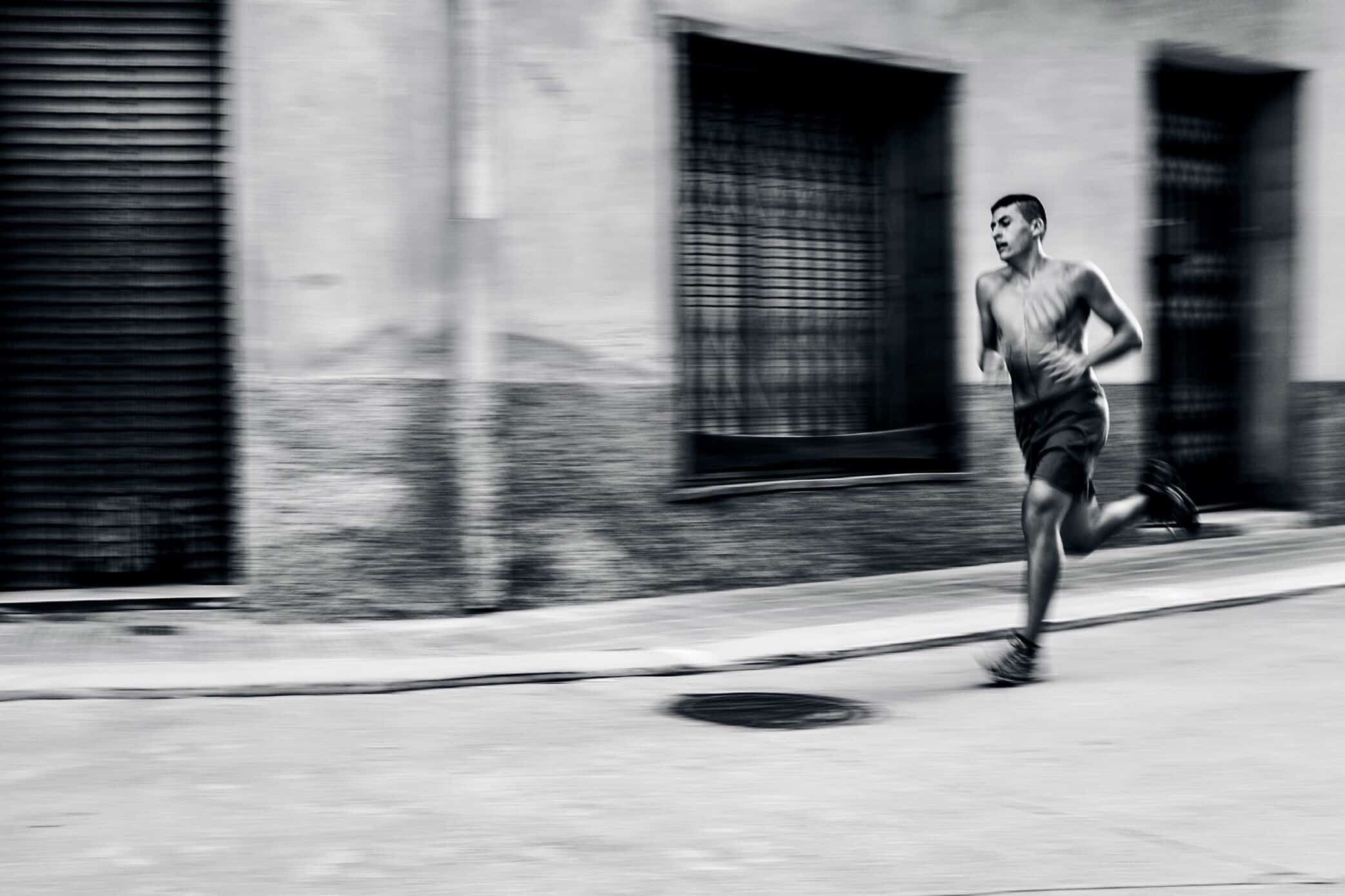
Gray, a street photographer whose work you can check out under the handle “rugfoot” on Twitter, Flickr and Instagram, just wrapped up the first course in iPhoneography at the photography department of Kensington & Chelsea College in London; the next two sessions of the five-week course start April 26 and May 31.

He shared with Cult of Mac the required app downloads for the class and the four most common mistakes iPhone photo students make.

Read the rest of this post »

Use the iPad’s Cameras To Add Analog Effects In Photoshop Touch [How-To]

Use the iPad’s Cameras To Add Analog Effects In Photoshop Touch [How-To]

With just an iPad and a flashlight, you can add some amazing lighting effect to your photos

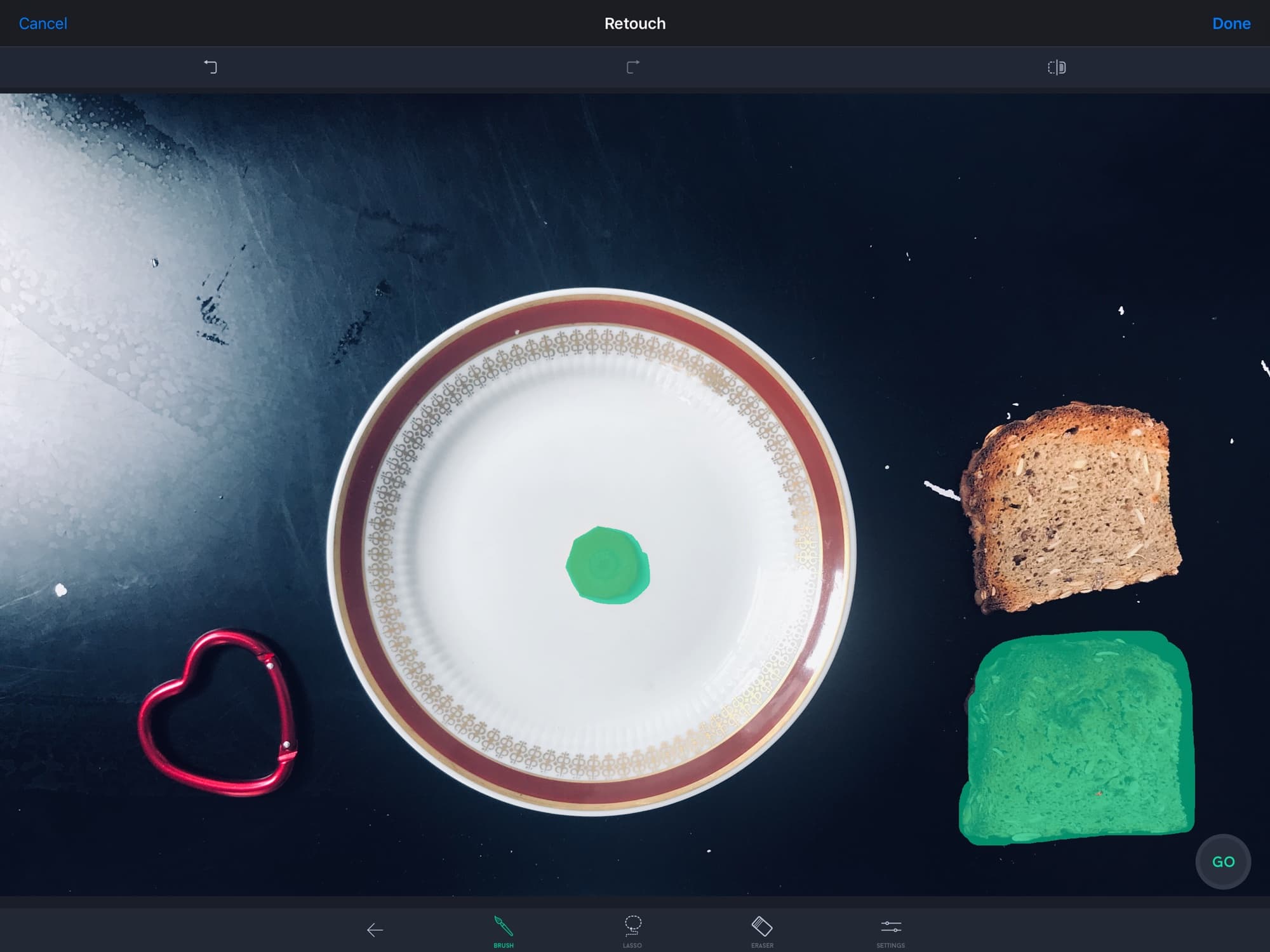
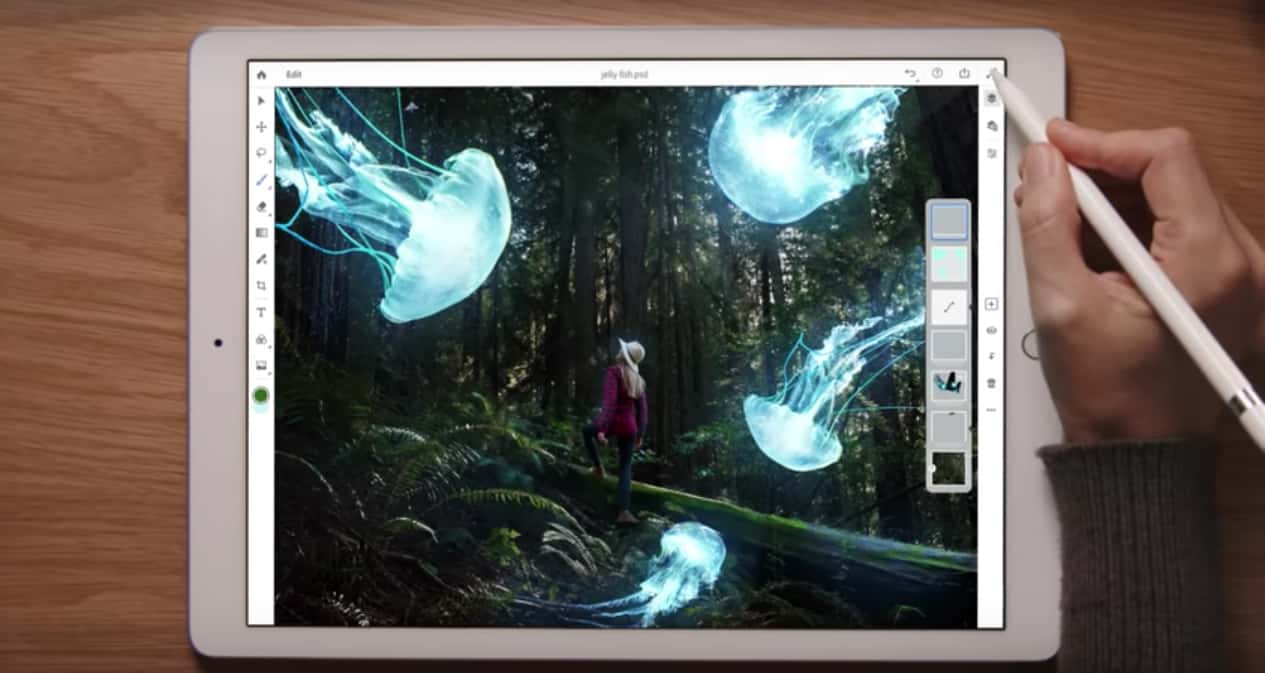
One of the neatest things about running Photoshop on a the iPad is that it is both portable, and it has has cameras. That might not sound like much, but it lets you do a lot more than just take pictures. Photoshop Touch lets you shoot into the current project right from either camera, and you can use this to add some pretty amazing analog effects to your image.

Today we’ll take a look at two cool tricks, one using each camera. One needs a flashlight, and one needs a textured surface or a piece of paper. Go get your tools and follow along.

Read the rest of this post »

Padcaster Turns New iPad Into Shallow-Focusing Movie Camera

Ever since I got my new iPad last Friday, I have been playing with the great new camera. I’m not one of those luddites that think nobody will ever use a tablet as a camera (note: many of these people probably called the iPad a consumption-only device, or said that you can’t use it to do real work). But I do find the iPad awkward to hold when trying to tap the screen for exposure, focus and the shutter release.

The Padcaster, a forthcoming camera rig for the iPad, might just take care of that.

Read the rest of this post »

Subscribe to the Cultcast

Process Non-Destructive Photo Editing App With Recipe Sharing

Process Non-Destructive Photo Editing App With Recipe Sharing

Process will let you brush up your photos in no time

Process is a new take on photo editing apps. It’s simple, fast, powerful and has some very clever ideas about how we edit our photos. The in-app introduction describes it as a “non-linear editor for photos,” and that’s not far from the mark.

Read the rest of this post »

Here’s How To Snap Award-Winning Pics With Your iPhone [Interview]

Here’s How To Snap Award-Winning Pics With Your iPhone [Interview]

2008 IPPA winner Michael Hopkins.

In the five years since the iPhone Photography Awards (IPPA) launched, the iPhone camera has gone from disappointing to out-snapping Nikon as the most popular camera on Flickr.

As the March 31 deadline for this year’s award approaches, IPPA founder Kenan Aktulun talks to Cult of Mac about his favorite pics, the distinction between good and great iPhone photos and why apps may not help you create them.

Read the rest of this post »

Facebook Adds Retina-Ready Photos, But Not For The New iPad

Facebook Adds Retina-Ready Photos, But Not For The New iPad

Facebook will now serve Retina-ready images, but not to the iPad

You and I may hate Facebook, but with almost a billion users, it’s the place where most people put their photos. And now, at least you won’t have to totally slum it if you visit: The customer-hostile social network will now serve hi-res photographs, but not — oddly — to the iPad.

Read the rest of this post »

Lightroom 4 Adds Few Features But A Lot Of Polish [Review]

Lightroom 4 Adds Few Features But A Lot Of Polish [Review]

Maps is the most obvious new feature of Lightroom 4, but it's far from the best

Lightroom 4 isn’t nearly as big of an update as versions 2 or 3, but that’s more of a sign of a mature product than anything else. There are a few all-new features, but the one thing that will really, really want to upgrade is the new Highlights and Shadows section. It really is good enough to justify this point-release upgrade all by itself.

Read the rest of this post »

How To Use Your iPhone And Lightroom To Geotag Photos [Video]

How To Use Your iPhone And Lightroom To Geotag Photos [Video]

Lightroom 4 lets you easily geotag photos taken with an ordinary camera

Before our full review next week, here’s a great little how-to guide on using geotagging in Lightroom 4. Adobe’s photo-editing and cataloging app has caught up with iPhoto and Aperture in its latest version, and you can now view any photos with embedded GPS co-ordinates on an in-app map. This means any of your iPhone photos can be browsed by location, which is a surprisingly useful tool.

But what if you want to reverse tag your photos? Say your camera doesn’t have GPS, but you have a track log recorded on a GPS device or with an iPhone app. How do you put this data together in a useful way? Below, Adobe’s Terry White shows us how.

Read the rest of this post »