"Yay! More Instagram ads!" -- said no one ever. Photo: Ian Fuchs/Cult of Mac
Get ready to see even more ads on Instagram.
The social media platform has been milking every inch of screen space for ads over the last five years. Now the company says it plans to slowly roll out ads into the Explore page, starting with an advertisement for IGTV that should start showing up today.
The Pixel 3 destroys iPhone in low-light performance. Photo: Google
Apple is developing its very own Night Sight feature for the next-generation iPhone lineup, according to a new report.
Google’s Pixel handsets have been well and truly beating rivals on low-light camera performance for years now. But it is claimed Apple has a similar feature up its sleeve called “Night Mode” — and we should see it this year.
Learn how to give your portrait photos some pop. Photo: Apple
Apple serves up a master crash course on how to take better Portrait Mode photos in its latest ad, courtesy of photographer Christopher Anderson.
A lot of times Apple’s tutorial type of videos are pretty generic, but Anderson actually has a lot of cool tips on how to add more intrigue to your photos. He plays around using objects, creative backgrounds and striking light juxtapositions to shoot some of the coolest iPhone photos you’ll see.
This week we have our first iOS 13 pick! Photo: Cult of Mac
This week we play GTA III on our iPad Pros with real playstation controllers, use the new keyboard shortcuts in Affinity Photo, sequence samples with WoodStepper, and create AR promos with Captum.
Apple has a pretty good idea on how to make photographers and filmmakers happy. Photo: Apple
The WWDC keynote delivered exciting news for every Apple user, but for photographers of all stripes, Monday was their jackpot.
Professional photographers and filmmakers finally got a new Mac Pro that can handle ambitious workflows.
Operating system updates due out this fall for Mac, iPhone and iPad will bring a slew of new features for editing and organizing.
The iPad will be an even more capable tool in the field and changes to the iPhone camera should tamp down those worries that Apple was falling behind the likes of Huawei, Samsung and Google.
And we’re not even talking about the new hardware coming this fall.
Wait 'til you see the apps we have for you this week! Photo: Cult of Mac
This week we find nearby friends with Yoke, count our steps with Pedometer++, add lights and shadows to our photos with Apollo, and enjoy Ulysses’ superior split view on the iPad.
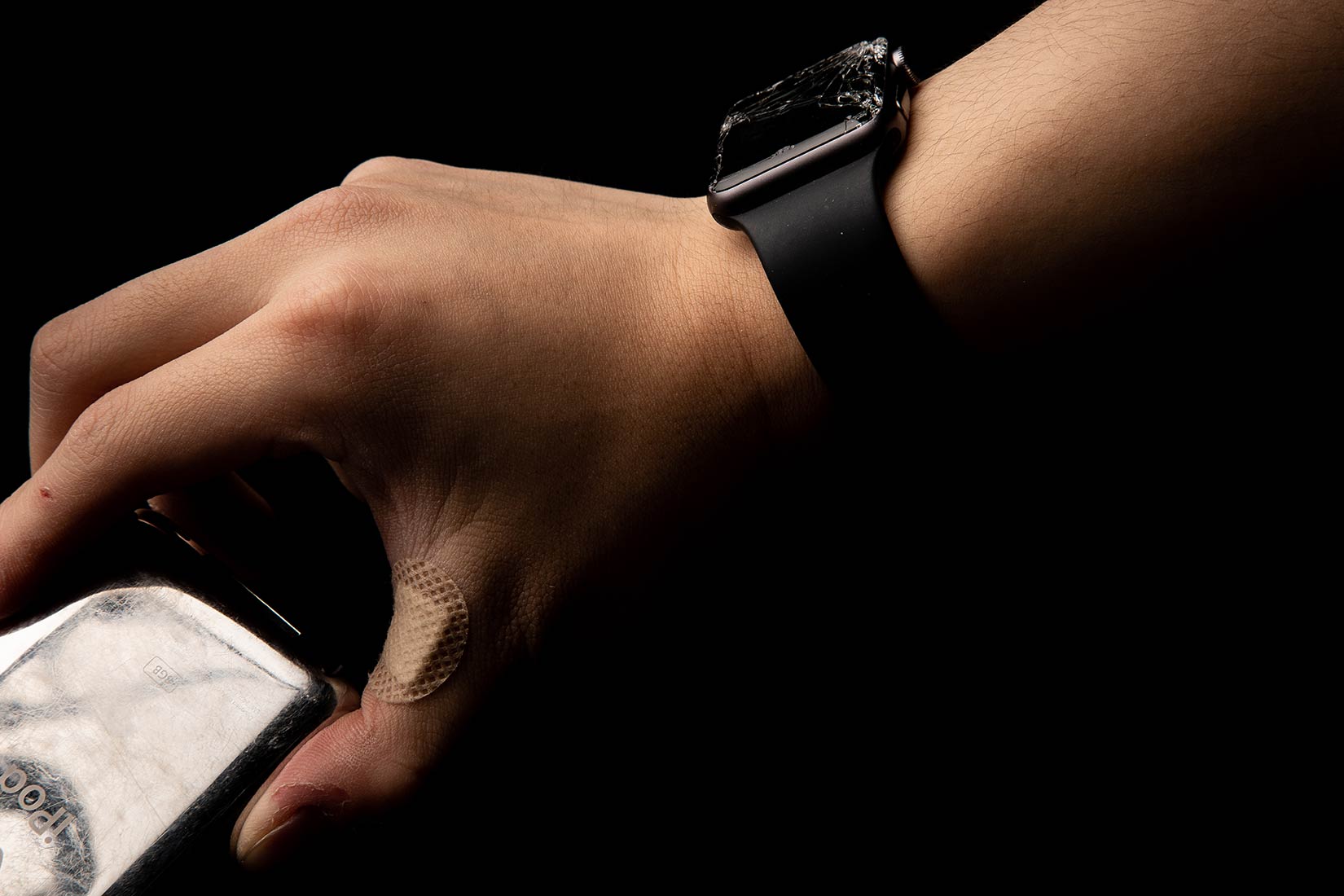
A broken Apple Watch and scratched up iPod never looked better. Photo: Elvin Hu
Apple taught Elvin Hu new languages.
Born in China, Hu refined his English by watching Apple keynote events. He also came to understand the visual language of Apple’s product photography.
The latter inspired Hu, a design student at The Cooper Union in New York City, to create a series of product shots showing broken and well-worn Apple gadgets in hands that share similar gouges and scratches.
The Osmo Action cam has two displays for double the fun. Photo: DJI
DJI, the biggest drone company in the world, is ready to go toe-to-toe with GoPro in pursuit of dominating the action cam market.
The company unveiled its new Osmo Action camera this morning that is aimed at competing directly with GoPro’s Hero 7 camera and it packs some interesting new features that the Hero 7 can’t match.
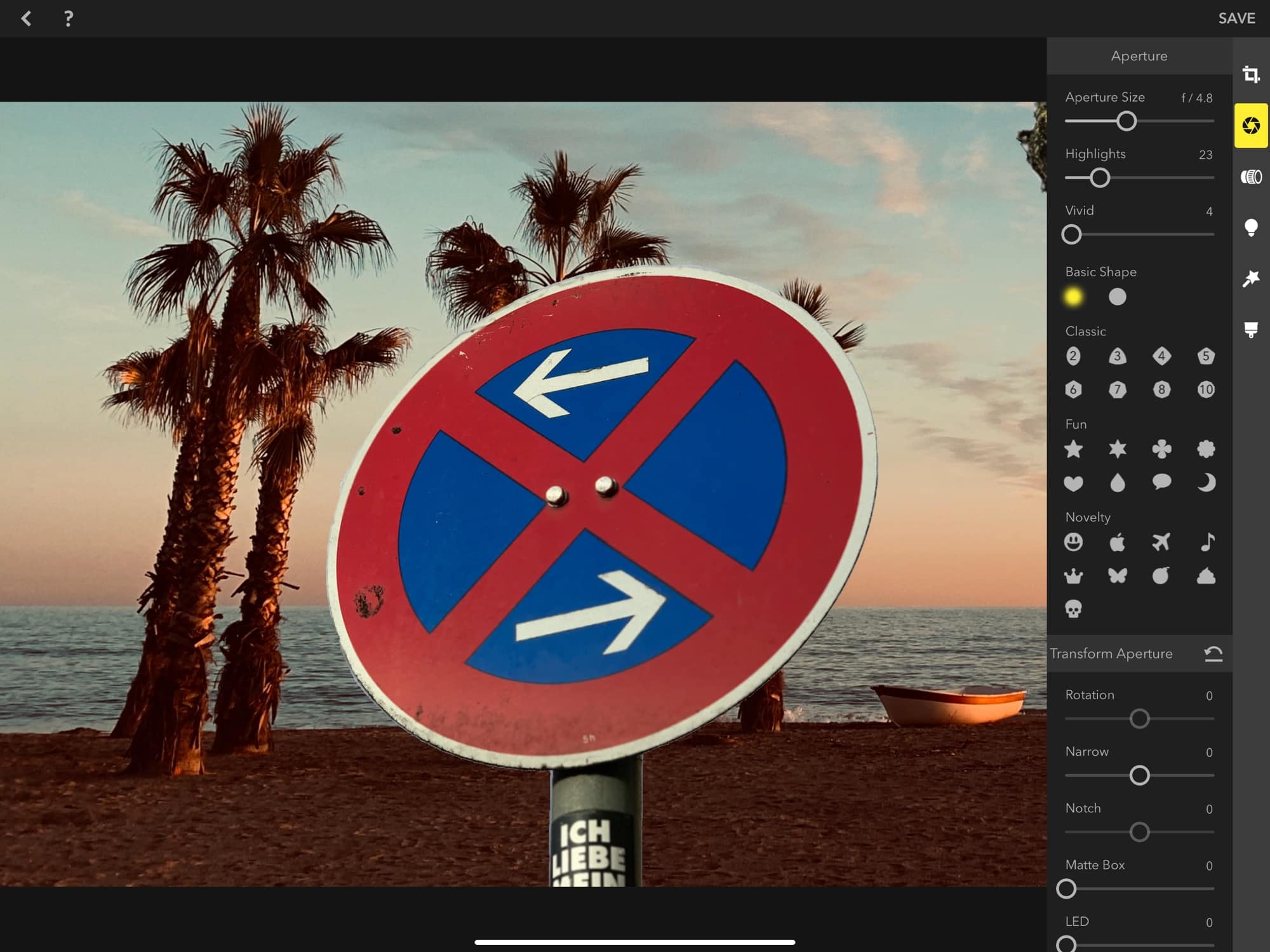
Still using Aperture? It might be time to give it up. Photo: Apple
Photographers still clinging to Apple’s discontinued imaging software, Aperture, must now deal with a ticking clock.
Apple announced Aperture will not get support from future MacOS past Mojave and have issued a support document encouraging Mac-based shooters to migrate their photo libraries.
iPhone photography is still incredibly good. Photo: Ste Smith/Cult of Mac
Android enthusiasts are keen to highlight how the iPhone has dropped in the smartphone camera ranks in recent years. But a new camera comparison reveals that may not be the case.
Although there are some better options out there for low-light photography, Apple’s smartphone is still up there with the best when it comes to daytime shooting.
Pixelmator Photo should be on every photographer’s iPad. Photo: Nuria Gregori
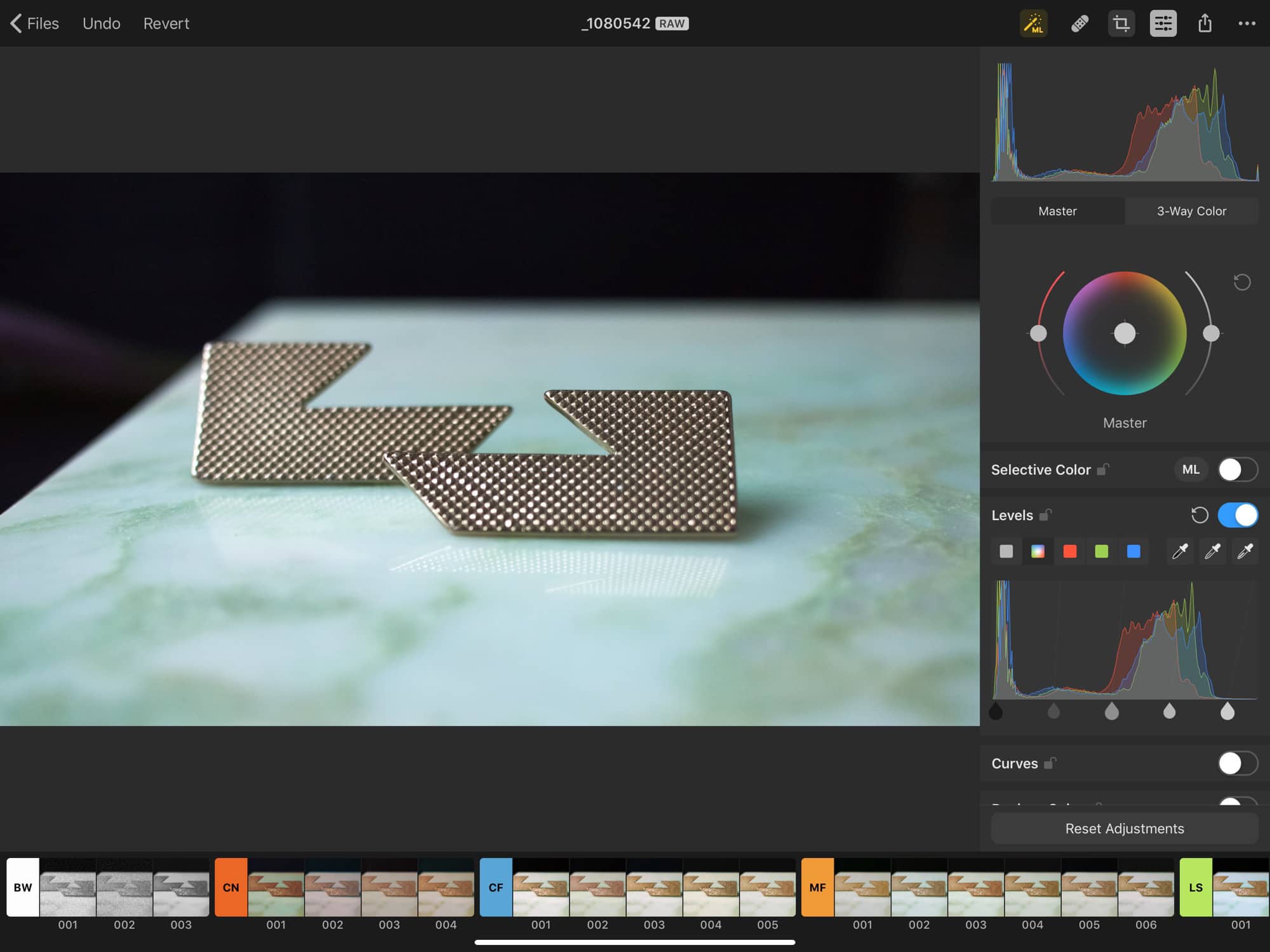
Pixelmator Photo, a new image-editing app for iPad, gives you tons of tools for tweaking your images. The app lets you apply filters, crop, trim and generally making your photos look great.
In this regard, Pixelmator Photo is like a zillion other photo apps for iOS. What sets it apart are a) the now-expected Pixelmator polish, and b) machine learning that powers pretty much everything.
I’ve taken the app, which launches today, for a quick spin, and it’s pretty great. The photo-editing space is so crowded with great apps, though, that we’re spoiled for choice. How does Pixelmator Photo match up?
The winning moody pic in all its grandeur! Photo: Friends of the Columbia Gorge/Colleen Wright
The iPhone 6 is a few years old now. However, its 2014-era, 8-megapixel camera is still enough to capture the hearts of judges in a photography contest.
That’s based on the recent Friends of the Columbia Gorge photography contest, held in Portland, Oregon. Despite the professional camera equipment used to shoot many of the entries, the Grand Prize was awarded to a moody image shot using an iPhone 6.
Photos app is usually pretty good at recognizing people. Photo: Charlie Sorrel/Cult of Mac
The Photos app’s Faces feature is fantastic. It does a pretty good job of gathering all the pictures of a person together, for both browsing and search. And it’s really easy to add new faces to the list. But what about managing those faces? What if the Photos app’s AI added some photos of a stranger into the photos of your husband?
It’s easy to tell your iPhone or iPad that a photo does not contain the person it thinks it does. Unfortunately, it’s a real pain to find the setting you need to tweak.
Luminar Flex won't disrupt your post-production workflow. It will make it shorter. Photo: Skylum
Style and workflow get hardwired in the brains of photographers working with programs like Adobe Lightroom or Photoshop. New imaging software can be a hard sell.
Even if the positive reviews for Skylum’s all-in-one Luminar sparked curiosity, many shooters may not hit pause in their firmly entrenched post-production long enough to try it.
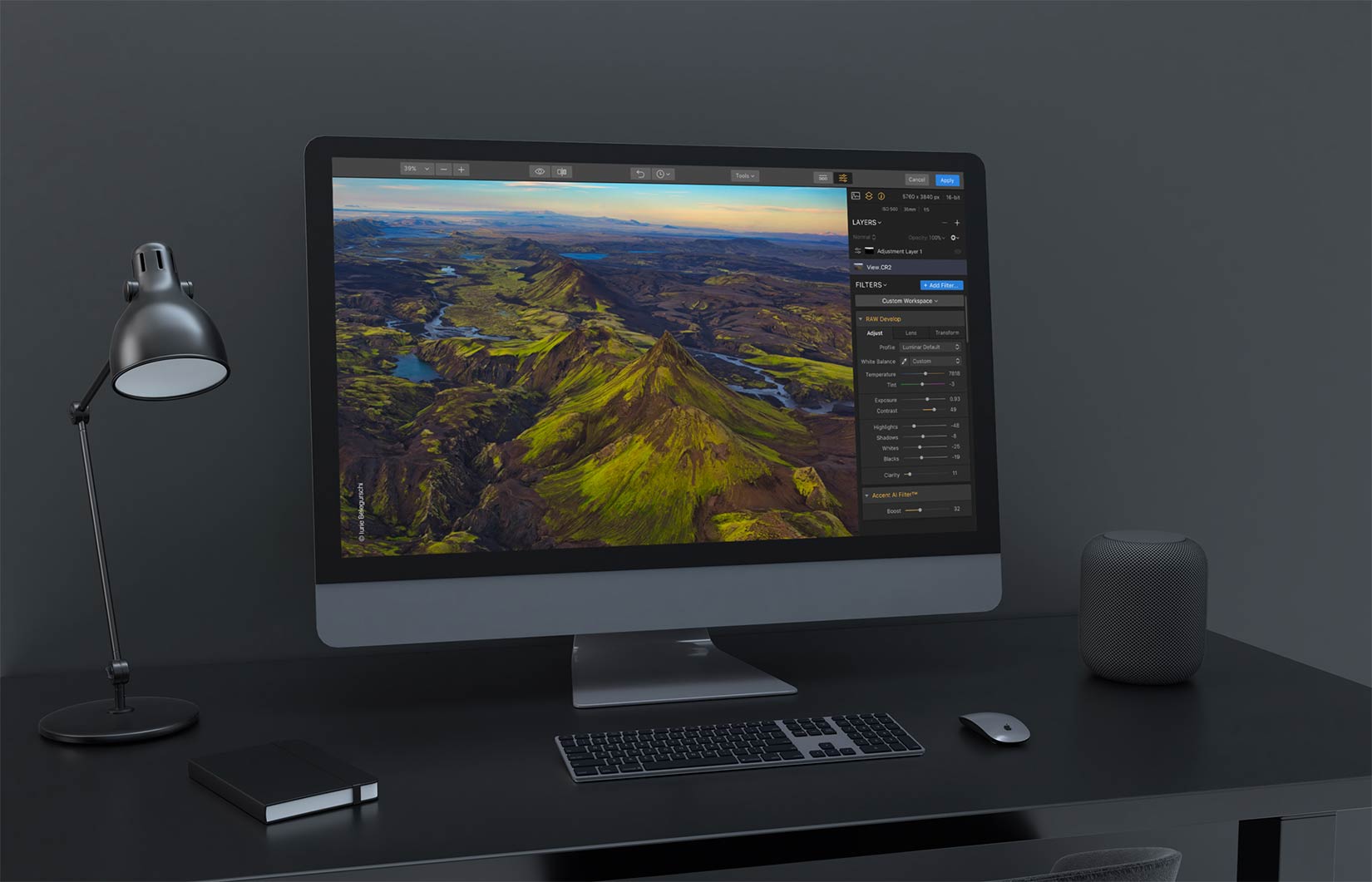
Today, Skylum rolled out Luminar Flex, a plug-in it says will add its AI-powered features to photographers used to working with the Adobe suite.
Darkroom update makes the app even more essential. Photo: Darkroom
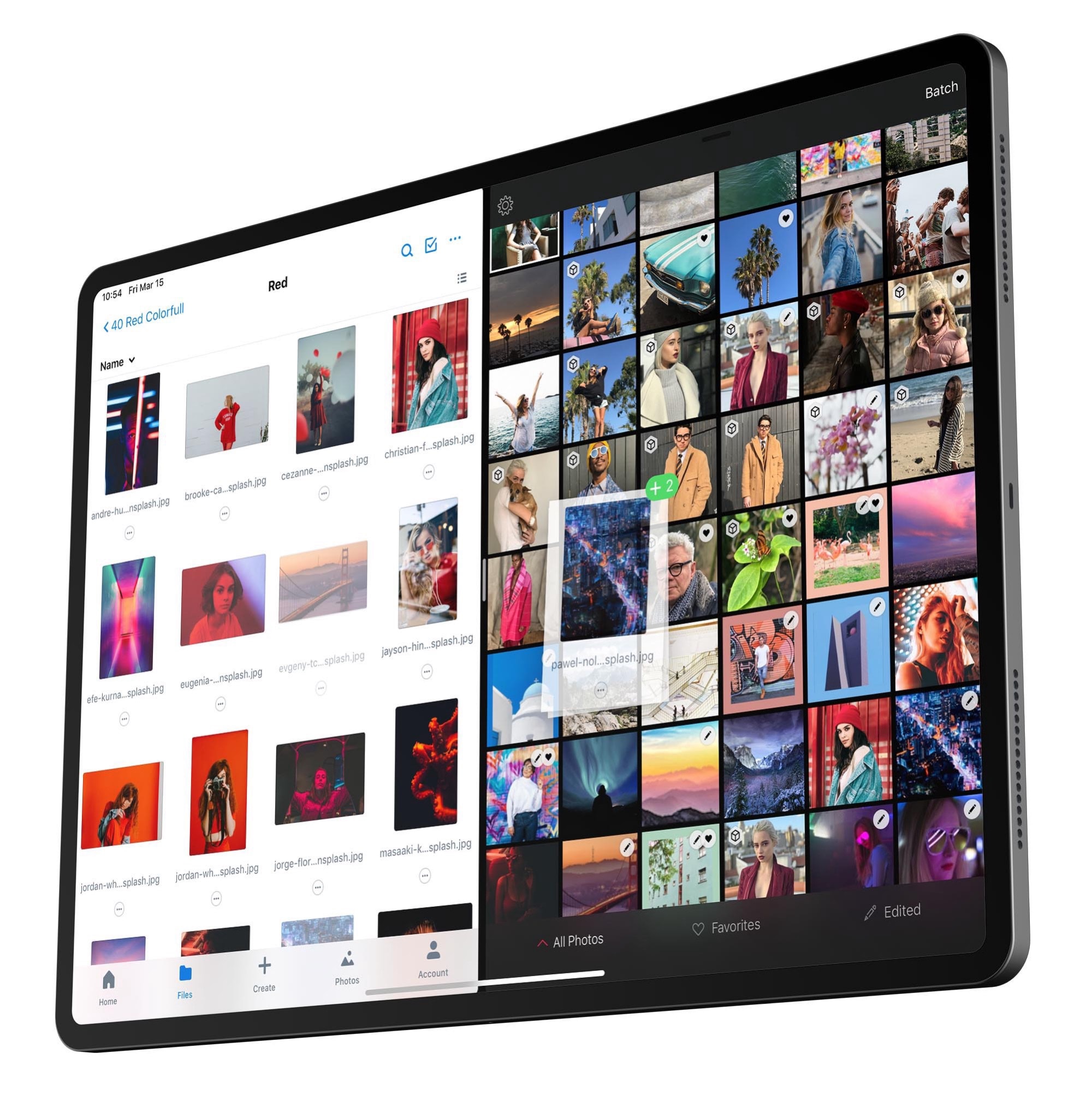
Darkroom, my favorite iOS photo-editing app, just became even more useful. The latest 4.1 update adds a Photos editing extension, a new share extension, drag and drop, and Files app support.
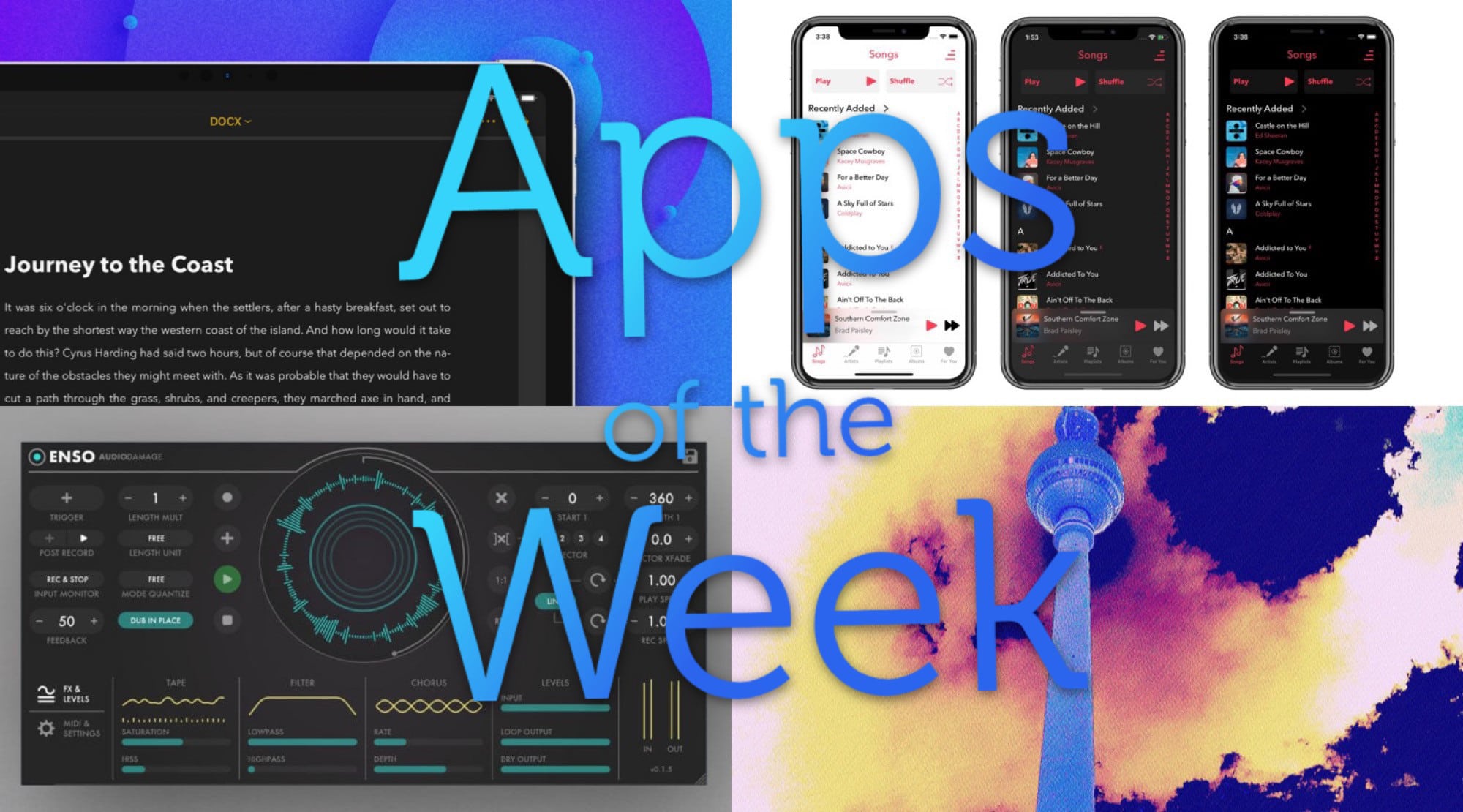
What a feast of glitchy electronica we have for you this week. Photo: Cult of Mac
This week we mangle music with Enso, the amazing new audio looper for iPad, and chop up images with Hyperspektiv 2.0. Plus we showcase a new music player app and a big update to our favorite writing app.
Imagine this moving, and you might start to get seasick. Photo: Charlie Sorrel/Cult of Mac
Hyperspektiv is a contradiction. Photo-editing apps are designed to make your photos look better by making them look nicer. Hyperspektiv is designed to make your photos look better by making them look worse.
Not only that, it’s one of a handful of photo apps that don’t try to mimic the limitations of film photography, like grain and light leaks. Instead, it ditches the nostalgia and uses truly digital means to glitch up your images, turning them into stills and videos that would look fantastic in a music video.
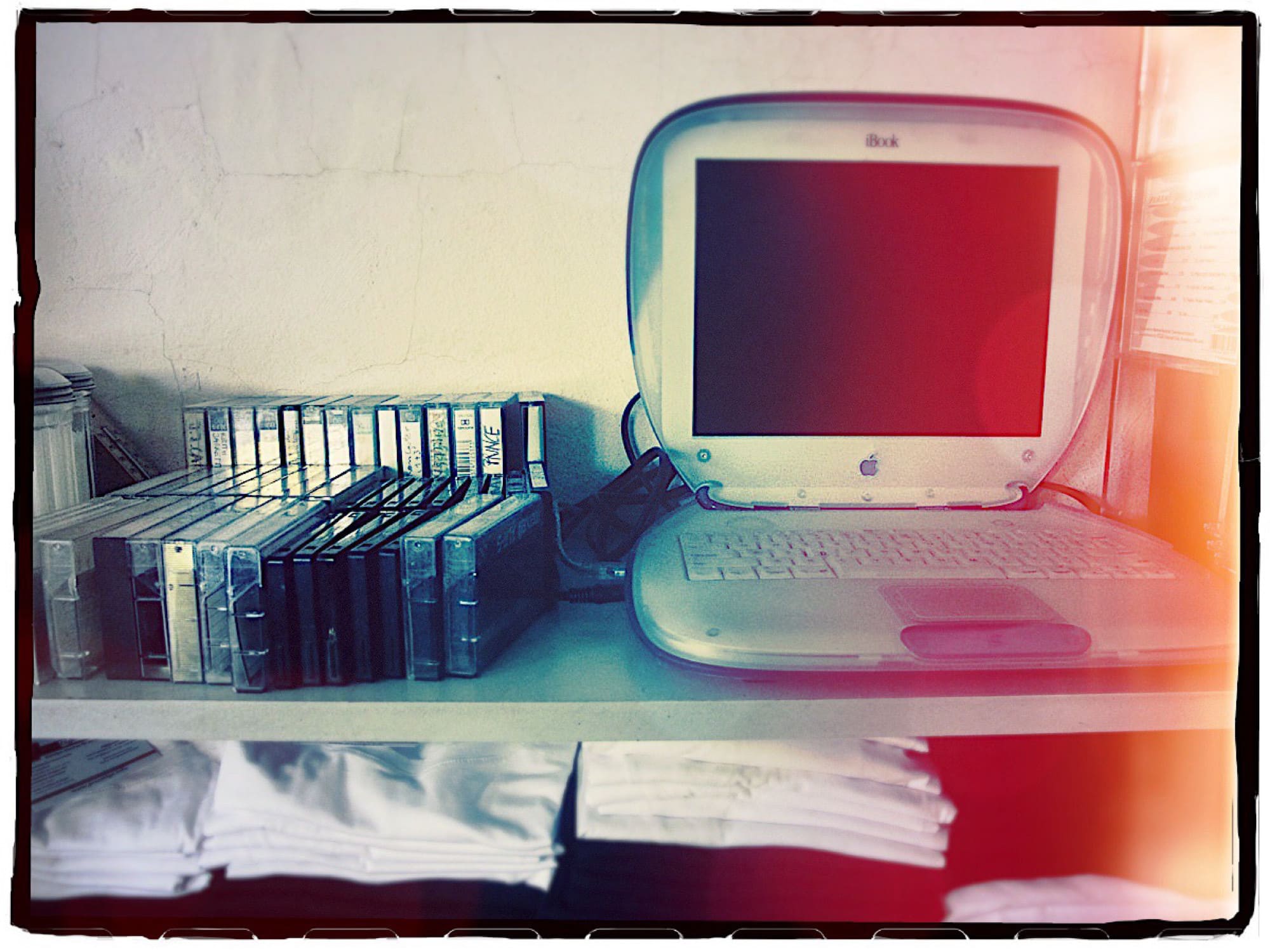
Computers are great for lots of things, but not everything. Photo: Charlie Sorrel/Cult of Mac
Computers — the iPad, the Mac and anything else where a screen is the main form of interaction — are creativity killers. They distract, frustrate and get in the way of the flow that is essential to any creative work.
That’s not to say they don’t play an important part in art, music, photography or writing. It’s just that a lot of the time, there are much better tools for the job — and they’re getting more popular all the time.
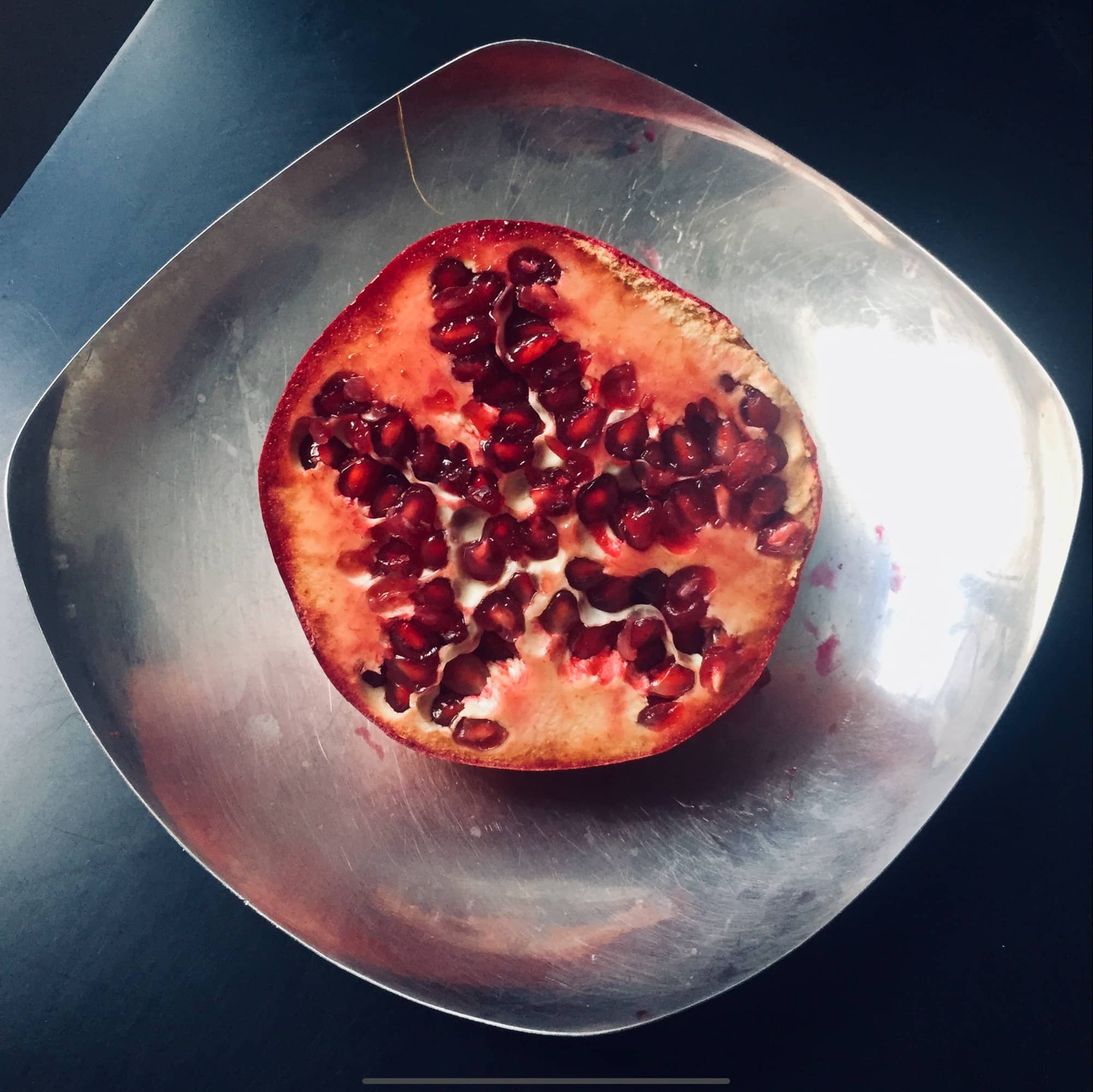
Punchy pomegranate, no auto-enhance required. Photo: Charlie Sorrel/Cult of Mac
The iPhone XS’ camera is amazing, but put an unedited shot next to an unedited photo from the older iPhone X, or one of Google’s Pixel phones, and it looks a little flat. To “fix” this, you can tap the auto-enhancing Magic Wand tool on the edit screen, but this takes things too far in the opposite direction, making faces as orange as Florida bodybuilders.
I actually prefer the less-gaudy images from the XS, but sometimes they need a little extra pop. And the good news is, you don’t have to spend lots of time editing. There’s one slider built into the Photos app that will fix things up right away.
'Today at Apple,' artists try to make a living. Photo: Apple
Apple is expanding its slate of Today at Apple sessions with 50 new classes that offer free educational experiences for iPhone, iPad and Mac users.
Today at Apple first started at Apple store in 2017, providing 18,000 free sessions a week that have been attended by millions of people around the world. With the new sessions, Apple is expanding on its most popular sessions, giving participants more opportunities to create and explore with their products.
This needs some fine-tuning, but took just seconds to do. Photo: Cult of Mac
There are a bunch of reasons to remove the background from a photo. You might just hate the background — a perfect portrait ruined by crowds, or ugly construction work, or both. You may want to remove the background in order to extract the subject — maybe you’re doing some kind of Photoshop trick, or making a greetings card.
Whatever your reasons, it’s easy to do. Removing the background from an image used to be a nightmare. Now, you just need the right app. And if you’re a regular with our Cult of Mac photo how-tos, you probably have that app already.
The iPhone’s camera already does things impossible for a regular camera. What’s next? Image: Killian Bell/Cult of Mac
The iPhone camera is hands-down amazing, thanks almost entirely to the fact that it is hooked up to a pocket-size supercomputer. Initially, the iPhone used its computer smarts to overcome the limitations of phone cameras — the tiny sensor, for example. But over time, Apple added amazing features like Smart HDR and the incredible Portrait Mode, which simulates the out-of-focus background that occurs naturally with traditional high-end cameras.
This path is likely to continue. Computational photography, as it is called, is pushing the capabilities of cellphone cameras far ahead of regular “dumb” cameras. So what can we expect to see in future?
“This is going to be the best Christmas video ever!” you tell yourself. You have an iPhone XS, it’s set to 4K at 24 frames per second, and you’re framing your shots like a pro. Smart HDR will illuminate the smiles on the faces of your nieces and nephews, and stabilization will take care of your hangover jitters.
“Oh man, I can’t wait until these morons see this in their iMessages, using iOS 12’s great Share Back feature,” you think somewhat uncharitably, while squeezing a handy link into your thoughts.
Then reality grabs you. That 5-minute 4K clip of the angels ripping their way through a forest’s worth of wrapping paper is over 1.5GB. There’s no way you can share that on your parents’ crappy internet connection. Why oh why didn’t you shoot at 720p? Luckily, Shortcuts is here to save the day. Again.
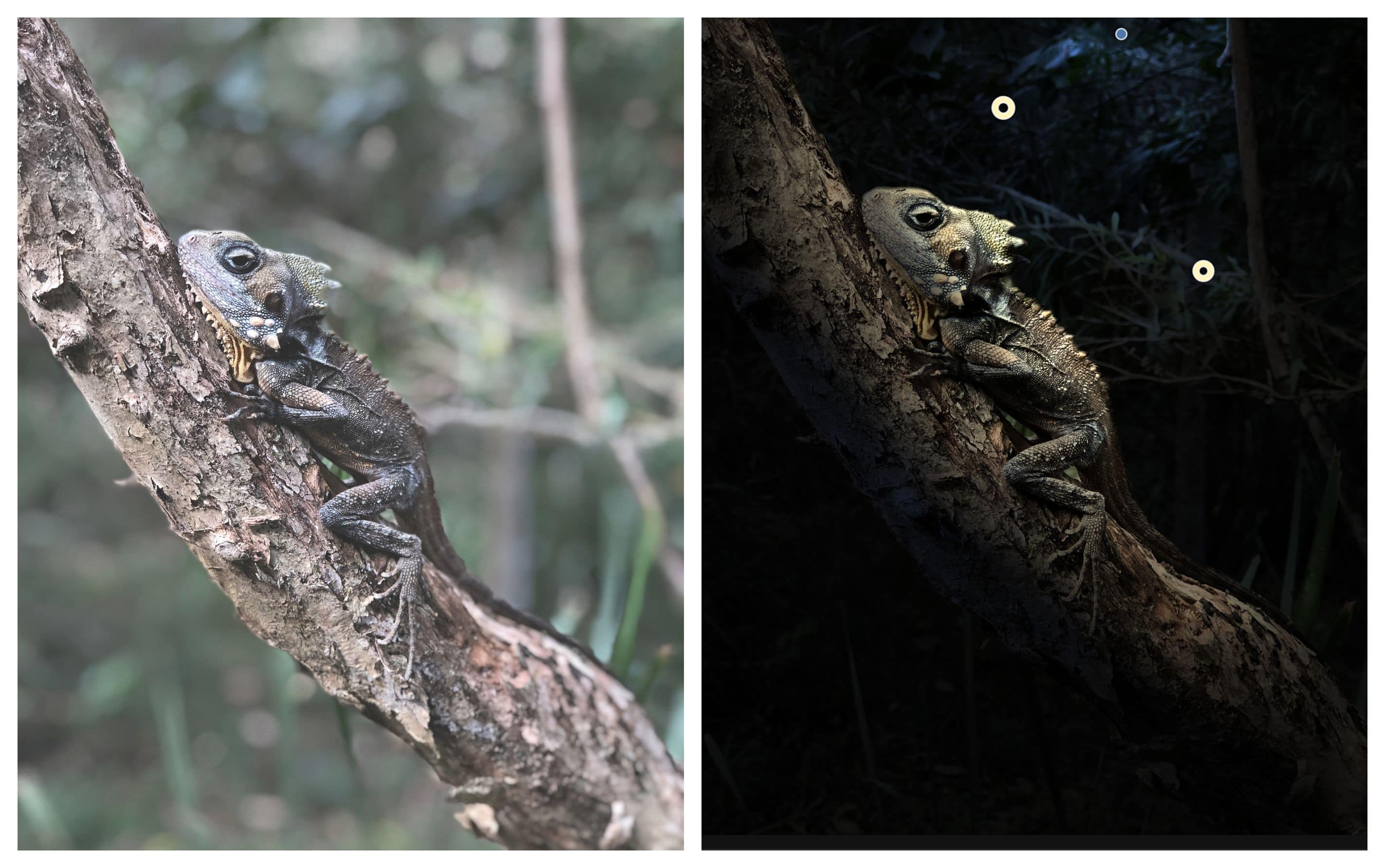
Before and after. The Apollo app brings immersive illumination to Portrait mode photos.
Photos: Indice
This post is presented by Indice, maker of the Apollo app.
The photos you take are only as good as the lighting. That’s true no matter whether you’re using a top-of-the-line DSLR or an iPhone. The difference is, with an iPhone, you can change the lighting after you’ve taken the picture. That’s thanks to Apollo, an iOS app that uses the iPhone’s depth data to totally reimagine the lighting conditions in your photos.
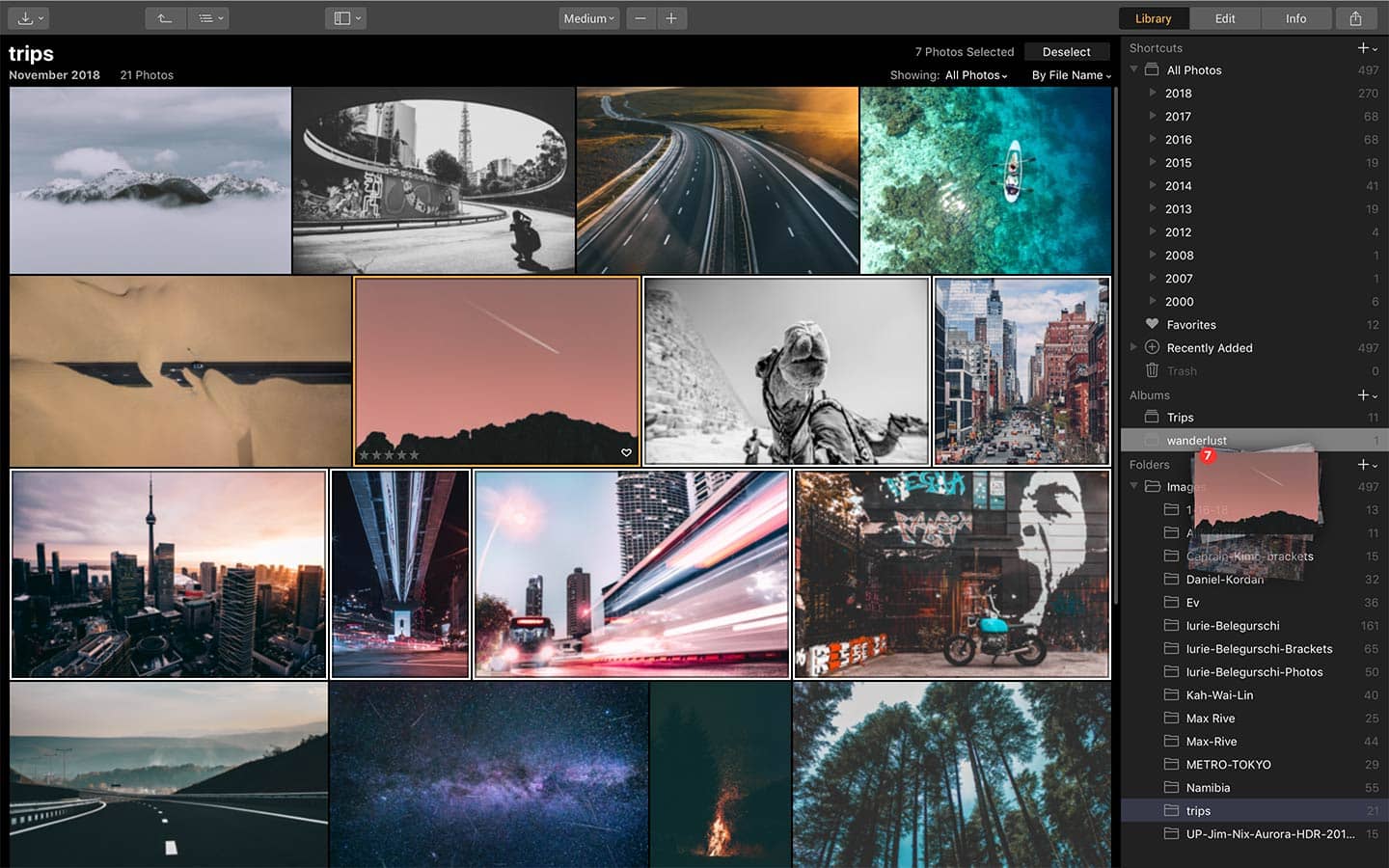
Luminar, Skylum Software’s all-in-one photo editing program, will soon add more tools so photographers spend less time using it.
That may sound strange, but photographers would rather spend time behind the camera than in front of the computer. Skylum, formerly called Macphun, exists to make the complex tools for editing user-friendly.