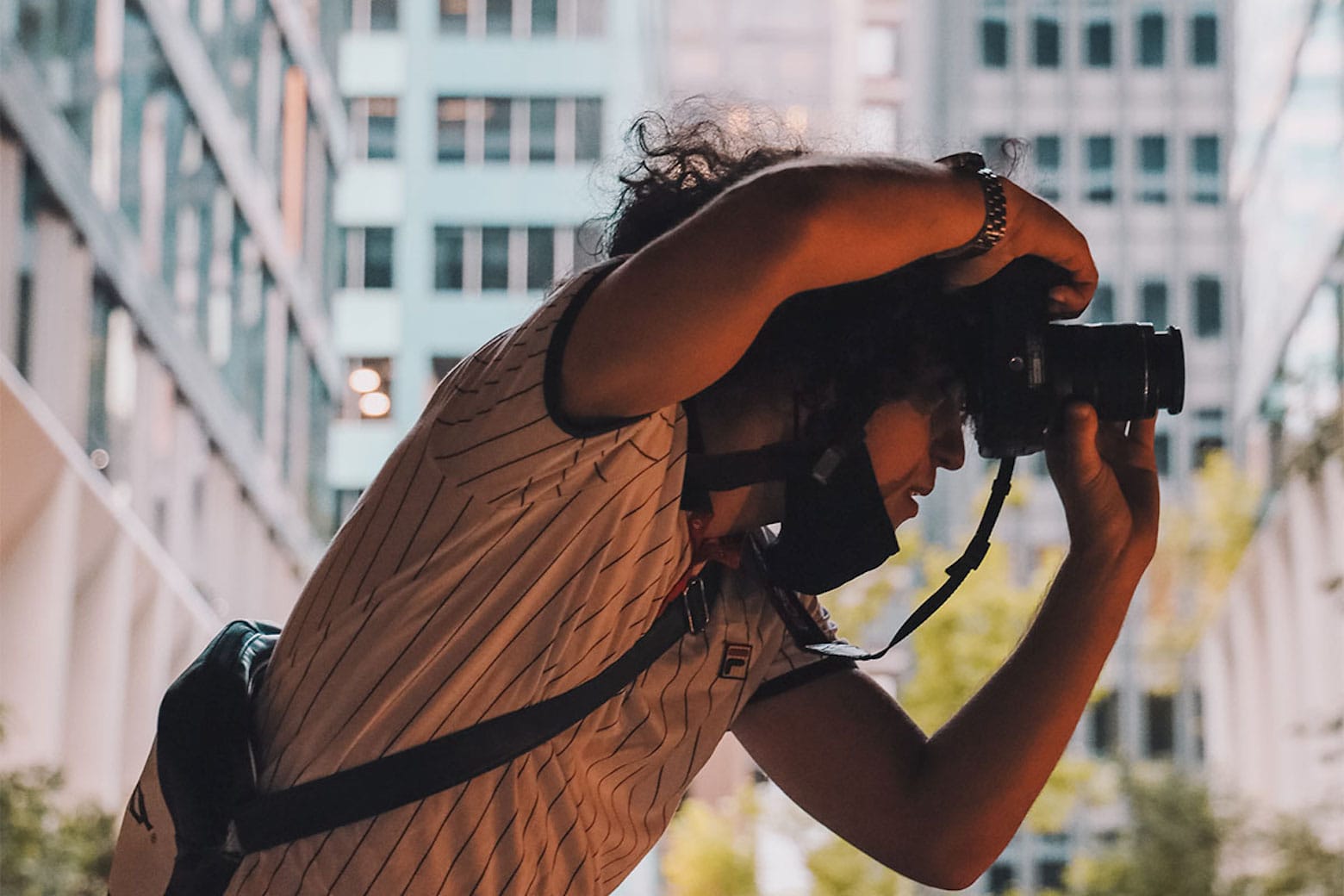
A big Chicago daily pulls the plug on staff photographers. Photo: HypeBeast
May 31, 2013: The Chicago Sun-Times fires all 28 of its photographers, with the goal of training its staff to shoot photos using iPhones instead. Pulitzer Prize winner John H. White is among those who lose their jobs.
The move is significant not just because of what it says about the declining newspaper industry. It also spotlights the iPhone’s growing acceptance as a professional camera.
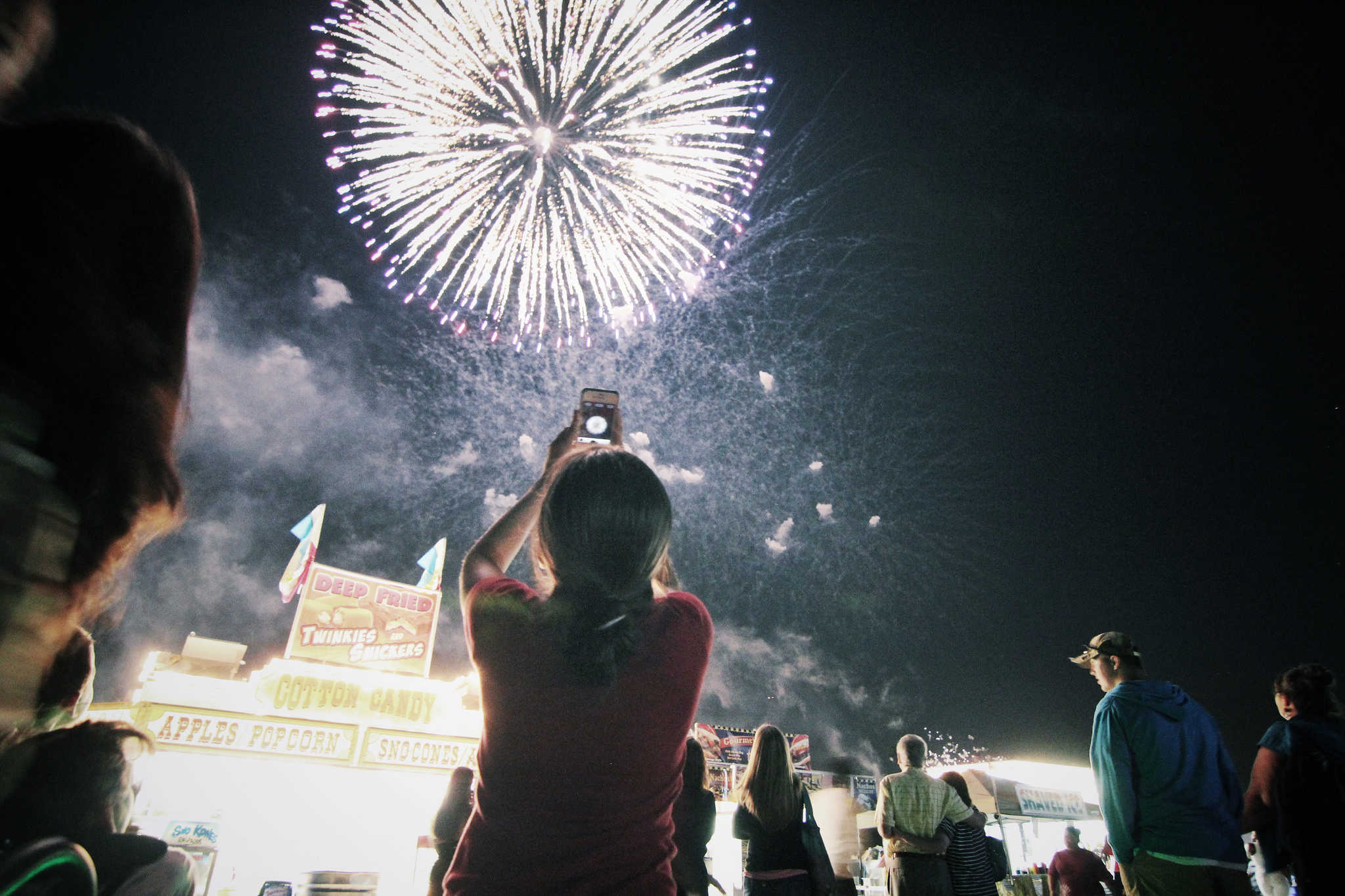
With a little know-how, you can photograph fireworks with an iPhone and achieve great results. But just pointing and shooting with no prior planning can lead to blurry, unexciting fireworks photos.
For instance, does this sound familiar? Last year’s fireworks made you say ooh and ahh, but when you look at your iPhone photos from that night, the sound you make is more of an ugh.
Don’t blame Siri or some engineer in Cupertino for previous photo fails. The iPhone camera, as mighty as it is, can’t do all the thinking for you — especially in challenging lighting conditions like a fireworks display. But with a little thought and preparation, you can make this holiday worth reliving on your iPhone camera roll.
Below are some simple tips to make your iPhone fireworks photos sizzle.
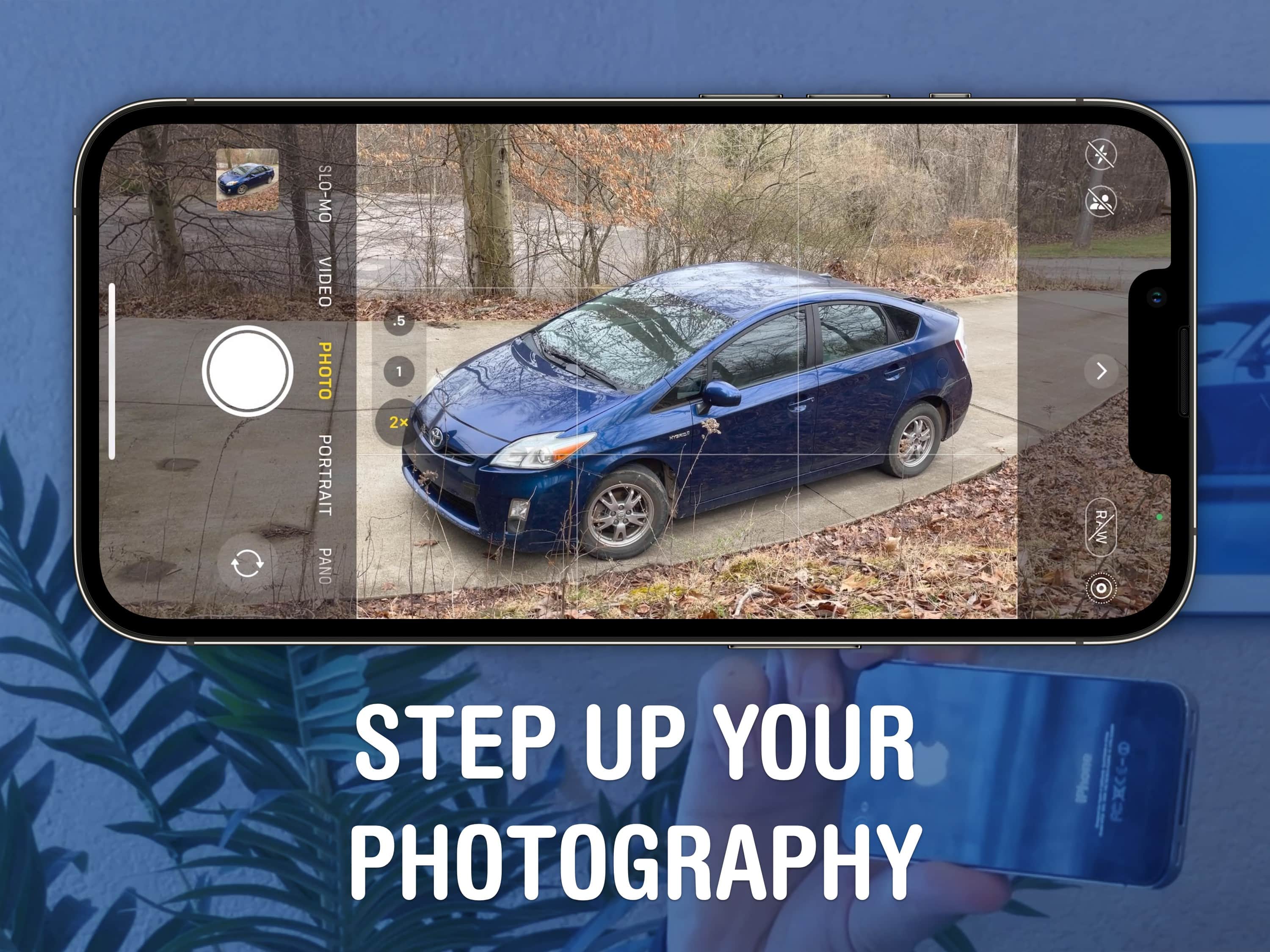
A beautiful, well-framed picture will almost make a Prius look good. Image: D. Griffin Jones/Cult of Mac
You should get comfortable with the world’s handiest camera so you can capture memories that will last a lifetime. After all, more and more people are leaving behind family point-and-shoot cameras for the smartphones in their pockets. With our iPhone photography tips, you won’t need the latest and greatest in your pocket.
If you know the ins and outs of photography, you can make the most out of a years-old camera. In fact, the winner of the 2020 iPhone Photography Awards took the prize-winning picture on an iPhone 4!
Your iPhone takes some fantastic video with just a little attention to lighting. Photo: Jim Merithew/Cult of Mac
Lighting is a crucial part of any video shoot, whether you’re filming a scene for an indie movie with an expensive camera or using your iPhone to capture video of your kid’s soccer game. These easy phone lighting tips can really boost the quality of your videos, whether you’re using the latest iPhone or an old Android device.
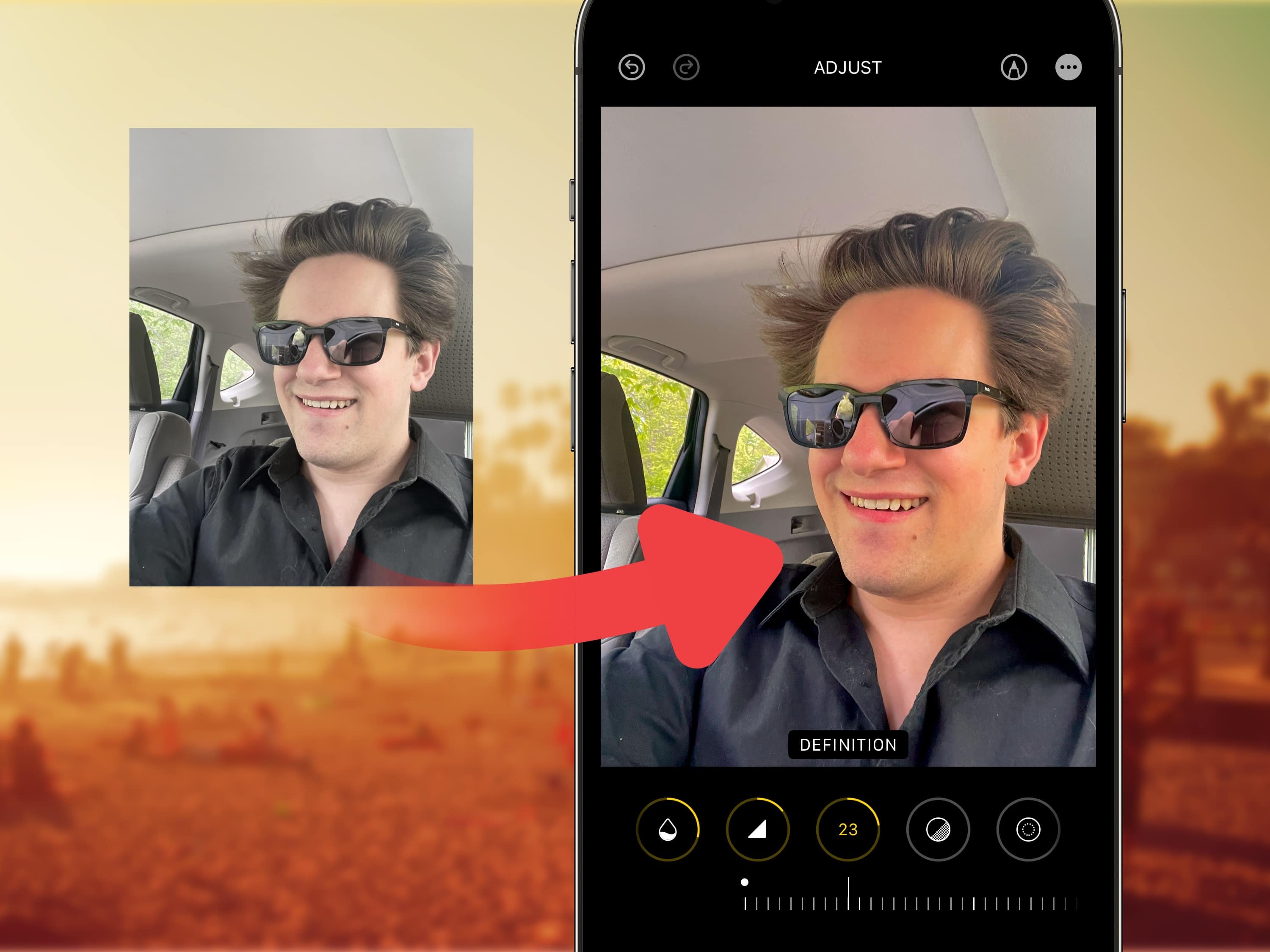
Many filters will brighten your photos, but sorry, nothing will make you look like you’re in your 20s. Image: Levi Clancy/Wikimedia Commons/D. Griffin Jones/Cult of Mac
Viral clips on TikTok show how to edit selfies for a more stunning, popping image on your iPhone. I live in a part of Ohio that’s perpetually overcast, but you would think I’m on my way to the beach, given the warm hues this method imparts upon your pictures.
Read on for detailed instructions on how to use TikTok’s winning selfie formula and how to apply the same filters in bulk on all the pictures from a photo shoot. Plus, I’ll tell you about my recommended selfie stick for taking great group shots and landscapes.
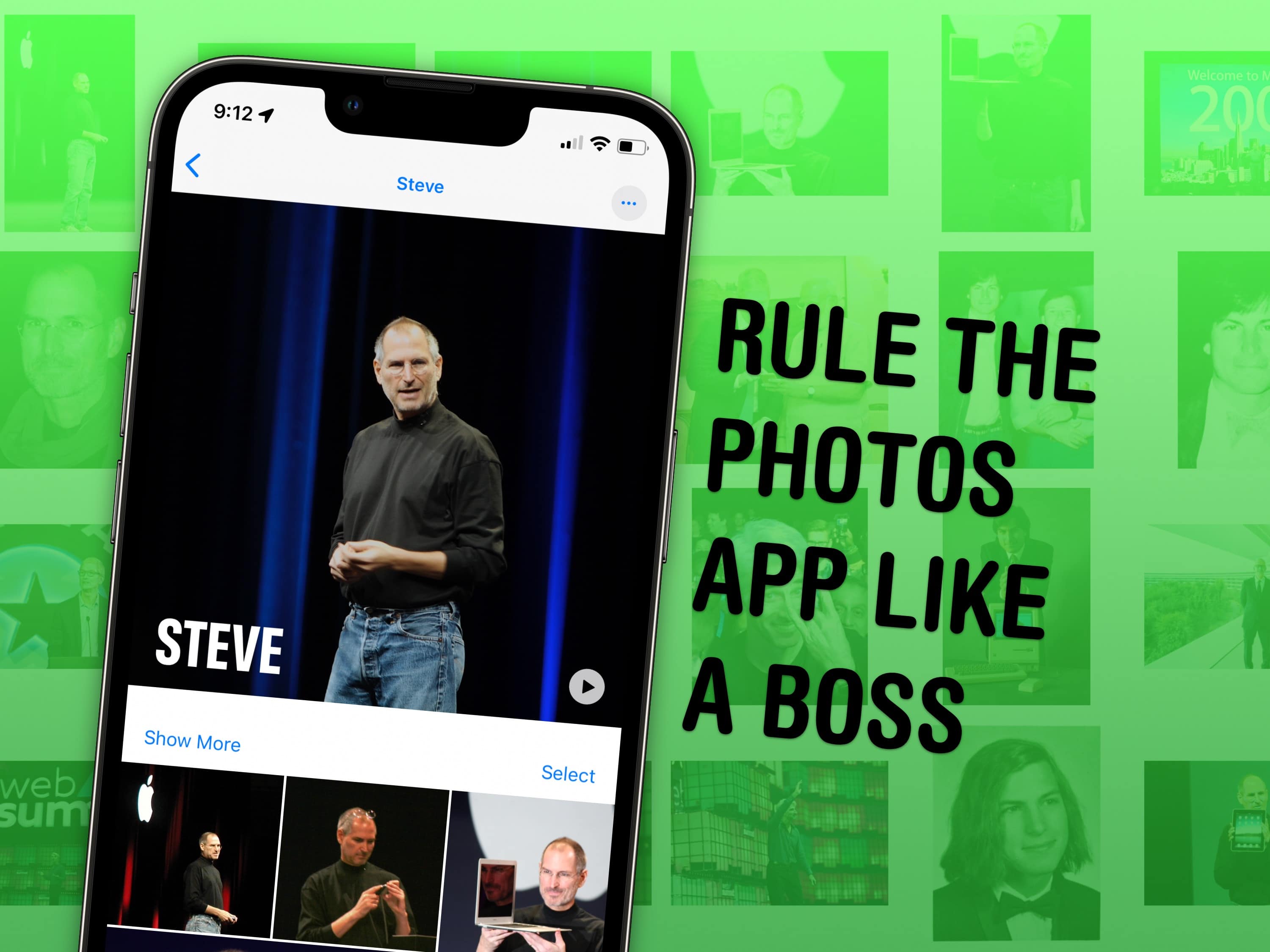
Face it: You could probably use some pointers if you have a lot of photos. Image: D. Griffin Jones/Cult of Mac
It might not be apparent at first, but Apple’s Photos app gives you plenty of ways to manage your photo library and tweak the images in it.
If you have tens of thousands of photos like I do, your photo library is probably a big mess. You could spend hundreds of hours meticulously sorting images into albums, and tweaking settings to get everything just right. Or you can use some of the features Apple offers to make things easy.
I’ve already covered my top tips for taking photos. Here are my top five tips for managing and manipulating the great photos you took, using tools in Apple’s Photos app.
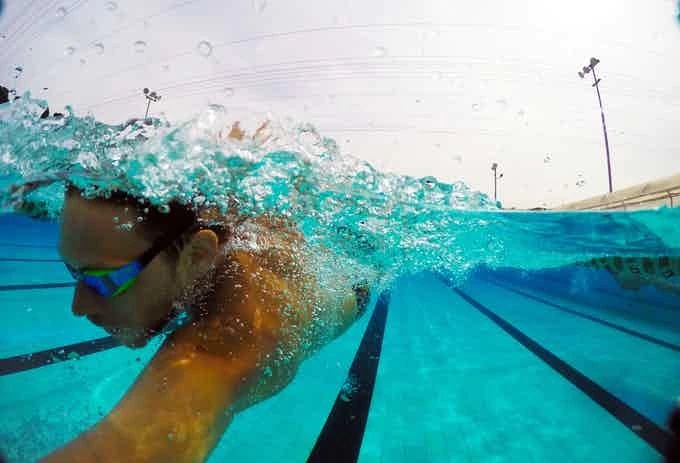
Here's an example of a split photo the waterproof dome case will let you take with a smartphone. Photo: SJPro
You know those cool photographs that are half underwater and half above water? They’re called split photos. And a new waterproof case on Kickstarter called the SJPro Smartphone Mobile Mini Dome will let you take them with your iPhone, or almost any smartphone, for a pledge of $45.
This $99 photography bundle delivers critical knowledge from world-famous teachers. Photo: Cult of Mac Deals
Photography is a lot more than pointing and shooting a camera. However, learning everything from staging a shot to editing it in Photoshop can take years if you tackle it on your own.
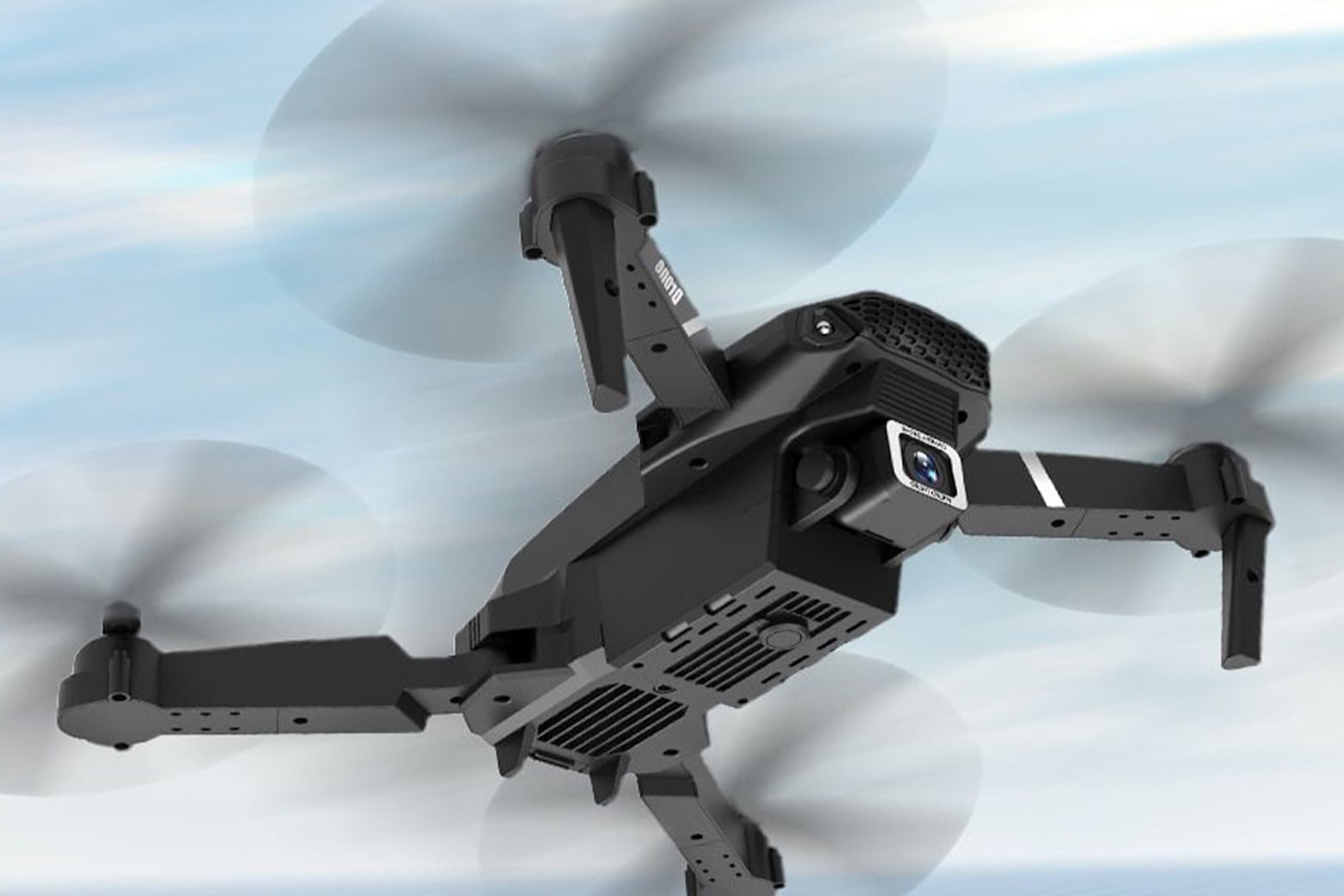
Take to the skies with this top-rated HD camera drone, on sale now for less than $75. Photo: Cult of Mac Deals
If you thought drone photography was super-expensive, think again. Right now, you can grab this top-rated Black Drone with Dual HD 4K Camera on sale for just $74.95.
That’s a 16% discount off the regular price of $89.
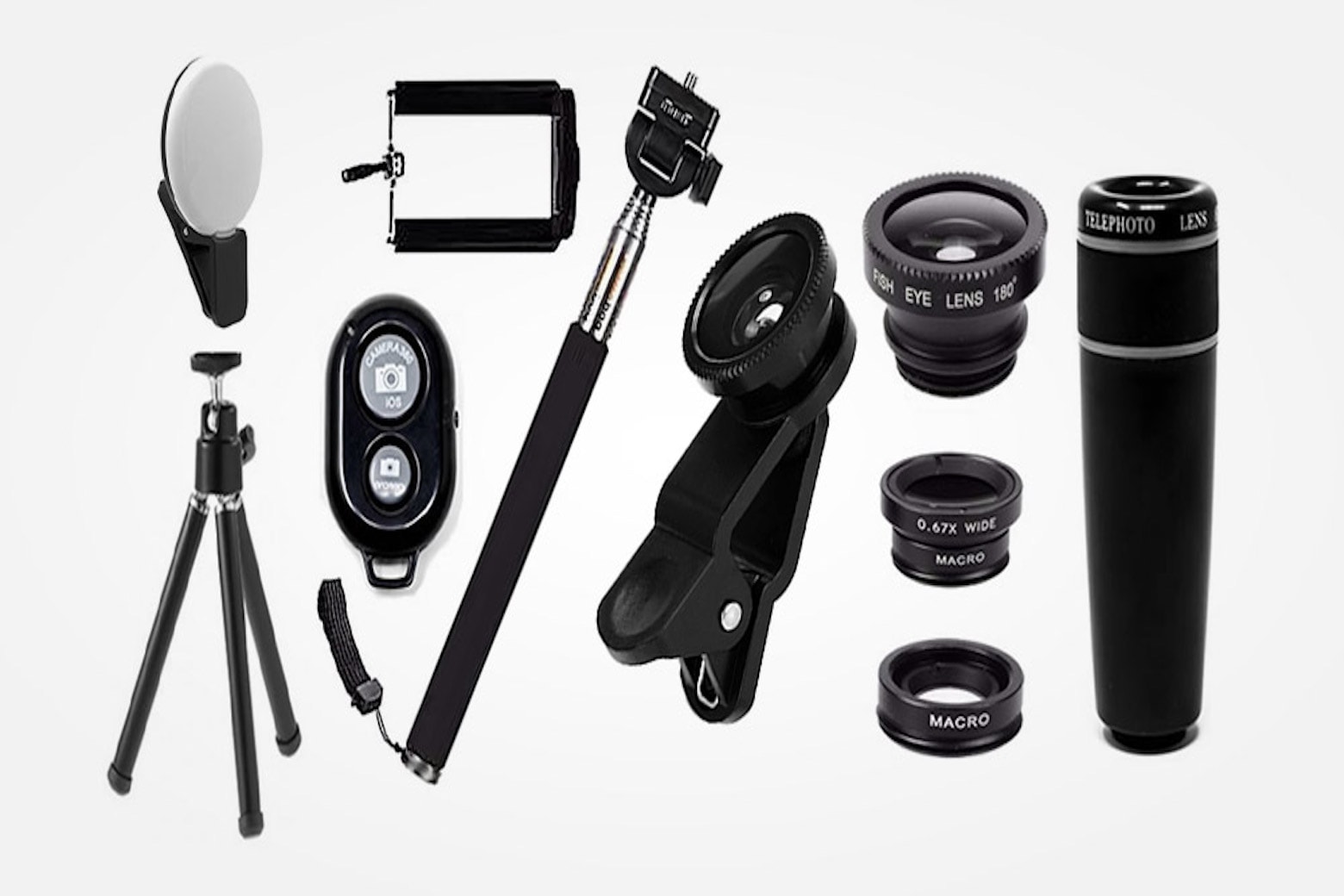
If you want to make great pictures and videos, you need the right hardware, software and knowledge. Photo: Cult of Mac Deals
If you’re looking for a way to instantly improve your photography chops, and maybe even launch your own side hustle, you need to zoom in on these 10 helpful bundles. They’re chock-full of photo accessories, image-editing apps and educational courses that will get you started or take your photography (or videography) to a higher level.
Whether you need help selecting the best lens for portraits, need a brand-new setup for your in-home studio, or want the ultimate app to help you perfect your pix, we rounded up the best tools to help you take beautiful photos without any formal training.
Your photos will be picture-perfect after taking this photography course. Photo: Cult of Mac Deals
If you want to get into photography and learn like a professional, then give the Intro to Professional Photography, Lightroom, & Photoshop Bundle a try. This pack of courses is a great starting point for new photographers, and it’s on sale for $40.
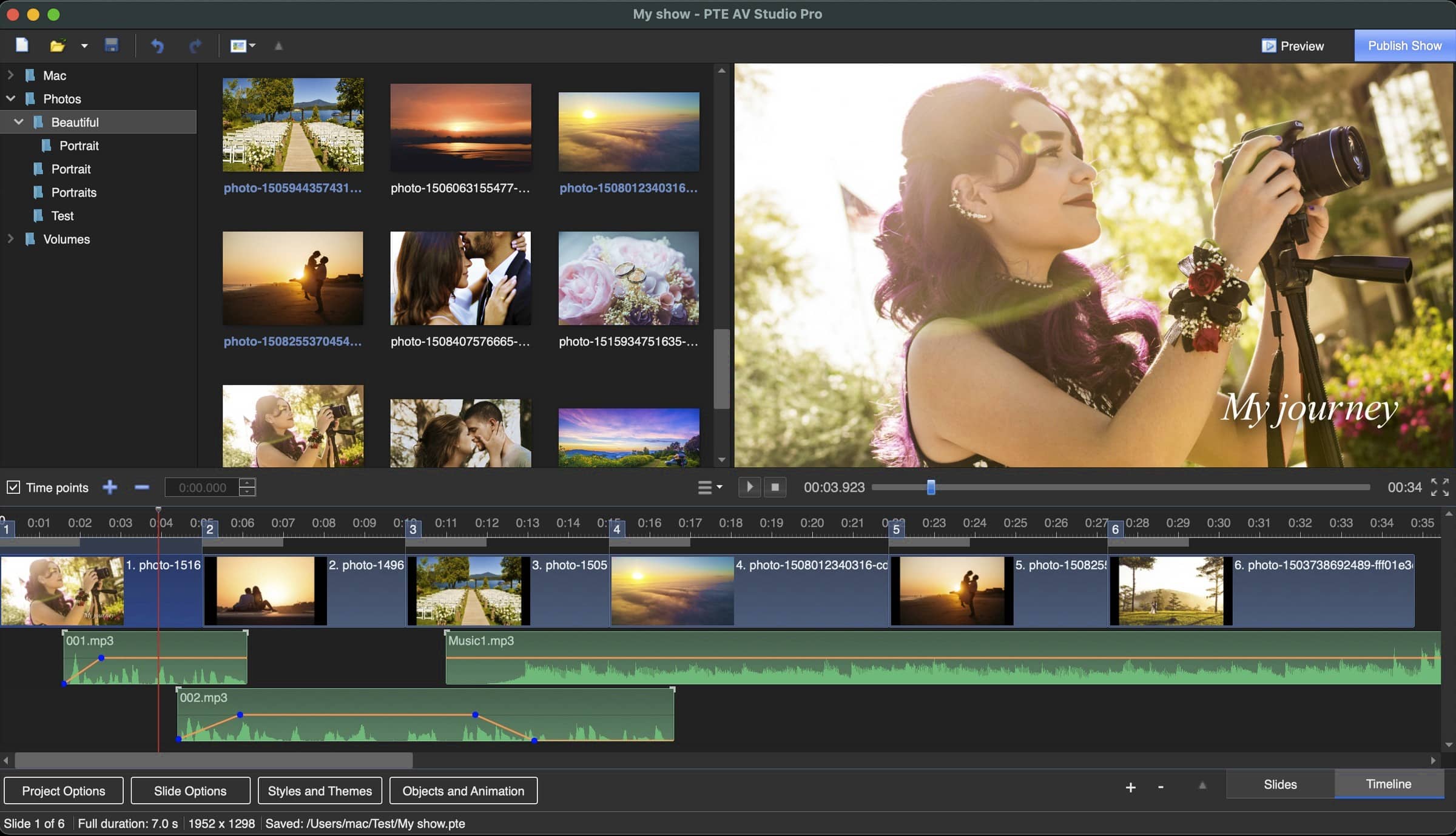
WnSoft's PTV AV Studio is powerful photo slideshow software for Mac. Photo: WnSoft
WnSoft’s PTE AV Studio is powerful but easy-to-use slideshow software that is widely used by photographers, camera clubs and AV groups for competitions and festivals. Shows created in PTE AV Studio have won prizes in events held in the U.K., France, Belgium, Italy and other countries.
Now, WnSoft calls its latest version of PTE AV Studio Pro “the most powerful photo slideshow software for Mac.” And judging by the robust feature set it includes, that may be no exaggeration.
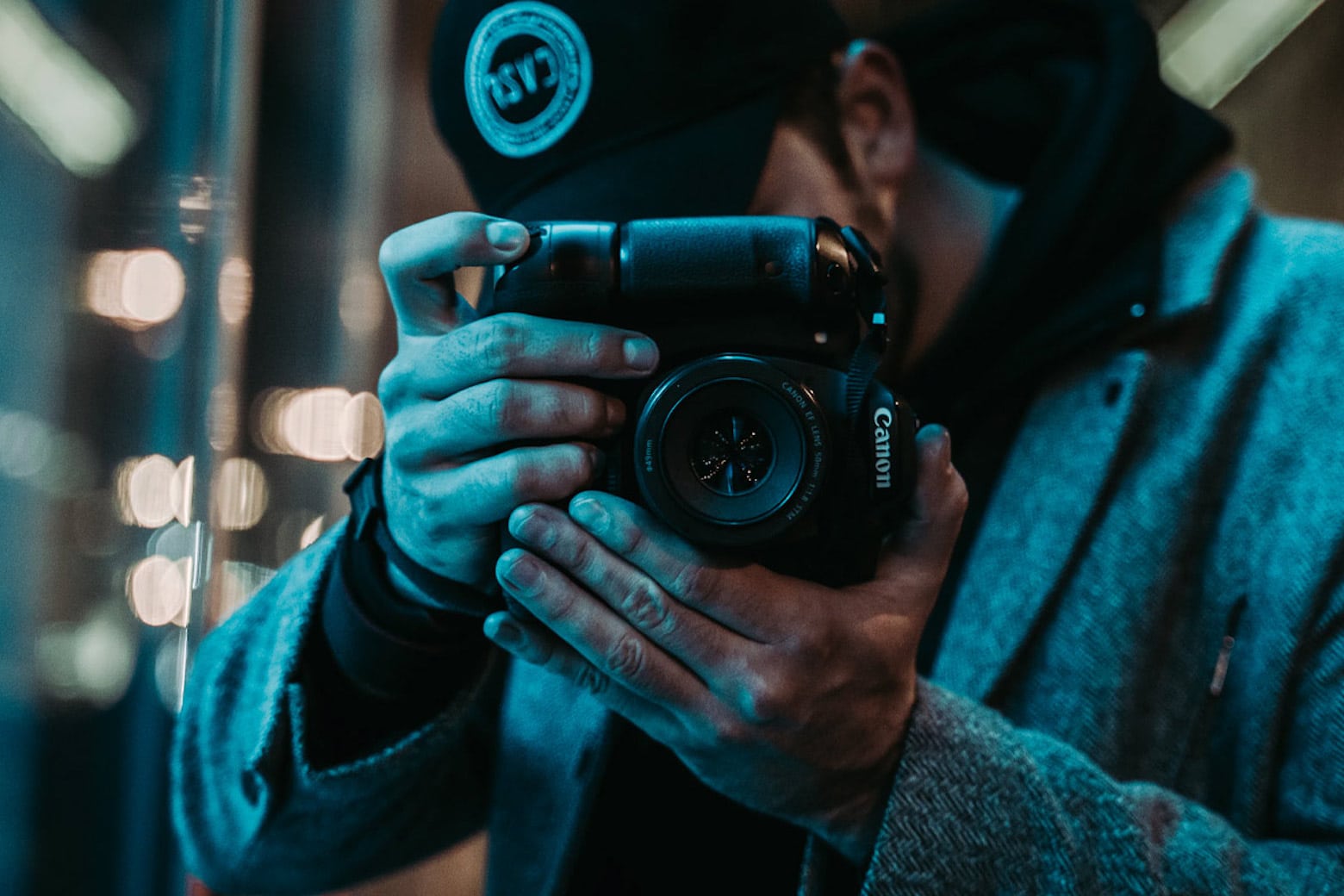
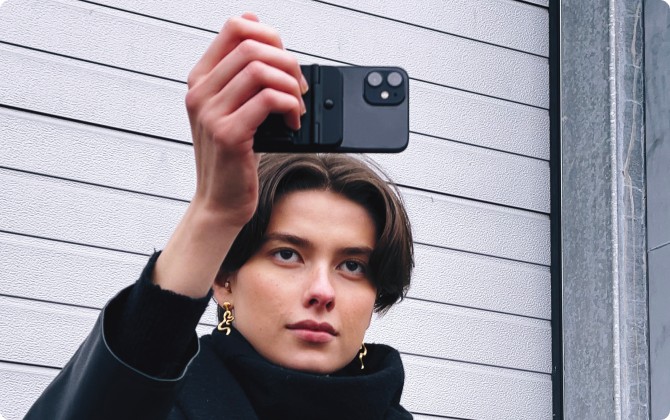
The Fjorden iPhone grip and MagSafe-compatible case turn your phone into a DSLR. Photo: Fjorden
A Kickstarter campaign pushes a new iPhone camera grip and MagSafe case combo called the Fjorden. It promises to turn your iPhone into a DSLR camera — while still fitting in your pocket. Its physical camera controls might make a lot of photographers very happy.
These courses reveal the secrets of two of Hollywood's most sought-after photographers. Photo: Cult of Mac Deals
There is a talented individual behind the lens of every iconic movie poster and stunning magazine portrait. And surprisingly often, one of those individuals is either Michael Muller or Patrick Hoelck.
These longtime friends and photography colleagues are responsible for some of the most striking and globally recognized images, from Wolverine film posters to Rihanna album covers. Now, Muller and Hoelck are sharing the secrets of Hollywood-level professional photography in a 20-hour master class that’s now available for $99.
Now is the perfect time to start making money with photography. Photo: Cult of Mac Deals
In recent years, millions of Americans have been perfecting “the art of the side hustle,” or an additional job that usually allows one to accumulate cash through a specialized skill. Side hustles may even be more common than you think. According to a 2019 Bankrate survey, 43% of full-time employees say they have a job outside of their primary work.
Whether it’s motivated by money or creativity, everyone has an opportunity to excel at their own side hustle. And if you’ve got an eye behind the camera, then photography is an easy choice as a fun and lucrative gig.
This 11-course bundle covers shooting portraits, post-processing, editing and much more. Photo: Cult of Mac Deals
There are plenty of good reasons why you’d want to learn to take and edit beautiful photos. Whether you’re starting a side hustle in photography, want to capture your memories or grow your brand on social with high-quality content, it helps to have composition and editing skills.
Whether you’re building your own brand using social media or developing professional assets for your company, it’s not enough to know the best social media strategies to grow your following. You need to create and deliver beautiful content. Learn how to give your products and services the exposure they need with this Mobile Photography Course by Phil Ebiner — and do it all using just your iPhone.
Celebrity photographer Michael Muller leads Photo School. Photo: Cult of Mac Deals
Whether you’re document your adventures or need eye-catching images to grow your brand or social media presence, learning take great pictures is a fundamental skill for the digital age.
Take your photo skills to the next level with these expert courses. Photo: Cult of Mac Deals
A lot of us promised ourselves that we would pick up a new skill before the end of the year, but 2020 is just about over, and you might feel like your time has been wasted. Luckily, the calendar doesn’t determine when it’s time to learn something — you do.
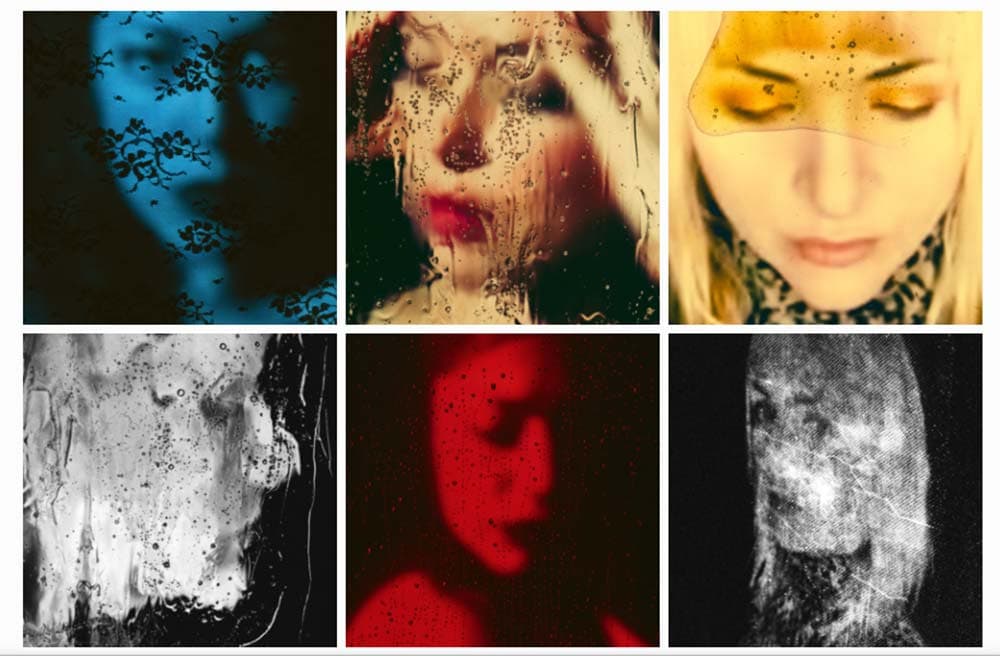
Nick Fancher's portraits are "remotraits." Photo: Nick Fancher
Photographer Nick Fancher has been photographing models in his studio at a time when COVID-19 social distancing rules have forced his contemporaries to cancel portrait sessions.
But the only chances the Columbus, Ohio-based Fancher takes are creative ones. In the very spot where models normally stand for him, Fancher is projecting live images of sitters following his directions via FaceTime.
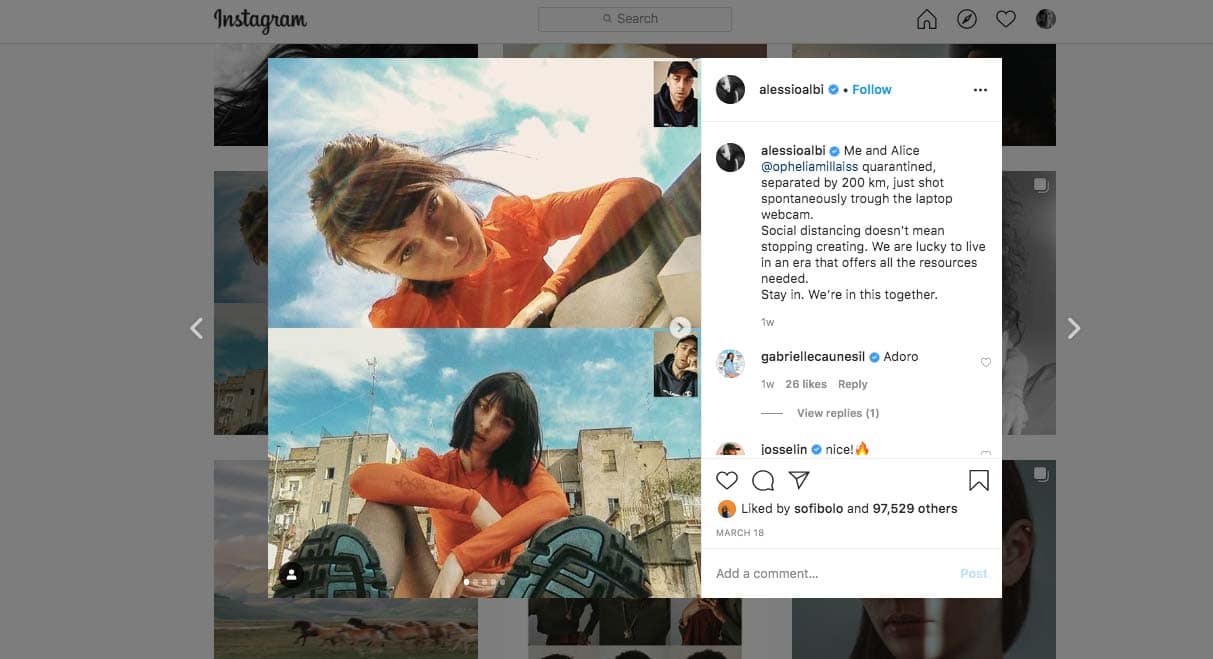
Alessio Albi makes screenshot magic on FaceTime. Screenshot: Alessio Albi/Instagram
Quarantined photographers across the internet have used the lockdown to come up with personal projects they could shoot within the same confines of their home.
Condé Nast shooter Alessio Albi has one of the more interesting bodies of work to emerge from staying at home. He is using FaceTime for remote fashion shoots.
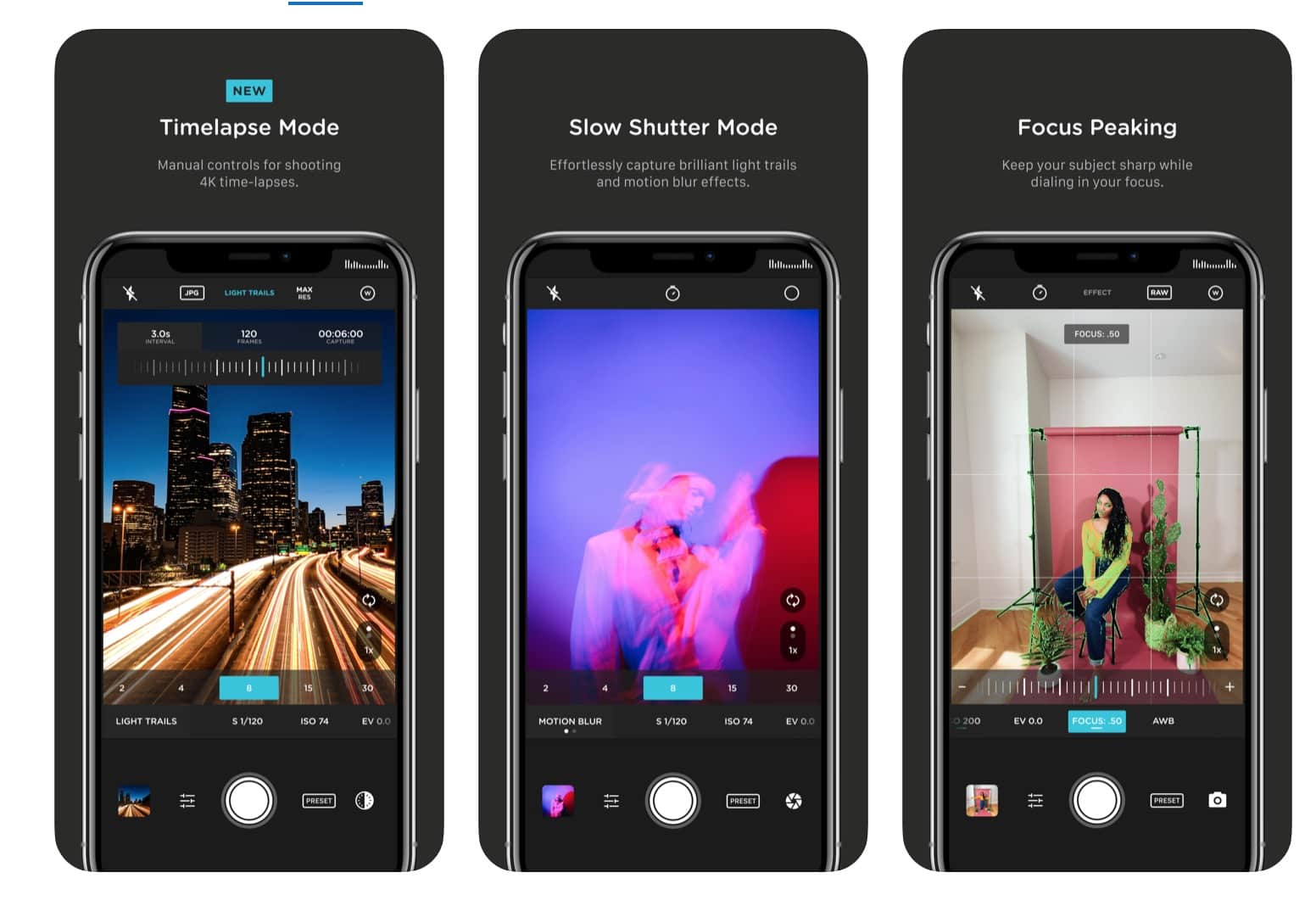
Pro Camera puts the iPhone's built-in camera app to shame. Photo: Moment
Shooting DSLR-quality time-lapses on your iPhone just got a lot easier thanks to a huge update to the fantastic Pro Camera app made by smartphone lens attachment company Moment.
Pro Camera 4.0’s bevy of new features gives you more detailed control for shooting video time-lapses than pretty much any other camera app we’ve seen. All you need is a tripod for your iPhone (or something to prop it up on) while the app does the heavy lifting. Photogs can now pick the intervals, number of shots, type of blur and length, unlocking a ton of creative possibilities.
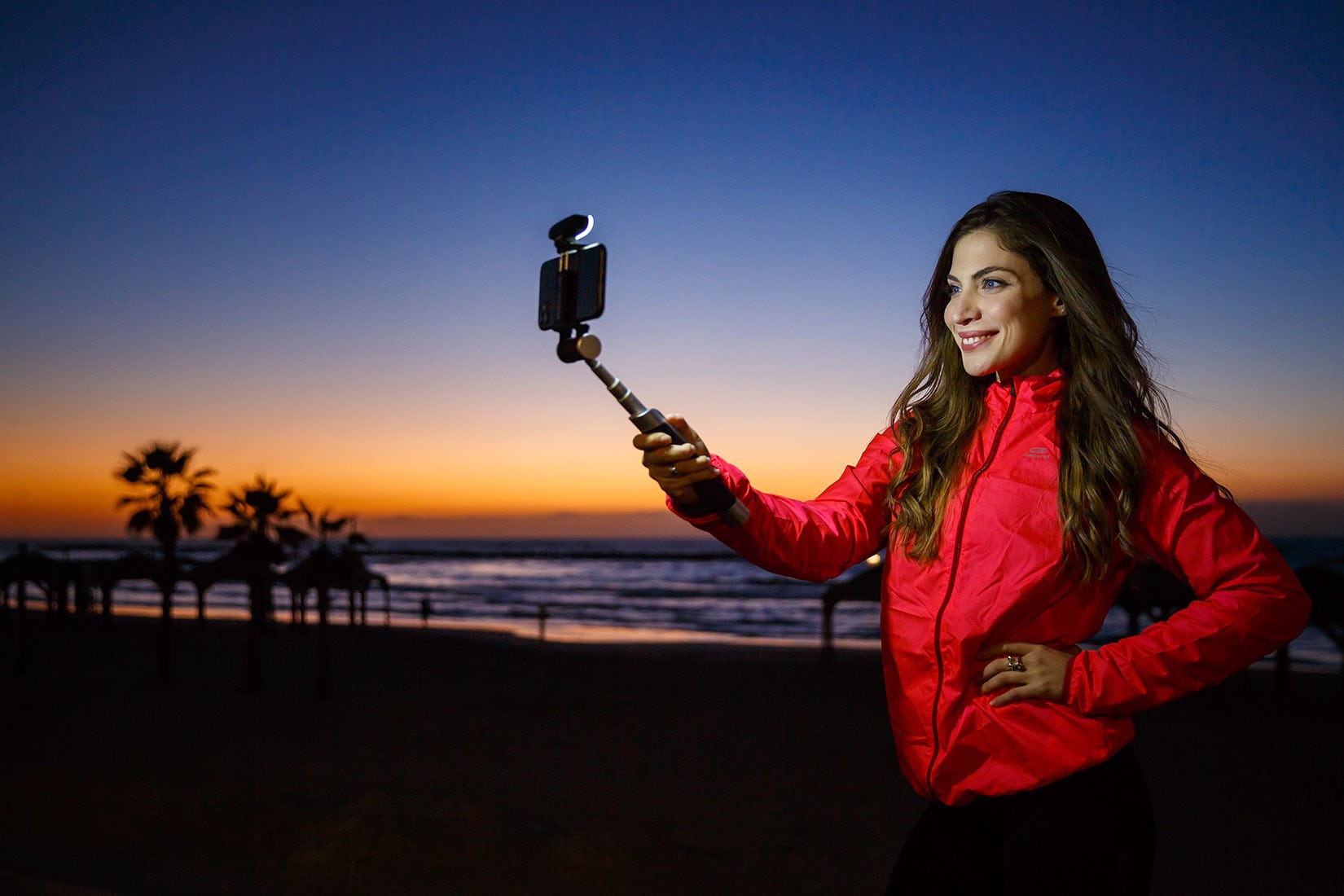
Tel Aviv-based Pictar wants to shine a light on your obsession for the perfect selfie.
Its new Smart-Light Selfie Stick comes with a detachable light plus a control panel in the handle to control camera functions and adjust the tilt of your iPhone.
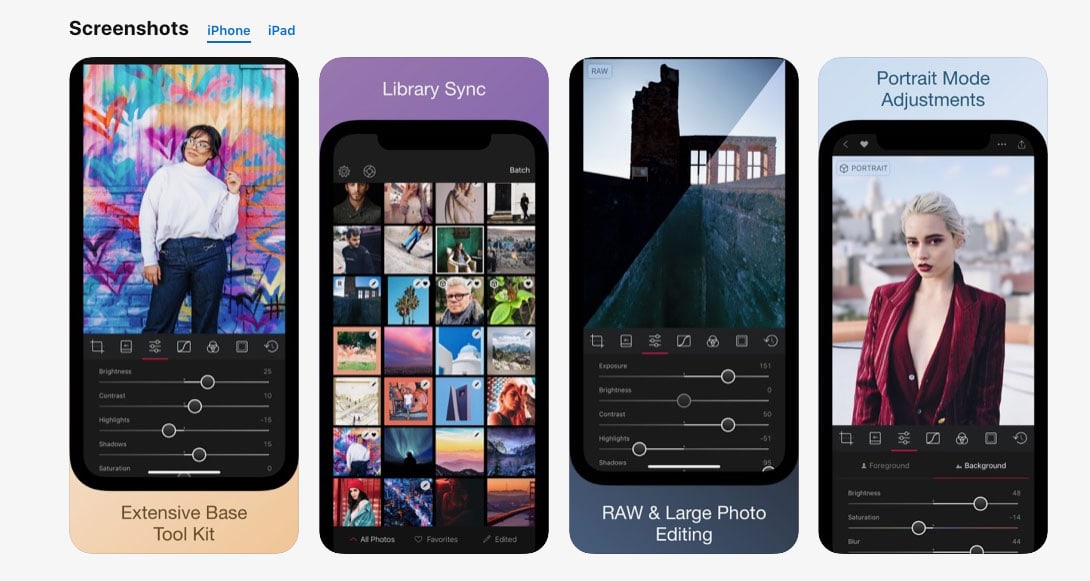
Darkroom wants to make a great photo editing app even better. Screenshot: Darkroom/App Store
Every photographer has an editing workflow with a rhythm formed with a particular piece of software. Darkroom is among the preferred apps for the mobile shooter who does a lot of editing on their iPhone or iPad.
Darkroom’s developers (pun intended) announced Wednesday a business change to a subscription-based app for new users.
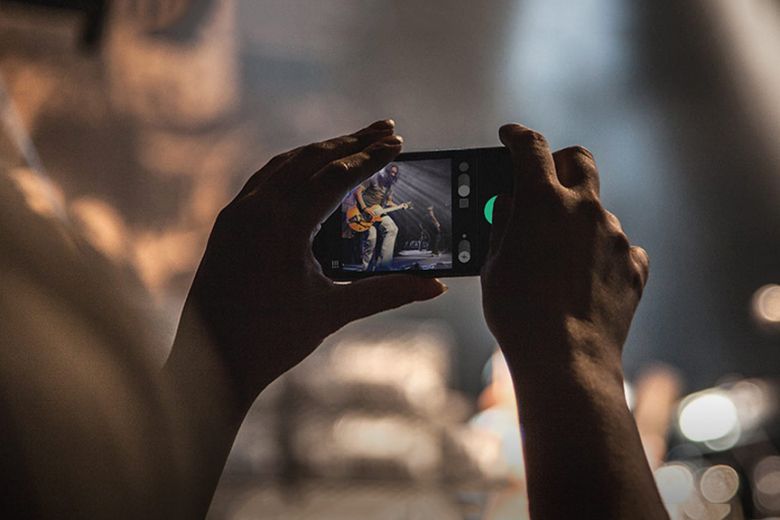
 May 31, 2013: The Chicago Sun-Times fires all 28 of its photographers, with the goal of training its staff to shoot photos using iPhones instead. Pulitzer Prize winner John H. White is among those who lose their jobs.