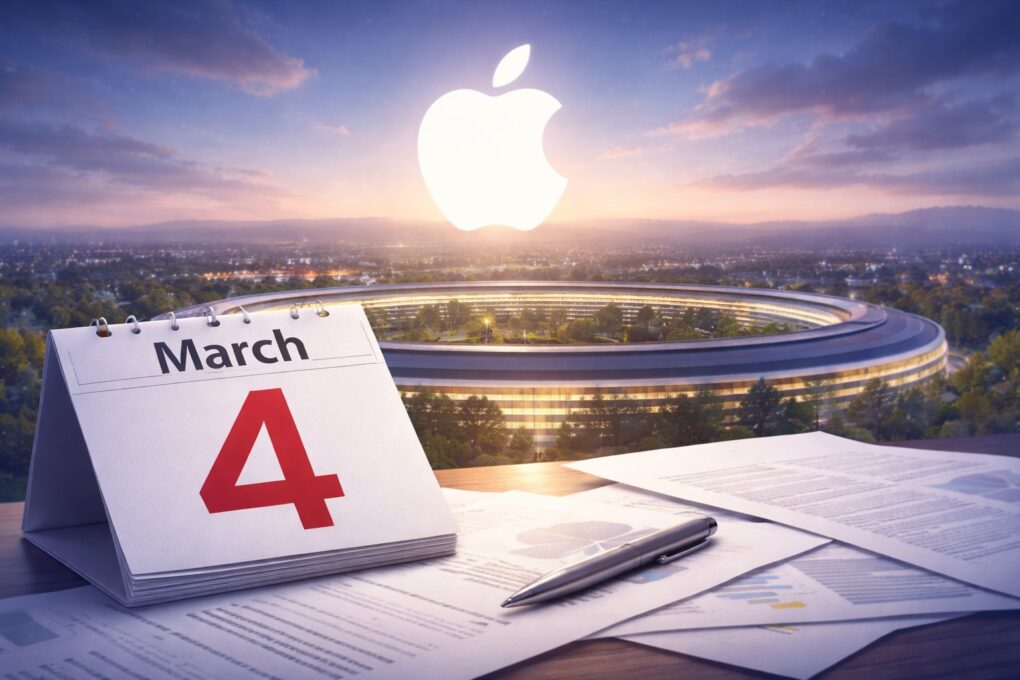
Apple’s upcoming March 4 event may look very different from a traditional keynote. AI image: ChatGPT
Apple will hold a “special Apple Experience” on Wednesday, March 4 — but the company might not announce new Macs or other products at the event.
Instead, Apple might announce the events earlier in the week in a series of press releases. The company apparently does not even intend to hold a keynote on March 4.
An Apple March event is officially on! Image: Apple
Apple on Monday announced a product-launch event scheduled for March 4, inviting select media to attend in person what it describes as a “special Apple Experience.” The invitation offers no details on what to expect, but the company is surely preparing to unveil new hardware as it pushes into the heart of its spring product cycle.
Numerous leaks and rumors point to a busy event. A new MacBook Pro, a new MacBook Air, an entirely new low-cost MacBook, the iPhone 17e, revamped iPads and possibly more could all be on the agenda.
Hold out for the newer, faster MacBook Air coming soon. AI concept: ChatGPT/Cult of Mac
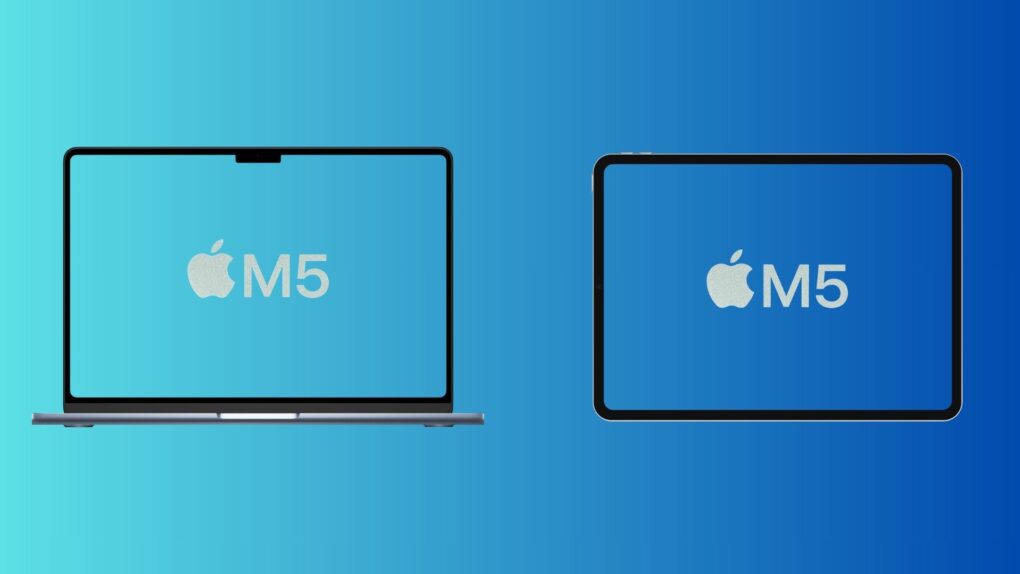
The most powerful MacBook Air ever is just weeks away. Apple is widely expected to be putting the finishing touches on a new model with the speedy M5 processor. The faster chip will be enough for shoppers to question whether they really need the MacBook Pro they have their eye on.
Consider the advantages of a MacBook Air, and why now is a terrible time to buy any Apple laptop.
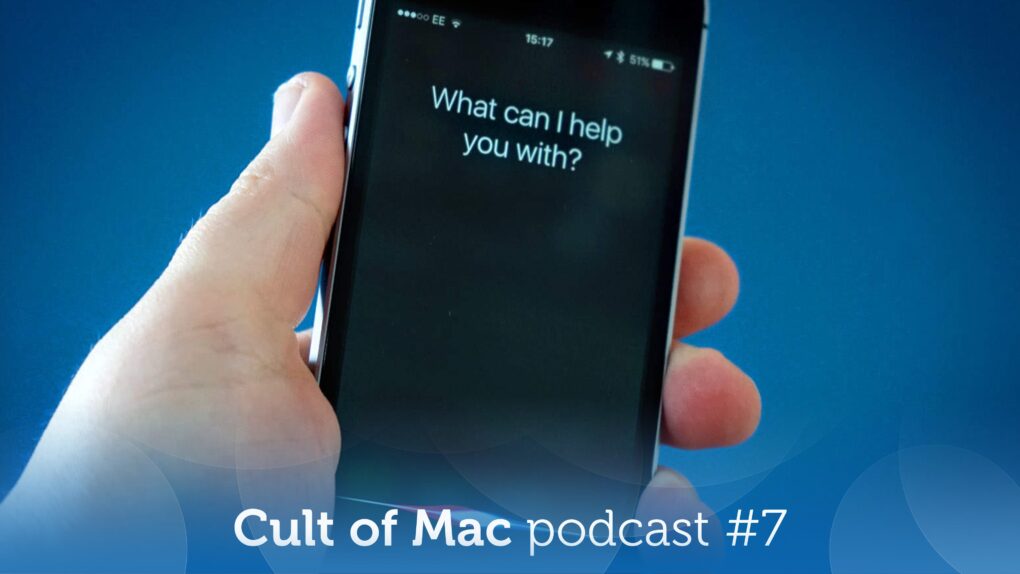
At least Apple seems determined to get the smarter Siri right. Image: Cult of Mac
This week on the Cult of Mac podcast: If you’ve been waiting with bated breath for Apple to finally deliver on its promise of a smarter Siri, it’s time to exhale. Then take a deep breath of disappointment.
Dashing our hopes, it sounds like Apple is delaying Siri’s AI-powered upgrade again! What does it mean? And will Apple ever get its Siri together? We discuss the latest rumors and ponder whether the delay might actually be a good thing.
Also on the Cult of Mac podcast:
The smarter Siri isn’t the only AI-powered project sucking wind at Apple. Cupertino reportedly pulled the plug on the AI health coach it had been working on.
A new rumor gives us a launch date for the high-end M5 MacBook Pros we’ve been waiting for.
Next-gen AirPods Pro reportedly will pack built-in cameras. But what will they actually do?
And finally, we discuss a multi-Mac setup with the most bizarre keyboard we’ve ever seen.
Listen to this week’s episode of the Cult of Mac podcast in the Podcasts app or your favorite podcast app. (Be sure to subscribe and leave us a review if you like it!) Or watch the video live stream, embedded below.
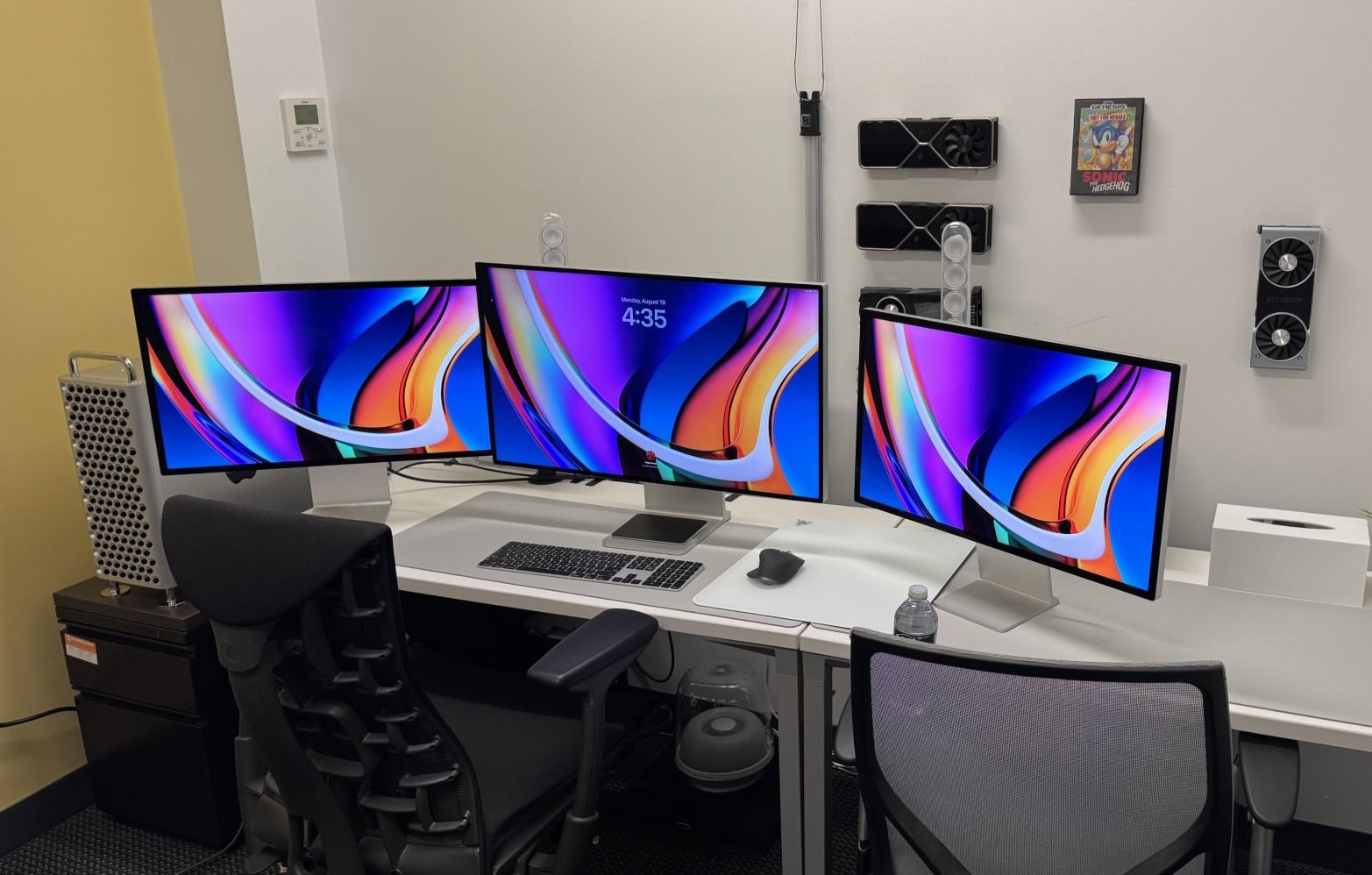
So ... crippled by envy much? This one has a high-end M2 Ultra Mac Pro, a Mac Studio, a Pro Display XDR and two Studio Displays. Photo: [email protected]
For Apple enthusiasts, one Mac is great — but two or more? That’s when things get seriously interesting. Years of Cult of Mac Setups coverage has showcased hundreds of impressive workstations. But these top 10 multi-Mac setups stand out as particularly fascinating examples of how power users leverage Apple’s ecosystem to its fullest potential.
From new M4-powered machines paired with vintage “trash can” Mac Pros to dual MacBook configurations seamlessly integrated with desktop Macs, these workstations demonstrate that having multiple Macs isn’t just about redundancy. It’s about optimizing workflow, separating concerns and yes, indulging in a bit of Apple-fandom excess.
Reports of Apple launching new M5 Pro-powered MacBook Pros have been circulating for a while now. With shipments of the M4 Pro/Max models delayed by a few weeks, all signs point to an imminent launch.
But exactly when will Apple make its move? Bloomberg’s Mark Gurman has now offered a more concrete timeline.
We apparently won't be waiting until 2027 for an OLED MacBook Pro. AI image: ChatGPT/Cult of Mac
There’s good news Tuesday for those excited about the first MacBook Pro with an OLED display: A new report pegs the laptop’s launch for this fall. Some previous leaks indicated the device might not reach customers until next year.
Beyond the OLED screen — which should make the display noticeably better-looking — the 2026 MacBook Pro is rumored to feature a significant redesign, including a touchscreen.
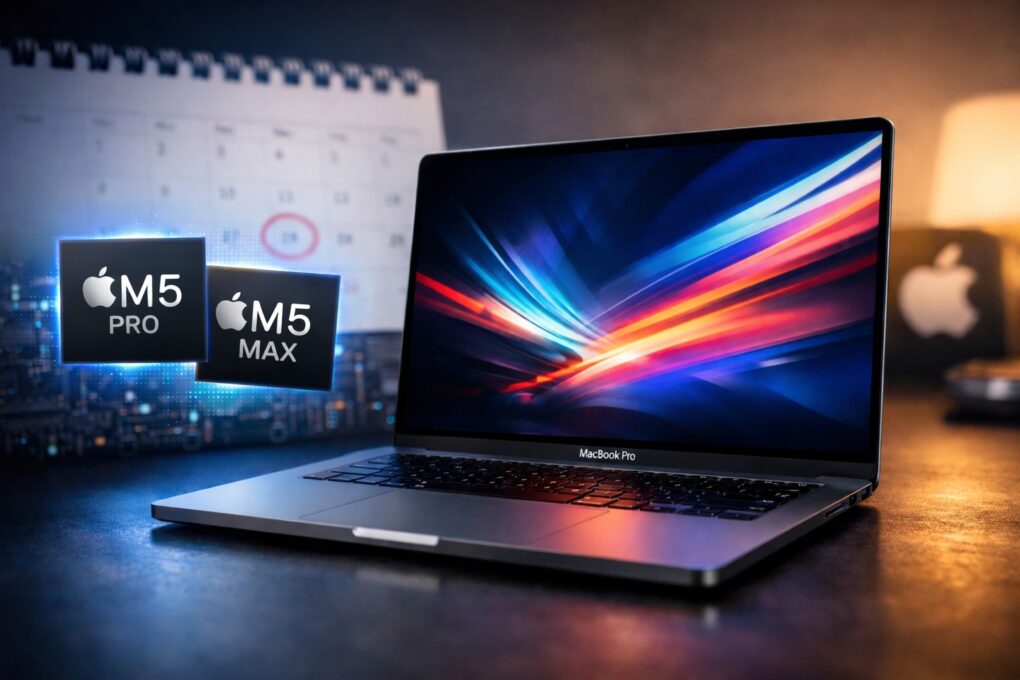
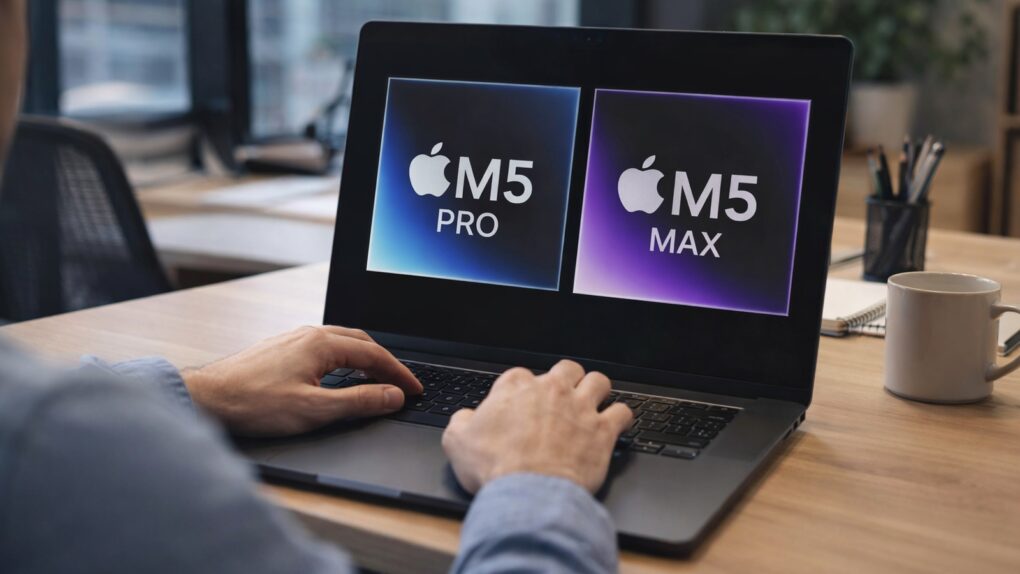
A MacBook Pro upgraded with M5 Pro and M5 Max is not coming any day now. There'll be a wait. AI image: Apple/ChatGPT/Cult of Mac
There’s tremendous anticipation for a MacBook Pro upgraded with faster M5 Pro or M5 Max processors, but the laptop did not launch this week, despite eager speculation that it would. And we need to be patient because we’re likely to continue waiting well into February and maybe beyond. A critical feature apparently isn’t ready yet: macOS Tahoe 26.3.
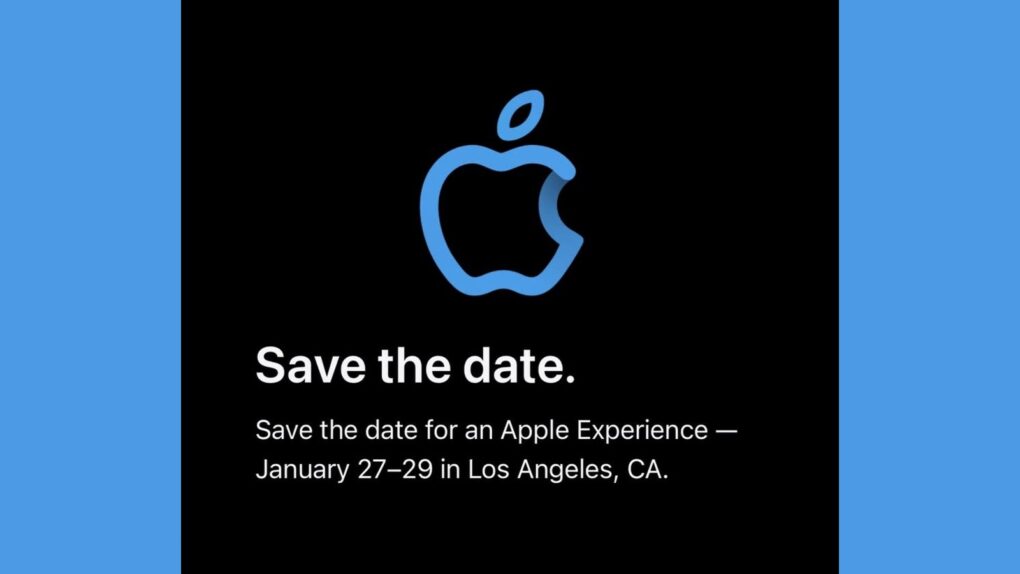
The "Apple Experience" happening January 27 to 29 could include MacBook Pro upgrades. Image: Apple/Petr Mara/Cult of Mac
After Apple invited a select group of content creators to an “Apple Experience” in Los Angeles, speculation arose Friday that the company will use the event to launch an upgraded MacBook Pro with M5 Pro and M5 Max processors.
Appel scheduled its mysterious event for January 27 through January 29 — exactly the time many expect the refreshed Mac laptop to arrive.
You don't need to ask an Apple Genius why you can't find a M4 Pro or Max MacBook Pro in the store. Photo: Apple
Order a MacBook Pro today, and you may never get it at all. But it’s not some horrible scam — Apple is very close to introducing new models, and the company knows you probably won’t want the ones available today once the new ones launch.
That’s why the wait times on many MacBook Pro models with M4 Pro and M4 Max processors stretches out well into February. It gives buyers time to change their orders.
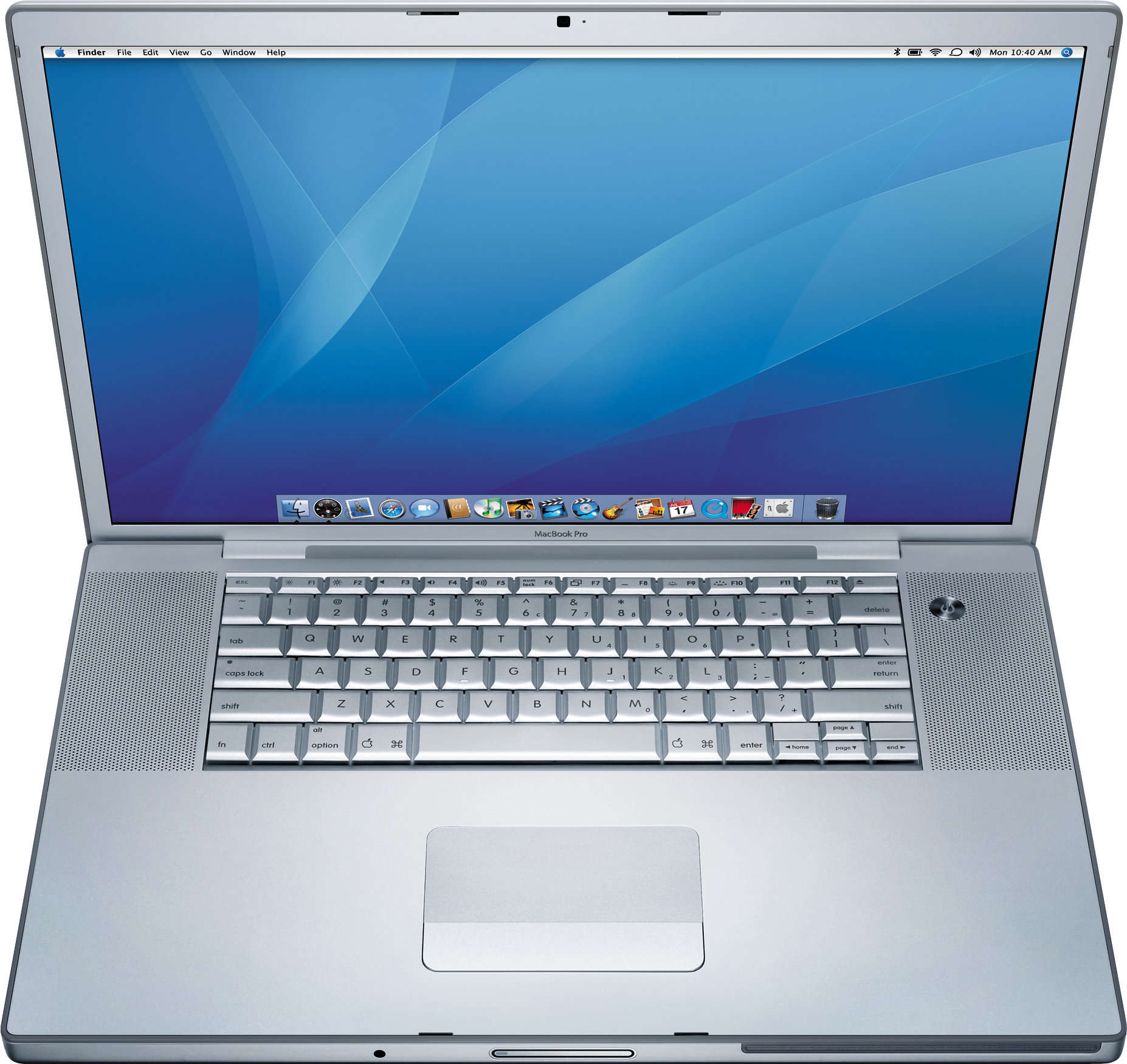
The original MacBook Pro brought innovative features (and stirred up a bit of controversy). Photo: Apple
January 10, 2006: Steve Jobs unveils the original 15-inch MacBook Pro, Apple’s thinnest, fastest and lightest laptop yet.
Building on the previous PowerBook G4 laptop, the new laptop adds dual-core Intel processors for the first time. The MacBook Pro immediately makes waves in the tech community. And did we mention its awesome MagSafe connector?
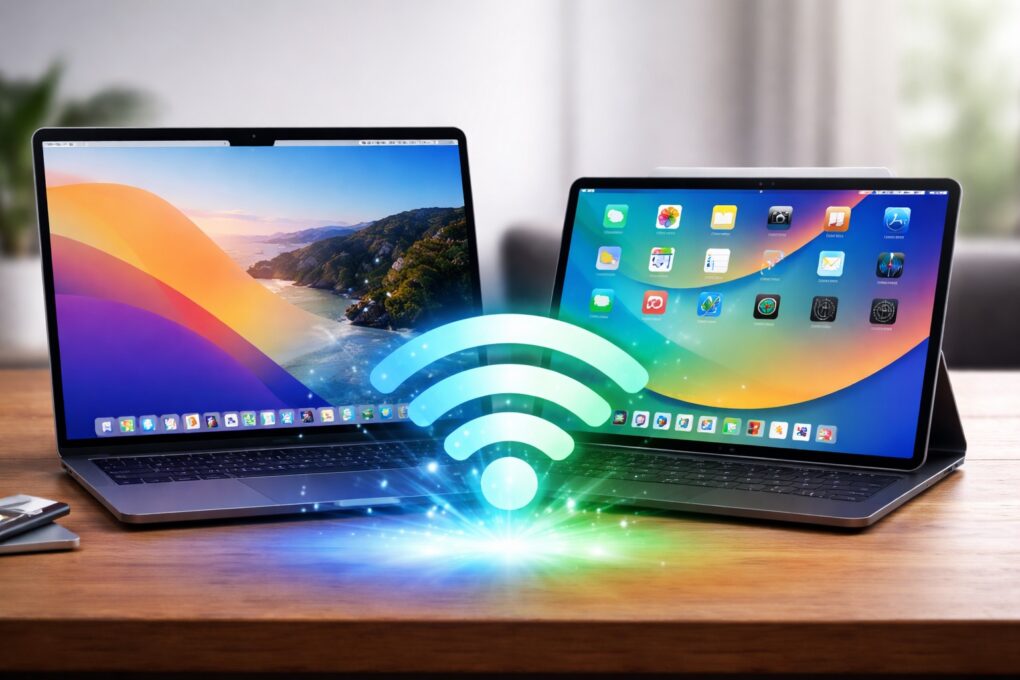
Wi-Fi on your Mac or iPad just got faster. AI image: ChatGPT/Cult of Mac
Apple silently gave some Macs and iPads a Wi-Fi speed boost with macOS Tahoe 26.2 and iPadOS 26.2. The update enables 160MHz channel bandwidth support on 5GHz Wi-Fi networks, eliminating a restriction that tamped down the maximum possible speeds.
The additional bandwidth should let your recent Mac or iPad benefit from higher throughput.
Rumors predict 2026 will bring the first MacBook with a touchscreen. Image: ChatGPT
Apple will improve the MacBook line in multiple ways during 2026. We’re not talking the usual “chip and ship” updates — major changes are on the way. Really, there’s never been a better time to be in the market for a macOS laptop.
We can look forward to a complete redesign, possibly including a touchscreen. Plus, the most affordable MacBook ever is also reportedly coming next year.
Replacing the battery on the M5 MacBook Pro gets a lot easier. Photo: David Snow/Cult of Mac
Apple made it significantly easier to replace the battery on the M5 MacBook Pro. Instead of removing or replacing multiple internal components, users can now swap out the battery directly.
There's no better time to buy a new laptop. Image: Cult of Mac
This Cyber Monday, you can find stellar discounts on a new MacBook. With Intel Macs aging out, there’s no better time to upgrade to the latest models that run on far-superior Apple silicon processors.
Whether you’re looking at the base MacBook Air or a specced-out MacBook Pro, you can rack up hundreds of dollars in savings by upgrading this week.
Take a look at these Cyber Monday deals on MacBooks and get ready to make your next big move.
So ... crippled by envy much? This one has a high-end M2 Ultra Mac Pro, a Mac Studio, a Pro Display XDR and two Studio Displays. Photo: [email protected]
For years I’ve showcased cool Apple-centric computer setups for Cult of Mac. I never seem to get tired of drooling over the sweetest of the bunch. Sometimes that’s about the most awesome possible computers and monitors — Mac Pro and Pro Display XDR, anyone? — and sometimes it’s about a whole package, including fabulous audio gear and more. I selected a bunch of drool-worthy setups with stratospheric price tags for you below.
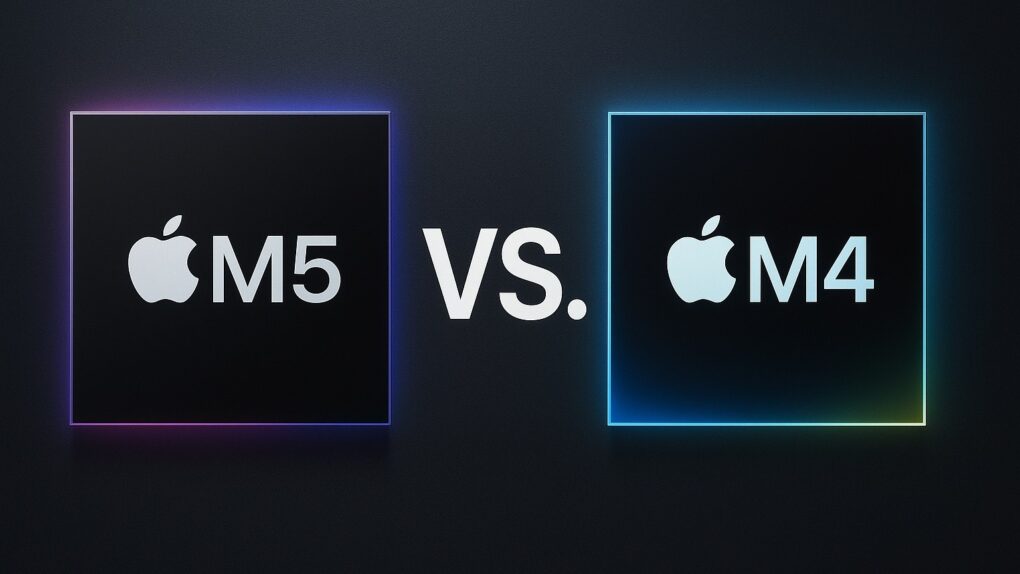
Here are the key differences between Apple's latest chip and its predecessor. AI image: ChatGPT/Cult of Mac
With Apple’s M5 chip appearing in more devices, it’s time for an M5 vs. M4 chip smackdown. Apple unveiled its new M5 chip in October, marking a significant leap forward in on-device artificial intelligence performance over its predecessor. So let’s compare the M5 chip to the M4 chip.
While maintaining the same core architecture as the M4 chip, the M5 delivers dramatic improvements in AI processing, graphics capabilities and memory bandwidth that position it as Apple’s most AI-focused silicon to date. But it enough to temp would-be upgraders?
macOS Tahoe’s next update will put an end to bad video-call lighting Photo: Apple
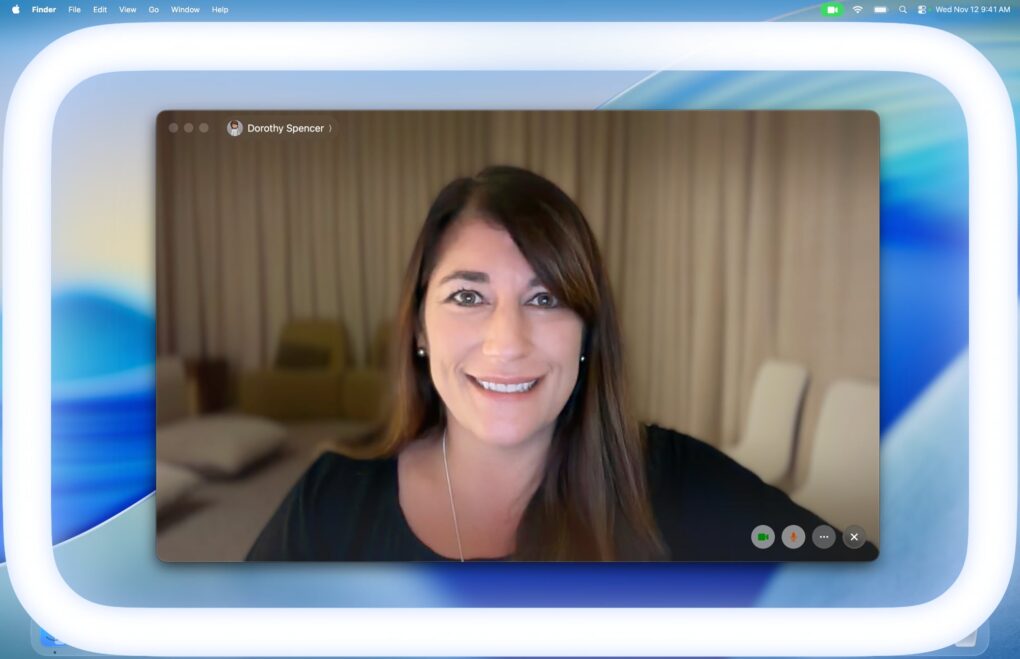
macOS 26.2 beta 2 adds a new Edge Light feature to improve the look of your video calls. As the name indicates, it will add a white light to the edges of your Mac’s display while you’re on a video call.
It’s like a built-in ring light that should improve your appearance when hopping on FaceTime to chat with friends or colleagues.
Most times, Apple nails it. But not always. AI image: Midjourney/Cult of Mac
Apple makes some of the best tech products in the world — beautifully designed, powerful and reliable. But even the best stumble sometimes.
Over the years, I’ve used plenty of Apple devices that looked great on paper but turned out to be frustrating in practice. Here are the ones that made me question Apple’s “it just works” mantra.
★★★★☆
It's a lot like M4 MacBook Pro -- but under-the-hood upgrades make it much better. Photo: David Snow/Cult of Mac
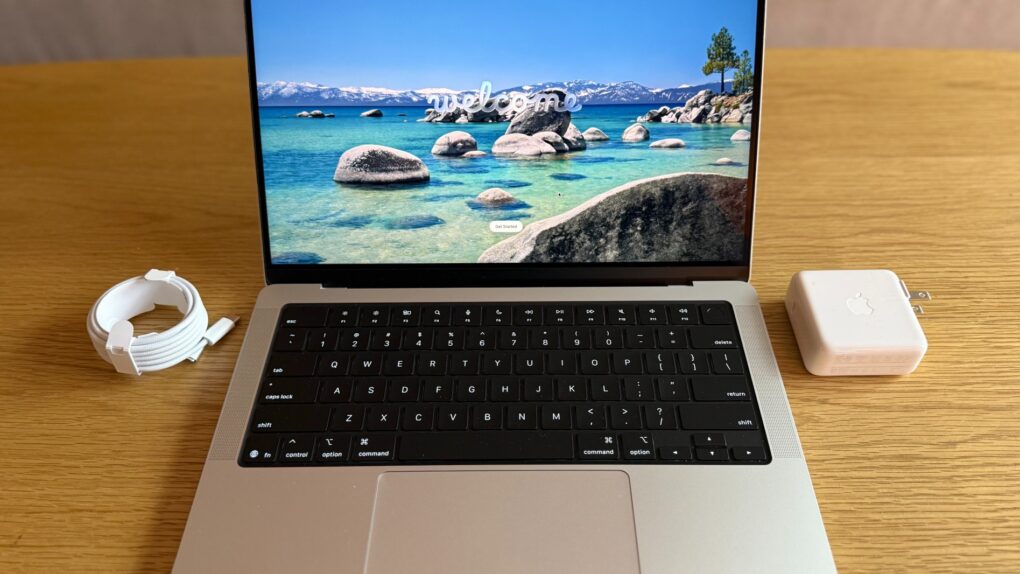
After spending some time with Apple’s new base-model 14-inch M5 MacBook Pro, I’ve come to a clear conclusion: It’s an excellent laptop that represents the absolute best iteration of a formula Apple perfected years ago. But whether you should buy one depends entirely on what you’re upgrading from and what you actually do with your computer.
The new MacBook Pro and iPad Pro look the same as before but are faster. Photo: Apple/Rajesh Pandey/CultOfMac
Apple’s new M5-powered MacBook Pro, iPad Pro and Vision Pro hit store shelves Wednesday, and shoppers who preordered the devices began receiving them as well.
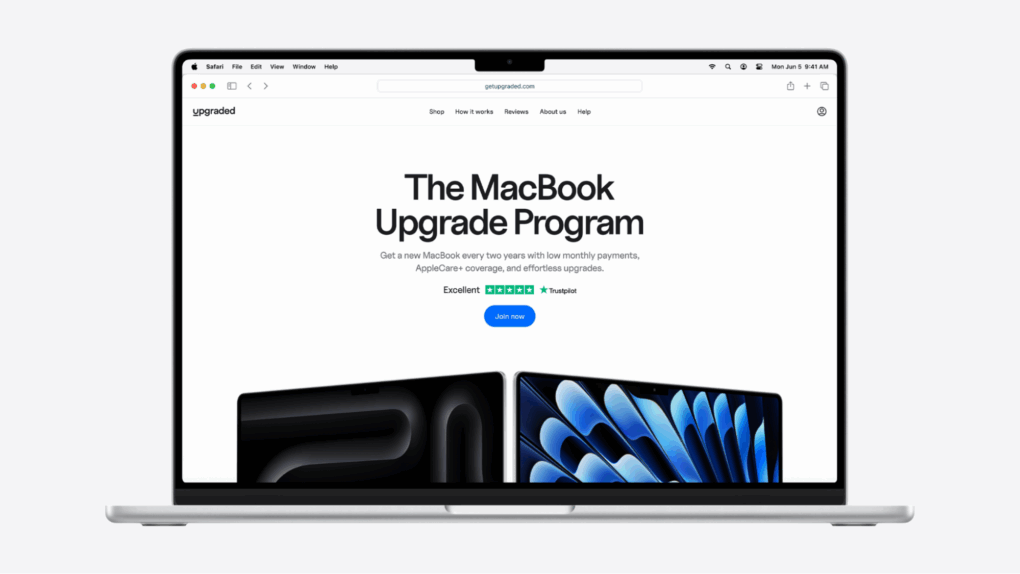
Subscribing to the latest, greatest MacBook has never been so easy.
Image: Upgraded
The new MacBook Pro M5 is here, and it might be Apple’s most powerful laptop ever.
But with prices starting at $1,599, getting the device you want can feel like a serious investment.
That’s where Upgraded comes in. It’s a new way to get the tech you need without paying thousands upfront. Instead, you pay monthly with the option to upgrade every two years.
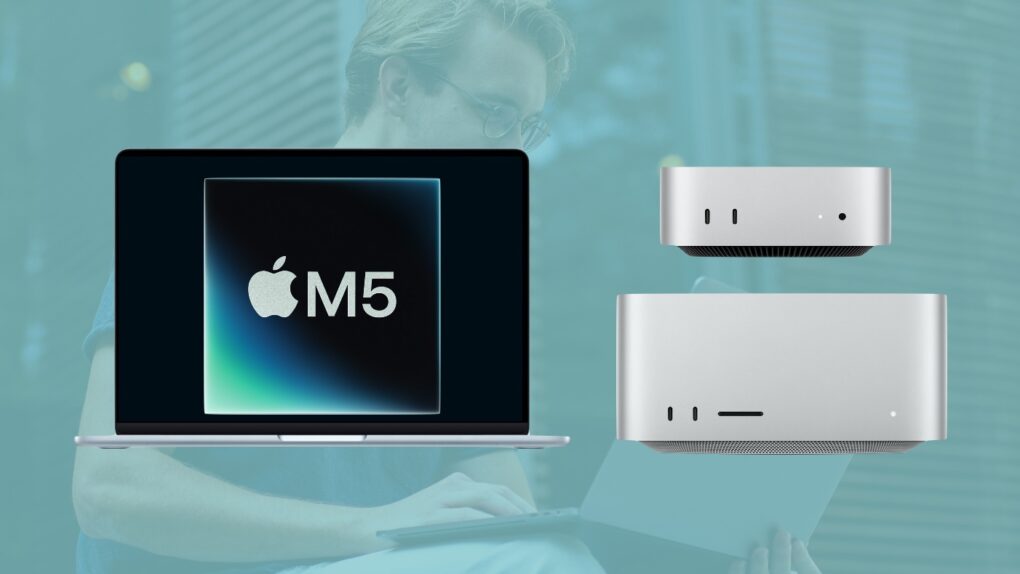
An M5 MacBook Air, Mac mini and Mac Studio are all on the way. Image: Apple/Cult of Mac
The Apple M5 chip jumped from rumor to reality Wednesday with the launch of MacBook Pro and iPad Pro models running the new cutting-edge processor. But so far, there’s been no official mention of an M5 Mac mini, M5 MacBook Air, M5 Studio or M5 iMac.
Here’s when the next generations of these Macs are rumored to reach customers, along with the probable launch dates of the M5 Pro and M5 Max versions of the MacBook Pro.
This week on Cult of Mac’s podcast: With the M5 chip, Apple silicon blows our minds once again with its insane combination of performance and efficiency. How does Apple keep pulling this off?
We discuss all the lustworthy new hardware that the M5 powers: MacBook Pro, iPad Pro and Vision Pro.
Also on The CultCast:
What’s the new Vision Pro headset’s biggest upgrade? Hint: It’s not the chip.
If you’re picking up a new iPad Pro, you really should go big on storage.
How did the upcoming Steve Jobs commemorative $1 coin go so hilariously wrong?
Listen to this week’s episode of The CultCast in the Podcasts app or your favorite podcast app. (Be sure to subscribe and leave us a review if you like it!) Or watch the video live stream, embedded below.
It's easy to fall in love with Apple products. Here are my all-time favorites. AI image: Midjourney/Cult of Mac
Over the years, Apple has launched hundreds of products — some iconic, others forgettable. I’ve used a fair share of them, with some earning a permanent spot on my “all-time favorites” Apple devices list.
Each of these devices represented Apple at its best, with a sleek design, impressive performance and an experience that few other brands can match. So, here’s my list of Apple devices that have truly stood the test of time.




 January 10, 2006: Steve Jobs unveils the original 15-inch MacBook Pro, Apple’s thinnest, fastest and lightest laptop yet.