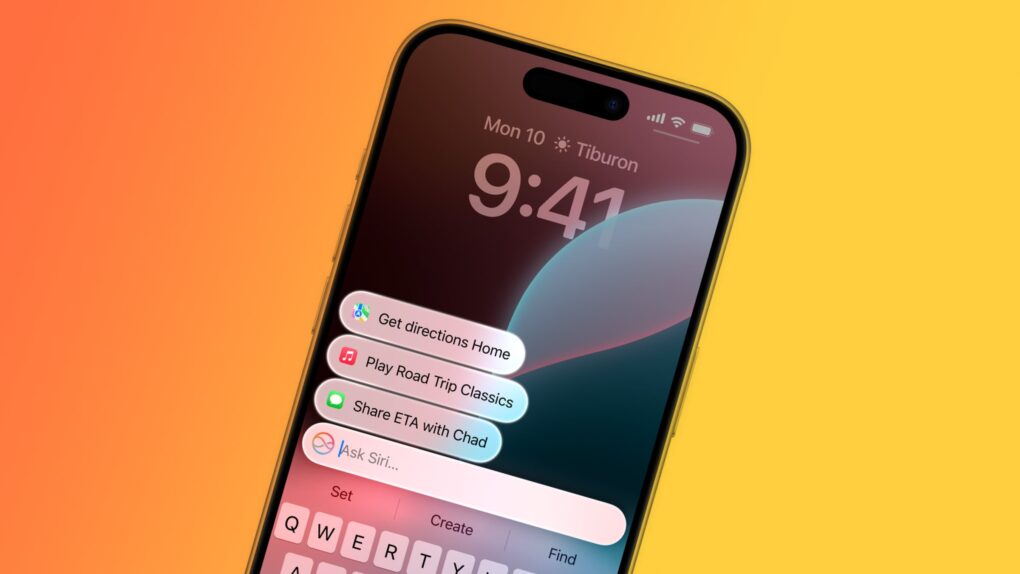
A major upgrade will make Siri the gateway to AI on Apple devices. Image: Cult of Mac
Apple plans a top-to-bottom revamp of Siri in iOS 27 that turns the beleaguered voice assistant into an AI chatbot at the heart of iPhones, Macs and iPads, according to a new report.
Apple might even launch a standalone Siri app that, like competing apps from ChatGPT and Google Gemini, serves as a central hub for all the user’s interactions with the AI assistant.
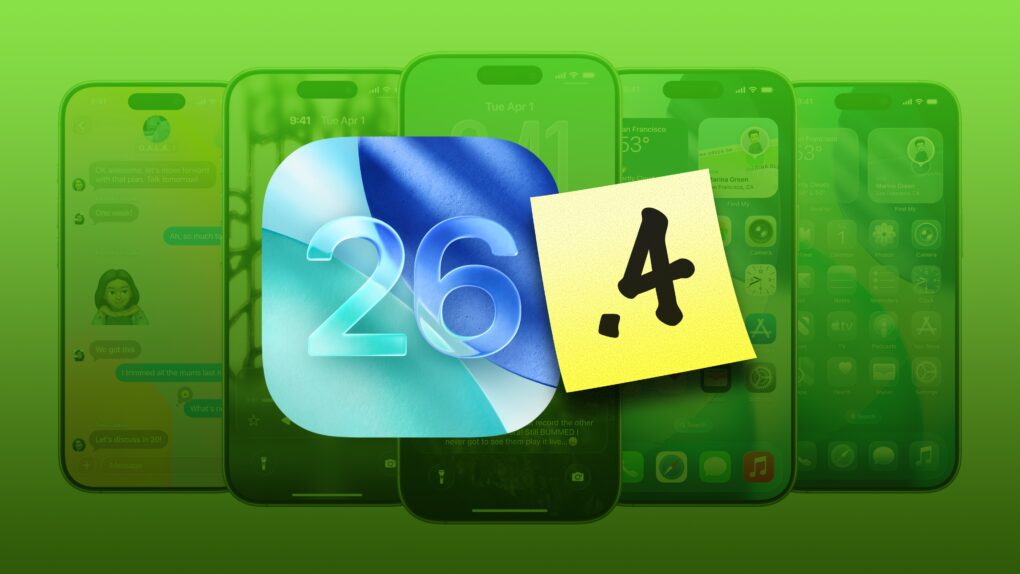
Check out all that’s new in iOS 26.4. Image: Apple/D. Griffin Jones/Cult of Mac
iOS 26.4, which Apple released Tuesday, brings a bunch of great new features to your iPhone.
It adds eight all-new emoji — a couple that I’ll definitely start using often (in addition to a few weird ones, as always). Apple Music also receives several excellent new features, like concert listings coming up in your area, in addition to a refined user interface. And the Apple Podcasts app gets a big video upgrade.
Those come in addition to tons of other interface tweaks and a fix for a typing bug that has been annoying iPhone users. Here are all the new features you can look forward to in iOS 26.4.
Don't let hackers take over your iPhone. AI image: ChatGPT/Cult of Mac
Update: The sophisticated DarkSword hacking technique that came to light last week — capable of silently taking over iPhones the moment a user visits an infected website — just got worse for Apple users running older software, TechCrunch reported Monday.
Someone leaked versions of DarkSword on code-sharing site GitHub. That means DarkSword attacks likely will increase — especially since iOS expertise is not required to deploy the technique.
“This is bad. They are way too easy to repurpose,” iVerify co-founder Matthias Frielingsdorf told TechCrunch. “I don’t think that can be contained anymore. So we need to expect criminals and others to start deploying this.”
Apple spokesperson Sarah O’Rourke reminded people that “keeping software up to date is the single most important thing you can do to maintain the security of your Apple products.” So if you haven’t updated to the latest iOS for your device, do so now.
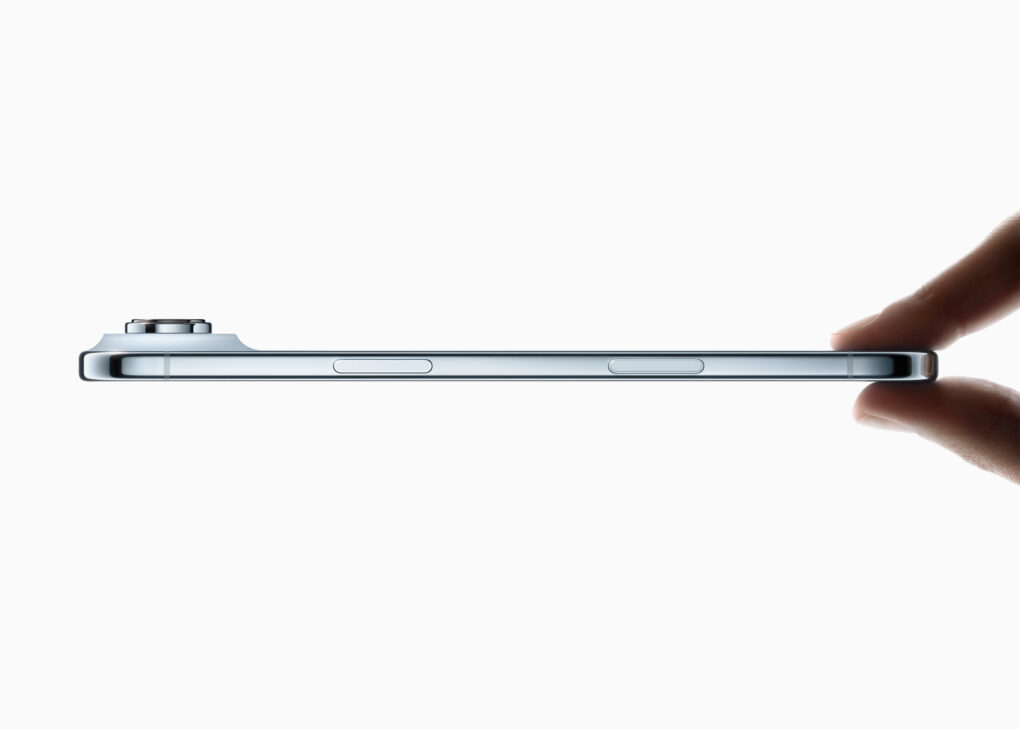
iPhone Air attracts some buyers with its super-slim design. Photo:
The iPhone Air accomplished one of the goals Apple surely had for it: It’s reportedly outselling the device it replaced — and by a wide margin. That said, the super-slim iPhone hasn’t exactly taken the world by storm.
Still, it’s far from the flop that some critics labeled it.
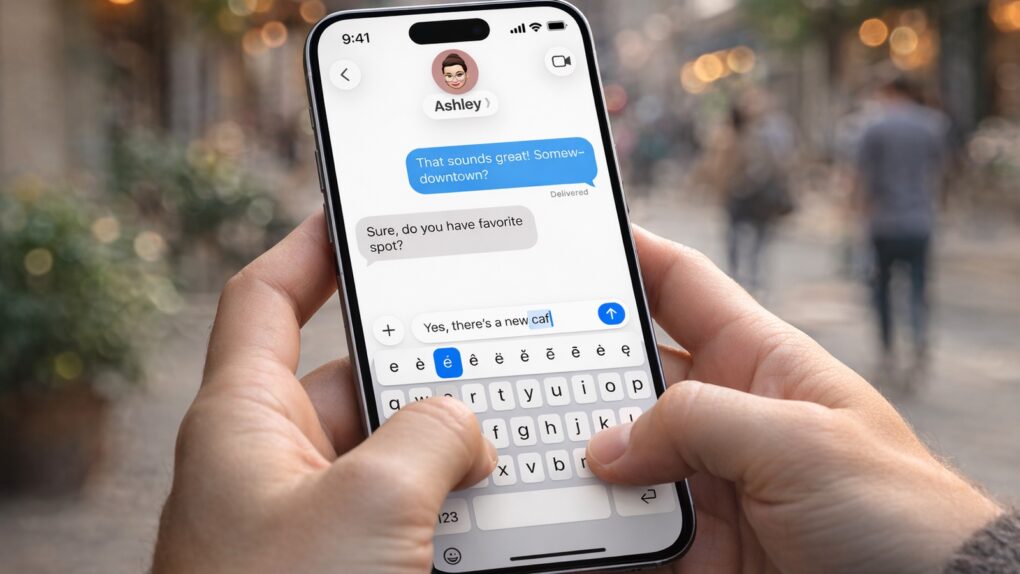
An iPhone typing bug that frustrates users gets a fix. AI image: Apple/ChatGPT/Cult of Mac
Apple’s iOS 26.4 update includes a small line in its release notes that is drawing outsized attention. It promises “improved keyboard accuracy when typing quickly.”
While that might sound like a routine tweak, it appears to address a typing problem that has frustrated iPhone users for months.
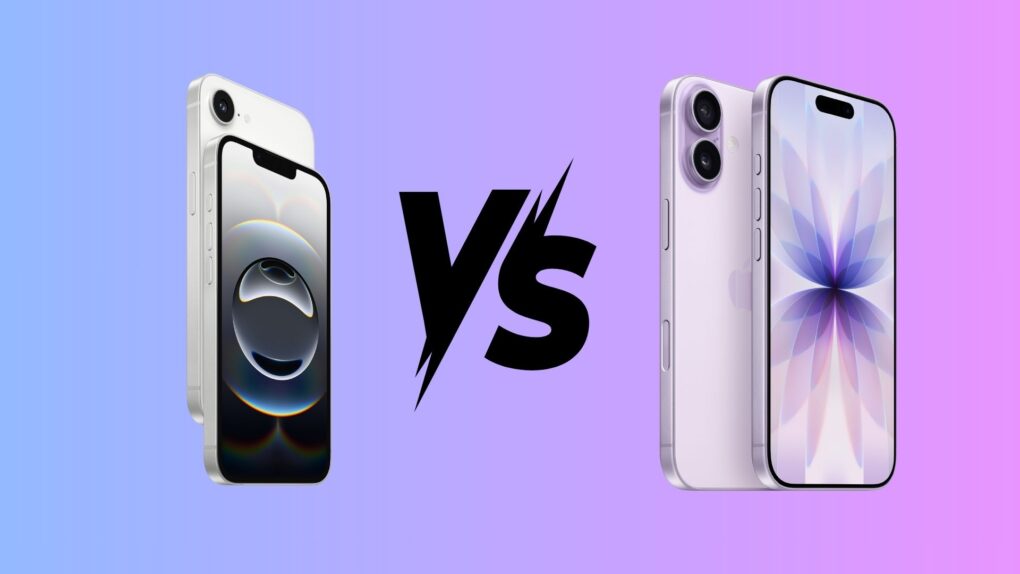
Sometimes, picking a winner is not easy. Photo: Apple/Rajesh Pandey/Cult Of Mac
Apple’s budget-oriented iPhone 17e packs a faster processor and more base storage — at a lower price — than the iPhone 16. But despite launching more than a year earlier, the iPhone 16 still holds an edge in several important aspects.
Here’s how the two affordable iPhones compare — and which one you should buy.
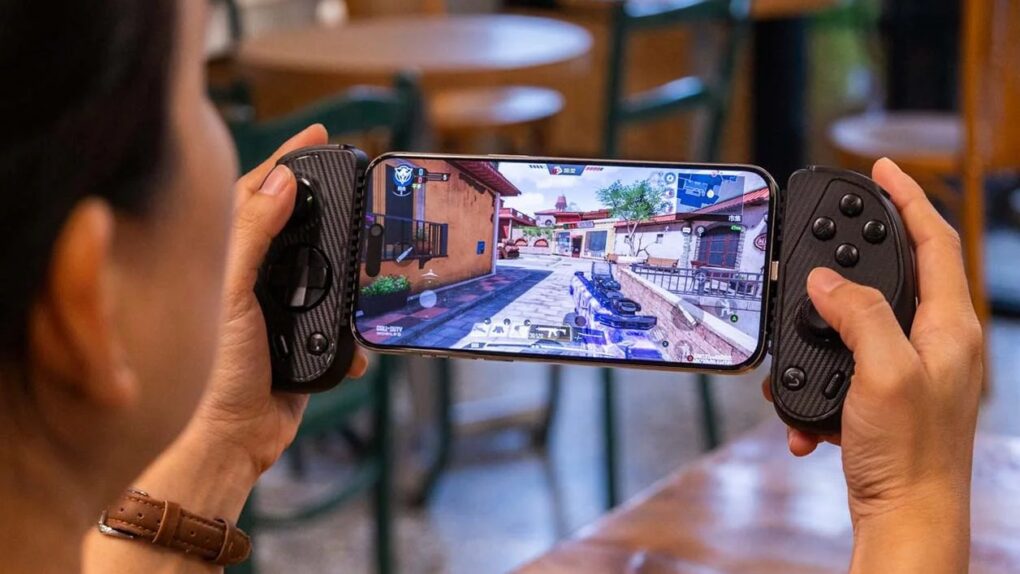
The new Serafim S3 Universal Mobile Game Controller is an Apple MFi-certified accessory that aims to bring console-level gaming to iPhone users with Hall effect magnet-based joysticks and more, the company said Monday. Priced at $89.99, S3 is available now on Amazon and the Serafim website.
★★★★☆
A budget model phone has no business being one of the most gorgeous iPhones ever. Photo: D. Griffin Jones/Cult of Mac
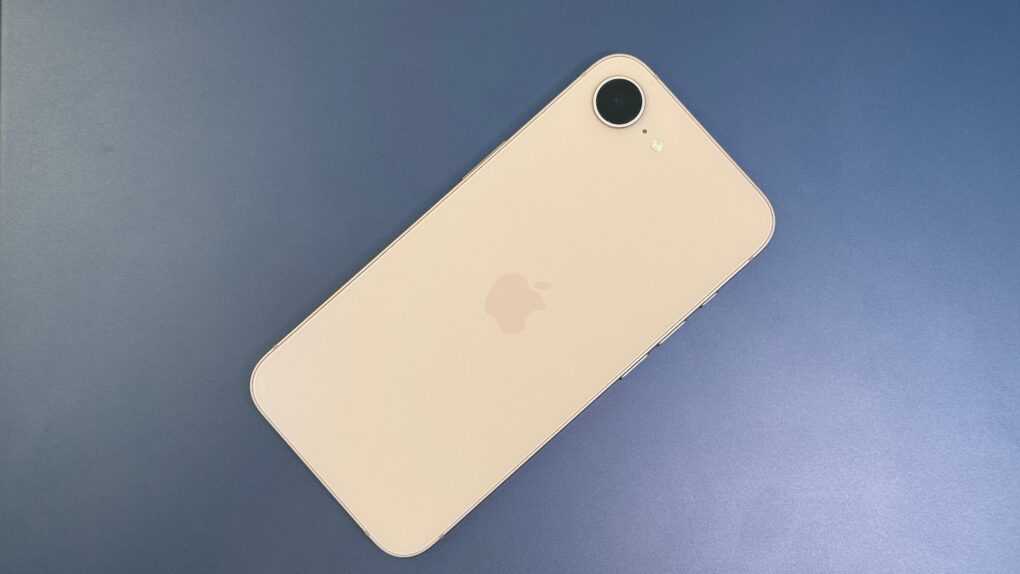
The iPhone 17e may be a subtle upgrade, but it’s a slight change that makes all the difference. Now with MagSafe, the budget smartphone doesn’t suffer much in the way of compromises. Storage capacity is doubled, making the base model an exceptional choice; the blistering A19 chip is even faster than its predecessor.
Although the lack of a Dynamic Island makes it feel like an older phone than it really is, unless you really care about photography or giant screens, there’s not a lot that seems missing. It’s just as gorgeous as before and still highly practical.
Not just of an old dog — a 3D old dog! Image: D. Griffin Jones/Cult of Mac
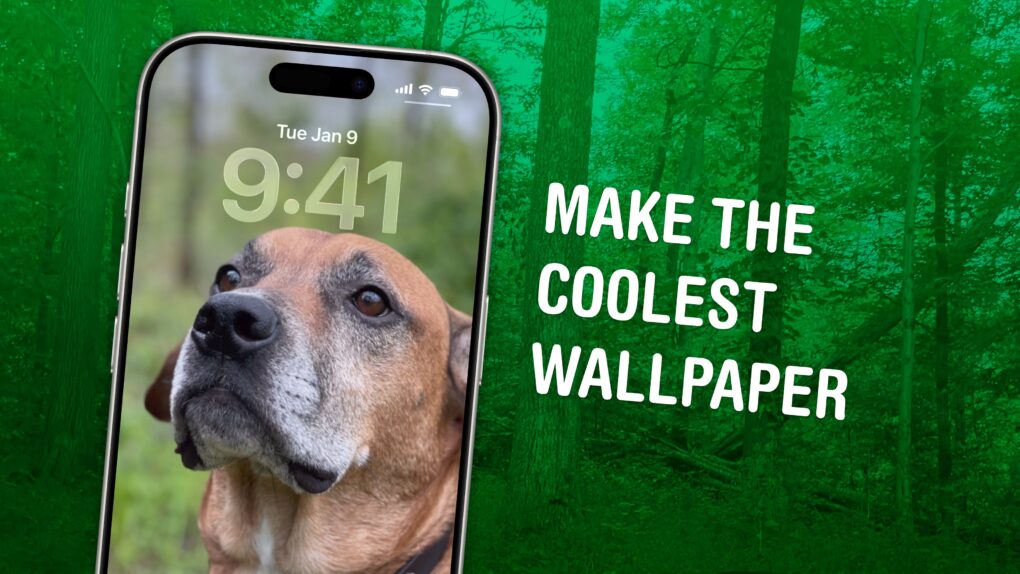
In iOS 26, the awesome new Spatial Scenes feature lets you convert an ordinary 2D photo to a 3D scene that moves in your hand. It doesn’t have to be a recent picture or one taken with a special camera, either. You can try out Apple’s new 3D effect on any decent photo, even if it’s from 20 years ago.
You can play with Spatial Scenes in the Photos app, converting images and seeing how the effect works. But the best part is that you can set one as your iPhone’s Lock Screen wallpaper, and see it every time you unlock your phone. It even works with the excellent Photo Shuffle feature, so you’ll keep getting new ones to gawk at.
Check out the GIFs below that show how Spatial Scenes work, or watch our hands-on demo video.
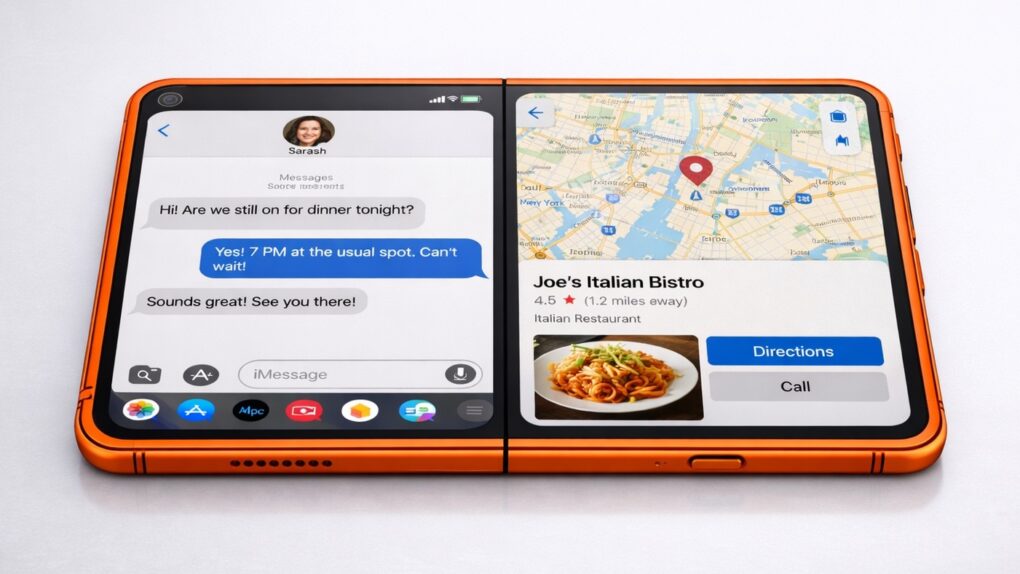
Making dinner plans could get easier with the folding iPhone's split-screen multitasking, as shown in this concept image. AI image: ChatGPT/Sonny Dickson/Cult of Mac
The folding iPhone will require iOS 27 to be enhanced with support for running two applications side-by-side on its large, foldable display, according to a reliable source.
Split-screen multitasking is a feature borrowed from iPadOS, but Apple’s upcoming premium handset will be an iPhone and therefore run iOS — just a modified version.
Get a clicky keyboard on your phone, too. Image: D. Griffin Jones/Cult of Mac
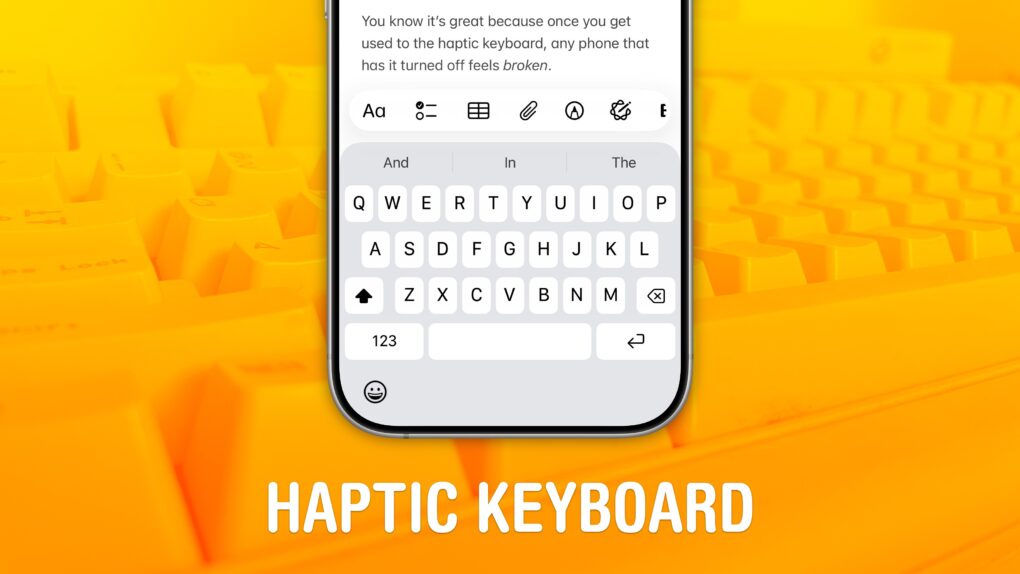
Studies show that a haptic keyboard improves touchscreen typing speed and input accuracy, but very few people know you can enable it on your iPhone.
Android phones years ago had haptic keyboards, but without a precision vibration motor, the feedback was too slow to make the illusion really work. With the Taptic Engine — hardware in every iPhone since the iPhone 6s that can simulate all kinds of vibrating textures — Apple created a perfectly convincing effect to enable the haptic keyboard.
In retrospect, Apple's Newton MessagePad survey seems like stealth iPhone research. Photo: Moparx
March 10, 2004: Apple sends out a survey to select Apple customers, claiming that it is considering relaunching the Newton MessagePad.
“We need to determine why the Apple Newton was not a commercial success and whether there is an interest in re-launching a new version of the Newton,” Apple’s survey says. “Your comments will help understand why the Newton failed and if there is interest in re-launching a new, improved Newton.”
In hindsight, it seems pretty clear that Apple’s apparent interest in launching another personal data assistant served as cover for stealth market research for the still-in-development iPhone.
The folding iPhone might look much like this concept based on leaked CAD drawings. AI image: ChatGPT/Sonny Dickson/Cult of Mac
CAD drawings supposedly revealing the design of the first folding iPhone indicate the device will sport a very different shape than rival foldable smartphones.
The early Monday leak comes from a reliable source, and the design shown matches earlier reports about the so-called iPhone Fold. So this may well be what the new premium iOS device looks like when it debuts in the fall.
The iPhone SDK plants the seeds for the App Store's stunning success. Photo: Apple
March 6, 2008: Apple releases the iPhone software development kit, finally allowing coders to start creating native mobile apps for the new smartphone. The iPhone SDK gives developers the tools they need to unlock the new smartphone’s potential.
When the App Store eventually opens a few months later, a new industry springs up overnight. Third-party devs rush to take advantage of Apple’s lucrative app distribution network.
Is the iPhone 17e a better buy than the iPhone 17? Image: ChatGPT/Apple
Apple’s iPhone 17 lineup has a new, more affordable addition: the iPhone 17e. It might look different from the rest of the family, but under the hood, it shares many of the same core components.
If you are trying to decide between the iPhone 17 and iPhone 17e, here’s the smarter option.
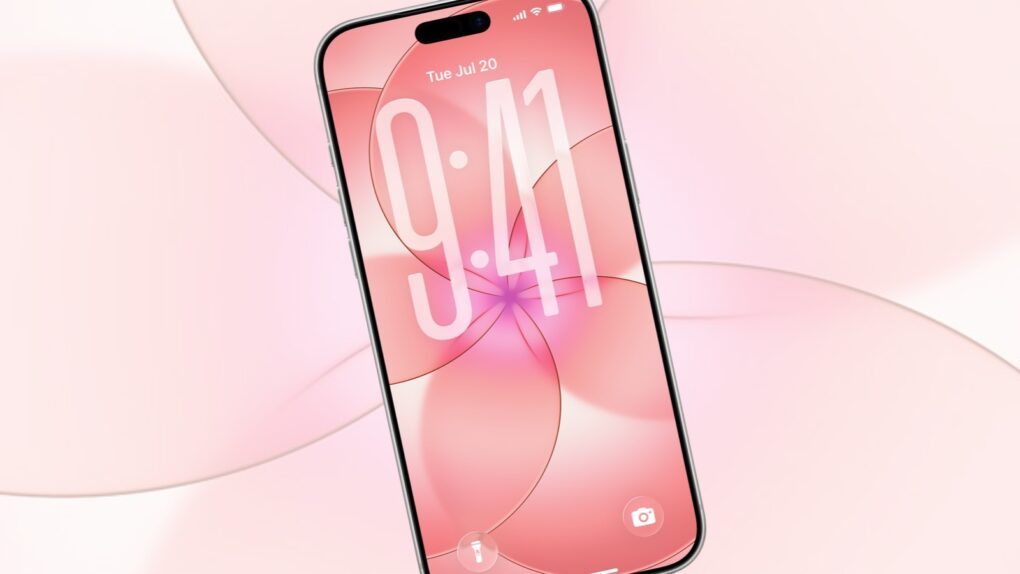
This iPhone 17e wallpaper can be on your iPhone with only a few taps. Image: Apple/Cult of Mac
You don’t need to buy a new handset to bring a fresh look to your iPhone. Apple just unveiled the iPhone 17e, which comes with a beautiful wallpaper — and you can easily add it to your own device now.
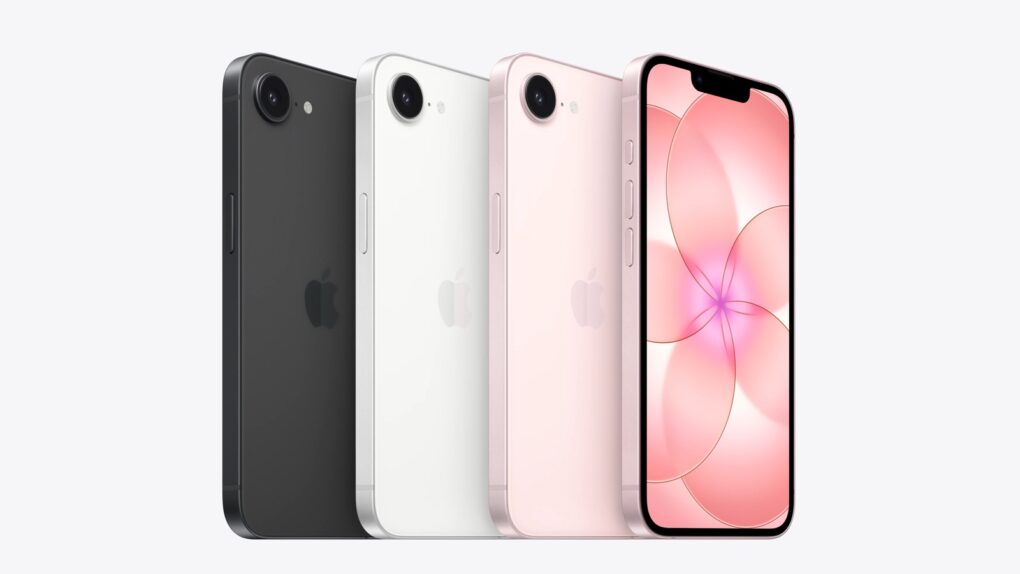
iPhone 17e comes in several colors to catch the eye. Photo: Apple
Apple launched the iPhone 17e on Monday, offering a new option for those who want a premium smartphone that won’t empty their bank account. The base version offers twice as much storage capacity as its predecessor, makes the jump to the latest Apple A19 processor and adds full support for MagSafe accessories.
“iPhone 17e combines powerful performance and features our users love at an exceptional value, making it a compelling option for customers looking to upgrade to the iPhone 17 family,” said Kaiann Drance, Apple’s vice president of worldwide iPhone product marketing, in a press release. “We know our customers want a product that will last, and iPhone 17e delivers just that. With A19 for incredible performance, double the entry storage, a smarter camera system, and enhanced durability, iPhone 17e is designed to stay fast, secure, and valuable for years to come.”
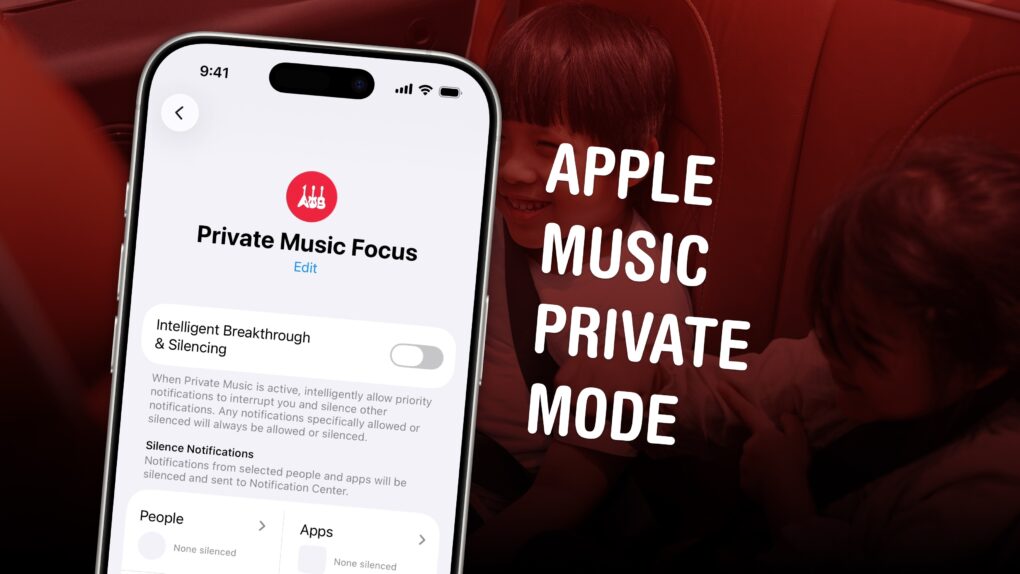
It’s not a built-in feature, but you can make it yourself. Image: D. Griffin Jones/Cult of Mac
If you’re tired of your kids’ or partner’s music polluting your music recommendations and history, there’s a solution. While Apple Music does not offer a built-in private mode, you can make your own using a Focus mode.
Turn on a special Focus mode, and Apple Music will ignore all the songs, artists and albums that play next.
It’s even possible to enable your private mode when you connect to a specific Bluetooth speaker, like a living room sound system. Or when you enter a specific location, like work. Here’s how to set it up — keep reading or watch our quick video.
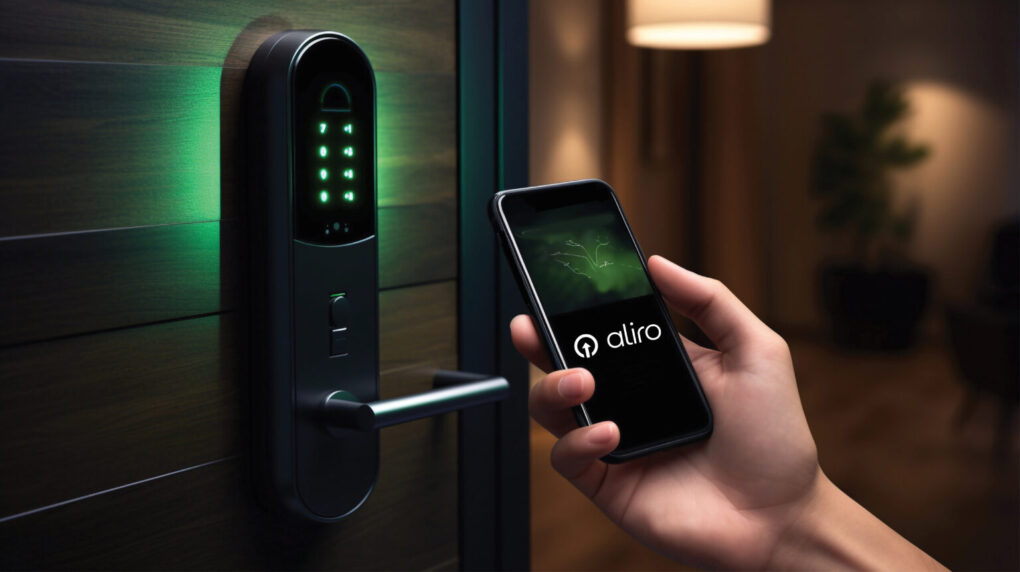
The new Aliro 1.0 standard will ensure more smart locks work well with more devices. Photo: CSA
The new Aliro 1.0 communication protocol and credential standard could fundamentally change how iPhone users interact with smart locks, the Connectivity Standards Alliance said Thursday upon release of the specification. And it will affect usage not just at home, but in places like offices, hotels, colleges and apartment buildings.
A great new feature comes to Apple Music. Image: D. Griffin Jones/Cult of Mac
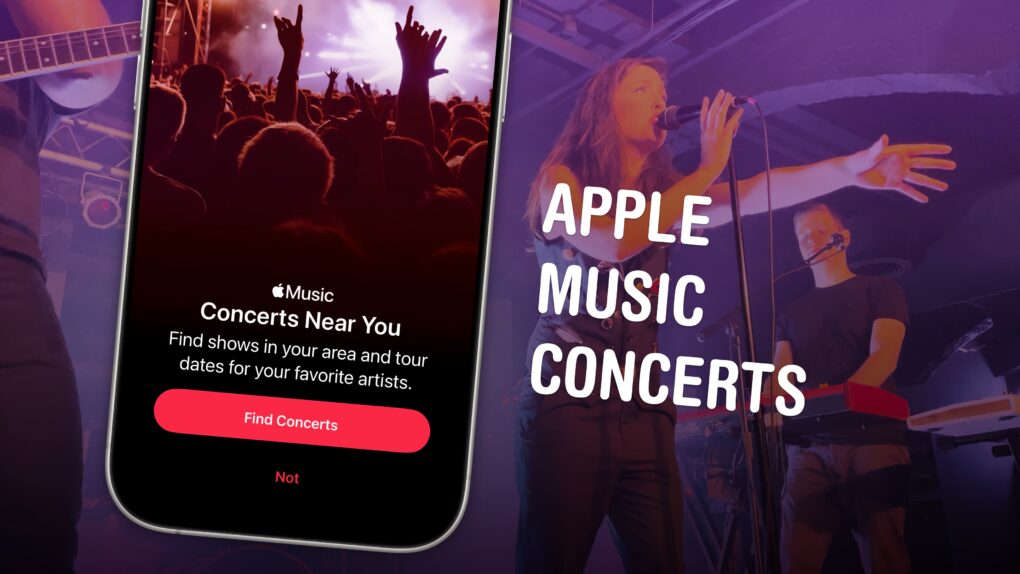
Upcoming iOS 26 feature Apple Music Concerts solves one of music lovers’ biggest heartbreaks — finding out too late that your favorite artist already passed through your neighborhood on tour, unbeknownst to you.
The feature lets you see shows coming soon to your city, with convenient details on venues, ticketing, set lists and more. You can also look up an artist’s tour and see all their upcoming shows.
Supposedly, Apple Music Concerts will even notify you when a tour is coming nearby. The feature, available now in iOS 26.4 beta 2, hasn’t been out long enough for me to test. But if it works like the Apple Music notifications that alert you about new tracks, it could be a lifesaver.
Unfortunately, though, there’s one serious drawback. Here’s an overview of Apple Music Concerts.
This gesture comes in handy all the time. Photo: D. Griffin Jones/Cult of Mac
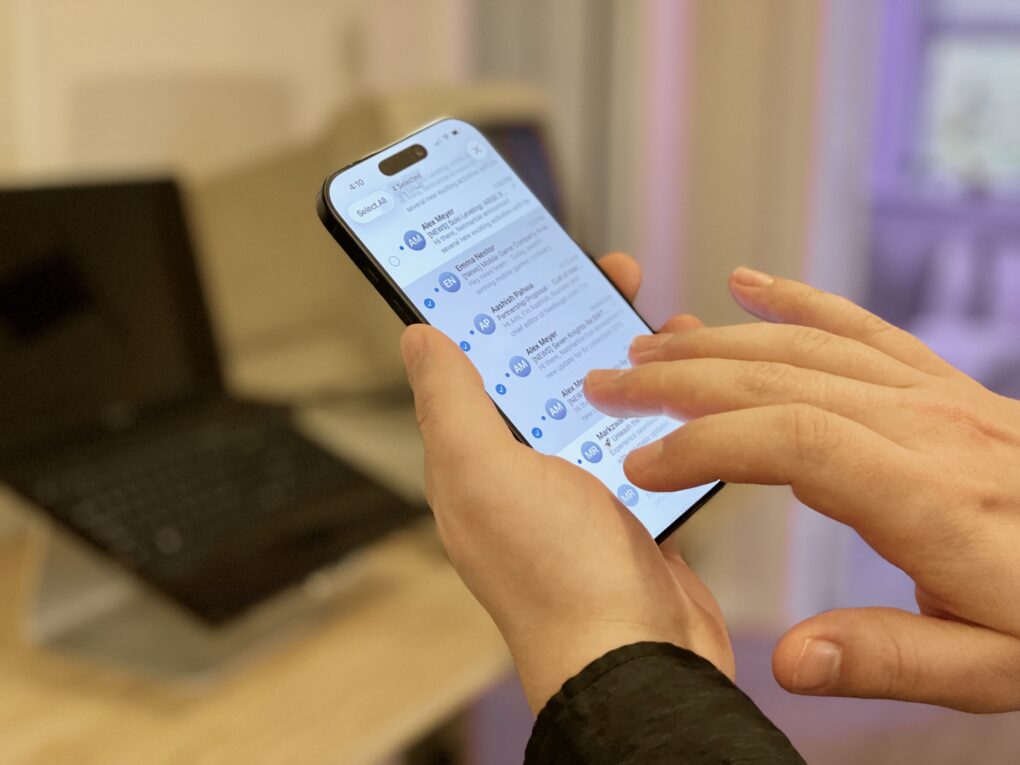
A hidden gesture on the iPhone and iPad lets you quickly select a bunch of items in a list — kind of like Command-A (⌘A) for Select All on a Mac. I use it all the time to select a bunch of emails to archive, a bunch of reminders to rearrange, a batch of files to sort, etc.
Once you learn this two-finger swipe gesture, you’ll use it everywhere. It’s great for getting work done on the go with your phone. Watch our quick video or keep reading.
The iPhone 17 Pro finally brings some chromatic excitement, and extremely pro features to the lineup. Photo: Ian Fuchs/Cult of Mac
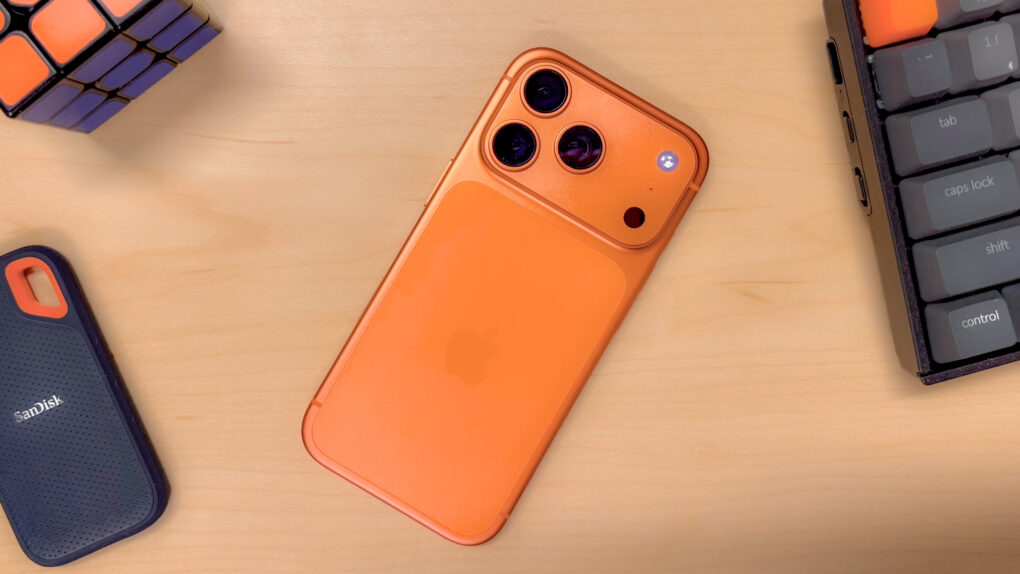
Following the success of the cosmic orange iPhone 17 Pro, Apple reportedly plans to unveil the iPhone 18 Pro in a deep red color. It will seemingly be the new flagship color for 2026 Pro iPhones.
The company may also be testing similar hues internally.
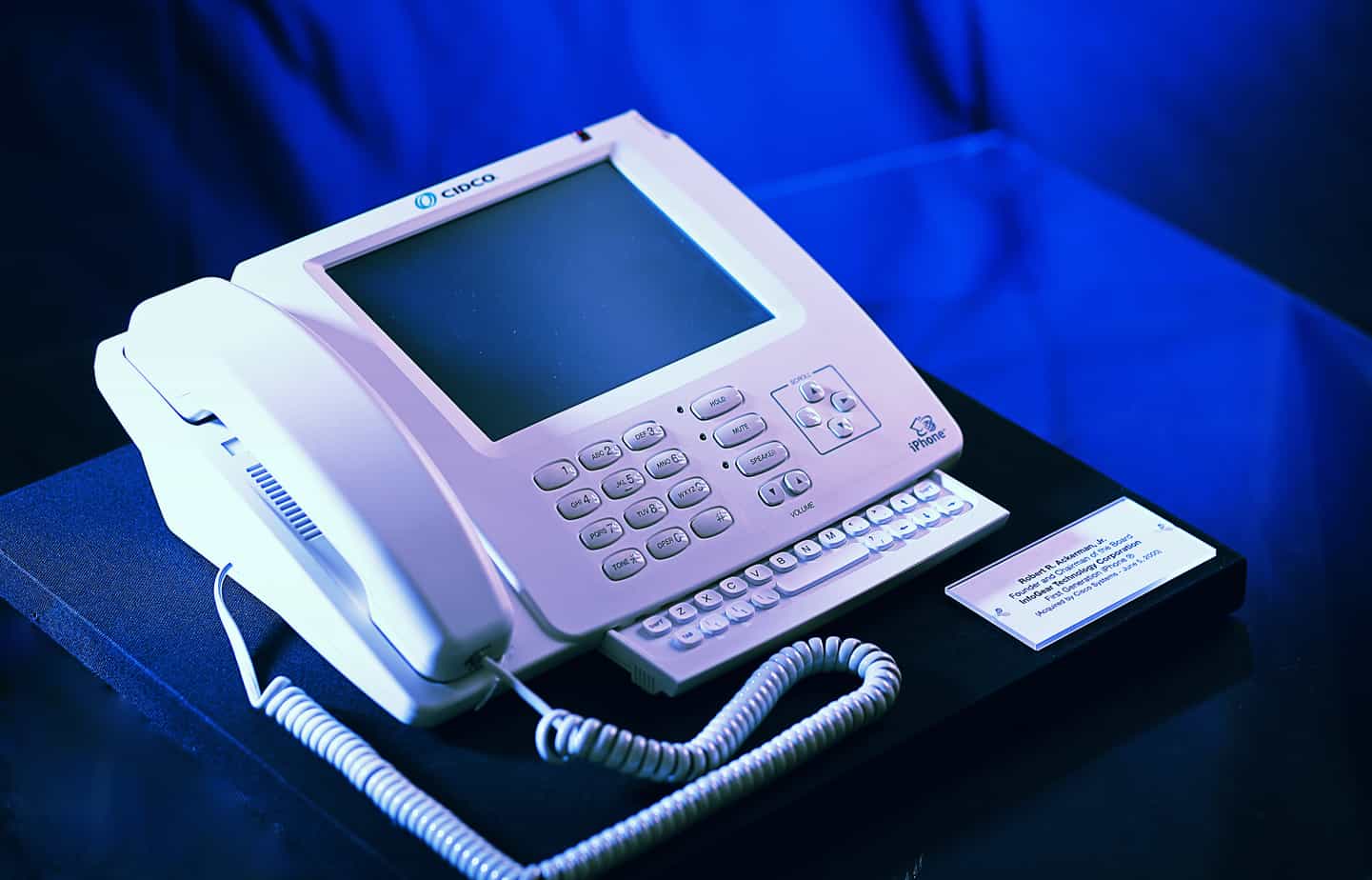
The first iPhone was definitely a bit ... different from current models. Photo: Bob Ackerman/Wikipedia CC
February 21, 2007: Apple comes to an agreement with Cisco over the iPhone trademark, which Cisco legally owns but Apple wants to use.
Under the agreement, both companies get to use the iPhone trademark on products throughout the world. The two businesses also dismiss outstanding lawsuits against one another, and agree to “explore opportunities for interoperability in the areas of security, and consumer and enterprise communications.”
It’s a classic bit of Apple CEO Steve Jobs steamrolling the opposition.
★★★★★
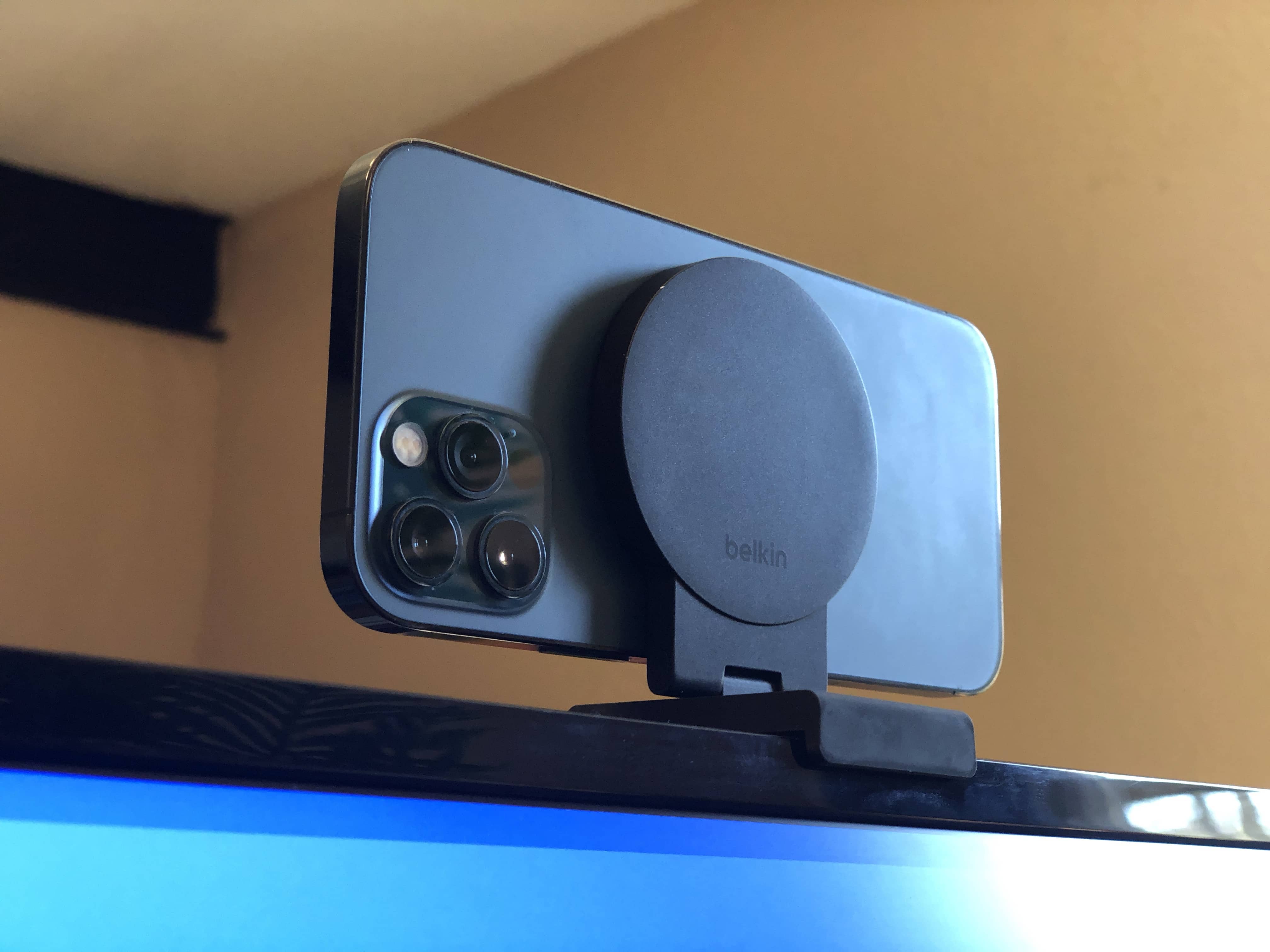
The pictures in this article aren’t very good because I couldn’t use the iPhone 12 Pro (pictured) to take the picture. Photo: D. Griffin Jones/Cult of Mac
The Belkin iPhone Mount with MagSafe for Mac Desktops and Displays, despite what its lengthy product name may imply, is a simple and straightforward product that does one thing remarkably well. It mounts your iPhone to a desktop display with MagSafe.
It’s straightforward to set up; it’s easy to plop your phone on and pull it off; it’s well made and feels nice in the hand. It’s great for Continuity Camera. The Belkin iPhone Mount with… no, I’m not writing all that out again. The Belkin iPhone display thing is an easy recommendation.
Give it a go before you give it up. Image: D. Griffin Jones/Cult of Mac
For the first time in 18 years, Apple redesigned the oft-overlooked Phone app. The overhaul in iOS 26 simplifies the Phone app’s layout, putting your favorites, call history and voicemails in one tab, and providing easier access to search.
Its fancy Liquid Glass-inspired layout goes hand-in-hand with the Phone app’s excellent call filtering features.
Here’s how you can learn to love the new design — and how to nope out of it if you don’t like it.

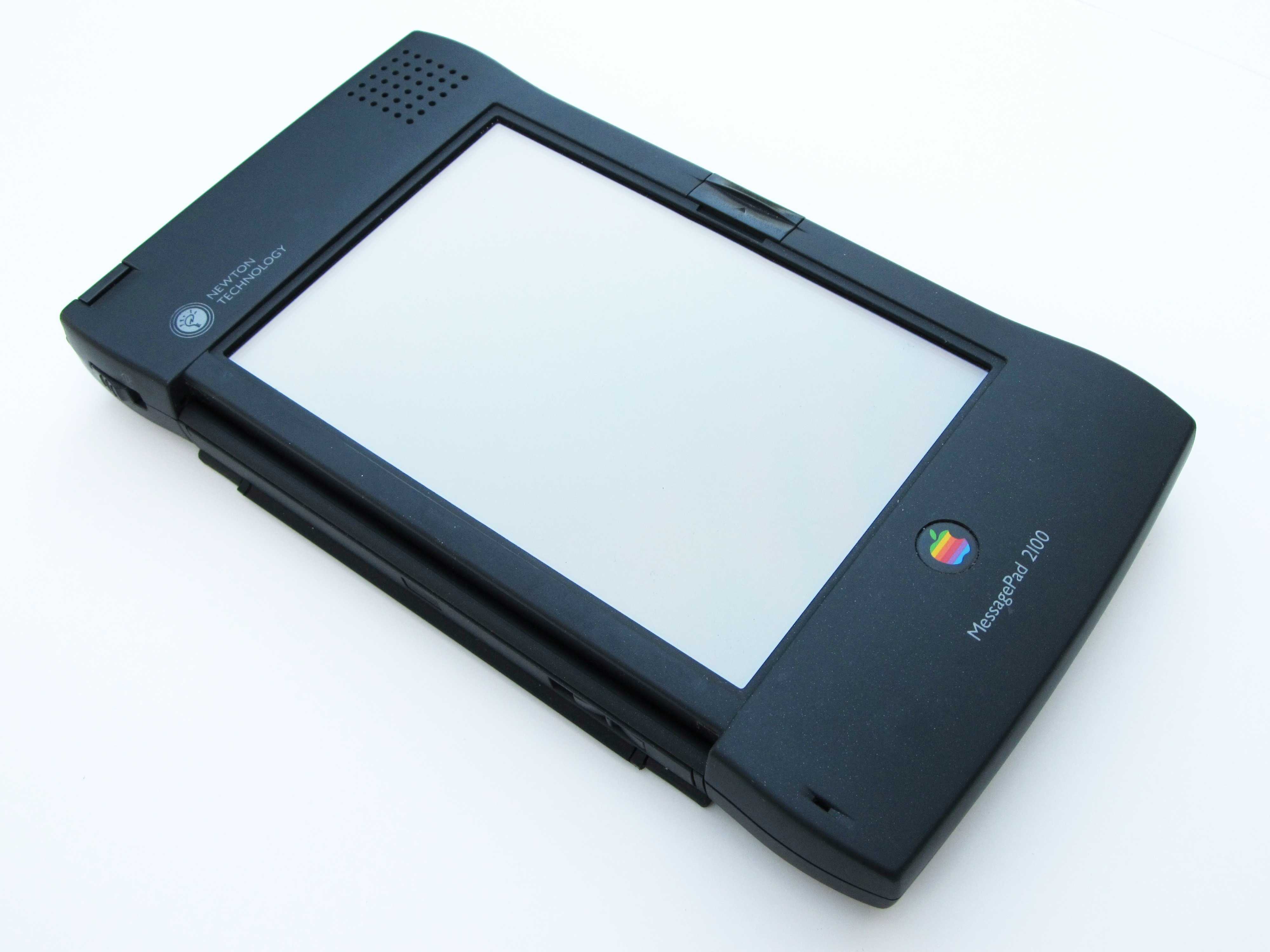
 March 10, 2004: Apple sends out a survey to select Apple customers, claiming that it is considering relaunching the Newton MessagePad.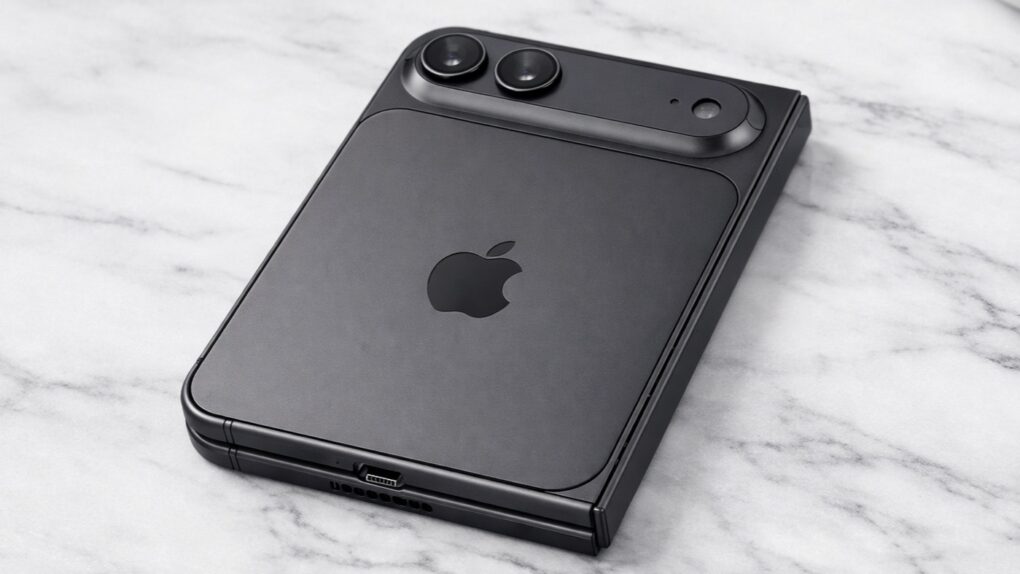
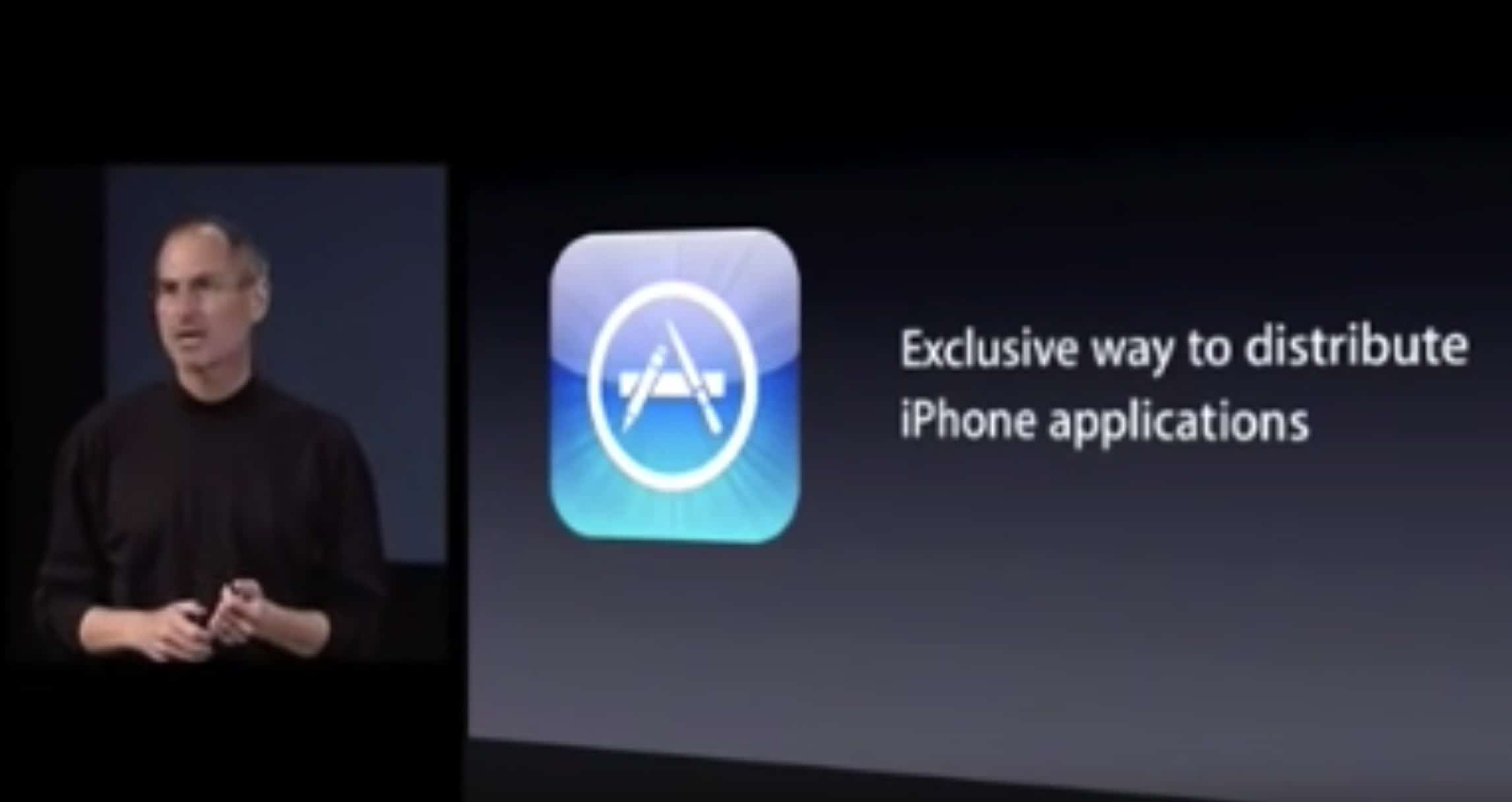
 March 6, 2008: Apple releases the iPhone software development kit, finally allowing coders to start creating native mobile apps for the new smartphone. The iPhone SDK gives developers the tools they need to unlock the new smartphone’s potential.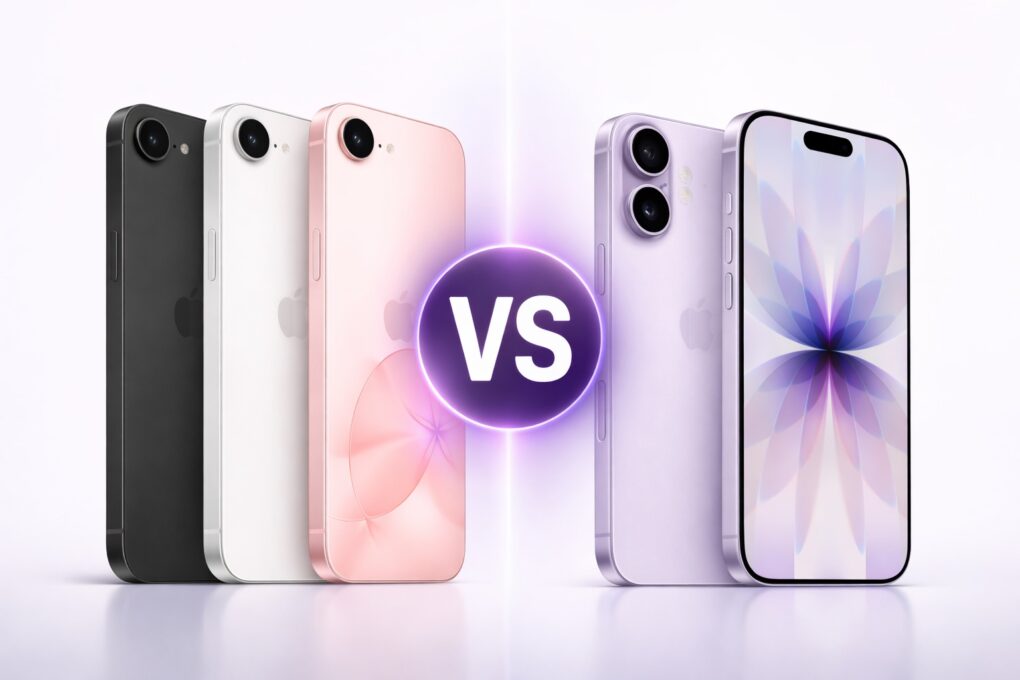

 February 21, 2007: Apple comes to an agreement with Cisco over the iPhone trademark, which Cisco legally owns but Apple wants to use.