Developers no longer need approval to increase iPhone subscription prices. Photo: Jim Merithew/Cult of Mac
Pay attention to renewal notices for App Store subscriptions because these are the only notification you’ll receive that the cost is going up. Developers are now allowed to increase iPhone app subscription prices without users having to opt in.
There are limits on how much the fees can go up, though.
Apple moved back the deadline for devs to update their 'outdated' App Store applications. Photo: Apple
Apple still intends to remove iPhone applications it considers outdated from the App Store, but has given developers more time to update their software. The deadline has changed from 30 days to up to 90 days.
And Apple says it focuses the App Store Improvements process on applications that are hardly ever downloaded.
Apple is warning developers of "outdated" applications that they'll soon be removed from the App Store. Photo: Ed Hardy/Cult of Mac
Numerous developers report that their applications that aren’t being actively updated will soon be kicked out of the App Store. This is apparently part of an ongoing effort by Apple to remove “outdated” software from the store.
Devs must submit new versions of their applications to stay in the store, which means they’ll have to comply with newer Apple policies.
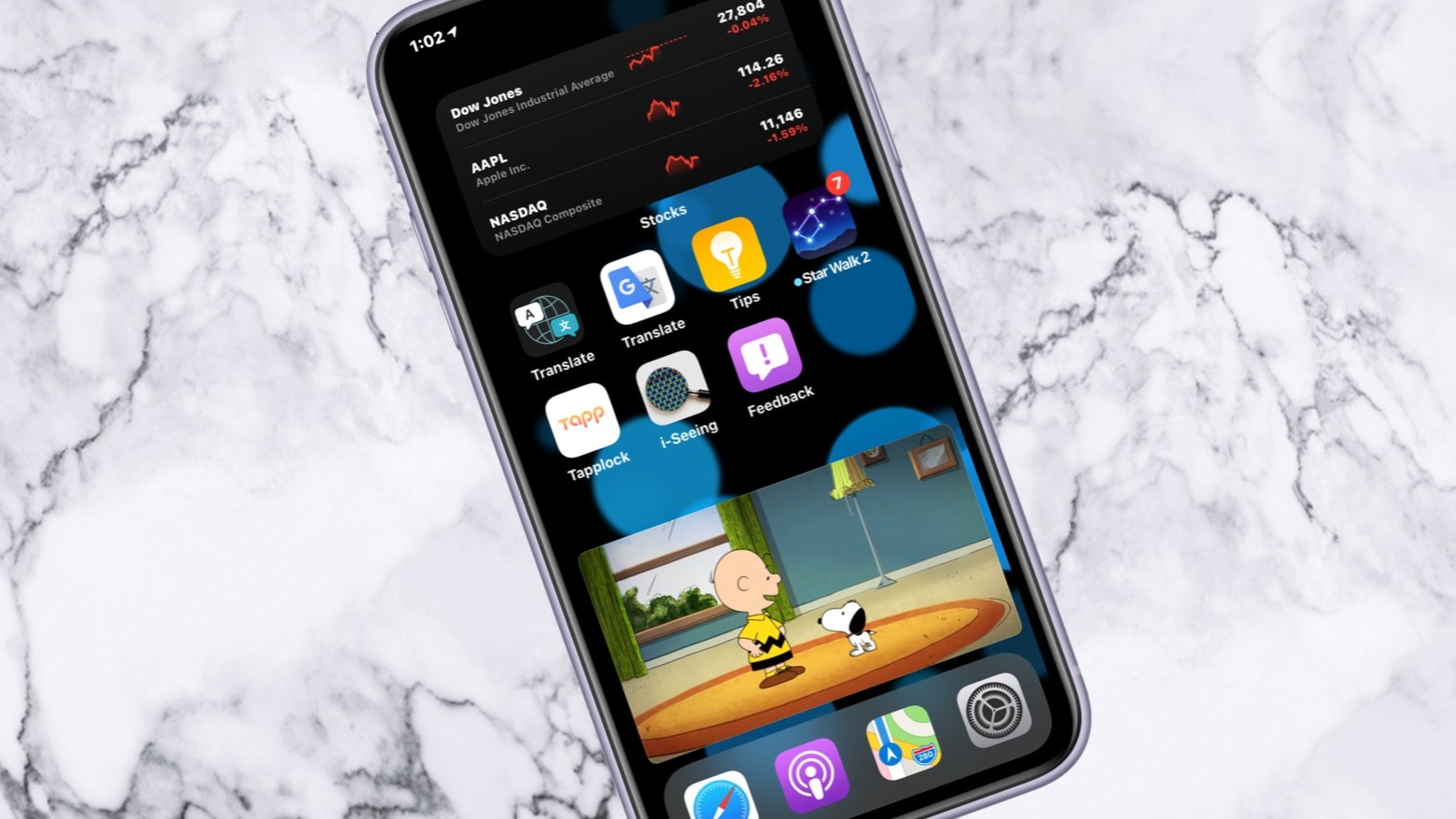
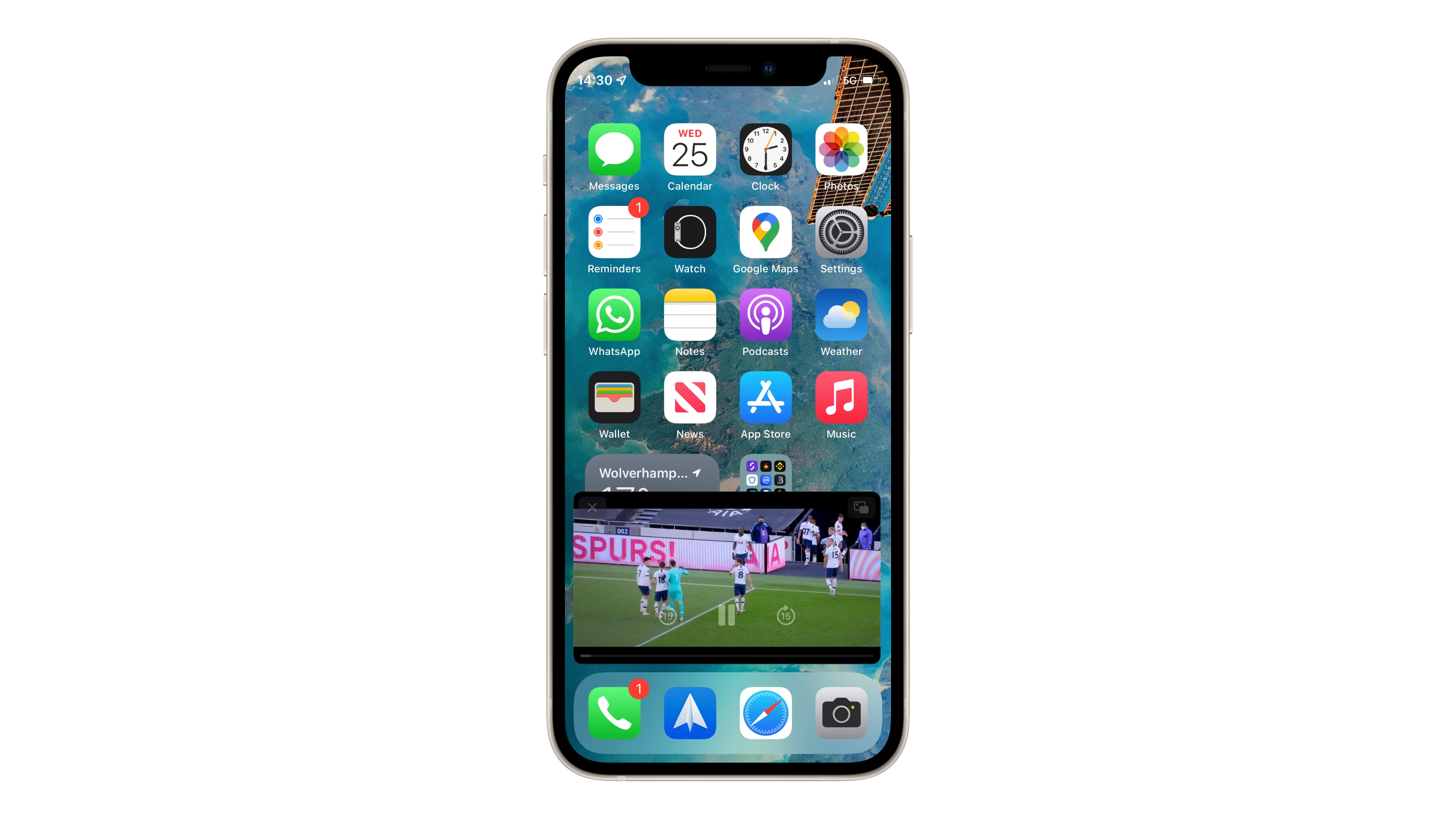
Watching a YouTube video in Picture in Picture is back! Photo: Ed Hardy/Cult of Mac
YouTube said Sunday that it is rolling out picture-in-picture support for all users of its iOS app. Then it walked the announcement back on Monday. A mixup by a support person is the problem.
The convenient feature has been in beta testing for many months, and some people say they’ve begun getting access to the non-beta version several days ago. But not according to YouTube.
A study commissioned by Apple indicates that third-party iPhone apps are often more popular than Apple’s own. Photo: Ed Hardy/Cult of Mac
Plenty of third-party iPhone applications outperform Apple’s own on the App Store. That’s the conclusion of a report commissioned by Apple itself. The iPhone-maker’s offerings don’t even come in second place in categories like music streaming, navigation and instant messaging.
This might sound embarrassing for Apple, but the company has a reason to tout the strength of rival software.
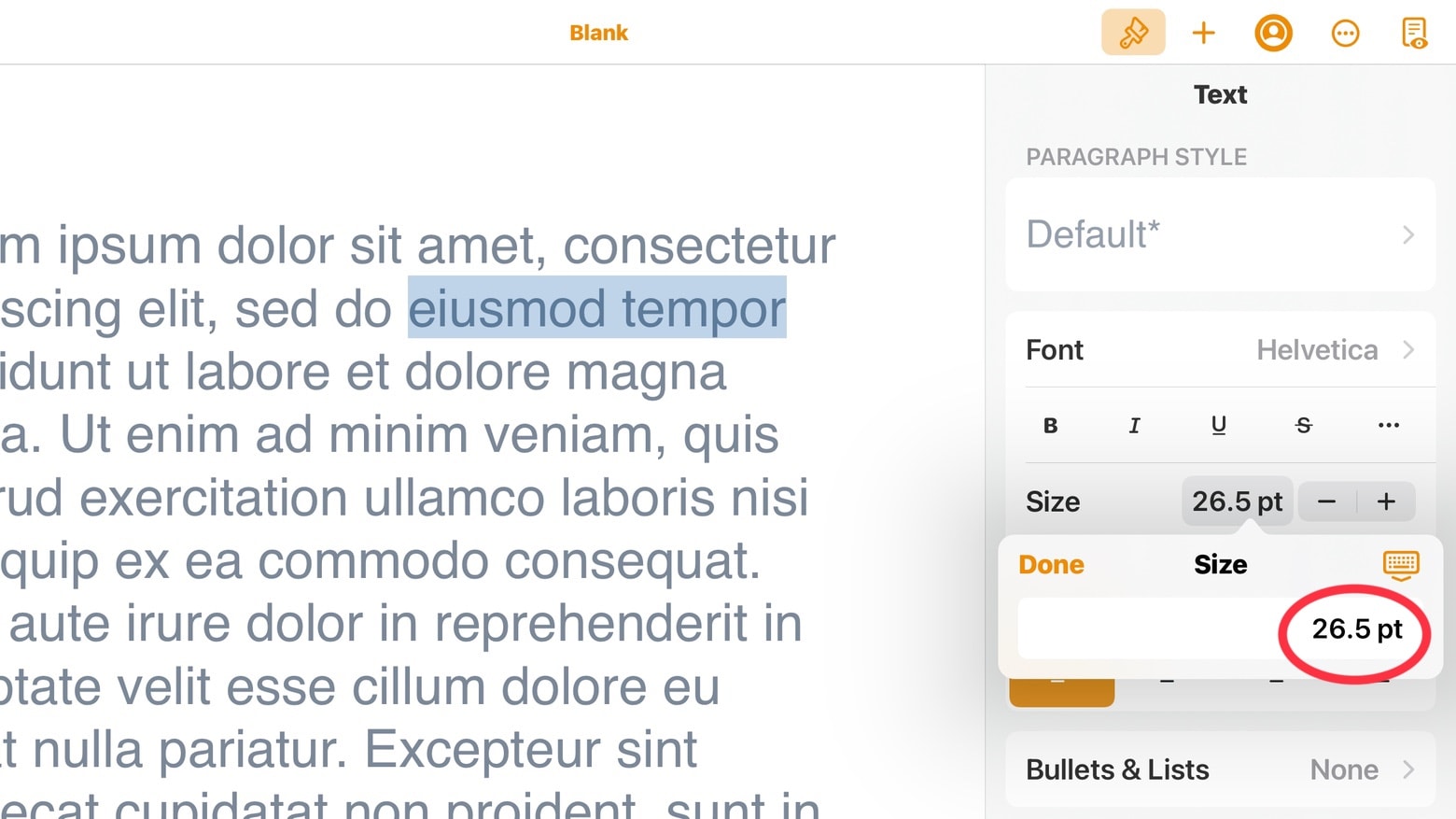
All the iWork 12.0 applications for iPad and iPad let users edit font sizes more precisely. Screenshot: Ed Hardy/Cult of Mac
The just-released Pages 12.0, Numbers 12.0 and Keynote 12.0 offer a variety of new features, including much finer control over font sizes in the iPad and iPhone versions.
And there are additional new features available in all versions of the iWork suite, including the one for Mac.
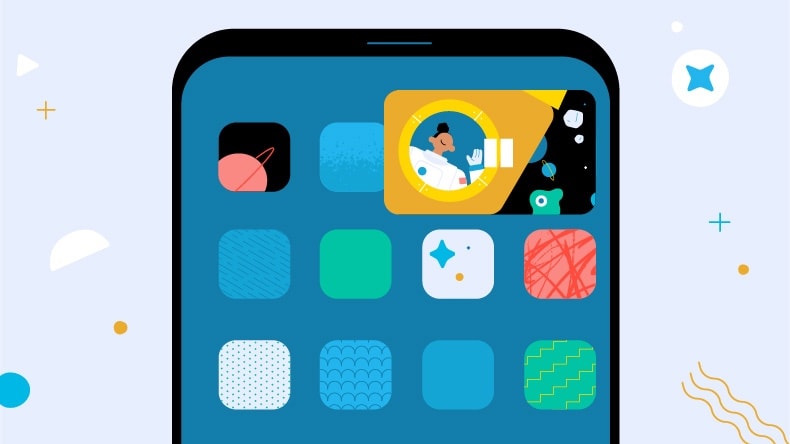
The long, long wait for YouTube picture-in-picture support for iPhone could be near its end. Graphic: YouTube
Looks like YouTube might have begun rolling out picture-in-picture support for all users of its iOS app. A Cult of Mac reader reports the feature started working on his iPhone on Wednesday, and he’s not a YouTube Premium subscriber.
Beta testing for the PiP feature is scheduled to end April 8, so it wouldn’t be surprising if the rollout had already begun.
A former employee downloaded reports after leaving Cash App parent company Block. Image: Block
Block, the parent company of Cash App, has confirmed that user accounts have been compromised by an internal data breach. It has 8.2 million current and former customers.
The incident, which involved a former employee who downloaded reports after leaving the company, was reported to the Securities and Exchange Commission (SEC) on April 4. Block said it has begun notifying Cash App users.
Enjoy Hulu content with your friends, wherever they may be. Image: Hulu/Cult of Mac
Hulu today joined the list of third-party video streaming services that offer SharePlay support on iPhone and iPad.
Its latest app update gives viewers the ability to enjoy movies and TV shows with their friends over FaceTime while everyone stays in sync. It also adds the ability to easily switch between channels for Live TV users.
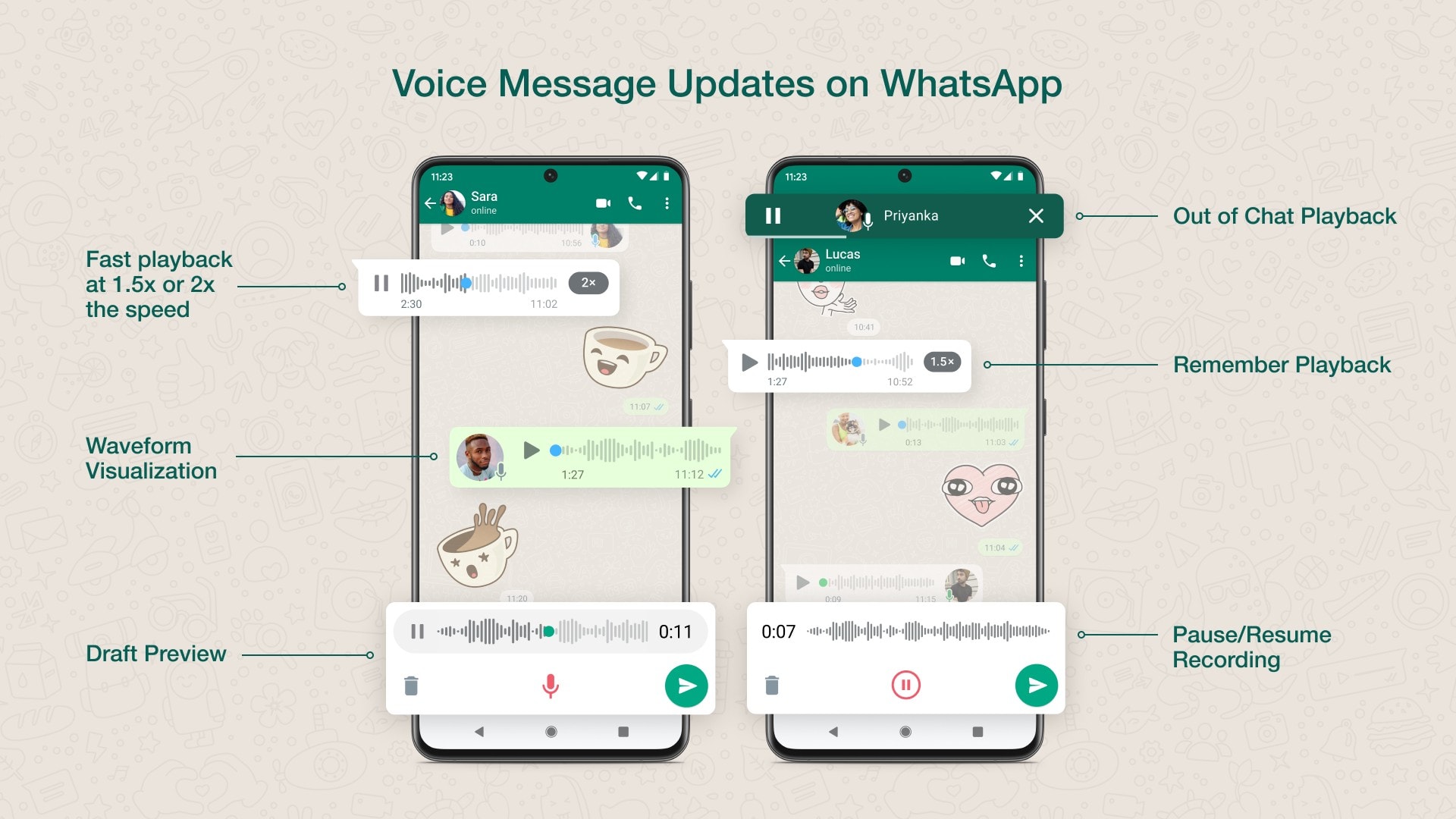
Faster playback, the ability to pause recordings, and more on the way. Image: WhatsApp
WhatsApp on Thursday revealed significant improvements to voice messaging across Android and iOS. The update adds the ability to change the speed of audio playback, pause and resume recording, and more.
It also allows voice message playback to continue when users back out of a conversation to catch up with another. Users can look forward to seeing the changes “in the coming weeks,” WhatsApp said.
Making a Gif with Twitter’s iPhone app is a snap. Photo: Cult of Mac
Twitter made creating a GIF as easy as posting an image. Using the iPhone camera, users can capture a short video in the social-networking service’s app that is automatically converted into a GIF.
Here’s how to make your own GIFs with the Twitter app. It’s easy and fun.
It’s a whole new world… of violence. Photo: Disney
Disney is taking many of its classic characters in a darker direction with Disney Mirrorverse, an RPG for mobile devices. Alternate-reality versions of these screen icons will have to team up face a “dark, unrelenting threat.”
Disney revealed Monday that the game will launch June 23. There’s also a trailer to whet players’ appetites.
VLC Media Player 3.3 has a re-written video playback interface. There are many other new features, too. Photo: VideoLAN/Cult of Mac
A new version of VLC Media Player for iPhone, iPad and Apple TV includes some much-requested features, including support for accessing files from connected drives as well as spatial audio with AirPods Pro and Max
This is a popular — and free — choice for playing video and audio, and updates are fairly rare. That said, VLC Media Player 3.3 appears to be worth the wait.
The long, long wait for YouTube picture-in-picture support for iPhone could be near its end. Graphic: YouTube
YouTube has once again pushed back the date when it will apparently follow through on its promise to allow all iPhone users to watch video from its application in a small window while another app is open. The feature is already available for YouTube Premium subscribers, but it in beta testing, and that is scheduled to end on April 8. So that’s that next date that picture-in-picture could become available for all iPhone users.
When it finally launches, PiP will make YouTube videos easier to enjoy because they’ll allow people to use their iPhone to multitask while also watching.
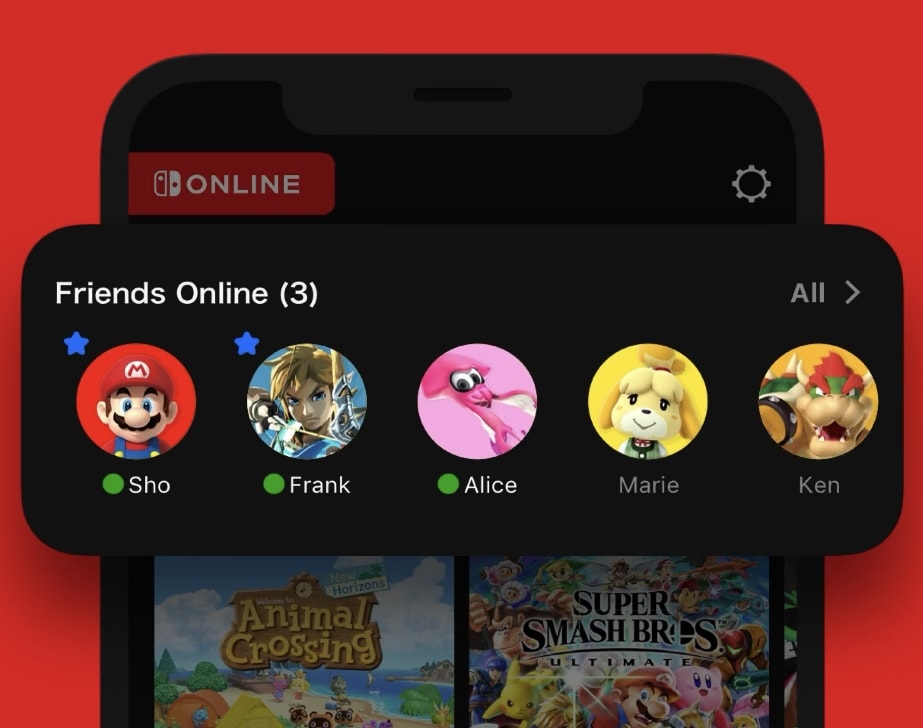
You can now see which of your friends are online. Image: Nintendo
Nintendo on Sunday rolled out a somewhat significant update to its Switch Online app that makes it a lot less rubbish than it was before. The version 2.0.0 release brings a refreshed design and the ability to see which friends are online.
Switch Online, which is required if you want to use voice chat inside some Nintendo Switch games, is still nowhere near as useful as its counterparts for PlayStation and Xbox. But it is at least better than it was.
A group of software engineers have joined forces to form the Open Web Advocacy (OWA), which will fight Apple’s “anti-competitive” web browser restrictions on iPhone and iPad.
The OWA says that Apple’s tight controls, which prevent third-party browsers from using their own engines on iOS, has stalled innovation for the past 10 years and “prevented web apps from taking off on mobile.”
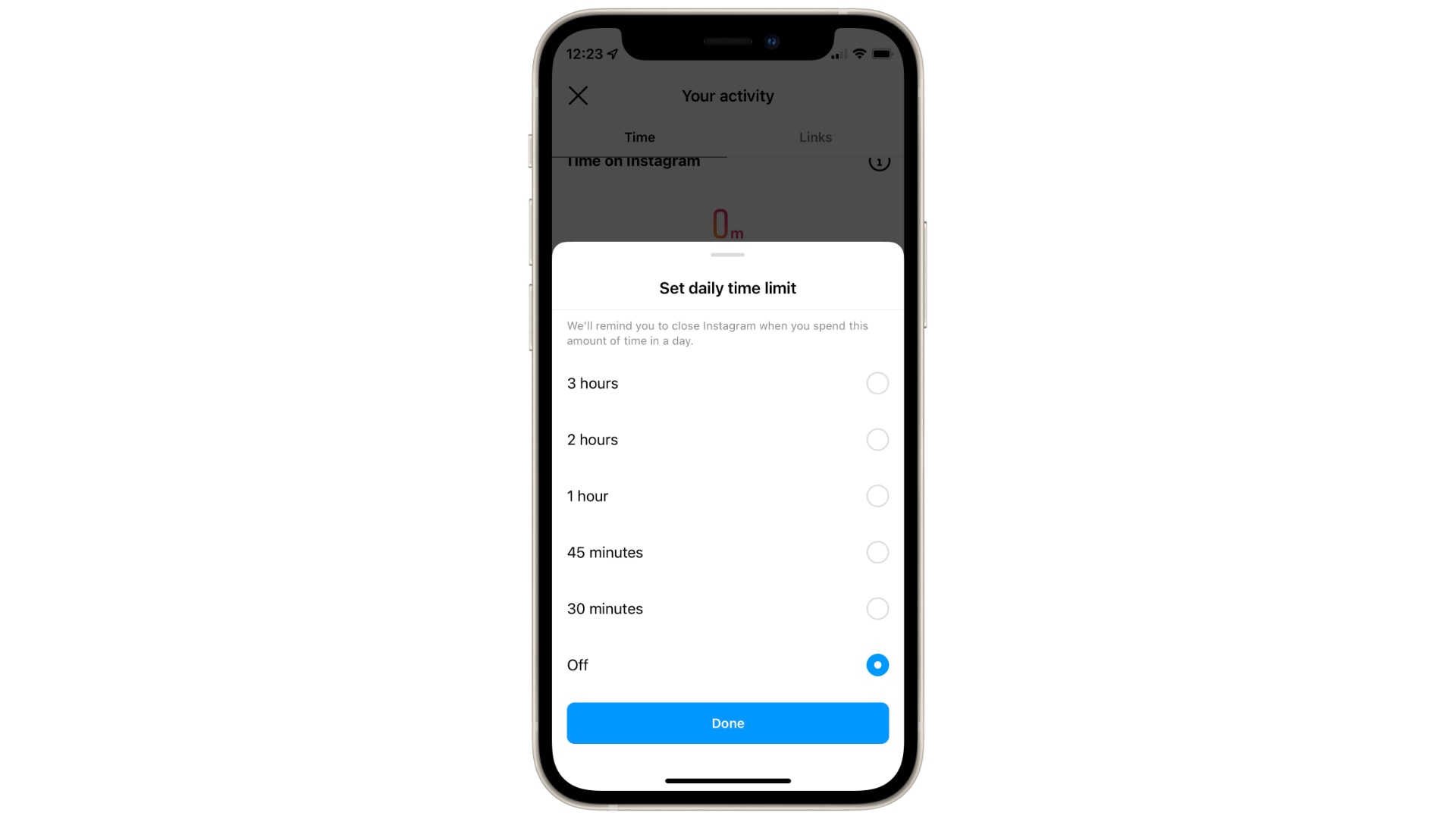
The 10-minute option is gone. Image: Killian Bell/Cult of Mac
Instagram addicts will have to rely on self control if they want to keep their browsing time to under 30 minutes a day after the photo sharing platform quietly made its usage limits less limiting.
It was previously possible to restrict yourself to just 10 minutes of Instagram per day within the iPhone app. Now 30 minutes is the smallest time limit.
WhatsApp for iPhone just got a big improvement to voice messaging that means you no longer have to put other replies on hold. The app now continues to play a voice message you’ve already started even if you jump into another chat.
It’s part of a bunch of improvements WhatsApp plans for audio notes, which also include the ability to replay a message you’ve recorded before sending it.
YouTube has again extended its Picture in Picture test on iPhone and iPad. The test was originally supposed to end last October, but after multiple extensions, it is now scheduled to conclude on March 14.
It means you still cannot enjoy the feature without a YouTube Premium subscription.
YouTube TV is finally giving users the ability to use Picture in Picture on iPhone and iPad. The feature, which has long been available inside YouTube TV on Android, will roll out “hopefully in the next few months.”
And that’s not all users can look forward to. YouTube chief product officer Neal Mohan this week also promised expanded surround sound support.
It looks like users will have six emoji to choose from. Image: Killian Bell/Cult of Mac
WhatsApp is readying message reactions on iOS and Android that will roll out in a future app update. Screenshots of the feature have appeared ahead of its release, showing the ability to react to messages with select emoji.
It’s much like the message reactions feature already available to iPhone users inside iMessage. WhatsApp seems to be following Apple’s lead by only making certain emoji available, rather than allowing all of them, like Instagram.
Devs can now hide apps that aren't for general distribution. Image: Apple
Apple has confirmed that developers can now release unlisted apps on iPhone, iPad and Mac that cannot be found without a direct link.
Unlisted apps — which do not appear in App Store search results, categories, recommendations, or other listings — will developers to distribute their titles to limited audiences, such as employees and students.
The problem first surfaced late last year, soon after iOS 15 made its debut, and sporadically prevented many apps from syncing data through iCloud — much to the frustration of users and developers. But it is said to be eliminated now.
A growing number of developers report persistent CloudKit connectivity issues that break iCloud syncing inside their apps.
It seems the problem has been ongoing since at least November. Many developers say they reported the situation to Apple but have yet to see improvements — or even a response in some cases.