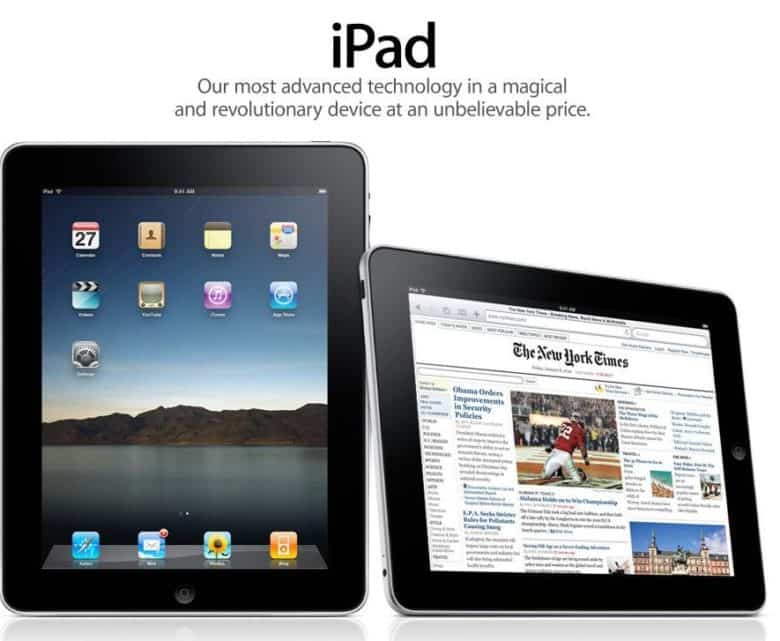
Would an iPad by any other name smell as sweet? Photo: Apple
March 26, 2010: Apple pays up to settle a trademark dispute with Japanese multinational Fujitsu over the name “iPad” in the United States.
It comes two months after Apple CEO Steve Jobs first showed off the iPad, and around a week before the tablet will land in stores. As it happens, it’s not the first time Apple battled over the name for one of its new products.
John Ternus has a vision for the future of the iPad. Screenshot: Apple
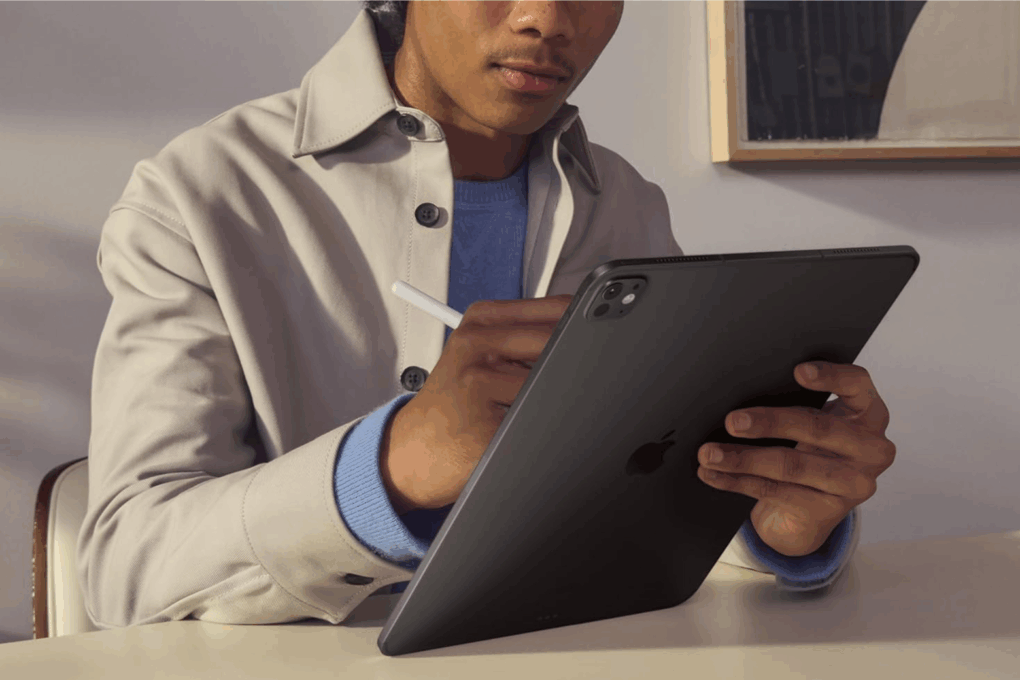
iPad aficionados should be excited that John Ternus could someday take over as Apple CEO. As the head of hardware engineering, he’s been a sort of cheerleader for Apple’s tablet, including urging the company to develop new capabilities that push the iPad beyond being just a big iPhone.
If Ternus becomes Apple CEO — he’s apparently the frontrunner for the position — he’d have the authority to ensure the iPad fulfills its enormous potential.
Grab a grade-A refurb iPad for less. Photo: Cult of Mac Deals
Want an iPad for less? This near-mint refurbished iPad 10 from 2022 packs a gorgeous 10.9-inch Liquid Retina display and delivers all-day battery life — for just $239.99.
The iPad 3's Retina display was one gorgeous screen. Photo: Apple
March 16, 2012: Apple introduces the third-generation iPad, its first tablet to come with a Retina display. Marketed as simply “the new iPad,” it’s widely known as the “iPad 3.”
“The new iPad redefines the category Apple created less than two years ago, delivering the most amazing experience people have ever had with technology,” says Philip Schiller, Apple’s senior vice president of worldwide marketing, in a press release. “The new iPad now has the highest resolution display ever seen on a mobile device with 3.1 million pixels, delivering razor sharp text and unbelievable detail in photos and videos.”
Boasting that beautiful screen and Apple’s then-swanky A5X chip with a quad-core graphics processor, the third-gen iPad quickly becomes a big success. Disappointingly for customers, it will only hang around until October 2012. That’s the shortest lifespan of any iOS product in history, at just seven months.
★★★★☆
With a 2-inch bump in screen size that looks and feels like more, this is a nice upgrade for me. Photo: David Snow/Cult of Mac
The 11-inch Apple M1 iPad Air (5th generation) I used for the past few years was a great device — fast, light, capable and well-integrated into the Apple ecosystem. Yet after just a couple days with the 13-inch iPad Air powered by Apple’s M4 chip, I can say this trade-in for an upgrade isn’t just incremental. It’s the kind of shift that quietly changes the way I use a device.
The iPad 2 took a leap forward in every way except pricing. Photo: Apple
March 11, 2011: How do you follow up your biggest product debut ever? That’s the question Apple needs to answer as the iPad 2 launch date arrives.
Apple’s second-generation tablet boasts a faster dual-core A5 processor inside a lighter build. It’s also the first iPad to feature VGA front-facing and 720p rear-facing cameras.
The Apple HomePad smart home hub might look something like this concept image. AI image: Google Gemini
Apple once again delayed its long-awaited smart home hub with a display — casually known as the “HomePad” — until around September as the company continues struggling to get its revamped Siri voice assistant ready for prime time, according to a report Monday.
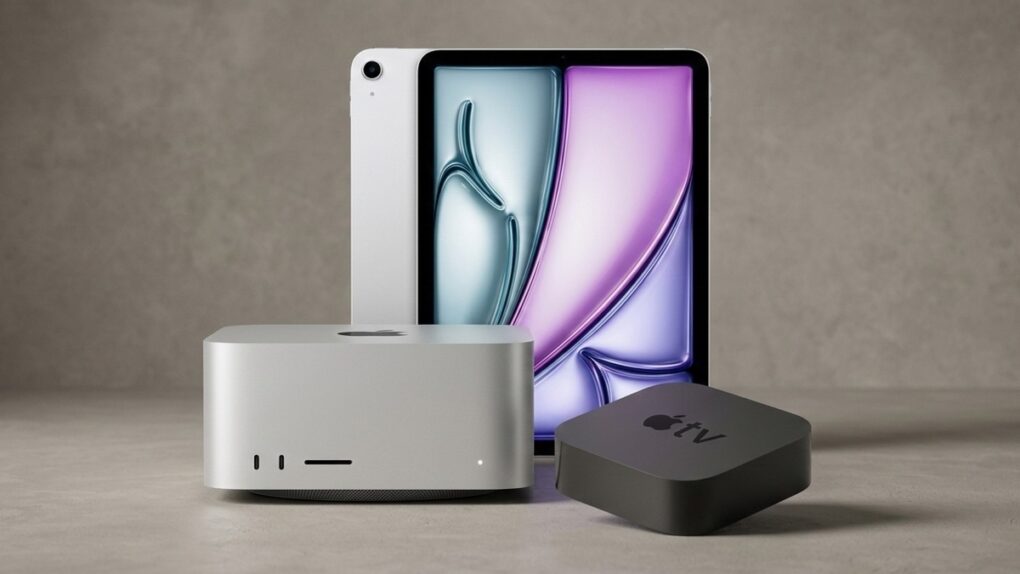
There are still great products coming from Apple this spring. AI image: Apple/Gemini/Cult of Mac
Apple released no fewer than seven products last week, including the MacBook Neo, the M5 MacBook Air, the iPhone 17e and much more. But there are still three more products likely to be coming out of Cupertino this spring — and one of them is among Apple’s most popular offerings.
Here’s what new Apple products we can look forward to in the next few months across multiple categories.
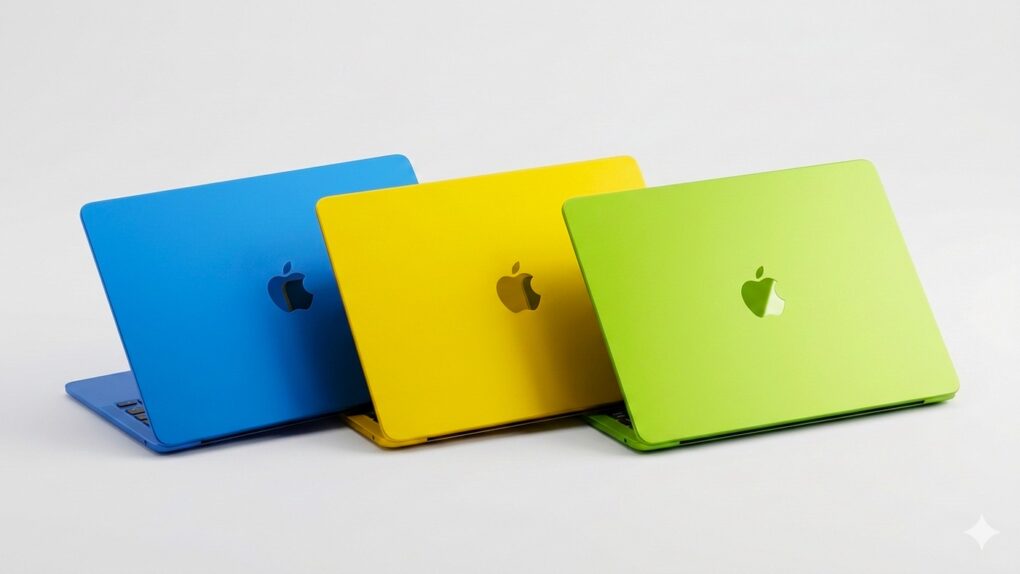
The colorful budget MacBook could be the star of Apple's March product announcements. AI image: Gemini/Cult of Mac
Apple CEO Tim Cook confirmed Thursday what had previously been rumored: The company will launch new products starting Monday, March 2.
The graphic he posted on X hints at the new MacBooks that are expected to be among the announcements. Beyond notebooks, the iPhone 17e, revamped iPads and possibly more could all be unveiled in just a few days.
An Apple March event is officially on! Image: Apple
Apple on Monday announced a product-launch event scheduled for March 4, inviting select media to attend in person what it describes as a “special Apple Experience.” The invitation offers no details on what to expect, but the company is surely preparing to unveil new hardware as it pushes into the heart of its spring product cycle.
Numerous leaks and rumors point to a busy event. A new MacBook Pro, a new MacBook Air, an entirely new low-cost MacBook, the iPhone 17e, revamped iPads and possibly more could all be on the agenda.
Bill Gates definitely doesn't wish Microsoft invented the iPad. Photo: Fox News
February 11, 2010: With iPad excitement reaching a fever pitch, Microsoft co-founder Bill Gates wades in with his opinion of Apple’s tablet. His view? Apple’s upcoming device is kinda meh.
“There’s nothing on the iPad I look at and say, ‘Oh, I wish Microsoft had done it,'” Gates tells one interviewer.
Your sweetheart should be very happy with any of these picks. AI image: ChatGPT/Cult of Mac
“Love is a many-splendored thing,” goes the old saying — like a multifaceted, intricately cut diamond. Fortunately, your valentine probably doesn’t expect a diamond for a gift on February 14 (hopefully, for the sake of your wallet). But you can still spend loads of cash on Apple’s picks for Valentine’s Day gifts. We selected a bunch below.
Steve Jobs did not like losing control of the iPad narrative. Photo: Apple
February 8, 2010: Apple CEO Steve Jobs reportedly flips out over a tweet sent from an iPad by an editor at The Wall Street Journal.
The reason? Apple showed the iPad to top staffers at the news outlet months ahead of its official release. While Jobs already unveiled the device to the public a couple of weeks before, the suggestion that people outside Apple gained early access to the tablet apparently upset him.
iPad rules the global tablet market. Image: ChatGPT/Cult of Mac
iPad shipments worldwide shot up a whopping 16.5% in the last quarter of 2025, according to a market analysis firm. Apple set a new record — it shipped more tablets in Q4 than in any previous quarter.
Not only does iPad outsell every other competitor, but Apple’s tablet also beat its top four rivals’ combined shipments last quarter.
You'll need to turn on Developer Mode to put your own apps on your iPhone. Image: D. Griffin Jones/Cult of Mac
Developer Mode lets you run unsigned code on your iPhone or iPad. Enable it, and you can download and run apps that are not from the App Store (or alternative app marketplaces) or in TestFlight, Apple’s tool that lets developers invite users to beta-test new apps.
If you want to write your own apps in Xcode, you will need to enable Developer Mode on your iPhone or iPad before running your app.
Developer Mode is also essential if you want to sideload apps onto your device from a Mac, using an app like Sideloadly. This could include apps that aren’t allowed on the App Store (such as porn app Hot Tub) or apps that are no longer available from their original developers, like Apollo (the now-shuttered Reddit client). For sideloading to work, you will need to turn on Developer Mode.
Read on to see how to enable Developer Mode on your iPhone or iPad, as well as the potential security implications.
Jay-Z didn't get one of these in his gift bag. Photo: CBS
February 1, 2010: The tech-loving world goes into meltdown at the sight of comedian Stephen Colbert using a prerelease iPad to read nominations during the televised Grammy Awards show.
“Jay-Z, did you not get one of these in your gift bag?” Colbert quips from the stage. “Am I cooler than you?”
The celebrity sneak peek is all part of Apple’s big (and wildly successful) plan to hype its upcoming tablet.
Apple's shocking numbers start with $143.8 billion in gross revenue. AI image: Midjourney/Cult of Mac
“I am proud to say that we just had a quarter for the record books,” Apple CEO Tim Cook said during Thursday’s earnings call, before rattling off numbers that surprised Wall Street analysts — in a good way.
The highly successful quarter was also one for the stat geeks. Apple racked up several all-time highs during the quarter (technically Apple’s Q1 2026). From overall revenue (a new all-time high!) to customer satisfaction ratings (through the roof!), the numbers Apple put up during the 2026 holiday quarter will blow your mind.
Get a refurb 2024 iPad Pro for a fraction of the original price. Photo: Cult of Mac Deals
If you want a screaming-fast iPad Pro with a gorgeous, 13-inch screen, consider this refurbished M4 model. Released in 2024, it delivers the goods when it comes to working (and playing) at home, in the office or on the go.
Plus, it’s on sale for just $899.99 — while our limited inventory lasts.
January 27, 2010: After months of rumors and speculation, Apple CEO Steve Jobs publicly shows off the iPad for the first time. Aside from the name, which some people joke sounds like a female sanitary product, the first-generation iPad immediately earns critical acclaim.
“The last time there was this much excitement over a tablet, it had some commandments written on it,” The Wall Street Journal quips.
It has magnetic wireless charging, USB-C and USB-A charging and AC outlet charging via good ol' plugs. Photo: Pisen
The new Pisen Qi2 8-in-1 140W Mega Charging Hub — just launched on Amazon — offers Apple users a comprehensive desktop charging solution that combines wireless charging for iPhone and Apple Watch with high-power wired charging for MacBooks and iPads, the company said Thursday.
It features not only a Qi2 MagSafe charging platform for recent iPhones, but a magnetic Apple Watch charger, USB ports and even power outlets for plugs. And you can get it not only in basic black, but in a surprising yellow!
As a condo owner, I don't need more than Anker Solix C800 Plus (now called X) to keep the place going in a power outage. Photo: David Snow/Cult of Mac
Whether you’re working remotely from a coffee shop, camping with your MacBook or preparing for the next power outage, the Anker Solix C800 X Portable Power Station delivers reliable backup power for all your Apple devices. And it’s currently available as a killer deal with savings of $250.
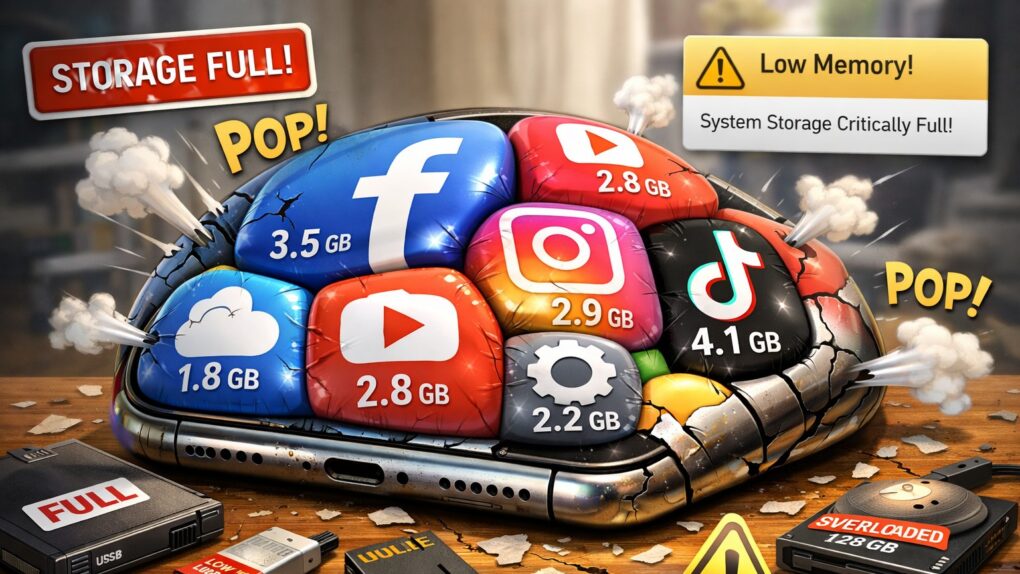
Does it seem like iOS apps keep getting bigger and heavier? It's not your imagination. AI image: ChatGPT/Cult of Mac
If you’ve noticed your iPhone storage filling up faster than it used to, you’re not imagining things. Modern iOS apps now routinely consume hundreds of megabytes, with some reaching multiple gigabytes in size. What’s behind this relentless growth? Why do iOS apps take so much space? And what can you do about it? Read on.
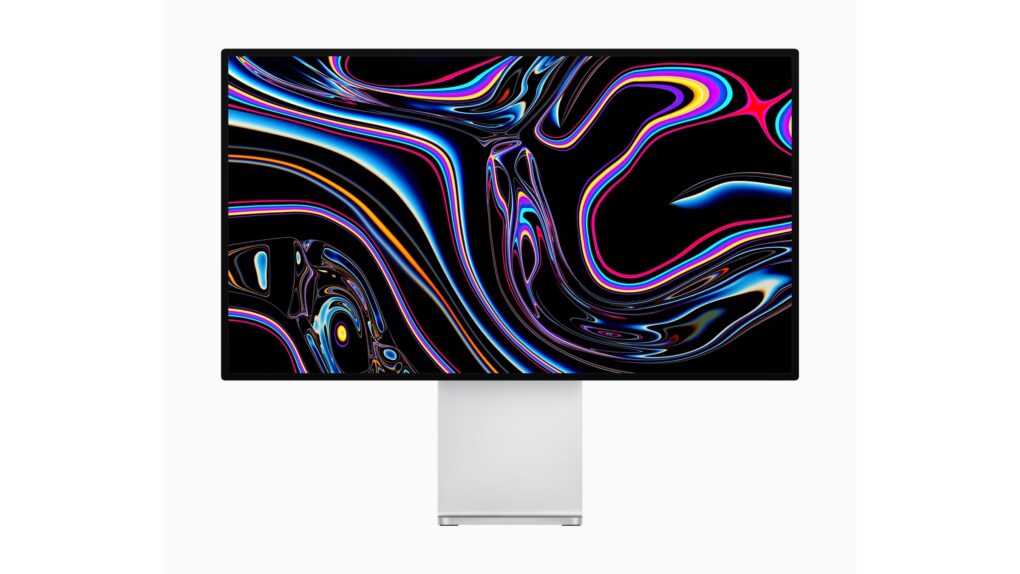
You don't see a deal on a Pro Display XDR every day. And that's just the marquee item in this big sale. Photo: Apple
A massive sale on Apple gear slashes the prices on everything from the high-end Pro Display XDR monitor to everyday necessities like charging cables.
The sale’s on now at Amazon-owned daily deals site Woot. And if you use the code APPLEFIVE at checkout, you’ll get an extra $5 off. (Limit one coupon per customer, valid through January 21, 2026, at 11:58 p.m. Central.)
That extra $5 discount doesn’t make much of a difference on large items like the aforementioned Pro Display XDR. But on things like Apple Watch chargers and Thunderbolt cables — already offered at steep discounts — it makes for a nice cherry on top of your savings.
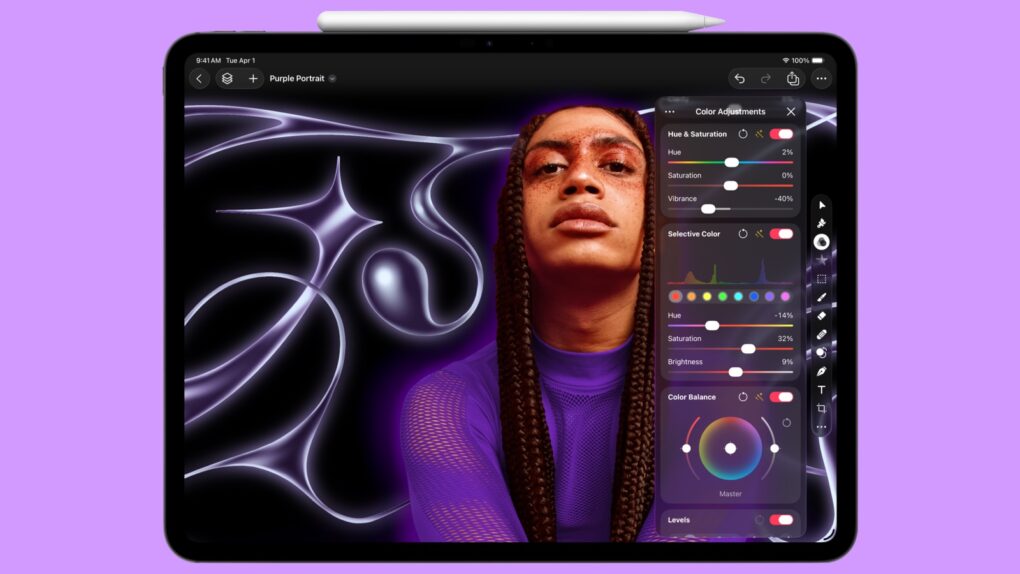
One of the best Mac image editing tools makes the jump to iPad. Photo: Apple
iPad users will soon have access to a version of the Pixelmator Pro image editing application that previously was a Mac exclusive.
Apple promised that the upcoming tablet version of the application will be a significant step up from the features available in the current basic Pixelmator app for iPad. Plus, it will improve on the Mac version thanks to support for Apple Pencil.
But there’s bad news for users of the current, basic Pixelmator version.
Take control of your notifications. Image: D. Griffin Jones/Cult of Mac
You can set up persistent notifications from specific apps so they stick to the top of your iPhone screen. With persistent notifications in iOS, when your phone is unlocked and an important alert comes in, the notification will stay visible at the top of the screen until you act upon it.
It’s an easy way to make sure you don’t miss (or forget about) critical notifications on your iPhone.
This proves super-handy for things like medication reminders. It also works wonders if you’re the sort of person who ignores notifications once they disappear from your iPhone screen. I’ll show you how to make your notifications sticky.
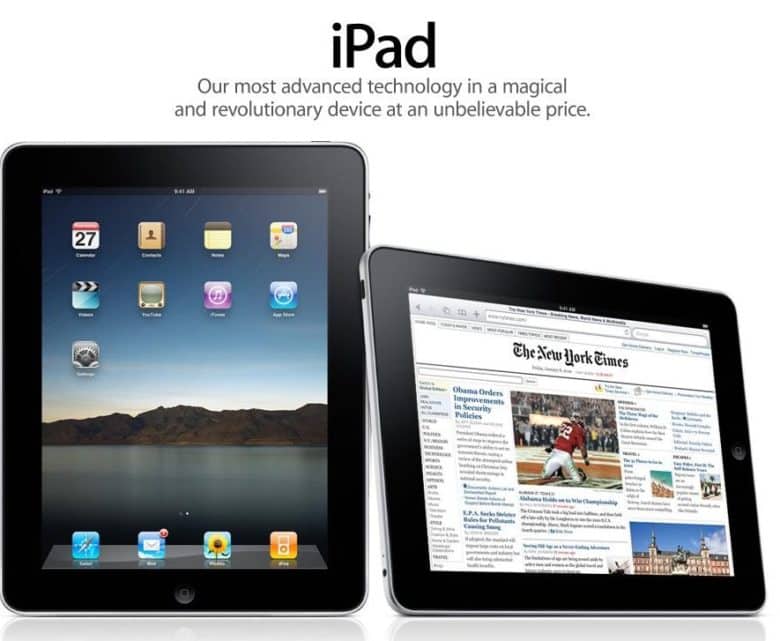
 March 26, 2010: Apple pays up to settle a trademark dispute with Japanese multinational Fujitsu over the name “iPad” in the United States.


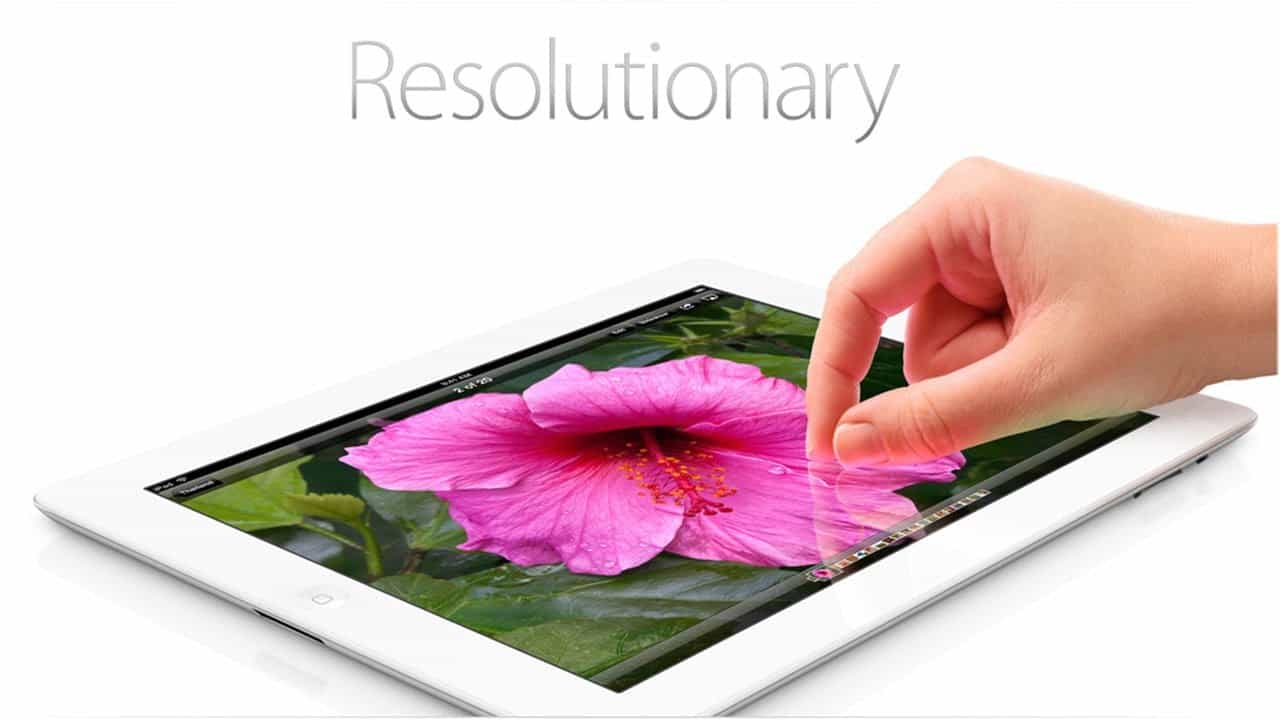
 March 16, 2012: Apple introduces the third-generation iPad, its first tablet to come with a Retina display. Marketed as simply “the new iPad,” it’s widely known as the “iPad 3.”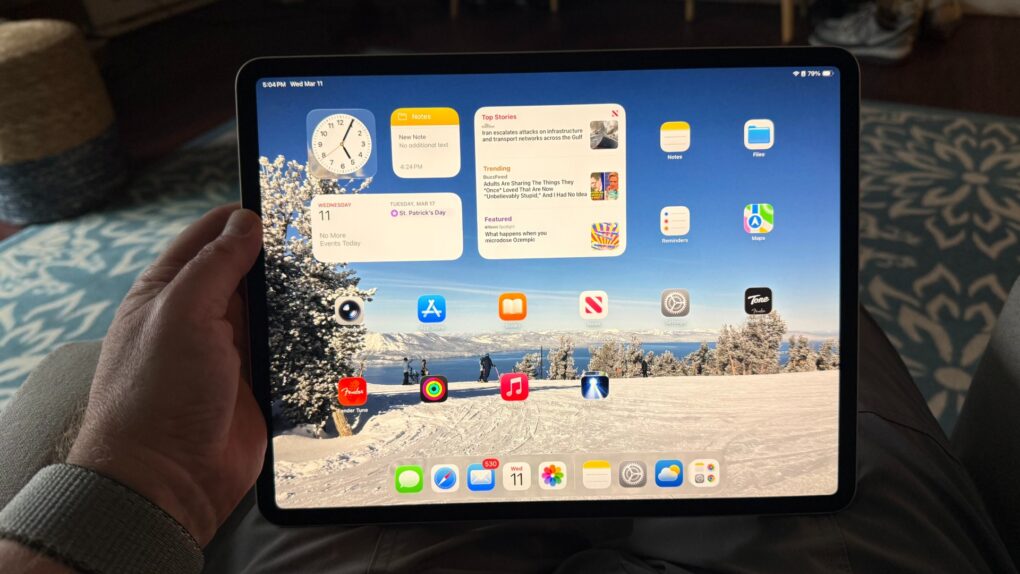
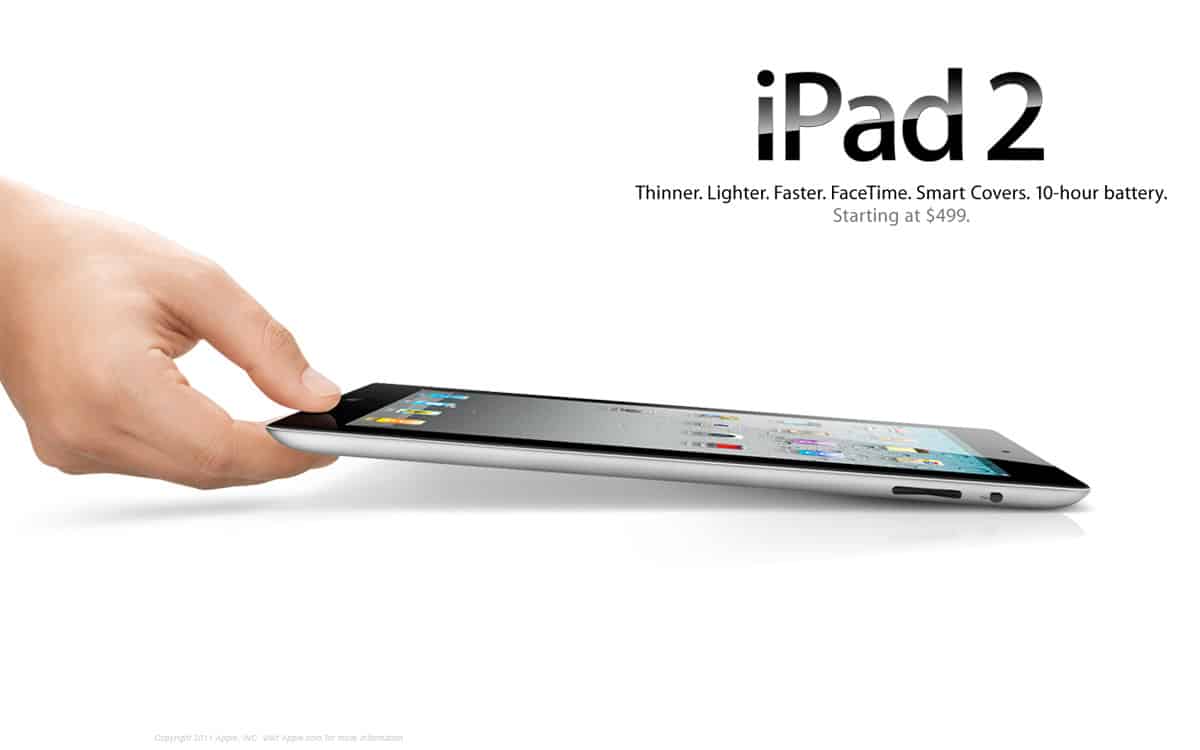
 March 11, 2011: How do you follow up your biggest product debut ever? That’s the question Apple needs to answer as the iPad 2 launch date arrives.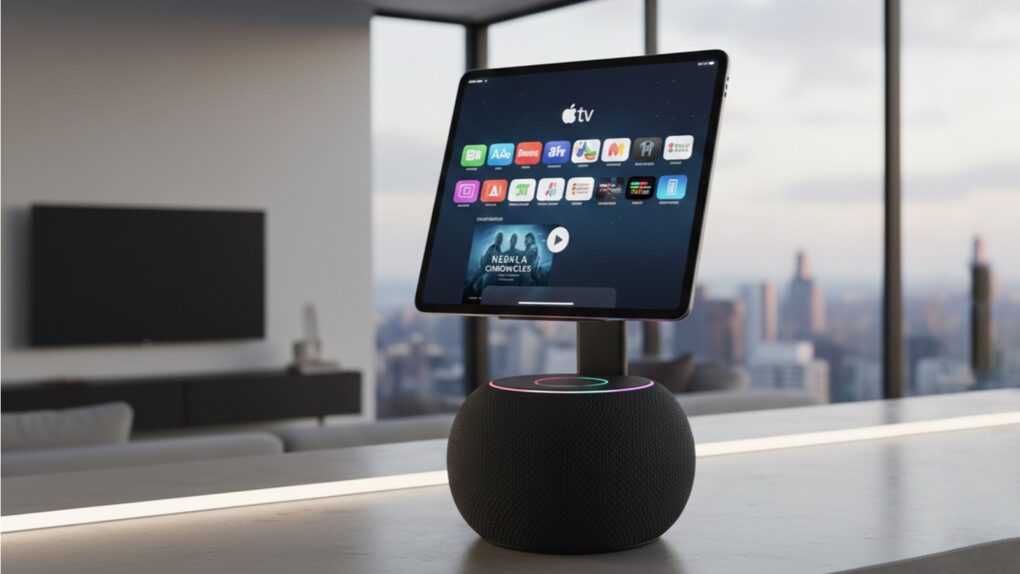

 February 11, 2010: With iPad excitement reaching a fever pitch, Microsoft co-founder Bill Gates wades in with his opinion of Apple’s tablet. His view? Apple’s upcoming device is kinda meh.
 February 8, 2010: Apple CEO Steve Jobs reportedly flips out over a tweet sent from an iPad by an editor at The Wall Street Journal.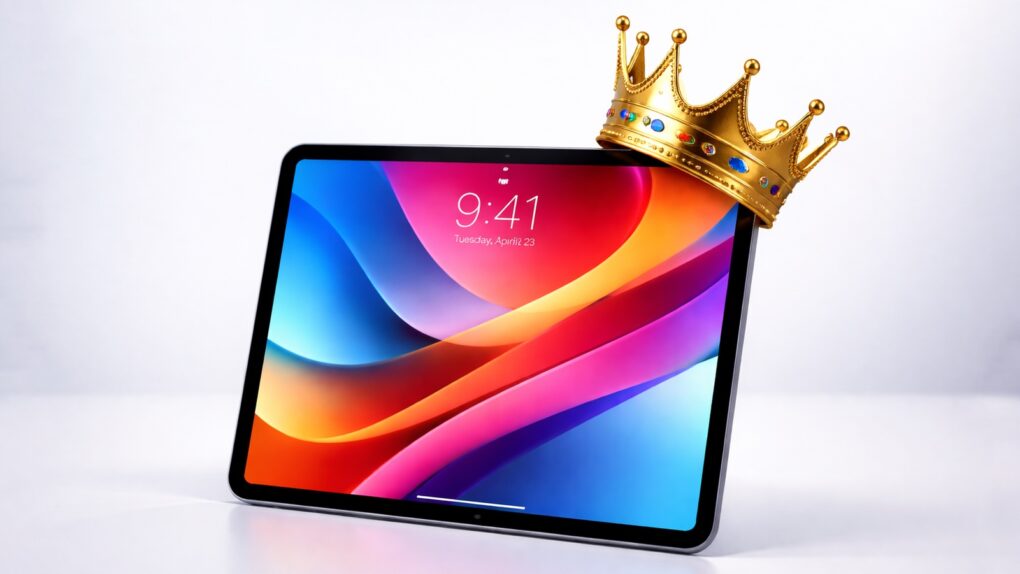


 February 1, 2010: The tech-loving world goes into meltdown at the sight of comedian Stephen Colbert using a prerelease iPad to read nominations during the televised Grammy Awards show.
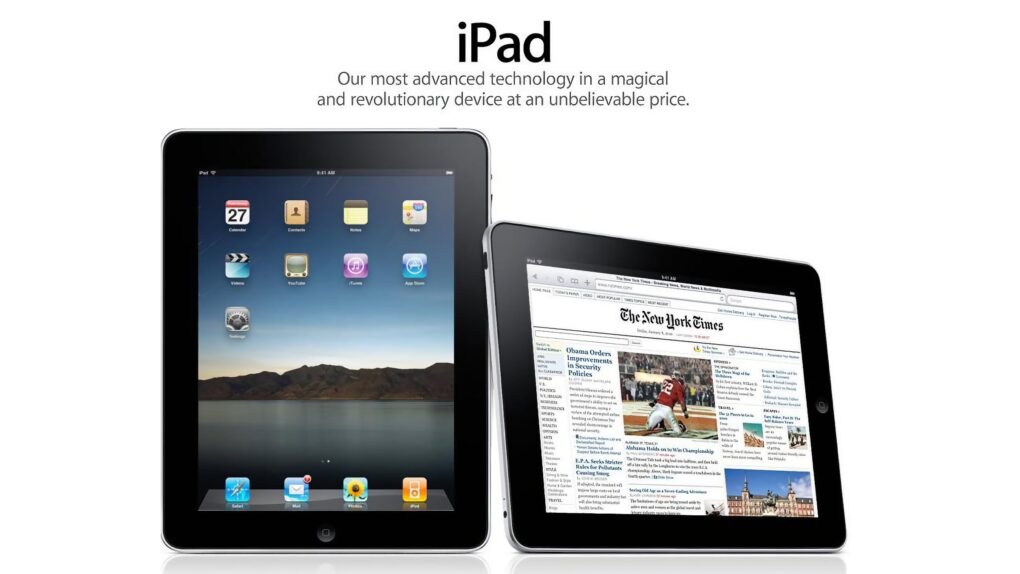
 January 27, 2010: After months of rumors and speculation, Apple CEO Steve Jobs publicly shows off the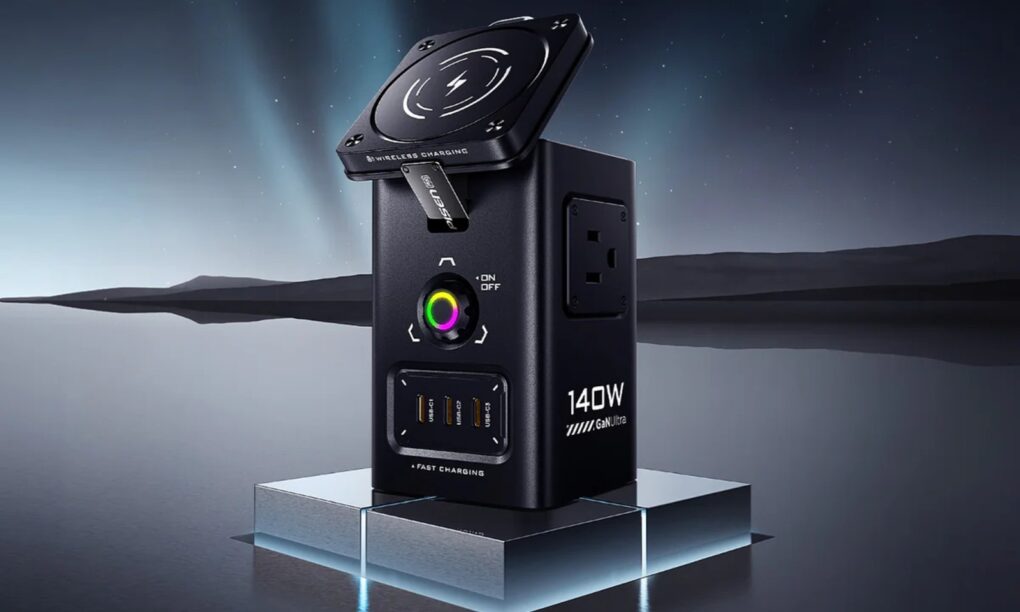

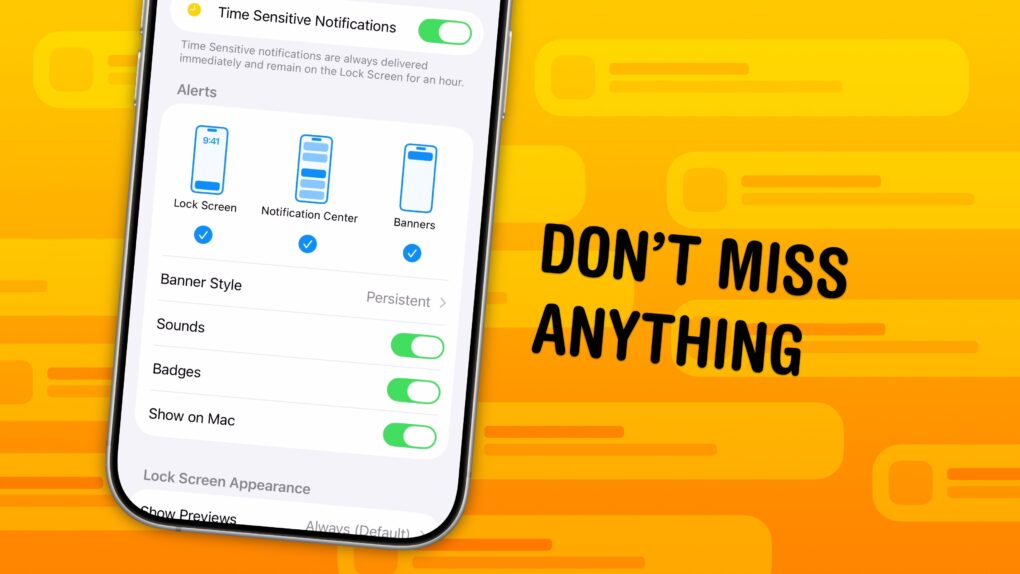
 You can set up persistent notifications from specific apps so they stick to the top of your iPhone screen. With persistent notifications in iOS, when your phone is unlocked and an important alert comes in, the notification will stay visible at the top of the screen until you act upon it.