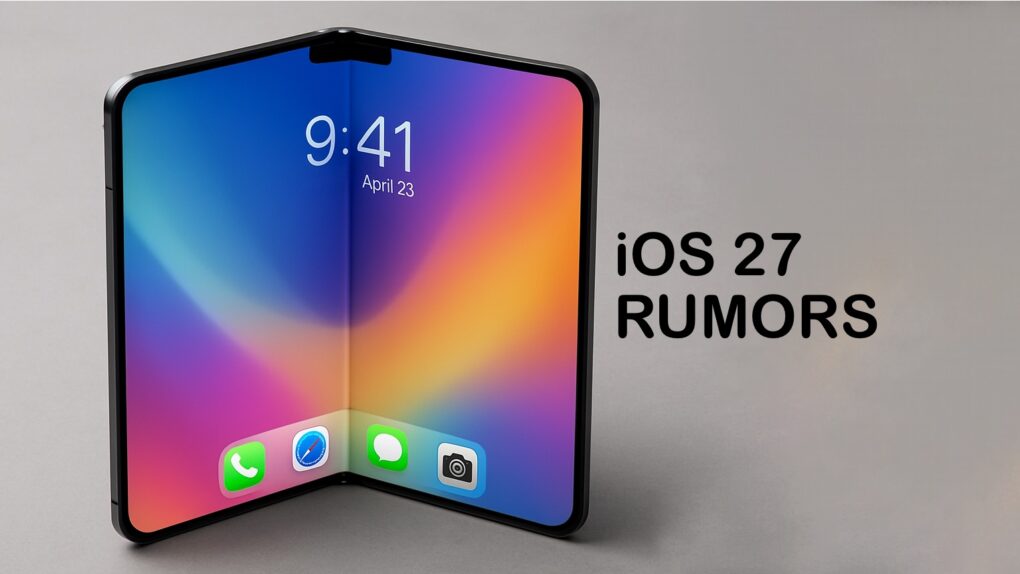
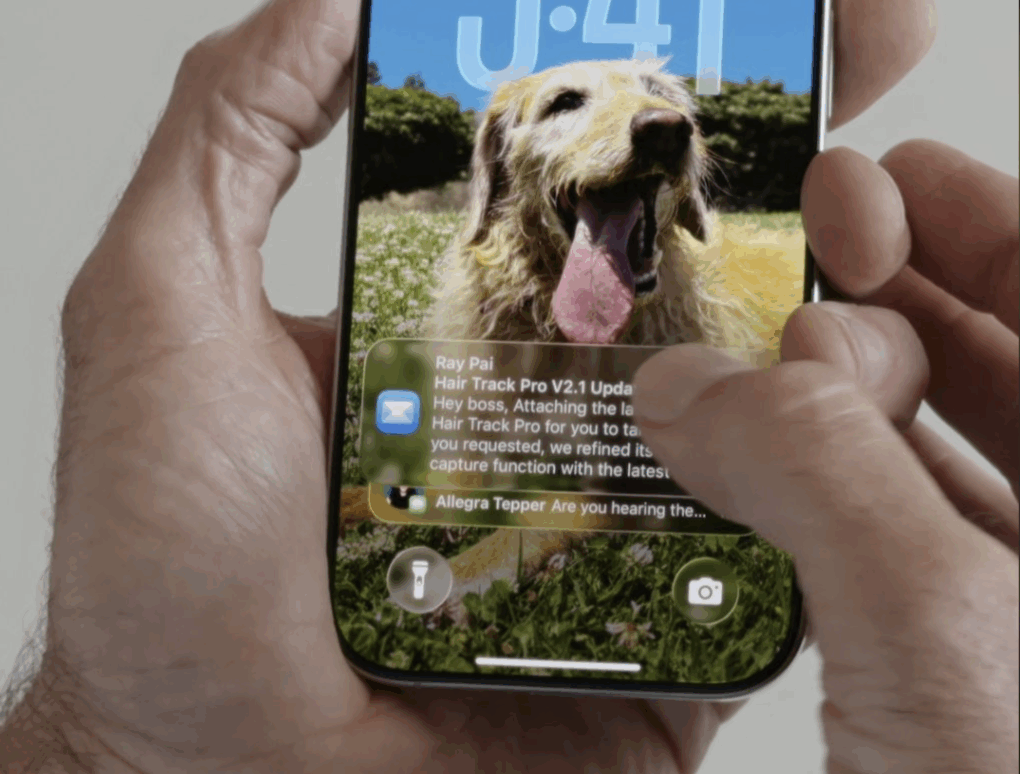
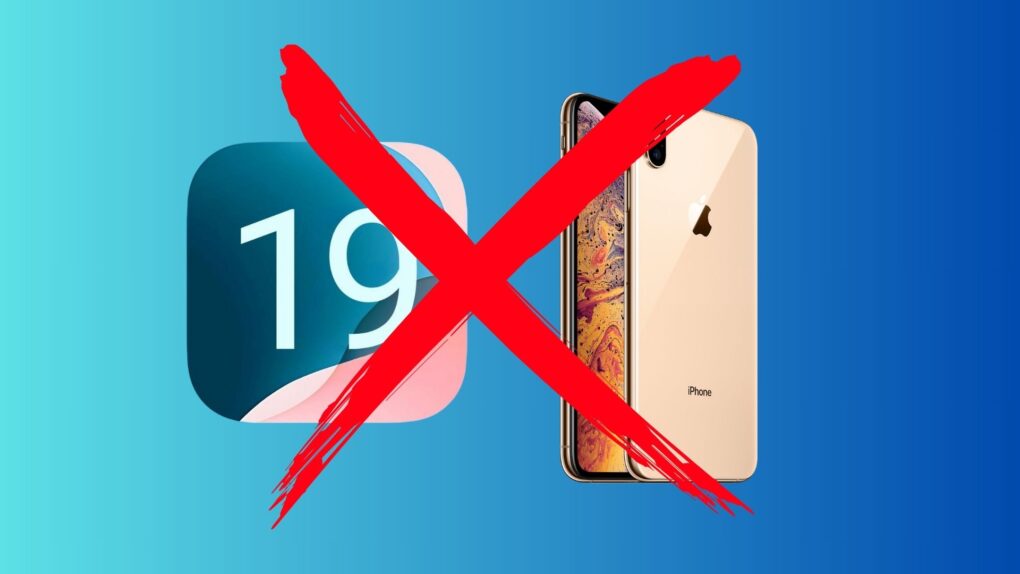
iOS 27 developers could put most of their attention on the folding iPhone. Image: ChatGPT/Cult of Mac
With a foldable iPhone widely rumored for 2026, the next version of iOS will concentrate on a user interface revamp needed for the new type of device, according to a noted tipster. iOS 27 will apparently need to handle two screens with different resolutions, for example.
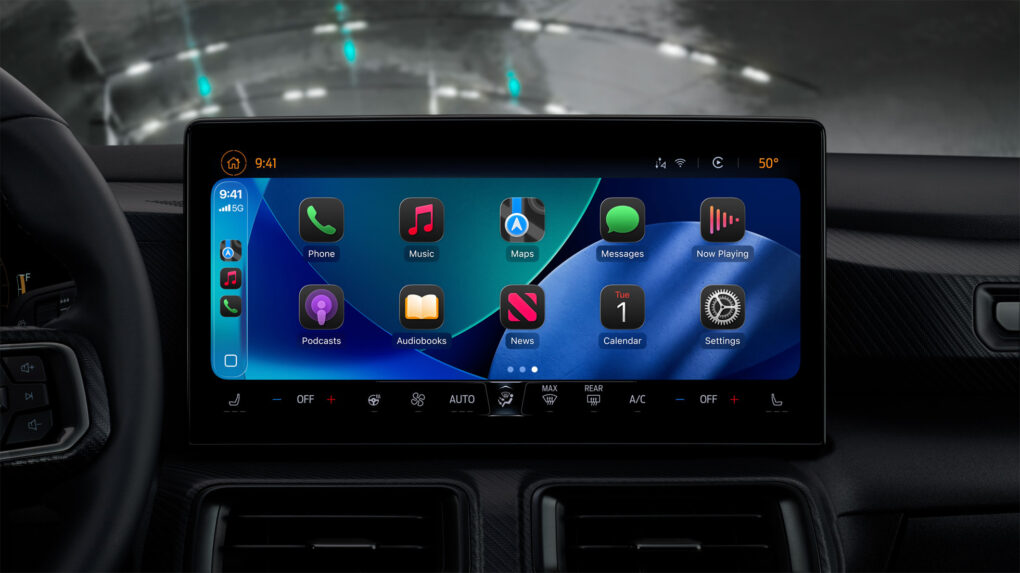
Soon this same CarPlay screen will be able to show videos when the car is parked. Photo: Apple
In a significant policy shift, Apple will let iPhone users stream videos directly to their CarPlay screens for the first time since the platform’s launch. With iOS 26, showcased at WWDC25, the tech giant introduced AirPlay video functionality for CarPlay. So you can stream video from apps in the car — but only when you’re parked.
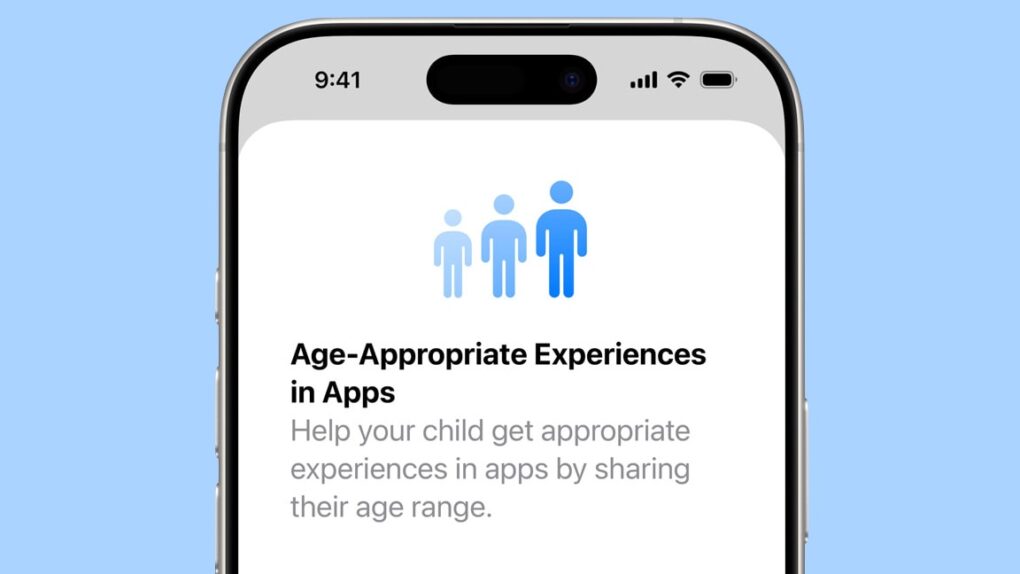
A new Apple system can securely share the age range of children with apps. Image: Apple/Cult of Mac
iOS 26, macOS Tahoe 26 and other upcoming Apple operating systems include new tools intended to help parents protect kids and teens online. These include a system that enables parents to share the age range of their children with third-party applications in a way that doesn’t violate the kids’ privacy.
There are also new protections for teens under 18 as they use their Apple devices, and parental controls on communicating with new phone numbers.
This user said Liquid Glass just seems harder to read. Photo: @Stammy on X.com
Liquid Glass looked great in WWDC25 demos Monday, but reactions soon afterward put a few cracks in it. The new transparent and reactive design language coming to all Apple devices this fall strikes many folks as making it too hard to read information on their screens.
Many initial reactions to Liquid Glass make it look like a misstep.
“Can’t wait to not be able to read anything on my iPhone,” grumbled one user. Several others implied Apple co-founder Steve Jobs would hate the new design language.
As WWDC25 looms, rumors flow of more Apple app updates. Photo: Gemini
Apple reportedly is cooking up significant changes to core iPhone and iPad apps, with redesigned interfaces coming soon to the Phone, Safari, Camera and Messages apps. The company plans to reveal the app updates Monday during the WWDC25 keynote, alongside other sweeping changes to its operating systems.
So your OS names are going to seem to leap forward to 26 soon. Photo: Rajesh Pandey/Cult of Mac
Apple might make a major change to the naming convention for all its operating systems this year, switching all OS version numbers to years, according to a new report. The switch, which Apple reportedly will roll out at WWDC25 on June 9, would bring consistency across all its operating systems for the first time.
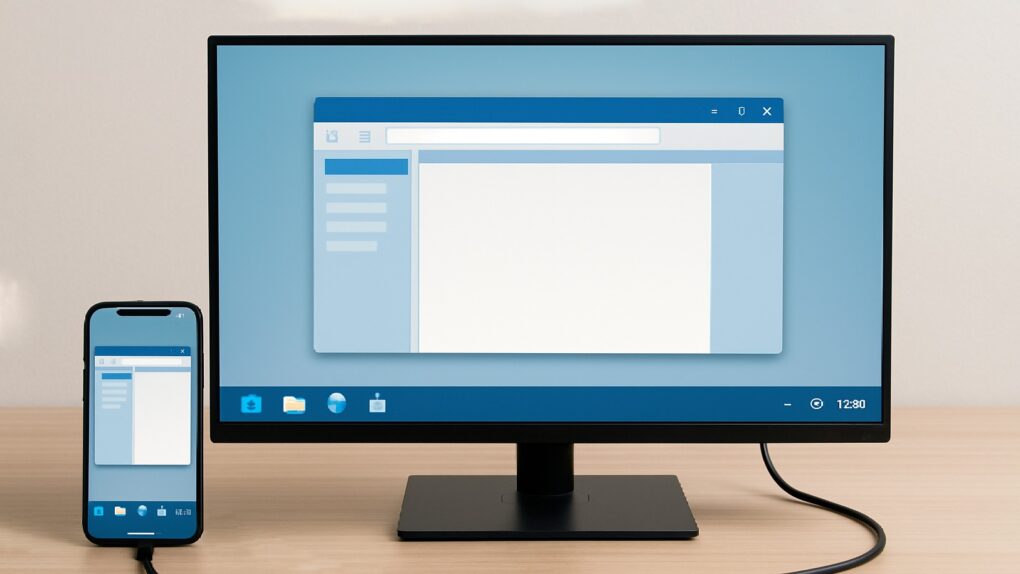
What if your iPhone could become a mini Mac? AI concept: ChatGPT
An iPhone running iOS 19 will be able to display applications running in windows on an external screen, according to a Thursday report from a noted tipster.
If true, it’ll enable iOS to act much more Mac-like than ever before. If Apple continues developing in this direction, an iPhone could eventually be someone’s only computer .
The European Union just ordered Apple to make iPhone cooperate better with headphones and smartwatches made by other companies. AI image: Midjourney/Cult of Mac
The European Commission issued “guidance” Tuesday on changes it says Apple must make to comply with the interoperability requirements of the EU’s Digital Markets Act. The new mandates would open up the iPhone to work more closely with third-party smartwatches, headphones and TVs.
Apple says the new rules will undercut user privacy and slow innovation, and vows to make its case to the EU. It remains to be seen whether the changes will take effect only in Europe or globally.
Privacy has never been more important. AI image: Midjourney/Cult of Mac
With the widespread use of smartphones, laptops and other devices, concerns about privacy in apps become more important every day. Many apps, websites and streaming services demand substantial personal data from users, raising questions about the safety and security of sensitive information.
While almost every app requires some personal information, many lack transparency about their data-collection practices. Some use users’ data to influence algorithms or deliver targeted ads. Others might even sell that data to third parties.
Luckily, Apple — a company that prioritizes user privacy, especially when it comes to iOS — is blazing a trail toward greater transparency. Armed with this knowledge, users can explore external resources to do things like block emails on iPhones and directly utilize Apple’s features to request apps not to track them, limit IP address tracking and disable location services.
This article delves into Apple’s user-friendly features and how other apps and sites incorporate similar practices.
Keep food cool and gadgets charged on outings. And the biggest model doubles as a freezer. Photo: Anker
The new Anker Solix EverFrost 2 Electric Cooler gives iPhone users a sophisticated way to manage their outdoor adventures, Anker said Friday. The smart cooler combines advanced cooling technology with iOS app integration, offering Apple users unprecedented control over their outdoor food and beverage storage, complete with Apple device charging.
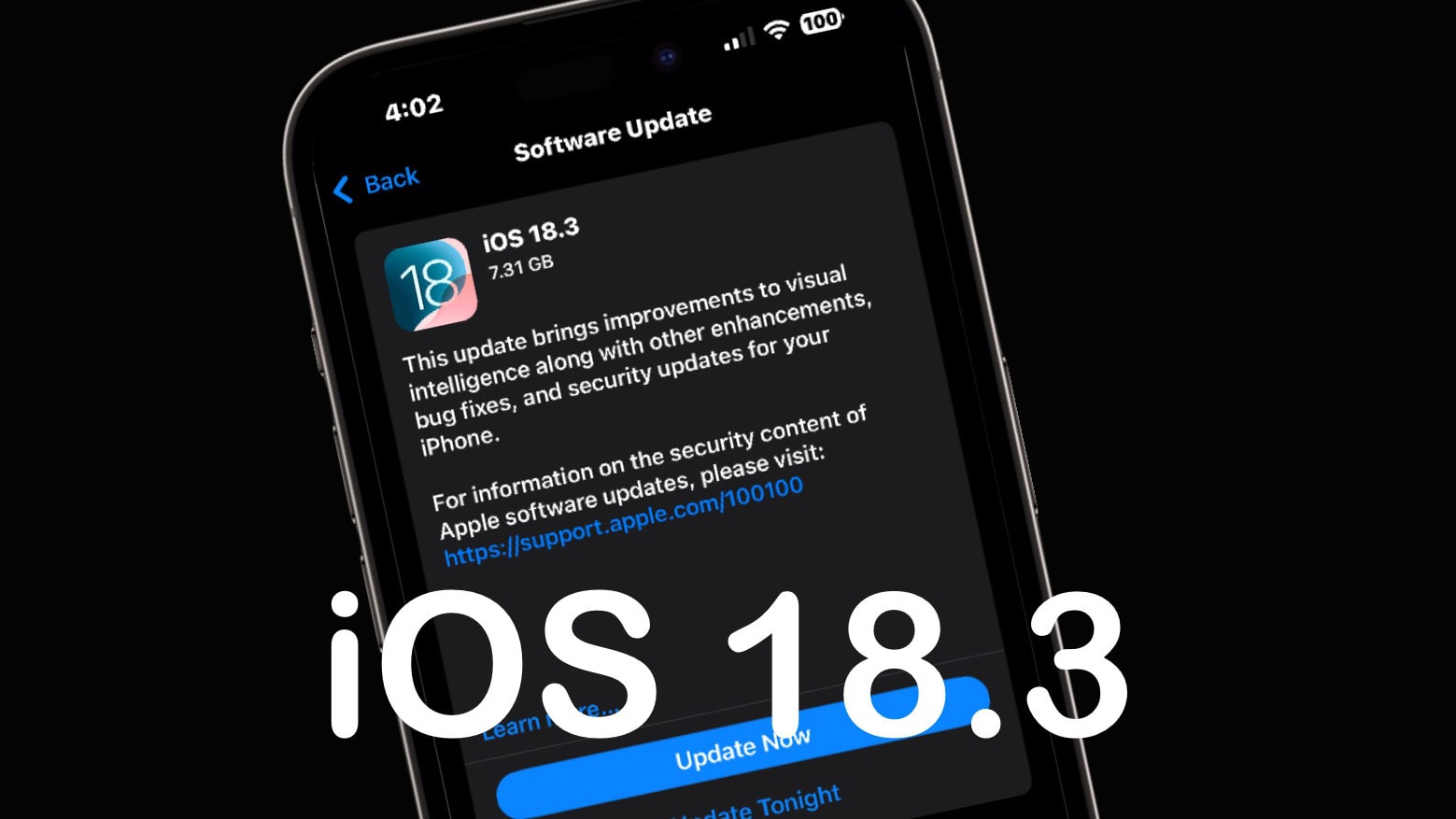
iOS 18.3 is likely only a week away. Image: Ed Hardy/Cult of Mac
Apple seeded the release candidates for iOS 18.3, iPadOS 18.3 and macOS Sequoia 15.3 to developers Tuesday. In addition, the watchOS 11.3 RC, tvOS 18.3 RC and visionOS 2.3 RC went to developers at the same time. These bring only minor modifications to the various devices, though.
Release candidates are generally the final phase before the operating system upgrades go to users.
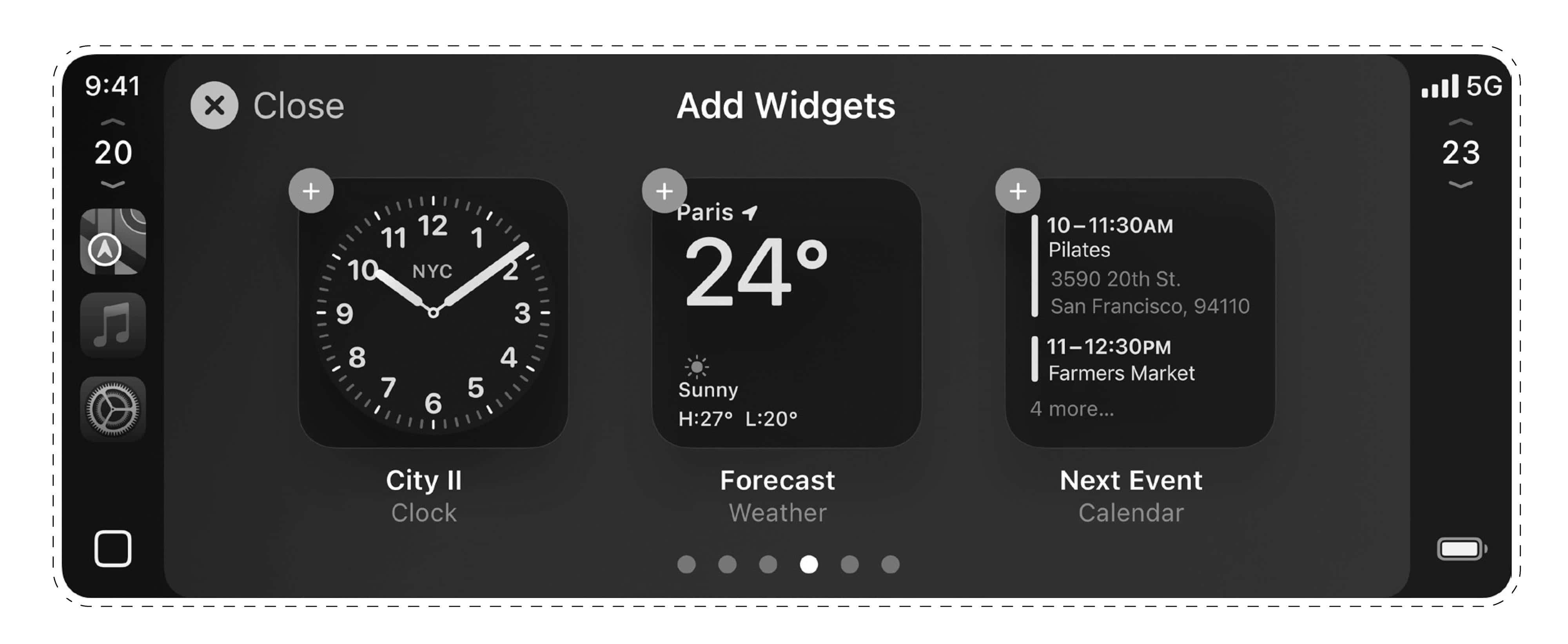
A selection of widgets might give CarPlay 2 an interface already familiar to iOS, iPadOS and macOS users. Photo: [email protected]
While Apple CarPlay 2’s expected 2024 release still hasn’t happened, newly leaked images Tuesday show a familiar widget-based interface that mirrors experiences across iOS, iPadOS and macOS devices.
The leaker is considered reliable. If the images prove genuine, they suggest a sensible drive by the iPhone giant to provide a seamless experience across the Apple ecosystem, even on the road.
Rumors suggested Sonos rushed the app redesign, and its deficiencies appear to have brought down the CEO. Photo: Sonos
In a big shake-up at smart speaker maker Sonos — whose high-end audio products are popular with Apple users — CEO Patrick Spence resigned effective immediately and a board member will step in as interim CEO, the company said Monday. Spence’s departure comes after a turbulent 2024 that saw the company struggle with a controversial app redesign, disappointing product launches and declining customer satisfaction.
Big upgrades could be in store for Apple's AirPods lineup in 2025. Image: Cult of Mac
AirPods Pro 3 keep generating buzz as we approach the launch of Apple’s next-generation premium wireless earbuds. Here’s what to expect from AirPods Pro 3, which probably will arrive in early 2025.
While the current AirPods Pro 2 model dominates the market two years after launch, rumors say its successor will bring substantial improvements and new features. Unfortunately, you probably shouldn’t expect changes to the recently updated AirPods 4 and AirPods Max in 2025. We could see updated earbuds or headphones from Apple subsidiary Beats, though.
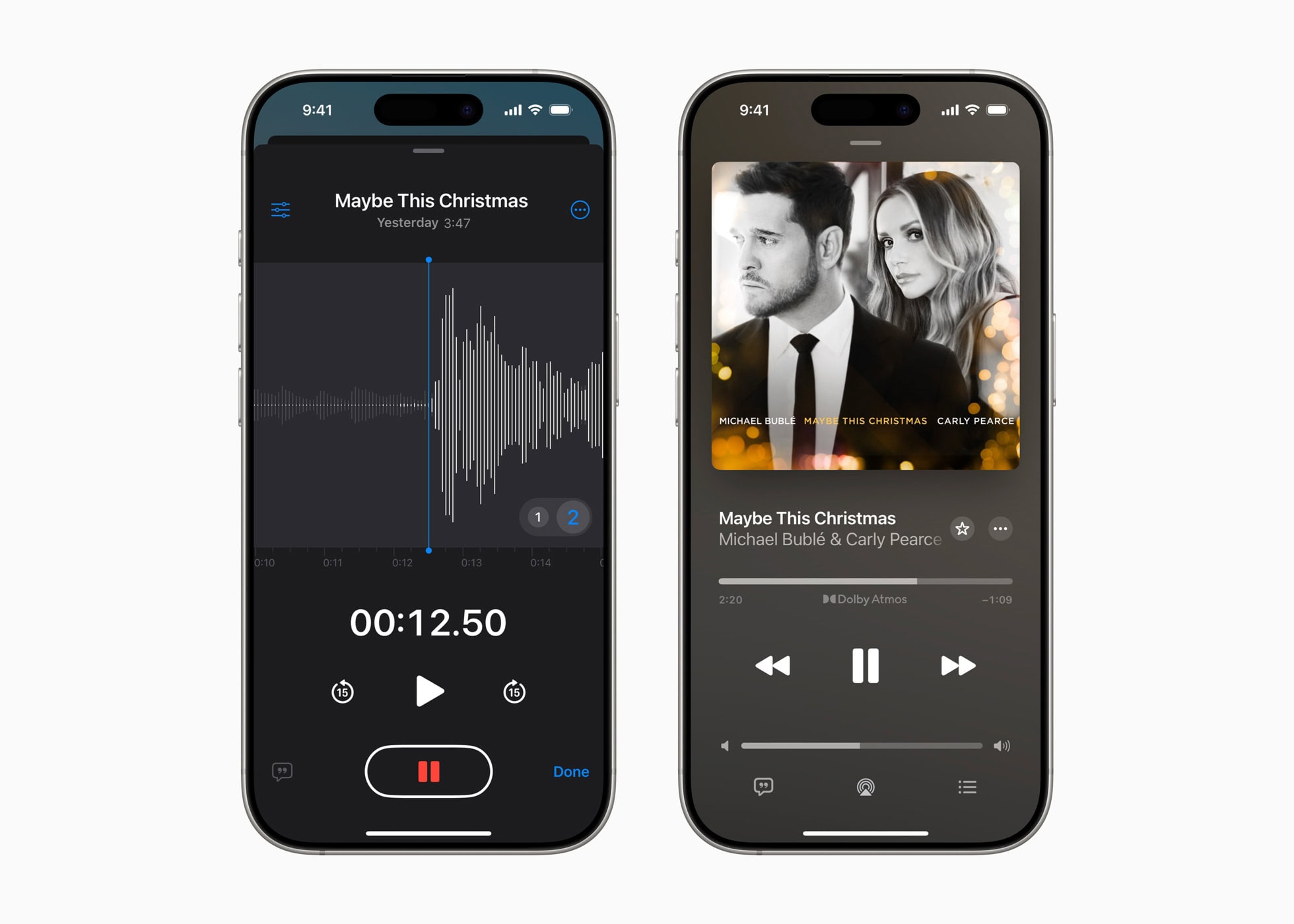
An Voice Memos app update lets users layer a vocal on top of an existing instrumental recording on iPhone 16 Pro and iPhone 16 Pro Max. Photo: Apple
In an advancement for mobile music production, Apple showed off the Voice Memos app’s new Layered Recordings feature Wednesday, releasing a new holiday single recorded with it. Exclusively available on the iPhone 16 Pro and iPhone 16 Pro Max, Layered Recordings comes via the newly released iOS 18.2 update.
The iOS 18.2 release date is soon — just not as soon as had been rumored. AI image: ChatGPT
A rumor from early November said the iOS 18.2 launch day would be the week of December 2, but that’s now impossible. There are steps that must take place before the operating system can be introduced, and not all of them have happened yet.
The release will probably be in the second week of December. Right now, the earliest likely date is December 10, though December 11 is looking increasingly likely.
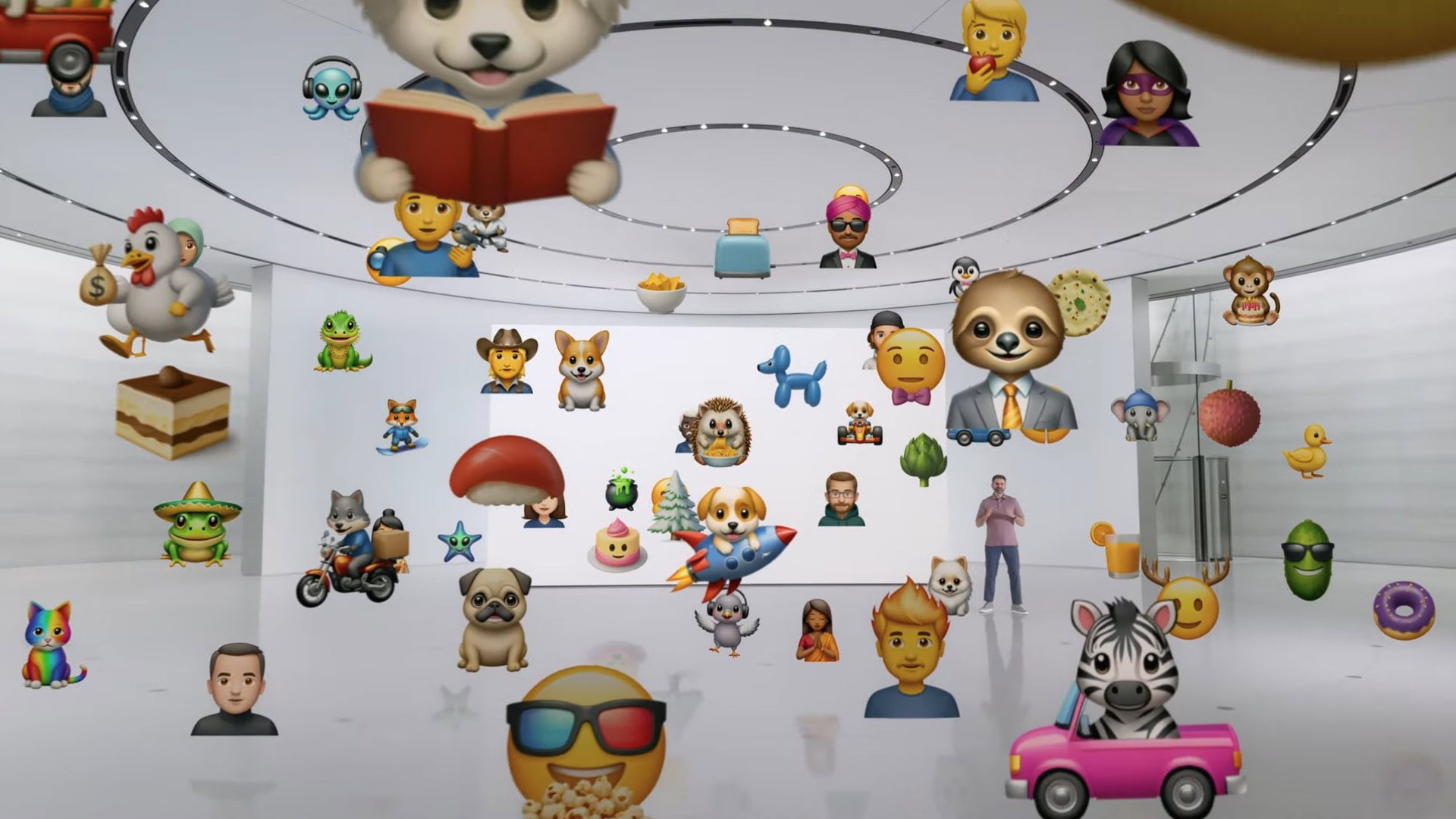
Whenever the launch finally happens, it’ll usher in some of the most-anticipated new Apple Intelligence features, including Genmoji, the Image Playground and more.
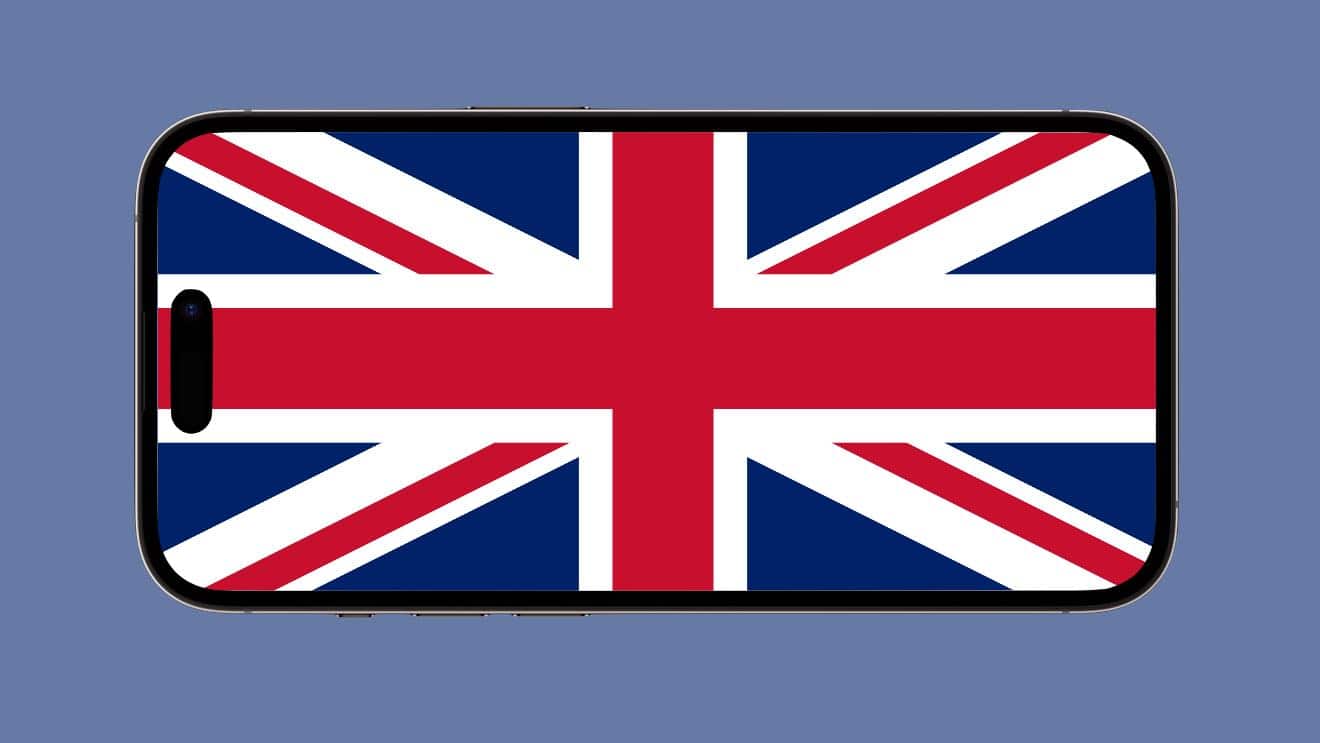
The U.K. government seems poised to force Apple to fundamentally change the way iPhone browsers work. Image: Ed Hardy/Cult of Mac
The United Kingdom could precipitate a significant iPhone revamp after a government report found that “Apple’s rules restrict other competitors from being able to deliver new, innovative features that could benefit consumers.”
The findings in the report are sure to inform government regulators as they enforce the U.K.’s Digital Markets, Competition and Consumers Act, which goes into effect in January 2025.
Install iOS 18.1 to make your iPhone more challenging to hack into. Image: Apple
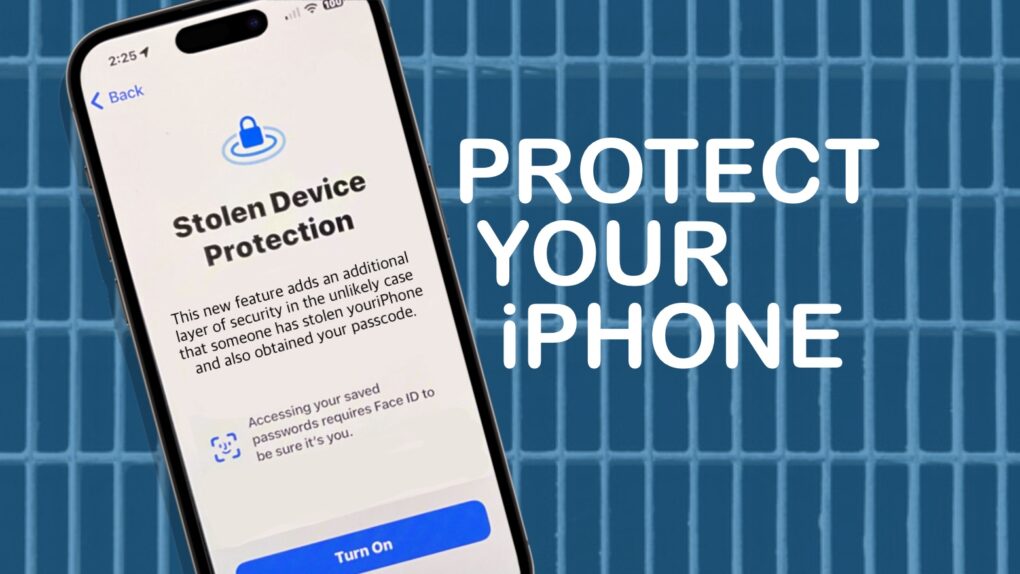
Anyone hoping to hack into an iPhone now finds it more difficult thanks to a change in iOS 18.1. Whether this is police, foreign espionage agents or criminal hackers, there’s now much less time to crack the security on Apple handsets because of a simple trick.
It’s another example of Apple being serious about protecting user privacy.
Don’t want for iOS 18.1. Install it now. Graphic: Ed Hardy/Cult of Mac
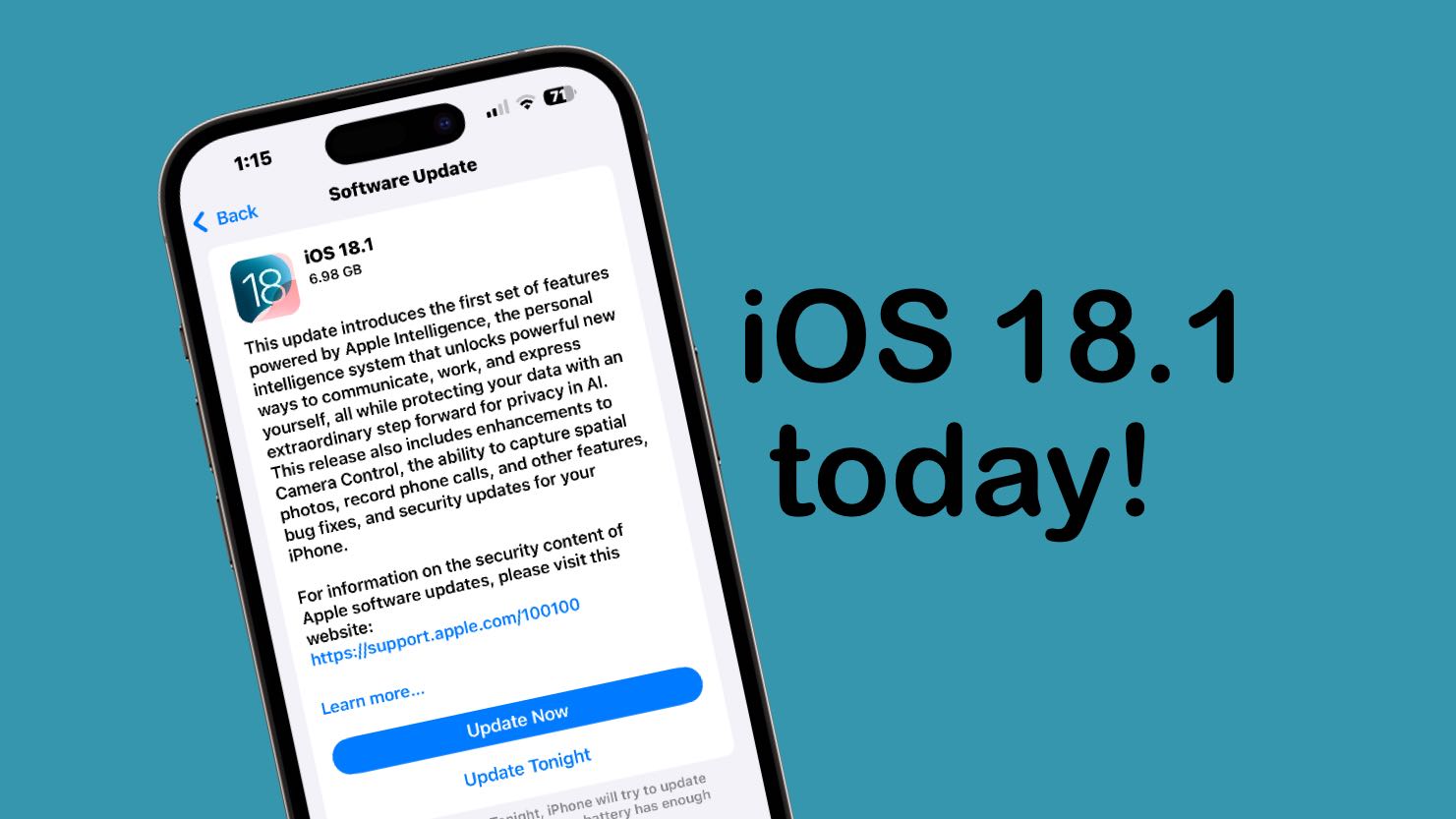
iOS 18.1 will go out to iPhones everywhere next week, but you don’t need to wait. It’s possible to go ahead and install the final version this weekend when you have time to tinker with it. Plus, doing so lets you jump ahead of everyone else in requesting access to the cool new Apple Intelligence features.
Getting iOS 18.1 now won’t require doing anything dodgy or risky. You’ll download the final version of the upgrade straight from Apple … just a little earlier than scheduled.
iOS 18.2 beta 1 lets iPhone users change additional default apps. Photo: Apple/Cult of Mac
iOS 18.2 beta 1, which went to developers on Wednesday, includes a new section in Settings that lets users specify which applications to set as their defaults for handling email, messages, phone calls and more. In some cases, setting this simply gets easier. In others, changing the default app previously wasn’t possible at all.
We already knew this change would happen in Europe, but Apple made it clear Wednesday that it’ll be available worldwide.
iOS 18.2 beta 1 gives developers a chance to test Genmoji and more. Image: Apple
Apple seeded the initial beta of iOS 18.2, macOS Sequoia 15.2 and iPadOS 8.2 to developers on Wednesday, giving them their first opportunity to test the Image Playground app, Genmoji and more. Also on the list is perhaps the most controversial feature of Apple Intelligence: optional ChatGPT access.
Expect testing to end and the full launch before the end of the year.
The iOS 18.1 release candidate means Apple Intelligence for iPhone is about a week away. Image: Ed Hardy/Cult of Mac
Apple gave developers access to the release candidates of iOS 18.1, iPadOS 18.1 and macOS Sequoia 15.1 on Monday. This is the last round of testing before introducing them to the public, which means Apple Intelligence will finally launch in about a week.
Release candidates for tvOS 18.1 and visionOS 2.1 also went out. However, watchOS 11.1 RC is not yet available.
After a big announcement in June, Apple Intelligence is right around the corner. Screenshot: Apple
Apple’s big step into artificial intelligence is scheduled for this month, and a prediction from a generally reliable source may have just named the release date: October 28. This will reportedly be when new iOS, macOS and iPadOS versions usher in Apple Intelligence.
These AI capabilities were unveiled in June at the company’s developers conference and have been in public beta testing for weeks, so it’s now a waiting game for the full launch.
iOS 18.0.1 removes a bug that irritated many iPhone 16 users. Photo: Lewis Wallace/Cult of Mac
Apple released iOS 18.0.1 on Thursday to fix an annoying bug that made the touchscreen unresponsive on iPhone 16 and iPhone 16 Pro. The new iPadOS 18.0.1 corrects several problems, too, including one that bricked some M4 iPad Pro units when installing the original iPadOS 18 version.
In addition, macOS Sequoia 15.0.1 and visionOS 2.0.1 also arrived Thursday with minor bug fixes.