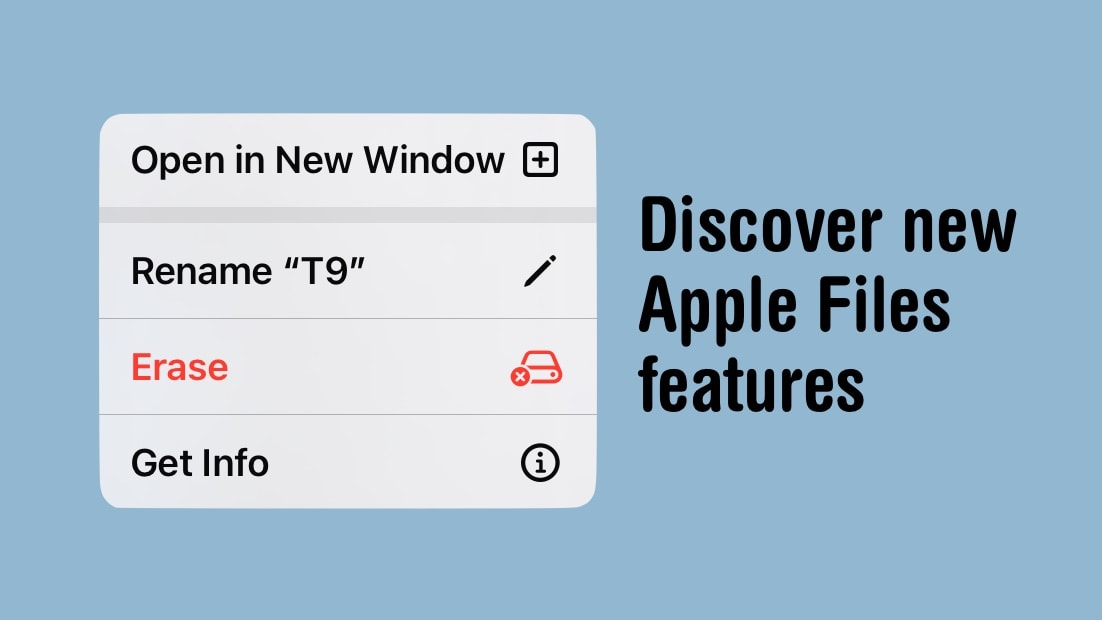
There are new features in the iPad/iPhone Files app when accessing thumbdrives and SSDs. Photo: Ed Hardy/Cult of Mac
Managing files on iPad has finally got a lot easier with new tools added to the Files app in iPadOS 17. It’s especially good for working with external drives, including basic capabilities like seeing see how much space remains on a thumb drive. And iPhone users can access them, too.
Here’s how to access all the new features in Apple’s Files app.
Get a crossword every day in the Apple News app. Image: Wil540 art/Wikimedia Commons/D. Griffin Jones/Cult of Mac
Apple has a daily crossword and crossword mini that you can play on your iPad and iPhone inside the News app. This new feature of iOS 17 is available to anyone with an Apple News+ subscription or the Apple One Premier bundle.
I absolutely love playing the crossword puzzles every day. I’m not very good at them, but it’s a fun challenge and it’s a well-designed app.
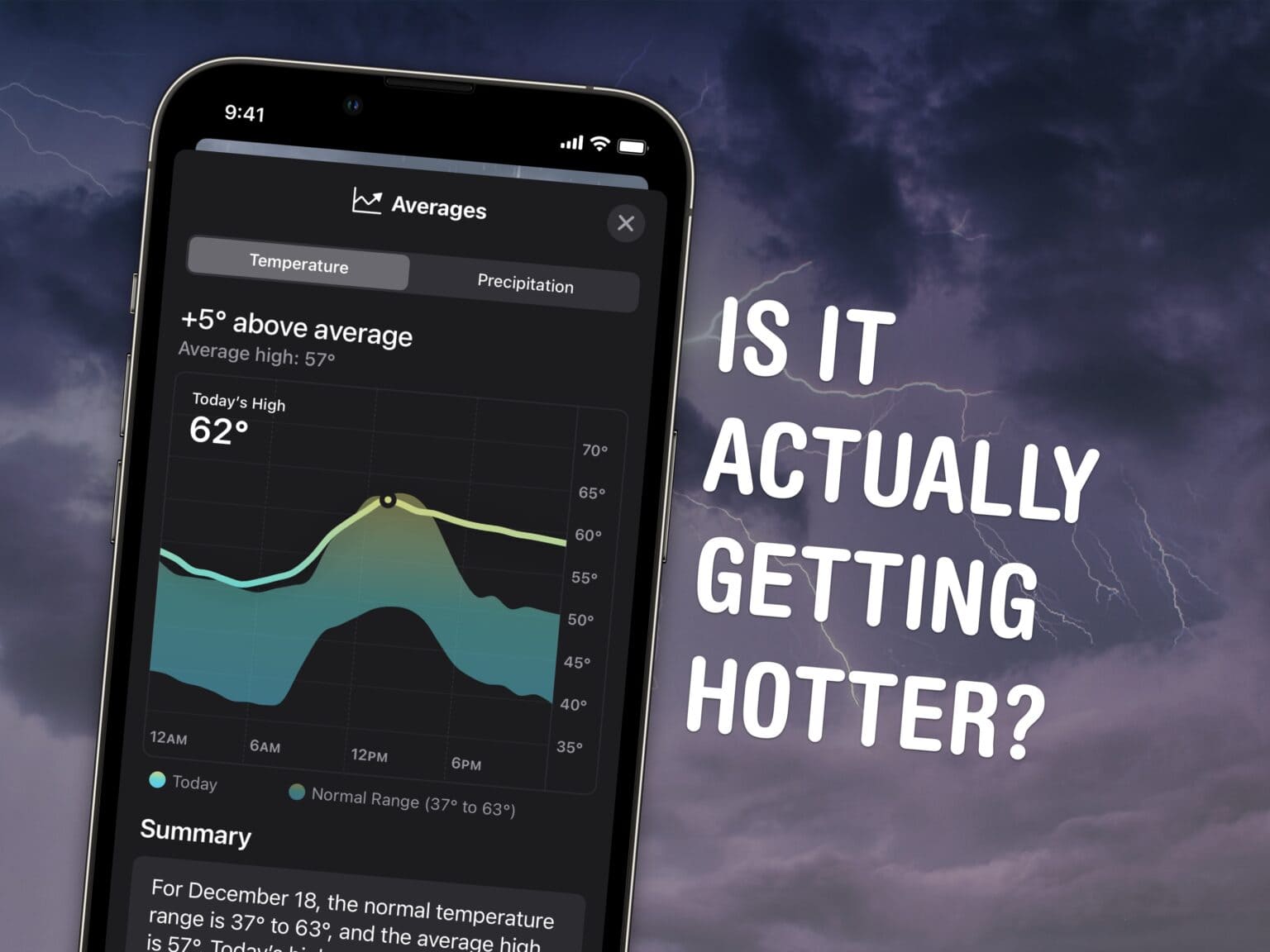
See yesterday's weather or if it's unusually hot this season. Image: D. Griffin Jones/Cult of Mac
In iOS 17, you can see past weather on your iPhone in the Apple Weather app. It shows all kinds of detailed weather data — not just temperature and rain, but wind, humidity, visibility, pressure and more.
You also can easily see how that info compares to the average weather data to see if this is an unusually heavy winter or a particularly hot summer. Apple Weather even shows you details on the phase of the moon, all in iOS 17.
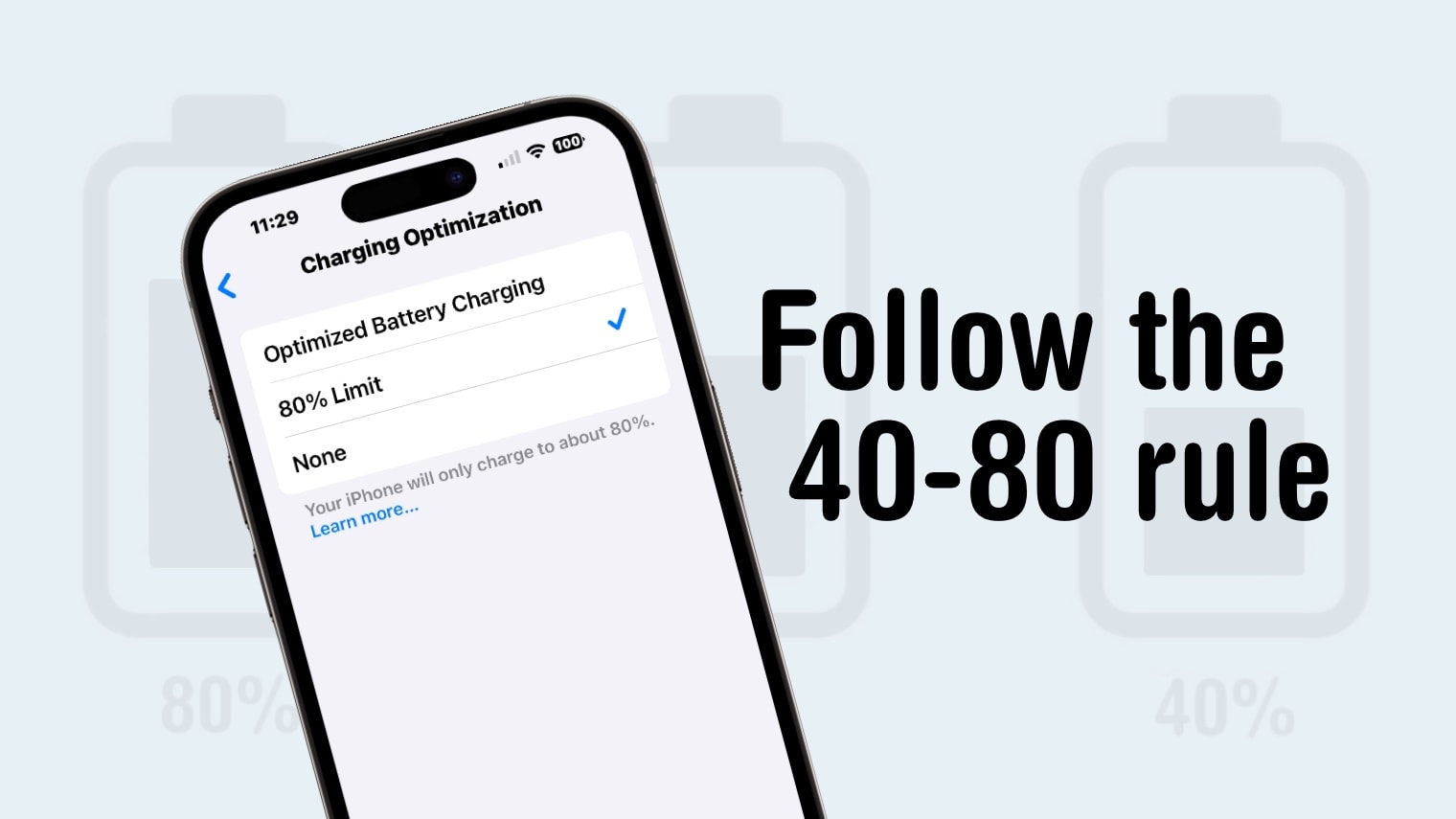
To preserve the battery in your iPhone as long as possible, follow the 40-80 rule. Graphic: Ed Hardy/Cult of Mac
iPhone 15 has a charging trick many users might not be aware of: it can automatically stop charging when the battery level hits 80%. This makes it much easier to follow the “40-80 rule,” which helps increase the long-term useful life of the battery.
Here’s more on how it works, whether you should follow the rule, and how to flip on the setting on your iPhone.
Link History in the Facebook iPhone app can be useful if you don't mind Meta tracking you. Image: Meta/Cult of Mac
To absolutely no one’s surprise, Meta came up with a new way to track its users. Facebook Link History stores a list of websites and webpages that users have gone to from their Facebook feed. The information is used to target advertising.
Fortunately, you can turn off the tracking feature. Here’s how.
More like “videomail” or “videomessage.” Image: D. Griffin Jones/Cult of Mac
You can send a FaceTime voicemail to someone if they don’t answer when you need to video chat. It’s better than leaving a regular voicemail, because it’s video — you can relay a message quickly or show something off on camera.
For instance, if your dog or your human child is doing something cute, or if you want to get a second opinion on an outfit, you might want to show someone. If they don’t answer your FaceTime call, you can record a video to send them to watch later.
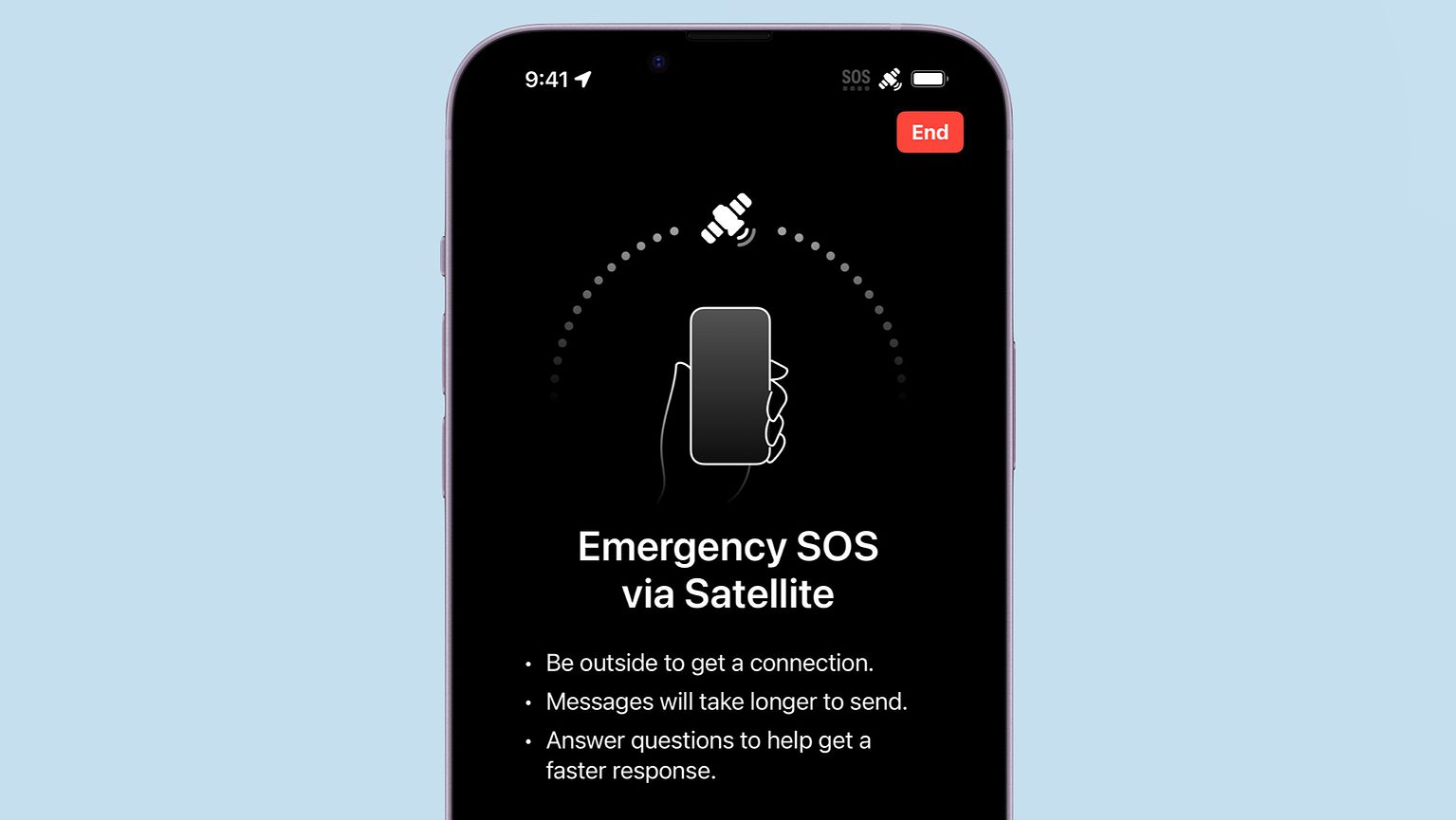
Your iPhone 14 or iPhone 15 can save your neck by sending out an SOS for help over a satellite connection. Photo: Apple/Cult of Mac
If you recently got a new iPhone 14 or iPhone 15 as a gift, it’s time to test one of its best abilities: Apple’s Emergency SOS via satellite service. This allows users of these iOS handsets to exchange messages with emergency services while outside of cellular and Wi-Fi coverage.
Getting a 2022 or 2023 iPhone in contact with a satellite isn’t complicated. But it’s something users should know before they need it.
Last year’s fireworks made you say ooh and ahh, but when you look at your iPhone photos from that night, the sound you make is more of an ugh. Want to shoot better fireworks photos this time around?
Don’t blame Siri or some engineer in Cupertino for previous photo fails. The iPhone camera, as mighty as it is, can’t do all the thinking for you — especially in challenging lighting conditions like a fireworks display. But with a little thought and preparation, you can make this holiday worth reliving on your iPhone camera roll.
Below are some simple tips to make your iPhone fireworks photos sizzle.
Start the year off saving cash by canceling any App Store subscriptions you don't want. Photo: David Švihovec/Unsplash License/Modified by Cult of Mac
We’re almost to a new year, and it’s a fine time to clear out some of the mistakes of the past. That includes no longer paying for apps or services you don’t use anymore. Luckily, it’s easy — if you know how to cancel subscriptions on iPhone.
Here’s how to find everything you’ve signed up for through the App Store, see what it’s costing you, and cancel it if you’ve lost interest. Or perhaps save a bit of money by changing how often you’re billed.
If hackers steal the passwords you use to log into websites, your Apple device can warn you and help you change them. Graphic: Ed Hardy/Cult of Mac
We’re coming to the end of the year, and that’s a good opportunity to do something you’ve probably been procrastinating about: Replace your website passwords that hackers stole because of some company’s lax security. Fortunately, your Apple devices make it easy to find out which of your passwords leaked so you can change them.
Odds are you’re either on holiday or it’s a slow work day. Take this as an excuse to fix a potentially serious problem now.
Let's get that nice new Mac set up, shall we? Image: Apple
It’s a great season to get a new Mac. Every Mac today is a great buy. If you’re one of the lucky people to get one this year, here’s how to set it up like a pro.
So rip open that box, tear off that plastic and get to the good stuff.
If this is your first Mac with Apple’s powerful new chips inside, you’re in for a real treat. It’s pretty easy to set up whether you have an old Mac to transfer data from or you’re starting from scratch. There are a few choices to make along the way, though, and some essential tricks and apps you’ll want to consider, so we’re here to take you through the process.
Here is Cult of Mac’s guide to setting up your new Mac the right way.
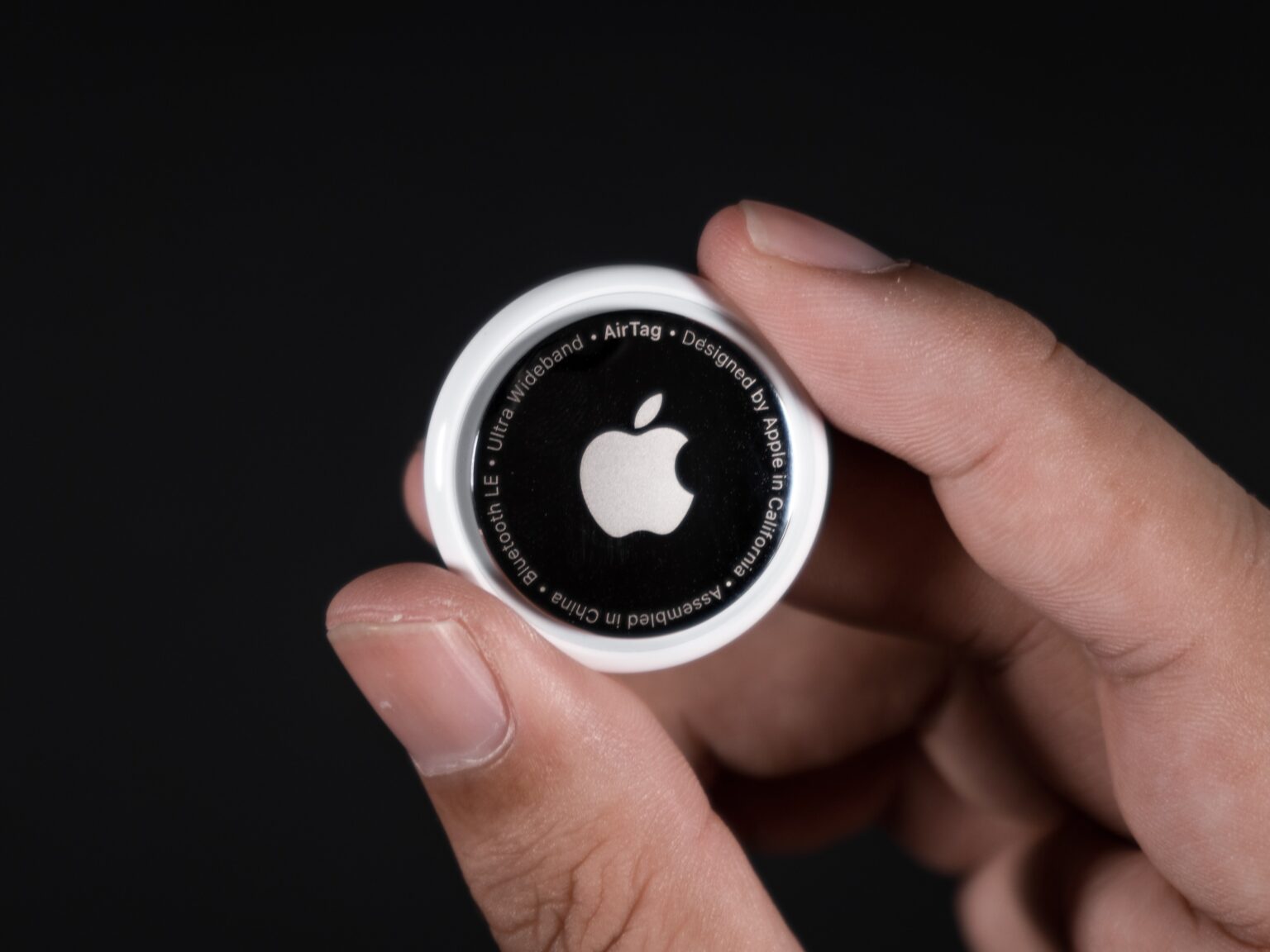
Here's everything you need to know about setting up your new AirTag. Photo: Mark Chan/Unsplash
The Apple AirTag is arguably among the company’s most useful product releases in recent years. Once you set up an AirTag, it gives you powerful options for locating it (and whatever you attach it to). Put one of Apple’s tracking tags on an item like a keychain or luggage, and you can easily track its location from your iPhone, Mac or iPad.
Since AirTag’s launch, numerous reports have detailed how the tracking tag helped owners find lost items. If you recently acquired an AirTag, here’s how you can set it up the right way and use it properly.
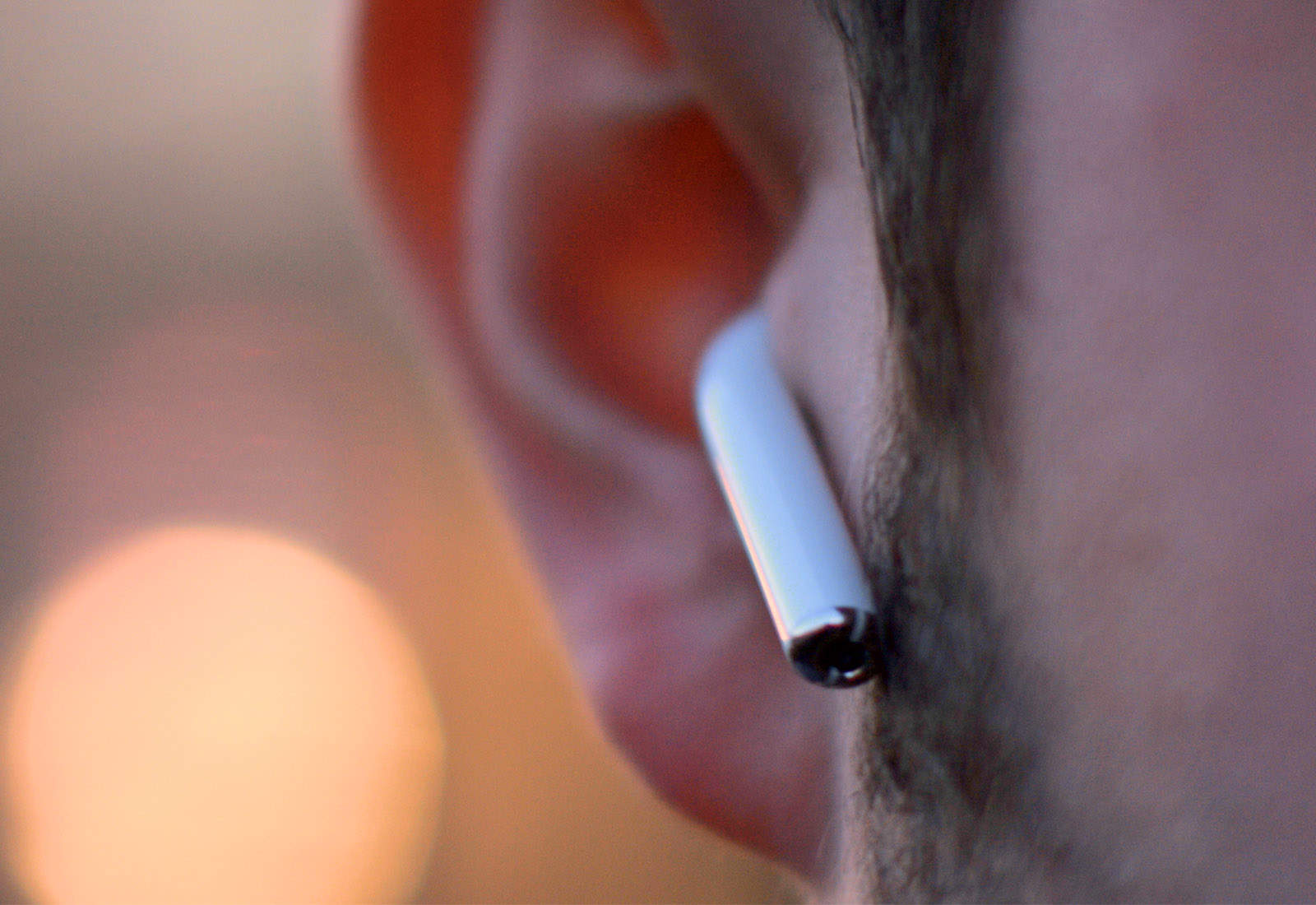
Not everyone has the ears for AirPods Photo: Ste Smith/Cult of Mac
If you’re a super lucky duck, then Santa may have left a pair of AirPods a) in your stocking or b) under your tree (depending on how good or bad you’ve been in 2023). AirPods are truly one of the best products Apple ever made, because they really do offer a huge upgrade on all previous headphones.
They’re easy to use, and they sound amazing. Here are a few pointers on getting the most out of your new AirPods.
We’re here to help you do just that with a ton of little tips and tweaks that will make sure you’re off and using that new iPad as quickly as possible. From backing up your old iPad (if you had one already) to getting up and running with a brand-new iPad from scratch, we’ve got you covered.
We can get your new iPhone set up easily — no need to phone it in. Image: Apple
How do you set up your new iPhone the fastest way possible? The iPhone setup process gets easier every year. So easy, in fact, that there are only a few things you need to do to move from your old iPhone to a new one. You can even directly transfer your data from an Android phone. Setting up a new iPhone from scratch isn’t much harder — you just have a few extra steps you need to go through.
There are still a few tricks that will help things run smoothly, though. Let’s see how to set up your new iPhone the right way.
How do you set up a new Apple Watch? Whether you got the Series 9 with its brighter screen and advanced sensors or leapt for the rugged and improved Apple Watch Ultra 2 model, you might be wondering how to get started After all, the Watch is unlike any other Apple device, both in its dependence on an iPhone and in the way it works.
The good thing is, Apple has made it really, really easy to get things up and running. Let’s take a look.
Tracking Santa as he flies across the world delivering toys is easy. Photo: Cult of Mac
It’s Christmas Eve, and Santa Claus is on his way. You can find out exactly where he is with the help of NORAD and your Mac or iPhone. You can even track Jolly Old Saint Nick’s progress in real time.
You might not be able to play 3D video back now, but you'll be glad you have it in the future. Image: Apple/D. Griffin Jones/Cult of Mac
This holiday season, with all the family together, Apple has a new feature that may future-proof the video you take: 3D video that Cupertino calls spatial video. With your iPhone, you can record stereoscopic 3D video that you will one day be able to replay on an Apple Vision Pro headset as an immersive way to relive your memories.
Update to iOS 17.2 and you can start. Here’s how it works.
Don’t miss A Charlie Brown Christmas, which is free to watch on Apple TV+ this weekend. Photo: Apple TV+
The Christmas season is in full swing and there’s good news for fans of the Peanuts holiday specials. Apple has made the holiday classic A Charlie Brown Christmas available for everyone to stream for free this weekend, whether they’re an Apple TV+ subscriber or not.
That gives everyone the opportunity to watch Linus teach his friends what Christmas is all about, whether they own an Apple device or not.
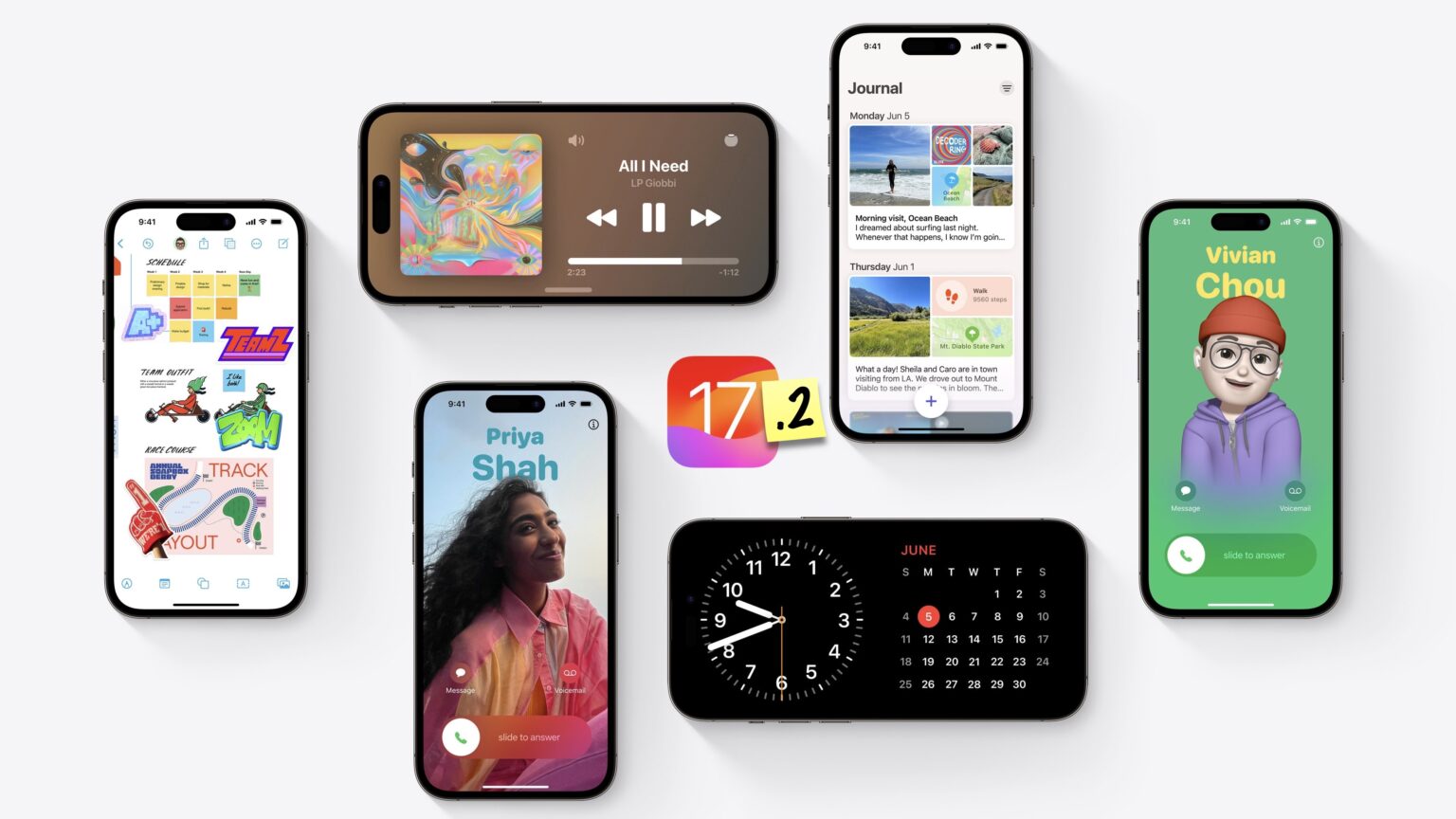
A bunch of new features are coming in this big update to Apple’s latest. Image: Apple/D. Griffin Jones/Cult of Mac
iOS 17 brought dozens of great features and changes, but the latest 17.2 update adds even more.
The headline feature is the new Journal app — other new tweaks come to iMessage stickers, NameDrop and Apple Music. If you have a new iPhone 15 Pro, you can record Spatial Videos and use the Translate app directly from the Action button. You can also customize more notification sounds and StandBy.
Here's why you might be having trouble exchanging images with your friend's iPhone over AirDrop, and how to fix it. Image: Ed Hardy/Cult of Mac
You’re at a holiday party and your friend takes a great picture. You ask them to AirDrop you a copy and the two iPhones won’t connect. So frustrating — what the %^#* is wrong? Why can’t you share iPhone photos the way you used to?
The problem might be because Apple changed the way AirDrop works last year. Here’s how to set the easy wireless file-transfer system so you can get that picture from your friend.
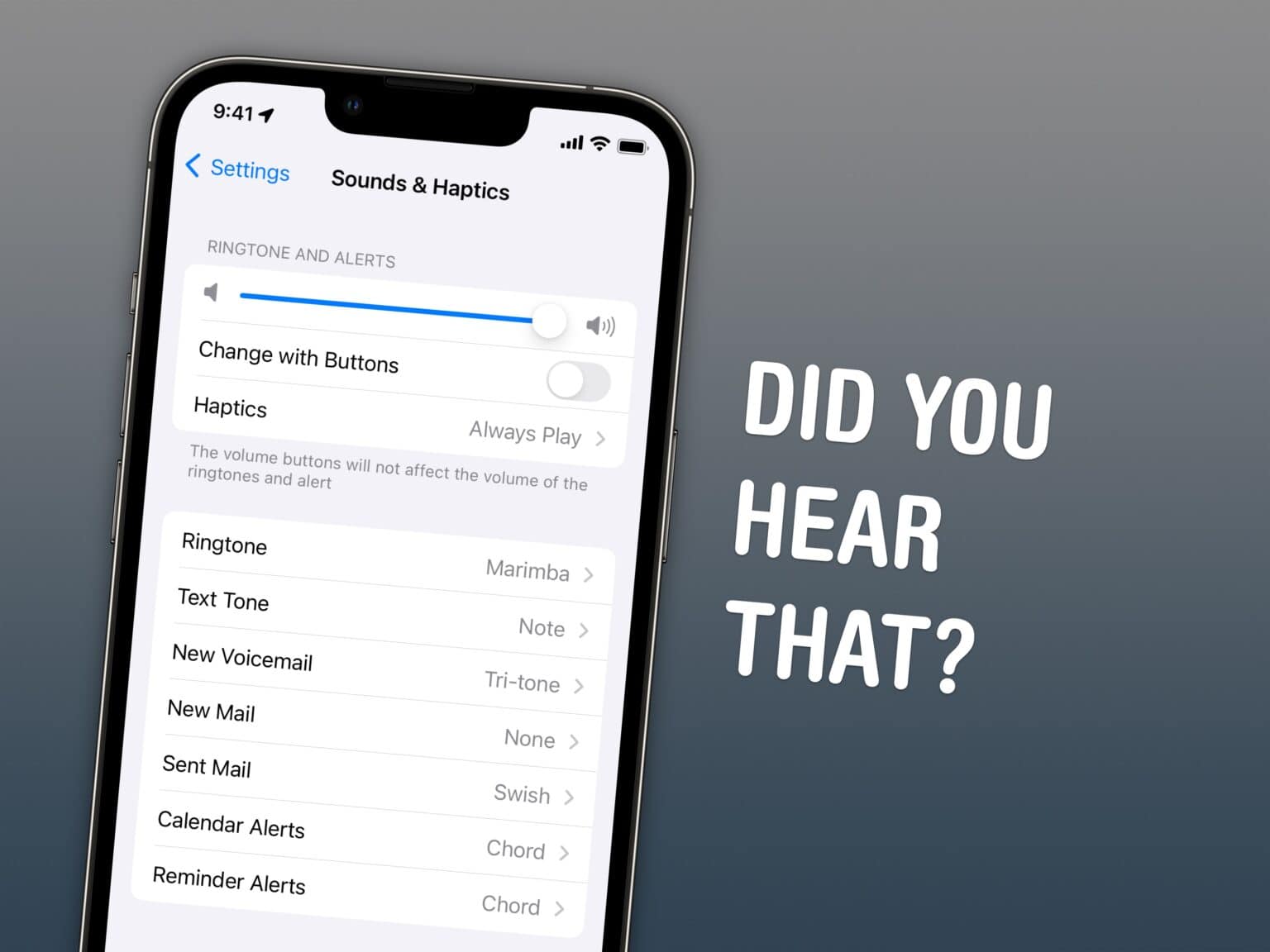
Yes, the sounds in iOS 17 are a bit different. Here's how to get the old sounds back. Image: D. Griffin Jones/Cult of Mac
In iOS 17, many of the default sounds for notifications, alarms and timers have been changed — but how do you get back the old sounds if you don’t like the new ones?
A lot of people get deeply attached to the sound effects. If you want the old noises back, you can change (most of them) back manually. I’ll show you how.
Update: The new iOS 17.2 makes a nice change to alerts in third-party apps. Read on for more details.
Find your way around the store faster by converting your Reminders list into a grocery list. Image: D. Griffin Jones/Cult of Mac
In iOS 17, you can use Apple’s Reminders as a grocery list app on your iPhone — and items you add are automatically sorted into common sections.
This proves incredibly helpful when you go shopping. Just open the Reminders app, and you can easily see if you’ve got everything you need as you’re making your way through the store.
I’ll show you how to use it, including how to share your Reminders app grocery list with someone else so you can both add items and check them off the same list.
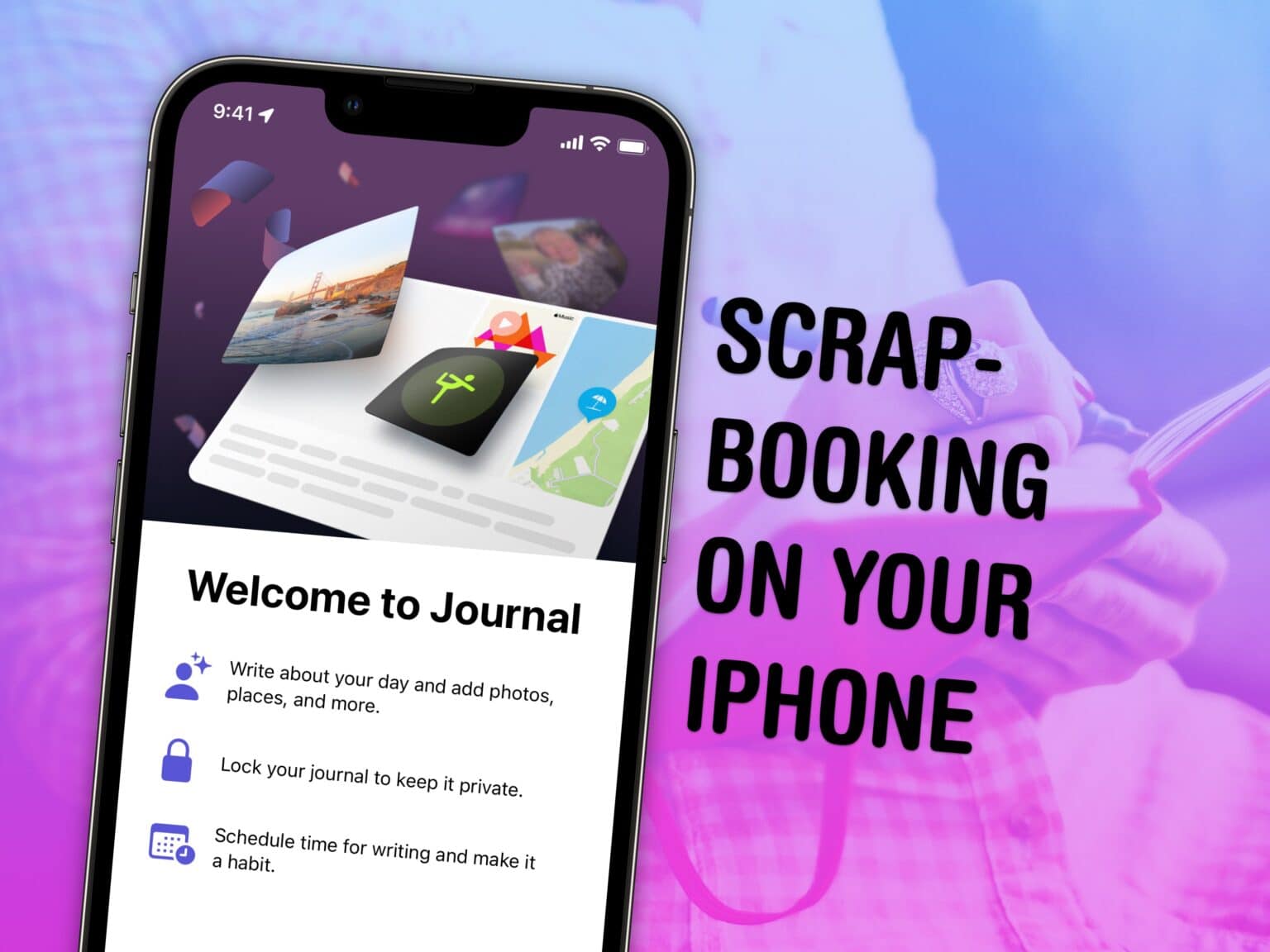
Journal lets you build a scrapbook or a diary on your iPhone. Image: D. Griffin Jones/Cult of Mac
A diary can be a great and invaluable record of your life, but who has time for that? Well, now you do: Apple’s new iPhone Journal app makes keeping a diary a breeze. Really, it couldn’t be any easier.
The new Apple Journal app released in iOS 17.2 lets you build a record of your life into a multimedia digital diary. Your iPhone will pull together details from your photos, locations and events to give you prompts for memories worth writing about.
Here’s the nitty gritty on using the new Journal app.













![How to set AirDrop to exchange pictures with anyone's iPhone [Pro Tip]](https://www.cultofmac.com/wp-content/uploads/2023/12/AirDrop-To-Everyone-1536x864.jpg "How to set AirDrop to share iPhone photos with anyone [Pro Tip]")