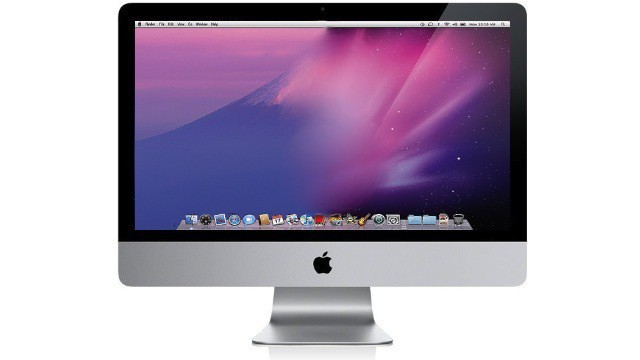
As the impending launch of Mac OS X Lion creeps closer and closer, it’s getting harder and harder to wait for all of the new features Apple has promised, like Launchpad and AirDrop, just to name a couple. Well, if you want to get a taste of Mac OS X Lion before it’s here, there are a few quick things you can do to transform your aging install of Snow Leopard into a Lion like experience. In this video, I’ll show you what to do.
All you’ll need is DropCopy and QuickPick, both available from the Mac App Store, and ScrollReverser to get started.

Michael Steeber is a student who is obsessed with everything Apple. He enjoys making videos and runs the MSComputerVideos YouTube channel in his free time. You can follow him on Twitter as well.

