Spaces Turns OS X Into Art

blake-spaces-20081111.jpg

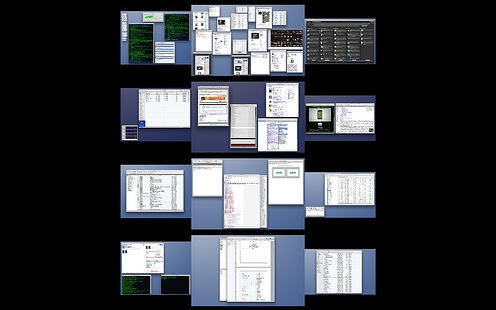
Blake Patterson has the kind of monitor set up that makes some of us drool. It’s even sweeter when three monitors, plus Spaces.app, plus Exposé, produces an image like this; the symmetry and balance turns it into a work of art.

(Photo of Expose+Spaces used under Creative Commons license. Thanks Blake!)

DON'T MISS
Get The Most Out Of Mission Control [Video How-To]

About the author

gilest

Giles Turnbull is a freelance writer in England. He writes for the Press Association and The Morning News. He has a website you can ignore and a Twitter account you needn't follow.

(sorry, you need Javascript to see this e-mail address)| Read more posts by .

Posted in Hardware, News |

  • http://www.perkiset.org/ perkiset

    Actually, since I have a 6 monitor rig (it’s equally drool-worthy) this was one of the things that initially bugged me about Spaces – it just seemed hard to look at and grok what was all on my system. Because of the weird layout of my monitors, I find the Spaces view pretty useless and simply CTRL-# to where I want to go.

    All that said, I get the point and it is an interesting image.

