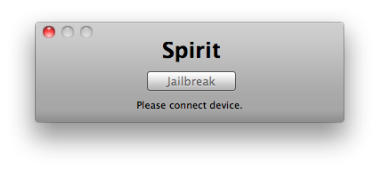
Spirit by comex allows you to jailbreak your device, to get complete control over it (see why you should jailbreak here). Currently, spirit allows you to jailbreak any device that has already been upgraded to firmware 3.1.2, 3.1.3 or even an iPad on version 3.2. However, it will NOT unlock the device, enabling it to be used with different GSM carriers worldwide.
Ingredients:
- An iPhone or iPod Touch updated to firmware 3.1.2 or 3.1.3 / An iPad with firmware 3.2. (check under Settings –> General –> About)
- iTunes 9.1.1 available here.
- Spirit (Mac/PC).
Please backup all your information using iTunes before following this tutorial.
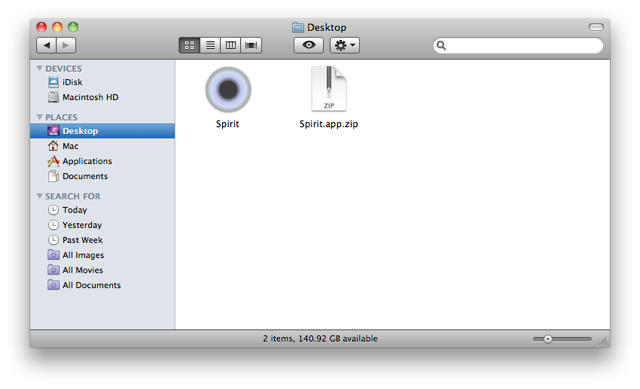
1. Download spirit and extract the ZIP. Double-click to open the resulting folder and then open the ‘Spirit’ application inside.

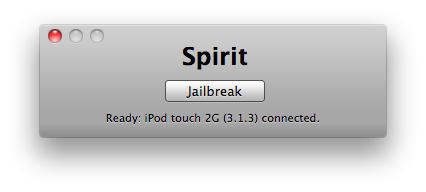
2. Connect your device via USB and click the ‘Jailbreak’ button when the application displays the ready message below.

3. The device will display ‘Restore Complete’ and you will be prompted to quit the application when the process is complete. It’s that simple!
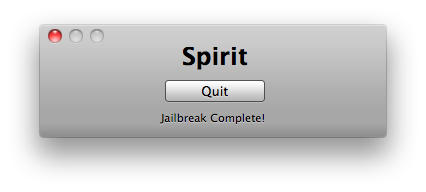
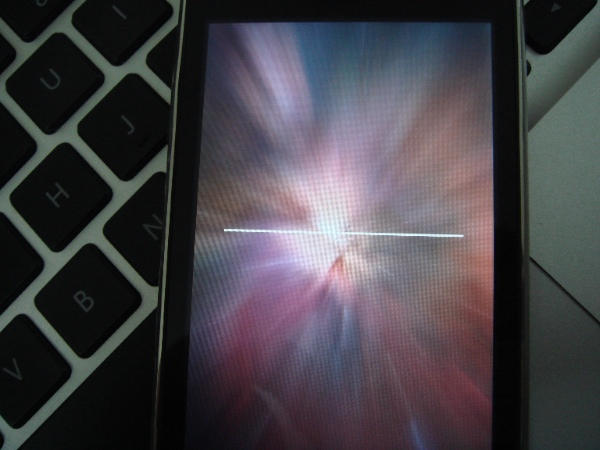
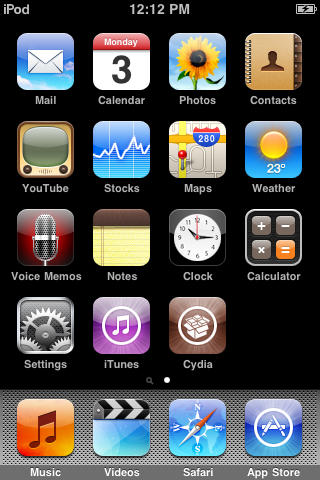
Your device will now reboot with a progress bar. Once it’s done, the device will be jailbroken with Cydia installed! iPad users, please don’t be afraid if your icons are repositioned, it’s just a small bug.
P.S. Many Cydia applications are currently not compatible with iPad, so be careful with what you install.




