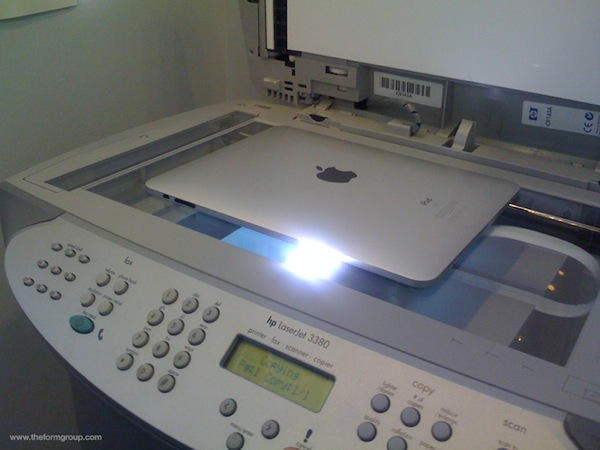
While the iPad can’t print out-of-the-box, there’s a veritable plethora (and I swear to never use that word again) of iPad printing options up at your local App Store, and what follows is an in-exhaustive sampling. We haven’t tried any of these yet, but we’re hoping at least one of them will allow us to print a simple shopping list so we don’t have to whip out the iPad at Safeway.
Print Online for iPad is $5 and says it’ll not only print photos, MS Word docs, Excel sheets, photos, pdf files and more, but also lets you fax your stuff, which sounds pretty handy. All six App Store ratings have been one-star, though.
Print will print photos, contact information and webpages (but nothing else) from your iPad over wifi through a computer connected via any means to a printer. $5
For a few dollars more, print the good, the bad AND the ugly with $7 Print n Share. Developed by the same people who made Print, above, this app will also print Windows Office files in addition to the stuff Print does.
Air Sharing HD ($10) is more of a complete file-sharing solution for the iPad; in addition to printing from the device, it’ll comes with a plethora (ok, but never again) of file and folder utilities for the iPad. Looks like it’s racked up some good reviews from the press too, which should *cough* mean something. We’ll definitely want to take a better look at this one.
ACTPrinter isn’t really a print utility — it’s a pdf file-maker that will “print” pdf files to your i-device; it even says barcodes can be scanned off the screen. We mentioned it early last year. Now $1.
last is ActivePrint. We mentioned the app just after the iPad was announced back in January, when the developer told us they’d have Mac support; nope, not yet. Free; must also download free computer counterpart (PC only).

When he was eight, Eli Milchman came home from frolicking in the Veld one day and was given an Atari 400. Since then, his fascination with technology has made him an intrepid early adopter of whatever charming new contraption crosses his path. He calls San Francisco home, where he works as a journalist and photographer. Eli has contributed to the pages of Wired.com and BIKE Magazine, among others. Hang with him on Twitter.

