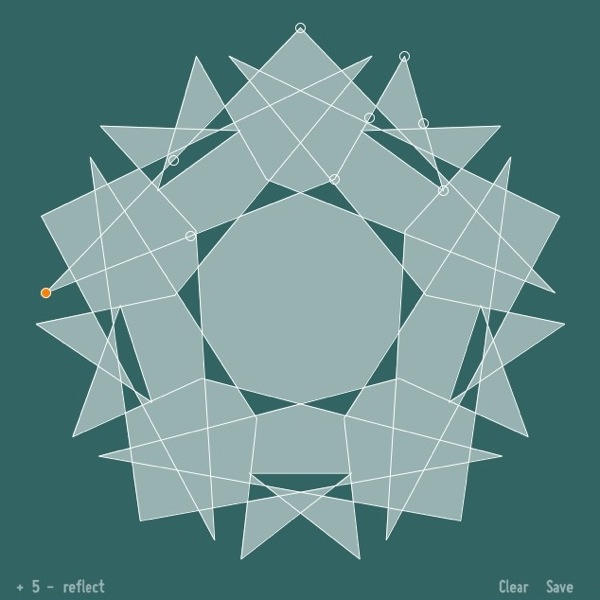
The festive season is so close you can almost taste it. The kids are pestering to put up Christmas decorations; so why not give them something fun to do this year?
SymmetriSketch is a great free vector drawing application (also available for Windows and Linux users) that lets you play around with symmetry across a 2D plane.
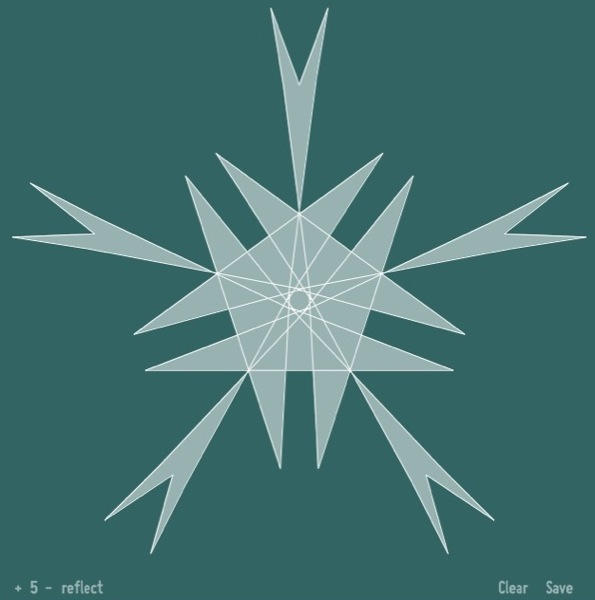
You start with a pentagon and five axes of symmetry. But you can play with the settings (click the controls in the bottom-left corner) and create all sorts of fun patterns and shapes. Switch to rotation-only symmetry to start getting more interesting.
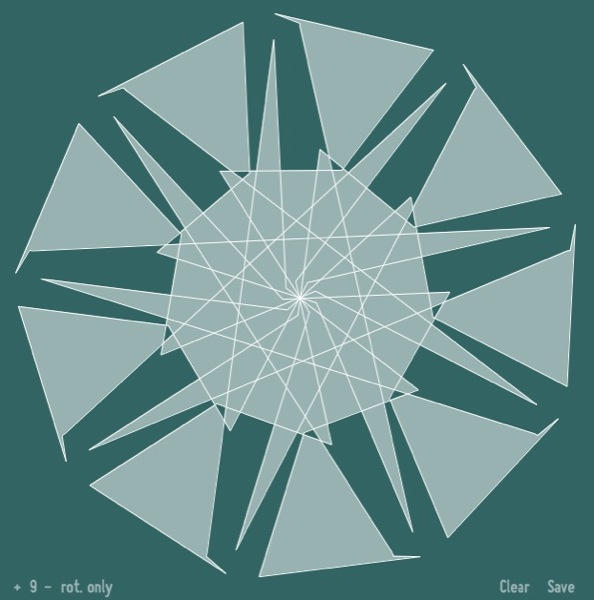
Hit Clear to start over from the beginning; and hit Save to save your creation as a PDF. The PDFs are straight line drawings like this:
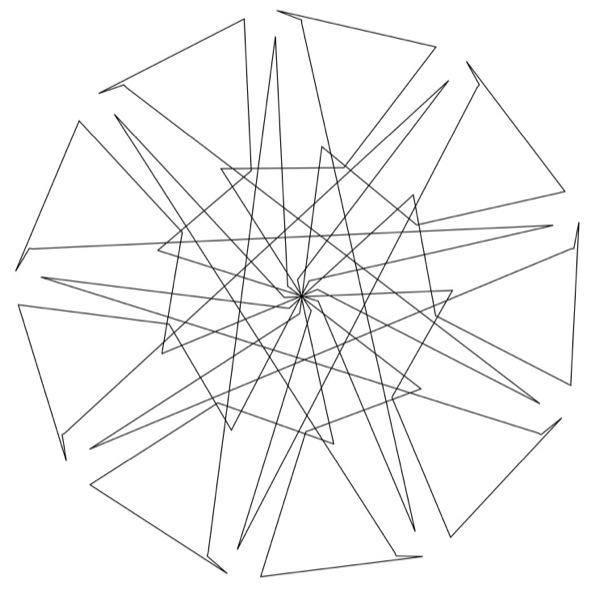
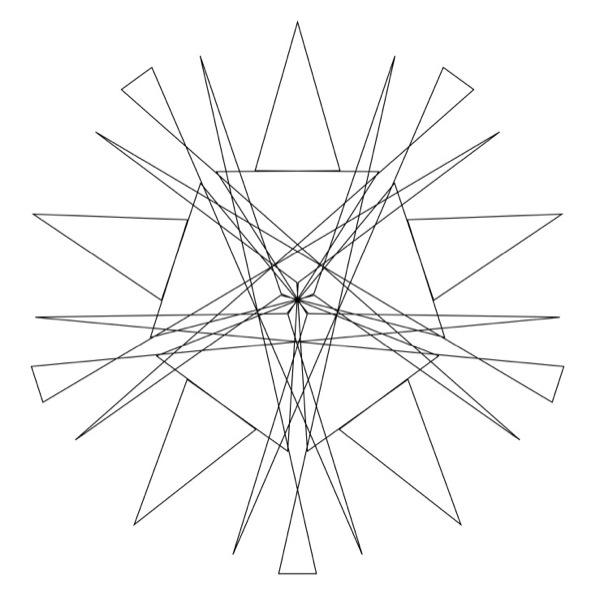
Easy to print out, cut out, colour in, and string together all over the house.
One or two things to watch out for: SymmetriSketch is a Java app, so give it a while to get started. Also, saving PDFs can take longer than you would expect, so give the app some time to do this too. The PDF files are saved in the same folder that the application is located in.

Giles Turnbull is a freelance writer in England. He also writes for the Press Association and The Morning News. You can find out more at his website, and follow him on Twitter @gilest.

