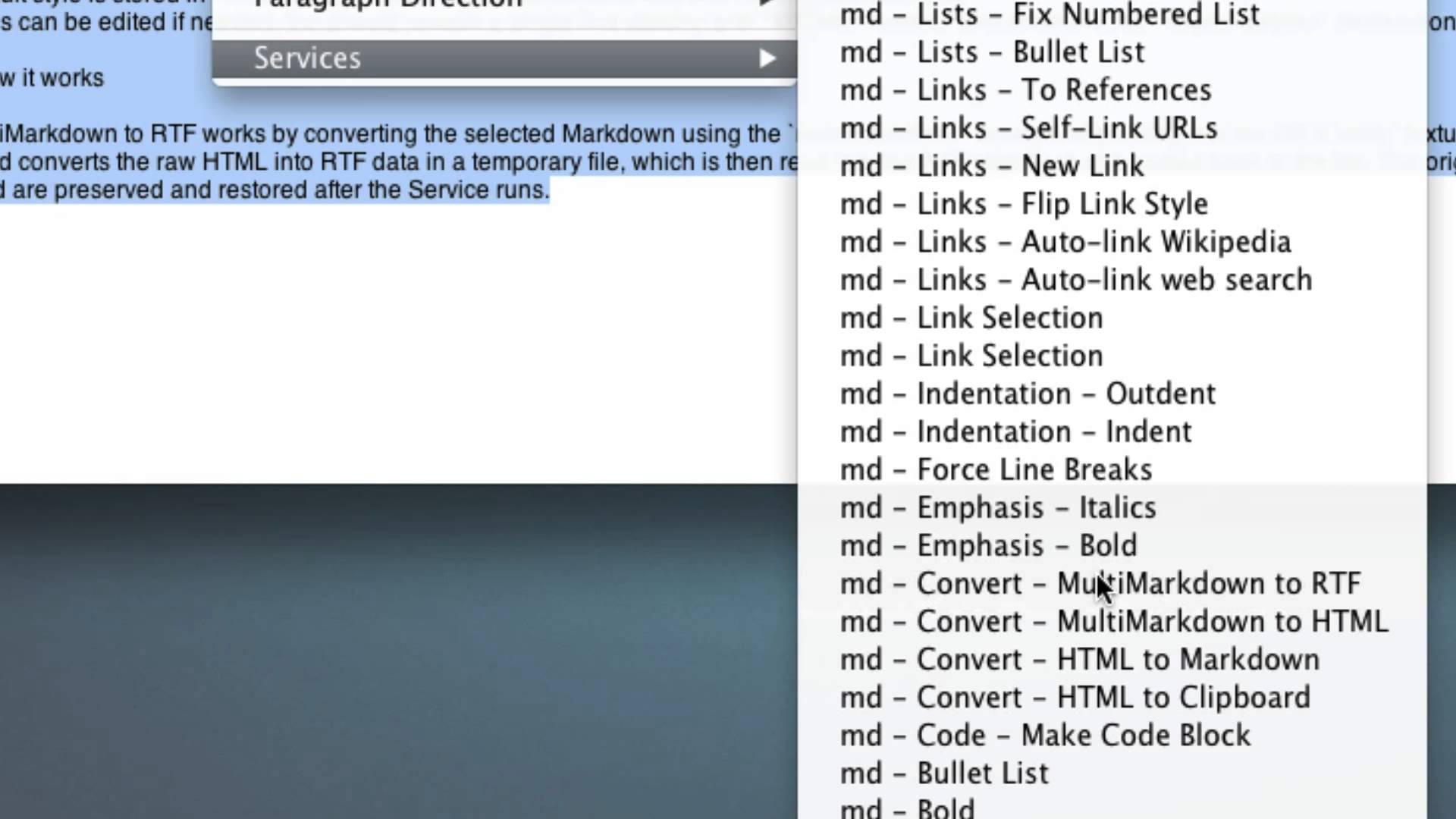
The hardest working nerd and code-wizard on the internet, Brett “I just built this” Terpstra, has added a rather great new feature to his Markdown Service Tools pack for the Mac. Among many other updates, you can now convert Markdown to rich text, in-line.
The Service Tools are pretty much essential if you write in Markdown on your Mac. They are a bunch of System Services which sit in the Services menu (and can be assigned keyboard shortcuts just like any other Servvice) and act on text that you have selected, or all the text in the current document window.
The point is that you can write with Markdown anywhere – web-browser text fields, Microsoft Word, Sticky Notes – and use Brett’s tools to convert it and manipulate it. This means that you aren’t stuck using a Markdown-compatible text editor for conversions.
The new addition lets you select a bunch of Markdown text, run the Service and have it replace your markup with rich text, complete with bold lettering, italics, nice-looking links and so on. This lets you write with Markdown in an app like Mail, and send pretty mails to your non-Markdown-loving friends.
There are plenty of other toys in Brett’s pack, and the new version also supports footnotes 1 for use with MultiMarkdown, which I’d love if I hadn’t already made a Textexpander snippet to make them.
Anyhow, the pack is free, and excellent. If you have any interest in MArkdown you should probably go download it now.
Source: Brett Terpstra
-
Which turn out looking like this ↩

Charlie Sorrel writes reviews and how-tos. Follow Charlie on Twitter at @mistercharlie, and at micro.blog on @mistercharlie

