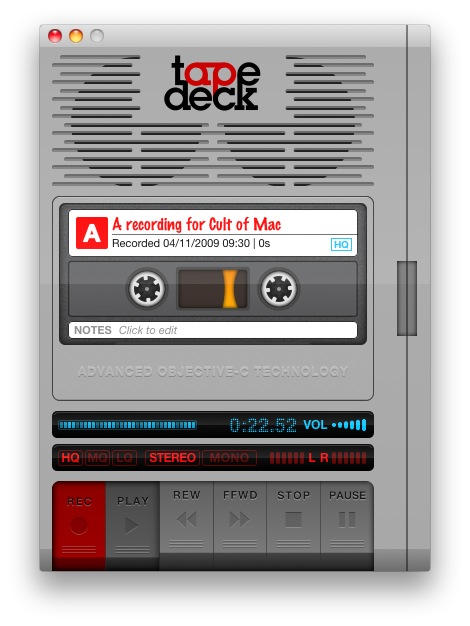
TapeDeck is one of those apps that I don’t use very often; but when I need it, I’m glad it’s there.
It’s just got an update which adds support for lossless recording, for those of you who might want to use it to capture something important and import it into another audio app for editing into a song.
That’s a thoughtful new addition, and typical of TapeDeck’s developers: they’re thoughtful, and the app’s features reflect that.
Example 1: the default keyboard shortcuts for operating the tape are the Z-N keys along the lower edge of the keyboard. This doesn’t make sense at first: wait, Z to record? Why? But then you realise that the shortcut keys are in a line along the bottom to match the virtual tapedeck buttons you see on screen. Makes perfect sense.
Example 2: TapeDeck can export your audio to YouTube; but this is YouTube, it was made for video, not audio. So TapeDeck automatically adds an animation of a playing cassette tape, like the one in this example video.
What do I use TapeDeck for? Recording interviews conducted over speakerphone. Recording snippets of singing (I enjoy singing). And recording little audio messages from my son to his grandparents (which they love getting by email). I think it’s a great little app, and good value for $25.

Giles Turnbull is a freelance writer in England. He also writes for the Press Association and The Morning News. You can find out more at his website, and follow him on Twitter @gilest.

