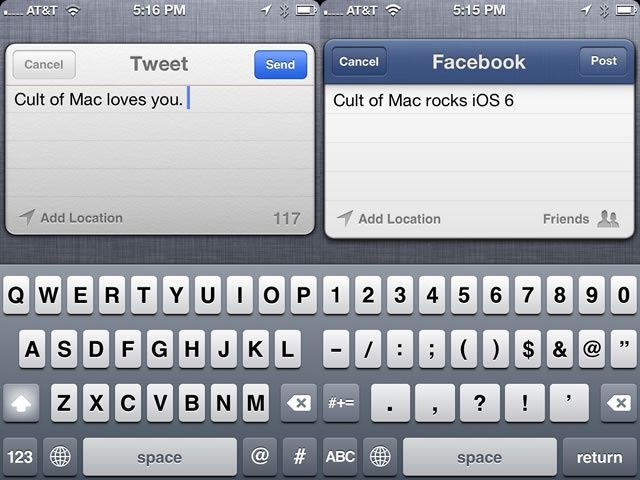
So, there you are, sitting on the bus, and inspiration strikes. You really want to fire off a quick tweet or status update to Facebook, but your stop is coming up fairly quick, and you really can’t miss it again. Opening up the Facebook or Twitter app will take precious seconds, ones you don’t have to spare! What’s an iOS 6-enabled person to do?
Now that Facebook is integrated along with Twitter in iOS 6, you don’t need to open either specific app on your iPhone, iPad, or iPod touch to get out that short message of genius.
The first thing you need to do to have both options enabled is to sign in to both Facebook and Twitter in the Settings app. Once you’ve entered your credentials for both services, swipe down from the top of the iOS device to brhe Twitter settings, even though my credentials have been entered for a while now, to see the Tap to Tweet button. Your mileage may vary.
Tap the service you’d like to post to, type out your message, and boom – you’re posting in the wink of an eye, ready to take on those daring bus-based tweets and subway-centered facebook posts.
Got an iOS tip of your own? Need help troubleshooting your iPhone, iPod touch or iPad? Drop me a line or leave a comment below.

Rob LeFebvre is an Anchorage, Alaska-based writer and editor who has contributed to various tech, gaming and iOS sites, including 148Apps, Creative Screenwriting, Shelf-Awareness, VentureBeat, and Paste Magazine. Feel free to find Rob on Twitter @roblef, and send him a cookie once in a while; he’ll really appreciate it.

