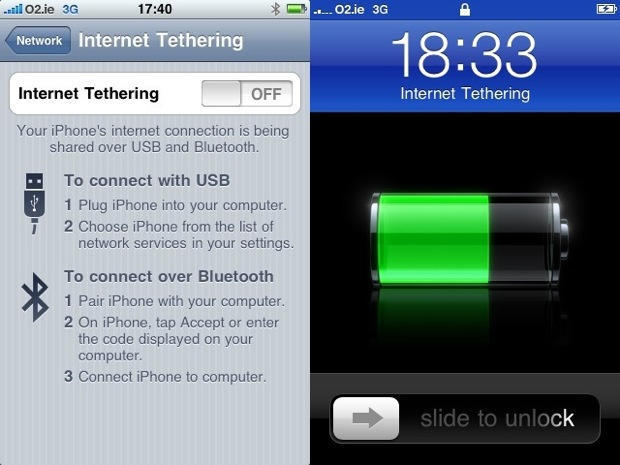
I’ll admit to it — I used and loved Internet Tethering on my iPhone with the help of the ridiculously simple hack found at Benm.at. But I also love to keep current, so I updated to iPhone OS 3.1 on day one (though I’m now wondering why, a topic for another day). Unlike some reports, my tethering menu survived the transition, but my Visual Voicemail went down in the process.
And after two weeks of living with this situation, I ultimately decided I was happier with the VVM than I was with tethering. In the same boat? It’s really easy to get things back to normal. Just go into your iPhone’s Settings, then General, Network, Profile, and remove the AT&T profile that enabled tethering. Voila! You’ll have any missing visual voicemail back on your phone in a second.
The one downside — and it is a big downside — is that tethering is a goner as soon as you sync your phone. Sure would be nice if AT&T would go ahead and release an official solution, huh?

Pete Mortensen is a design strategist for consulting firm Jump Associates and the co-author of Wired to Care: How Companies Prosper When They Create Widespread Empathy, a book and blog that are significantly more interesting than you might initially think. Pete’s particular Apple avocations are both around design–interface and industrial. Follow him on Twitter!

