
If you frequently use the iPad’s Picture Frame feature, you’ve probably noticed that it likes to zoom in on people’s faces within each photo. Fortunately, there is a way to prevent this.
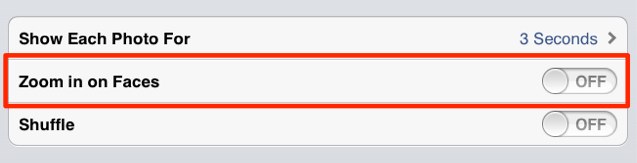
Open up the Settings app on your iPad, and tap the ‘Picture Frame’ tab.

Here you’ll find an option to ‘Zoom in on Faces’. Simply disable this feature to have Picture Frame show your photos in all their glory — rather than just ghastly close-ups of your mother’s nose.

Killian Bell is a freelance writer based in the U.K. He has an interest in all things tech and also covers Android over at CultofAndroid.com. You can follow him on Twitter via @killianbell.

