Add Dramatic Skies To Your Photos With Photoshop Touch’s Fade Tool [How To]
Adobe’s Photoshop Touch is flexible enough that you can really get your hands dirty with some desktop-level photo manipulation. But what the app is really meant to do is be a quick way for you to fix or edit your photos and then share them with your friends via social networks or email.
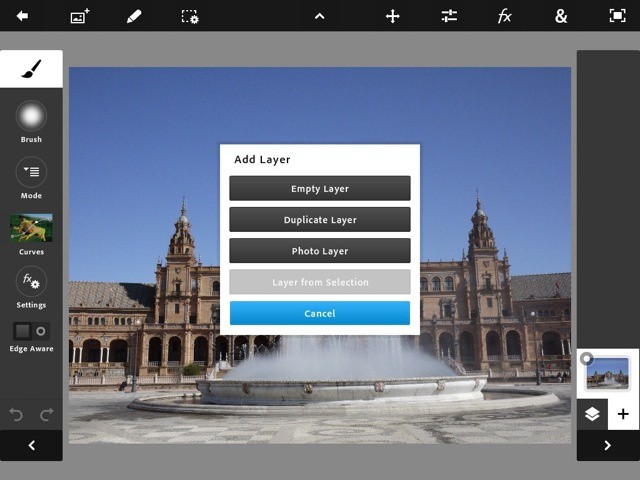
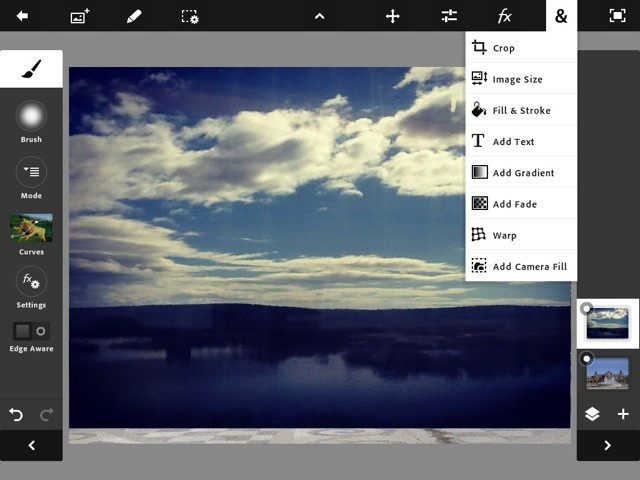
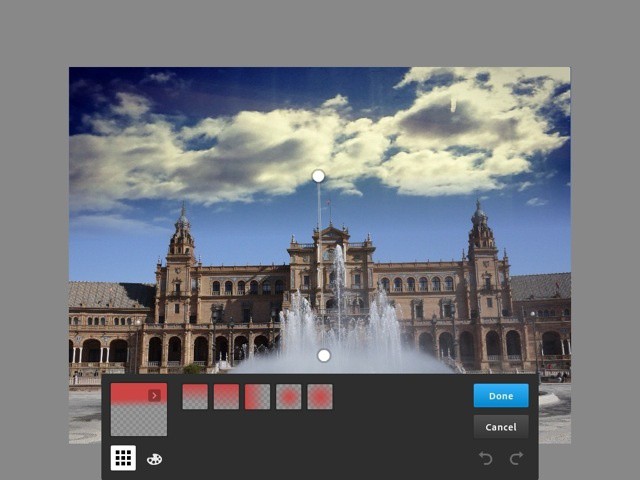
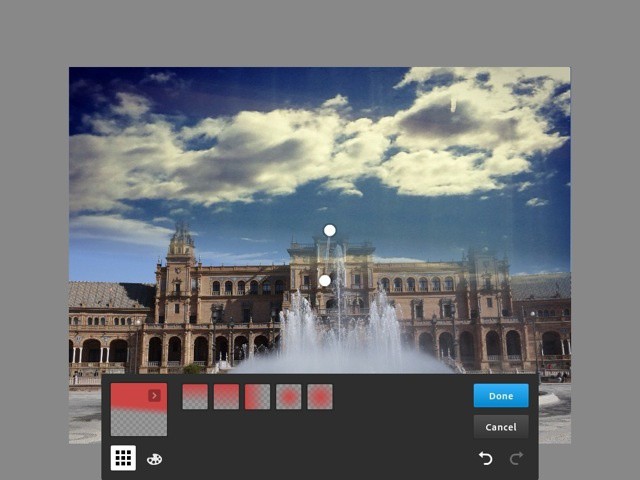
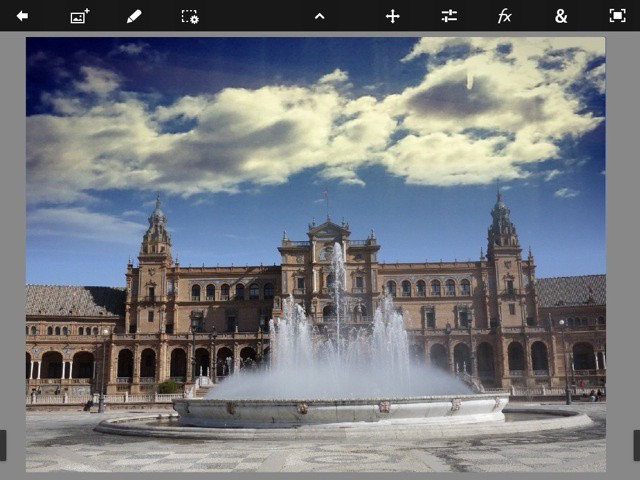
To this end, there are some incredibly powerful tools which take just a few taps to apply. One of the coolest is called Add Fade, and it makes blending two images together as simple as dragging a slider: Photoshop takes care of all the masking and blending for you. So go grab your iPad, fire up Photoshop and follow along.
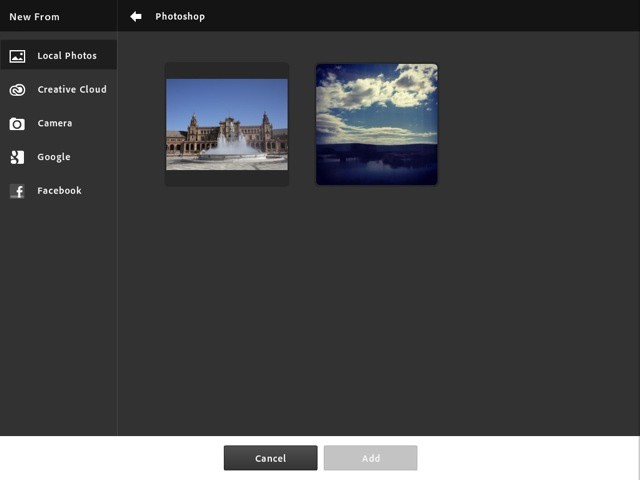
![pstouch fade-02 Add Dramatic Skies To Your Photos With Photoshop Touch’s Fade Tool [How To]](http://cdn.cultofmac.com/wp-content/plugins/lazy-load/images/1x1.trans.gif)
Here's the file picker. You can only open one image at a time, so pick the biggest first, as the canvas for the project will be set to this size, and it's a pain to change it later
![pstouch fade-04 Add Dramatic Skies To Your Photos With Photoshop Touch’s Fade Tool [How To]](http://cdn.cultofmac.com/wp-content/plugins/lazy-load/images/1x1.trans.gif)
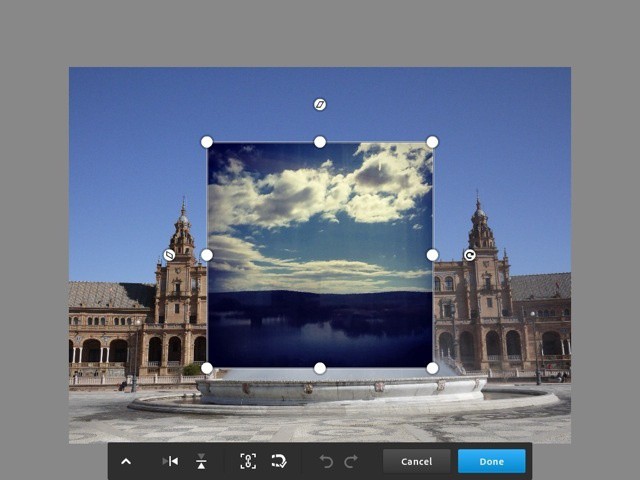
Adjust the image to fit by dragging the handles. The magnet icon toggles "snap to edges" and the little chain link toggles the aspect ratio lock. Switch it off if you want to squash the image in any direction
![pstouch fade-05 Add Dramatic Skies To Your Photos With Photoshop Touch’s Fade Tool [How To]](http://cdn.cultofmac.com/wp-content/plugins/lazy-load/images/1x1.trans.gif)
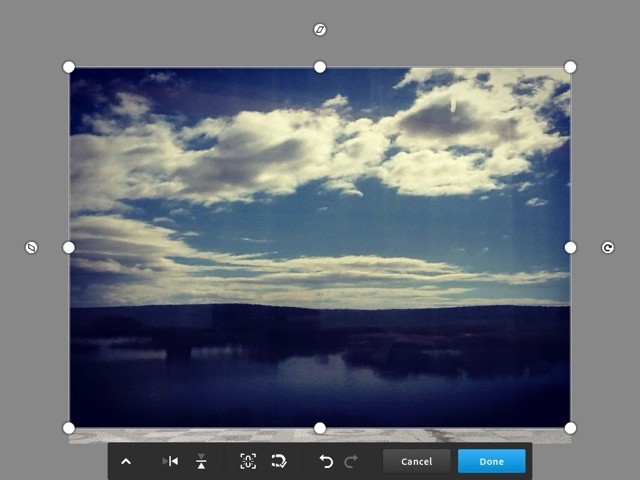
Done. It doesn't come quite to the bottom of the layer below, but as we're losing this part of the picture, it doesn't matter
![pstouch fade-13 Add Dramatic Skies To Your Photos With Photoshop Touch’s Fade Tool [How To]](http://cdn.cultofmac.com/wp-content/plugins/lazy-load/images/1x1.trans.gif)
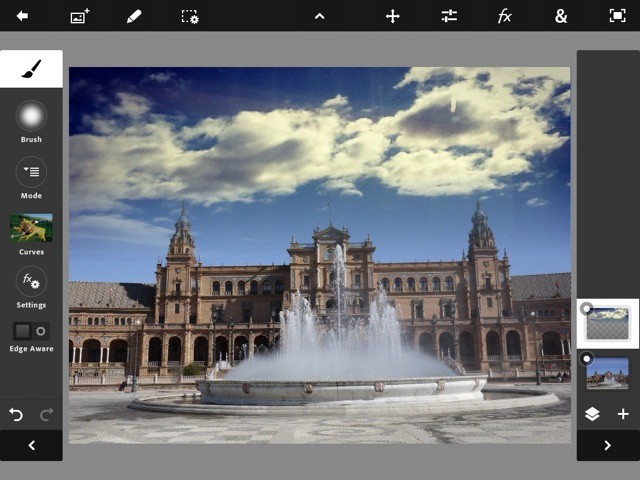
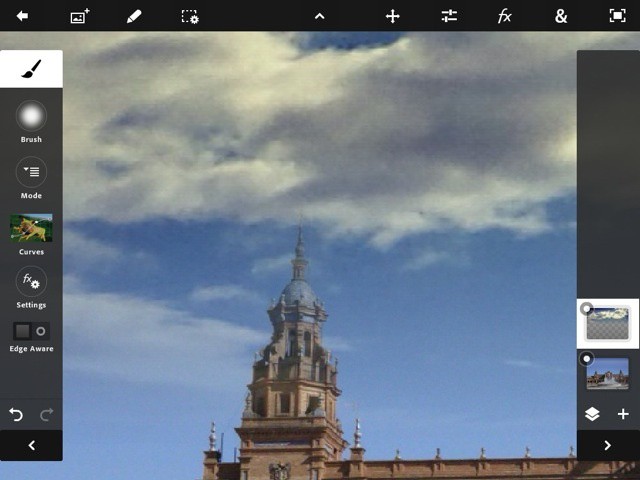
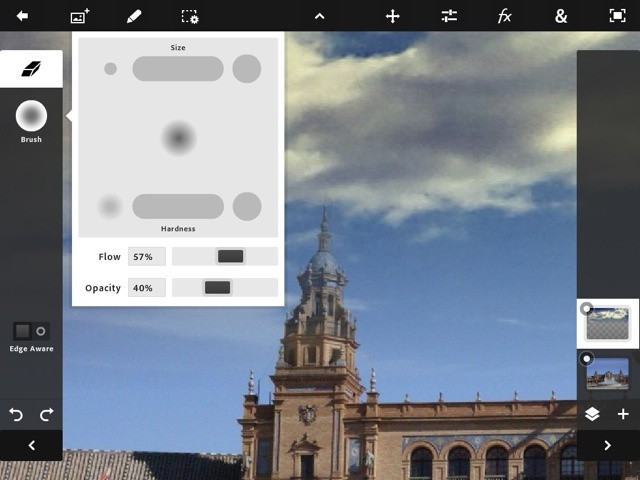
Run your finger down the tools palette on the left side and find the eraser. Make it small and soft, and set the flow and opacity low so you can build up slowly. Erase those clouds, and remember: you can always undo
![pstouch fade-14 Add Dramatic Skies To Your Photos With Photoshop Touch’s Fade Tool [How To]](http://cdn.cultofmac.com/wp-content/plugins/lazy-load/images/1x1.trans.gif)
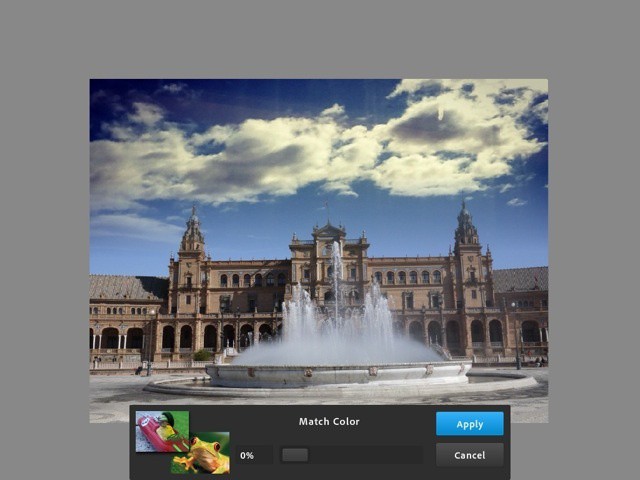
That's probably good enough, but those clouds, which came from an Instagram photo, are a little yellow. Tap the layer icon and pick "Match Color"
![pstouch fade-16 Add Dramatic Skies To Your Photos With Photoshop Touch’s Fade Tool [How To]](http://cdn.cultofmac.com/wp-content/plugins/lazy-load/images/1x1.trans.gif)
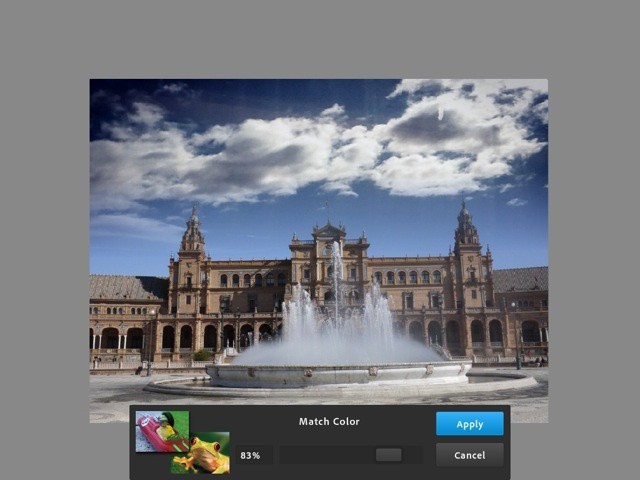
Adjust until you get what you're looking for. Photoshop changes the current layer to match the one below it
Fade is useful for more than this. You can choose various presets to, say, punch a perfectly blended hole in your layer, or mix together parts of a group portrait so everyone looks their best. Go play, and be sure to leave any fade-based tips in the comments. I’d love to hear them.
Charlie Sorrel sits in his gadget nerve-center in Barcelona, Spain, and spits out words about various weird plastic widgets while the sun shines outside his iCave. Previously found at Wired.com's Gadget Lab covering cameras, power cables and sneaking in as much Apple-centric coverage as he could, Charlie spends his rare moments outside perched atop a bicycle and snapping photos. You can follow him on Twitter via