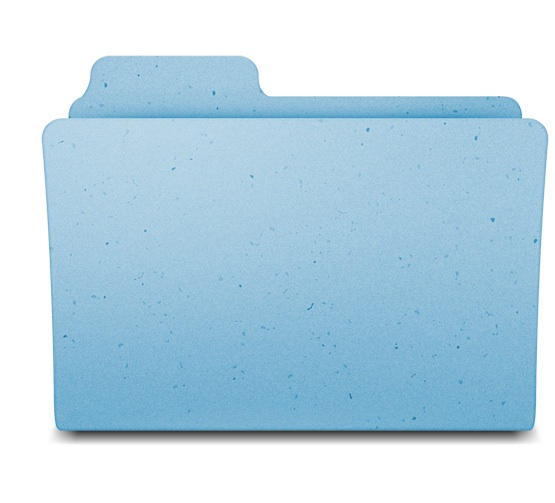
One of the more, um, INTERESTING, design choices in Snow Leopard is the option to show icons in the new Cocoa-based Finder at an insane 512×512 pixels. Here’s how big that is: on a unibody 13.3″ MacBook Pro, you can display exactly two of them without either overlapping or running off the screen. The 30″ Cinema HD Display can only display 15 of them, and it’s significantly higher resolution than a 1080p television. The original Mac, at 512X342 pixels, could only display the width in full.
They’re enormous, and only possibly practical if you want to read documents without opening them, in which case Quick Look is a way better option anyway. Regardless, the new high-definition icons are fascinating viewed at full size. I’ve put in just the Folder icon, which is now big enough to have discernable flecks of dark blue in the grain. Amazing. Totally obsessive. And totally Apple.
The Register has more. Check them out.

Pete Mortensen is a design strategist for consulting firm Jump Associates and the co-author of Wired to Care: How Companies Prosper When They Create Widespread Empathy, a book and blog that are significantly more interesting than you might initially think. Pete’s particular Apple avocations are both around design–interface and industrial. Follow him on Twitter!

