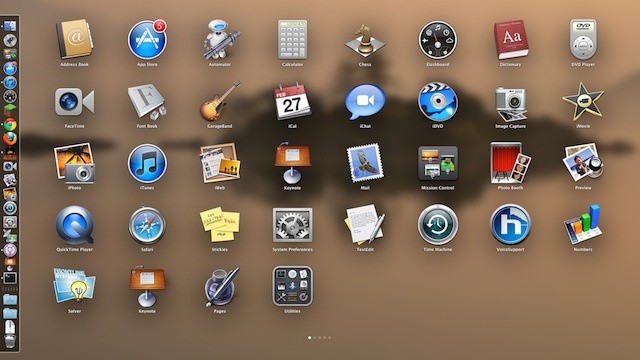
Here’s another OS X Lion feature: the Launchpad. It fades in and out when being shown and hidden. You’d think this was just the way things are, but there’s actually a way to disable it. Why would you want to? Older computers that still support OS X Lion might need a little less to worry about, and turning off animations like this (or the “move to dock” window function) can help things feel a bit snappier. Or, maybe you just don’t like the fade in and fade out. Have it your way.
With a simple Terminal command or two, you can disable the fading transition with the following commands:
defaults write com.apple.dock springboard-show-duration -int 0

defaults write com.apple.dock springboard-hide-duration -int 0
Once that’s done, type or paste the following, as Launchpad is a Dock subprocess:
killall Dock
Simple, right? As soon as the Dock relaunches automatically, the Launchpad will no longer show or hide with a fade transition. If you only want to disable the show or the hide transition, just use one of the commands above to do so. Want to re-enable the transition? Use the following:
defaults delete com.apple.dock springboard-show-duration

defaults delete com.apple.dock springboard-hide-duration
and then
killall Dock
Bam! All is back to the original way of doing things.
[Source: OSXDaily]

Rob LeFebvre is an Anchorage, Alaska-based writer and editor who has contributed to various tech, gaming and iOS sites, including 148Apps, Creative Screenwriting, Shelf-Awareness, VentureBeat, and Paste Magazine. Feel free to find Rob on Twitter @roblef, and send him a cookie once in a while; he’ll really appreciate it.

