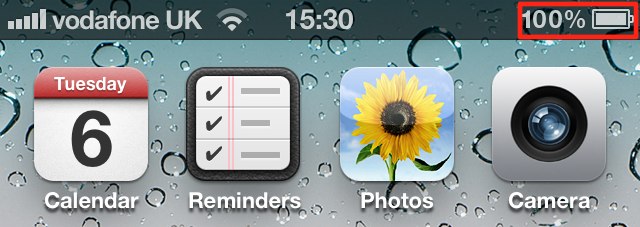

Today’s tip is a simply one, but it’s a question I get asked a lot when people see the battery percentage in my iPhone’s status bar. The iPhone ships with this feature disabled by default, and Apple hides the option away within the device’s general settings. So, here’s how to enable it!
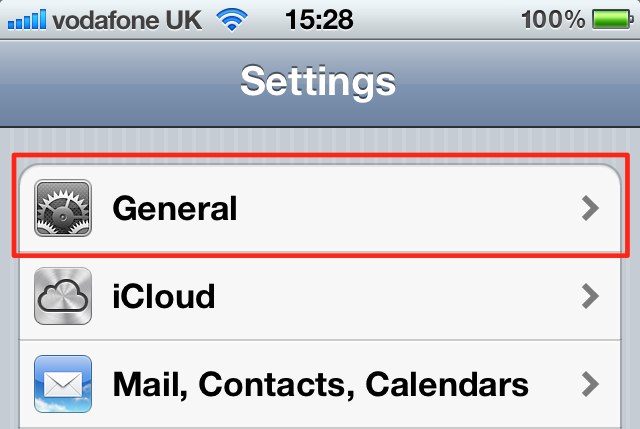
Open up the Settings app on your iPhone and tap on the ‘General’ tab.
Now hit the ‘Usage’ tab towards the top, and scroll down to the bottom of the page.
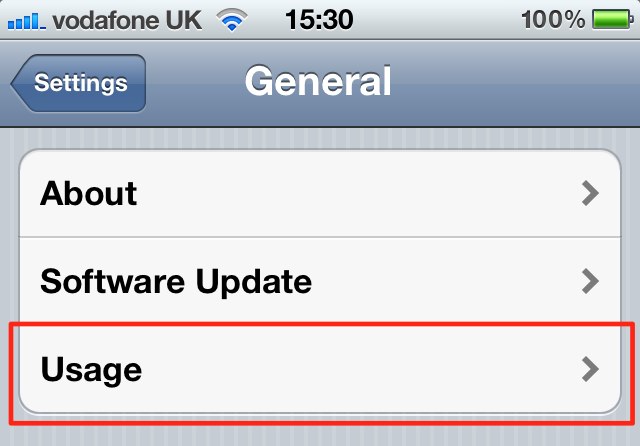
You’ll see an option for ‘Battery Percentage’ — simply turn this on and your iPhone will now display your remaining percentage next to the battery indicator in the status bar.

Killian Bell is a freelance writer based in the U.K. He has an interest in all things tech and also covers Android over at CultofAndroid.com. You can follow him on Twitter via @killianbell.

