

Recently I’ve been talking about some of my favorite Mac OS X tips. Now this week I’ve started sharing some of my favorite tips for iOS. Today I’ll show you how to look up word definitions in iOS using the Define command.
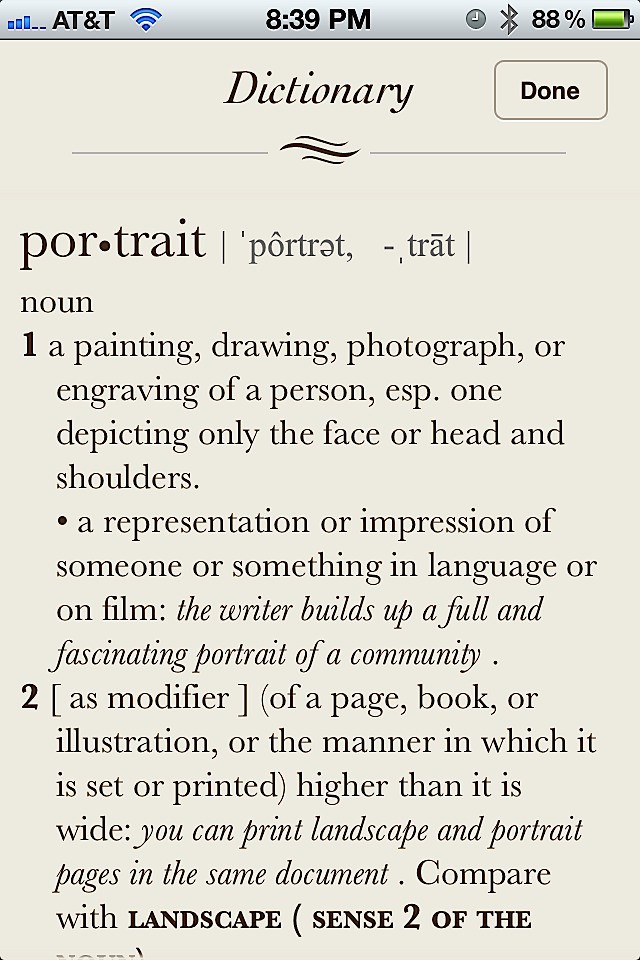
If you are viewing text on a website, inside of a note, email, etc. you can tap a word to select it and then tap Define to look up its meaning. In this example I look up the word “portraits.”

I had a similar tip for Mac OS X Lion that you can read if you are using a Mac.

David W. Martin has more than 20 years of experience in the industry as a programmer, systems and business analyst, author, and consultant. David has written for CNET’s iPhoneatlas.com, MacLife.com, CultofMac.com, BYTE.com and recently for aNewDoman.net. He comes to Cult of Mac’s website with deep knowledge and passion for the all things Apple. Follow David on Twitter @david_w_martin or see what he’s up to now at davidwmartin.com.

