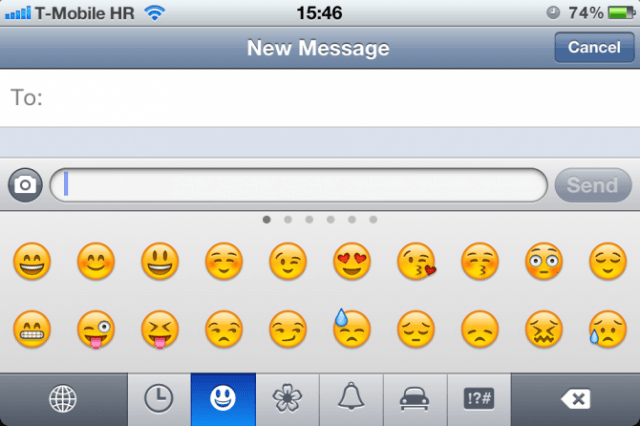

In iOS 5, Apple introduced a slew of new features and updates to the most advanced mobile operating system on the planet. While users had to rely on third party hacks or jailbreak workarounds to enable an Emoji keyboard before, Emoji has been added as a standard keyboard in iOS 5.
Apple has added Emoji as an international keyboard available in any app that has text input.
To enable the standard Emoji keyboard, navigate to the Settings app. Tap the General tab, followed by Keyboard. Access the International Keyboards window and tap “Add New Keyboard.” From the list of installable keyboards, choose the Emoji one.
Now, whenever you want to add some cute flair to your messages, tap the Globe icon at the bottom left of your keyboard. You can select various kinds of emoticons, with 6 mood categories to choose from.


