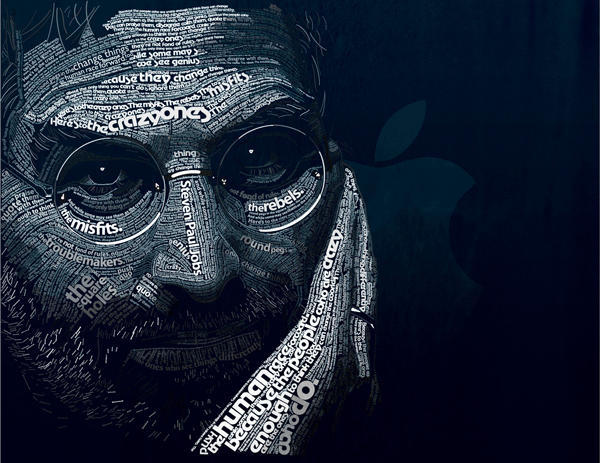
Remember the fantastic portrait of Steve Jobs using Apple’s classic typefaces from last week? Here’s a step-by-step guide showing exactly how designer Dylan Roscover created it in Illustrator and Photoshop. It was 24-hours of work, he says, with no sleep.
Dylan, a self-described ‘design nerd’ who lives in Aloma, Florida, explains:
“I used Adobe Illustrator and the Pen tool to trace his facial contours the way I figured they would make sense, one by one using the Type on a Path tool for each path.
The larger lines of type were hand-kerned character-by-character to fit accordingly. Near completion I used the Magic Wand tool to select areas of text and apply gradual shading.
Everything was composited in Adobe Photoshop as a smart object to give it that deep blue effect and the background texture.
In total it look about 24 hours to complete during three days with no sleep (class assignment).”
Here are Dylan’s detailed step-by-step instructions.
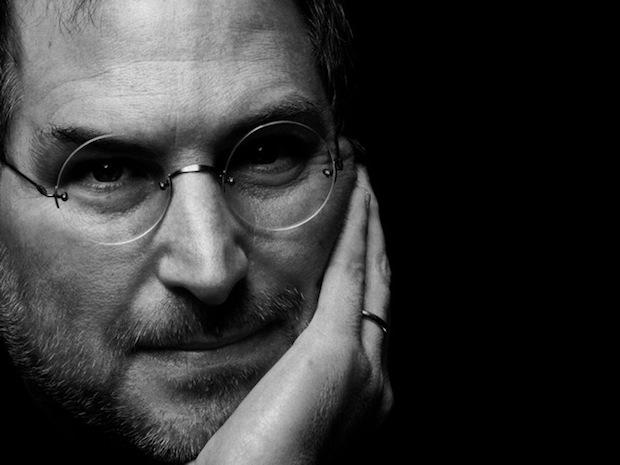
Steve Jobs, Original Photo
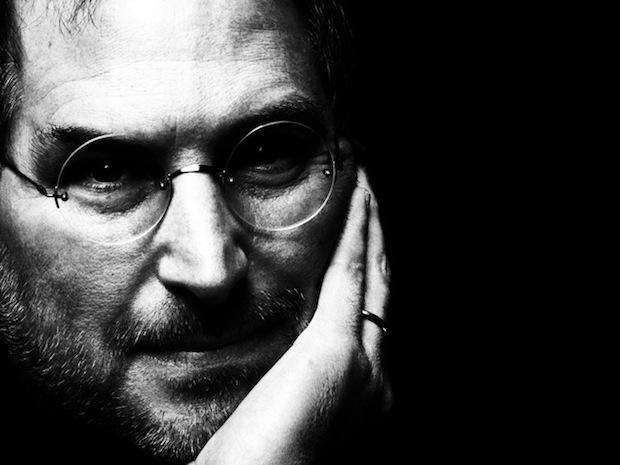
Steve Levels Adjustment
Using levels in Photoshop, I bumped up the contrast to help me better distinguish light from dark.

Steve, Beard Hair
Having imported the Photoshop image into Illustrator, I started with Steve’s beard hair, using a lowercase Adobe Garmond “L” over and over, manually repositioning and rotating each element.

Steve, Beard Hair 2
This was after about the first half-hour’s work. I began with pure white for all of the type, ignoring color and shadow and focusing solely on position and scale.
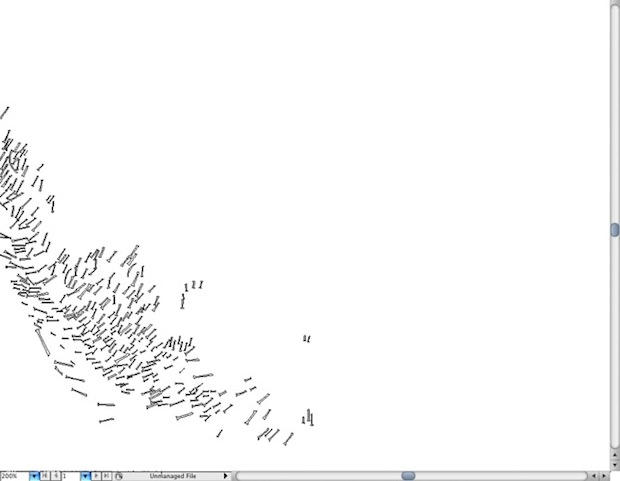
Steve, Beard Hair Outline
An outline view of the type only.
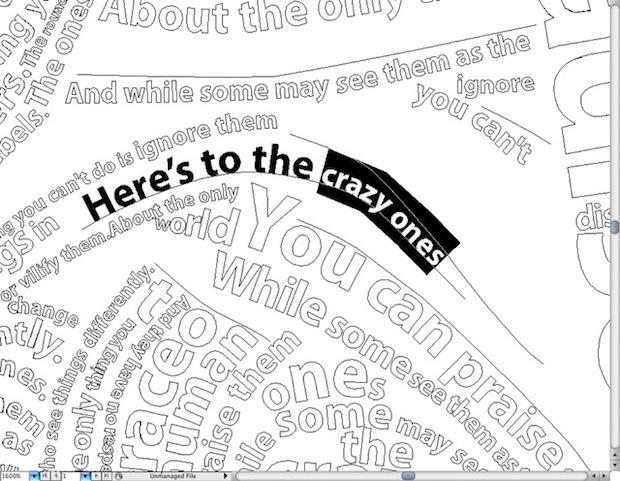
Type on a Path Outline
Detail of the overall typesetting process. I would frame each path of the facial contours using the pen tool, and then copy and paste a certain string from the ad campaign onto that line using the Type on path tool, setting, kerning and sizing that individual line as necessary. In certain areas and larger blocks of text, I would manually set individual characters. Fonts were grouped with each other to maintain consistency across the face.
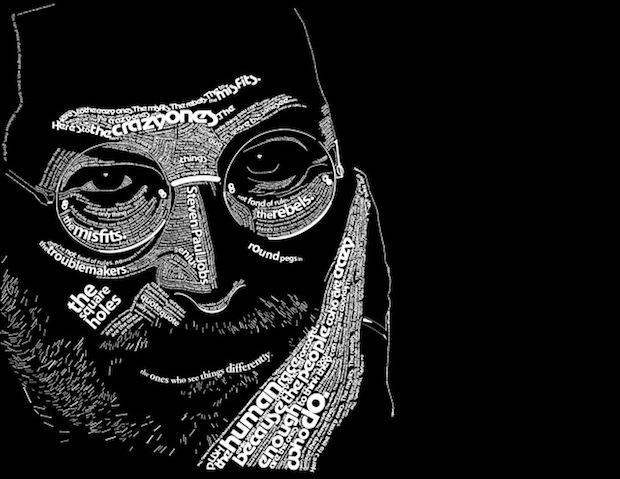
Steve, Halfway
About 10 or so hours into the project. Most of the major facial features were framed first chronologically (“Here’s to the crazy ones” sits on his forehead, “The Misfits” and “The Rebels” beneath his eyes, “The round pegs in the square holes” on his cheeks and then “The ones who see things differently” across his lower lips). Note that no shading was added yet in the process, and a deep emphasis was put into varying the character sizes to add interest to the piece.
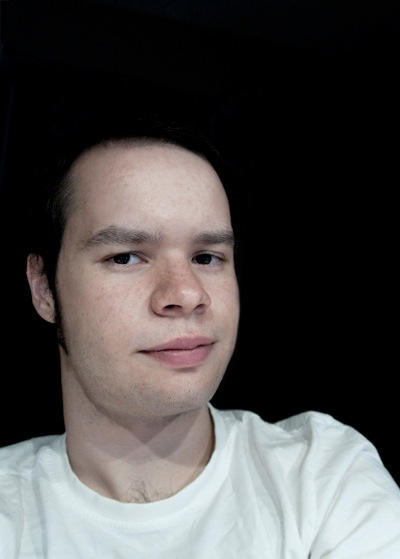
Dylan Roscover, the artist.



3 responses to “Typeface Portrait of Steve Jobs: How It Was Done”
exelent____like this tutorial ^___^ congratulations