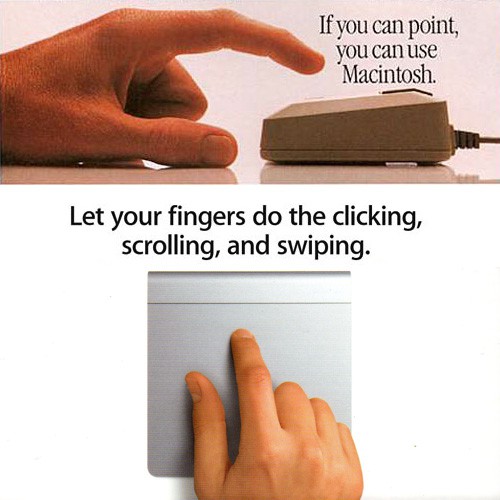
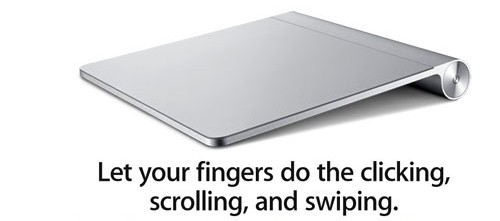
I picked up a Magic Trackpad this weekend, and while browsing Apple’s instructions printed on the box was struck by the similarity between the tagline and photo of the hand with the trackpad, and the original ads for the Macintosh and its revolutionary mouse back in 1984. As well as how much simpler the directions for use are today.
Look familiar?
Back in the day, Apple said if you can point, you can use a Macintosh. Point and click. That tagline and the photo of a finger about to click a mouse is an iconic image from the launch of the Mac.
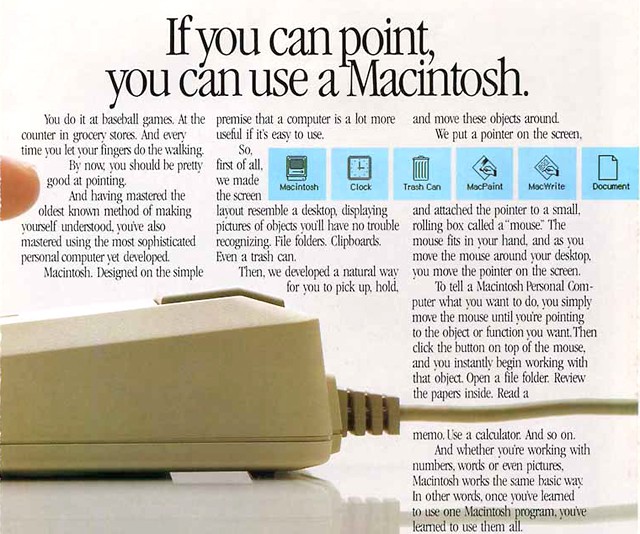
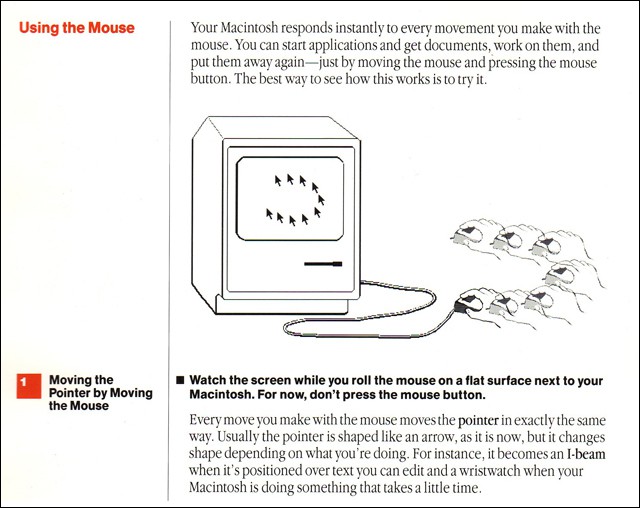
Oldtimers may recall that it took three pages in the original Macintosh owner’s manual to explain to the user how to use this newfangled thing called a mouse. Here’s an excerpt:
Fast forward almost three decades, the mouse is on its way out, and the tagline now reads let your fingers do the clicking, scrolling, and swiping. Nice nod to Ma Bell. Insert an updated photo and it’s like nothing has changed – except today we can swipe, pinch & zoom, and the complete set of instructions for using the Magic Trackpad fits on the back of the box!
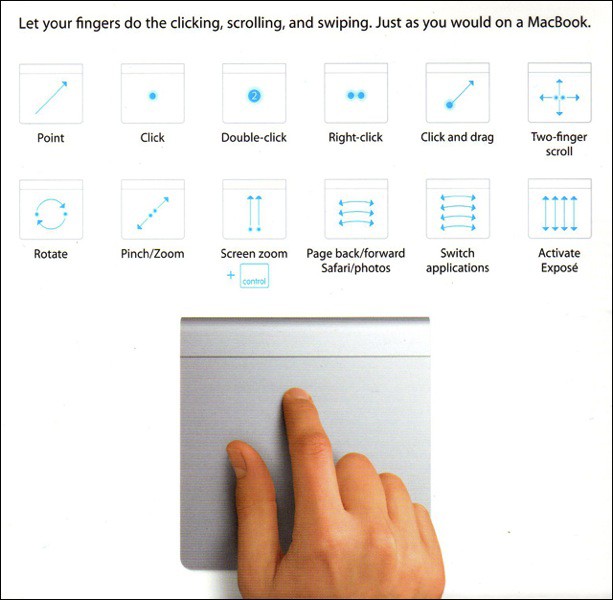
Covers the topic pretty adequately though. And there’s still only one button on the thing.
The more things change…

Adam Rosen is an Apple certified IT consultant specializing in Macintosh systems new and old. He lives in Boston with two cats and too many possessions. In addition to membership in the Cult of Mac, Adam has written for Low End Mac and is curator of the Vintage Mac Museum. He also enjoys a good libation.

