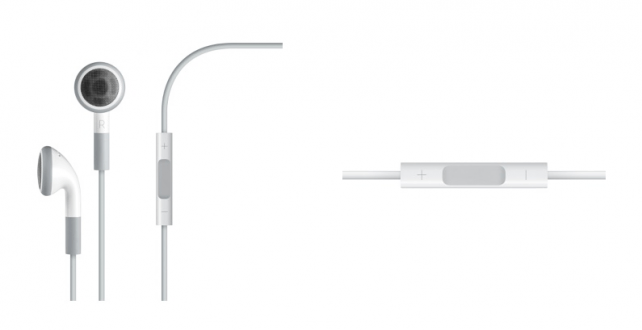
New to iOS will be the ability to use the volume up button on an iDevice to take a picture. Because of this, you’re also able to use the volume up button on your headphones to do the same thing.
Obviously, you’ll need a headset or pair of ear buds that support Apple’s volume-up/volume-down functionality (like Apple’s official ear buds) to get this to work.
Once it’s set up, though, this is just great additional functionality for those of us who take pictures with our iPhones using a tripod, or those of us who want to take really steady shots. Just plug in your headphones, line up your iPhone on a table, and use your headset to trigger the shutter, with no resulting wobble!

Brian Sweet is a young 20-year old student who loves technology (PCs, Macs, iPhones) and auto racing. Brian also writes for JailbreakZone, and is the host of the This Week in iPhone podcast (not affiliated with TWiT). Follow Brian on Twitter (the quickest way to get in touch), or visit his website.

